mirror controls NISSAN ARMADA 2022 Owner´s Manual
[x] Cancel search | Manufacturer: NISSAN, Model Year: 2022, Model line: ARMADA, Model: NISSAN ARMADA 2022Pages: 604, PDF Size: 2.97 MB
Page 286 of 604
4-56Monitor, heater, air conditioner, audio, phone and voice recognition systems
Play videos, music, and images stored on
most SD cards.
Slingplayer®
Stream content wirelessly from a Sling-
box® (sold separately) to the RSI system.
*Requires external internet connection.
Miracast®
Stream content wirelessly from a Mira-
cast-enabled device to the RSI system.
NOTE: Miracast® works with Android OS
mobile devices only. This feature is not
supported on iOS devices.
SmartStream
Stream content wirelessly between mo-
bile devices and to the RSI system.
*Requires compatible UPnP application
to be installed on the mobile device. For
additional information, see “SmartStream”
(P.4-67).
NOTE: SmartStream works on both An-
droid and iOS devices using mobile app
(VOXX-RSI).
NOTE:
The top left corner of the screen in-
cludes a graphic representation that
shows the navigational path of the
current menu. For example: Home >
Source > HDMI.
WAE0721X
VIDEO OPERATION
Volume control
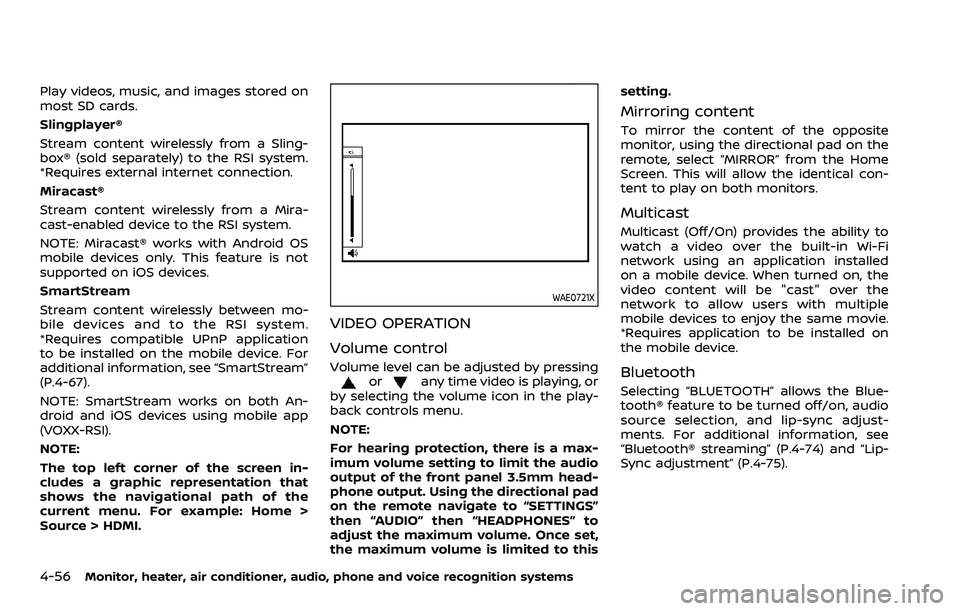
Volume level can be adjusted by pressingorany time video is playing, or
by selecting the volume icon in the play-
back controls menu.
NOTE:
For hearing protection, there is a max-
imum volume setting to limit the audio
output of the front panel 3.5mm head-
phone output. Using the directional pad
on the remote navigate to “SETTINGS”
then “AUDIO” then “HEADPHONES” to
adjust the maximum volume. Once set,
the maximum volume is limited to this setting.
Mirroring content
To mirror the content of the opposite
monitor, using the directional pad on the
remote, select “MIRROR” from the Home
Screen. This will allow the identical con-
tent to play on both monitors.
Multicast
Multicast (Off/On) provides the ability to
watch a video over the built-in Wi-Fi
network using an application installed
on a mobile device. When turned on, the
video content will be "cast" over the
network to allow users with multiple
mobile devices to enjoy the same movie.
*Requires application to be installed on
the mobile device.
Bluetooth
Selecting “BLUETOOTH” allows the Blue-
tooth® feature to be turned off/on, audio
source selection, and lip-sync adjust-
ments. For additional information, see
“Bluetooth® streaming” (P.4-74) and “Lip-
Sync adjustment” (P.4-75).
Page 339 of 604
WAF0734X
The LDW system will operate when the
vehicle is driven at speeds of approxi-
mately 37 MPH (60 km/h) and above, and
the lane markings are clearly visible on
the road.
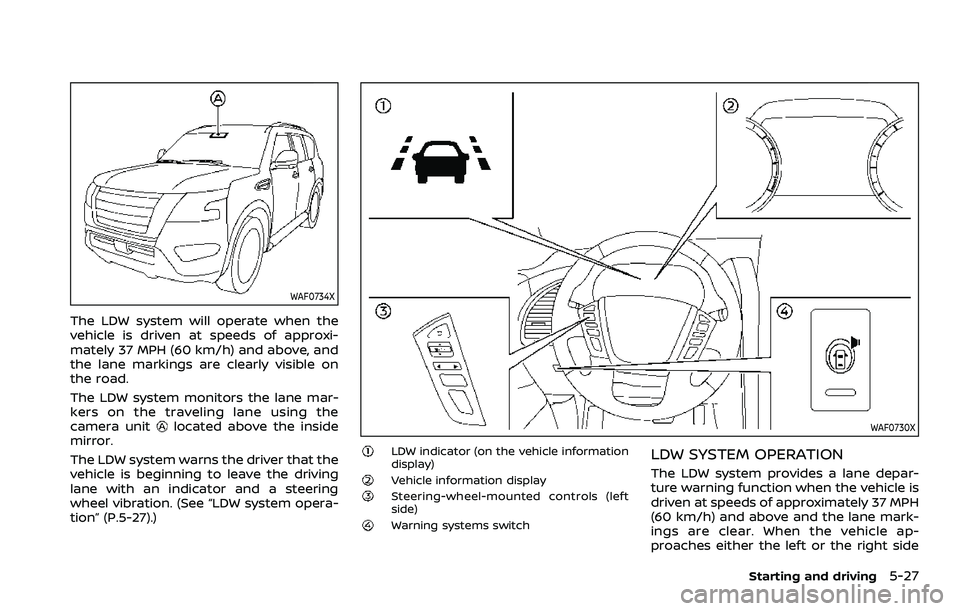
The LDW system monitors the lane mar-
kers on the traveling lane using the
camera unit
located above the inside
mirror.
The LDW system warns the driver that the
vehicle is beginning to leave the driving
lane with an indicator and a steering
wheel vibration. (See “LDW system opera-
tion” (P.5-27).)WAF0730X
LDW indicator (on the vehicle information
display)
Vehicle information displaySteering-wheel-mounted controls (left
side)
Warning systems switch
LDW SYSTEM OPERATION
The LDW system provides a lane depar-
ture warning function when the vehicle is
driven at speeds of approximately 37 MPH
(60 km/h) and above and the lane mark-
ings are clear. When the vehicle ap-
proaches either the left or the right side
Starting and driving5-27
Page 369 of 604
WARNING
Failure to follow the warnings and
instructions for proper use of the
RCTA system could result in serious
injury or death.
.The RCTA system is not a replace-
ment for proper driving proce-
dures and is not designed to
prevent contact with vehicles or
objects. When backing out of a
parking space, always use the
side and rear mirrors and turn
and look in the direction your
vehicle will move. Never rely so-
lely on the RCTA system.
The RCTA system will assist you when
backing out from a parking space. When
the vehicle is in reverse, the system is
designed to detect other vehicles ap-
proaching from the right or left of the
vehicle. If the system detects cross traffic,
it will alert you.
WAF0742X
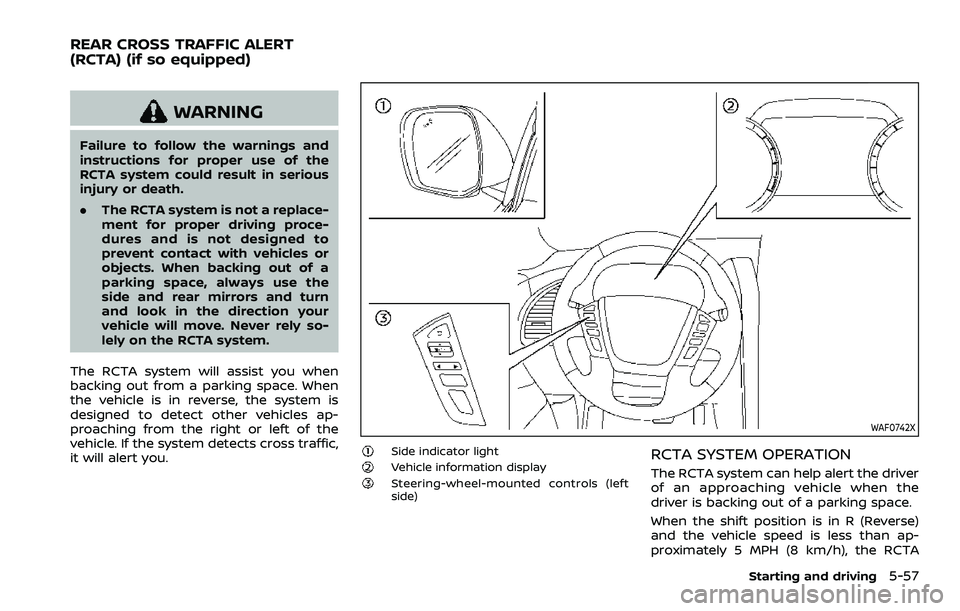
Side indicator lightVehicle information displaySteering-wheel-mounted controls (left
side)
RCTA SYSTEM OPERATION
The RCTA system can help alert the driver
of an approaching vehicle when the
driver is backing out of a parking space.
When the shift position is in R (Reverse)
and the vehicle speed is less than ap-
proximately 5 MPH (8 km/h), the RCTA
Starting and driving5-57
REAR CROSS TRAFFIC ALERT
(RCTA) (if so equipped)