rear view mirror NISSAN FRONTIER 2009 Owner´s Manual
[x] Cancel search | Manufacturer: NISSAN, Model Year: 2009, Model line: FRONTIER, Model: NISSAN FRONTIER 2009Pages: 366, PDF Size: 6.43 MB
Page 164 of 366
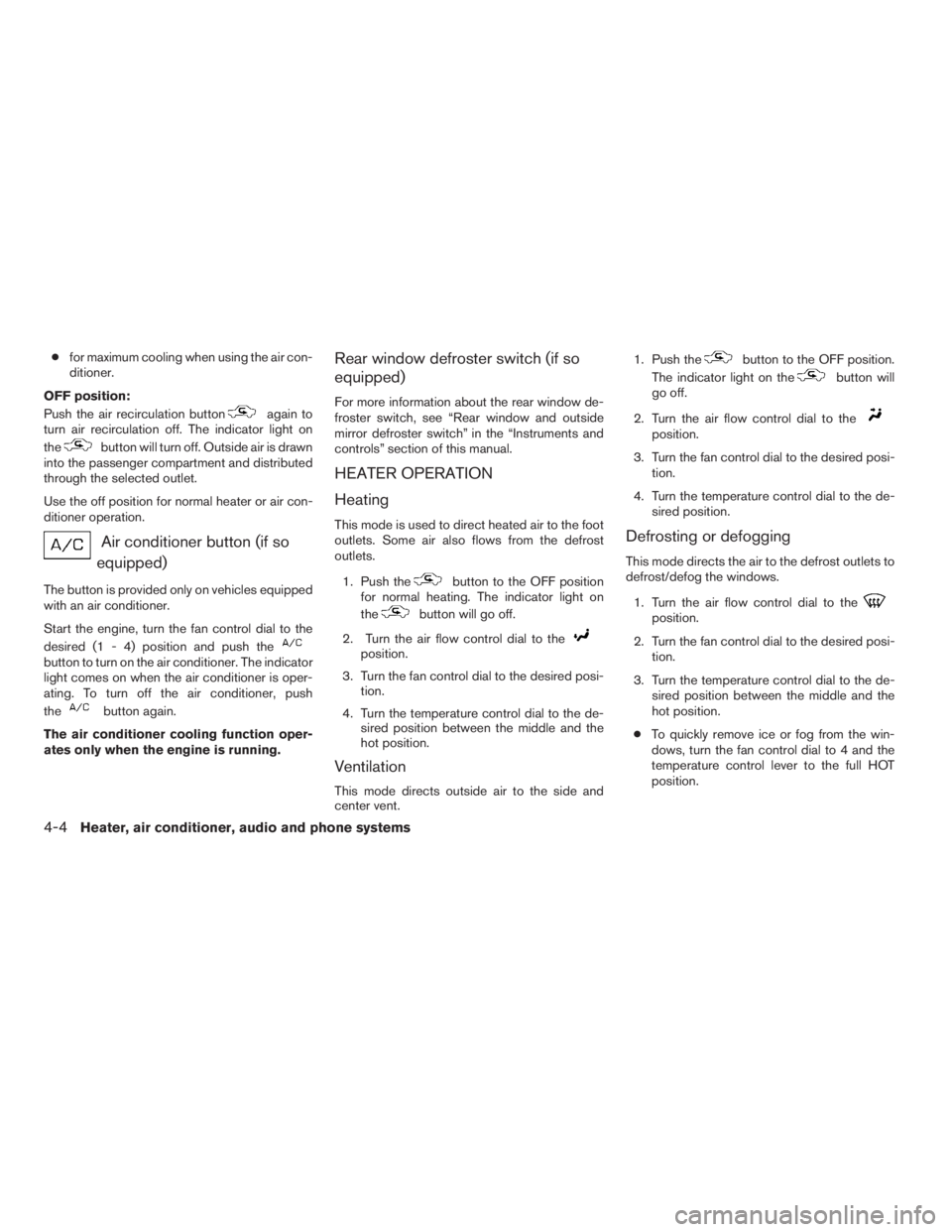
cfor maximum cooling when using the air con-
ditioner.
OFF position:
Push the air recirculation button
again to
turn air recirculation off. The indicator light on
the
button will turn off. Outside air is drawn
into the passenger compartment and distributed
through the selected outlet.
Use the off position for normal heater or air con-
ditioner operation.
Air conditioner button (if so
equipped)
The button is provided only on vehicles equipped
with an air conditioner.
Start the engine, turn the fan control dial to the
desired (1 - 4) position and push the
button to turn on the air conditioner. The indicator
light comes on when the air conditioner is oper-
ating. To turn off the air conditioner, push
the
button again.
The air conditioner cooling function oper-
ates only when the engine is running.
Rear window defroster switch (if so
equipped)
For more information about the rear window de-
froster switch, see “Rear window and outside
mirror defroster switch” in the “Instruments and
controls” section of this manual.
HEATER OPERATION
Heating
This mode is used to direct heated air to the foot
outlets. Some air also flows from the defrost
outlets.
1. Push the
button to the OFF position
for normal heating. The indicator light on
the
button will go off.
2. Turn the air flow control dial to the
position.
3. Turn the fan control dial to the desired posi-
tion.
4. Turn the temperature control dial to the de-
sired position between the middle and the
hot position.
Ventilation
This mode directs outside air to the side and
center vent.1. Push the
button to the OFF position.
The indicator light on the
button will
go off.
2. Turn the air flow control dial to the
position.
3. Turn the fan control dial to the desired posi-
tion.
4. Turn the temperature control dial to the de-
sired position.
Defrosting or defogging
This mode directs the air to the defrost outlets to
defrost/defog the windows.
1. Turn the air flow control dial to the
position.
2. Turn the fan control dial to the desired posi-
tion.
3. Turn the temperature control dial to the de-
sired position between the middle and the
hot position.
cTo quickly remove ice or fog from the win-
dows, turn the fan control dial to 4 and the
temperature control lever to the full HOT
position.
4-4Heater, air conditioner, audio and phone systems
ZREVIEW COPYÐ2009 08+ Truck/Frontier(fro)
Owners ManualÐUSA_English(nna)
05/27/08Ðdebbie
X
Page 171 of 366
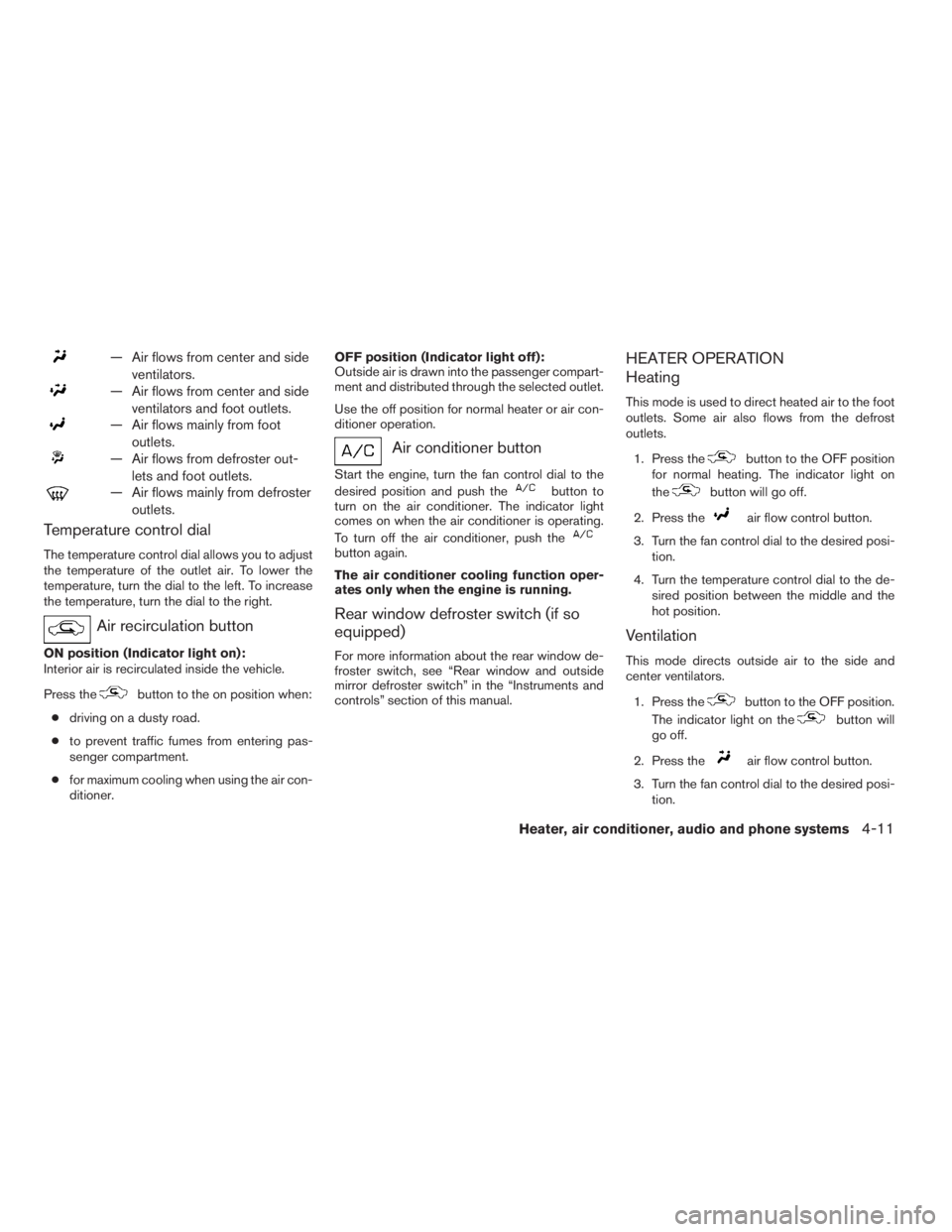
— Air flows from center and side
ventilators.
— Air flows from center and side
ventilators and foot outlets.
— Air flows mainly from foot
outlets.
— Air flows from defroster out-
lets and foot outlets.
— Air flows mainly from defroster
outlets.
Temperature control dial
The temperature control dial allows you to adjust
the temperature of the outlet air. To lower the
temperature, turn the dial to the left. To increase
the temperature, turn the dial to the right.
Air recirculation button
ON position (Indicator light on):
Interior air is recirculated inside the vehicle.
Press the
button to the on position when:
cdriving on a dusty road.
cto prevent traffic fumes from entering pas-
senger compartment.
cfor maximum cooling when using the air con-
ditioner.OFF position (Indicator light off):
Outside air is drawn into the passenger compart-
ment and distributed through the selected outlet.
Use the off position for normal heater or air con-
ditioner operation.
Air conditioner button
Start the engine, turn the fan control dial to the
desired position and push the
button to
turn on the air conditioner. The indicator light
comes on when the air conditioner is operating.
To turn off the air conditioner, push the
button again.
The air conditioner cooling function oper-
ates only when the engine is running.
Rear window defroster switch (if so
equipped)
For more information about the rear window de-
froster switch, see “Rear window and outside
mirror defroster switch” in the “Instruments and
controls” section of this manual.
HEATER OPERATION
Heating
This mode is used to direct heated air to the foot
outlets. Some air also flows from the defrost
outlets.
1. Press the
button to the OFF position
for normal heating. The indicator light on
the
button will go off.
2. Press the
air flow control button.
3. Turn the fan control dial to the desired posi-
tion.
4. Turn the temperature control dial to the de-
sired position between the middle and the
hot position.
Ventilation
This mode directs outside air to the side and
center ventilators.
1. Press the
button to the OFF position.
The indicator light on the
button will
go off.
2. Press the
air flow control button.
3. Turn the fan control dial to the desired posi-
tion.
Heater, air conditioner, audio and phone systems4-11
ZREVIEW COPYÐ2009 08+ Truck/Frontier(fro)
Owners ManualÐUSA_English(nna)
05/27/08Ðdebbie
X
Page 351 of 366
A Genuine NISSAN jumper harness is available
that is specifically designed to be used when
installing an aftermarket brake controller.
Install the aftermarket electric trailer brake con-
troller according to the manufacturer’s instruc-
tions.
Pre-towing tips
cBe certain your vehicle maintains a level
position when a loaded and/or unloaded
trailer is hitched. Do not drive the vehicle if it
has an abnormal nose-up or nose-down
condition; check for improper tongue load,
overload, worn suspension or other possible
causes of either condition.
cAlways secure items in the trailer to prevent
load shift while driving.
cKeep the cargo load as low as possible in
the trailer to keep the trailer center of gravity
low.
cLoad the trailer so approximately 60% of the
trailer load is in the front half and 40% is in
the back half. Also make sure the load is
balanced side to side.
cCheck your hitch, trailer tire pressure, ve-
hicle tire pressure, trailer light operation, and
trailer wheel lug nuts every time you attach a
trailer to the vehicle.cBe certain your rearview mirrors conform to
all federal, state or local regulations. If not,
install any mirrors required for towing before
driving the vehicle.
cDetermine the overall height of the vehicle
and trailer so the required clearance is
known.Trailer towing tips
In order to gain skill and an understanding of the
vehicle’s behavior, you should practice turning,
stopping and backing up in an area which is free
from traffic. Steering stability and braking perfor-
mance will be somewhat different than under
normal driving conditions.
cAlways secure items in the trailer to prevent
load shift while driving.
cLock the trailer hitch coupler with a pin or
lock to prevent the coupler from inadvert-
ently becoming unlatched.
cAvoid abrupt starts, acceleration or stops.
cAvoid sharp turns or lane changes.
cAlways drive your vehicle at a moderate
speed.cWhen backing up, hold the bottom of the
steering wheel with one hand. Move your
hand in the direction in which you want the
trailer to go. Make small corrections and
back up slowly. If possible, have someone
guide you when you are backing up.
Always block the wheels on both vehicle and
trailer when parking. Parking on a slope is not
recommended; however, if you must do so:CAUTION
If you move the shift selector lever to the P
(Park) position before blocking the
wheels and applying the parking brake,
transmission damage could occur.
1. Apply and hold the brake pedal.
2. Have someone place blocks on the downhill
side of the vehicle and trailer wheels.
3. After the wheel blocks are in place, slowly
release the brake pedal until the blocks ab-
sorb the vehicle load.
4. Apply the parking brake.
5. Shift the transmission into P (Park) .
Technical and consumer information9-33
ZREVIEW COPYÐ2009 08+ Truck/Frontier(fro)
Owners ManualÐUSA_English(nna)
05/27/08Ðdebbie
X
Page 359 of 366
10 Index
4WD warning light...............2-16
A
Active brake limited slip (ABLS) system
(if so equipped).................5-34
Active Head Restraint..............1-6
Air bag (See supplemental restraint
system).....................1-52
Air bag system
Front (See supplemental front impact
air bag system)...............1-60
Air bag warning labels.............1-67
Air bag warning light...........1-67, 2-18
Air cleaner housing filter............8-20
Air conditioner
Air conditioner operation.......4-5, 4-13
Air conditioner service...........4-17
Air conditioner specification label.....9-12
Air conditioner system refrigerant and
oil recommendations.............9-7
Heater and air conditioner
controls.................4-2, 4-10
Servicing air conditioner..........4-17
Air flow charts...............4-7, 4-14
Alarm system
(See vehicle security system).........2-23
Anchor point locations.............1-27
Antenna.....................4-36
Anti-lock brake warning light..........2-14
Anti-lock Braking System (ABS)........5-33Audible reminders................2-22
Audio system..................4-18
Compact Disc (CD) changer. . . .4-29, 4-33
Compact disc (CD) player.........4-27
FM-AM radio with compact disc (CD)
changer...................4-29
FM/AM radio with compact disc (CD)
player....................4-25
Radio....................4-18
Steering wheel audio control switch. . . .4-36
Autolight switch.................2-28
Automatic
Automatic power window switch.....2-47
Automatic transmission position indicator
light.....................2-18
Driving with automatic transmission. . . .5-13
Automatic anti-glare inside mirror.......3-14
AUX jack.....................4-34
B
Battery......................8-16
Charge warning light............2-15
Before starting the engine...........5-12
Belt (See drive belt)..............8-18
Block heater
Engine....................5-39
BluetoothThands-free phone system.....4-37
Booster seats..................1-46
Brake
Anti-lock Braking System (ABS)......5-33Brake fluid..................8-14
Brake light (See stop light).........8-30
Brake system................5-32
Brake warning light.............2-15
Brake wear indicators........2-22, 8-23
Parking brake operation..........5-19
Self-adjusting brakes............8-23
Brakes......................8-23
Break-in schedule................5-21
Brightness control
Instrument panel..............2-30
Bulb check/instrument panel..........2-14
Bulb replacement................8-30
C
Capacities and recommended
fuel/lubricants...................9-2
Car phone or CB radio.............4-37
Cargo light switch...............2-32
Cargo (See vehicle loading information) . . .9-13
CD care and cleaning.............4-35
CD changer (See audio system). . . .4-29, 4-33
CD player (See audio system).........4-27
Child restraint with top tether strap......1-24
Child restraints..........1-14, 1-21, 1-23
Precautions on child
restraints............1-21, 1-32, 1-46
Top tether strap anchor point locations . .1-27
Child safety rear door lock............3-6
Chimes, audible reminders...........2-22
ZREVIEW COPYÐ2009 08+ Truck/Frontier(fro)
Owners ManualÐUSA_English(nna)
05/27/08Ðdebbie
X
Page 362 of 366
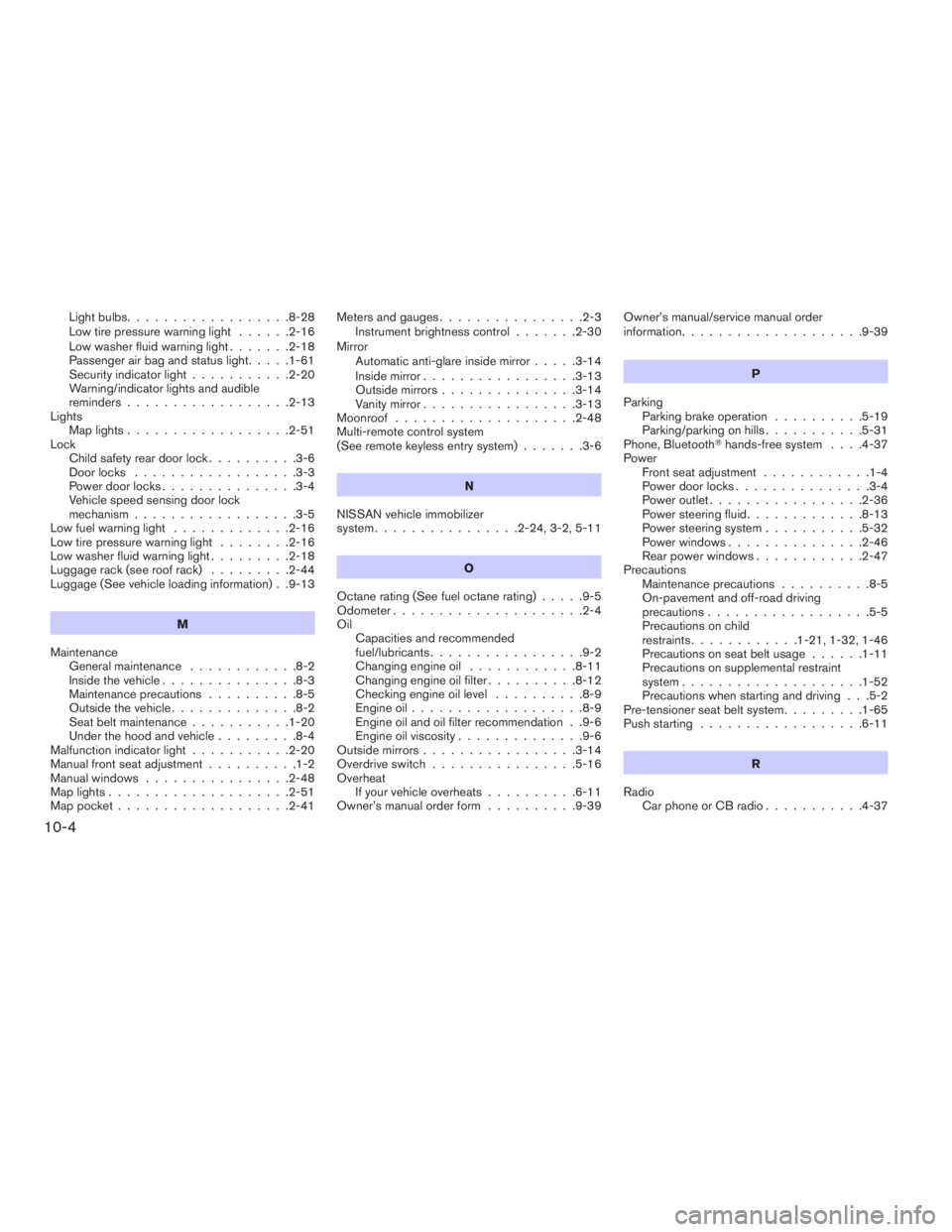
Light bulbs..................8-28
Low tire pressure warning light......2-16
Low washer fluid warning light.......2-18
Passenger air bag and status light.....1-61
Security indicator light...........2-20
Warning/indicator lights and audible
reminders..................2-13
Lights
Map lights..................2-51
Lock
Child safety rear door lock..........3-6
Door locks..................3-3
Power door locks...............3-4
Vehicle speed sensing door lock
mechanism..................3-5
Low fuel warning light.............2-16
Low tire pressure warning light........2-16
Low washer fluid warning light.........2-18
Luggage rack (see roof rack).........2-44
Luggage (See vehicle loading information) . .9-13
M
Maintenance
General maintenance............8-2
Inside the vehicle...............8-3
Maintenance precautions..........8-5
Outside the vehicle..............8-2
Seat belt maintenance...........1-20
Under the hood and vehicle.........8-4
Malfunction indicator light...........2-20
Manual front seat adjustment..........1-2
Manual windows................2-48
Map lights....................2-51
Map pocket...................2-41Meters and gauges................2-3
Instrument brightness control.......2-30
Mirror
Automatic anti-glare inside mirror.....3-14
Inside mirror.................3-13
Outside mirrors...............3-14
Vanity mirror.................3-13
Moonroof....................2-48
Multi-remote control system
(See remote keyless entry system).......3-6
N
NISSAN vehicle immobilizer
system................2-24, 3-2, 5-11
O
Octane rating (See fuel octane rating).....9-5
Odometer.....................2-4
Oil
Capacities and recommended
fuel/lubricants.................9-2
Changing engine oil............8-11
Changing engine oil filter..........8-12
Checking engine oil level..........8-9
Engine oil...................8-9
Engine oil and oil filter recommendation . .9-6
Engine oil viscosity..............9-6
Outside mirrors.................3-14
Overdrive switch................5-16
Overheat
If your vehicle overheats..........6-11
Owner’s manual order form..........9-39Owner’s manual/service manual order
information....................9-39
P
Parking
Parking brake operation..........5-19
Parking/parking on hills...........5-31
Phone, BluetoothThands-free system. . . .4-37
Power
Front seat adjustment............1-4
Power door locks...............3-4
Power outlet.................2-36
Power steering fluid.............8-13
Power steering system...........5-32
Power windows...............2-46
Rear power windows............2-47
Precautions
Maintenance precautions..........8-5
On-pavement and off-road driving
precautions..................5-5
Precautions on child
restraints............1-21, 1-32, 1-46
Precautions on seat belt usage......1-11
Precautions on supplemental restraint
system....................1-52
Precautions when starting and driving . . .5-2
Pre-tensioner seat belt system.........1-65
Push starting..................6-11
R
Radio
Car phone or CB radio...........4-37
10-4
ZREVIEW COPYÐ2009 08+ Truck/Frontier(fro)
Owners ManualÐUSA_English(nna)
05/27/08Ðdebbie
X