audio NISSAN FRONTIER 2020 Owner´s Manual
[x] Cancel search | Manufacturer: NISSAN, Model Year: 2020, Model line: FRONTIER, Model: NISSAN FRONTIER 2020Pages: 492, PDF Size: 3.05 MB
Page 303 of 492
Operating tips
To get the best performance out of NISSAN
Voice Recognition, observe the following:
• Keep the interior of the vehicle as quiet aspossible. Close the windows to eliminate
the surrounding noises (traffic noises, vi-
bration sounds, etc.), which may prevent
the system from recognizing the voice
commands correctly.
• Wait until a tone sounds before speaking a command. Otherwise, the command
will not be received properly.
• Start speaking a command within 3.5 seconds af ter the tone sounds.
• Speak in a natural voice without pausing between words.
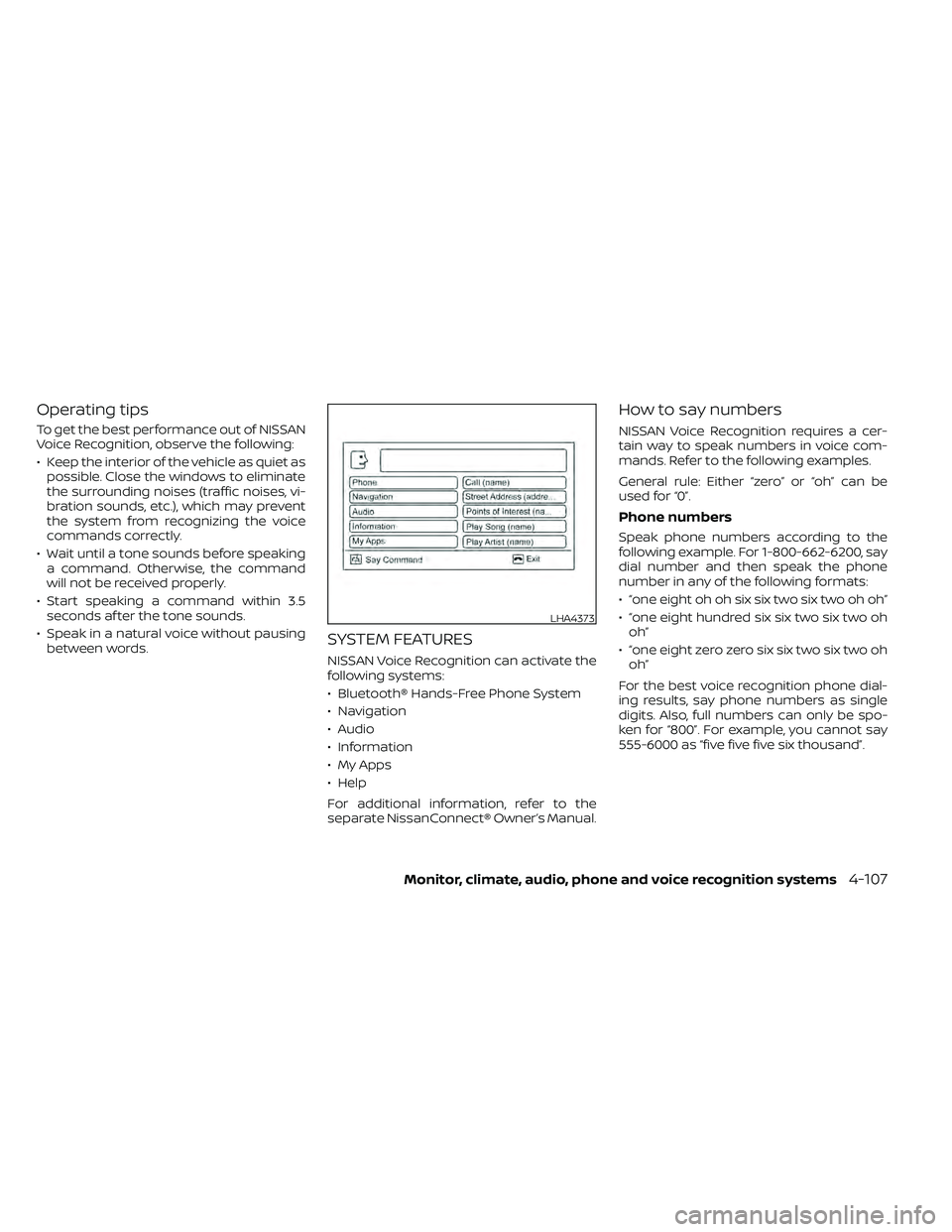
SYSTEM FEATURES
NISSAN Voice Recognition can activate the
following systems:
• Bluetooth® Hands-Free Phone System
• Navigation
• Audio
• Information
• My Apps
• Help
For additional information, refer to the
separate NissanConnect® Owner’s Manual.
How to say numbers
NISSAN Voice Recognition requires a cer-
tain way to speak numbers in voice com-
mands. Refer to the following examples.
General rule: Either “zero” or “oh” can be
used for “0”.
Phone numbers
Speak phone numbers according to the
following example. For 1-800-662-6200, say
dial number and then speak the phone
number in any of the following formats:
• “one eight oh oh six six two six two oh oh”
• “one eight hundred six six two six two ohoh”
• “one eight zero zero six six two six two oh oh”
For the best voice recognition phone dial-
ing results, say phone numbers as single
digits. Also, full numbers can only be spo-
ken for “800”. For example, you cannot say
555-6000 as “five five five six thousand”.
LHA4373
Monitor, climate, audio, phone and voice recognition systems4-107
Page 304 of 492
BLUETOOTH® HANDS-FREE
PHONE SYSTEM VOICE
COMMANDS
To access the Bluetooth® Hands-Free
Phone System voice commands:
1. Press the
button.
2. Say “Call” and then a name in the vehicle phonebook to call that entry. Otherwise,
say “Phone” to access various phone
commands.
If the Bluetooth® has been set to “Off ”, the
system announces: “Bluetooth® is off.
Would you like to turn Bluetooth® on?”
If no phone is connected to the system and
the vehicle is stationary, the system an-
nounces: “There is no phone connected.
Would you like to connect a phone now?”
Say “Yes” to connect a phone. All further
Bluetooth® Hands-Free Phone System
voice commands are only available if a
phone is connected.
If a phone is connected and Bluetooth® is
set to “On”, the following voice commands
are available:
• Call (a name)
Speak the name of the contact in which
you are trying to call. System will confirm
correct contact. Say “Dial” to initiate dialing.
• Dial Number Allows for up to 24 digits to be dialed.
Af ter the number is entered, say “Dial” to
initiate dialing. Say “Correction” to cor-
rect the number entered. Say “Go Back”
to return to the main menu.
• List Phonebook Starting with the first alphabetical entry
in the vehicle phonebook, the system
prompts for an additional command.
Say “Dial” to call the number of the
phonebook entry. Say “Send Text” to
send a text message to the number of
the phonebook entry. Say “Next Entry” to
skip to the next alphabetical entry in the
vehicle phonebook, where the same op-
tions will then be available.
• Recent Calls The system prompts for an additional
command. Say “Missed Calls”, “Incoming
Calls” or “Outgoing Calls” to display a list
of such calls on the screen.
Speak the number of the entry displayed
on the screen to dial that number or say
“Next Page” to view entries on the next
page (if available). • Redial
Redials the last called number.
• Read Text Reads an incoming text message.
• Send Text Sends a text message.
• Select Phone The system replies “Please use manual
controls to continue”. Use manual con-
trols to change the active phone from
among the listed phones connected to
the vehicle.
• Siri (if so equipped) The system replies “starting Siri”. For ad-
ditional information, refer to “Siri® Eyes
Free (models with Navigation System)” in
this section.
For additional information, refer to
“Bluetooth® Hands-Free Phone System
with Navigation System” in this section.
4-108Monitor, climate, audio, phone and voice recognition systems
Page 305 of 492
NAVIGATION SYSTEM VOICE
COMMANDS
The following voice commands are avail-
able for the navigation system:
• Street Address (address)
• Points of Interest (name)
• POI by Category
• Home
• Address Book
• Previous Destinations
• Enter Address in Steps
• Cancel Route
For additional information, refer to the
separate NissanConnect® Owner’s Manual.
AUDIO SYSTEM VOICE COMMANDS
To access the audio system voice com-
mands:
1. Press the
button.
2. Say “Audio”
3. Speak a command from the following available commands:
• Play (AM, FM, etc.) Allows user to select radio band • Tune AM (number)
Allows user to tune directly to a desired
AM frequency
• Tune FM (number) Allows user to tune directly to a desired
FM frequency
• SXM channel (number) Allows user to tune directly to a desired
SXM station (if so equipped)
• CD Track (number) Allows user to select track to be played
• Play Song (name) Allows user to select song name to be
played
• Play Artist (name) Allows user to select artist to be played
• Play Album (name) Allows user to select album name to be
played
For additional information, refer to “Audio
system” in this section.
INFORMATION VOICE COMMANDS
The following voice commands are avail-
able for the information functions of the
navigation system:
• Traffic
• Fuel Prices
• Stocks
• Movie Listings
• Current Weather
• Weather Map
• 5—dayForecast
• 6 — hour Forecast
For additional information, refer to the
separate NissanConnect® Owner’s Manual.
MY APPS VOICE COMMANDS
Many Apps can be accessed using this
voice command. For additional informa-
tion, refer to “NissanConnect® Mobile Apps”
in this section.
Monitor, climate, audio, phone and voice recognition systems4-109
Page 306 of 492
HELP VOICE COMMANDS
The following voice commands can be
spoken to have the system provide in-
structions and tips for using the NISSAN
Voice Recognition System.
• List Commands
• What Can I Say?
• General Help
• Go Back
• Quit
• Exit
TROUBLESHOOTING GUIDE
The system should respond correctly to all
voice commands without difficulty. If prob-
lems are encountered, follow the solutions
given in this guide for the appropriate error.
Where the solutions are listed by number,
try each solution in turn, starting with num-
ber one, until the problem is resolved.
Symptom/error messageSolution
The system responds “Command
Not Recognized” or the system fails
to recognize the command cor-
rectly. 1. Ensure that the command format is valid. Use the “List Commands” or “What Can I Say?” command under the “Help”
menu.
2. Speak clearly without pausing between words and at a level appropriate to the ambient noise level.
3. Ensure that the ambient noise level is not excessive (for example, with the windows open or the defroster on). NOTE:
If it is too noisy to use the phone, it is likely that voice commands will not be recognized.
4. If optional words of the command have been omitted, then the command should be tried with these in place.
4-110Monitor, climate, audio, phone and voice recognition systems
Page 307 of 492
“Made for iPod”, “Made for iPhone” and
“Made for iPad” mean that an electronic
accessory has been designed to connect
specifically to iPod, iPhone or iPad, respec-
tively, and has been certified by the devel-
oper to meet Apple performance stan-
dards. Apple is not responsible for the
operation of this device or its compliance
with safety and regulatory standards.
Please note that the use of this accessory
with iPod, iPhone or iPad may affect wire-
less performance.
iPad, iPhone, iPod classic, iPod nano, iPod
shuffle and iPod touch are trademarks of
Apple Inc., registered in the U.S. and other
countries. Lightning is a trademark of
Apple Inc.
iPod®/IPHONE®
Monitor, climate, audio, phone and voice recognition systems4-111
Page 320 of 492
AUTO ACC:
With the vehicle in the P (Park) position, the
Intelligent Key with you, and the ignition
switch placed from the ON to the OFF po-
sition, the radio can still be used for a period
of time, or until the driver’s door is opened.
Af ter a period of time, functions such as
radio, navigation, and Bluetooth® Hands-
Free Phone System may be restarted by
pressing the “ON-OFF button/VOLUME
control knob” or the key fob unlock button.
For additional information, refer to “Monitor,
climate, audio, phone and voice recogni-
tion systems” in this manual.
EMERGENCY ENGINE SHUT OFF
To shut off the engine in an emergency
situation while driving, perform the follow-
ing procedure:
• Rapidly push the ignition switch threeconsecutive times in less than 1.5 sec-
onds, or
• Push and hold the ignition switch for more than 2 seconds.
NISSAN INTELLIGENT KEY®
BATTERY DISCHARGE
If the battery of the NISSAN Intelligent Key®
is discharged or environmental conditions
interfere with the Intelligent Key operation,
start the engine according to the following
procedure:
1. Place the shif t lever in the P (Park) position.
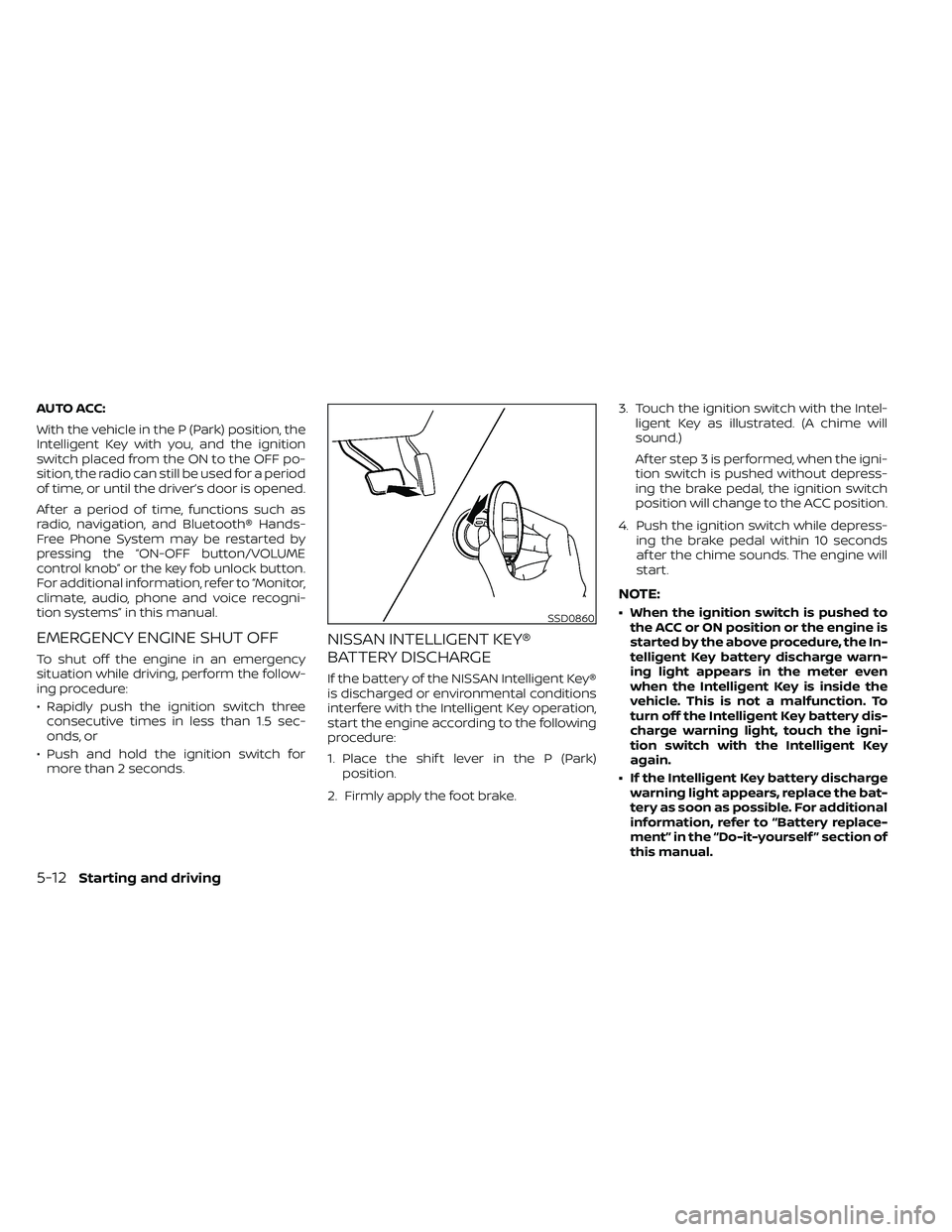
2. Firmly apply the foot brake. 3. Touch the ignition switch with the Intel-
ligent Key as illustrated. (A chime will
sound.)
Af ter step 3 is performed, when the igni-
tion switch is pushed without depress-
ing the brake pedal, the ignition switch
position will change to the ACC position.
4. Push the ignition switch while depress- ing the brake pedal within 10 seconds
af ter the chime sounds. The engine will
start.
NOTE:
• When the ignition switch is pushed tothe ACC or ON position or the engine is
started by the above procedure, the In-
telligent Key battery discharge warn-
ing light appears in the meter even
when the Intelligent Key is inside the
vehicle. This is not a malfunction. To
turn off the Intelligent Key battery dis-
charge warning light, touch the igni-
tion switch with the Intelligent Key
again.
• If the Intelligent Key battery discharge warning light appears, replace the bat-
tery as soon as possible. For additional
information, refer to “Battery replace-
ment” in the “Do-it-yourself ” section of
this manual.SSD0860
5-12Starting and driving
Page 477 of 492
11 Index
4WD warning light..............2-15
A
Active Brake Limited Slip (ABLS)
system.....................5-34Air bag (See supplemental restraint
system).....................1-70Air bag system
Front (See supplemental front impact
air bag system)
..............1-77Air bag warning labels............1-85Air bag warning light.........1-85, 2-20Air bag warning light,
supplemental.............1-85, 2-20Air cleaner housing filter..........8-17Air conditionerAir conditioner operation. . . .4-26, 4-34Air conditioner service..........4-36Air conditioner specification label. .10-13Air conditioner system refrigerant
recommendations............10-8Air conditioner system refrigerant
and oil recommendations.......10-8Heater and air conditioner
controls.................. .4-34Servicing air conditioner........4-36Air flow charts.................4-27Alarm system
(See vehicle security system).......2-25
Anchor point locations...........1-33Antenna....................4-72Anti-lock brake warning light.......2-15Anti-lock Braking System (ABS)......5-33Antifreeze...................5-40Apps......................4-72Audio system.................4-36AM radio reception............4-37AM/FM radio................4-46Auxiliary (AUX) devices operation. . .4-47Bluetooth® audio.............4-66Bluetooth® streaming audio......4-69Compact disc (CD) player........4-54FM radio reception............4-36FM/AM/SAT radio with compact disc (CD)
player................4-44, 4-49iPod® Player............4-60, 4-63iPod® player operation......4-60, 4-63Radio................... .4-36Steering wheel audio control
switch....................4-71USB Connections.............4-56Autolight switch................2-31Automatic
Automatic power window switch. . .2-51Automatic transmission position
indicator light...............2-21Driving with automatic
transmission................5-14Automatic anti-glare inside mirror. . . .3-18Automatic door locks.............3-7
AUX jack................... .4-55
B
Back button..................4-13Battery.................5-40, 8-13Charge warning light...........2-17Battery replacement............8-24Key fob...................8-24NISSAN Intelligent Key®.........8-24Before starting the engine.........5-13Belt (See drive belt)..............8-15Bluetooth® audio...........4-66, 4-69Bluetooth® hands-free phone
system.................... .4-96Bluetooth® connections........4-93Connecting procedure......4-84, 4-99Phone indicators.............4-83Text messaging.........4-89, 4-100Voice commands............4-85Bluetooth® Hands-Free Phone System
without Navigation System........4-79Booster seats.................1-65Brake
Anti-lock Braking System (ABS). . . .5-33Brake fluid..................8-11Brake light (See stop light).......8-28Brake system...............5-32Brake warning light............2-16Brake wear indicators......2-24,8-20
Page 478 of 492
Parking brake operation.........5-19Self-adjusting brakes...........8-20Brake fluid....................8-11Brake system.................5-32Brakes......................8-20Break-in schedule...............5-21Brightness control
Instrument panel.............2-33Brightness/contrast button......4-9, 4-15Bulb check/instrument panel........2-15Bulb replacement...............8-28
C
C.M.V.S.S. certification label.........10-12Capacities and recommended
fuel/lubricants................ .10-2Car phone or CB radio............4-79Cargo
(See vehicle loading information).....10-14Cargo lamp switch..............2-34CD care and cleaning.............4-70CD player (See audio system).......4-54Child restraint with top tether strap. . . .1-32Child restraints.......1-25,1-26,1-28, 1-30Precautions on child
restraints.........1-39, 1-42, 1-54, 1-65Top tether strap anchor point
locations.................. .1-33Child safety rear door lock..........3-7Cleaning exterior and interior......7-2,7-4Clock set/adjustment..........4-7,4-13
Clock setting
(models with Navigation System).....4-13Cold weather driving.............5-40Compact disc (CD) player..........4-54Compass....................2-11Compass and outside temperature
display......................2-10Compass display...............2-10Connect phone................4-72Console box..................2-45Control panel buttons.........4-5, 4-10Back button.................4-13Brightness/contrast button. . . .4-9, 4-15Enter button..............4-5, 4-10Setting button...............4-13With navigation system.......4-10,4-11Controls
Audio controls (steering wheel).....4-71Heater and air conditioner controls. .4-34Heater and air conditioner controls
(manual)...................4-22CoolantCapacities and recommended
fuel/lubricants
...............10-2Changing engine coolant.........8-5Checking engine coolant level......8-5Engine coolant temperature gauge. . .2-7Corrosion protection..............7-7Cruise control.................5-19Cup holders................. .2-46Curtain side-impact and rollover
air bag..................... .1-82
D
Daytime Running Lights (DRL) system. .2-32Defroster switch
Rear window and outside mirror
defroster switch
..............2-29Rear window defroster switch.....2-29Dimensions and weights..........10-10Dimmer switch for instrument panel. . .2-33Display controls (see control panel
buttons)................. .4-5, 4-10Door locks................... .3-4Door open warning light...........2-17Drive belt....................8-15Driving
Cold weather driving...........5-40Driving with automatic
transmission................5-14Precautions when starting and
driving.....................5-2Driving the vehicle...............5-14
E
Economy - fuel.................5-23Electronic locking rear differential (E-Lock)
system.....................5-29Electronic locking rear differential (E-Lock)
system switch................ .2-37Emergency engine shutoff.......5-12,6-3Emission control information label. . . .10-12Emission control system warranty. . . .10-38
11-2
Page 482 of 492
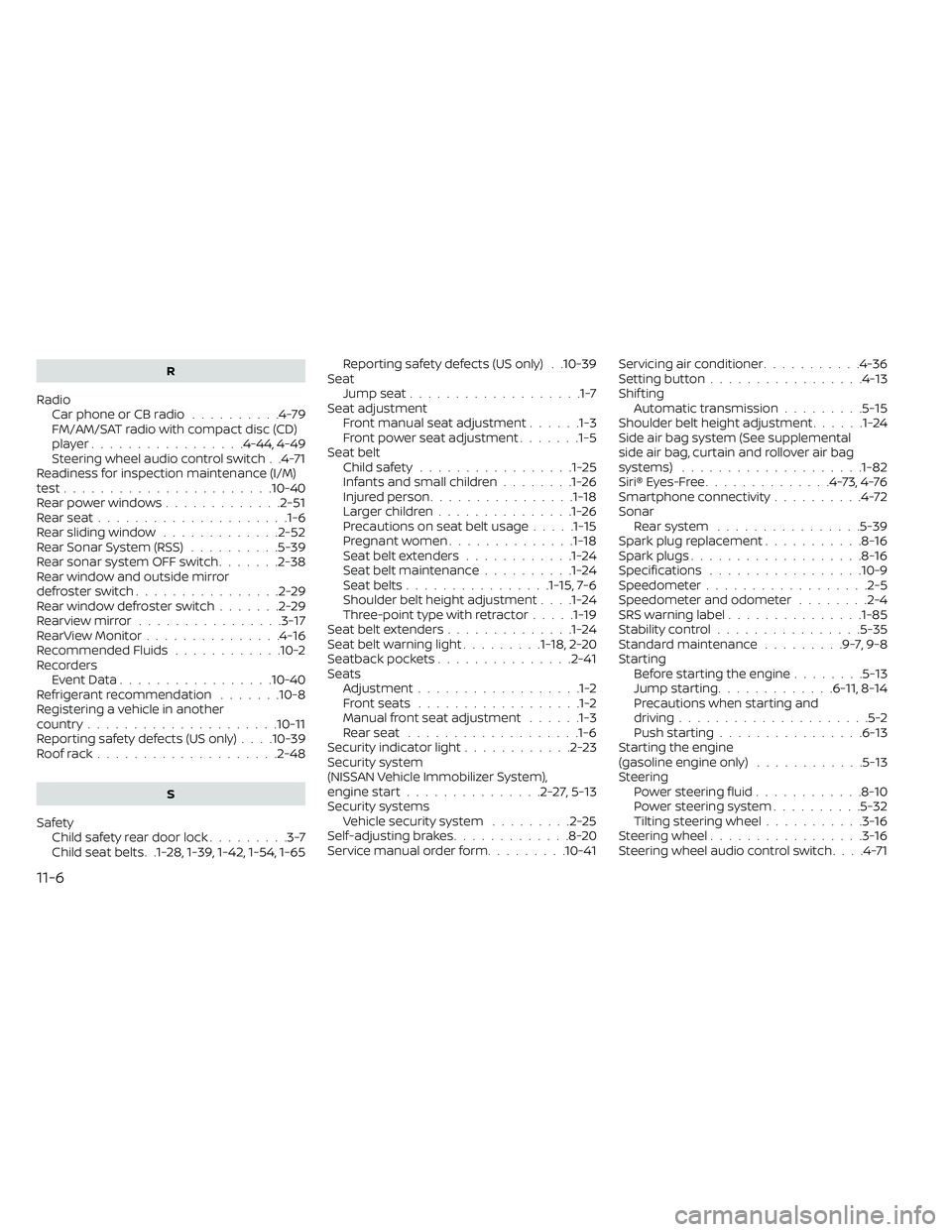
R
RadioCar phone or CB radio..........4-79FM/AM/SAT radio with compact disc (CD)
player................ .4-44, 4-49Steering wheel audio control switch. .4-71Readiness for inspection maintenance (I/M)
test...................... .10-40Rear power windows.............2-51Rear seat.....................1-6Rear sliding window.............2-52Rear Sonar System (RSS)..........5-39Rear sonar system OFF switch.......2-38Rear window and outside mirror
defroster switch................2-29Rear window defroster switch.......2-29Rearview mirror................3-17RearView Monitor...............4-16Recommended Fluids............10-2Recorders
Event Data................ .10-40Refrigerant recommendation.......10-8Registering a vehicle in another
country.................... .10-11Reporting safety defects (US only). . . .10-39Roof rack....................2-48
S
Safety
Child safety rear door lock.........3-7Child seat belts. .1-28, 1-39, 1-42, 1-54, 1-65
Reporting safety defects (US only). .10-39SeatJump seat...................1-7Seat adjustmentFront manual seat adjustment......1-3Front power seat adjustment.......1-5Seat beltChild safety.................1-25Infants and small children........1-26Injured person................1-18Larger children...............1-26Precautions on seat belt usage.....1-15Pregnant women..............1-18Seat belt extenders............1-24Seat belt maintenance..........1-24Seat belts................1-15,7-6Shoulder belt height adjustment. . . .1-24Three-point type with retractor.....1-19Seat belt extenders..............1-24Seat belt warning light.........1-18,2-20Seatback pockets...............2-41SeatsAdjustment..................1-2Front seats..................1-2Manual front seat adjustment......1-3Rear seat.................. .1-6Security indicator light............2-23Security system
(NISSAN Vehicle Immobilizer System),
engine start
...............2-27,5-13Security systems
Vehicle security system.........2-25Self-adjusting brakes.............8-20Service manual order form.........10-41
Servicing air conditioner...........4-36Setting button.................4-13Shif tingAutomatic transmission.........5-15Shoulder belt height adjustment......1-24Side air bag system (See supplemental
side air bag, curtain and rollover air bag
systems)
................... .1-82Siri® Eyes-Free..............4-73,4-76Smartphone connectivity..........4-72Sonar
Rear system................5-39Spark plug replacement...........8-16Spark plugs...................8-16Specifications................ .10-9Speedometer................. .2-5Speedometer and odometer........2-4SRS warning label...............1-85Stability control................5-35Standard maintenance.........9-7,9-8Starting
Before starting the engine........5-13Jump starting.............6-11,8-14Precautions when starting and
driving.....................5-2Push starting................6-13Starting the engine
(gasoline engine only)............5-13SteeringPower steering fluid............8-10Power steering system..........5-32Tilting steering wheel...........3-16Steering wheel.................3-16Steering wheel audio control switch. . . .4-71
11-6
Page 483 of 492
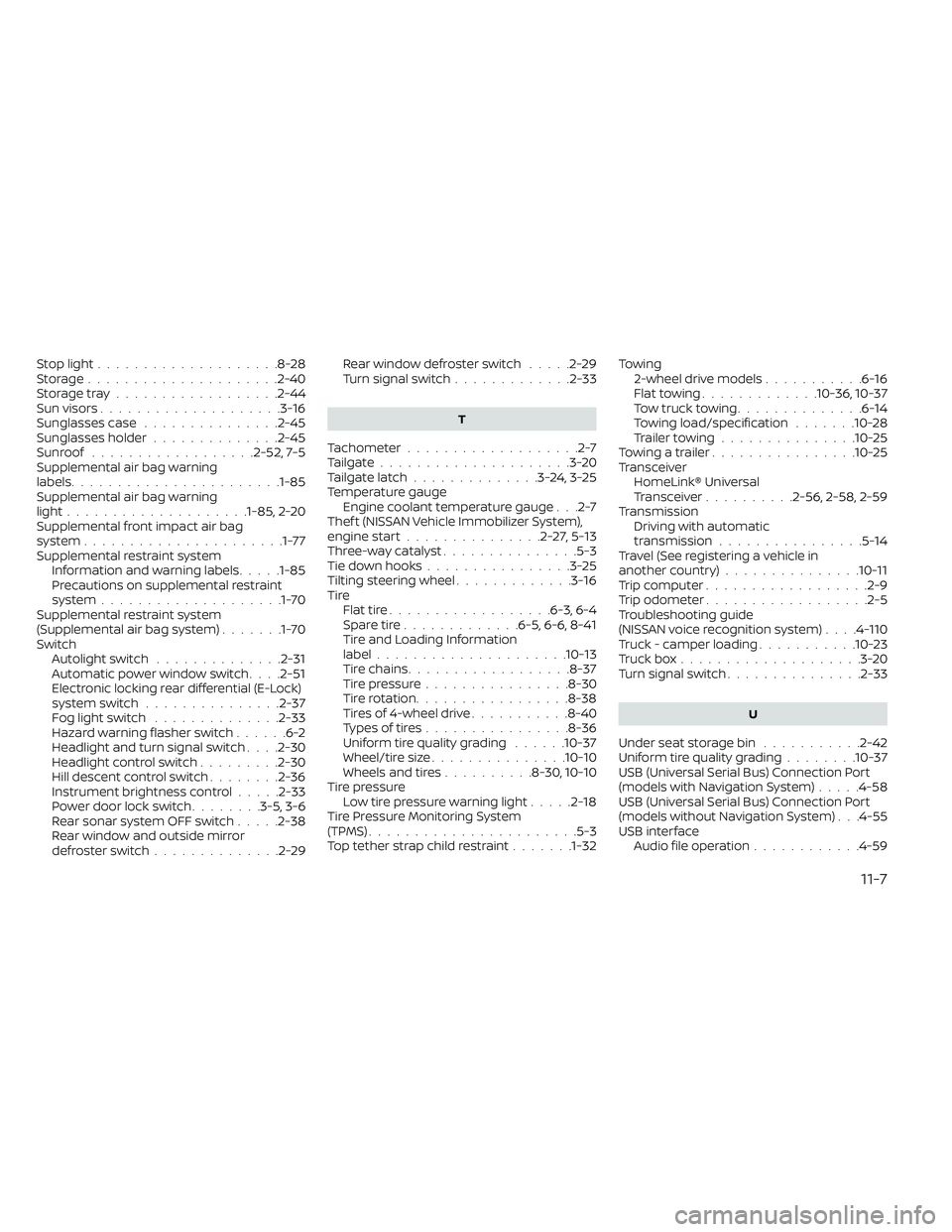
Stop light....................8-28Storage.....................2-40Storage tray..................2-44Sun visors....................3-16Sunglasses case...............2-45Sunglasses holder..............2-45Sunroof..................2-52, 7-5Supplemental air bag warning
labels...................... .1-85Supplemental air bag warning
light....................1-85, 2-20Supplemental front impact air bag
system......................1-77Supplemental restraint system
Information and warning labels.....1-85Precautions on supplemental restraint
system....................1-70Supplemental restraint system
(Supplemental air bag system).......1-70SwitchAutolight switch..............2-31Automatic power window switch. . . .2-51Electronic locking rear differential (E-Lock)
system switch...............2-37Fog light switch..............2-33Hazard warning flasher switch......6-2Headlight and turn signal switch. . . .2-30Headlight control switch.........2-30Hill descent control switch........2-36Instrument brightness control.....2-33Power door lock switch........3-5, 3-6Rear sonar system OFF switch.....2-38Rear window and outside mirror
defroster switch..............2-29
Rear window defroster switch.....2-29Turn signal switch.............2-33
T
Tachometer...................2-7Tailgate.....................3-20Tailgate latch..............3-24,3-25Temperature gaugeEngine coolant temperature gauge. . .2-7Thef t (NISSAN Vehicle Immobilizer System),
engine start...............2-27,5-13Three-way catalyst...............5-3Tie down hooks................3-25Tilting steering wheel.............3-16TireFlat tire................. .6-3, 6-4Spare tire.............6-5, 6-6, 8-41Tire and Loading Information
label.................... .10-13Tire chains..................8-37Tire pressure................8-30Tire rotation.................8-38Tires of 4-wheel drive...........8-40Types of tires................8-36Uniform tire quality grading......10-37Wheel/tire size...............10-10Wheels and tires..........8-30, 10-10Tire pressure
Low tire pressure warning light.....2-18Tire Pressure Monitoring System
(TPMS)...................... .5-3Top tether strap child restraint.......1-32
Towing
2-wheel drive models...........6-16Flat towing.............10-36, 10-37Tow truck towing..............6-14Towing load/specification.......10-28Trailer towing...............10-25Towing a trailer................10-25TransceiverHomeLink® Universal
Transceiver
..........2-56, 2-58, 2-59TransmissionDriving with automatic
transmission
................5-14Travel (See registering a vehicle in
another country)...............10-11Trip computer................. .2-9Trip odometer..................2-5Troubleshooting guide
(NISSAN voice recognition system). . . .4-110Truck - camper loading...........10-23Truck box....................3-20Turn signal switch...............2-33
U
Under seat storage bin...........2-42Uniform tire quality grading........10-37USB (Universal Serial Bus) Connection Port
(models with Navigation System).....4-58USB (Universal Serial Bus) Connection Port
(models without Navigation System). . .4-55USB interface
Audio file operation............4-59
11-7