seat NISSAN FRONTIER 2022 Owner´s Manual
[x] Cancel search | Manufacturer: NISSAN, Model Year: 2022, Model line: FRONTIER, Model: NISSAN FRONTIER 2022Pages: 556, PDF Size: 6.11 MB
Page 132 of 556
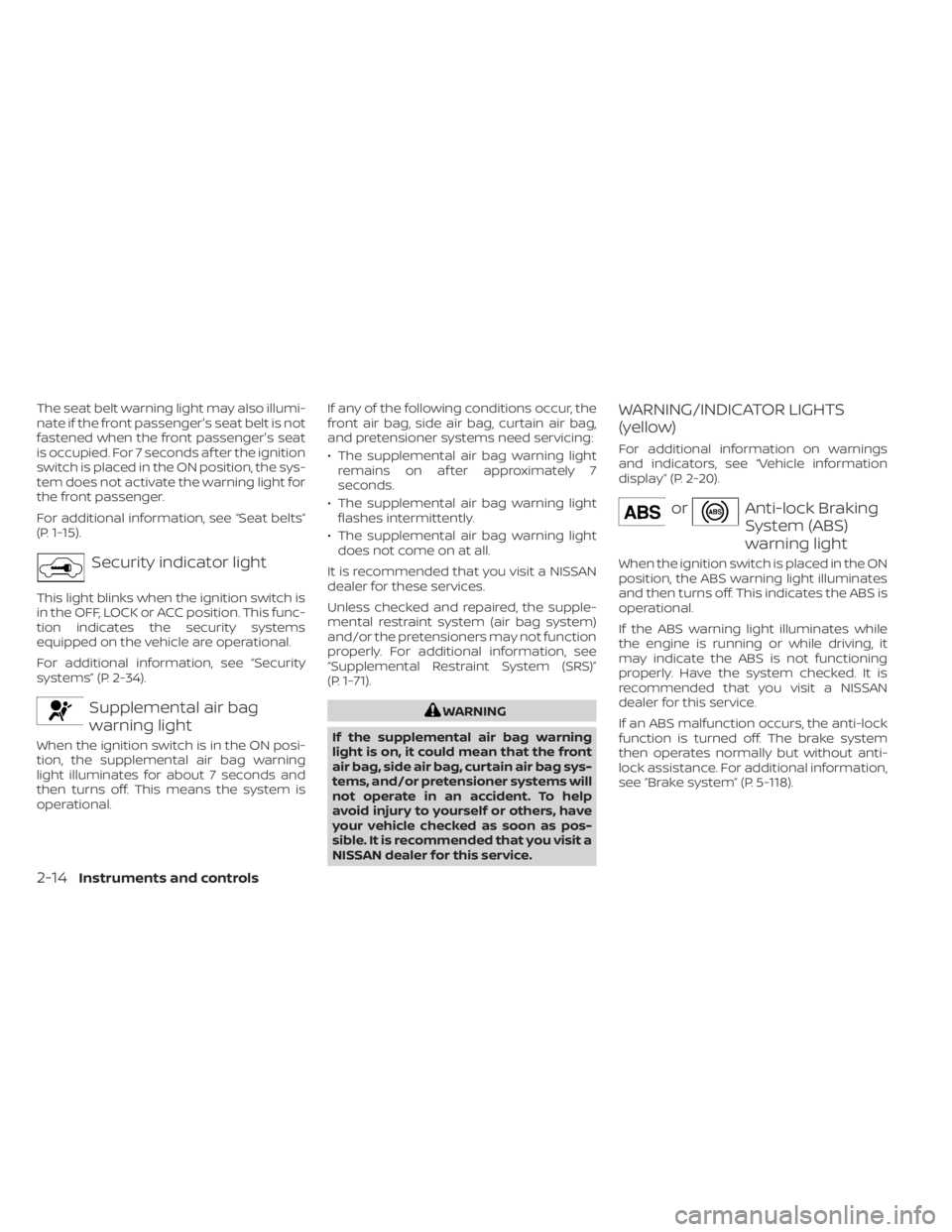
The seat belt warning light may also illumi-
nate if the front passenger's seat belt is not
fastened when the front passenger's seat
is occupied. For 7 seconds af ter the ignition
switch is placed in the ON position, the sys-
tem does not activate the warning light for
the front passenger.
For additional information, see “Seat belts”
(P. 1-15).
Security indicator light
This light blinks when the ignition switch is
in the OFF, LOCK or ACC position. This func-
tion indicates the security systems
equipped on the vehicle are operational.
For additional information, see “Security
systems” (P. 2-34).
Supplemental air bag
warning light
When the ignition switch is in the ON posi-
tion, the supplemental air bag warning
light illuminates for about 7 seconds and
then turns off. This means the system is
operational.If any of the following conditions occur, the
front air bag, side air bag, curtain air bag,
and pretensioner systems need servicing:
• The supplemental air bag warning light
remains on af ter approximately 7
seconds.
• The supplemental air bag warning light flashes intermittently.
• The supplemental air bag warning light does not come on at all.
It is recommended that you visit a NISSAN
dealer for these services.
Unless checked and repaired, the supple-
mental restraint system (air bag system)
and/or the pretensioners may not function
properly. For additional information, see
“Supplemental Restraint System (SRS)”
(P. 1-71).
WARNING
If the supplemental air bag warning
light is on, it could mean that the front
air bag, side air bag, curtain air bag sys-
tems, and/or pretensioner systems will
not operate in an accident. To help
avoid injury to yourself or others, have
your vehicle checked as soon as pos-
sible. It is recommended that you visit a
NISSAN dealer for this service.
WARNING/INDICATOR LIGHTS
(yellow)
For additional information on warnings
and indicators, see “Vehicle information
display” (P. 2-20).
orAnti-lock Braking
System (ABS)
warning light
When the ignition switch is placed in the ON
position, the ABS warning light illuminates
and then turns off. This indicates the ABS is
operational.
If the ABS warning light illuminates while
the engine is running or while driving, it
may indicate the ABS is not functioning
properly. Have the system checked. It is
recommended that you visit a NISSAN
dealer for this service.
If an ABS malfunction occurs, the anti-lock
function is turned off. The brake system
then operates normally but without anti-
lock assistance. For additional information,
see “Brake system” (P. 5-118).
2-14Instruments and controls
Page 133 of 556
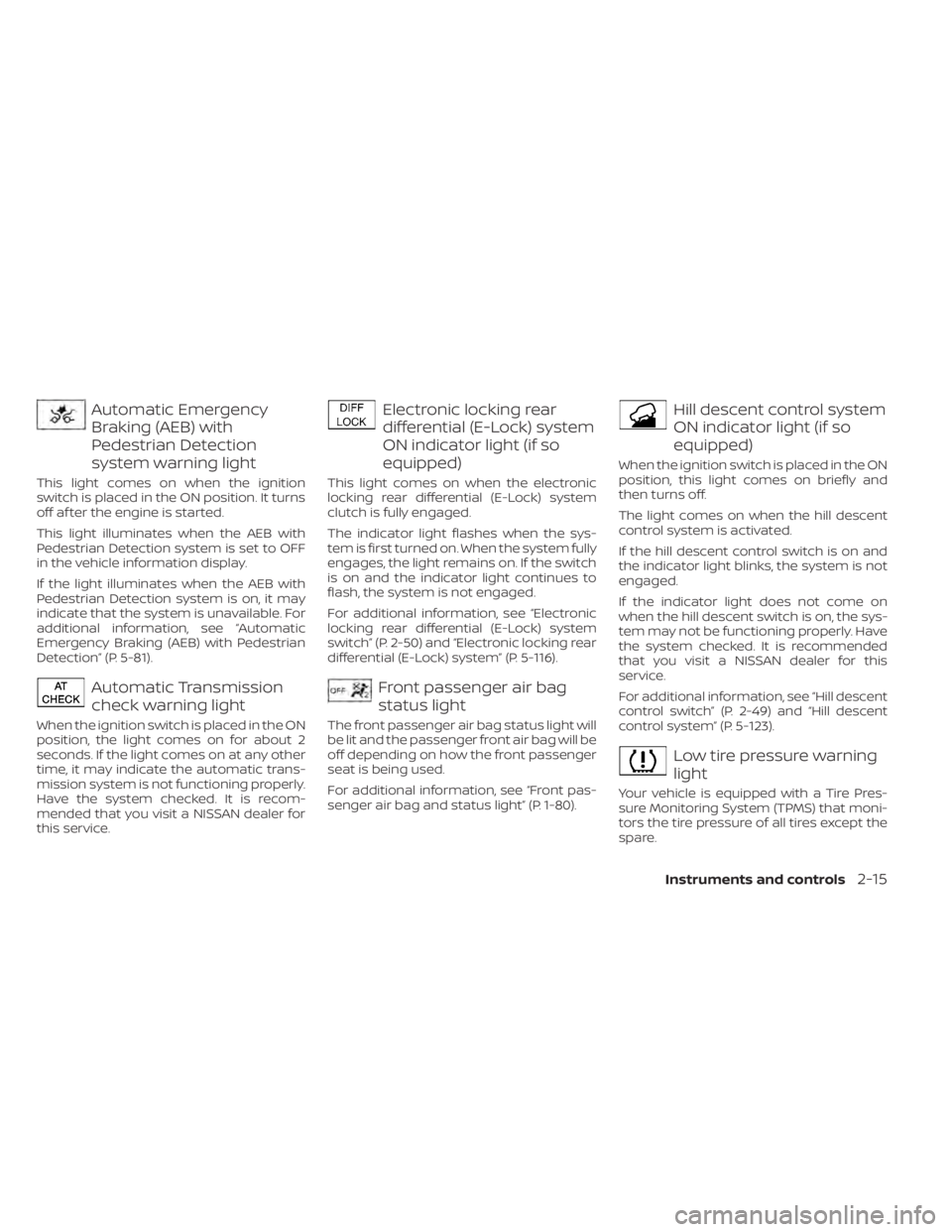
Automatic Emergency
Braking (AEB) with
Pedestrian Detection
system warning light
This light comes on when the ignition
switch is placed in the ON position. It turns
off af ter the engine is started.
This light illuminates when the AEB with
Pedestrian Detection system is set to OFF
in the vehicle information display.
If the light illuminates when the AEB with
Pedestrian Detection system is on, it may
indicate that the system is unavailable. For
additional information, see “Automatic
Emergency Braking (AEB) with Pedestrian
Detection” (P. 5-81).
Automatic Transmission
check warning light
When the ignition switch is placed in the ON
position, the light comes on for about 2
seconds. If the light comes on at any other
time, it may indicate the automatic trans-
mission system is not functioning properly.
Have the system checked. It is recom-
mended that you visit a NISSAN dealer for
this service.
Electronic locking rear
differential (E-Lock) system
ON indicator light (if so
equipped)
This light comes on when the electronic
locking rear differential (E-Lock) system
clutch is fully engaged.
The indicator light flashes when the sys-
tem is first turned on. When the system fully
engages, the light remains on. If the switch
is on and the indicator light continues to
flash, the system is not engaged.
For additional information, see “Electronic
locking rear differential (E-Lock) system
switch” (P. 2-50) and “Electronic locking rear
differential (E-Lock) system” (P. 5-116).
Front passenger air bag
status light
The front passenger air bag status light will
be lit and the passenger front air bag will be
off depending on how the front passenger
seat is being used.
For additional information, see “Front pas-
senger air bag and status light” (P. 1-80).
Hill descent control system
ON indicator light (if so
equipped)
When the ignition switch is placed in the ON
position, this light comes on briefly and
then turns off.
The light comes on when the hill descent
control system is activated.
If the hill descent control switch is on and
the indicator light blinks, the system is not
engaged.
If the indicator light does not come on
when the hill descent switch is on, the sys-
tem may not be functioning properly. Have
the system checked. It is recommended
that you visit a NISSAN dealer for this
service.
For additional information, see “Hill descent
control switch” (P. 2-49) and “Hill descent
control system” (P. 5-123).
Low tire pressure warning
light
Your vehicle is equipped with a Tire Pres-
sure Monitoring System (TPMS) that moni-
tors the tire pressure of all tires except the
spare.
Instruments and controls2-15
Page 147 of 556
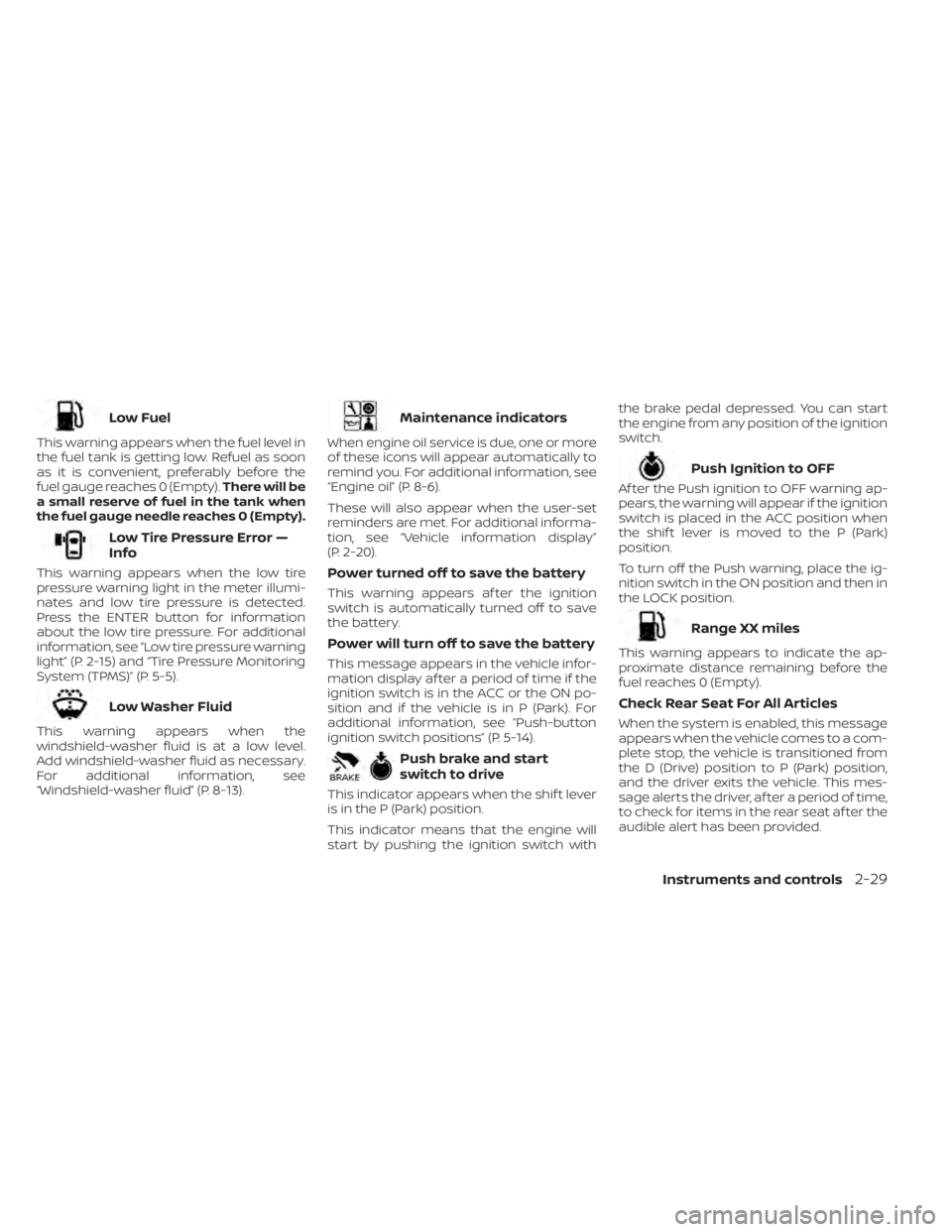
Low Fuel
This warning appears when the fuel level in
the fuel tank is getting low. Refuel as soon
as it is convenient, preferably before the
fuel gauge reaches 0 (Empty).There will be
a small reserve of fuel in the tank when
the fuel gauge needle reaches 0 (Empty).
Low Tire Pressure Error —
Info
This warning appears when the low tire
pressure warning light in the meter illumi-
nates and low tire pressure is detected.
Press the ENTER button for information
about the low tire pressure. For additional
information, see “Low tire pressure warning
light” (P. 2-15) and “Tire Pressure Monitoring
System (TPMS)” (P. 5-5).
Low Washer Fluid
This warning appears when the
windshield-washer fluid is at a low level.
Add windshield-washer fluid as necessary.
For additional information, see
“Windshield-washer fluid” (P. 8-13).
Maintenance indicators
When engine oil service is due, one or more
of these icons will appear automatically to
remind you. For additional information, see
“Engine oil” (P. 8-6).
These will also appear when the user-set
reminders are met. For additional informa-
tion, see “Vehicle information display”
(P. 2-20).
Power turned off to save the battery
This warning appears af ter the ignition
switch is automatically turned off to save
the battery.
Power will turn off to save the battery
This message appears in the vehicle infor-
mation display af ter a period of time if the
ignition switch is in the ACC or the ON po-
sition and if the vehicle is in P (Park). For
additional information, see “Push-button
ignition switch positions” (P. 5-14).
Push brake and start
switch to drive
This indicator appears when the shif t lever
is in the P (Park) position.
This indicator means that the engine will
start by pushing the ignition switch with the brake pedal depressed. You can start
the engine from any position of the ignition
switch.
Push Ignition to OFF
Af ter the Push ignition to OFF warning ap-
pears, the warning will appear if the ignition
switch is placed in the ACC position when
the shif t lever is moved to the P (Park)
position.
To turn off the Push warning, place the ig-
nition switch in the ON position and then in
the LOCK position.
Range XX miles
This warning appears to indicate the ap-
proximate distance remaining before the
fuel reaches 0 (Empty).
Check Rear Seat For All Articles
When the system is enabled, this message
appears when the vehicle comes to a com-
plete stop, the vehicle is transitioned from
the D (Drive) position to P (Park) position,
and the driver exits the vehicle. This mes-
sage alerts the driver, af ter a period of time,
to check for items in the rear seat af ter the
audible alert has been provided.
Instruments and controls2-29
Page 148 of 556
NOTE:
This system is disabled until a driver en-
ables it using the vehicle information
display. For additional information, see
“How to use the vehicle information dis-
play ” (P. 2-21).
For additional information, see “Rear Door
Alert” (P. 2-54).
Rear Door Alert is activated
When the system is enabled, this message
appears when the Rear Door Alert system
is active and can remind the driver to check
the back seat.
• Using the steering wheel switch, a drivercan select “Dismiss Message” to clear the
display for a period of time. If no selection
is made, this message automatically
turns off af ter a period of time.
• Using the steering wheel switch, a driver can select “Disable Alert” to disable the
horn alert for the remainder of the cur-
rent trip.
WARNING
Selecting “Dismiss Message” during a
stop within a trip temporarily dis-
misses the message for that stop with-
out turning the system off. Alerts can
be provided for other stops during the
trip. Selecting “Disable Alert” turns off
the Rear Door Alert system for the re-
mainder of a trip and no audible alert
will be provided.
NOTE:
This system is disabled until a driver en-
ables it using the vehicle information
display. For additional information, “How
to use the vehicle information display ”
(P. 2-21).
For additional information, “Rear Door Alert”
(P. 2-54).
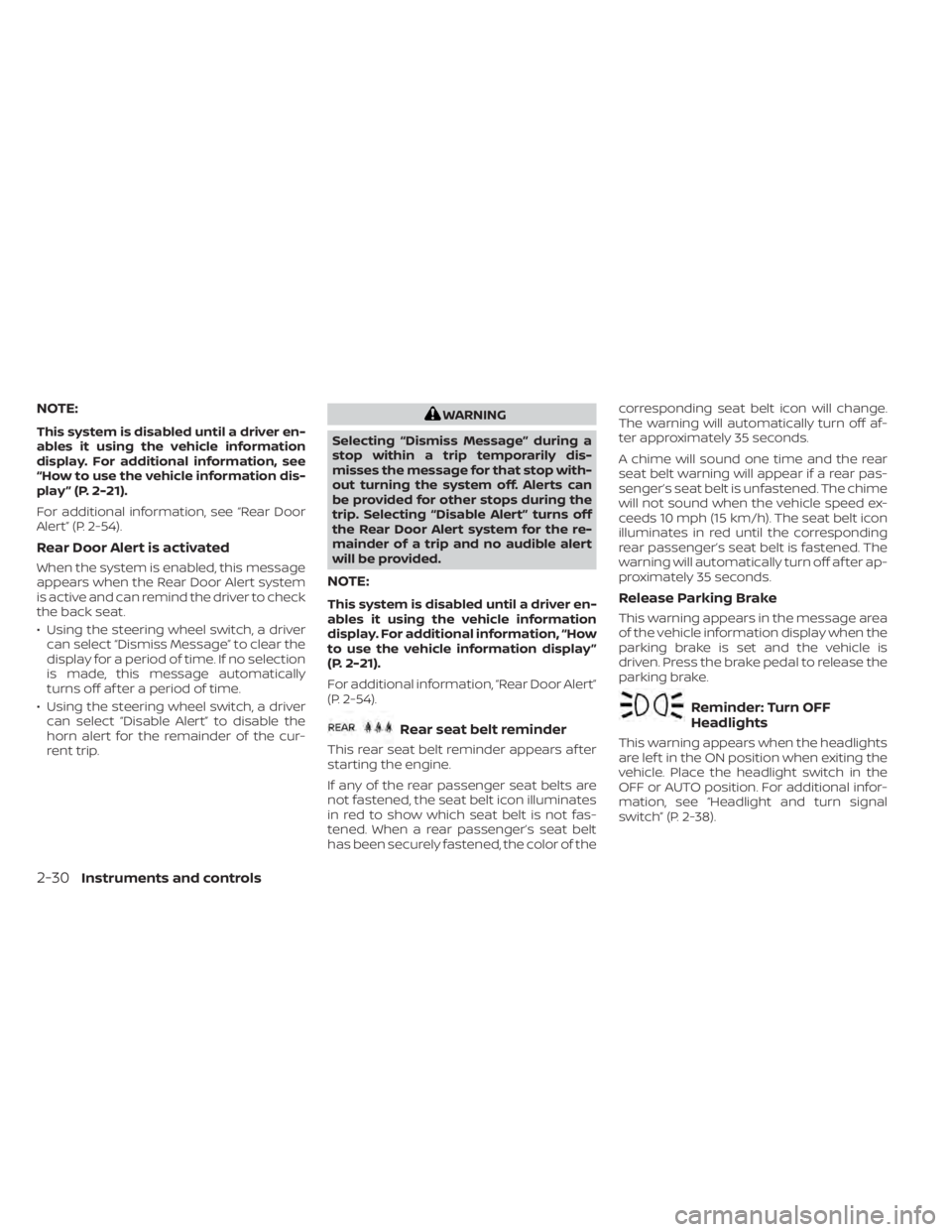
Rear seat belt reminder
This rear seat belt reminder appears af ter
starting the engine.
If any of the rear passenger seat belts are
not fastened, the seat belt icon illuminates
in red to show which seat belt is not fas-
tened. When a rear passenger’s seat belt
has been securely fastened, the color of the corresponding seat belt icon will change.
The warning will automatically turn off af-
ter approximately 35 seconds.
A chime will sound one time and the rear
seat belt warning will appear if a rear pas-
senger’s seat belt is unfastened. The chime
will not sound when the vehicle speed ex-
ceeds 10 mph (15 km/h). The seat belt icon
illuminates in red until the corresponding
rear passenger’s seat belt is fastened. The
warning will automatically turn off af ter ap-
proximately 35 seconds.
Release Parking Brake
This warning appears in the message area
of the vehicle information display when the
parking brake is set and the vehicle is
driven. Press the brake pedal to release the
parking brake.
Reminder: Turn OFF
Headlights
This warning appears when the headlights
are lef t in the ON position when exiting the
vehicle. Place the headlight switch in the
OFF or AUTO position. For additional infor-
mation, see “Headlight and turn signal
switch” (P. 2-38).
2-30Instruments and controls
Page 164 of 556
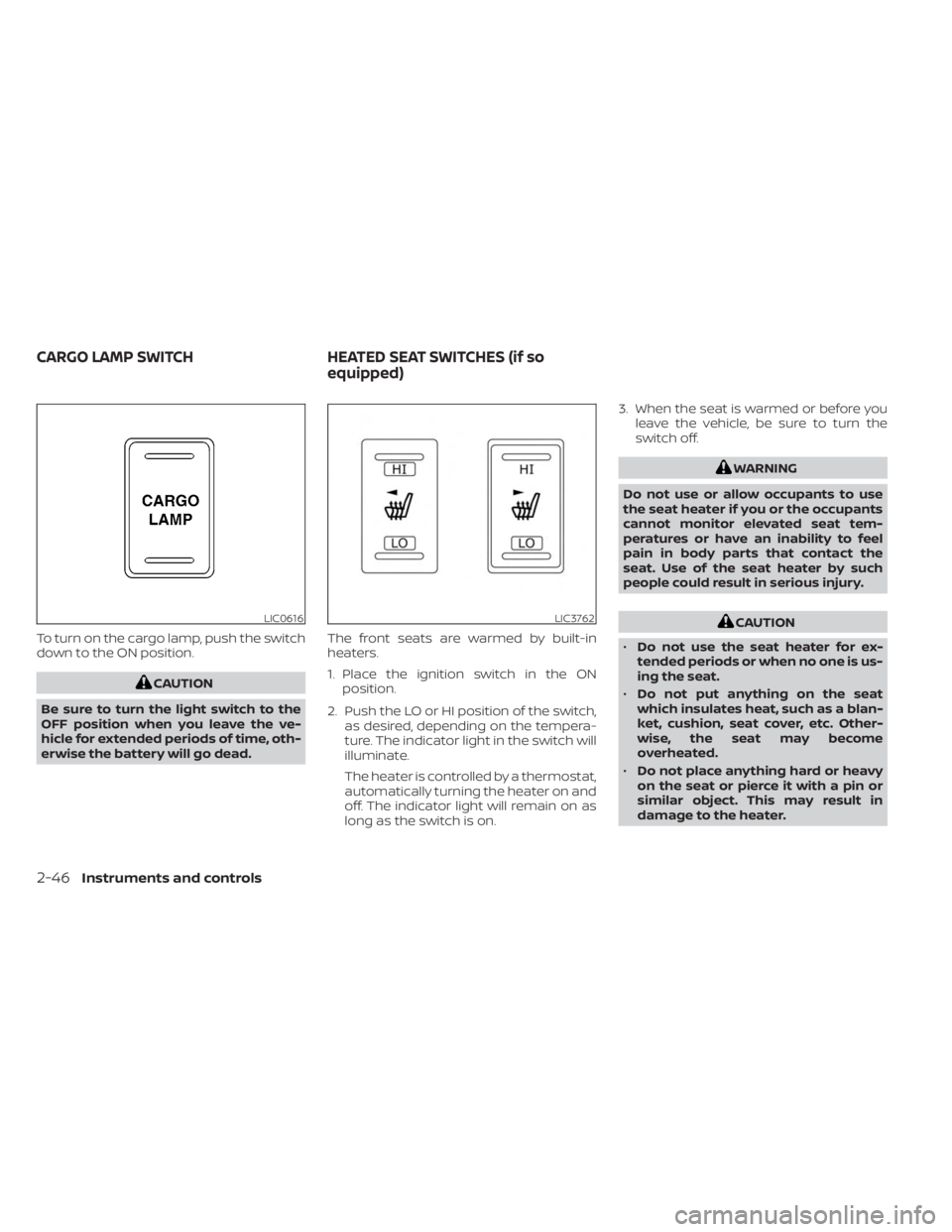
To turn on the cargo lamp, push the switch
down to the ON position.
CAUTION
Be sure to turn the light switch to the
OFF position when you leave the ve-
hicle for extended periods of time, oth-
erwise the battery will go dead. The front seats are warmed by built-in
heaters.
1. Place the ignition switch in the ON
position.
2. Push the LO or HI position of the switch, as desired, depending on the tempera-
ture. The indicator light in the switch will
illuminate.
The heater is controlled by a thermostat,
automatically turning the heater on and
off. The indicator light will remain on as
long as the switch is on. 3. When the seat is warmed or before you
leave the vehicle, be sure to turn the
switch off.
WARNING
Do not use or allow occupants to use
the seat heater if you or the occupants
cannot monitor elevated seat tem-
peratures or have an inability to feel
pain in body parts that contact the
seat. Use of the seat heater by such
people could result in serious injury.
CAUTION
• Do not use the seat heater for ex-
tended periods or when no one is us-
ing the seat.
• Do not put anything on the seat
which insulates heat, such as a blan-
ket, cushion, seat cover, etc. Other-
wise, the seat may become
overheated.
• Do not place anything hard or heavy
on the seat or pierce it with a pin or
similar object. This may result in
damage to the heater.LIC0616LIC3762
CARGO LAMP SWITCH HEATED SEAT SWITCHES (if so
equipped)
2-46Instruments and controls
Page 165 of 556
•Any liquid spilled on the heated seat
should be removed immediately with
a dry cloth.
• When cleaning the seat, never use
gasoline, benzine, thinner, or any
similar materials.
• If any malfunctions are found or the
heated seat does not operate, turn
the switch off and have the system
checked. It is recommended that you
visit a NISSAN dealer for this service.
• The battery could run down if the
seat heater is operated while the en-
gine is not running.
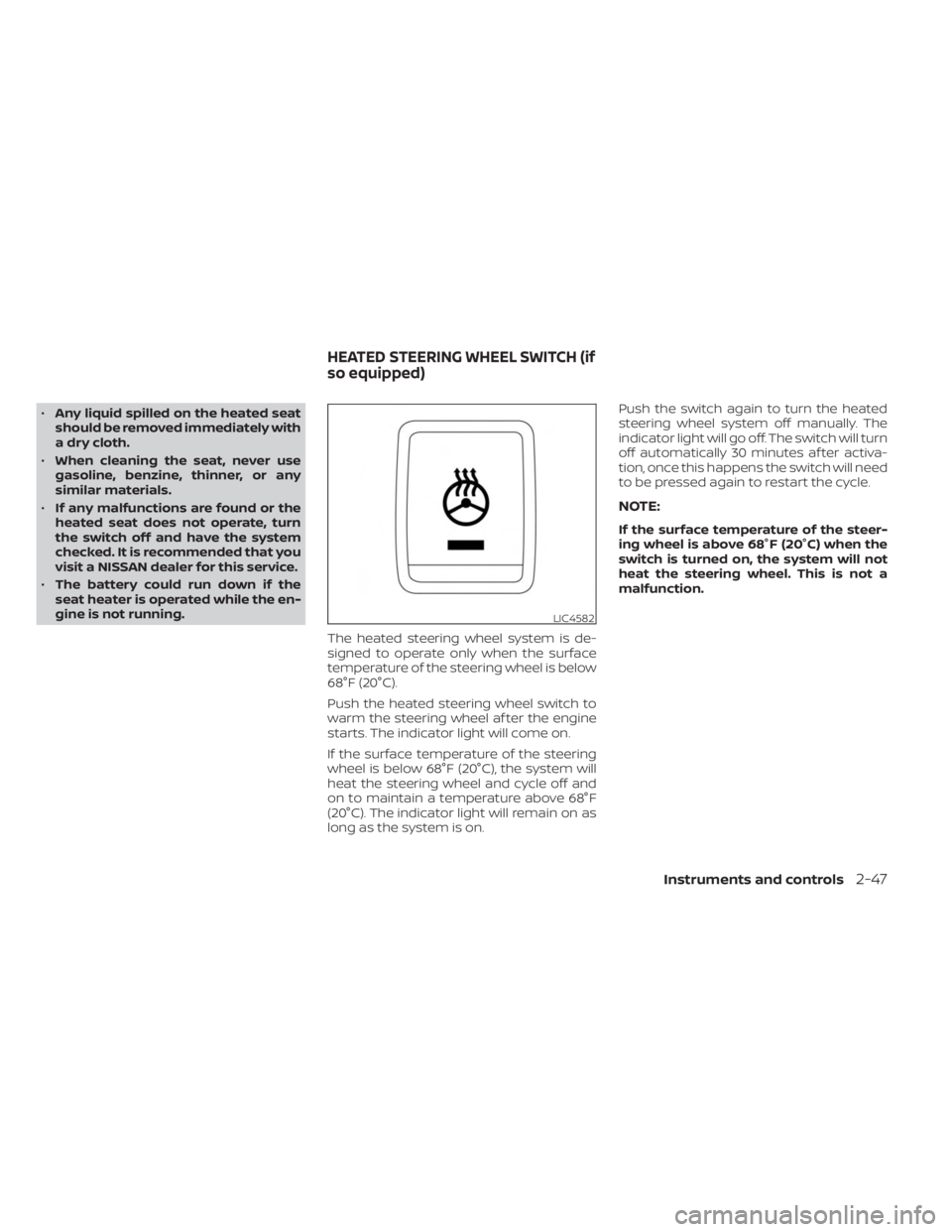
The heated steering wheel system is de-
signed to operate only when the surface
temperature of the steering wheel is below
68°F (20°C).
Push the heated steering wheel switch to
warm the steering wheel af ter the engine
starts. The indicator light will come on.
If the surface temperature of the steering
wheel is below 68°F (20°C), the system will
heat the steering wheel and cycle off and
on to maintain a temperature above 68°F
(20°C). The indicator light will remain on as
long as the system is on. Push the switch again to turn the heated
steering wheel system off manually. The
indicator light will go off. The switch will turn
off automatically 30 minutes af ter activa-
tion, once this happens the switch will need
to be pressed again to restart the cycle.
NOTE:
If the surface temperature of the steer-
ing wheel is above 68°F (20°C) when the
switch is turned on, the system will not
heat the steering wheel. This is not a
malfunction.
LIC4582
HEATED STEERING WHEEL SWITCH (if
so equipped)
Instruments and controls2-47
Page 172 of 556
The Rear Door Alert system functions un-
der certain conditions to indicate there
may be an object or passenger in the rear
seat(s). Check the seat(s) before exiting the
vehicle.
The Rear Door Alert system is initially dis-
abled. The driver can enable the system
using the vehicle information display. For
additional information, see “Vehicle infor-
mation display warnings and indicators”
(P. 2-28).
When the system is enabled:
• The system is activated when a rear dooris opened and closed within 10 minutes of
the vehicle being driven. When the driver’
door is closed and the system is acti-
vated, a visual message appears in the
vehicle information display. For additional
information, see “Rear Door Alert is acti-
vated” (P. 2-30).
• If a rear door is opened and closed but the vehicle is not driven within approxi-
mately 10 minutes, the system will not be
activated. A rear door must be opened
and closed and the car driven within 10
minutes for the system to activate. When the Rear Door Alert system is acti-
vated and a driver exits the vehicle af ter
arriving at a destination:
• When the driver puts the vehicle in the P
(Park) position, a message appears in the
vehicle information display for a driver to
“Dismiss Message” or “Disable Alert” if
desired.
• With the system enabled, when the driver exits the vehicle, an audible alert (horn
sound) will occur unless a rear door is
opened and closed within a short time to
deactivate the alert.
• If the doors are locked before the alert is deactivated by opening a rear door, the
horn will sound.
• If the audible horn alert occurs, a mes- sage will also appear in the vehicle infor-
mation display that states, “Check Rear
Seat for All Articles”.WARNING
• If the driver selects “Disable Alert”, no
audible alert will be provided regard-
less of rear door open/close status.
• There may be times when there is an
object or passenger in the rear seat(s)
but the audible alert does not sound.
For example, this may occur if rear seat
passengers enter or exit the vehicle
during a trip.
• The system does not directly detect
objects or passengers in the rear
seat(s). Instead, it can detect when a
rear door is opened and closed, indicat-
ing that there may be something in the
rear seat(s).
NOTE:
There may be times when the horn
sounds but there are no objects or pas-
sengers in the rear seat(s).
For additional information, see “Rear Door
Alert is activated” (P. 2-30).
REAR DOOR ALERT
2-54Instruments and controls
Page 176 of 556
Do not use the outlet located in the truck
box with accessories that exceed 120 volt.
Do not use double adapters or more than
one electrical accessory.
CAUTION
• Operation of the 120 volt system with
the ignition in the ON position and
the engine not running (idle) will
drain the battery charge. This could
lead to a dead battery or no start
condition.
• The outlet and plug may be hot dur-
ing or immediately af ter use.
• Use power outlets with the engine
running to avoid discharging the ve-
hicle battery.
• Do not use double adaptors or more
than one electrical accessory.
• Avoid using power outlets when the
air conditioner, headlights or rear
window defroster is on.
• Before inserting or disconnecting a
plug, be sure the electrical accessory
being used is turned OFF. •
Push the plug in as far as it will go. If
good contact is not made, the plug
may overheat or the internal tem-
perature fuse may open.
• When not in use, be sure to close the
cap. Do not allow water or any other
liquid to contact the outlet.
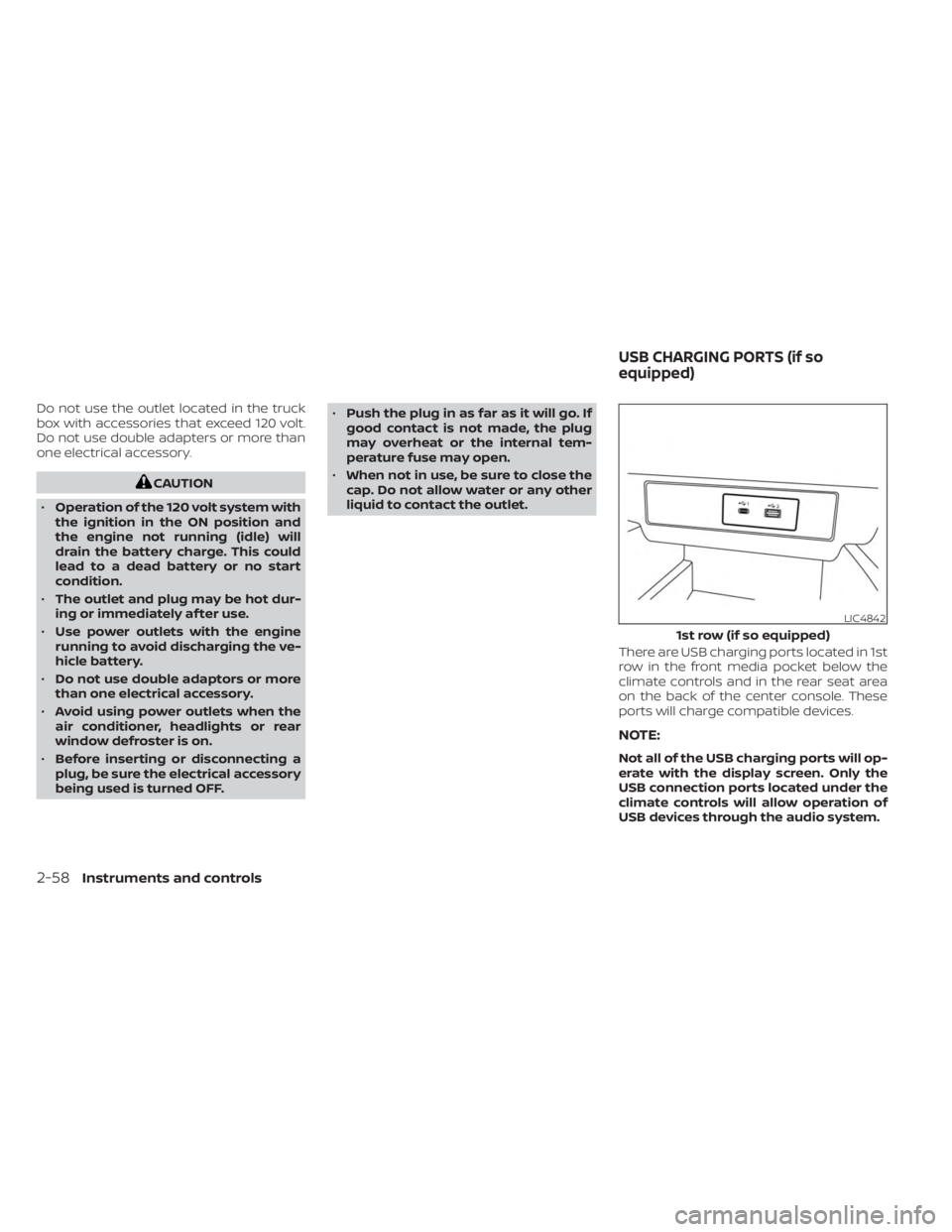
There are USB charging ports located in 1st
row in the front media pocket below the
climate controls and in the rear seat area
on the back of the center console. These
ports will charge compatible devices.
NOTE:
Not all of the USB charging ports will op-
erate with the display screen. Only the
USB connection ports located under the
climate controls will allow operation of
USB devices through the audio system.
LIC4842
1st row (if so equipped)
USB CHARGING PORTS (if so
equipped)
2-58Instruments and controls
Page 178 of 556
WIRELESS CHARGER INDICATOR
The indicator(1)willilluminate in orange
when the charging process is started.
When the charging has completed, the in-
dicator illuminates in green.
If a malfunction occurs or the charging
process has stopped, the indicator will
blink in orange for 8 seconds then turn off.
WIRELESS CHARGER OPERATION
To use the wireless charger, it is necessary
to seat the smartphone well within the
charging pad. To maximize charging per-
formance, ensure the smartphone is fully
seated on the center of the charging pad
over the "Qi" logo
OA. Because the location
of the power receiver may vary depending
on the smartphone, you will need to try and
find the area that suits your smartphone.
Because some smartphone cases or ac-
cessories may adversely affect charging,
remove them before wireless charging.
Turn off the vibration function of the smart-
phone before wireless charging.
NOTE:
• Only a Qi compatible smartphone can
be used.
• The smartphone may be warmed dur-
ing charging process and the charging
may stop by the protection function of
the wireless charger. This is not a mal-
function. If this occurs, restart charging
af ter the smartphone has cooled
down. The indicator will blink in orange
then turn off.
• The wireless charging process may be
stopped by the status of the smart-
phone (battery temperature, etc.).
• If a radio noise interference occurs dur-
ing charging process, put the smart-
phone onto the center (“Qi” logo) posi-
tion of the wireless charger.
• The wireless charging process will stop
during process of searching the Intelli-
gent Key.
• The wireless charging process will not
be started when a USB (Universal Serial
Bus) cable is connected to the smart-
phone. The indicator may illuminate in
orange or blink if the smartphone is
put on the wireless charger with a USB
cable connected. However, charging is
not performed. •
Depending on the type of the smart-
phone, the indicator may remain illu-
minated in orange even when the
charging process has been completed.
FCC ID: BEJWC500MNM
IC: 2703H-WC500MNM
This device complies with part 15 of the
FCC Rules and RSS-Gen of IC Rules.
Operation is subject to the following two
conditions:
(1) This device may not cause harmful
interference, and
(2) This device must accept any interfer-
ence received, including interference
that may cause undesired operation.
Changes or modifications not expressly
approved by the party responsible for
compliance could void the user’s author-
ity to operate the equipment.
RF Radiation Exposure Statement: This
equipment complies with FCC RF Radia-
tion exposure limits set forth for an un-
controlled environment.
This device and its antenna must not be
co-located or operating in conjunction
with any other antenna or transmitter.
This equipment should be installed and
operated with a minimum distance of
15cm between the radiator and your
body.
2-60Instruments and controls
Page 181 of 556
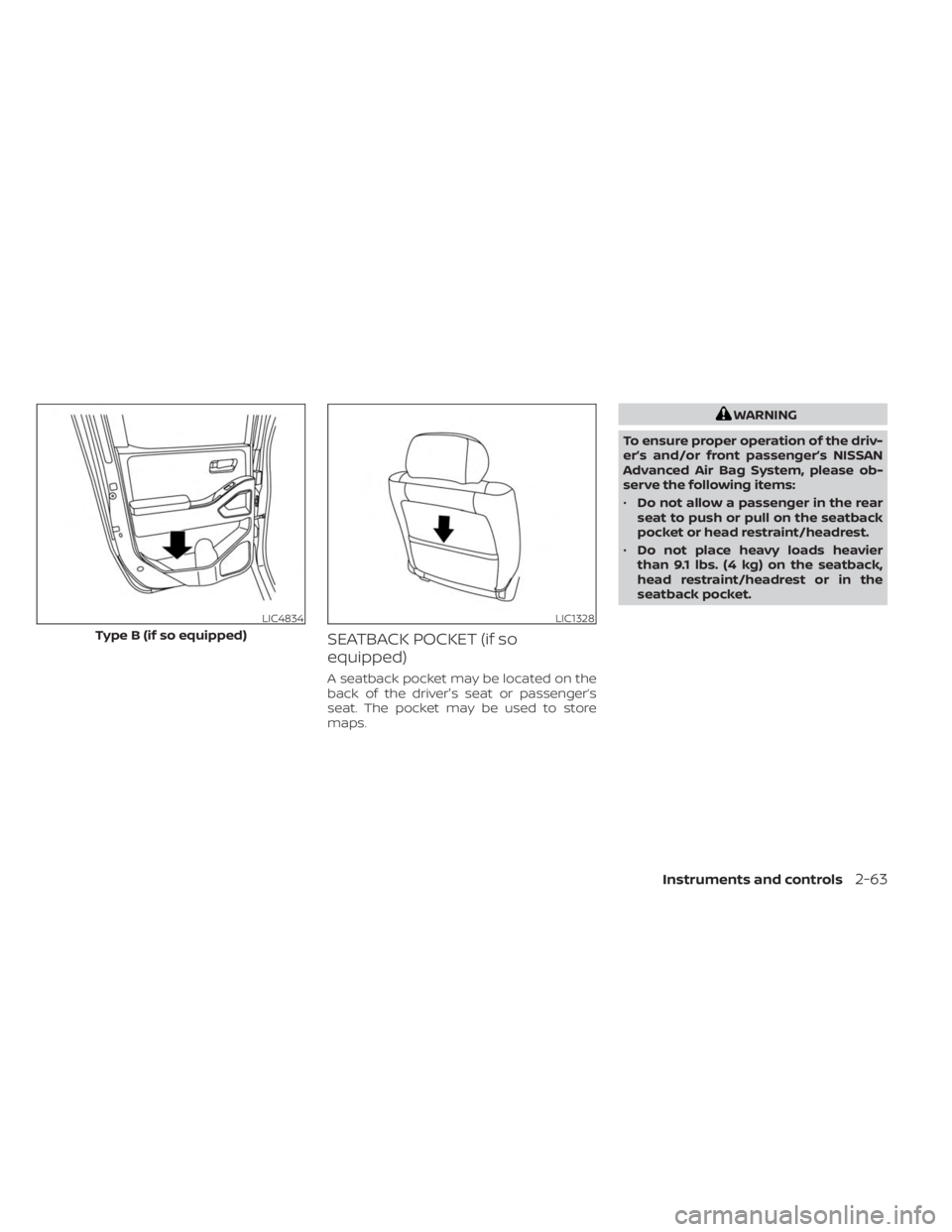
SEATBACK POCKET (if so
equipped)
A seatback pocket may be located on the
back of the driver's seat or passenger’s
seat. The pocket may be used to store
maps.
WARNING
To ensure proper operation of the driv-
er’s and/or front passenger’s NISSAN
Advanced Air Bag System, please ob-
serve the following items:
• Do not allow a passenger in the rear
seat to push or pull on the seatback
pocket or head restraint/headrest.
• Do not place heavy loads heavier
than 9.1 lbs. (4 kg) on the seatback,
head restraint/headrest or in the
seatback pocket.
LIC4834
Type B (if so equipped)
LIC1328
Instruments and controls2-63