steering NISSAN FRONTIER 2022 Owner´s Manual
[x] Cancel search | Manufacturer: NISSAN, Model Year: 2022, Model line: FRONTIER, Model: NISSAN FRONTIER 2022Pages: 556, PDF Size: 6.11 MB
Page 118 of 556
2 Instruments and controls
Instrument panel................................2-2
Meters and gauges .............................2-4
Speedometer and odometer .................2-4
Tachometer ..................................2-6
Engine coolant temperature gauge ..........2-6
Fuel gauge ................................... 2-7
Distance To Empty (DTE) ..................... 2-7
Auxiliary gauges (if so equipped) .............2-8
Off-road and 4–Wheel Drive (4WD)
monitor (if so equipped) ......................2-9
Warning lights, indicator lights and audible
reminders ...................................... 2-10
Checking lights ............................... 2-11
Warning/Indicator lights (red) ................2-11
Warning/Indicator lights (yellow) ............2-14
Warning/Indicator lights (other) .............2-19
Audible reminders ........................... 2-19
Vehicle information display .....................2-20
How to use the vehicle information
display ...................................... 2-21
Startup display .............................. 2-21
Settings ..................................... 2-21
Vehicle information display warnings
and indicators ............................... 2-28
Security systems ............................... 2-34
Vehicle security system (if so equipped) .....2-34 NISSAN Vehicle Immobilizer System
.........2-36
Wiper and washer switch .......................2-37
Switch operation ............................ 2-37
Outside mirror defroster switch
(if so equipped) ................................. 2-38
Headlight and turn signal switch ...............2-38
Headlight control switch ....................2-38
Daytime Running Lights (DRL) system
(Type A) (if so equipped) .....................2-43
LED Daytime Running Lights (DRL)
system (Type B) (if so equipped) .............2-43
Instrument brightness control ..............2-44
Turn signal switch ........................... 2-44
Fog light switch (if so equipped) .............2-45
Horn ........................................... 2-45
Cargo lamp switch ............................. 2-46
Heated seat switches (if so equipped) ..........2-46
Heated steering wheel switch (if so equipped) . . 2-47
W
arning systems switch (if so equipped) .......2-48
Vehicle Dynamic Control (VDC) OFF switch .....2-48
Hill descent control switch (if so equipped) .....2-49
Electronic locking rear differential (E-Lock)
system switch (if so equipped) .................2-50
Power inverter switch (if so equipped) ..........2-51
Parking Aids system switch (if so equipped) ....2-52
Page 121 of 556
20. Heated steering wheel switch(if so equipped) (P. 2-47)
Parking Aids system switch
(if so equipped) (P. 2-52)
21. 4WD shif t switch (if so equipped)
(P. 5-113)
22. Push-button ignition switch (P. 5-13)
23. Driver supplemental knee air bag
(P. 1-85)
24. Tilt steering wheel control (P. 3-23)
25. Parking brake (P. 5-23)
26. Hood release (P. 3-20)
27. Cargo lamp switch (P. 2-46) Electronic locking rear differential
(E-Lock) system switch (if so equipped)
(P. 2-50)
Hill descent control switch
(if so equipped) (P. 2-49)
Power inverter switch (if so equipped)
(P. 2-51)
Tow mode switch (if so equipped)
(P. 2-53)
Warning systems switch
(if so equipped) (P. 2-48)
Vehicle Dynamic Control (VDC) OFF
switch (P. 2-48)
Instruments and controls2-3
Page 127 of 556
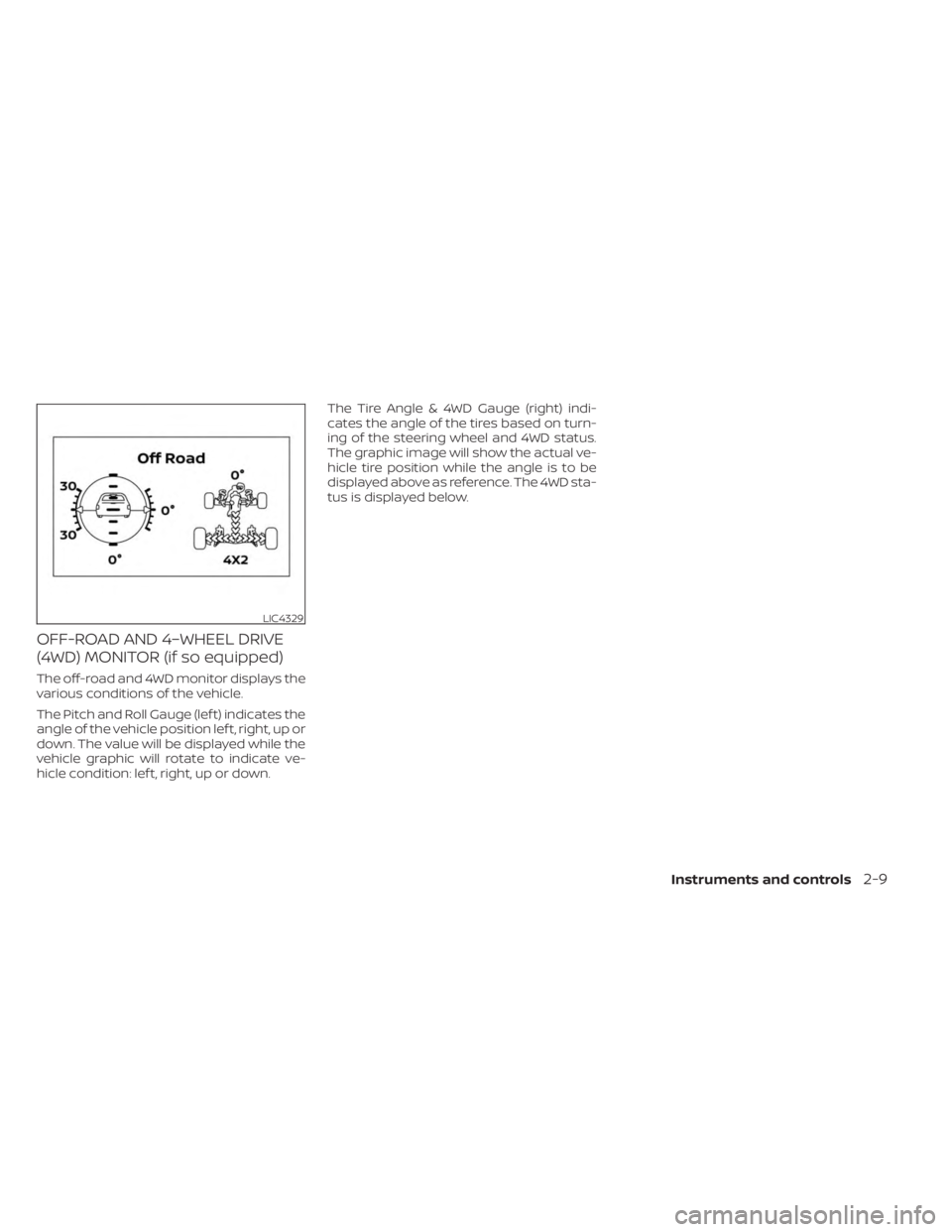
OFF-ROAD AND 4–WHEEL DRIVE
(4WD) MONITOR (if so equipped)
The off-road and 4WD monitor displays the
various conditions of the vehicle.
The Pitch and Roll Gauge (lef t) indicates the
angle of the vehicle position lef t, right, up or
down. The value will be displayed while the
vehicle graphic will rotate to indicate ve-
hicle condition: lef t, right, up or down.The Tire Angle & 4WD Gauge (right) indi-
cates the angle of the tires based on turn-
ing of the steering wheel and 4WD status.
The graphic image will show the actual ve-
hicle tire position while the angle is to be
displayed above as reference. The 4WD sta-
tus is displayed below.
LIC4329
Instruments and controls2-9
Page 135 of 556
•If the light illuminates while driving,
avoid sudden steering maneuvers or
abrupt braking, reduce vehicle
speed, pull off the road to a safe loca-
tion and stop the vehicle as soon as
possible. Driving with under-inflated
tires may permanently damage the
tires and increase the likelihood of
tire failure. Serious vehicle damage
could occur and may lead to an acci-
dent and could result in serious per-
sonal injury or death. Check the tire
pressure for all four tires. Adjust the
tire pressure to the recommended
COLD tire pressure show on the Tire
and Loading Information label lo-
cated in the driver’s door opening to
turn the low tire pressure warning
light off. If the light still illuminates
while driving af ter adjusting the tire
pressure, a tire may be flat or the
TPMS may be malfunctioning. If you
have a flat tire, replace it with a spare
tire as soon as possible. If no tire is
flat and all tires are properly inflated,
have the vehicle checked. It is recom-
mended that you visit a NISSAN
dealer for this service. •
When using a wheel without the
TPMS such as the spare tire, the TPMS
will not function and the low tire
pressure warning light will flash for
approximately 1 minute. The light will
remain on af ter 1 minute. Have your
tires replaced and/or TPMS system
reset as soon as possible. It is recom-
mended that you visit a NISSAN
dealer for these services.
• Replacing tires with those not origi-
nally specified by NISSAN could af-
fect the proper operation of the
TPMS.
CAUTION
• The TPMS is not a substitute for the
regular tire pressure check. Be sure
to check the tire pressure regularly.
• If the vehicle is being driven at
speeds of less than 16 mph (25 km/h),
the TPMS may not operate correctly.
• Be sure to install the specified size of
tires to the four wheels correctly.
Malfunction Indicator Light
(MIL)
If this indicator light comes on steady or
blinks while the engine is running, it may
indicate a potential emission control
malfunction.
If this indicator light comes on steady for 20
seconds and then blinks for 10 seconds
when the engine is not running, it indicates
that the vehicle is not ready for an emission
control system inspection/maintenance
test. For additional information, see “Readi-
ness for inspection/maintenance (I/M)
test” (P. 10-42).
Operation
The MIL will come on in one of two ways:
•
MIL on steady — An emission control sys-
tem malfunction has been detected.
Check the fuel-filler cap if the Loose Fuel
Cap warning appears in the vehicle infor-
mation display. If the fuel-filler cap is loose
or missing, tighten or install the cap and
continue to drive the vehicle. The
light
should turn off af ter a few driving trips. If
the
light does not turn off af ter a few
driving trips, have the vehicle inspected. It is
recommended that you visit a NISSAN
dealer for this service. You do not need to
have your vehicle towed to the dealer.
Instruments and controls2-17
Page 139 of 556
HOW TO USE THE VEHICLE
INFORMATION DISPLAY
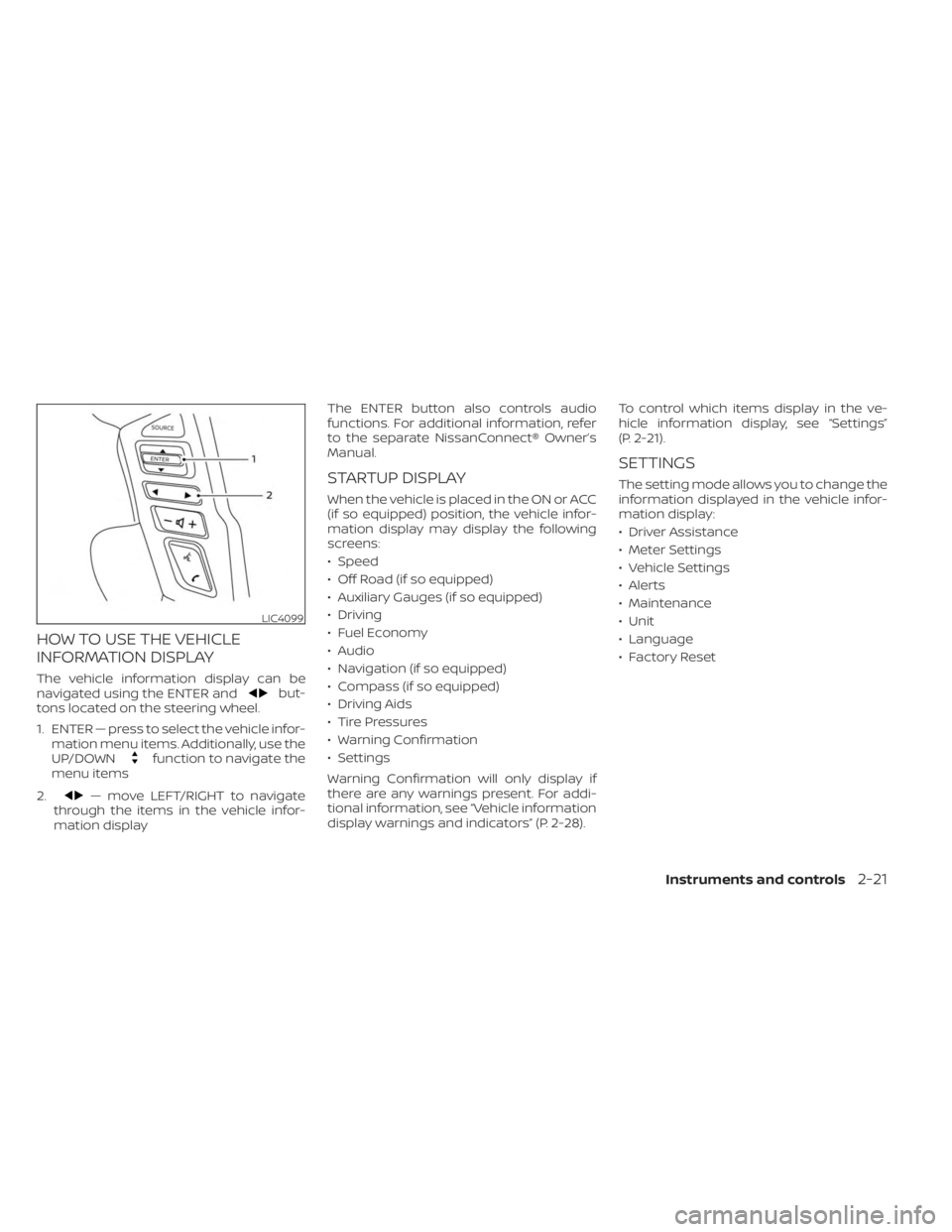
The vehicle information display can be
navigated using the ENTER andbut-
tons located on the steering wheel.
1. ENTER — press to select the vehicle infor- mation menu items. Additionally, use the
UP/DOWN
function to navigate the
menu items
2.
— move LEFT/RIGHT to navigate
through the items in the vehicle infor-
mation display The ENTER button also controls audio
functions. For additional information, refer
to the separate NissanConnect® Owner’s
Manual.
STARTUP DISPLAY
When the vehicle is placed in the ON or ACC
(if so equipped) position, the vehicle infor-
mation display may display the following
screens:
• Speed
• Off Road (if so equipped)
• Auxiliary Gauges (if so equipped)
• Driving
• Fuel Economy
• Audio
• Navigation (if so equipped)
• Compass (if so equipped)
• Driving Aids
• Tire Pressures
• Warning Confirmation
• Settings
Warning Confirmation will only display if
there are any warnings present. For addi-
tional information, see “Vehicle information
display warnings and indicators” (P. 2-28).
To control which items display in the ve-
hicle information display, see “Settings”
(P. 2-21).
SETTINGS
The setting mode allows you to change the
information displayed in the vehicle infor-
mation display:
• Driver Assistance
• Meter Settings
• Vehicle Settings
• Alerts
• Maintenance
• Unit
• Language
• Factory Reset
LIC4099
Instruments and controls2-21
Page 148 of 556
NOTE:
This system is disabled until a driver en-
ables it using the vehicle information
display. For additional information, see
“How to use the vehicle information dis-
play ” (P. 2-21).
For additional information, see “Rear Door
Alert” (P. 2-54).
Rear Door Alert is activated
When the system is enabled, this message
appears when the Rear Door Alert system
is active and can remind the driver to check
the back seat.
• Using the steering wheel switch, a drivercan select “Dismiss Message” to clear the
display for a period of time. If no selection
is made, this message automatically
turns off af ter a period of time.
• Using the steering wheel switch, a driver can select “Disable Alert” to disable the
horn alert for the remainder of the cur-
rent trip.
WARNING
Selecting “Dismiss Message” during a
stop within a trip temporarily dis-
misses the message for that stop with-
out turning the system off. Alerts can
be provided for other stops during the
trip. Selecting “Disable Alert” turns off
the Rear Door Alert system for the re-
mainder of a trip and no audible alert
will be provided.
NOTE:
This system is disabled until a driver en-
ables it using the vehicle information
display. For additional information, “How
to use the vehicle information display ”
(P. 2-21).
For additional information, “Rear Door Alert”
(P. 2-54).
Rear seat belt reminder
This rear seat belt reminder appears af ter
starting the engine.
If any of the rear passenger seat belts are
not fastened, the seat belt icon illuminates
in red to show which seat belt is not fas-
tened. When a rear passenger’s seat belt
has been securely fastened, the color of the corresponding seat belt icon will change.
The warning will automatically turn off af-
ter approximately 35 seconds.
A chime will sound one time and the rear
seat belt warning will appear if a rear pas-
senger’s seat belt is unfastened. The chime
will not sound when the vehicle speed ex-
ceeds 10 mph (15 km/h). The seat belt icon
illuminates in red until the corresponding
rear passenger’s seat belt is fastened. The
warning will automatically turn off af ter ap-
proximately 35 seconds.
Release Parking Brake
This warning appears in the message area
of the vehicle information display when the
parking brake is set and the vehicle is
driven. Press the brake pedal to release the
parking brake.
Reminder: Turn OFF
Headlights
This warning appears when the headlights
are lef t in the ON position when exiting the
vehicle. Place the headlight switch in the
OFF or AUTO position. For additional infor-
mation, see “Headlight and turn signal
switch” (P. 2-38).
2-30Instruments and controls
Page 163 of 556
FOG LIGHT SWITCH (if so
equipped)
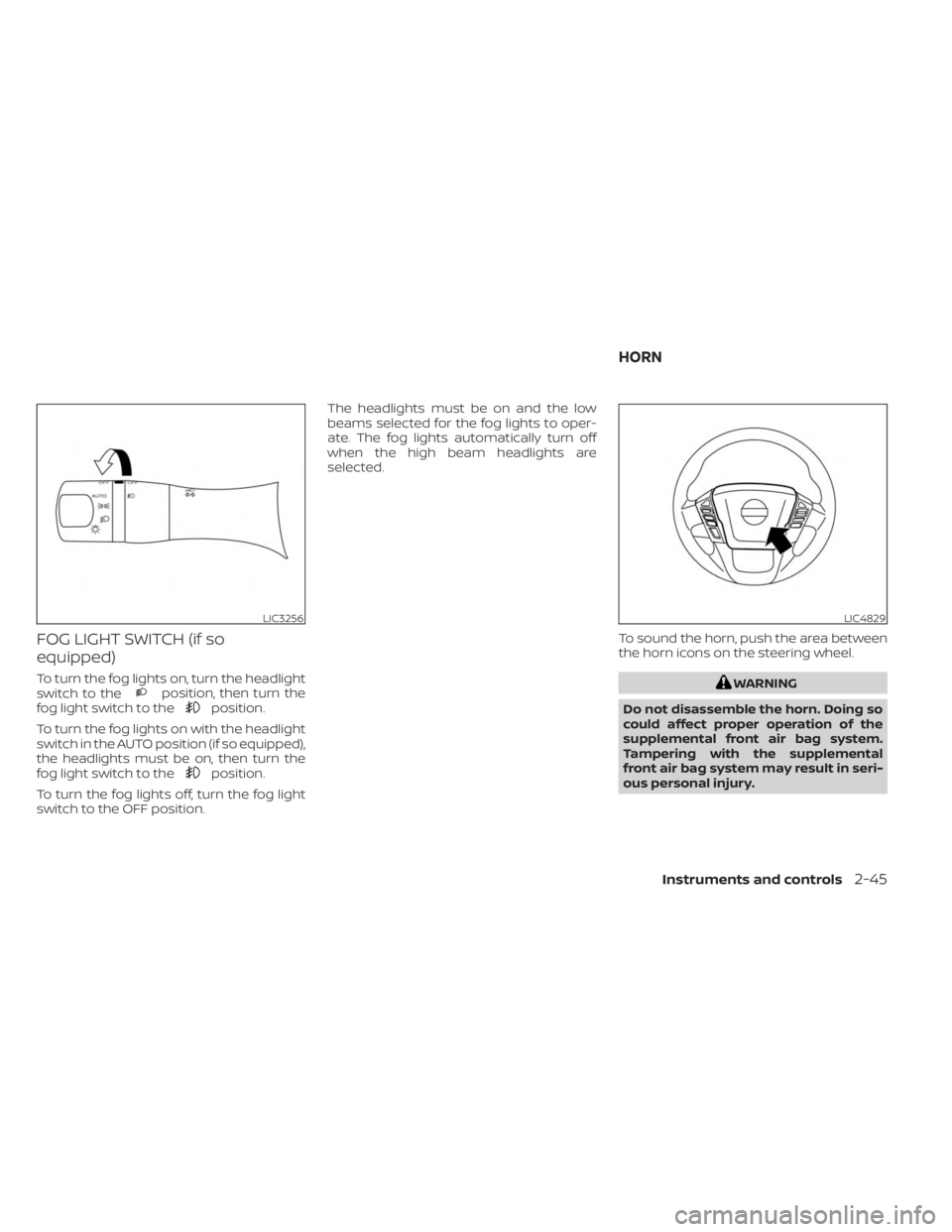
To turn the fog lights on, turn the headlight
switch to theposition, then turn the
fog light switch to theposition.
To turn the fog lights on with the headlight
switch in the AUTO position (if so equipped),
the headlights must be on, then turn the
fog light switch to the
position.
To turn the fog lights off, turn the fog light
switch to the OFF position. The headlights must be on and the low
beams selected for the fog lights to oper-
ate. The fog lights automatically turn off
when the high beam headlights are
selected.
To sound the horn, push the area between
the horn icons on the steering wheel.
WARNING
Do not disassemble the horn. Doing so
could affect proper operation of the
supplemental front air bag system.
Tampering with the supplemental
front air bag system may result in seri-
ous personal injury.
LIC3256LIC4829
HORN
Instruments and controls2-45
Page 165 of 556
•Any liquid spilled on the heated seat
should be removed immediately with
a dry cloth.
• When cleaning the seat, never use
gasoline, benzine, thinner, or any
similar materials.
• If any malfunctions are found or the
heated seat does not operate, turn
the switch off and have the system
checked. It is recommended that you
visit a NISSAN dealer for this service.
• The battery could run down if the
seat heater is operated while the en-
gine is not running.
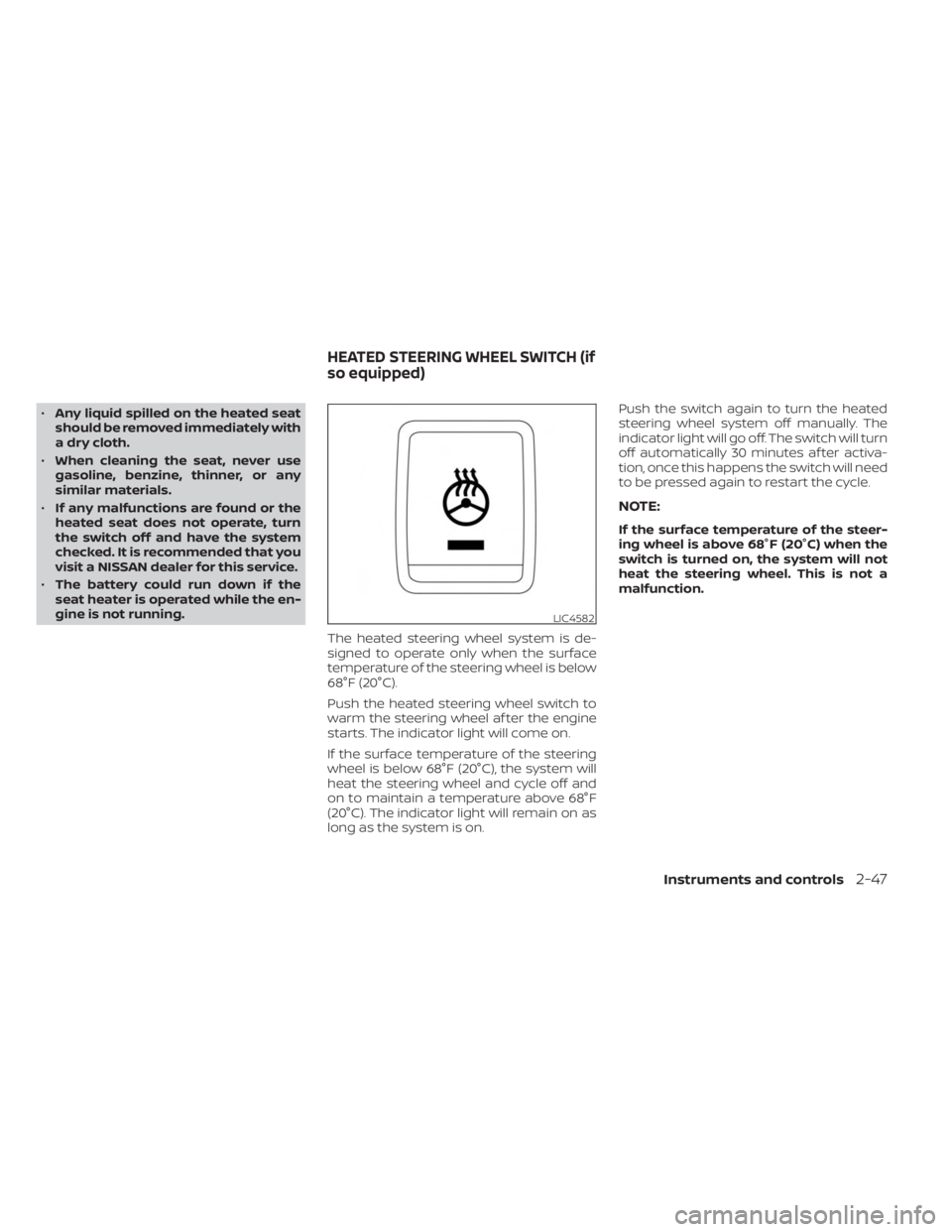
The heated steering wheel system is de-
signed to operate only when the surface
temperature of the steering wheel is below
68°F (20°C).
Push the heated steering wheel switch to
warm the steering wheel af ter the engine
starts. The indicator light will come on.
If the surface temperature of the steering
wheel is below 68°F (20°C), the system will
heat the steering wheel and cycle off and
on to maintain a temperature above 68°F
(20°C). The indicator light will remain on as
long as the system is on. Push the switch again to turn the heated
steering wheel system off manually. The
indicator light will go off. The switch will turn
off automatically 30 minutes af ter activa-
tion, once this happens the switch will need
to be pressed again to restart the cycle.
NOTE:
If the surface temperature of the steer-
ing wheel is above 68°F (20°C) when the
switch is turned on, the system will not
heat the steering wheel. This is not a
malfunction.
LIC4582
HEATED STEERING WHEEL SWITCH (if
so equipped)
Instruments and controls2-47
Page 166 of 556
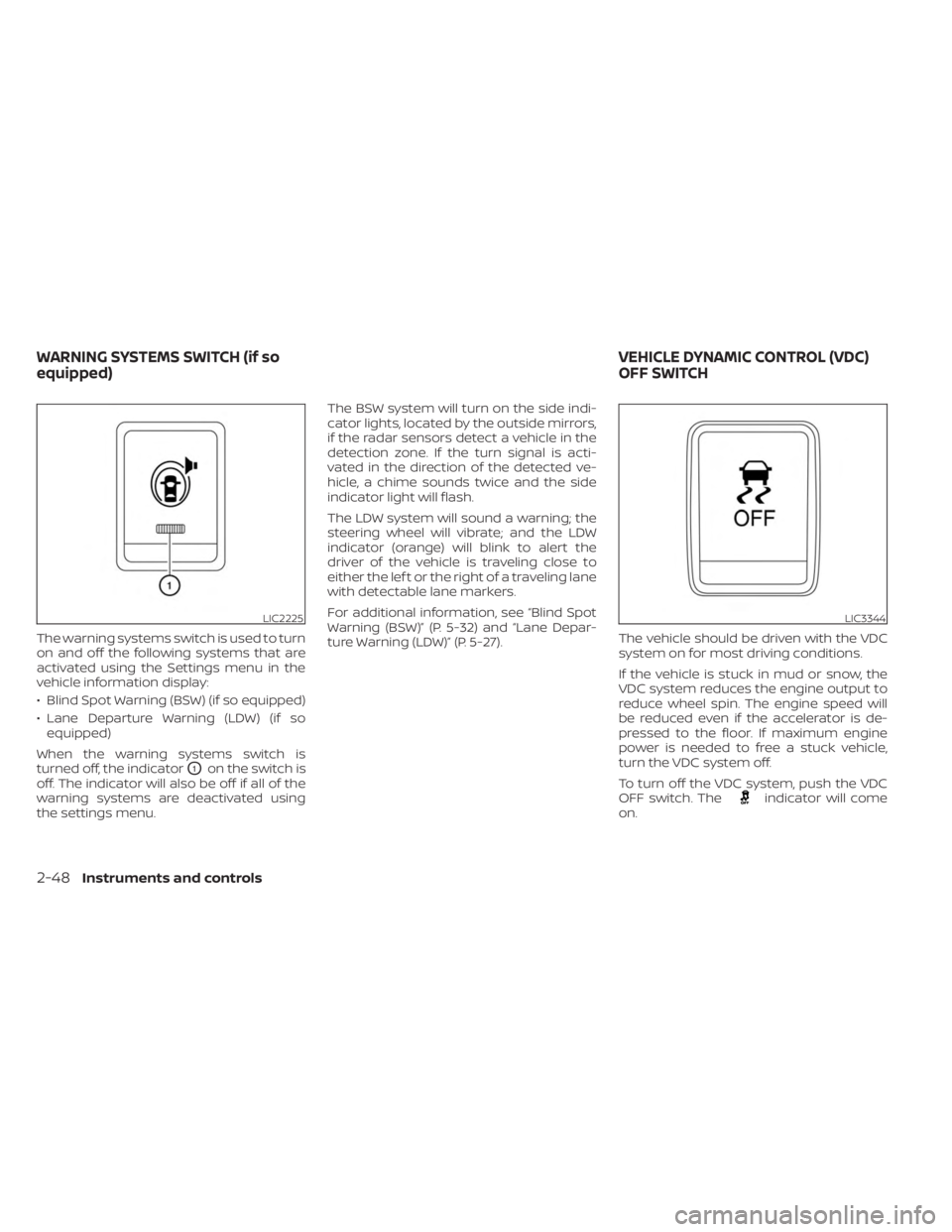
The warning systems switch is used to turn
on and off the following systems that are
activated using the Settings menu in the
vehicle information display:
• Blind Spot Warning (BSW) (if so equipped)
• Lane Departure Warning (LDW) (if soequipped)
When the warning systems switch is
turned off, the indicator
O1on the switch is
off. The indicator will also be off if all of the
warning systems are deactivated using
the settings menu. The BSW system will turn on the side indi-
cator lights, located by the outside mirrors,
if the radar sensors detect a vehicle in the
detection zone. If the turn signal is acti-
vated in the direction of the detected ve-
hicle, a chime sounds twice and the side
indicator light will flash.
The LDW system will sound a warning; the
steering wheel will vibrate; and the LDW
indicator (orange) will blink to alert the
driver of the vehicle is traveling close to
either the lef t or the right of a traveling lane
with detectable lane markers.
For additional information, see “Blind Spot
Warning (BSW)” (P. 5-32) and “Lane Depar-
ture Warning (LDW)” (P. 5-27).
The vehicle should be driven with the VDC
system on for most driving conditions.
If the vehicle is stuck in mud or snow, the
VDC system reduces the engine output to
reduce wheel spin. The engine speed will
be reduced even if the accelerator is de-
pressed to the floor. If maximum engine
power is needed to free a stuck vehicle,
turn the VDC system off.
To turn off the VDC system, push the VDC
OFF switch. The
indicator will come
on.
LIC2225LIC3344
WARNING SYSTEMS SWITCH (if so
equipped) VEHICLE DYNAMIC CONTROL (VDC)
OFF SWITCH
2-48Instruments and controls
Page 168 of 556
The hill descent control system is designed
to reduce driver workload when going
down steep hills. The hill descent control
system helps to control vehicle speed so
the driver can concentrate on steering the
vehicle.
To activate the hill descent control system:
• The shif t lever must be in forward or re-verse gear,
• The 4WD switch must be in the 4L posi- tion and the vehicle speed must be under
15 mph (25 km/h) or
• The 4WD switch must be in the 4H posi- tion and the vehicle speed must be under
21 mph (35 km/h), and
• The hill descent control system switch must be ON.
The hill descent control system ON indica-
tor light will come on when the system is
activated. Also, the stop/tail lights illumi-
nate while the hill descent control system
applies the brakes to control vehicle speed. If the accelerator or brake pedal is de-
pressed while the hill descent control sys-
tem is on, the system will stop operating
temporarily. As soon as the accelerator or
brake pedal is released, the hill descent
control system begins to function again if
the hill descent control operating condi-
tions are fulfilled.
The hill descent control system ON indica-
tor light blinks if the switch is on and all
conditions for system activation are not
met or if the system becomes disengaged
for any reason.
To turn off the hill descent control system,
push the switch to the OFF position.
For additional information, see “Hill descent
control system ON indicator light” (P. 2-15)
and “Hill descent control system” (P. 5-123).
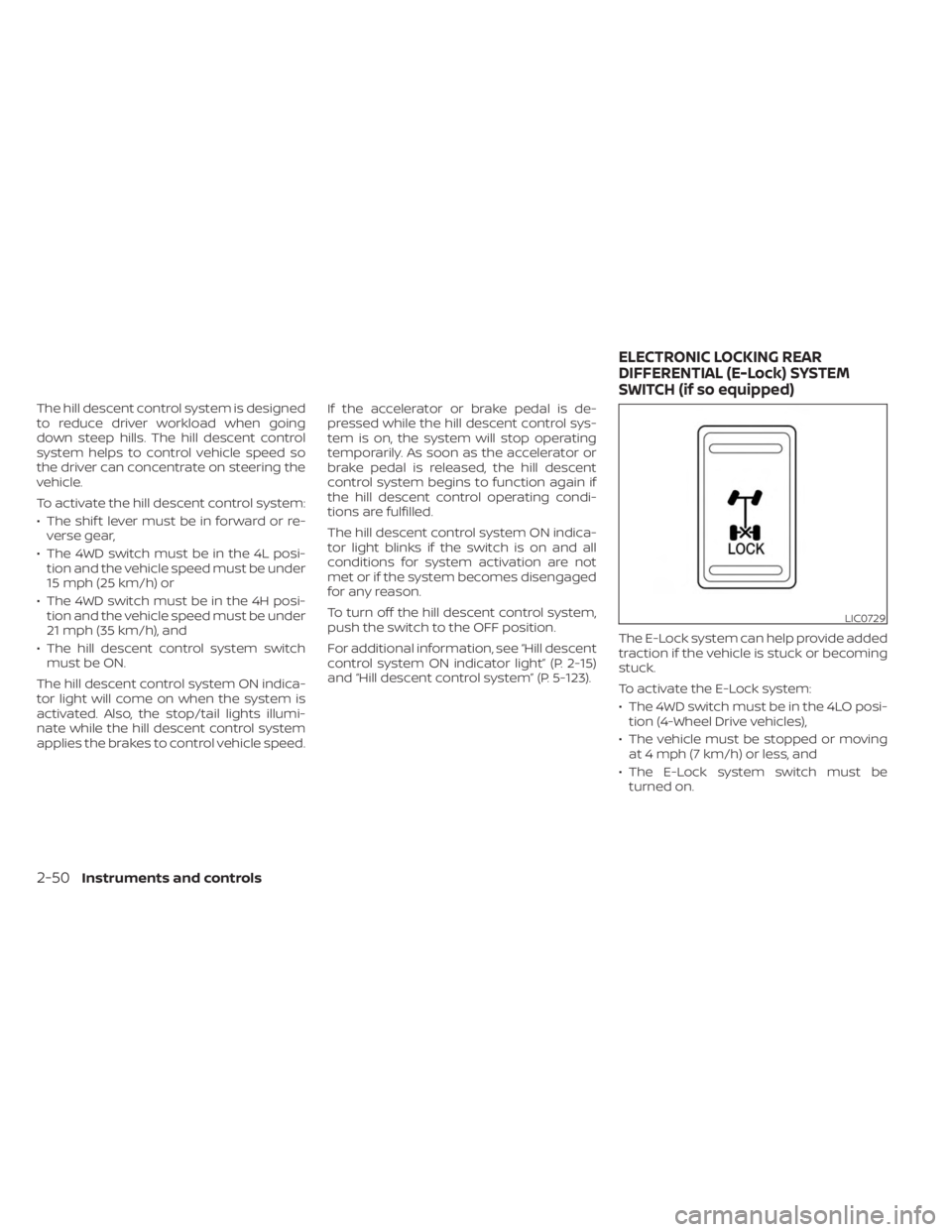
The E-Lock system can help provide added
traction if the vehicle is stuck or becoming
stuck.
To activate the E-Lock system:
• The 4WD switch must be in the 4LO posi-
tion (4-Wheel Drive vehicles),
• The vehicle must be stopped or moving at 4 mph (7 km/h) or less, and
• The E-Lock system switch must be turned on.
LIC0729
ELECTRONIC LOCKING REAR
DIFFERENTIAL (E-Lock) SYSTEM
SWITCH (if so equipped)
2-50Instruments and controls