lock NISSAN KICKS 2019 Owner´s Manual
[x] Cancel search | Manufacturer: NISSAN, Model Year: 2019, Model line: KICKS, Model: NISSAN KICKS 2019Pages: 444, PDF Size: 5.55 MB
Page 74 of 444
4. Remain in this position for 30 secondsallowing the system to classif y the
front passenger before the vehicle is
put into motion.
5. Ensure proper classification by check- ing the front passenger air bag status
light.
NOTE:
This vehicle’s occupant classification
sensor system generally keeps the clas-
sification locked during driving, so it is
important that you confirm that the
front passenger is properly classified
prior to driving. However, the occupant
classification sensor may recalculate the
weight of the occupant under some con-
ditions (both while driving and when
stopped), so front passenger seat occu-
pants should continue to remain seated
as outlined above.
Troubleshooting
If you think the front passenger air bag
status light is incorrect: 1. If the light is ON with an adult occupying the front passenger seat: ∙ Occupant is a small adult — the air bag
light is functioning as intended. The
front passenger air bag is suppressed.
However, if the occupant is not a small
adult, then this may be due to the following
conditions that may be interfering with the
weight sensors: ∙ Occupant is not sitting upright, leaning against the seatback, and centered on
the seat cushion with his/her feet com-
fortably extended to the floor.
∙ A child restraint or other object pressing against the rear of the seatback.
∙ A rear passenger pushing or pulling on the back of the front passenger seat.
∙ Forcing the front seat or seatback against an object on the seat or floor
behind it.
∙ An object placed under the front pas- senger seat.
∙ An object placed between the seat cushion and center console or between
the seat cushion and the door.
If the vehicle is moving, please come to a
stop when it is safe to do so. Check and
correct any of the above conditions. Re-
start the vehicle and wait 1 minute. NOTE:
A system check will be performed during
which the front passenger air bag status
light will remain lit for about 7 seconds
initially.
If the light is still ON af ter this, the person
should be advised not to ride in the front
passenger seat and the vehicle should be
checked as soon as possible. It is recom-
mended that you visit a NISSAN dealer for
this service.
2. If the light is OFF with a small adult, child or child restraint occupying the
front passenger seat.
This may be due to the following con-
ditions that may be interfering with the
weight sensors:
∙ Small adult or child is not sitting upright, leaning against the seatback, and cen-
tered on the seat cushion with his/her
feet comfortably extended to the floor.
∙ The child restraint is not properly in- stalled, as outlined in the “Child re-
straints” section of this manual.
∙ An object weighing over 9.1 lbs. (4 kg) hanging on the seat or placed in the
seatback pocket.
1-56Safety—Seats, seat belts and supplemental restraint system
Page 82 of 444
WARNING
If the supplemental air bag warning
light is on, it could mean that the front
air bag, side air bag, curtain air bag,
knee air bag and/or pretensioner sys-
tems will not operate in an accident. To
help avoid injury to yourself or others,
have your vehicle checked as soon as
possible. It is recommended that you
visit a NISSAN dealer for this service.
Repair and replacement
procedure
The front air bags, side air bags, curtain air
bags, knee air bag and pretensioner(s) are
designed to inflate on a one-time-only ba-
sis. As a reminder, unless it is damaged, the
supplemental air bag warning light re-
mains illuminated af ter inflation has oc-
curred. These systems should be repaired
and/or replaced as soon as possible. It is
recommended that you visit a NISSAN
dealer for this service.
When maintenance work is required on the
vehicle, the front air bags, side air bags,
curtain air bags, knee air bag, pretension-
er(s) and related parts should be pointed
out to the person performing the mainte-
nance. The ignition switch should alwaysbe in the LOCK position when working un-
der the hood or inside the vehicle.
WARNING
∙ Once a front air bag, side air bag, cur-
tain air bag, or knee air bag has in-
flated, the air bag module will not
function again and must be replaced.
Additionally, the activated preten-
sioner(s) must also be replaced. The
air bag module and pretensioner(s)
should be replaced. It is recom-
mended that you visit a NISSAN dealer
for this service. However, the air bag
module and pretensioner(s) cannot
be repaired.
∙ The front air bag, side air bag, curtain air bag, knee air bag systems and the
pretensioner system should be in-
spected if there is any damage to the
front end or side portion of the ve-
hicle. It is recommended that you visit
a NISSAN dealer for this service.
∙ If you need to dispose of a supple- mental air bag or pretensioner sys-
tems or scrap the vehicle, it is recom-
mended that you visit a NISSAN
dealer. Incorrect disposal procedures
could cause personal injury. ∙ If there is an impact to your vehicle
from any direction, your Occupant
Classification Sensor (OCS) should be
checked to verif y it is still functioning
correctly. It is recommended that you
visit a NISSAN dealer for this service.
The OCS should be checked even if no
air bags deploy as a result of the im-
pact. Failure to verif y proper OCS
function may result in an improper air
bag deployment resulting in injury or
death.
1-64Safety—Seats, seat belts and supplemental restraint system
Page 87 of 444
12. Climate controls (P. 4-31, 4-39)Heated seat switches (if so
equipped) (P. 2-47)
13. Shif t lever (P. 5-15)
14. Push-button ignition switch
(P. 5-9)
15. Power outlet (P. 2-49) USB connection port (P. 4-2, 4-42)
AUX jack (P. 4-2, 4-42)
16. Bluetooth® Hands-Free Phone
System (P. 4-2, 4-67)
Cruise control switches (P. 5-39)
17. Driver supplemental knee air bag
(P. 1-42)
18. Tilt and telescopic steering wheel
lock lever (P. 3-26)
19. Hood release (P. 3-21) Fuel-filler door release (P. 3-24)
Automatic Emergency Braking
(AEB) switch (if so equipped)
(P 2-48)
20. Steering wheel switches for audio
control (P. 4-2, 4-62)
Control panel and vehicle informa-
tion display switches (if so
equipped) (P. 2-22) 21. Vehicle Dynamic Control (VDC) OFF
switch (P. 2-48)
Enter/select switch for trip com-
puter (if so equipped) (P. 2-9)
* Refer to the separate NissanConnect®
Owner’s Manual (if so equipped).
Refer to the page number indicated in
parentheses for operating details.
Instruments and controls2-3
Page 95 of 444
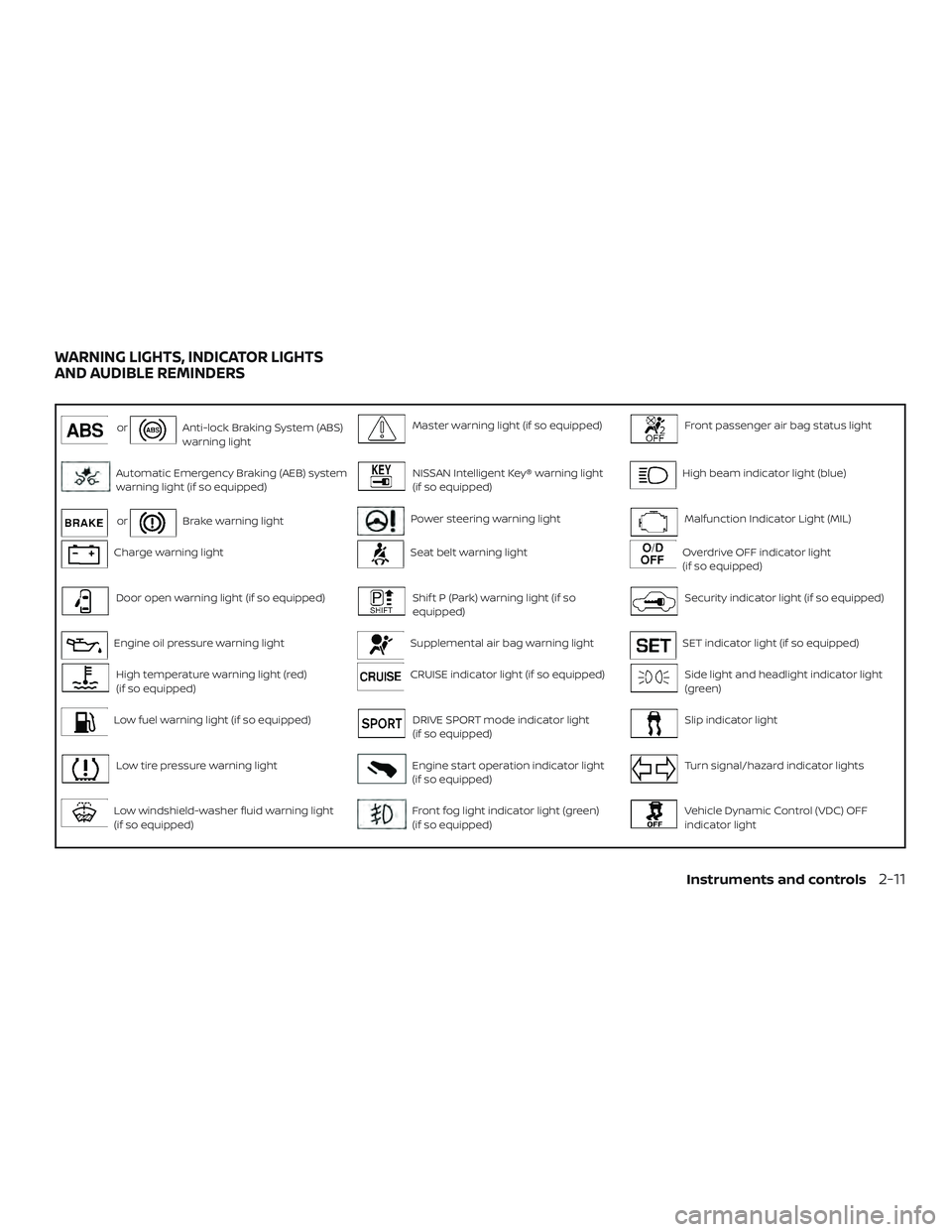
orAnti-lock Braking System (ABS)
warning lightMaster warning light (if so equipped)Front passenger air bag status light
Automatic Emergency Braking (AEB) system
warning light (if so equipped)NISSAN Intelligent Key® warning light
(if so equipped)High beam indicator light (blue)
orBrake warning lightPower steering warning lightMalfunction Indicator Light (MIL)
Charge warning lightSeat belt warning lightOverdrive OFF indicator light
(if so equipped)
Door open warning light (if so equipped)Shif t P (Park) warning light (if so
equipped)Security indicator light (if so equipped)
Engine oil pressure warning lightSupplemental air bag warning lightSET indicator light (if so equipped)
High temperature warning light (red)
(if so equipped)CRUISE indicator light (if so equipped)Side light and headlight indicator light
(green)
Low fuel warning light (if so equipped)DRIVE SPORT mode indicator light
(if so equipped)Slip indicator light
Low tire pressure warning lightEngine start operation indicator light
(if so equipped)Turn signal/hazard indicator lights
Low windshield-washer fluid warning light
(if so equipped)Front fog light indicator light (green)
(if so equipped)Vehicle Dynamic Control (VDC) OFF
indicator light
WARNING LIGHTS, INDICATOR LIGHTS
AND AUDIBLE REMINDERS
Instruments and controls2-11
Page 96 of 444
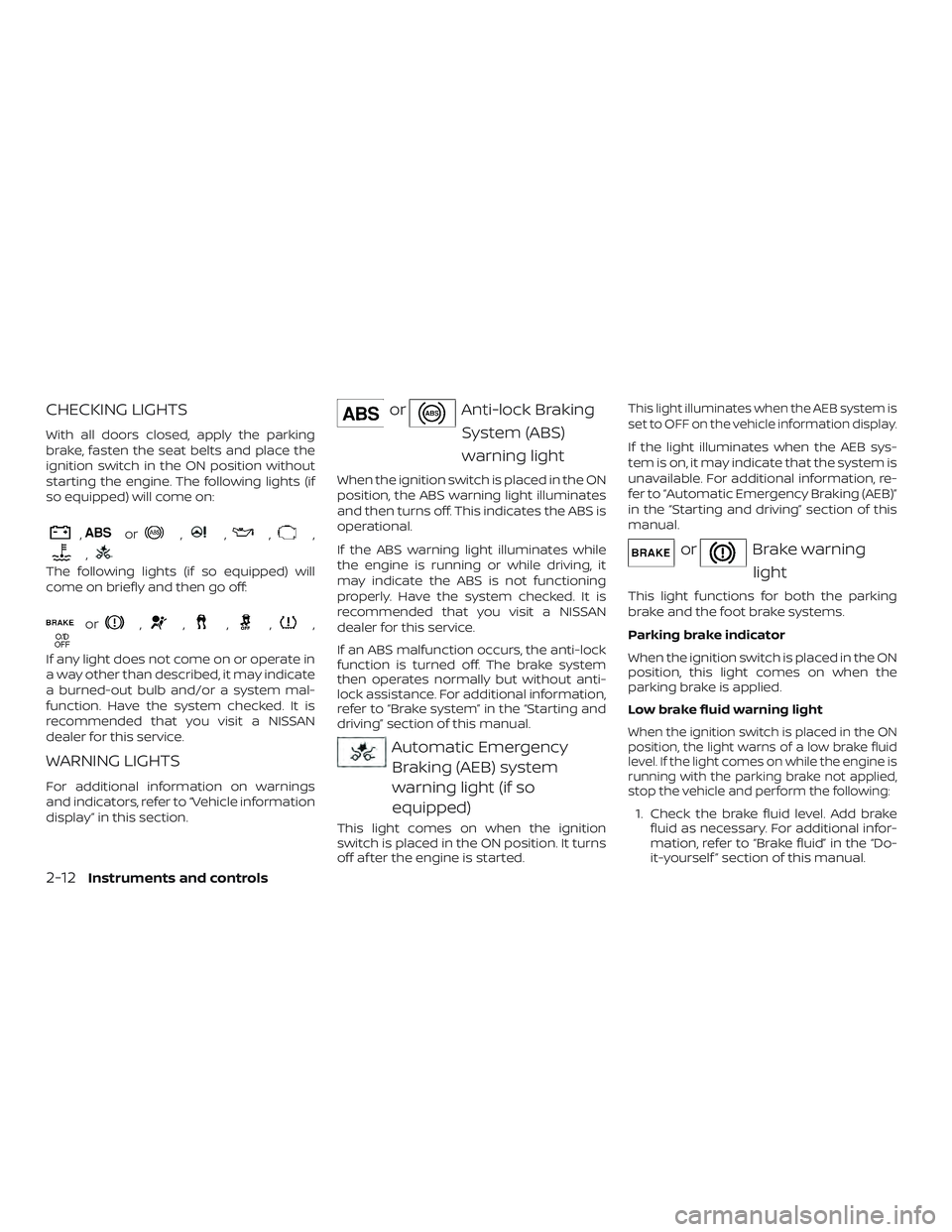
CHECKING LIGHTS
With all doors closed, apply the parking
brake, fasten the seat belts and place the
ignition switch in the ON position without
starting the engine. The following lights (if
so equipped) will come on:
,or,,,,
,
The following lights (if so equipped) will
come on briefly and then go off:
or,,,,,
If any light does not come on or operate in
a way other than described, it may indicate
a burned-out bulb and/or a system mal-
function. Have the system checked. It is
recommended that you visit a NISSAN
dealer for this service.
WARNING LIGHTS
For additional information on warnings
and indicators, refer to “Vehicle information
display” in this section.
orAnti-lock BrakingSystem (ABS)
warning light
When the ignition switch is placed in the ON
position, the ABS warning light illuminates
and then turns off. This indicates the ABS is
operational.
If the ABS warning light illuminates while
the engine is running or while driving, it
may indicate the ABS is not functioning
properly. Have the system checked. It is
recommended that you visit a NISSAN
dealer for this service.
If an ABS malfunction occurs, the anti-lock
function is turned off. The brake system
then operates normally but without anti-
lock assistance. For additional information,
refer to “Brake system” in the “Starting and
driving” section of this manual.
Automatic EmergencyBraking (AEB) system
warning light (if so
equipped)
This light comes on when the ignition
switch is placed in the ON position. It turns
off af ter the engine is started.
This light illuminates when the AEB system is
set to OFF on the vehicle information display.
If the light illuminates when the AEB sys-
tem is on, it may indicate that the system is
unavailable. For additional information, re-
fer to “Automatic Emergency Braking (AEB)”
in the “Starting and driving” section of this
manual.
orBrake warning
light
This light functions for both the parking
brake and the foot brake systems.
Parking brake indicator
When the ignition switch is placed in the ON
position, this light comes on when the
parking brake is applied.
Low brake fluid warning light
When the ignition switch is placed in the ON
position, the light warns of a low brake fluid
level. If the light comes on while the engine is
running with the parking brake not applied,
stop the vehicle and perform the following:
1. Check the brake fluid level. Add brake fluid as necessary. For additional infor-
mation, refer to “Brake fluid” in the “Do-
it-yourself ” section of this manual.
2-12Instruments and controls
Page 97 of 444
2. If the brake fluid level is correct, havethe warning system checked. It is rec-
ommended that you visit a NISSAN
dealer for this service.
WARNING
∙ Your brake system may not be work-ing properly if the warning light is on.
Driving could be dangerous. If you
judge it to be safe, drive carefully to
the nearest service station for repairs.
Otherwise, have your vehicle towed
because driving it could be
dangerous.
∙ Pressing the brake pedal with the en- gine stopped and/or a low brake fluid
level may increase your stopping dis-
tance and braking will require greater
pedal effort as well as pedal travel.
∙ If the brake fluid level is below the MINIMUM or MIN mark on the brake
fluid reservoir, do not drive until the
brake system has been checked. It is
recommended that you visit a NISSAN
dealer for this service. Anti-lock Braking System (ABS) warning
indicator (if so equipped)
When the parking brake is released and the
brake fluid level is sufficient, if both the
brake warning light and the ABS warning
light illuminate, it may indicate the ABS is
not functioning properly. Have the brake
system checked and, if necessary, repaired.
It is recommended that you visit a NISSAN
dealer for this service. For additional infor-
mation, refer to “Anti-lock Braking System
(ABS) warning light” in this section.
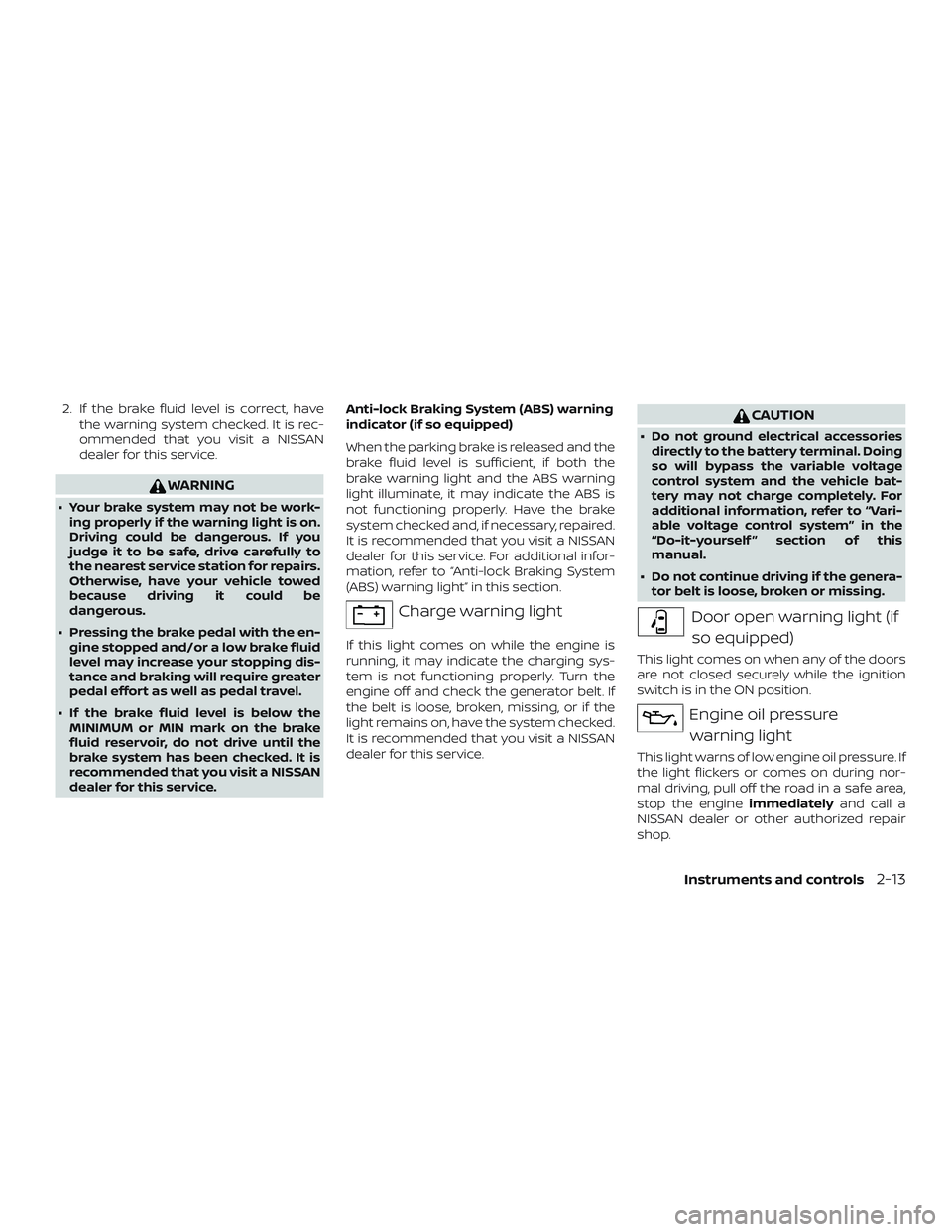
Charge warning light
If this light comes on while the engine is
running, it may indicate the charging sys-
tem is not functioning properly. Turn the
engine off and check the generator belt. If
the belt is loose, broken, missing, or if the
light remains on, have the system checked.
It is recommended that you visit a NISSAN
dealer for this service.
CAUTION
∙ Do not ground electrical accessories
directly to the battery terminal. Doing
so will bypass the variable voltage
control system and the vehicle bat-
tery may not charge completely. For
additional information, refer to “Vari-
able voltage control system” in the
“Do-it-yourself ” section of this
manual.
∙ Do not continue driving if the genera- tor belt is loose, broken or missing.
Door open warning light (if
so equipped)
This light comes on when any of the doors
are not closed securely while the ignition
switch is in the ON position.
Engine oil pressurewarning light
This light warns of low engine oil pressure. If
the light flickers or comes on during nor-
mal driving, pull off the road in a safe area,
stop the engine immediatelyand call a
NISSAN dealer or other authorized repair
shop.
Instruments and controls2-13
Page 100 of 444
∙ When replacing a wheel without theTPMS such as the spare tire, the TPMS
will not function and the low tire pres-
sure warning light will flash for ap-
proximately 1 minute. The light will re-
main on af ter 1 minute. Have your
tires replaced and/or TPMS system
reset as soon as possible. It is recom-
mended that you visit a NISSAN dealer
for these services.
∙ Replacing tires with those not origi- nally specified by NISSAN could affect
the proper operation of the TPMS.
CAUTION
∙ The TPMS is not a substitute for theregular tire pressure check. Be sure to
check the tire pressure regularly.
∙ If the vehicle is being driven at speeds of less than 16 mph (25 km/h), the
TPMS may not operate correctly.
∙ Be sure to install the specified size of tires to the four wheels correctly.
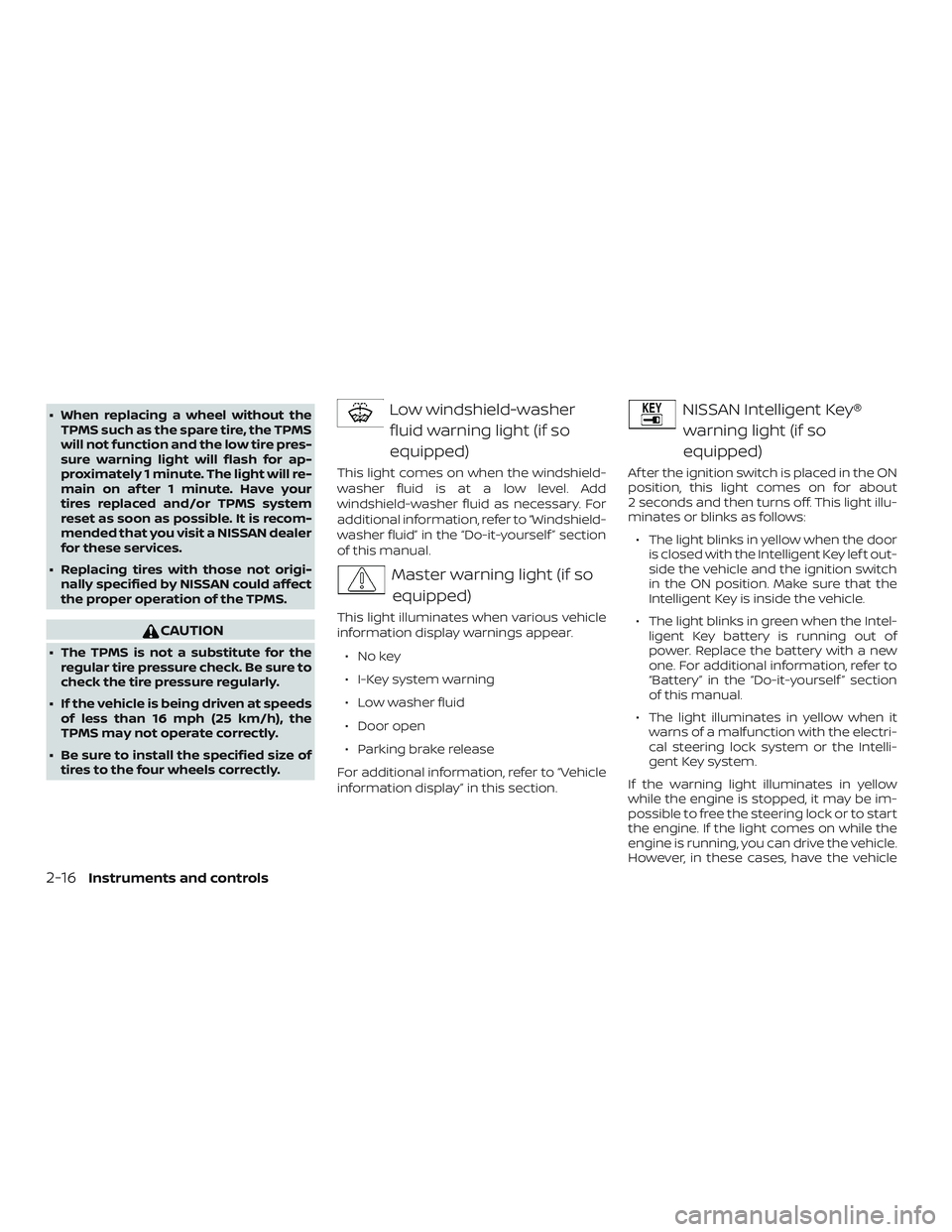
Low windshield-washer
fluid warning light (if so
equipped)
This light comes on when the windshield-
washer fluid is at a low level. Add
windshield-washer fluid as necessary. For
additional information, refer to “Windshield-
washer fluid” in the “Do-it-yourself ” section
of this manual.
Master warning light (if soequipped)
This light illuminates when various vehicle
information display warnings appear.
∙Nokey
∙ I-Key system warning
∙ Low washer fluid
∙ Door open
∙ Parking brake release
For additional information, refer to “Vehicle
information display” in this section.
NISSAN Intelligent Key® warning light (if so
equipped)
Af ter the ignition switch is placed in the ON
position, this light comes on for about
2 seconds and then turns off. This light illu-
minates or blinks as follows:
∙ The light blinks in yellow when the door is closed with the Intelligent Key lef t out-
side the vehicle and the ignition switch
in the ON position. Make sure that the
Intelligent Key is inside the vehicle.
∙ The light blinks in green when the Intel- ligent Key battery is running out of
power. Replace the battery with a new
one. For additional information, refer to
“Battery” in the “Do-it-yourself ” section
of this manual.
∙ The light illuminates in yellow when it warns of a malfunction with the electri-
cal steering lock system or the Intelli-
gent Key system.
If the warning light illuminates in yellow
while the engine is stopped, it may be im-
possible to free the steering lock or to start
the engine. If the light comes on while the
engine is running, you can drive the vehicle.
However, in these cases, have the vehicle
2-16Instruments and controls
Page 101 of 444
checked and repaired as soon as possible.
It is recommended that you visit a NISSAN
dealer for this service.
For additional information, refer to “NISSAN
Intelligent Key®” in the “Pre-driving checks
and adjustments” section of this manual.
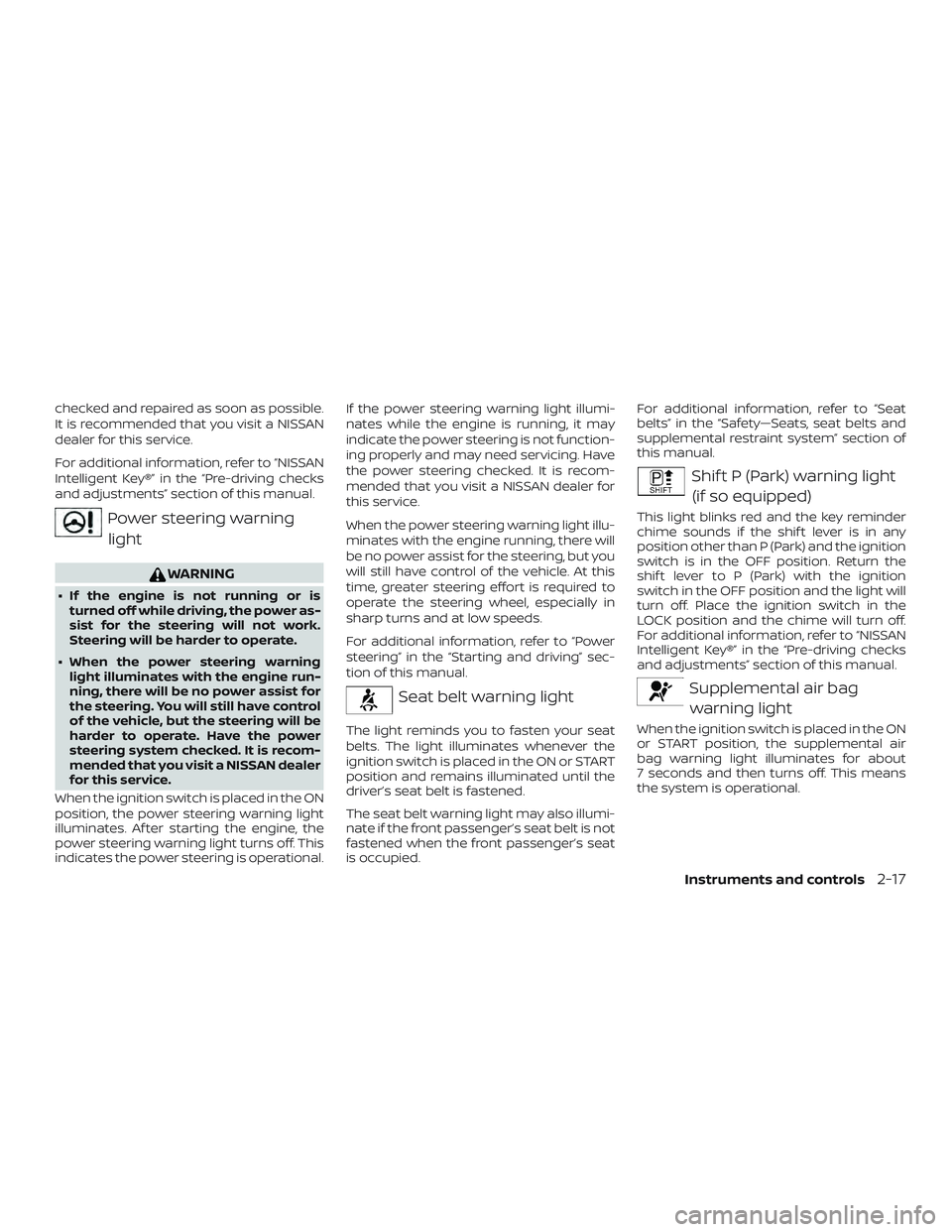
Power steering warninglight
WARNING
∙ If the engine is not running or is turned off while driving, the power as-
sist for the steering will not work.
Steering will be harder to operate.
∙ When the power steering warning light illuminates with the engine run-
ning, there will be no power assist for
the steering. You will still have control
of the vehicle, but the steering will be
harder to operate. Have the power
steering system checked. It is recom-
mended that you visit a NISSAN dealer
for this service.
When the ignition switch is placed in the ON
position, the power steering warning light
illuminates. Af ter starting the engine, the
power steering warning light turns off. This
indicates the power steering is operational. If the power steering warning light illumi-
nates while the engine is running, it may
indicate the power steering is not function-
ing properly and may need servicing. Have
the power steering checked. It is recom-
mended that you visit a NISSAN dealer for
this service.
When the power steering warning light illu-
minates with the engine running, there will
be no power assist for the steering, but you
will still have control of the vehicle. At this
time, greater steering effort is required to
operate the steering wheel, especially in
sharp turns and at low speeds.
For additional information, refer to “Power
steering” in the “Starting and driving” sec-
tion of this manual.
Seat belt warning light
The light reminds you to fasten your seat
belts. The light illuminates whenever the
ignition switch is placed in the ON or START
position and remains illuminated until the
driver’s seat belt is fastened.
The seat belt warning light may also illumi-
nate if the front passenger’s seat belt is not
fastened when the front passenger’s seat
is occupied.For additional information, refer to “Seat
belts” in the “Safety—Seats, seat belts and
supplemental restraint system” section of
this manual.
Shif t P (Park) warning light
(if so equipped)
This light blinks red and the key reminder
chime sounds if the shif t lever is in any
position other than P (Park) and the ignition
switch is in the OFF position. Return the
shif t lever to P (Park) with the ignition
switch in the OFF position and the light will
turn off. Place the ignition switch in the
LOCK position and the chime will turn off.
For additional information, refer to “NISSAN
Intelligent Key®” in the “Pre-driving checks
and adjustments” section of this manual.
Supplemental air bagwarning light
When the ignition switch is placed in the ON
or START position, the supplemental air
bag warning light illuminates for about
7 seconds and then turns off. This means
the system is operational.
Instruments and controls2-17
Page 102 of 444
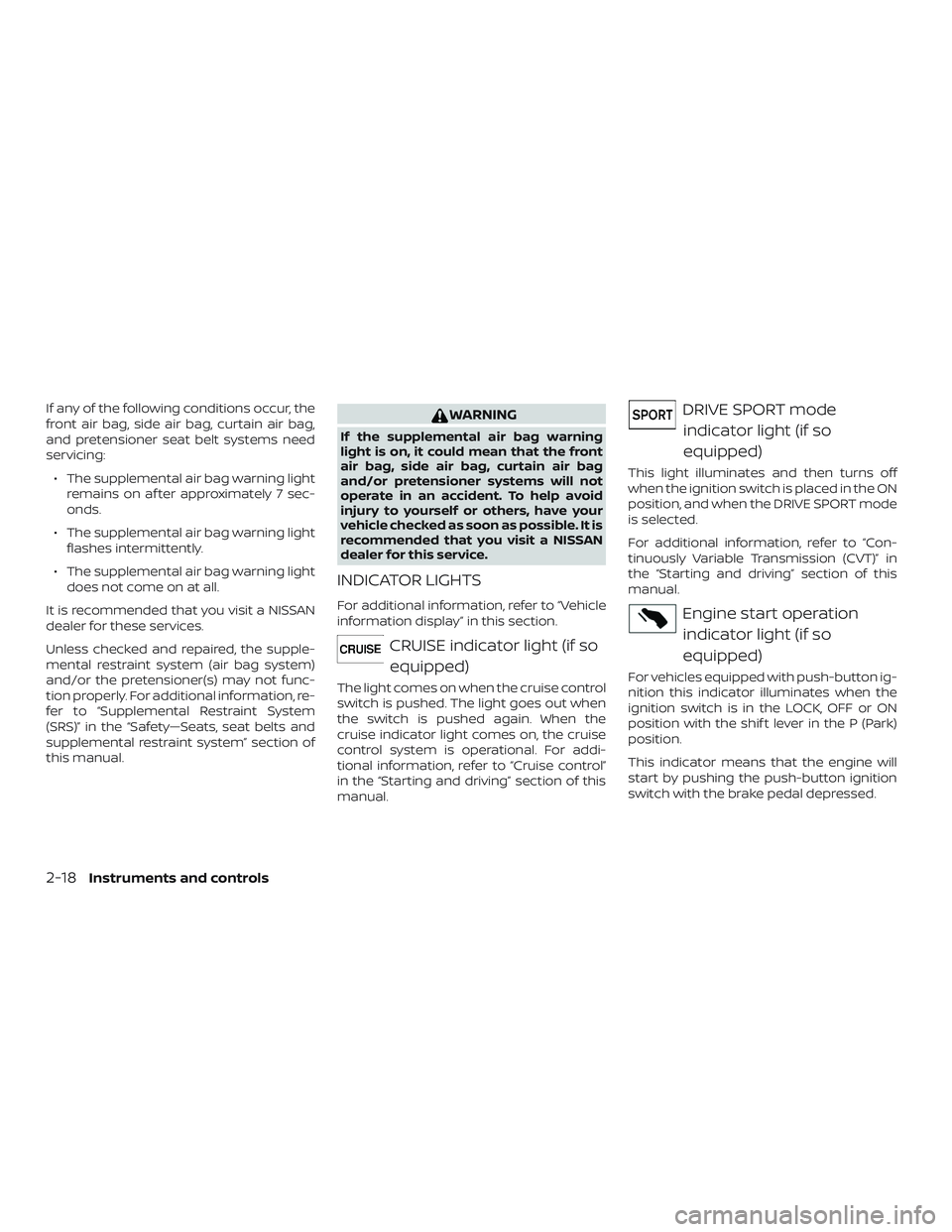
If any of the following conditions occur, the
front air bag, side air bag, curtain air bag,
and pretensioner seat belt systems need
servicing:∙ The supplemental air bag warning light remains on af ter approximately 7 sec-
onds.
∙ The supplemental air bag warning light flashes intermittently.
∙ The supplemental air bag warning light does not come on at all.
It is recommended that you visit a NISSAN
dealer for these services.
Unless checked and repaired, the supple-
mental restraint system (air bag system)
and/or the pretensioner(s) may not func-
tion properly. For additional information, re-
fer to “Supplemental Restraint System
(SRS)” in the “Safety—Seats, seat belts and
supplemental restraint system” section of
this manual.WARNING
If the supplemental air bag warning
light is on, it could mean that the front
air bag, side air bag, curtain air bag
and/or pretensioner systems will not
operate in an accident. To help avoid
injury to yourself or others, have your
vehicle checked as soon as possible. It is
recommended that you visit a NISSAN
dealer for this service.
INDICATOR LIGHTS
For additional information, refer to “Vehicle
information display” in this section.
CRUISE indicator light (if so equipped)
The light comes on when the cruise control
switch is pushed. The light goes out when
the switch is pushed again. When the
cruise indicator light comes on, the cruise
control system is operational. For addi-
tional information, refer to “Cruise control”
in the “Starting and driving” section of this
manual.
DRIVE SPORT modeindicator light (if so
equipped)
This light illuminates and then turns off
when the ignition switch is placed in the ON
position, and when the DRIVE SPORT mode
is selected.
For additional information, refer to “Con-
tinuously Variable Transmission (CVT)” in
the “Starting and driving” section of this
manual.
Engine start operationindicator light (if so
equipped)
For vehicles equipped with push-button ig-
nition this indicator illuminates when the
ignition switch is in the LOCK, OFF or ON
position with the shif t lever in the P (Park)
position.
This indicator means that the engine will
start by pushing the push-button ignition
switch with the brake pedal depressed.
2-18Instruments and controls
Page 104 of 444
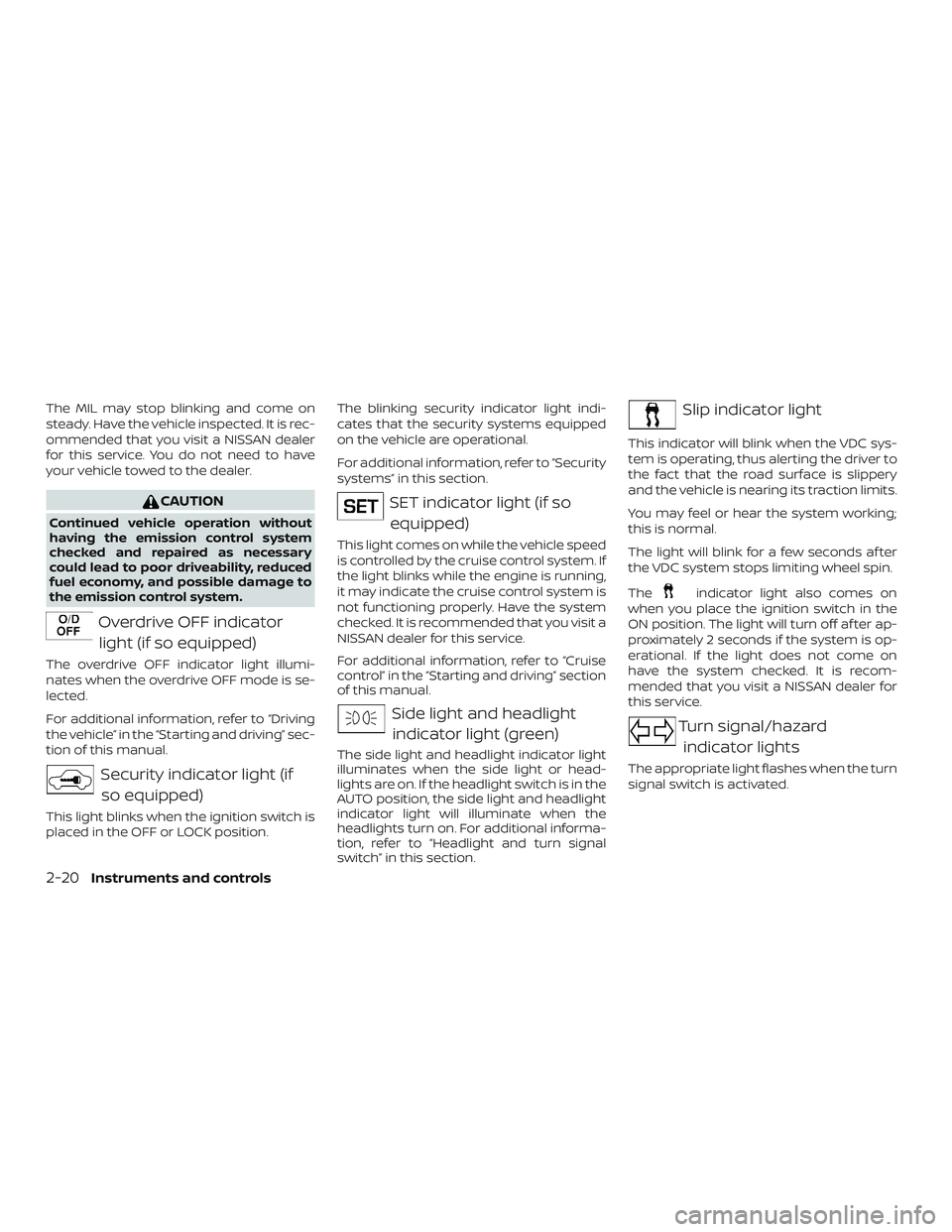
The MIL may stop blinking and come on
steady. Have the vehicle inspected. It is rec-
ommended that you visit a NISSAN dealer
for this service. You do not need to have
your vehicle towed to the dealer.
CAUTION
Continued vehicle operation without
having the emission control system
checked and repaired as necessary
could lead to poor driveability, reduced
fuel economy, and possible damage to
the emission control system.
Overdrive OFF indicatorlight (if so equipped)
The overdrive OFF indicator light illumi-
nates when the overdrive OFF mode is se-
lected.
For additional information, refer to “Driving
the vehicle” in the “Starting and driving” sec-
tion of this manual.
Security indicator light (ifso equipped)
This light blinks when the ignition switch is
placed in the OFF or LOCK position. The blinking security indicator light indi-
cates that the security systems equipped
on the vehicle are operational.
For additional information, refer to “Security
systems” in this section.
SET indicator light (if so
equipped)
This light comes on while the vehicle speed
is controlled by the cruise control system. If
the light blinks while the engine is running,
it may indicate the cruise control system is
not functioning properly. Have the system
checked. It is recommended that you visit a
NISSAN dealer for this service.
For additional information, refer to “Cruise
control” in the “Starting and driving” section
of this manual.
Side light and headlightindicator light (green)
The side light and headlight indicator light
illuminates when the side light or head-
lights are on. If the headlight switch is in the
AUTO position, the side light and headlight
indicator light will illuminate when the
headlights turn on. For additional informa-
tion, refer to “Headlight and turn signal
switch” in this section.
Slip indicator light
This indicator will blink when the VDC sys-
tem is operating, thus alerting the driver to
the fact that the road surface is slippery
and the vehicle is nearing its traction limits.
You may feel or hear the system working;
this is normal.
The light will blink for a few seconds af ter
the VDC system stops limiting wheel spin.
The
indicator light also comes on
when you place the ignition switch in the
ON position. The light will turn off af ter ap-
proximately 2 seconds if the system is op-
erational. If the light does not come on
have the system checked. It is recom-
mended that you visit a NISSAN dealer for
this service.
Turn signal/hazard
indicator lights
The appropriate light flashes when the turn
signal switch is activated.
2-20Instruments and controls