maintenance schedule NISSAN KICKS 2021 Owners Manual
[x] Cancel search | Manufacturer: NISSAN, Model Year: 2021, Model line: KICKS, Model: NISSAN KICKS 2021Pages: 500, PDF Size: 3.24 MB
Page 3 of 500
This manual was prepared to help you un-
derstand the operation and maintenance
of your vehicle so that you may enjoy many
miles (kilometers) of driving pleasure.
Please read through this manual before
operating your vehicle.
A separate Warranty Information Book-
let explains details about the warranties
covering your vehicle. The “Maintenance
and schedules” section of this manual
explains details about maintaining and
servicing your vehicle. Additionally, a
separate Customer Care/Lemon Law
Booklet (U.S. only) will explain how to re-
solve any concerns you may have with
your vehicle, and clarif y your rights un-
der your state's lemon law.
When you require any service or have any
questions, a NISSAN dealer will be glad to
assist you with the extensive resources
available to them.
In addition to factory-installed options,
your vehicle may also be equipped with
additional accessories installed prior to de-
livery. It is recommended that you visit a
NISSAN dealer for details concerning the
particular accessories with which your ve-
hicle is equipped. It is important that you
familiarize yourself with all disclosures,
warnings, cautions and instructions con-cerning proper use of such accessories
prior to operating the vehicle and/or ac-
cessory. It is recommended that you visit a
NISSAN dealer for details concerning the
particular accessories with which your ve-
hicle is equipped.
Before driving your vehicle, please read this
Owner's Manual carefully. This will ensure
familiarity with controls and maintenance
requirements assisting you in the safe op-
eration of your vehicle.
Page 7 of 500
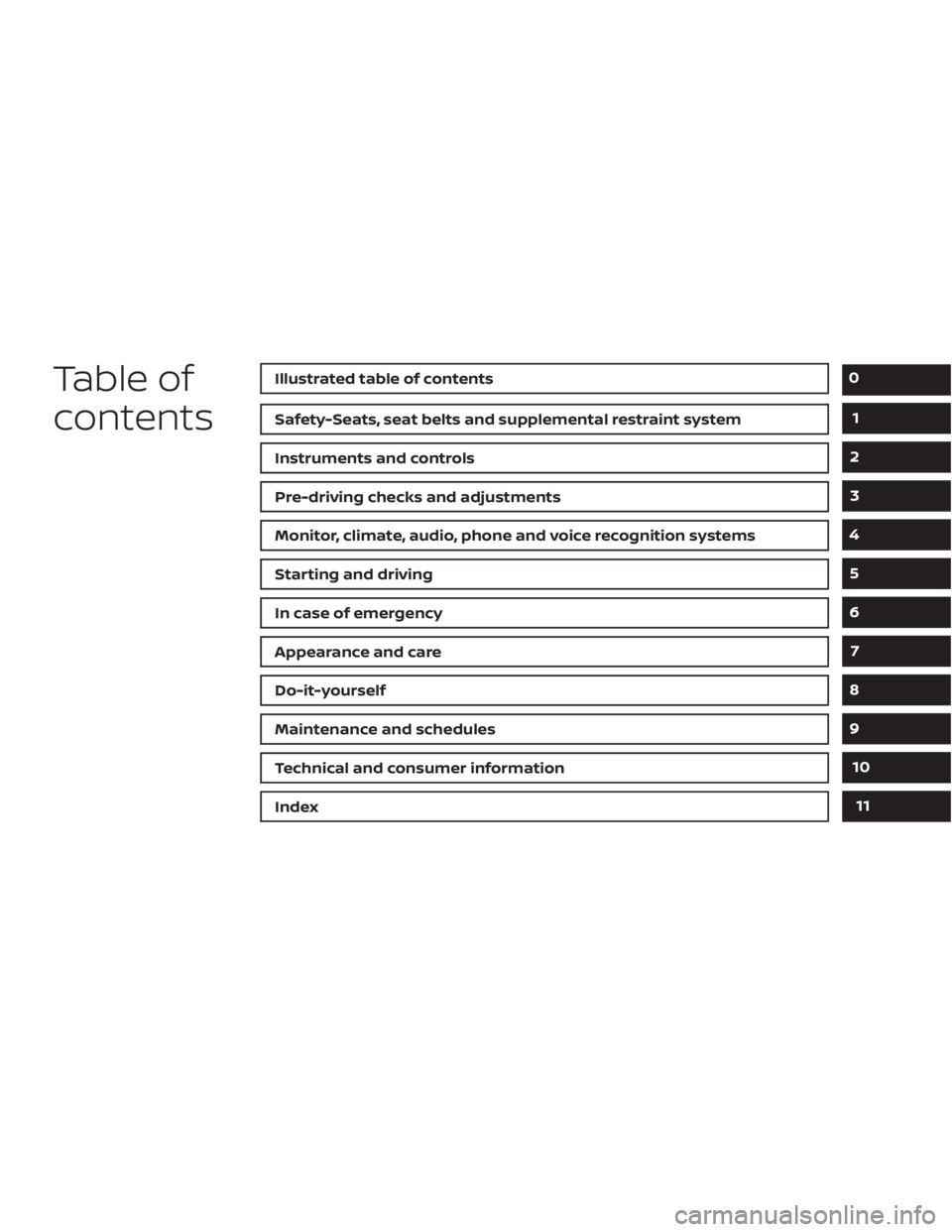
Table of
contents
Safety-Seats, seat belts and supplemental restraint system
Instruments and controls
Pre-driving checks and adjustments
Monitor, climate, audio, phone and voice recognition systems
Starting and driving
In case of emergency
Appearance and care
Do-it-yourself
Maintenance and schedules
Technical and consumer information
Index
0
1
2
3
4
5
6
7
8
9
10
11
Page 119 of 500
• Blind Spot Warning (BSW)
• Rear Cross Traffic Alert (RCTA)
If one or more of these warning appears,
have the system checked. It is recom-
mended that you visit a NISSAN dealer for
this service.
Shipping Mode On Push Storage Fuse
This warning may appear if the extended
storage switch is not pushed in. When this
warning appears, push in the extended
storage switch to turn off the warning. For
additional information, refer to “Extended
storage switch” in this section.
CVT Error: See Owner's Manual
This warning illuminates when there is a
problem with the CVT system. If this warn-
ing comes on, have the system checked. It
is recommended that you visit a NISSAN
dealer for this service.
Steering lock release malfunction
indicator (if so equipped)
This indicator appears when the steering
lock cannot be released.
If this indicator appears, push the ignition
switch while lightly turning the steering
wheel right and lef t.
Illumination indicator
This indicator shows the illumination ad-
justment of the instrument panel. For addi-
tional information, refer to “Instrument
brightness control” in this section.
Transmission Shif t Position indicator
(if so equipped)
This indicator shows the transmission shif t
position.
High Coolant Temp: See Owner’s
Manual
This warning appears when the tempera-
ture of the engine coolant is too high. Stop
the vehicle in a safe location as soon as
possible. Avoid quick starting or abrupt ac-
celeration. When the warning turns off, the
vehicle can be driven.
If the warning appears again soon af ter it
turns off, have the vehicle checked. It is rec-
ommended that you visit a NISSAN dealer
for this service.
Outside Temperature Display
The outside temperature display appears
in the center region of the vehicle informa-
tion display.
Low Outside Temperature
This warning appears if the outside tem-
perature is below 37°F (3°C). The tempera-
ture can be changed to display in Celsius or
Fahrenheit. For additional information, re-
fer to “Settings” in this section.
Oil and Filter
This indicator appears when the customer
set distance comes for changing the en-
gine oil and filter. You can set or reset the
distance for checking or replacing these
items. For scheduled maintenance items
and intervals, refer to the “Maintenance and
schedules” section of this manual.
Tire
This indicator appears when the customer
set distance is reached for replacing tires.
You can set or reset the distance for replac-
ing tires.
Instruments and controls2-35
Page 274 of 500
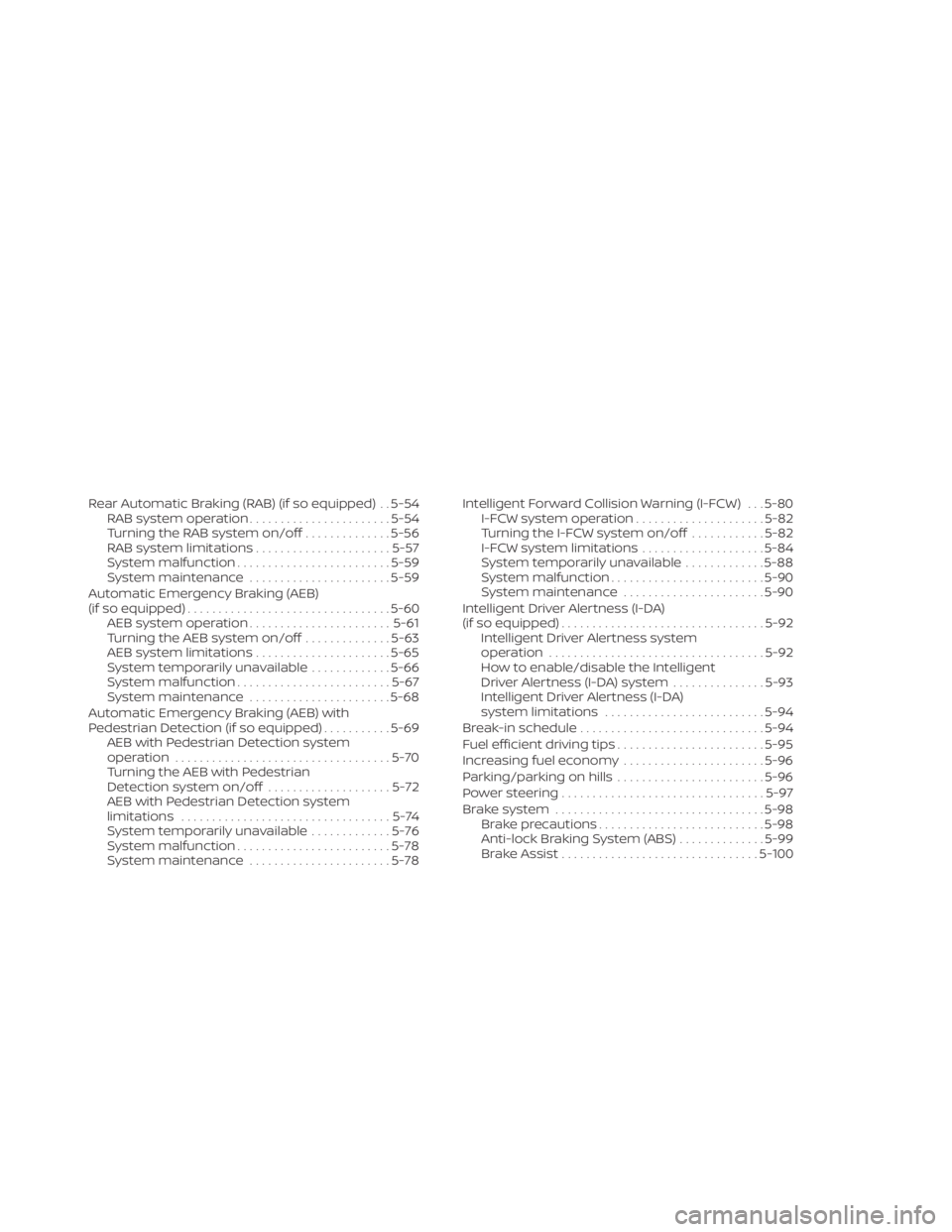
Rear Automatic Braking (RAB) (if so equipped) . . 5-54RAB system operation .......................5-54
Turning the RAB system on/off ..............5-56
RAB system limitations ......................5-57
System malfunction ......................... 5-59
System maintenance .......................5-59
Automatic Emergency Braking (AEB)
(if so equipped) ................................. 5-60
AEB system operation ....................... 5-61
Turning the AEB system on/off ..............5-63
AEB system limitations ......................5-65
System temporarily unavailable .............5-66
System malfunction ......................... 5-67
System maintenance .......................5-68
Automatic Emergency Braking (AEB) with
Pedestrian Detection (if so equipped) ...........5-69
AEB with Pedestrian Detection system
operation ................................... 5-70
Turning the AEB with Pedestrian
Detection system on/off ....................5-72
AEB with Pedestrian Detection system
limitations ..................................5-74
System temporarily unavailable .............5-76
System malfunction ......................... 5-78
System maintenance .......................5-78Intelligent Forward Collision Warning (I-FCW) . . . 5-80
I-FCW system operation .....................5-82
Turning the I-FCW system on/off ............5-82
I-FCW system limitations ....................5-84
System temporarily unavailable .............5-88
System malfunction ......................... 5-90
System maintenance .......................5-90
Intelligent Driver Alertness (I-DA)
(if so equipped) ................................. 5-92
Intelligent Driver Alertness system
operation ................................... 5-92
How to enable/disable the Intelligent
Driver Alertness (I-DA) system ...............5-93
Intelligent Driver Alertness (I-DA)
system limitations .......................... 5-94
Break-in schedule .............................. 5-94
Fuel efficient driving tips ........................5-95
Increasing fuel economy .......................5-96
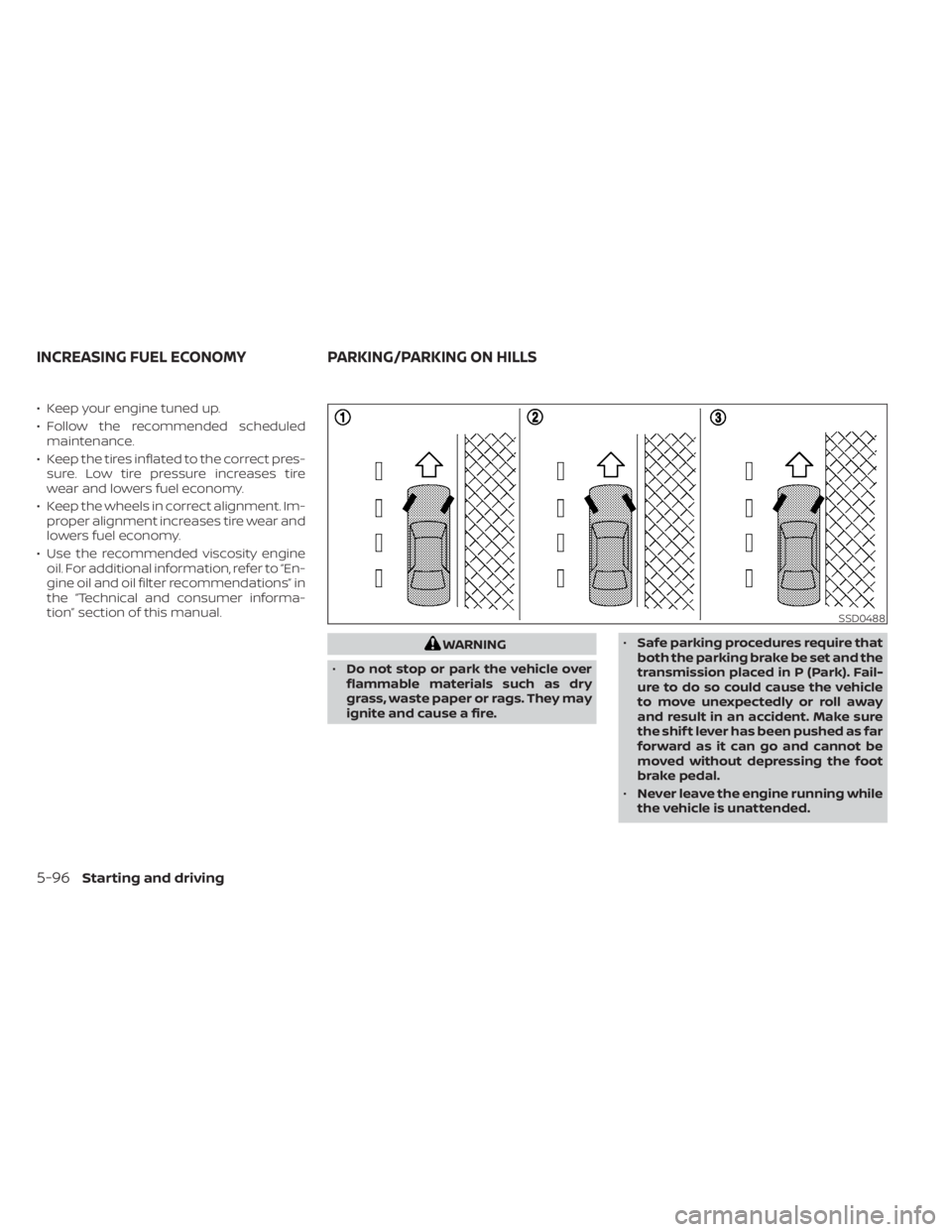
Parking/parking on hills ........................5-96
P
ower steering ................................. 5-97
Brake system .................................. 5-98
Brake precautions ........................... 5-98
Anti-lock Braking System (ABS) ..............5-99
Brake Assist ................................ 5-100
Page 368 of 500
• Keep your engine tuned up.
• Follow the recommended scheduledmaintenance.
• Keep the tires inflated to the correct pres- sure. Low tire pressure increases tire
wear and lowers fuel economy.
• Keep the wheels in correct alignment. Im- proper alignment increases tire wear and
lowers fuel economy.
• Use the recommended viscosity engine oil. For additional information, refer to “En-
gine oil and oil filter recommendations” in
the “Technical and consumer informa-
tion” section of this manual.
Page 412 of 500
The engine cooling system is filled at the
factory with a pre-diluted mixture of 50%
Genuine NISSAN Long Life Antifreeze/
Coolant (blue) and 50% water to provide
year-round antifreeze and coolant protec-
tion. The antifreeze solution contains rust
and corrosion inhibitors. Additional engine
cooling system additives are not neces-
sary.CAUTION
• Never use any cooling system addi-
tives such as radiator sealer. Addi-
tives may clog the cooling system
and cause damage to the engine,
transmission and/or cooling system.
• When adding or replacing coolant, be
sure to use only Genuine NISSAN
Long Life Antifreeze/Coolant (blue)
or equivalent. Genuine NISSAN Long
Life Antifreeze/Coolant (blue) is pre-
diluted to provide antifreeze protec-
tion to -34° F (-37° C). If additional
freeze protection is needed due to
weather where you operate your ve-
hicle, add Genuine NISSAN Long Life
Antifreeze/Coolant (blue) concen-
trate following the directions on the
container. If an equivalent coolant
other than Genuine NISSAN Long Life
Antifreeze/Coolant (blue) is used, fol-
low the coolant manufacturer’s in-
structions to maintain minimum an-
tifreeze protection to -34° F (-37° C).
The use of other types of coolant so-
lutions other than Genuine NISSAN
Long Life Antifreeze/Coolant (blue)
or equivalent may damage the en-
gine cooling system. •
The life expectancy of the factory-fill
coolant is 105,000 miles (168,000 km)
or 7 years. Mixing any other type of
coolant other than Genuine NISSAN
Long Life Antifreeze/Coolant (blue)
(or equivalent coolant), including
Genuine NISSAN Long Life
Antifreeze/Coolant (green), or the
use of non-distilled water may re-
duce the life expectancy of the
factory-fill coolant. For additional in-
formation, refer to the “Maintenance
and schedules” section of this
manual.
ENGINE COOLING SYSTEM
8-4Do-it-yourself
Page 424 of 500
WARNING
• Operating the engine with the air
cleaner filter off can cause you or
others to be burned. The air cleaner
filter not only cleans the intake air, it
also stops the flame if the engine
backfires. If the air cleaner is not in-
stalled and the engine backfires, you
could be burned. Never drive with the
air cleaner filter off. Be cautious
working on the engine when the air
cleaner is off. •
Never pour fuel into the throttle body
or attempt to start the engine with
the air cleaner removed. Doing so
could result in serious injury.
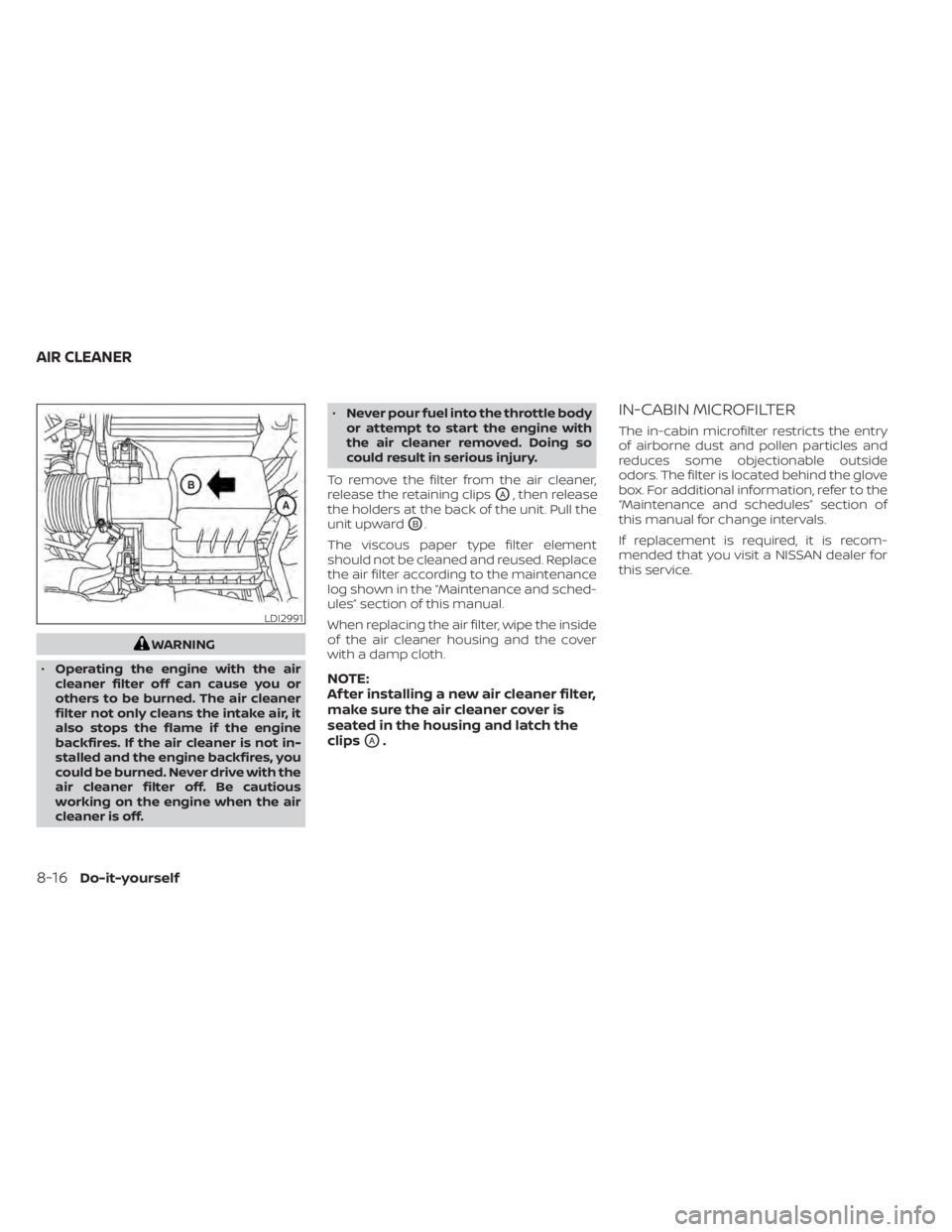
To remove the filter from the air cleaner,
release the retaining clips
OA, then release
the holders at the back of the unit. Pull the
unit upward
OB.
The viscous paper type filter element
should not be cleaned and reused. Replace
the air filter according to the maintenance
log shown in the “Maintenance and sched-
ules” section of this manual.
When replacing the air filter, wipe the inside
of the air cleaner housing and the cover
with a damp cloth.
NOTE:
Af ter installing a new air cleaner filter,
make sure the air cleaner cover is
seated in the housing and latch the
clips
OA.
IN-CABIN MICROFILTER
The in-cabin microfilter restricts the entry
of airborne dust and pollen particles and
reduces some objectionable outside
odors. The filter is located behind the glove
box. For additional information, refer to the
“Maintenance and schedules” section of
this manual for change intervals.
If replacement is required, it is recom-
mended that you visit a NISSAN dealer for
this service.
LDI2991
AIR CLEANER
Page 450 of 500
Some day-to-day and regular mainte-
nance is essential to maintain your vehicle
good mechanical condition, as well as its
emissions and engine performance.
It is the owner's responsibility to make sure
that the scheduled maintenance, as well as
general maintenance, is performed.
As the vehicle owner, you are the only one
who can ensure that your vehicle receives
proper maintenance. You are a vital link in
the maintenance chain.
GENERAL MAINTENANCE
General maintenance includes those items
which should be checked during normal
day-to-day operation. They are essential
for proper vehicle operation. It is your re-
sponsibility to perform these procedures
regularly as prescribed.
Performing general maintenance checks
requires minimal mechanical skill and only
a few general automotive tools.
These checks or inspections can be done
by yourself, a qualified technician or, if you
prefer, a NISSAN dealer.
SCHEDULED MAINTENANCE
The maintenance items listed in this sec-
tion are required to be serviced at regular
intervals. However under severe driving
conditions, additional or more frequent
maintenance will be required.
WHERE TO GO FOR SERVICE
If maintenance service is required or your
vehicle appears to malfunction, have the
systems checked and serviced. It is recom-
mended that you visit a NISSAN dealer for
this service.
NISSAN technicians are well-trained spe-
cialists and are kept up-to-date with the
latest service information through techni-
cal bulletins, service tips and training pro-
grams. They are fully qualified to work on
NISSAN vehiclesbeforework begins.
If your vehicle is involved in a collision, it is
recommended that you ask your NISSAN
dealer where the nearest NISSAN Certified
Collision Center is located, or go to http://
collision.nissanusa.com.
You can be confident that a NISSAN deal-
er's service department can perform the
service needed to meet the maintenance
requirements on your vehicle. During the normal day-to-day operation of
the vehicle, general maintenance should
be performed regularly as prescribed in
this section. If you detect any unusual
sounds, vibrations or smells, be sure to
check for the cause or have it checked
promptly. In addition, it is recommended
that you visit a NISSAN dealer if you think
that repairs are required.
When performing any checks or mainte-
nance work, closely observe the “Mainte-
nance precautions” in the “Do-it-yourself ”
section of this manual.
EXPLANATION OF GENERAL
MAINTENANCE ITEMS
Additional information on the following
items with“*”isf
ound in the “Do-it-
yourself ” section of this manual.
Outside the vehicle
The maintenance items listed here should
be performed from time to time, unless
otherwise specified.
Doors and engine hood: Check that the
doors and engine hood operate properly.
Also ensure that all latches lock securely.
Lubricate hinges, latches, latch pins, rollers
and links if necessary. Make sure that the
MAINTENANCE REQUIREMENTS GENERAL MAINTENANCE
9-2Maintenance and schedules
Page 451 of 500
secondary latch keeps the hood from
opening when the primary latch is re-
leased.
When driving in areas using road salt or
other corrosive materials, check lubrica-
tion frequently.
Lights*:Clean the headlights on a regular
basis. Make sure that the headlights, stop
lights, tail lights, turn signal lights, and other
lights are all operating properly and in-
stalled securely. Also check headlight aim.
Road wheel nuts (lug nuts)*: When check-
ing the tires, make sure no wheel nuts are
missing, and check for any loose wheel
nuts. Tighten if necessary.
Tire rotation*: Tires should be rotated ev-
ery 7,500 miles (12,000 km).
Tires*: Check the pressure with a gauge
of ten and always prior to long distance
trips. If necessary, adjust the pressure in all
tires, including the spare, to the pressure
specified. Check carefully for damage, cuts
or excessive wear.
Tire Pressure Monitoring System (TPMS)
transmitter components: Replace the
TPMS transmitter grommet seal, valve core
and cap when the tires are replaced due to
wear or age. Wheel alignment and balance:
If the ve-
hicle should pull to either side while driving
on a straight and level road, or if you detect
uneven or abnormal tire wear, there may
be a need for wheel alignment. If the steer-
ing wheel or seat vibrates at normal high-
way speeds, wheel balancing may be
needed.
For additional information regarding tires,
refer to “Important Tire Safety Information”
(US) or “Tire Safety Information” (Canada) in
the Warranty Information Booklet.
Windshield: Clean the windshield on a
regular basis. Check the windshield at least
every six months for cracks or other dam-
age. Have a damaged windshield repaired
by a qualified repair facility. It is recom-
mended that you have a damaged wind-
shield repaired by a NISSAN dealer, or a
NISSAN Certified Collision Center. To locate
a collision center in your area, refer to
http://collision.nissanusa.com.
Windshield wiper blades*: Check for
cracks or wear if they do not wipe properly.Inside the vehicle
The maintenance items listed here should
be checked on a regular basis, such as
when performing scheduled maintenance,
cleaning the vehicle, etc.
Accelerator pedal: Check the pedal for
smooth operation and make sure the
pedal does not catch or require uneven
effort. Keep the floor mat away from the
pedal.
Brake pedal: Check the pedal for smooth
operation. If the brake pedal suddenly goes
down further than normal, the pedal feels
spongy or the vehicle seems to take longer
to stop, have your vehicle checked imme-
diately. It is recommended that you visit a
NISSAN dealer for this service. Keep the
floor mat away from the pedal.
Brakes: Check that the brakes do not pull
the vehicle to one side when applied.
Continuously Variable Transmission
(CVT) P (Park) position mechanism: On a
fairly steep hill check that the vehicle is held
securely with the shif t lever in the P (Park)
position without applying any brakes.
Maintenance and schedules9-3
Page 452 of 500
Parking brake:Check the parking brake
operation regularly. The vehicle should be
securely held on a fairly steep hill with only
the parking brake applied. If the parking
brake needs adjustment, it is recom-
mended that you visit a NISSAN dealer for
this service.
Seats: Check seat position controls such
as seat adjusters, seatback recliner, etc., to
ensure they operate smoothly and all
latches lock securely in every position.
Check that the head restraints/headrests
move up and down smoothly and the locks
(if so equipped) hold securely in all latched
positions.
Seat belts: Check that all parts of the seat
belt system (for example, buckles, anchors,
adjusters and retractors) operate properly
and smoothly, and are installed securely.
Check the belt webbing for cuts, fraying,
wear or damage.
Steering wheel: Check for changes in the
steering system, such as excessive free
play, hard steering or strange noises.
Warning lights and chimes: Make sure all
warning lights and chimes are operating
properly. Windshield defroster:
Check that the air
comes out of the defroster outlets properly
and in sufficient quantity when operating
the heater or air conditioner.
Windshield wiper and washer*: Check
that the wipers and washer operate prop-
erly and that the wipers do not streak.
Under the hood and vehicle
The maintenance items listed here should
be checked periodically (for example, each
time you check the engine oil or refuel).
Battery*:This vehicle is equipped with a
sealed maintenance free battery. It is rec-
ommended that you visit a NISSAN dealer
for service.
NOTE:
Care should be taken to avoid situa-
tions that can lead to potential bat-
tery discharge and potential no-start
conditions such as:
1. Installation or extended use of elec- tronic accessories that consume bat-
tery power when the engine is not
running (Phone chargers, GPS, DVD
players, etc.).
2. Vehicle is not driven regularly and/or only driven short distances. In these cases, the battery may need to
be charged to maintain battery health.
Brake fluid level*:
Make sure that the brake
fluid level is between the MIN and MAX lines
on the reservoir.
Engine coolant level*: Check the coolant
level when the engine is cold.
Engine drive belt*: Make sure the drive belt
is not frayed, worn, cracked or oily.
Engine oil level*: Check the level af ter
parking the vehicle on a level surface with
the engine off. Wait more than 15 minutes
for the oil to drain back into the oil pan.
Exhaust system: Make sure there are no
loose supports, cracks or holes. If the
sound of the exhaust seems unusual or
there is a smell of exhaust fumes, immedi-
ately have the exhaust system inspected. It
is recommended that you visit a NISSAN
dealer for this service. For additional infor-
mation, refer to “Exhaust gas (carbon mon-
oxide)” in the “Starting and driving” section
of this manual.
9-4Maintenance and schedules