battery NISSAN LEAF 2014 1.G User Guide
[x] Cancel search | Manufacturer: NISSAN, Model Year: 2014, Model line: LEAF, Model: NISSAN LEAF 2014 1.GPages: 397, PDF Size: 9.45 MB
Page 28 of 397
WARNING
In case of a collision:
• If your vehicle is drivable, pull your
vehicle off the road, push the P (Park)
position switch on the shift lever, apply
the parking brake and turn the EV
(Electric Vehicle) system off.
• Check your vehicle to see if there are
exposed high-voltage parts or cables.
For their locations, see “High voltage
components”. To avoid personal injury,
never touch high-voltage wiring, con-
nectors, and other high-voltage parts,
such as inverter unit and Li-ion battery.
An electric shock may occur if exposed
electric wires are visible when viewed
from inside or outside of your vehicle.
Therefore, never touch exposed elec-
tric wires.
• If the vehicle receives a strong impact
to the floor while driving, stop the ve-
hicle in a safe location and check the
floor.• Leaks or damage to the Li-ion battery
may result in a fire. If you discover
them, contact emergency services im-
mediately. Since the fluid leak may be
lithium manganate from the Li-ion bat-
tery, never touch the fluid leak inside
or outside the vehicle. If the fluid con-
tacts your skin or eyes, wash it off
immediately with a large amount of
water and receive immediate medical
attention to help avoid serious injury.
• If a fire occurs in the EV (Electric Ve-
hicle) , leave the vehicle as soon as
possible. Only use a type ABC, BC or C
fire extinguisher that is meant for use
on electrical fires. Using a small
amount of water or the incorrect fire
extinguisher can result in serious in-
jury or death from electrical shock.
• If your vehicle needs to be towed, do it
with the front wheels raised. If the
front wheels are on the ground when
towing, the traction motor may gener-
ate electricity. This may damage the
components of the EV (Electric Ve-
hicle) system and cause a fire.• If you are not able to safely assess the
vehicle due to vehicle damage, do not
touch the vehicle. Leave the vehicle
and contact emergency services. Ad-
vise 1st responders that this is an elec-
tric vehicle.
• In the event of an accident that re-
quires body repair and painting, the
vehicle should be delivered to a
NISSAN certified LEAF dealer to have
the Li-ion battery pack and high volt-
age parts such as the inverter, includ-
ing the wiring harness, removed prior
to painting. Li-ion battery packs ex-
posed to heat in the paint booth will
experience capacity loss. Damaged Li-
ion battery packs may also pose safety
risks to untrained mechanics and re-
pair personnel.
ROAD ACCIDENT PRECAUTIONS
EV-8EV Overview
Page 29 of 397
EMERGENCY SHUT-OFF SYSTEM
The emergency shut-off system is activated and
the high-voltage system automatically turns off in
the following conditions:
- Front and side collisions in which the air bags
are deployed.
- Certain rear collisions.
- Certain EV (Electric Vehicle) system malfunc-
tions
For the above collisions and certain other EV
(Electric Vehicle) system malfunctions, the
READY to drive indicator light will turn off. See
“Warning/indicator lights and audible reminders”
in the “Instruments and controls” section.
The emergency shut-off activates for the above
collisions to minimize risk of an event that could
cause injury or an accident. If the emergency
shut-off system activates, the EV system may not
be switched to READY to drive position, contact
a NISSAN certified LEAF dealer. Even if the
power switch is switched to READY to drive
position, the system may shut-off suddenly.
Therefore, drive cautiously to the nearest
NISSAN certified LEAF dealer or contact a
NISSAN certified LEAF dealer as soon as pos-
sible.WARNING
• Pay special attention to pedestrians.
Because there is no engine noise, pe-
destrians may not know the vehicle is
approaching, moving or about to
move, and may step into the path of
vehicle travel.
• When leaving the vehicle, be sure to
turn off the EV (Electric Vehicle) sys-
tem.
• Be sure to push the P (Park) position
switch on the shift lever and apply the
parking brake when parking because
the vehicle can move when the READY
to drive indicator light is ON. When the
READY to drive indicator light is ON,
do not leave your vehicle in a shift
position other than the P (Park) posi-
tion.
• Keep the brake pedal depressed until
you are ready to drive. When the ve-
hicle is in the D (Drive) position or ECO
or R (Reverse) position, if you release
the brake pedal and do not depress
accelerator, the vehicle will creep and
may start abruptly. This may cause se-
rious injury or death.
NOTE:
•The vehicle cannot run with a discharged
Li-ion battery. Repeated acceleration con-
sumes more power from the Li-ion battery
than driving at a steady speed.
•This vehicle is equipped with a regenera-
tive brake system. The primary purpose of
regenerative brake system is to provide
some power to recharge the Li-ion battery
and extend driving range. A secondary
benefit is “engine braking” that operates
based on Li-ion battery conditions.
•In the D (Drive) position, when the accel-
erator pedal is released, the regenerative
brake system provides some decelera-
tion.
•When you put the shift lever in the ECO
position (models without navigation sys-
tem) or B position (models with naviga-
tion system) and take your foot off the
accelerator pedal, more regenerative
brake is applied than in the D (Drive) po-
sition.
•Less deceleration is provided by the re-
generative brake system when the Li-ion
battery is fully charged. Regenerative
brake is automatically reduced when the
EV (ELECTRIC VEHICLE)
CHARACTERISTICS
EV OverviewEV-9
Page 30 of 397
Li-ion battery is fully charged to prevent
the Li-ion battery from becoming over-
charged. Regenerating brake is also auto-
matically reduced when the battery tem-
perature is high/low (indicated by the red/
blue zones on the Li-ion battery
temperature gauge) to prevent Li-ion bat-
tery damage.
•The brake pedal should be used to slow or
stop the vehicle depending on traffic or
road conditions. The vehicle brakes are
not affected by regenerative brake system
operation.NOISE AND VIBRATION
You might experience the following noise or vi-
bration as a normal characteristic of this vehicle.
• Traction motor noise from motor compartment.
• Water pump and radiator fan noise while charg-
ing.
• Compressor and radiator fan noise when the
Climate Ctrl. Timer or remote climate control
(models with navigation system) is used.
• Relay operation noise and vibration at start-up
and shut-down of the EV (Electric Vehicle) sys-
tem (power switch placed in the ON and OFF
position) .
• Approaching Vehicle Sound for Pedestrians
(VSP) .This section provides a brief explanation for the
most important LEAF functions. Refer to the spe-
cific sections of this manual for detailed explana-
tions of the vehicle features and operation.
CHARGING THE LI-ION BATTERY
WARNING
The EV (Electric Vehicle) system uses a
high voltage current. Failure to follow the
proper handling instructions may cause
serious injury or death. Be sure to read
the “Charge” section and follow the pro-
cedures and guidelines described.
LIFE WITH AN EV (SCENE GUIDE)
EV-10EV Overview
Page 33 of 397
BEFORE DRIVING YOUR VEHICLE
(MODELS WITH NAVIGATION
SYSTEM)
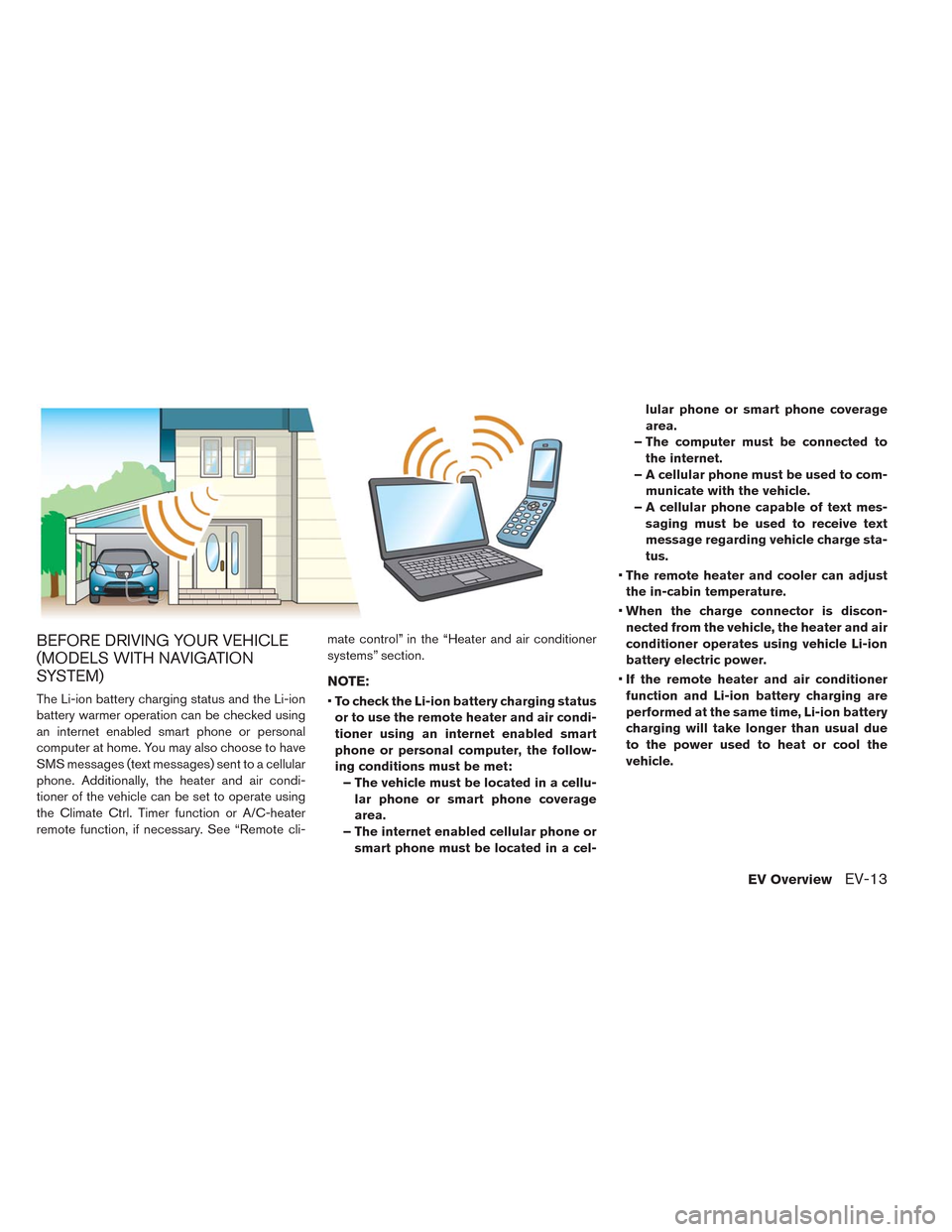
The Li-ion battery charging status and the Li-ion
battery warmer operation can be checked using
an internet enabled smart phone or personal
computer at home. You may also choose to have
SMS messages (text messages) sent to a cellular
phone. Additionally, the heater and air condi-
tioner of the vehicle can be set to operate using
the Climate Ctrl. Timer function or A/C-heater
remote function, if necessary. See “Remote cli-mate control” in the “Heater and air conditioner
systems” section.
NOTE:
•To check the Li-ion battery charging status
or to use the remote heater and air condi-
tioner using an internet enabled smart
phone or personal computer, the follow-
ing conditions must be met:
– The vehicle must be located in a cellu-
lar phone or smart phone coverage
area.
– The internet enabled cellular phone or
smart phone must be located in a cel-lular phone or smart phone coverage
area.
– The computer must be connected to
the internet.
– A cellular phone must be used to com-
municate with the vehicle.
– A cellular phone capable of text mes-
saging must be used to receive text
message regarding vehicle charge sta-
tus.
•The remote heater and cooler can adjust
the in-cabin temperature.
•When the charge connector is discon-
nected from the vehicle, the heater and air
conditioner operates using vehicle Li-ion
battery electric power.
•If the remote heater and air conditioner
function and Li-ion battery charging are
performed at the same time, Li-ion battery
charging will take longer than usual due
to the power used to heat or cool the
vehicle.
EV OverviewEV-13
Page 34 of 397
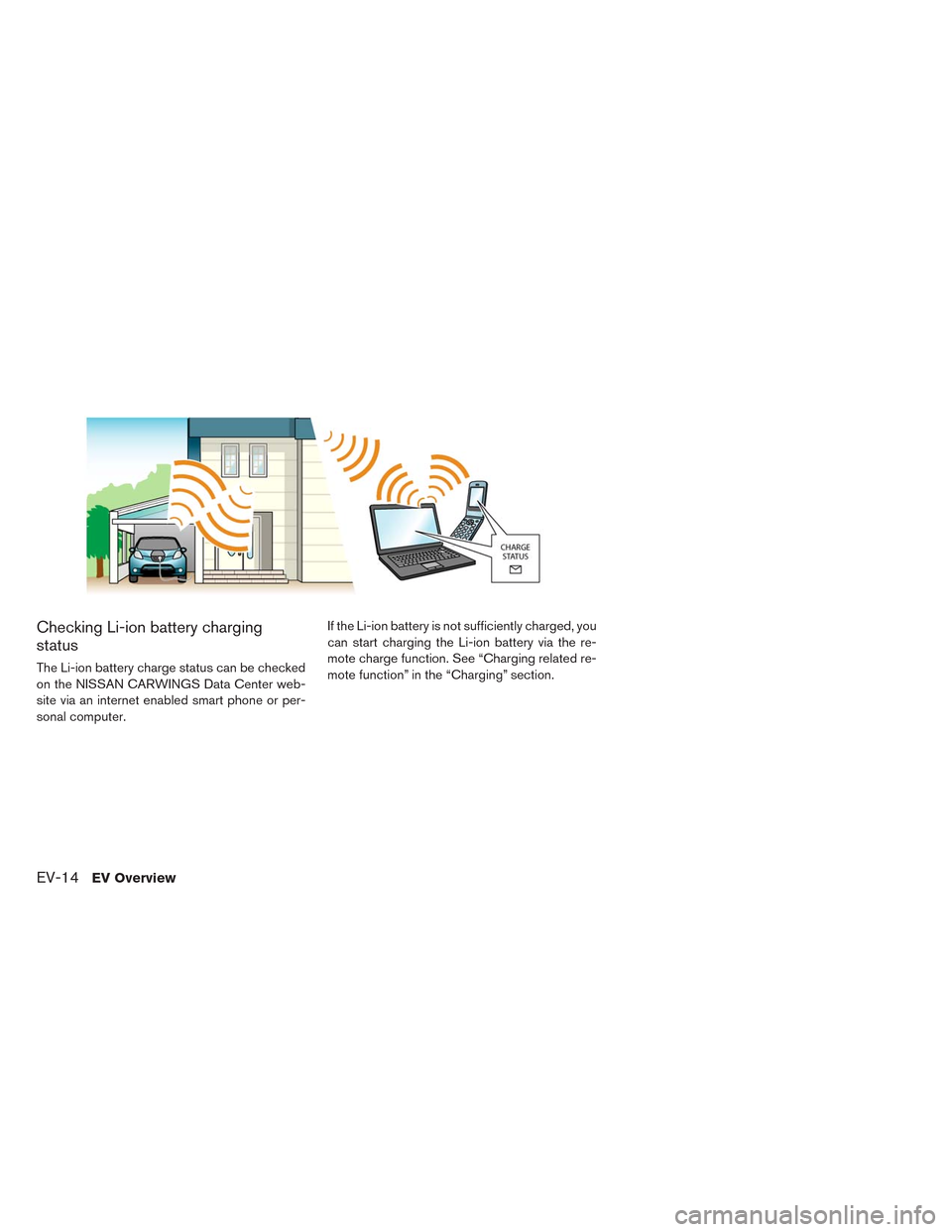
Checking Li-ion battery charging
status
The Li-ion battery charge status can be checked
on the NISSAN CARWINGS Data Center web-
site via an internet enabled smart phone or per-
sonal computer.If the Li-ion battery is not sufficiently charged, you
can start charging the Li-ion battery via the re-
mote charge function. See “Charging related re-
mote function” in the “Charging” section.
EV-14EV Overview
Page 35 of 397
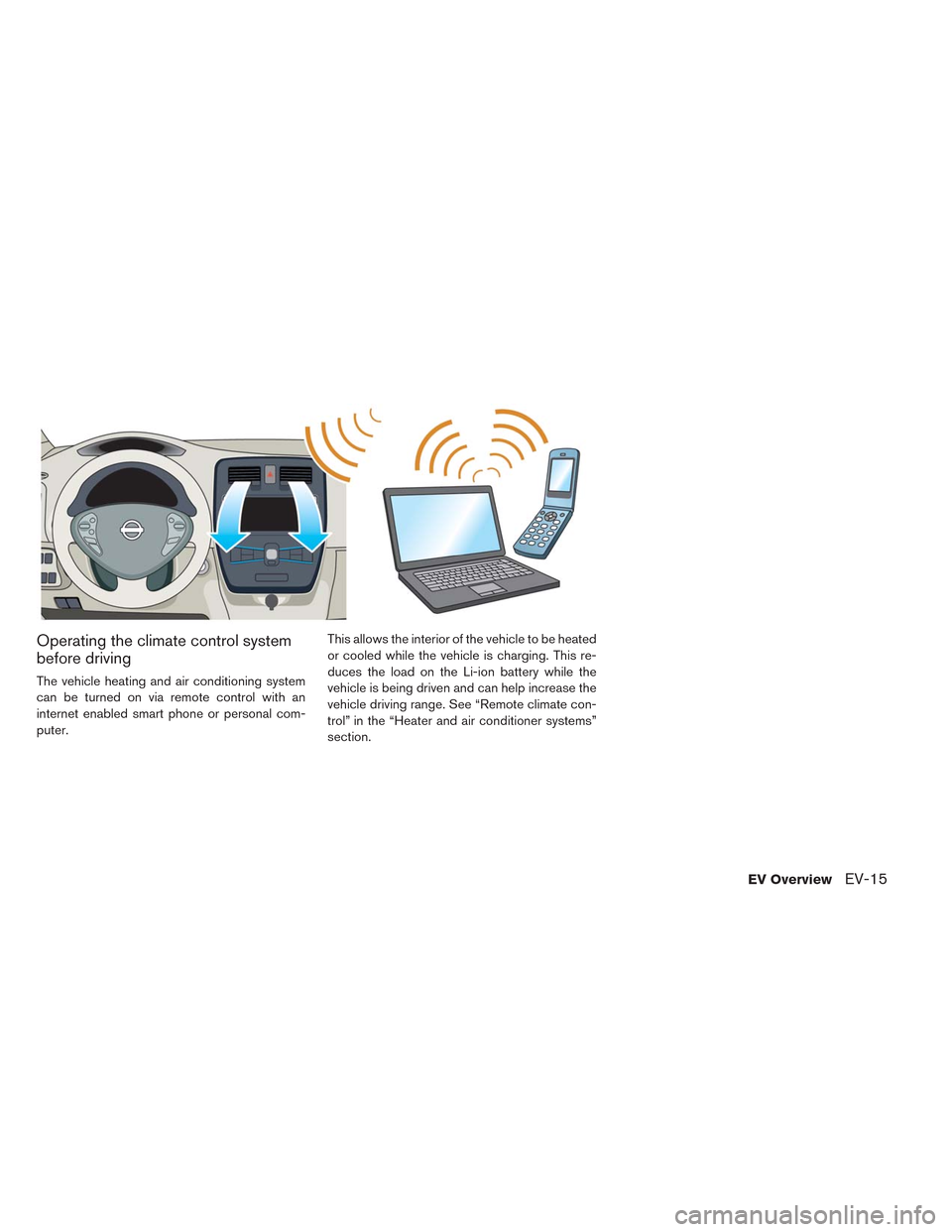
Operating the climate control system
before driving
The vehicle heating and air conditioning system
can be turned on via remote control with an
internet enabled smart phone or personal com-
puter.This allows the interior of the vehicle to be heated
or cooled while the vehicle is charging. This re-
duces the load on the Li-ion battery while the
vehicle is being driven and can help increase the
vehicle driving range. See “Remote climate con-
trol” in the “Heater and air conditioner systems”
section.
EV OverviewEV-15
Page 36 of 397
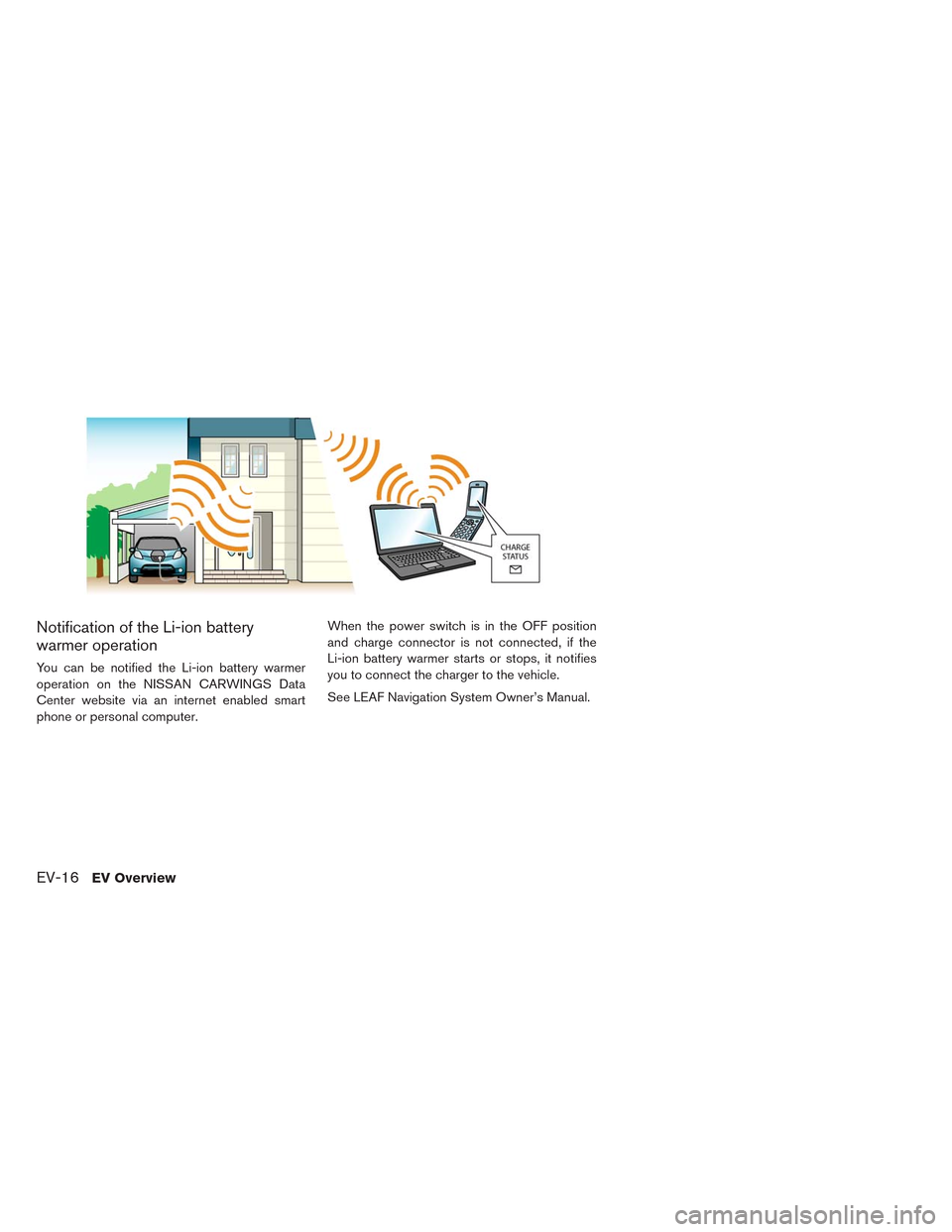
Notification of the Li-ion battery
warmer operation
You can be notified the Li-ion battery warmer
operation on the NISSAN CARWINGS Data
Center website via an internet enabled smart
phone or personal computer.When the power switch is in the OFF position
and charge connector is not connected, if the
Li-ion battery warmer starts or stops, it notifies
you to connect the charger to the vehicle.
See LEAF Navigation System Owner’s Manual.
EV-16EV Overview
Page 37 of 397
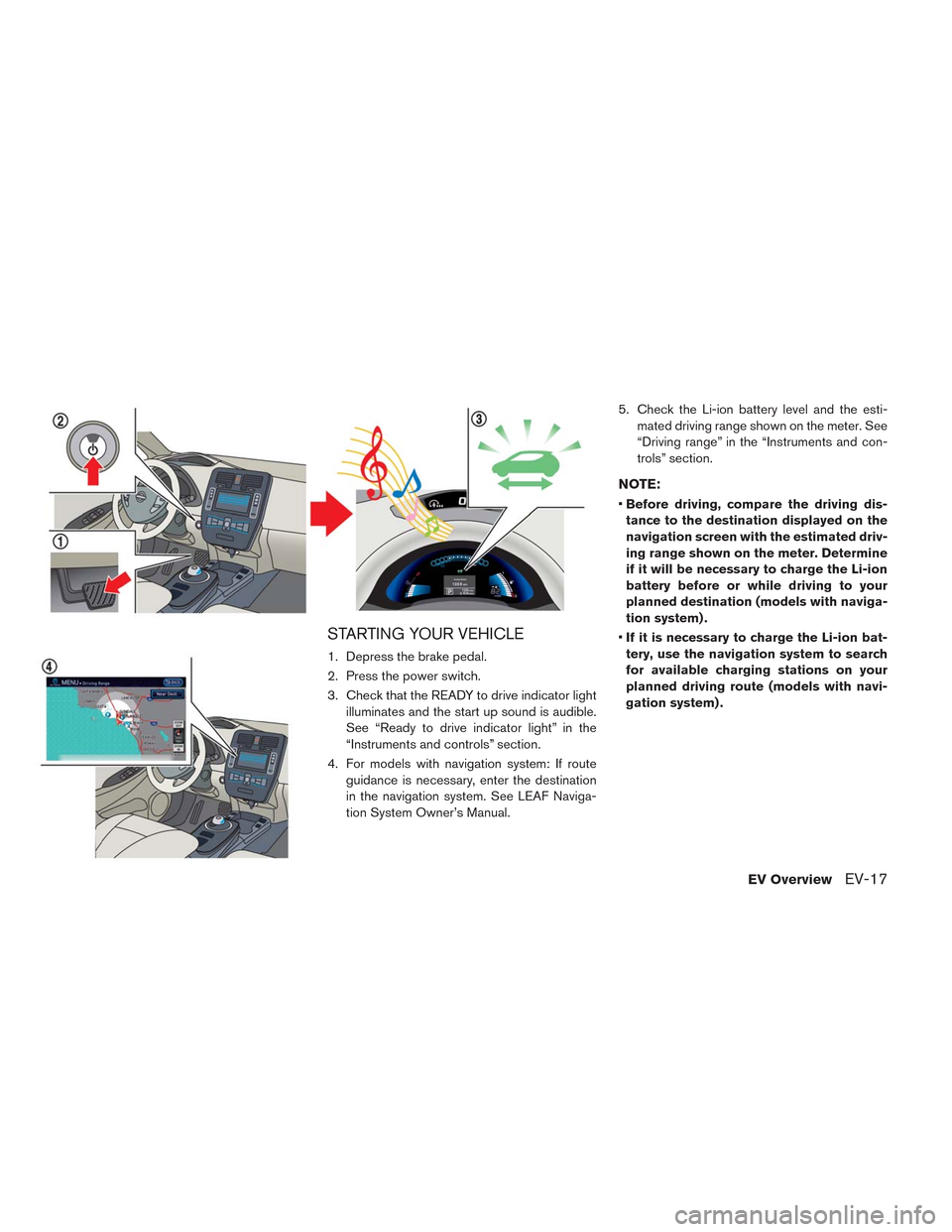
STARTING YOUR VEHICLE
1. Depress the brake pedal.
2. Press the power switch.
3. Check that the READY to drive indicator light
illuminates and the start up sound is audible.
See “Ready to drive indicator light” in the
“Instruments and controls” section.
4. For models with navigation system: If route
guidance is necessary, enter the destination
in the navigation system. See LEAF Naviga-
tion System Owner’s Manual.5. Check the Li-ion battery level and the esti-
mated driving range shown on the meter. See
“Driving range” in the “Instruments and con-
trols” section.
NOTE:
•Before driving, compare the driving dis-
tance to the destination displayed on the
navigation screen with the estimated driv-
ing range shown on the meter. Determine
if it will be necessary to charge the Li-ion
battery before or while driving to your
planned destination (models with naviga-
tion system) .
•If it is necessary to charge the Li-ion bat-
tery, use the navigation system to search
for available charging stations on your
planned driving route (models with navi-
gation system) .
EV OverviewEV-17
Page 40 of 397
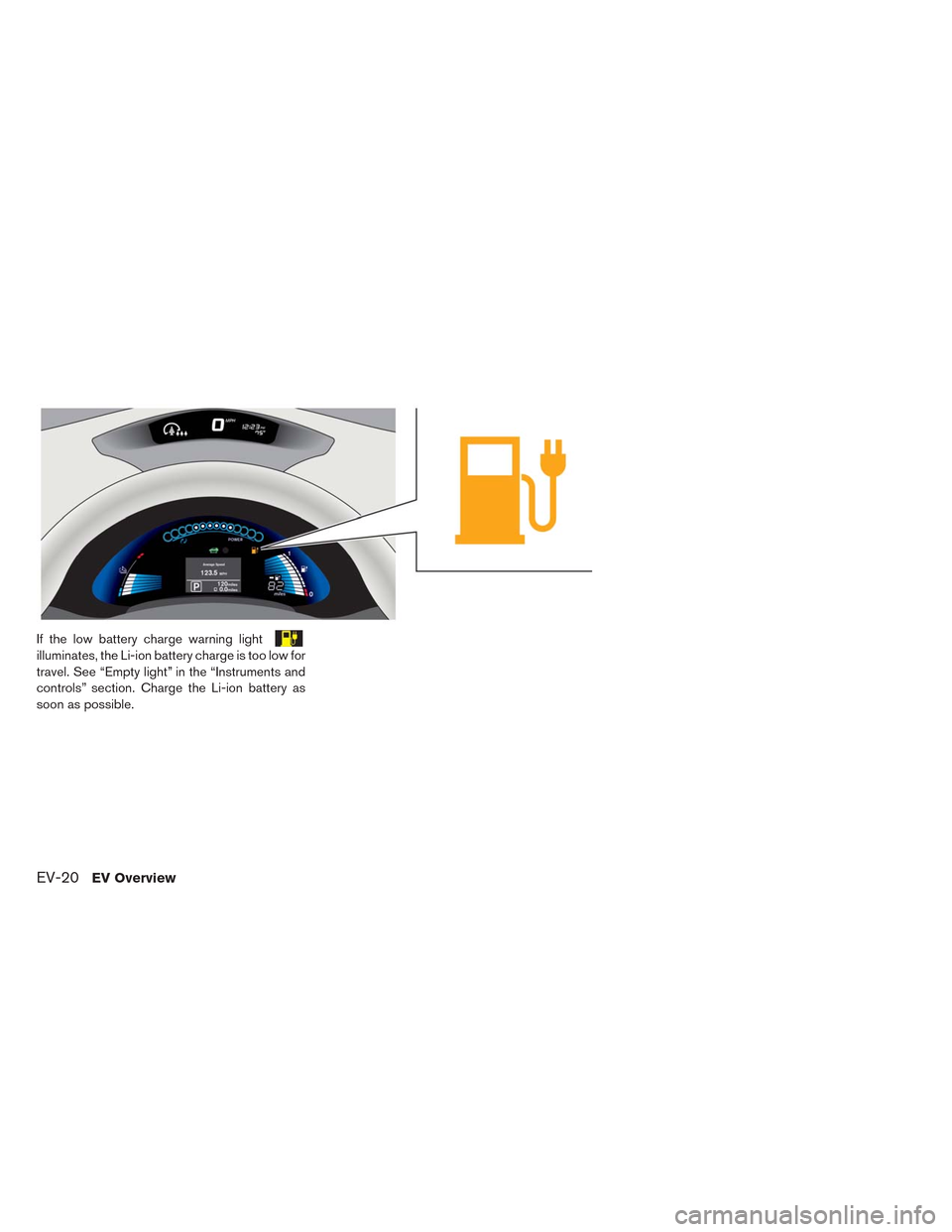
If the low battery charge warning light
illuminates, the Li-ion battery charge is too low for
travel. See “Empty light” in the “Instruments and
controls” section. Charge the Li-ion battery as
soon as possible.
EV-20EV Overview
Page 41 of 397
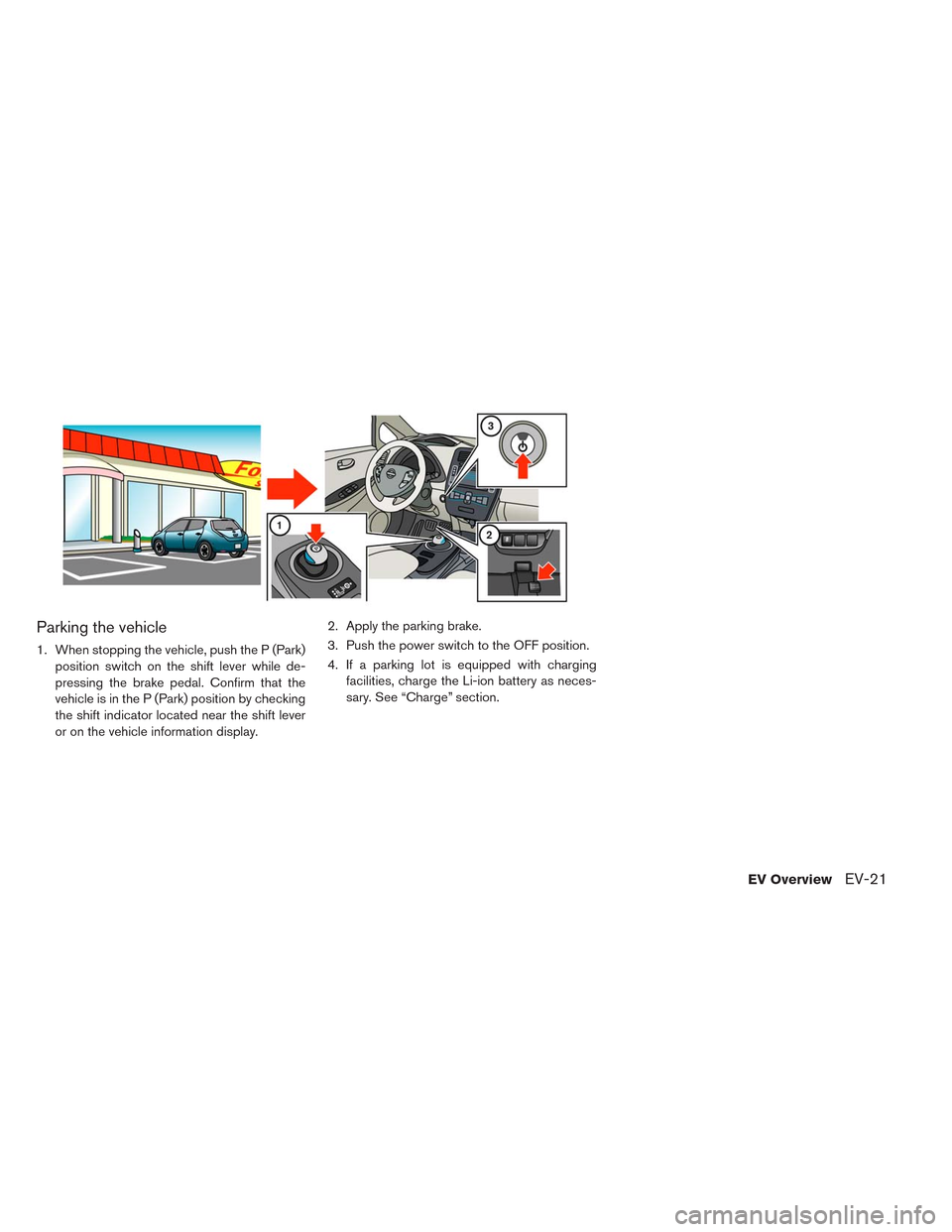
Parking the vehicle
1. When stopping the vehicle, push the P (Park)
position switch on the shift lever while de-
pressing the brake pedal. Confirm that the
vehicle is in the P (Park) position by checking
the shift indicator located near the shift lever
or on the vehicle information display.2. Apply the parking brake.
3. Push the power switch to the OFF position.
4. If a parking lot is equipped with charging
facilities, charge the Li-ion battery as neces-
sary. See “Charge” section.
EV OverviewEV-21