navigation NISSAN LEAF 2016 1.G User Guide
[x] Cancel search | Manufacturer: NISSAN, Model Year: 2016, Model line: LEAF, Model: NISSAN LEAF 2016 1.GPages: 437, PDF Size: 4.56 MB
Page 36 of 437
STARTING YOUR VEHICLE
1. Depress the brake pedal.
2. Press the power switch.
3. Check that the READY to drive indicator lightilluminates and the start up sound is audible.
For additional information, refer to “Ready to
drive indicator light” in the “Instruments and
controls” section of this manual.
4. For models with navigation system: If route guidance is necessary, enter the destination
in the navigation system. For additional infor-
mation, refer to the LEAF Navigation System
Owner’s Manual. 5. Check the Li-ion battery level and the esti-
mated driving range shown on the meter. For
additional information, refer to “Driving range”
in the “Instruments and controls” section of
this manual.
NOTE:
•Before driving, compare the driving dis-
tance to the destination displayed on the
navigation screen with the estimated driv-
ing range shown on the meter. Determine
if it will be necessary to charge the Li-ion
battery before or while driving to your
planned destination (models with naviga-
tion system) .
• If it is necessary to charge the Li-ion bat-
tery, use the navigation system to search
for available charging stations on your
planned driving route (models with navi-
gation system) .
EV OverviewEV-17
Page 41 of 437
CHARGING AFTER DRIVING
Charging the Li-ion battery
When you return home, connect the vehicle to
the charging station installed at your home using
the normal charge connector.
Charge the vehicle or set the charging timer
function to have the vehicle charge at a specific
time. For additional information, refer to “Charg-
ing timer” in the “Charging” section of this
manual.
1. When the power switch is turned off, thesettings of the charging timer, and the Climate
Ctrl. Timer and the charge connector lock functions are displayed on the vehicle infor-
mation display. For additional information, re-
fer to “Vehicle information display” in the “In-
struments and controls” section of this
manual.
2. Open the charge port lid and charge port cap. For additional information, refer to “Charge
port lid” in the “Pre-driving checks and adjust-
ments” section of this manual.
3. Connect the charge connector to the vehicle.
4. When a charging timer is turned on, charging starts at the set time. When a charging timer
is not turned on, charging starts immediately.
NOTE:
•Charging can be started remotely, even if
the charging timer is set up.
• When you have forgotten to connect the
charge connector at home, there is a func-
tion that can notify you via a text message
capable cellular phone, internet enabled
smart phone or personal computer. For
additional information, refer to “Charging
related remote function” in the “Charg-
ing” section (models with navigation sys-
tem) of this manual.
• NISSAN recommends that you connect
the normal charge cable when getting out
of the vehicle, even if it is not going to be
used. By doing this, you can get the most
out of the remote climate control (models
with navigation system) and Climate Ctrl.
Timer functions the next time you use the
vehicle.
EV-22EV Overview
Page 49 of 437
SOLAR CELL MODULE (IF SO
EQUIPPED)
This vehicle uses a solar cell module to provide
power to the 12-volt battery. The solar cell mod-
ule only provides power to help maintain the
charge of the 12-volt battery; it will not recharge
a discharged 12-volt battery.
The solar cell module does not provide power to
the Li-ion battery.
For maintenance, refer to “Cleaning exterior” in
the “Appearance and care” section.
NOTE:
The solar cell may not provide full charging
power in the following situations.
•When the intensity of sunlight is weak.
• When the solar cell module is in the
shade.
• When the solar cell module is covered by
leaves or dirt.
DRIVING RANGE (IF SO EQUIPPED)
On the navigation screen, you can check the
estimated distance the vehicle may be driven with
the available Li-ion battery charge. For additional
information, refer to the LEAF Navigation System
Owner’s Manual.
Solar cell module on the rear spoiler
EV-30EV Overview
Page 50 of 437
Charging
Precautions on charging................. .CH-2
Types of charge and how to charge the Li-ion
battery ........................... .CH-5
How to normal charge ................ .CH-9
How to trickle charge ................ .CH-11
How to quick charge (if so equipped) .......CH-15
Charge connector lock switch ...........CH-18
Charging methods ................... .CH-21
Charging timer ................... .CH-21
Immediate charge .................. .CH-25Charging related remote function
(models with navigation system)
..........CH-26
Charging related indicator lights ............CH-27
Charging status indicator lights ...........CH-27
EVSE (Electric Vehicle Supply Equipment)
control box indicator light ..............CH-30
Charging troubleshooting guide ............CH-32
Page 53 of 437
•If the vehicle will not be used for an ex-
tended period of time, charge the Li-ion
battery using the long life mode once ev-
ery three months. Do not operate the
charging timer repeatedly while the
charge connector is connected to the ve-
hicle after the Li-ion battery charging is
completed. Doing so may discharge the
12-volt battery. For additional informa-
tion, refer to the long life mode charging
method, in the “Charging timer” section of
this manual. If the Li-ion battery becomes
discharged, charge it immediately.
• The power switch can be set to the ON
position and the climate control and navi-
gation system (models with navigation
system) can be used while the Li-ion bat-
tery is charging. However, because these
operations consume Li-ion battery power,
it will take longer for the Li-ion battery to
become fully charged. Place the power
switch in the OFF position to help reduce
Li-ion battery charge time.
• If electrical power is interrupted while
charging, charging restarts automatically
when the electrical power is restored. •
It is recommended to keep the charge
cable connected to save Li-ion battery
power, when the heater and air condi-
tioner are operating with remote opera-
tion (models with navigation system) .
• If the charge port is frozen, melt the ice
using a hair dryer. After the ice has
melted, charge the Li-ion battery. Forcing
the charge connector to connect may
cause a malfunction.
• If foreign materials have entered the
charge connector and charge port and it is
not possible to connect it, do not attempt
to force the connection. Contact a NISSAN
certified LEAF dealer. Forcing the charge
connector to connect may cause damage
to the charging equipment and vehicle.
• There is a hole on the charge port for
water drainage. If the water drainage hole
becomes blocked, or if water gets trapped
inside the charge port, do not charge.
Contact a NISSAN certified LEAF dealer.
CH-4Charging
Page 59 of 437
• Immediate charge, charging timer and remotecharge (models with navigation system) can be
performed in the normal charge mode. For ad-
ditional information, refer to “Charging meth-
ods” in this section.
• The Genuine NISSAN charging equipment communicates with the vehicle before Li-ion
battery charging starts. If this communication
does not occur because other equipment is
used, the Li-ion battery will not charge.
• NISSAN recommends that you connect the normal charge cable when getting out of the
vehicle, even if it is not going to be used. By
doing this, you can get the most out of the
remote climate control (models with navigation
system) and Climate Ctrl. Timer functions the
next time you use the vehicle. To start normal charge:
1. Push the P (Park) position switch to place the
vehicle in the P (Park) position and apply the
parking brake.
2. When charging the Li-ion battery, place the power switch in the OFF position. When the
power switch is in the ON position, the Li-ion
battery will not start charging.
3. Open the charge port lid and charge port cap. For additional information, refer to “Charge
port lid” and “Charge port cap” in the “Pre-
driving checks and adjustments” section of
this manual. 4. Connect the charge connector to the charge
port. If it is connected normally, a beep will
sound once.
5. If charging has started or if the battery is waiting for the charging timer, a beep will
sound twice and the charging status indicator
light display will change. For additional infor-
mation, refer to “Charging status indicator
lights” in this section.
CH-10Charging
Page 61 of 437
– The device has parts that may sparkinside. Do not use it where gasoline,
paint, or flammable liquids are used
or stored.
– Do not use if a malfunction occurs or if the charger has been damaged in
any manner. Return to a NISSAN
certified LEAF dealer for replace-
ment.
– The charger contains no user ser- viceable parts. Do not attempt to
repair the charger, doing so will void
your warranty.• Pass the lower side belt of the EVSE(Electric Vehicle Supply Equipment)
case securely through the fastener on
the bottom of the luggage board. If the
case suddenly becomes loose, it may
cause serious injury or death.
CAUTION
• Only charge using a standard 110 - 120 volt, 15A dedicated electrical outlet
(For example do not use an electric
generator) . Failure to do so may cause
charging to fail and could cause dam-
age to the Li-ion battery charging
equipment due to power surges.
• NISSAN recommends using Genuine NISSAN charging equipment to charge
the vehicle. Using non-NISSAN equip-
ment could cause the Li-ion battery to
not charge correctly and may damage
the Li-ion battery. • Trickle charging is performed using an AC 110 -
120 volt, 15A dedicated electrical outlet using
the EVSE (Electric Vehicle Supply Equipment)
provided with the vehicle.
• The Genuine NISSAN EVSE (Electric Vehicle Supply Equipment) charging equipment or
trickle charge cable performs a communication
function with the vehicle before Li-ion charging
starts. If this communication does not occur
because other equipment is used, the Li-ion
battery will not charge.
• Immediate charge, charging timer and remote charge (models with navigation system) can be
performed in the trickle charge mode. For addi-
tional information, refer to “Charging methods”
in this section.
CH-12Charging
Page 70 of 437
CHARGING TIMER
Use charging timer to schedule when the Li-ion
battery charges. The vehicle automatically begins
charging at the scheduled times when the charge
connector is connected to the vehicle. The timers
do not need to be reset each time the Li-ion
battery needs charging.
Charging timer
Use the charging timer to schedule when the
Li-ion battery will be charged. The vehicle auto-
matically starts charging at the scheduled time
when the charge connector is connected to the
vehicle. The timers do not need to be reset each
time the Li-ion battery needs to be charged. Two
timer settings can be saved.
With navigation system
The charging timer can save two timer settings
that include the charging start time and end time.
The charging timer can be applied to one of the
timer settings for each day of the week.
The vehicle automatically begins charging at the
scheduled times when the charge connector is
connected to the vehicle. The timers do not need
to be reset each time the Li-ion battery needs to
be charged.1. Push
and touch “Charging Timer”.
Touch “Estimated Time” to view approximate
time required to reach 100% charge.
2. Touch “Edit Schedule”. Timer charge setting screen is displayed.
3. Set preferred time and day of the week for vehicle charging.
4. After entering the information, touch “Save”. A confirmation screen is displayed.
5. Touch “OK” to confirm the setting, push the power switch to the OFF position, and then
connect the charge connector to the vehicle.
NOTE:
•Always place the power switch in the OFF
position after setting the charging timers.
When the power switch in the ON position,
the Li-ion battery will not start charging.
• The Li-ion battery may not be charged to
the expected level if the charging timer
start time and end time are set so there is
not enough time to charge the Li-ion bat-
tery.
• When either the charge start time or
charge end time is set, the charging timer
function is activated.
• When only the charging timer end time is
set, the system automatically determines
when to begin charging. The Li-ion battery
may not be charged to the expected level
in the following conditions: – The Li-ion battery is charged in could weather.
– The Charge connector is connected to the vehicle too close to the scheduled
charging end time.
CHARGING METHODS
ChargingCH-21
Page 71 of 437
•When only the charging timer end time is
set, the system automatically stops charg-
ing when the Li-ion battery charges to a
full charge. Charging may stop before the
scheduled end time.
• If charging timer and the Climate Ctrl.
Timer are operating at the same time due
to an overlap of the timer settings, you can
prioritize which function receives electri-
cal power first. For additional information,
refer to “Leaf Navigation System Owner’s
Manual”.
• When charging is set as the first priority,
the Climate Ctrl. Timer does not start until
10 segments (80%) of the Li-ion battery
available charge gauge are illuminated.
• Even when the climate control is set as the
first priority, the climate control system
will be turned off when the electric de-
mands of the climate control system is
more than can be provided to the Li-ion
battery for charging.
• Some charging stations used to perform
normal charge are equipped with timer
functions. If the charger timer function
and the vehicle timer are both set, and the
two timers are not set to operate at the same time, it is possible that the charger
will snot start or the battery will not be
charged to the level expected.
• If the Li-ion battery warmer (if so
equipped) is operating while the Climate
Ctrl. Timer or Remote Climate Control is
being used, performance of the Climate
Control will be reduced.
• The Li-ion battery may not charge to the
expected level using the Charging Timer
when a Start time and End time are set
while the Li-ion battery warmer (if so
equipped) operates.
• Set only the Charging Timer End time
when charging in cold weather. The ve-
hicle automatically determines when to
start charging to fully charge the Li-ion
battery, even if the Li-ion battery warmer
(if so equipped) operates. Charging ends
before the set End time if the Li-ion bat-
tery is fully charged.
• The 12–volt battery can become dis-
charged if the charging timer is operated
repeatedly between the Li-ion battery
charges when the vehicle is not used for
an extended period of time. •
Charging timer is performed according to
the current time setting on the bottom left
of the display. When setting the charging
timer function, be sure to check that the
current time displayed is correct.
• To turn off the charging timer function,
touch ON on the timer charge setting
screen until the indicator lights are turned
off. Touch SAVE to apply the change. If the
settings shown on the screen are correct,
touch OK. After this operation has been
performed, the indicator disappears and
the charging timer function is turned off.
The start and stop time settings are not
deleted, even if the charging timer func-
tion is turned off.
• If the day of the week is not selected on
the timer charge setting screen, the charg-
ing timer will not operate on that day. The
system will wait until the net set charging
time to perform charging.
CH-22Charging
Page 72 of 437
Timer Charge setting screen:
Two different timer settings can be registered
(one on the left side and another on the right side
of the screen) .
1. Touch to turn on/of the timer. The indicatorlight will turn on when the timer setting is
turned on.
2. Indicates start/end time of the scheduled timer charge.
3. Touch corresponding keys to adjust the time setting.
• -: Touch or touch and hold to decrease the time. • +: Touch or touch and hold to increase the
time.
• x: Touch to delete the numbers entered in the corresponding column.
4. Touch the keys to set the days of the week you wish to start charging.
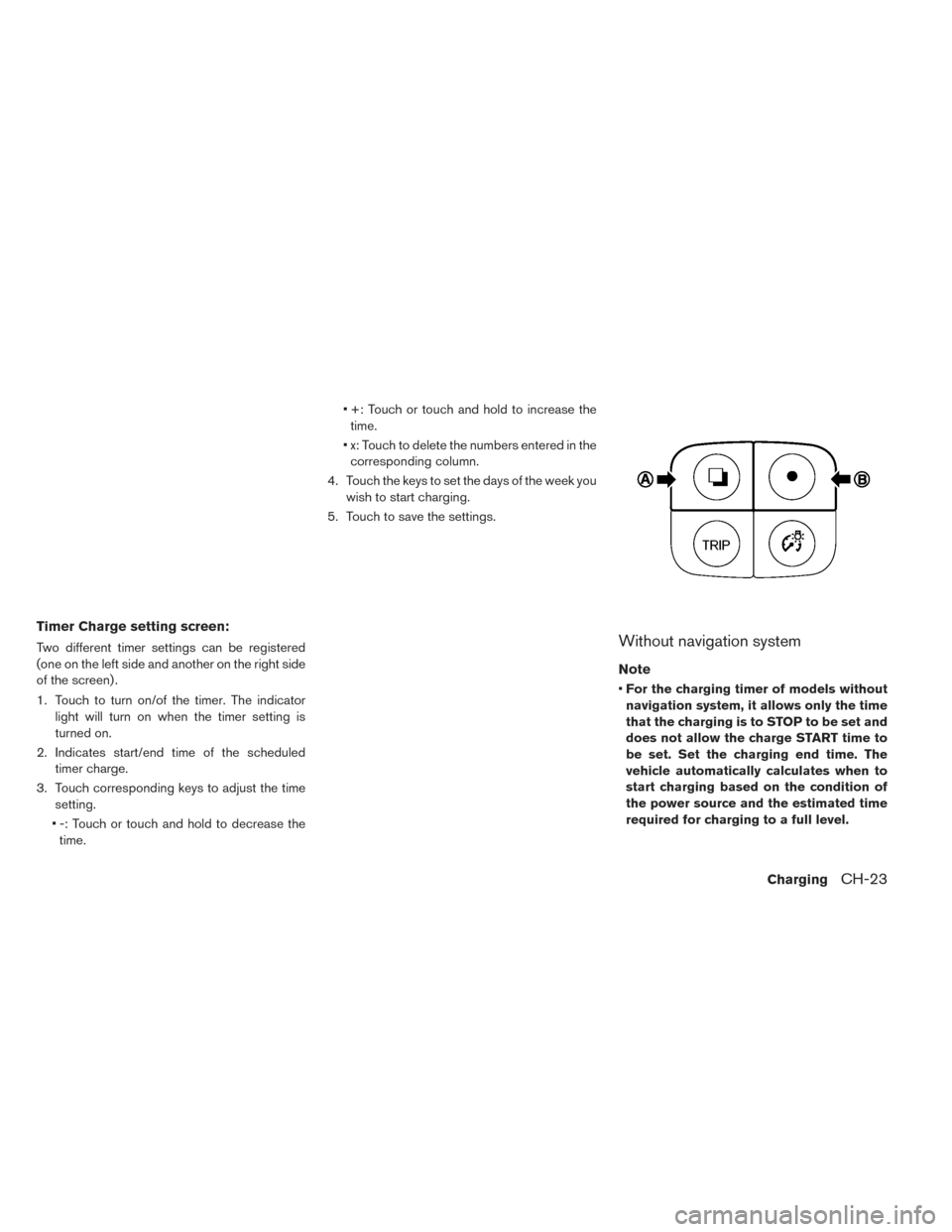
5. Touch to save the settings.Without navigation system
Note
• For the charging timer of models without
navigation system, it allows only the time
that the charging is to STOP to be set and
does not allow the charge START time to
be set. Set the charging end time. The
vehicle automatically calculates when to
start charging based on the condition of
the power source and the estimated time
required for charging to a full level.
ChargingCH-23