Vehicle information display warning NISSAN LEAF 2023 User Guide
[x] Cancel search | Manufacturer: NISSAN, Model Year: 2023, Model line: LEAF, Model: NISSAN LEAF 2023Pages: 612, PDF Size: 7.42 MB
Page 124 of 612
• An object placed under the front passen-ger seat.
• An object placed between the seat cush- ion and center console or between the
seat cushion and the door.
• An object hanging on the seat or placed in the seatback pocket.
• A child restraint or other object pressing against the rear of the seatback.
NOTE:
The rear seats may be equipped with a
seat belt warning in the vehicle informa-
tion display.
For additional information, see “Vehicle In-
formation display” (P. 2-26).
PREGNANT WOMEN
NISSAN recommends that pregnant
women use seat belts. The seat belt should
be worn snug, and always position the lap
belt as low as possible around the hips, not
the waist. Place the shoulder belt over your
shoulder and across your chest. Never put
the lap/shoulder belt over your abdominal
area. Contact your doctor for specific
recommendations.
INJURED PERSONS
NISSAN recommends that injured persons
use seat belts, depending on the injury.
Check with your doctor for specific
recommendations.
THREE-POINT TYPE SEAT BELT
WITH RETRACTOR
WARNING
• Every person who drives or rides in
this vehicle should use a seat belt at
all times.
• Do not ride in a moving vehicle when
the seatback is reclined. This can be
dangerous. The shoulder belt will not
be against your body. In an accident,
you could be thrown into it and re-
ceive neck or other serious injuries.
You could also slide under the lap belt
and receive serious internal injuries.
• For the most effective protection
when the vehicle is in motion, the
seat should be upright. Always sit
well back and upright in the seat with
both feet on the floor and adjust the
seat belt properly. •
Do not allow children to play with the
seat belts. Most seating positions are
equipped with Automatic Locking
Retractor (ALR) mode seat belts. If
the seat belt becomes wrapped
around a child’s neck with the ALR
mode activated, the child can be se-
riously injured or killed if the seat belt
retracts and becomes tight. This can
occur even if the vehicle is parked.
Unbuckle the seat belt to release the
child. If the seat belt cannot be un-
buckled or is already unbuckled, re-
lease the child by cutting the seat
belt with a suitable tool (such as a
knife or scissors) to release the seat
belt.
Fastening the seat belts
1. Adjust the seat. For additional informa- tion, see “Seats” (P. 1-2).
Safety–Seats, seat belts and supplemental restraint system1-15
Page 177 of 612
2 Instruments and controls
Cockpit.........................................2-2
Instrument Panel ................................2-4
Meters and Gauges .............................2-5
Speedometer and odometer .................2-5
Li-ion battery temperature gauge ............ 2-7
Power meter ................................. 2-7
Driving range .................................2-8
Li-ion battery available charge gauge ........2-9
Li-ion battery capacity level gauge ..........2-12
Outside air temperature .....................2-12
Clock ........................................ 2-12
ECO mode indicator ......................... 2-13
e-Pedal system indicator ....................2-13
Warning lights, indicator lights and audible
reminders ...................................... 2-14
Checking lights .............................. 2-16
Warning/Indicator lights (red) ...............2-16
Warning/Indicator lights (yellow) ............2-19
Warning/Indicator lights (other) .............2-24
Audible reminders ........................... 2-25
Vehicle information display .....................2-26
How to use the vehicle information
display ...................................... 2-27
Startup display .............................. 2-27
Settings ..................................... 2-28
Vehicle information display warnings
and indicators ............................... 2-36Warning information displays
(models with a navigation system)
..........2-44
Security systems ............................... 2-44
Vehicle security system .....................2-44
NISSAN Vehicle Immobilizer System .........2-46
Wiper and washer switch .......................2-47
Washer operation ........................... 2-48
Rear wiper operation ........................ 2-48
Rear window and outside mirror
(if so equipped) defroster switch ...............2-49
Headlight and turn signal switch ...............2-50
Headlight switch ............................ 2-50
LED Daytime Running Lights (DRL)
system (Type A) (if so equipped) .............2-55
LED Daytime Running Lights (DRL)
system (Type B) (if so equipped) .............
2-55
Instrument
brightness control ..............2-56
Turn signal switch ........................... 2-56
Fog light switch (if so equipped) .............2-57
Emblem Light ............................... 2-57
Horn ........................................... 2-58
ECO switch ..................................... 2-58
Heated seat switches (if so equipped) ..........2-58
Heated steering wheel switch (if so equipped) . . 2-60
Emergency call (SOS) button (if so equipped) . . . 2-60
Charge port lid switch .......................... 2-61
Page 181 of 612
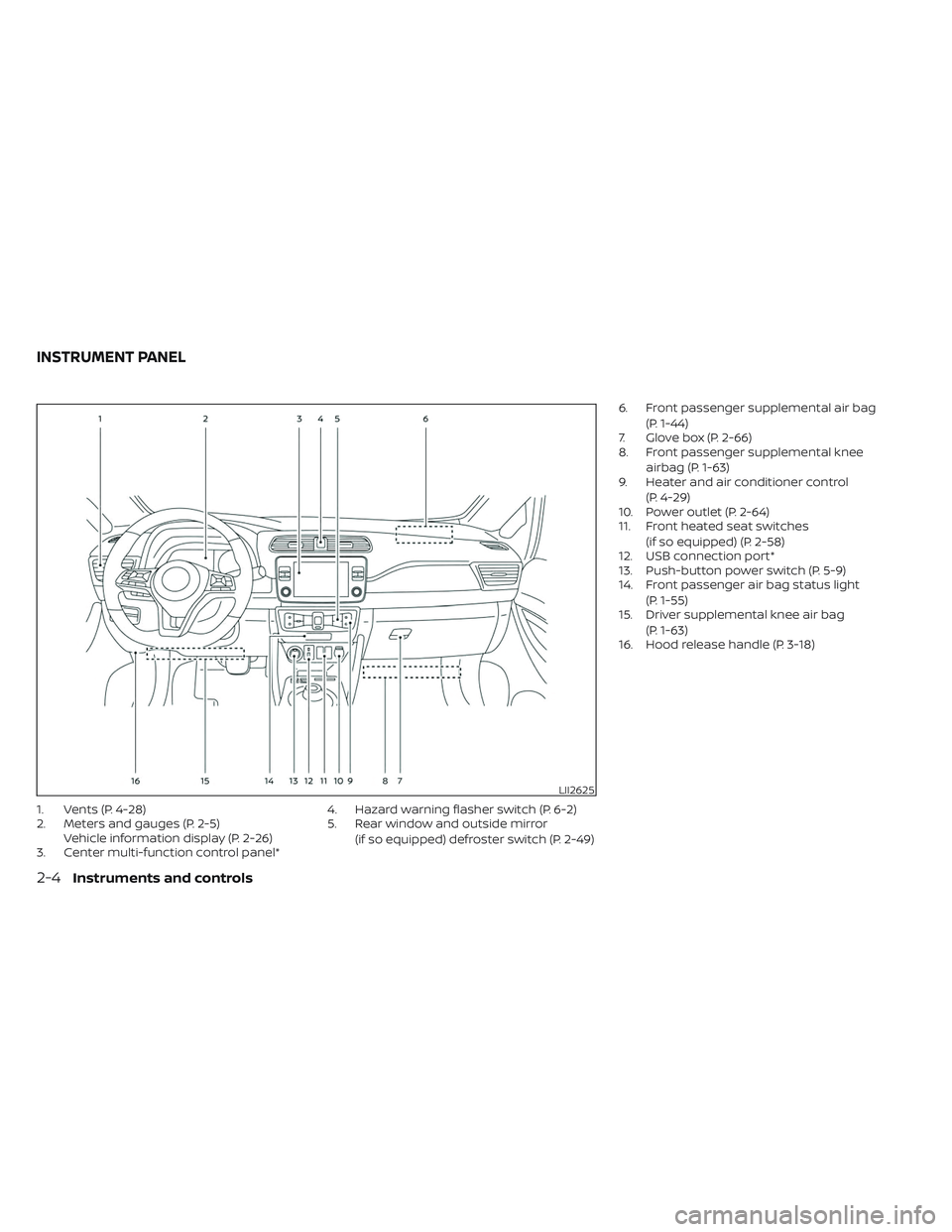
1. Vents (P. 4-28)
2. Meters and gauges (P. 2-5)Vehicle information display (P. 2-26)
3. Center multi-function control panel* 4. Hazard warning flasher switch (P. 6-2)
5. Rear window and outside mirror
(if so equipped) defroster switch (P. 2-49) 6. Front passenger supplemental air bag
(P. 1-44)
7. Glove box (P. 2-66)
8. Front passenger supplemental knee
airbag (P. 1-63)
9. Heater and air conditioner control
(P. 4-29)
10. Power outlet (P. 2-64)
11. Front heated seat switches
(if so equipped) (P. 2-58)
12. USB connection port*
13. Push-button power switch (P. 5-9)
14. Front passenger air bag status light
(P. 1-55)
15. Driver supplemental knee air bag
(P. 1-63)
16. Hood release handle (P. 3-18)
LII2625
INSTRUMENT PANEL
2-4Instruments and controls
Page 182 of 612
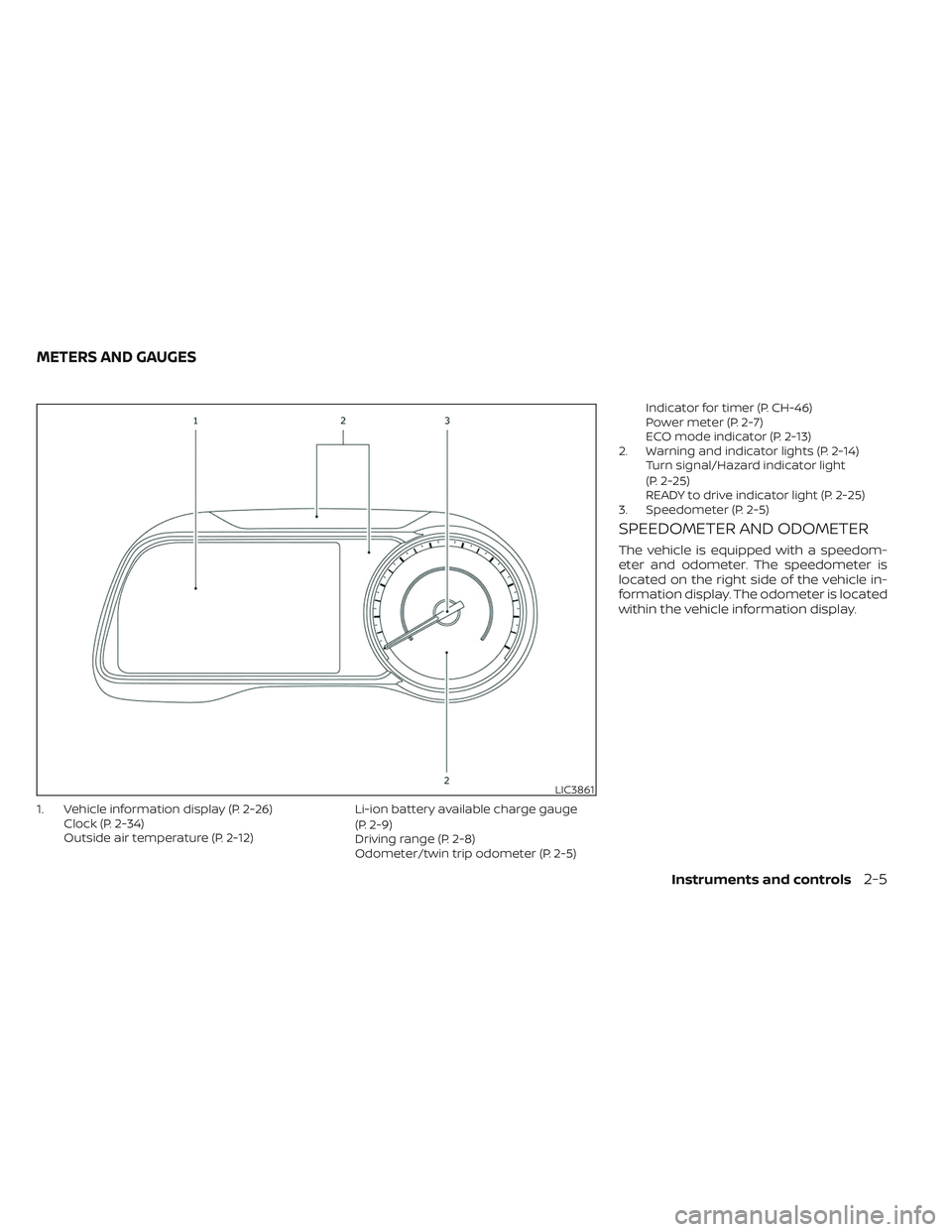
1. Vehicle information display (P. 2-26)Clock (P. 2-34)
Outside air temperature (P. 2-12) Li-ion battery available charge gauge
(P. 2-9)
Driving range (P. 2-8)
Odometer/twin trip odometer (P. 2-5)Indicator for timer (P. CH-46)
Power meter (P. 2-7)
ECO mode indicator (P. 2-13)
2. Warning and indicator lights (P. 2-14) Turn signal/Hazard indicator light
(P. 2-25)
READY to drive indicator light (P. 2-25)
3. Speedometer (P. 2-5)
SPEEDOMETER AND ODOMETER
The vehicle is equipped with a speedom-
eter and odometer. The speedometer is
located on the right side of the vehicle in-
formation display. The odometer is located
within the vehicle information display.
LIC3861
METERS AND GAUGES
Instruments and controls2-5
Page 193 of 612
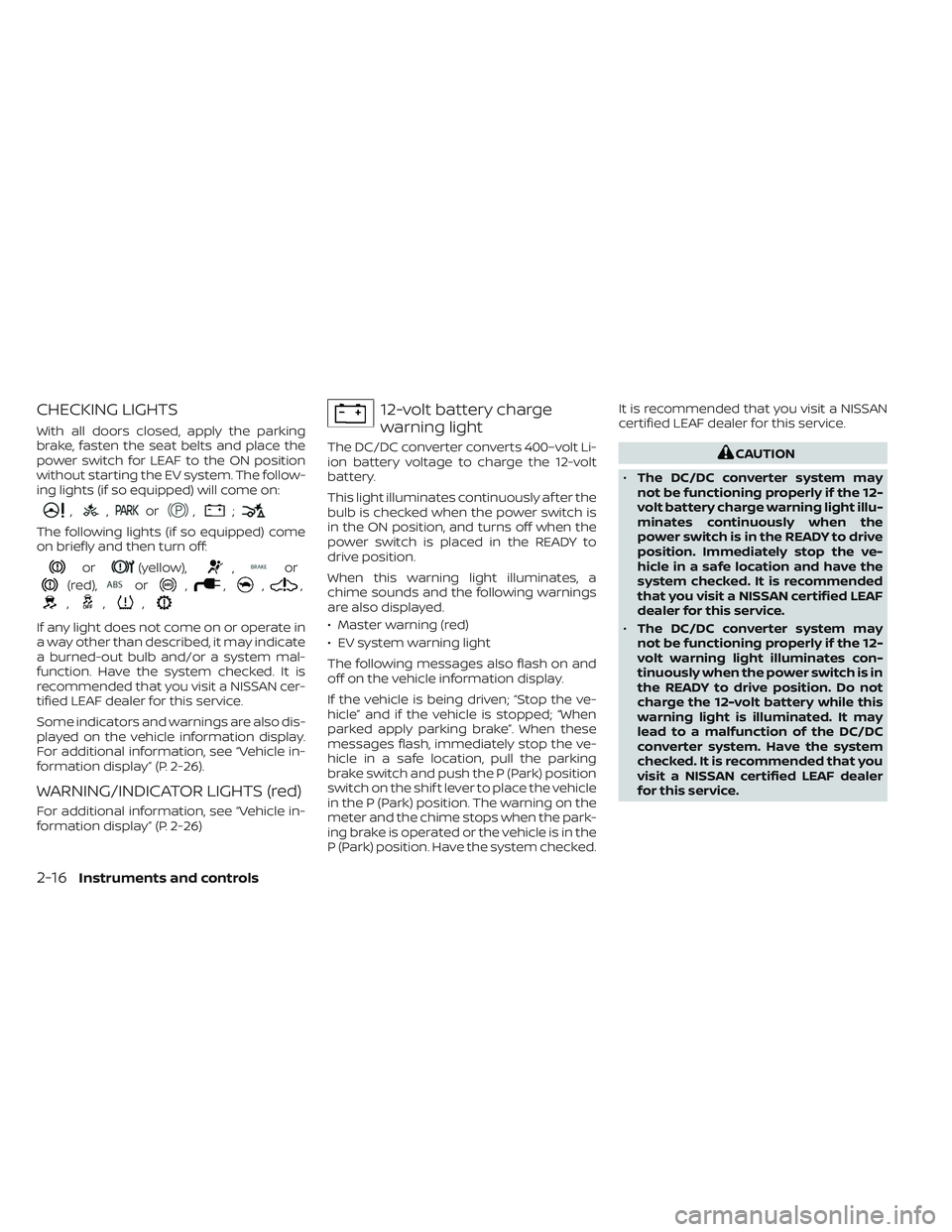
CHECKING LIGHTS
With all doors closed, apply the parking
brake, fasten the seat belts and place the
power switch for LEAF to the ON position
without starting the EV system. The follow-
ing lights (if so equipped) will come on:
,,or,;
The following lights (if so equipped) come
on briefly and then turn off:
or(yellow),,or
(red),or,,,,
,,,
If any light does not come on or operate in
a way other than described, it may indicate
a burned-out bulb and/or a system mal-
function. Have the system checked. It is
recommended that you visit a NISSAN cer-
tified LEAF dealer for this service.
Some indicators and warnings are also dis-
played on the vehicle information display.
For additional information, see “Vehicle in-
formation display” (P. 2-26).
WARNING/INDICATOR LIGHTS (red)
For additional information, see “Vehicle in-
formation display” (P. 2-26)
12-volt battery charge
warning light
The DC/DC converter converts 400–volt Li-
ion battery voltage to charge the 12-volt
battery.
This light illuminates continuously af ter the
bulb is checked when the power switch is
in the ON position, and turns off when the
power switch is placed in the READY to
drive position.
When this warning light illuminates, a
chime sounds and the following warnings
are also displayed.
• Master warning (red)
• EV system warning light
The following messages also flash on and
off on the vehicle information display.
If the vehicle is being driven; “Stop the ve-
hicle” and if the vehicle is stopped; “When
parked apply parking brake”. When these
messages flash, immediately stop the ve-
hicle in a safe location, pull the parking
brake switch and push the P (Park) position
switch on the shif t lever to place the vehicle
in the P (Park) position. The warning on the
meter and the chime stops when the park-
ing brake is operated or the vehicle is in the
P (Park) position. Have the system checked.It is recommended that you visit a NISSAN
certified LEAF dealer for this service.CAUTION
• The DC/DC converter system may
not be functioning properly if the 12-
volt battery charge warning light illu-
minates continuously when the
power switch is in the READY to drive
position. Immediately stop the ve-
hicle in a safe location and have the
system checked. It is recommended
that you visit a NISSAN certified LEAF
dealer for this service.
• The DC/DC converter system may
not be functioning properly if the 12-
volt warning light illuminates con-
tinuously when the power switch is in
the READY to drive position. Do not
charge the 12-volt battery while this
warning light is illuminated. It may
lead to a malfunction of the DC/DC
converter system. Have the system
checked. It is recommended that you
visit a NISSAN certified LEAF dealer
for this service.
2-16Instruments and controls
Page 195 of 612
•If the brake fluid level is below the
minimum or MIN mark on the brake
fluid reservoir, do not drive until the
brake system has been checked. It is
recommended that you visit a
NISSAN certified LEAF dealer for this
service.
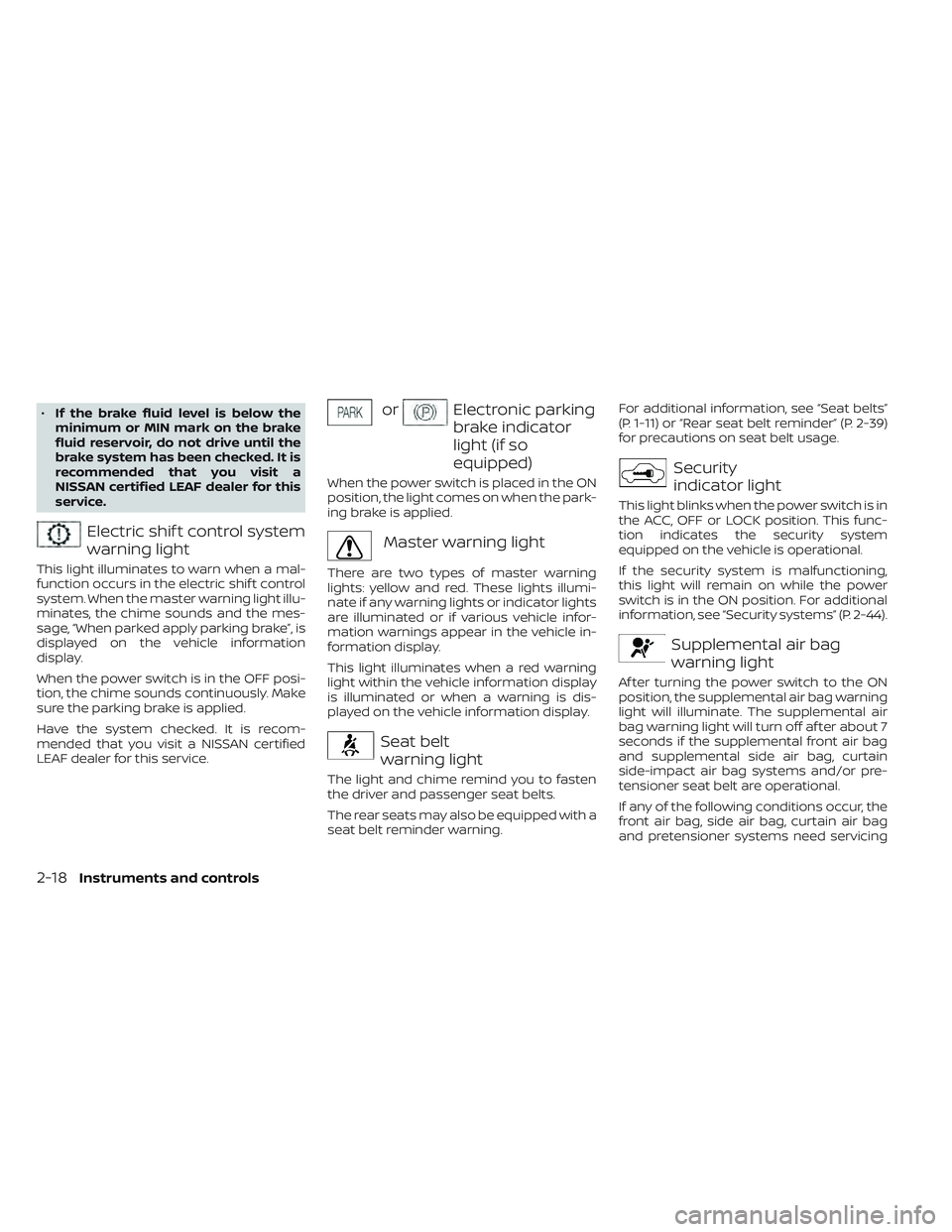
Electric shif t control system
warning light
This light illuminates to warn when a mal-
function occurs in the electric shif t control
system. When the master warning light illu-
minates, the chime sounds and the mes-
sage, “When parked apply parking brake”, is
displayed on the vehicle information
display.
When the power switch is in the OFF posi-
tion, the chime sounds continuously. Make
sure the parking brake is applied.
Have the system checked. It is recom-
mended that you visit a NISSAN certified
LEAF dealer for this service.
orElectronic parking
brake indicator
light (if so
equipped)
When the power switch is placed in the ON
position, the light comes on when the park-
ing brake is applied.
Master warning light
There are two types of master warning
lights: yellow and red. These lights illumi-
nate if any warning lights or indicator lights
are illuminated or if various vehicle infor-
mation warnings appear in the vehicle in-
formation display.
This light illuminates when a red warning
light within the vehicle information display
is illuminated or when a warning is dis-
played on the vehicle information display.
Seat belt
warning light
The light and chime remind you to fasten
the driver and passenger seat belts.
The rear seats may also be equipped with a
seat belt reminder warning. For additional information, see “Seat belts”
(P. 1-11) or “Rear seat belt reminder” (P. 2-39)
for precautions on seat belt usage.
Security
indicator light
This light blinks when the power switch is in
the ACC, OFF or LOCK position. This func-
tion indicates the security system
equipped on the vehicle is operational.
If the security system is malfunctioning,
this light will remain on while the power
switch is in the ON position. For additional
information, see “Security systems” (P. 2-44).
Supplemental air bag
warning light
Af ter turning the power switch to the ON
position, the supplemental air bag warning
light will illuminate. The supplemental air
bag warning light will turn off af ter about 7
seconds if the supplemental front air bag
and supplemental side air bag, curtain
side-impact air bag systems and/or pre-
tensioner seat belt are operational.
If any of the following conditions occur, the
front air bag, side air bag, curtain air bag
and pretensioner systems need servicing
2-18Instruments and controls
Page 196 of 612
and your vehicle must be taken to your
nearest NISSAN certified LEAF dealer.
• The supplemental air bag warning lightremains on af ter approximately 7
seconds.
• The supplemental air bag warning light flashes intermittently.
• The supplemental air bag warning light does not illuminate at all.
Unless checked and repaired, the Supple-
mental Restraint Systems and/or the pre-
tensioners may not function properly.
For additional information, see “Supple-
mental restraint system (SRS)” (P. 1-44).
WARNING
If the supplemental air bag warning
light is on, it could mean that the front
air bag, side air bag, curtain air bag
and/or pretensioner systems will not
operate in an accident. To help avoid
injury to yourself or others, have your
vehicle checked. It is recommended
that you visit a NISSAN certified LEAF
dealer as soon as possible for this
service.
WARNING/INDICATOR LIGHTS
(yellow)
For additional information, see “Vehicle in-
formation display” (P. 2-26)
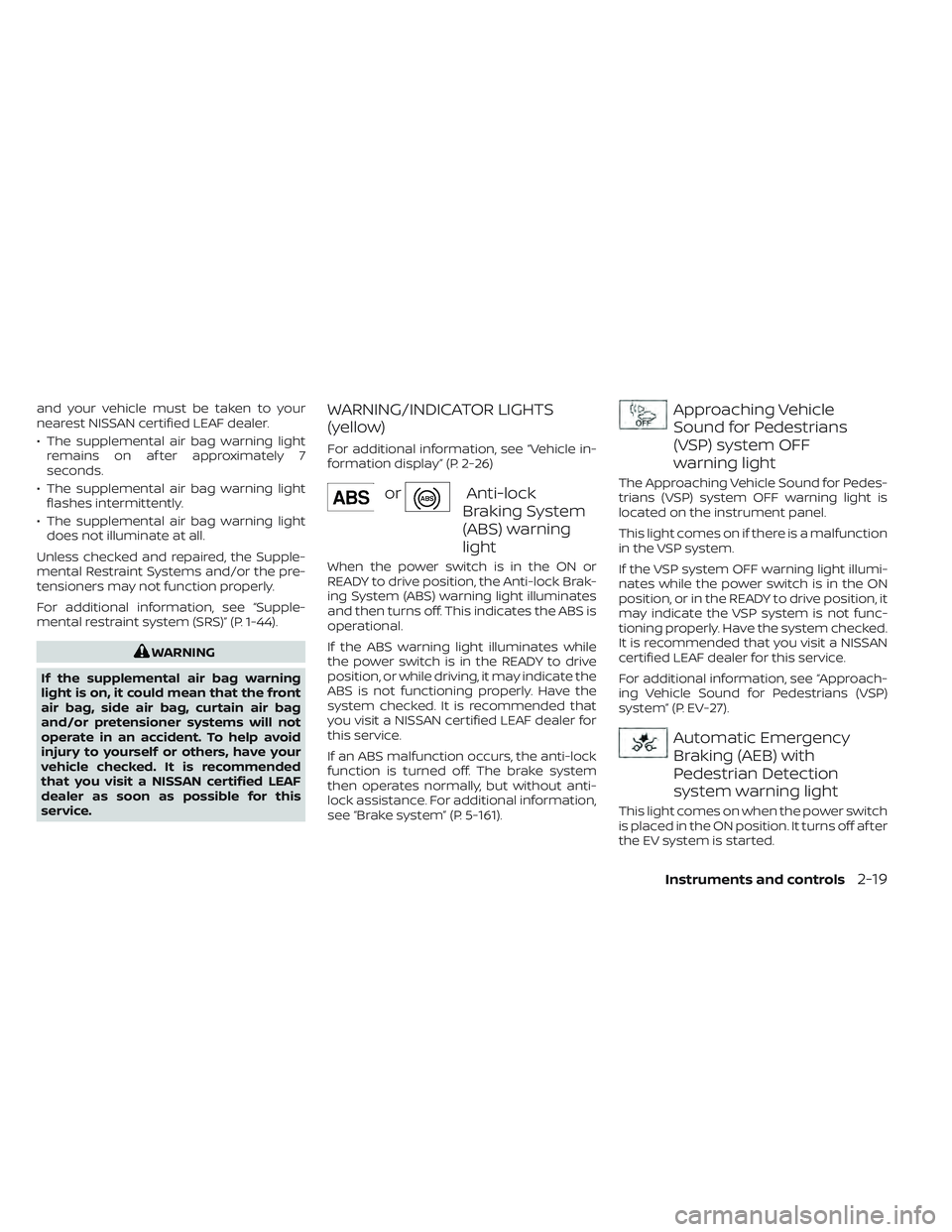
orAnti-lock
Braking System
(ABS) warning
light
When the power switch is in the ON or
READY to drive position, the Anti-lock Brak-
ing System (ABS) warning light illuminates
and then turns off. This indicates the ABS is
operational.
If the ABS warning light illuminates while
the power switch is in the READY to drive
position, or while driving, it may indicate the
ABS is not functioning properly. Have the
system checked. It is recommended that
you visit a NISSAN certified LEAF dealer for
this service.
If an ABS malfunction occurs, the anti-lock
function is turned off. The brake system
then operates normally, but without anti-
lock assistance. For additional information,
see “Brake system” (P. 5-161).
Approaching Vehicle
Sound for Pedestrians
(VSP) system OFF
warning light
The Approaching Vehicle Sound for Pedes-
trians (VSP) system OFF warning light is
located on the instrument panel.
This light comes on if there is a malfunction
in the VSP system.
If the VSP system OFF warning light illumi-
nates while the power switch is in the ON
position, or in the READY to drive position, it
may indicate the VSP system is not func-
tioning properly. Have the system checked.
It is recommended that you visit a NISSAN
certified LEAF dealer for this service.
For additional information, see “Approach-
ing Vehicle Sound for Pedestrians (VSP)
system” (P. EV-27).
Automatic Emergency
Braking (AEB) with
Pedestrian Detection
system warning light
This light comes on when the power switch
is placed in the ON position. It turns off af ter
the EV system is started.
Instruments and controls2-19
Page 197 of 612
This light illuminates when the AEB with
Pedestrian Detection system is set to OFF
in the vehicle information display.
If the light illuminates when the AEB with
Pedestrian Detection system is on, it may
indicate that the system is unavailable. For
additional information, see “Automatic
Emergency Braking (AEB) with Pedestrian
Detection” (P. 5-130) and “Intelligent Forward
Collision Warning (I-FCW)” (P. 5-141).
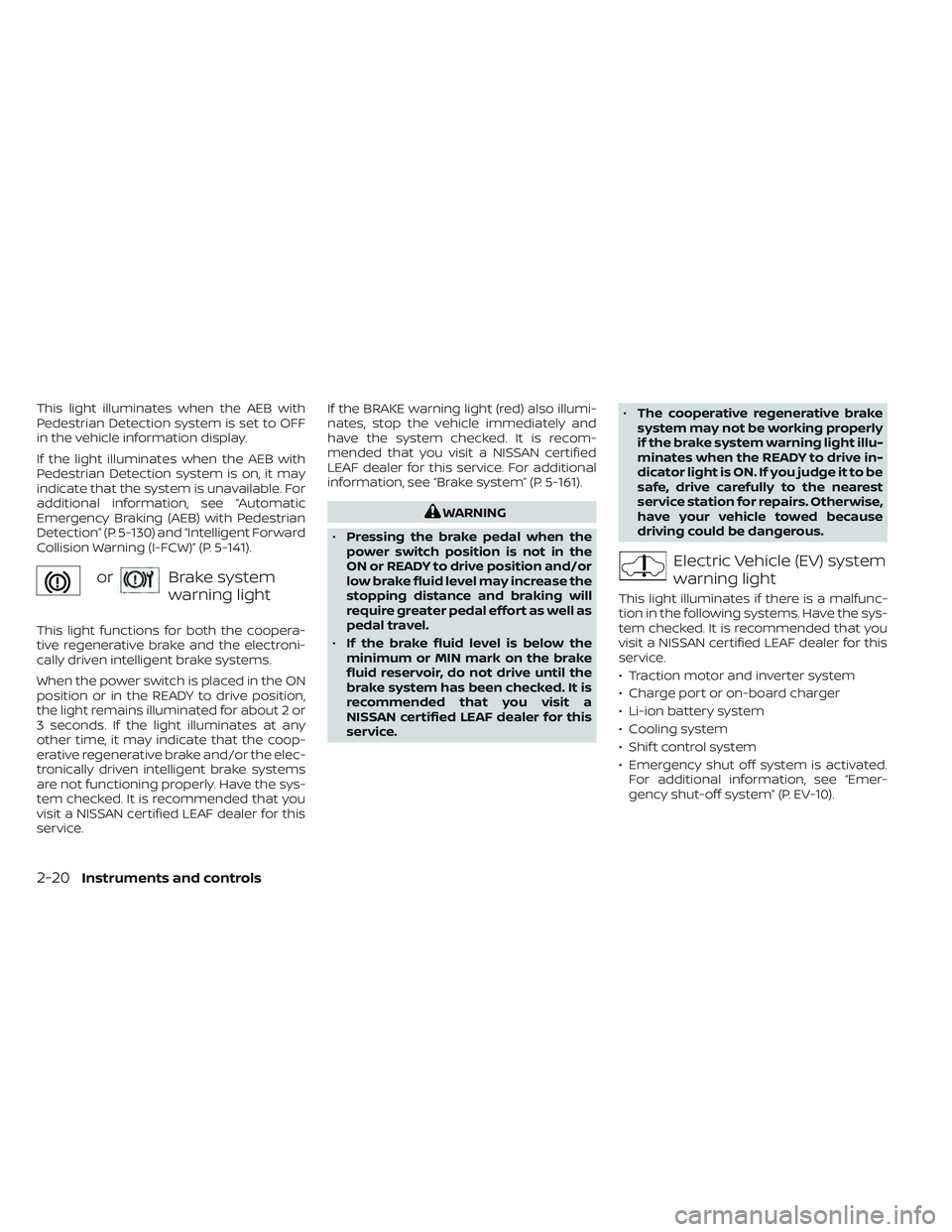
orBrake system
warning light
This light functions for both the coopera-
tive regenerative brake and the electroni-
cally driven intelligent brake systems.
When the power switch is placed in the ON
position or in the READY to drive position,
the light remains illuminated for about 2 or
3 seconds. If the light illuminates at any
other time, it may indicate that the coop-
erative regenerative brake and/or the elec-
tronically driven intelligent brake systems
are not functioning properly. Have the sys-
tem checked. It is recommended that you
visit a NISSAN certified LEAF dealer for this
service.If the BRAKE warning light (red) also illumi-
nates, stop the vehicle immediately and
have the system checked. It is recom-
mended that you visit a NISSAN certified
LEAF dealer for this service. For additional
information, see “Brake system” (P. 5-161).
WARNING
• Pressing the brake pedal when the
power switch position is not in the
ON or READY to drive position and/or
low brake fluid level may increase the
stopping distance and braking will
require greater pedal effort as well as
pedal travel.
• If the brake fluid level is below the
minimum or MIN mark on the brake
fluid reservoir, do not drive until the
brake system has been checked. It is
recommended that you visit a
NISSAN certified LEAF dealer for this
service. •
The cooperative regenerative brake
system may not be working properly
if the brake system warning light illu-
minates when the READY to drive in-
dicator light is ON. If you judge it to be
safe, drive carefully to the nearest
service station for repairs. Otherwise,
have your vehicle towed because
driving could be dangerous.
Electric Vehicle (EV) system
warning light
This light illuminates if there is a malfunc-
tion in the following systems. Have the sys-
tem checked. It is recommended that you
visit a NISSAN certified LEAF dealer for this
service.
• Traction motor and inverter system
• Charge port or on-board charger
• Li-ion battery system
• Cooling system
• Shif t control system
• Emergency shut off system is activated. For additional information, see “Emer-
gency shut-off system” (P. EV-10).
2-20Instruments and controls
Page 198 of 612
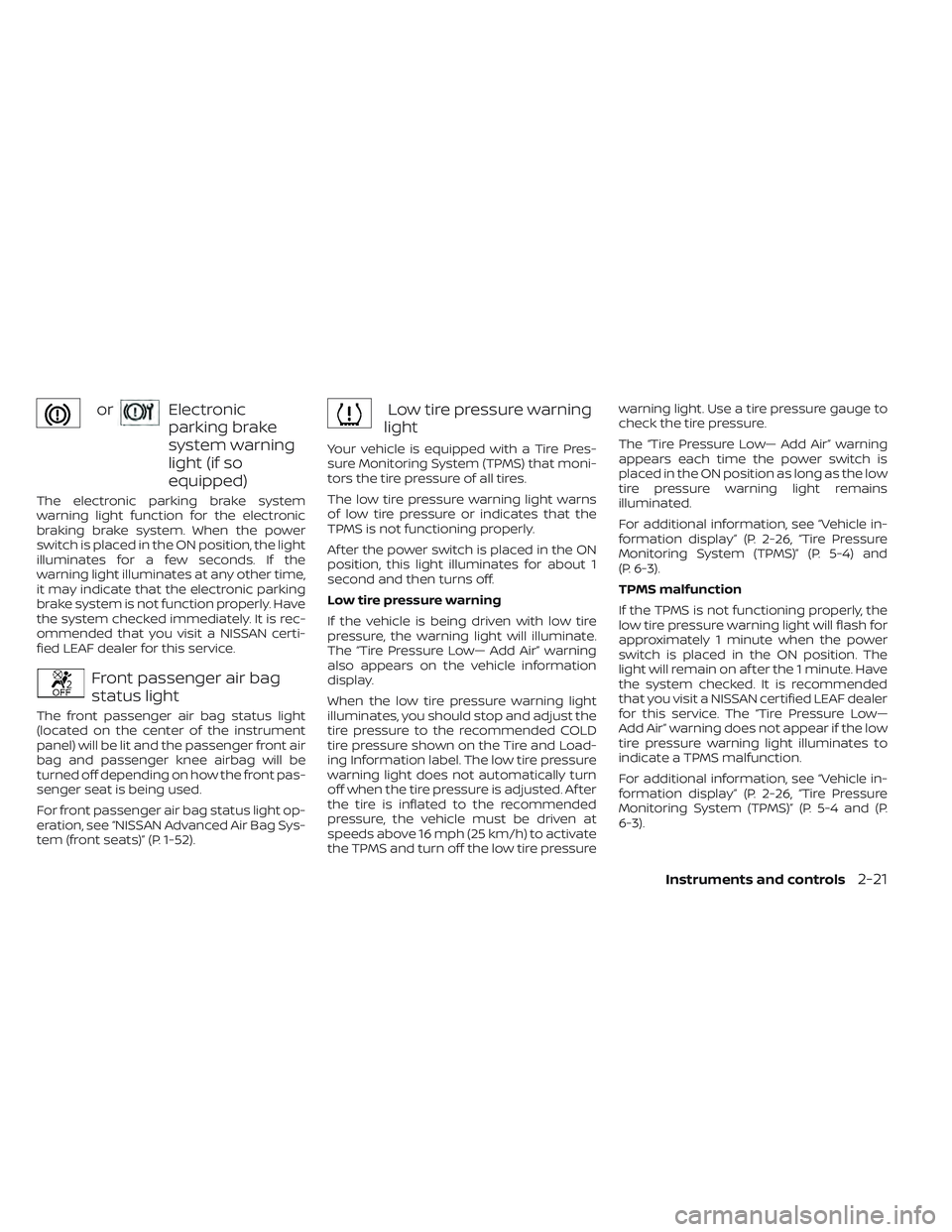
orElectronic
parking brake
system warning
light (if so
equipped)
The electronic parking brake system
warning light function for the electronic
braking brake system. When the power
switch is placed in the ON position, the light
illuminates for a few seconds. If the
warning light illuminates at any other time,
it may indicate that the electronic parking
brake system is not function properly. Have
the system checked immediately. It is rec-
ommended that you visit a NISSAN certi-
fied LEAF dealer for this service.
Front passenger air bag
status light
The front passenger air bag status light
(located on the center of the instrument
panel) will be lit and the passenger front air
bag and passenger knee airbag will be
turned off depending on how the front pas-
senger seat is being used.
For front passenger air bag status light op-
eration, see “NISSAN Advanced Air Bag Sys-
tem (front seats)” (P. 1-52).
Low tire pressure warning
light
Your vehicle is equipped with a Tire Pres-
sure Monitoring System (TPMS) that moni-
tors the tire pressure of all tires.
The low tire pressure warning light warns
of low tire pressure or indicates that the
TPMS is not functioning properly.
Af ter the power switch is placed in the ON
position, this light illuminates for about 1
second and then turns off.
Low tire pressure warning
If the vehicle is being driven with low tire
pressure, the warning light will illuminate.
The “Tire Pressure Low— Add Air” warning
also appears on the vehicle information
display.
When the low tire pressure warning light
illuminates, you should stop and adjust the
tire pressure to the recommended COLD
tire pressure shown on the Tire and Load-
ing Information label. The low tire pressure
warning light does not automatically turn
off when the tire pressure is adjusted. Af ter
the tire is inflated to the recommended
pressure, the vehicle must be driven at
speeds above 16 mph (25 km/h) to activate
the TPMS and turn off the low tire pressure warning light. Use a tire pressure gauge to
check the tire pressure.
The “Tire Pressure Low— Add Air” warning
appears each time the power switch is
placed in the ON position as long as the low
tire pressure warning light remains
illuminated.
For additional information, see “Vehicle in-
formation display” (P. 2-26, “Tire Pressure
Monitoring System (TPMS)” (P. 5-4) and
(P. 6-3).
TPMS malfunction
If the TPMS is not functioning properly, the
low tire pressure warning light will flash for
approximately 1 minute when the power
switch is placed in the ON position. The
light will remain on af ter the 1 minute. Have
the system checked. It is recommended
that you visit a NISSAN certified LEAF dealer
for this service. The “Tire Pressure Low—
Add Air” warning does not appear if the low
tire pressure warning light illuminates to
indicate a TPMS malfunction.
For additional information, see “Vehicle in-
formation display” (P. 2-26, “Tire Pressure
Monitoring System (TPMS)” (P. 5-4 and (P.
6-3).
Instruments and controls2-21
Page 199 of 612
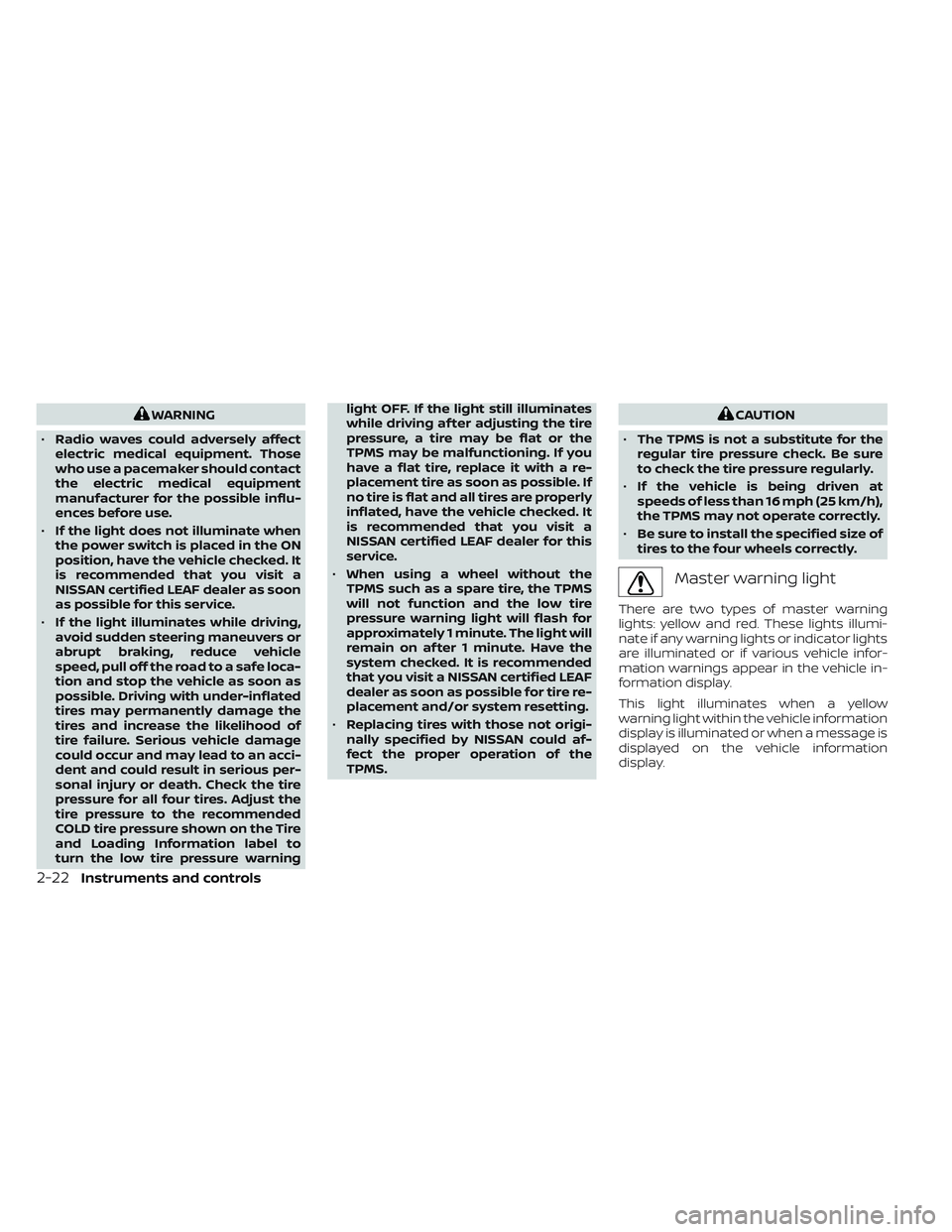
WARNING
• Radio waves could adversely affect
electric medical equipment. Those
who use a pacemaker should contact
the electric medical equipment
manufacturer for the possible influ-
ences before use.
• If the light does not illuminate when
the power switch is placed in the ON
position, have the vehicle checked. It
is recommended that you visit a
NISSAN certified LEAF dealer as soon
as possible for this service.
• If the light illuminates while driving,
avoid sudden steering maneuvers or
abrupt braking, reduce vehicle
speed, pull off the road to a safe loca-
tion and stop the vehicle as soon as
possible. Driving with under-inflated
tires may permanently damage the
tires and increase the likelihood of
tire failure. Serious vehicle damage
could occur and may lead to an acci-
dent and could result in serious per-
sonal injury or death. Check the tire
pressure for all four tires. Adjust the
tire pressure to the recommended
COLD tire pressure shown on the Tire
and Loading Information label to
turn the low tire pressure warning light OFF. If the light still illuminates
while driving af ter adjusting the tire
pressure, a tire may be flat or the
TPMS may be malfunctioning. If you
have a flat tire, replace it with a re-
placement tire as soon as possible. If
no tire is flat and all tires are properly
inflated, have the vehicle checked. It
is recommended that you visit a
NISSAN certified LEAF dealer for this
service.
• When using a wheel without the
TPMS such as a spare tire, the TPMS
will not function and the low tire
pressure warning light will flash for
approximately 1 minute. The light will
remain on af ter 1 minute. Have the
system checked. It is recommended
that you visit a NISSAN certified LEAF
dealer as soon as possible for tire re-
placement and/or system resetting.
• Replacing tires with those not origi-
nally specified by NISSAN could af-
fect the proper operation of the
TPMS.CAUTION
• The TPMS is not a substitute for the
regular tire pressure check. Be sure
to check the tire pressure regularly.
• If the vehicle is being driven at
speeds of less than 16 mph (25 km/h),
the TPMS may not operate correctly.
• Be sure to install the specified size of
tires to the four wheels correctly.
Master warning light
There are two types of master warning
lights: yellow and red. These lights illumi-
nate if any warning lights or indicator lights
are illuminated or if various vehicle infor-
mation warnings appear in the vehicle in-
formation display.
This light illuminates when a yellow
warning light within the vehicle information
display is illuminated or when a message is
displayed on the vehicle information
display.
2-22Instruments and controls