ECO mode NISSAN NV200 2019 User Guide
[x] Cancel search | Manufacturer: NISSAN, Model Year: 2019, Model line: NV200, Model: NISSAN NV200 2019Pages: 372, PDF Size: 4.74 MB
Page 175 of 372
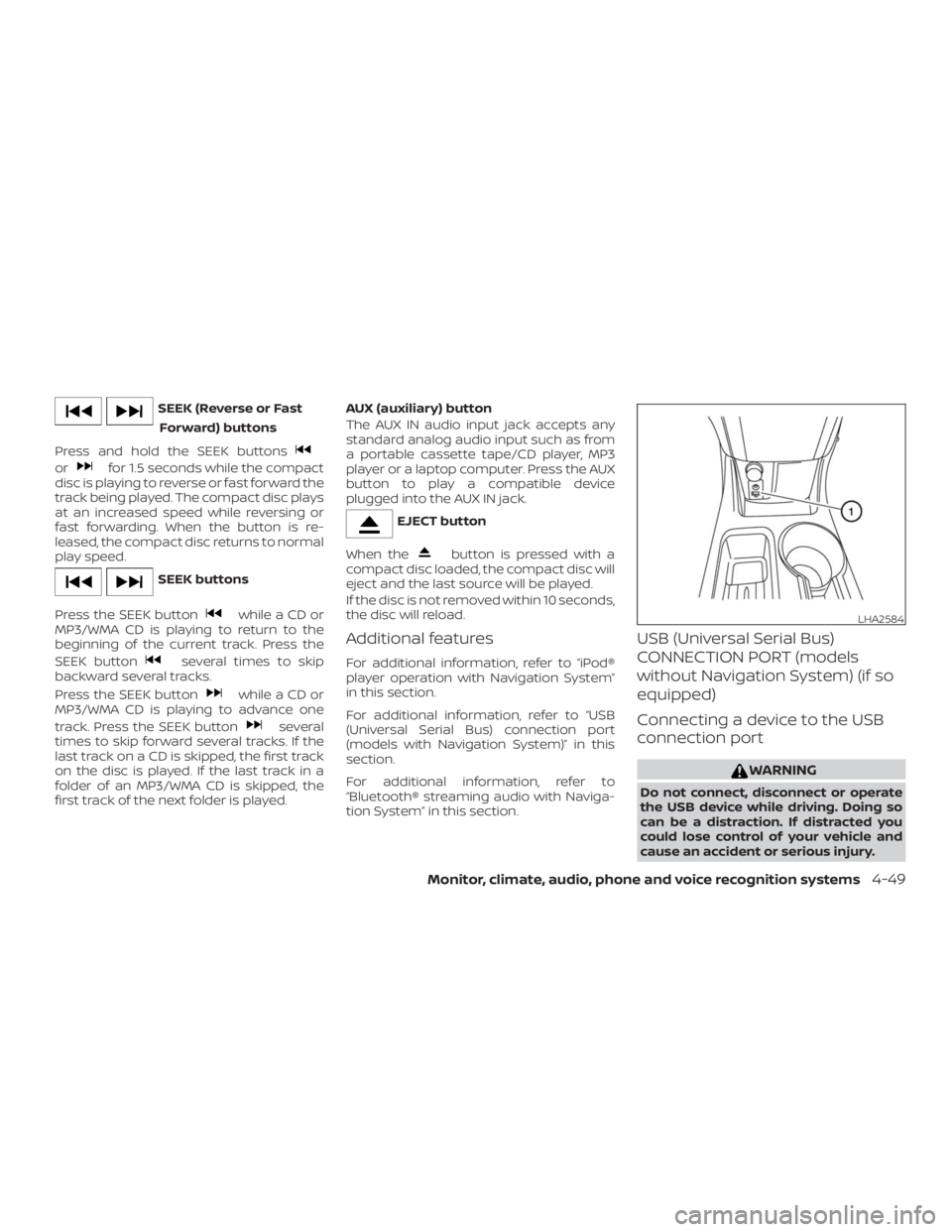
orfor 1.5 seconds while the compact
disc is playing to reverse or fast forward the
track being played. The compact disc plays
at an increased speed while reversing or
fast forwarding. When the button is re-
leased, the compact disc returns to normal
play speed.
while a CD or
MP3/WMA CD is playing to return to the
beginning of the current track. Press the
SEEK button
several times to skip
backward several tracks.
Press the SEEK button
while a CD or
MP3/WMA CD is playing to advance one
track. Press the SEEK button
several
times to skip forward several tracks. If the
last track on a CD is skipped, the first track
on the disc is played. If the last track in a
folder of an MP3/WMA CD is skipped, the
first track of the next folder is played.AUX (auxiliary) button
The AUX IN audio input jack accepts any
standard analog audio input such as from
a portable cassette tape/CD player, MP3
player or a laptop computer. Press the AUX
button to play a compatible device
plugged into the AUX IN jack.
button is pressed with a
compact disc loaded, the compact disc will
eject and the last source will be played.
If the disc is not removed within 10 seconds,
the disc will reload.
Additional features
For additional information, refer to “iPod®
player operation with Navigation System”
in this section.
For additional information, refer to “USB
(Universal Serial Bus) connection port
(models with Navigation System)” in this
section.
For additional information, refer to
“Bluetooth® streaming audio with Naviga-
tion System” in this section.
USB (Universal Serial Bus)
CONNECTION PORT (models
without Navigation System) (if so
equipped)
Connecting a device to the USB
connection port
Page 184 of 372
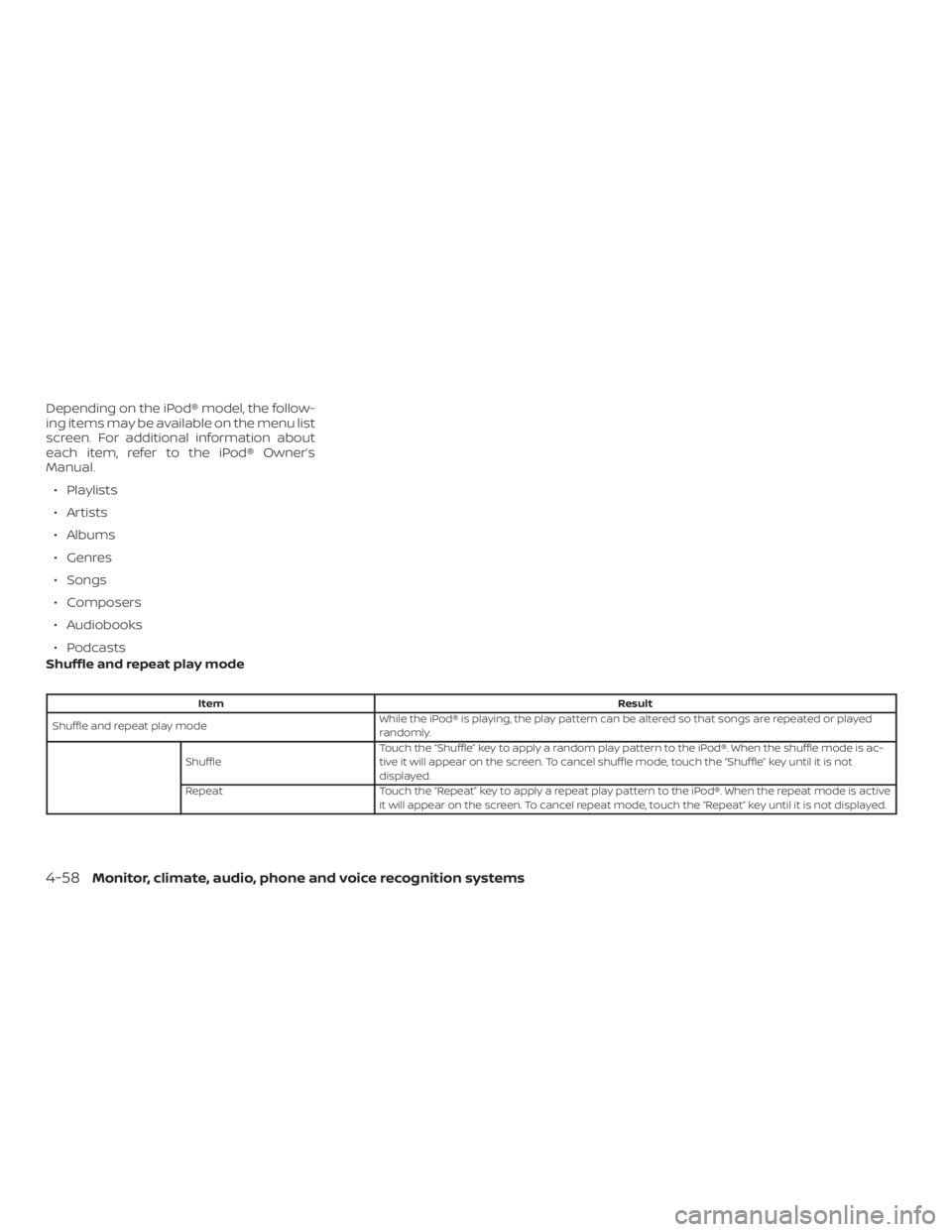
ItemResult
Shuffle and repeat play modeWhile the iPod® is playing, the play pattern can be altered so that songs are repeated or played
randomly.
ShuffleTouch the “Shuffle” key to apply a random play pattern to the iPod®. When the shuffle mode is ac-
tive it will appear on the screen. To cancel shuffle mode, touch the “Shuffle” key until it is not
displayed.
Repeat Touch the “Repeat” key to apply a repeat play pattern to the iPod®. When the repeat mode is active
it will appear on the screen. To cancel repeat mode, touch the “Repeat” key until it is not displayed.
4-58Monitor, climate, audio, phone and voice recognition systems
Page 206 of 372
button on the control
panel.
2. Touch the key.
3. Choose the desired entry from the dis-
played list.
4. The number of the entry will be dis-
played on the screen. Touch the num-
ber to initiate dialing.
NOTE:
To scroll quickly through the list, touch
the “A-Z” key in the upper right corner of
the screen. Turn the TUNE knob to
choose a letter or number and then
press the AUDIO button. The list will
move to the first entry that begins with
that number or letter.
MAKING A CALL
To make a call, follow the procedure below:
1. Press the
button on the control
panel. The “Phone” screen will appear
on the display.
2. Select one of the following options to
make a call:
∙ “Phonebook”: Select the name from an
entry stored in the vehicle phonebook.
∙ “Call Lists”: Select the name from the
incoming, outgoing or missed.
∙ “Redial”: Dial the last outgoing call from
the vehicle.
∙“
”: Input the phone number manu-
ally using a keypad displayed on the
screen. For additional information, refer
to “How to use the touch-screen” in this
section.
RECEIVING A CALL
When a call is placed to the connected
phone, the display will change to phone
mode.
To accept the incoming call, either:
∙ Press the
button on the steering
wheel, or∙ Touch the
icon on the screen.
To reject the incoming call, either:
∙ Press the
button on the steering
wheel, or
∙ Touch the phone
icon on the
screen.
DURING A CALL
While a call is active, the following options
are available on the screen:
∙ “Handset”
Select this option to switch control of
the phone call over to the handset.
∙ “Mute Mic.”
Select this option to mute the micro-
phone. Select again to unmute the mi-
crophone.
∙ Phone
icon
Select to end the phone call.
ENDING A CALL
To end a phone call, select the red
phone
icon on the screen or press
the
button on the steering wheel.
4-80Monitor, climate, audio, phone and voice recognition systems
Page 234 of 372
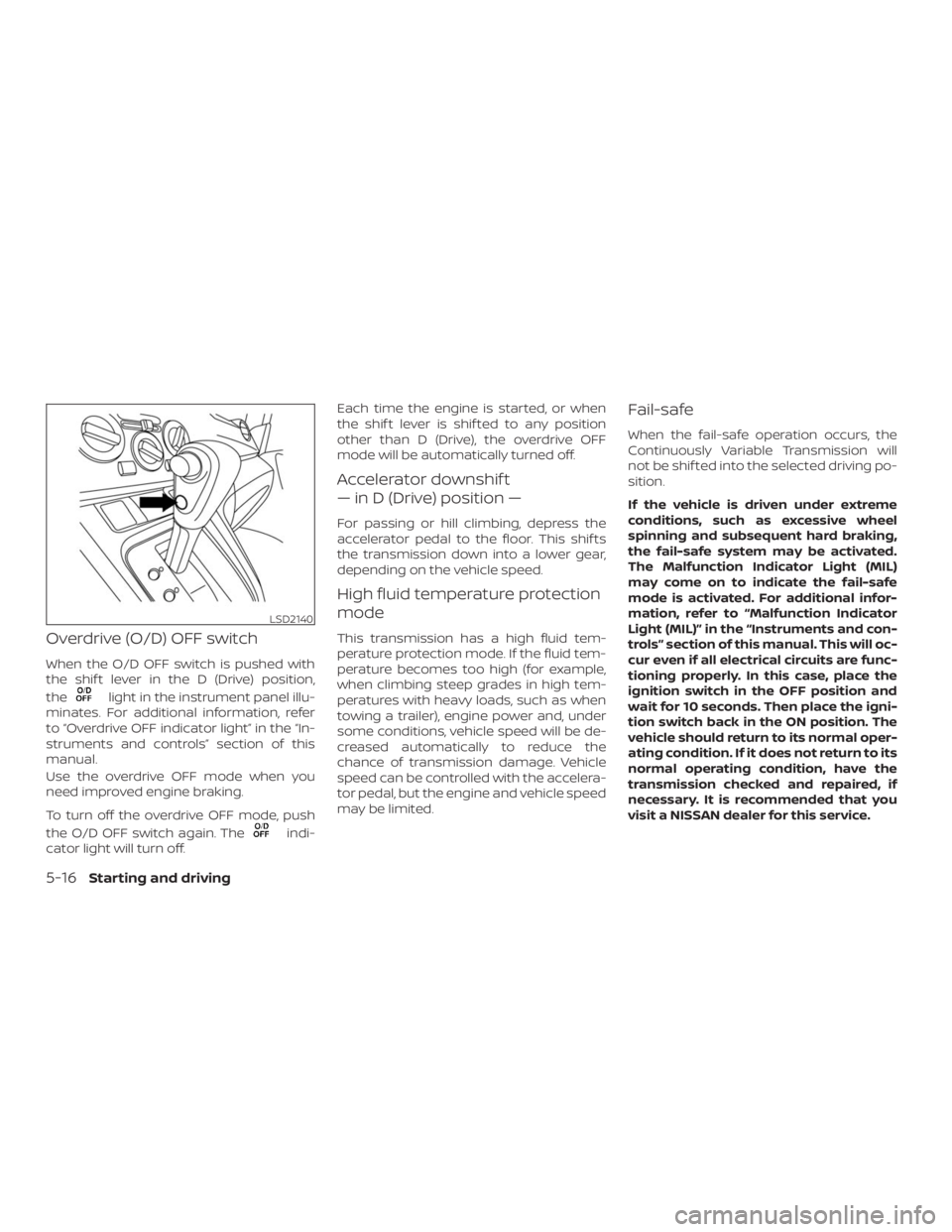
light in the instrument panel illu-
minates. For additional information, refer
to OFF indicator lightŽ in the
struments and controlsŽ section of this
manual.
Use the overdrive OFF mode when you
need improved engine braking.
To turn off the overdrive OFF mode, push
the O/D OFF switch again. The
indi-
cator light will turn off.Each time the engine is started, or when
the shif t lever is shif ted to any position
other than D (Drive), the overdrive OFF
mode will be automatically turned off.
Accelerator downshif t
„ in D (Drive) position „
For passing or hill climbing, depress the
accelerator pedal to the floor. This shif ts
the transmission down into a lower gear,
depending on the vehicle speed.
High fluid temperature protection
mode
This transmission has a high fluid tem-
perature protection mode. If the fluid tem-
perature becomes too high (for example,
when climbing steep grades in high tem-
peratures with heavy loads, such as when
towing a trailer), engine power and, under
some conditions, vehicle speed will be de-
creased automatically to reduce the
chance of transmission damage. Vehicle
speed can be controlled with the accelera-
tor pedal, but the engine and vehicle speed
may be limited.
Fail-safe
When the fail-safe operation occurs, the
Continuously Variable Transmission will
not be shif ted into the selected driving po-
sition.
If the vehicle is driven under extreme
conditions, such as excessive wheel
spinning and subsequent hard braking,
the fail-safe system may be activated.
The Malfunction Indicator Light (MIL)
may come on to indicate the fail-safe
mode is activated. For additional infor-
mation, refer to “Malfunction Indicator
Light (MIL)” in the “Instruments and con-
trols” section of this manual. This will oc-
cur even if all electrical circuits are func-
tioning properly. In this case, place the
ignition switch in the OFF position and
wait for 10 seconds. Then place the igni-
tion switch back in the ON position. The
vehicle should return to its normal oper-
ating condition. If it does not return to its
normal operating condition, have the
transmission checked and repaired, if
necessary. It is recommended that you
visit a NISSAN dealer for this service.
5-16Starting and driving