phone NISSAN PATHFINDER 2013 R52 / 4.G Quick Reference Guide
[x] Cancel search | Manufacturer: NISSAN, Model Year: 2013, Model line: PATHFINDER, Model: NISSAN PATHFINDER 2013 R52 / 4.GPages: 28, PDF Size: 2.77 MB
Page 25 of 28
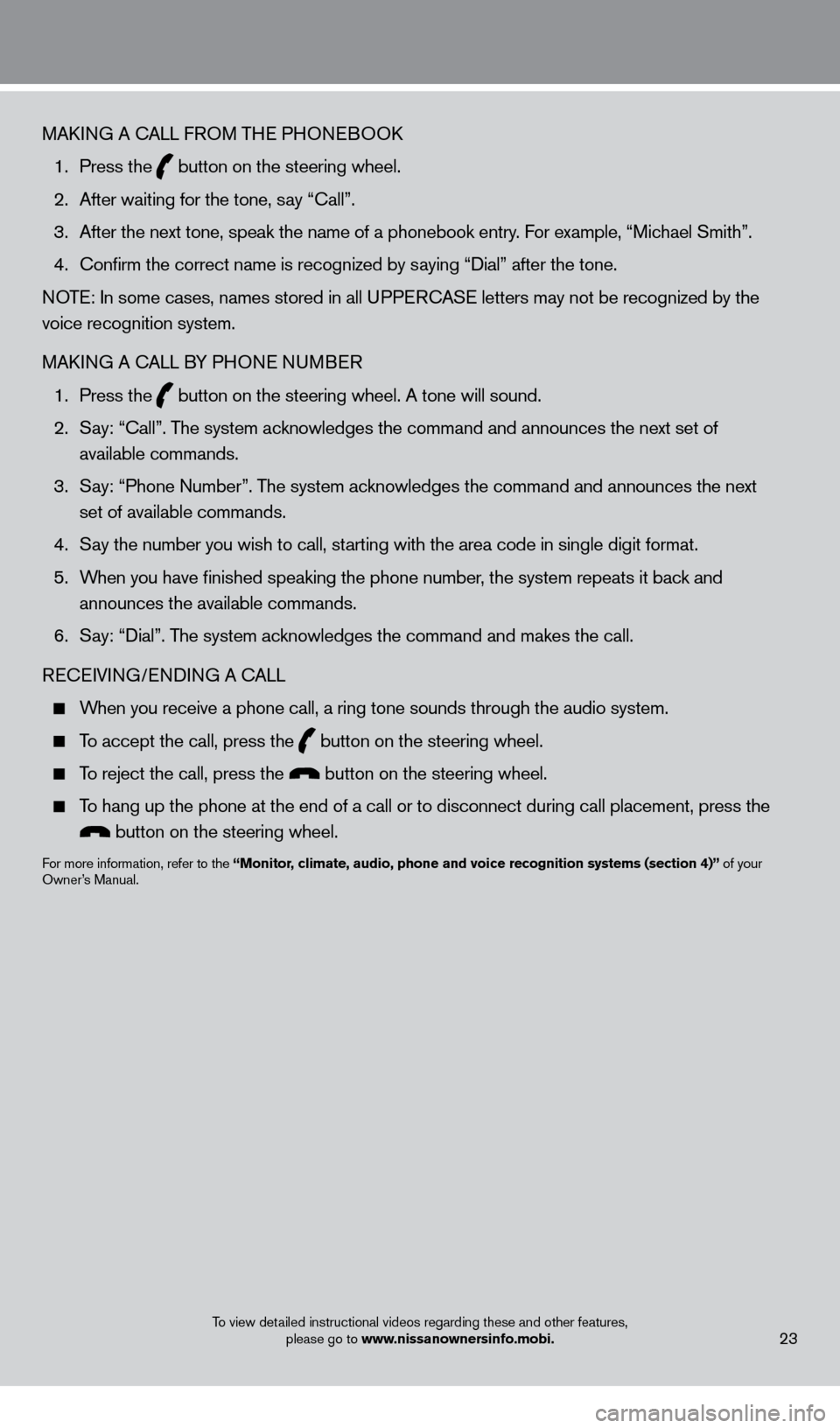
MAkING A cALL F ROM THE PHONEBOOk
1.
Press the button on the steering wheel.
2.
After waiting for the tone, s
ay “ c all”.
3.
After the next tone, speak the name of a phonebook entry
. For example, “Michael Smith”.
4.
c
onfirm the correct name is recognized by saying “Dial” after the tone.
NOTE: In some cases, names stored in all UPPER
cA
SE letters may not be recognized by the
voice recognition system.
MA
k
I
NG A
c
ALL B
Y PHONE NUMBER
1.
Press the button on the steering wheel. A tone will sound.
2.
S
ay: “
c
all”. The system acknowledges the command and announces the next set of
available commands.
3.
S
ay: “Phone Number”. The system acknowledges the command and announces the next
set of available commands.
4.
S
ay the number you wish to call, starting with the area code in single digit format.
5.
W
hen you have finished speaking the phone number, the system repeats it back and
announces the available commands.
6.
S
ay: “Dial”. The system acknowledges the command and makes the call.
RE
cEI
VING/ENDING A c
A
LL
When you receive a phone call, a ring tone sounds through the audio syste\
m.
To accept the call, press the button on the steering wheel.
To reject the call, press the button on the steering wheel.
To hang up the phone at the end of a call or to disconnect during call pl\
acement, press the
button on the steering wheel.
For more information, refer to the “Monitor, climate, audio, phone and voice recognition systems (section 4)” of your
Owner’s Manual.
23To view detailed instructional videos regarding these and other features,
please go to www.nissanownersinfo.mobi.
1351506_13c_Pathfinder_QRG_013013.indd 231/31/13 9:11 AM
Page 27 of 28

The HomeLink® system can learn and consolidate the functions of up to three different\
hand-held transmitters, operating items such as g")
HoMEli NK® UNivERSA l TRANSCEiv ER (if so equipped)
The HomeLink® system can learn and consolidate the functions of up to three different\
hand-held transmitters, operating items such as garage doors, property gates, outdoor and
indoor lights or alarm systems.
For more information, refer to the “instruments and controls (section 2)” of your Owner’s Manual, the HomeLink® website at
www.homelink.com or call 1-800-355-3515.
25
HoME li NK®
DvD PlAYER
With this DVD player, you can play video files via a
DVD or c
D, providing images and sound from the
front display.
You can also connect auxiliary devices such as video games, camcorders or portable video players to the
auxiliary jacks. (Your device will be controlled through
its own control panel.)
To view movies on the front display, stop the
vehicle in a safe location, move the shift selector to
the P (PARK) position and apply the parking brake.
To reduce driver distraction, movies will not be
shown on the front display while the vehicle is in
any drive position.
For more information, refer to the “Monitor, climate, audio, phone and voice recognition systems (section 4)” of your
Owner’s Manual.
system guide
To view detailed instructional videos regarding these and other features, please go to www.nissanownersinfo.mobi.
1351506_13c_Pathfinder_QRG_013013.indd 251/31/13 9:11 AM