phone NISSAN PATHFINDER 2016 R52 / 4.G 08IT Navigation Manual
[x] Cancel search | Manufacturer: NISSAN, Model Year: 2016, Model line: PATHFINDER, Model: NISSAN PATHFINDER 2016 R52 / 4.GPages: 241, PDF Size: 4.34 MB
Page 64 of 241
4-2Setting destination
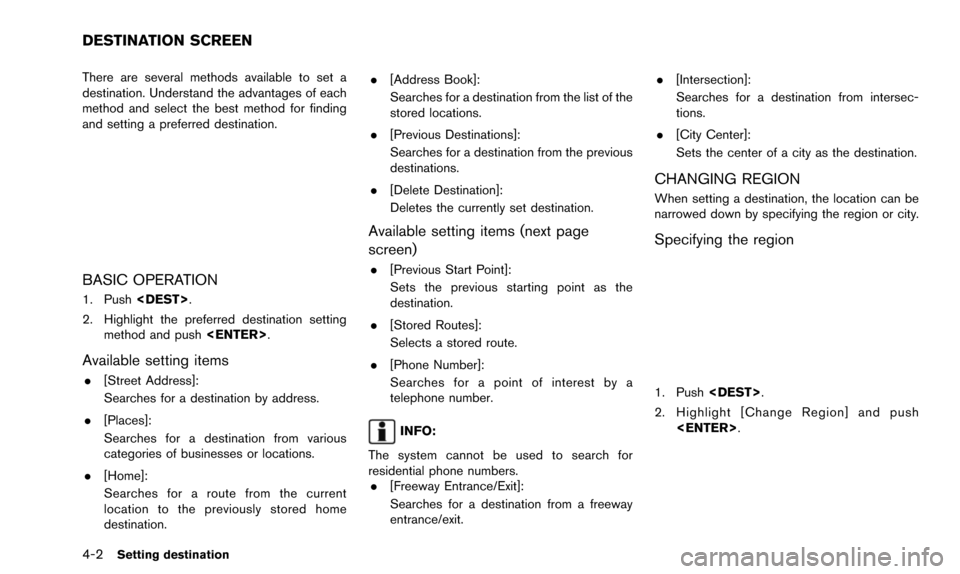
There are several methods available to set a
destination. Understand the advantages of each
method and select the best method for finding
and setting a preferred destination.
BASIC OPERATION
1. Push
2. Highlight the preferred destination setting method and push
Available setting items
.[Street Address]:
Searches for a destination by address.
. [Places]:
Searches for a destination from various
categories of businesses or locations.
. [Home]:
Searches for a route from the current
location to the previously stored home
destination. .
[Address Book]:
Searches for a destination from the list of the
stored locations.
. [Previous Destinations]:
Searches for a destination from the previous
destinations.
. [Delete Destination]:
Deletes the currently set destination.
Available setting items (next page
screen)
.[Previous Start Point]:
Sets the previous starting point as the
destination.
. [Stored Routes]:
Selects a stored route.
. [Phone Number]:
Searches for a point of interest by a
telephone number.
INFO:
The system cannot be used to search for
residential phone numbers. . [Freeway Entrance/Exit]:
Searches for a destination from a freeway
entrance/exit. .
[Intersection]:
Searches for a destination from intersec-
tions.
. [City Center]:
Sets the center of a city as the destination.
CHANGING REGION
When setting a destination, the location can be
narrowed down by specifying the region or city.
Specifying the region
1. Push
2. Highlight [Change Region] and push
DESTINATION SCREEN
Page 77 of 241
INFO:
. Even after setting a destination, the location
of the destination can be adjusted, the
location can be stored, etc.
“Procedures after setting destination”
(page 5-2)
. The stored route includes only locations
(destination and waypoints) and route cal-
culation conditions, not the route itself.
Therefore, when the destination is set using
a stored route, a different route may be
suggested if the current vehicle location is
different from the one when the route was
stored.
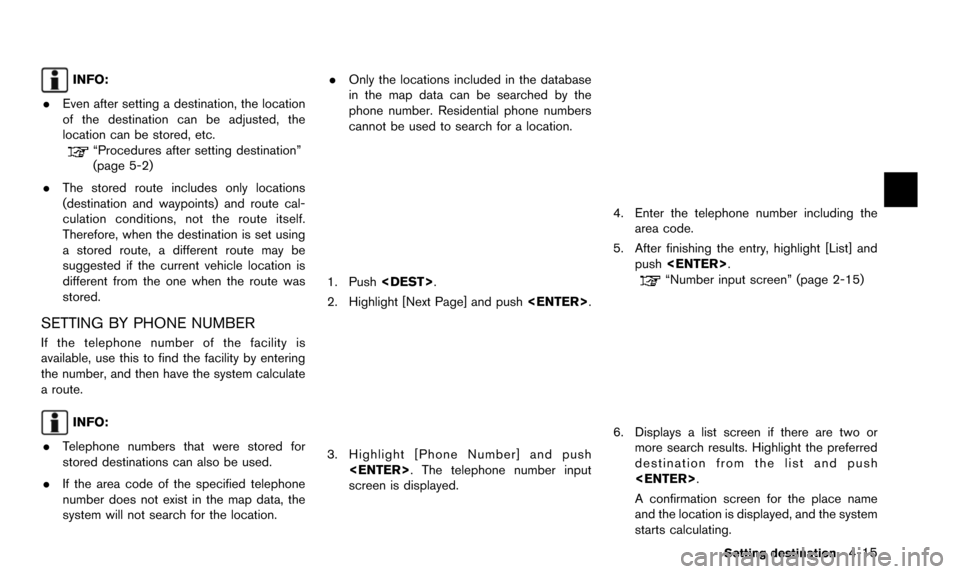
SETTING BY PHONE NUMBER
If the telephone number of the facility is
available, use this to find the facility by entering
the number, and then have the system calculate
a route.
INFO:
. Telephone numbers that were stored for
stored destinations can also be used.
. If the area code of the specified telephone
number does not exist in the map data, the
system will not search for the location. .
Only the locations included in the database
in the map data can be searched by the
phone number. Residential phone numbers
cannot be used to search for a location.
1. Push
2. Highlight [Next Page] and push
3. Highlight [Phone Number] and push
screen is displayed.
4. Enter the telephone number including thearea code.
5. After finishing the entry, highlight [List] and push
“Number input screen” (page 2-15)
6. Displays a list screen if there are two or
more search results. Highlight the preferred
destination from the list and push
A confirmation screen for the place name
and the location is displayed, and the system
starts calculating.
Setting destination4-15
Page 89 of 241
![NISSAN PATHFINDER 2016 R52 / 4.G 08IT Navigation Manual 1. Highlight [Move Location] and push<ENTER>.
INFO:
The screen for adjusting the location also
changes by touching the map screen dis-
played on the right side of the screen.
2. Adjust the location by](/img/5/457/w960_457-88.png "NISSAN PATHFINDER 2016 R52 / 4.G 08IT Navigation Manual 1. Highlight [Move Location] and push<ENTER>.
INFO:
The screen for adjusting the location also
changes by touching the map screen dis-
played on the right side of the screen.
2. Adjust the location by")
1. Highlight [Move Location] and push
INFO:
The screen for adjusting the location also
changes by touching the map screen dis-
played on the right side of the screen.
2. Adjust the location by moving the cross pointer across the map and push
is modified.
INFO:
. The map scale can be changed by pushing
equipped) . The map scale can also be
changed by touching the scale icon.
. The same screen as when [Move Location]
is touched can be displayed with the
following operations:
— Touching the map screen.
— Pushing the directional buttons except up/down buttons (multi-function control-
ler with directional buttons) .
— Pushing the slide switch except upward/ downward (multi-function controller with-
out directional buttons) .
STORING LOCATION
A searched location can be stored in the
Address Book. Then it can be easily retrieved
and set as a destination (or waypoint) .
1. Highlight [Store Location] and push
2. The location is stored in the Address Book.The corresponding icon is displayed at the
set location on the map.
VIEWING INFORMATION ABOUT
SEARCHED LOCATION
Information (street address and phone number)
about places stored in the map data can be
displayed.
Route guidance5-5
Page 90 of 241
![NISSAN PATHFINDER 2016 R52 / 4.G 08IT Navigation Manual 5-6Route guidance
1. Select [Place Info] and push<ENTER>.
2. Information about the location is displayed.
3. Push<BACK> to return to the previous
screen.
INFO:
. If [Call] is displayed on the right si](/img/5/457/w960_457-89.png "NISSAN PATHFINDER 2016 R52 / 4.G 08IT Navigation Manual 5-6Route guidance
1. Select [Place Info] and push<ENTER>.
2. Information about the location is displayed.
3. Push<BACK> to return to the previous
screen.
INFO:
. If [Call] is displayed on the right si")
5-6Route guidance
1. Select [Place Info] and push
2. Information about the location is displayed.
3. Push
screen.
INFO:
. If [Call] is displayed on the right side of the
screen, it is possible to call the location
indicated.
. The Bluetooth
ŠHands-Free Phone system
is required to be active and the cellular phone must be connected to call the
location indicated.
. Information about locations is not displayed
while driving.
Page 123 of 241
![NISSAN PATHFINDER 2016 R52 / 4.G 08IT Navigation Manual 2. Highlight the stored home location or pre-ferred stored address and push <ENTER>.
INFO:
Highlighting [Sort] displays a list of various
sort functions.
To use the sort functions, stored locations
mu](/img/5/457/w960_457-122.png "NISSAN PATHFINDER 2016 R52 / 4.G 08IT Navigation Manual 2. Highlight the stored home location or pre-ferred stored address and push <ENTER>.
INFO:
Highlighting [Sort] displays a list of various
sort functions.
To use the sort functions, stored locations
mu")
2. Highlight the stored home location or pre-ferred stored address and push
INFO:
Highlighting [Sort] displays a list of various
sort functions.
To use the sort functions, stored locations
must be set in advance.
“Storing location” (page 6-2)
3. Highlight the preferred item and push
Available setting items
.[Edit]:
Edits the stored address information.
. [Move Location]:
Adjusts the location of the stored address.
. [Delete]:
Deletes the stored address. .
[OK]:
Applies the settings.
Other settings
A stored address can also be edited using the
following procedure.
1. Push
2. Highlight [Address Book] and push
3. Highlight [Store/Edit] and push
MINOR ADJUSTMENT OF HOME OR
STORED ADDRESS
When [Edit] is selected, you can edit the
following items of the home or stored location
can be edited.
. [Show Icon on Map]
. [Name] (only for stored locations) .
[Voicetag] (only for stored location)
. [Icon]
. [Sound]
. [Direction]
. [Distance]
. [Phone No.]
. [Group] (only for stored locations)
. [Entry Numbers] (only for stored locations)
Show icon on map
Displays the home icon or the stored address
icon on the map.
1. Highlight [Edit] and push
2. Highlight [Show Icon on Map] and push
3. The indicator illuminates when the item is set. Then the system displays the icon on
the map.
Storing location/route6-9
Page 126 of 241
![NISSAN PATHFINDER 2016 R52 / 4.G 08IT Navigation Manual 6-12Storing location/route
1. Highlight [Direction] and push<ENTER>.
A map screen with the home or stored
location located on the map center is
displayed.
2. Set the direction that sounds the alarm an](/img/5/457/w960_457-125.png "NISSAN PATHFINDER 2016 R52 / 4.G 08IT Navigation Manual 6-12Storing location/route
1. Highlight [Direction] and push<ENTER>.
A map screen with the home or stored
location located on the map center is
displayed.
2. Set the direction that sounds the alarm an")
6-12Storing location/route
1. Highlight [Direction] and push
A map screen with the home or stored
location located on the map center is
displayed.
2. Set the direction that sounds the alarm and push
The selected direction is set.
INFO:
After the direction is set and [Direction] is
selected and set again, a confirmation
message is displayed. Confirm the contents
of the message, highlight [Yes] and push
Distance
Sets the alarm to sound when reaching a
specific distance to the home or stored address.
1. Highlight [Distance] and push
2. Highlight the preferred distance option and
push
selected distance illuminates.
Available distance options: . 150 feet (50 m)
. 300 feet (100 m) .
1000 feet (300 m)
. 1500 feet (500 m)
INFO:
Once the direction and the distance to sound an
alarm are set, the system will sound the alarm
when the vehicle enters the triggering zone.
Phone No.
Stores the telephone number of the home or a
stored location.
1. Highlight [Edit] and push
2. Highlight [Phone No.] and push
The telephone number entry screen is
displayed.
Page 127 of 241
![NISSAN PATHFINDER 2016 R52 / 4.G 08IT Navigation Manual 3. Enter the telephone number of the home orstored location.
“Number input screen” (page 2-15)
4. Highlight [OK] and push <ENTER>.
The telephone number is stored.
INFO:
If the phone number of the](/img/5/457/w960_457-126.png "NISSAN PATHFINDER 2016 R52 / 4.G 08IT Navigation Manual 3. Enter the telephone number of the home orstored location.
“Number input screen” (page 2-15)
4. Highlight [OK] and push <ENTER>.
The telephone number is stored.
INFO:
If the phone number of the")
3. Enter the telephone number of the home orstored location.
“Number input screen” (page 2-15)
4. Highlight [OK] and push
The telephone number is stored.
INFO:
If the phone number of the home or a location is
stored, the phone number can be used to search
for the destination even if it is not included in the
map data.
Group (only for stored locations)
This groups the stored locations.
By grouping the stored locations, the [By Group]
option of the sort function can be used more
effectively in the [Sort Entries] mode.
1. Highlight [Group] and push
2. Highlight the preferred group and push
When the indicator of the selected group
illuminates, the stored location is classified
into the applicable group.
Entry Number (only for stored locations)
Index the position numbers of any two stored
locations in the list.
1. Highlight [Entry Number] and push
A list of stored locations is displayed.
2. Highlight the stored addresses that youwant to change and push
The position numbers of the selected stored
locations are changed.
Storing location/route6-13
Page 158 of 241
8-2Other settings
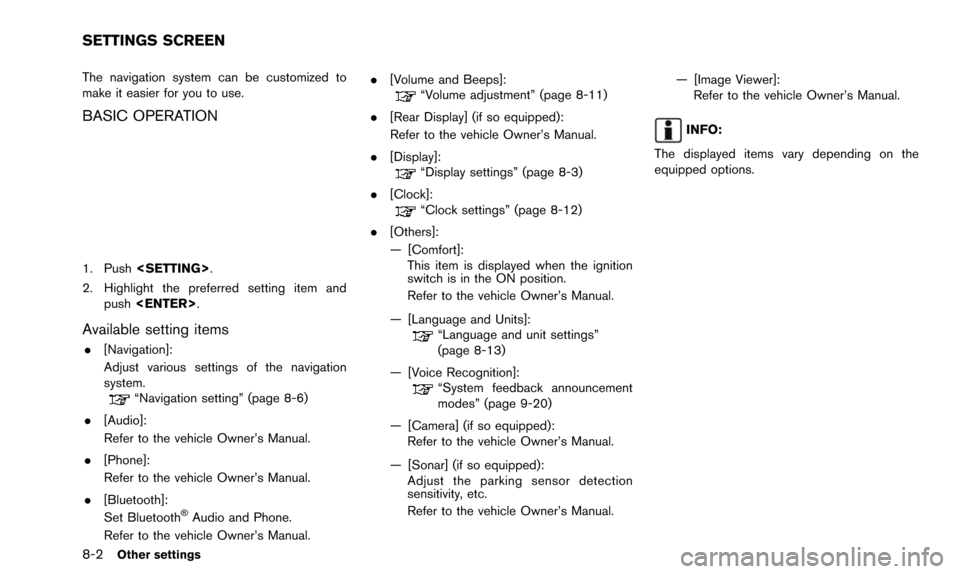
The navigation system can be customized to
make it easier for you to use.
BASIC OPERATION
1. Push
2. Highlight the preferred setting item and push
Available setting items
.[Navigation]:
Adjust various settings of the navigation
system.
“Navigation setting” (page 8-6)
. [Audio]:
Refer to the vehicle Owner’s Manual.
. [Phone]:
Refer to the vehicle Owner’s Manual.
. [Bluetooth]:
Set Bluetooth
ŠAudio and Phone.
Refer to the vehicle Owner’s Manual. .
[Volume and Beeps]:
“Volume adjustment” (page 8-11)
. [Rear Display] (if so equipped):
Refer to the vehicle Owner’s Manual.
. [Display]:
“Display settings” (page 8-3)
. [Clock]:
“Clock settings” (page 8-12)
. [Others]:
— [Comfort]: This item is displayed when the ignition
switch is in the ON position.
Refer to the vehicle Owner’s Manual.
— [Language and Units]:
“Language and unit settings”
(page 8-13)
— [Voice Recognition]:
“System feedback announcement
modes” (page 9-20)
— [Camera] (if so equipped): Refer to the vehicle Owner’s Manual.
— [Sonar] (if so equipped): Adjust the parking sensor detection
sensitivity, etc.
Refer to the vehicle Owner’s Manual. — [Image Viewer]:
Refer to the vehicle Owner’s Manual.
INFO:
The displayed items vary depending on the
equipped options.
SETTINGS SCREEN
Page 167 of 241
![NISSAN PATHFINDER 2016 R52 / 4.G 08IT Navigation Manual 2. Highlight [Reset All Navigation Settings toDefault] and push <ENTER>.
3. A confirmation message is displayed. Con-
firm the contents of the message, highlight
[Yes] and push <ENTER>. This turns on](/img/5/457/w960_457-166.png "NISSAN PATHFINDER 2016 R52 / 4.G 08IT Navigation Manual 2. Highlight [Reset All Navigation Settings toDefault] and push <ENTER>.
3. A confirmation message is displayed. Con-
firm the contents of the message, highlight
[Yes] and push <ENTER>. This turns on")
2. Highlight [Reset All Navigation Settings toDefault] and push
3. A confirmation message is displayed. Con-
firm the contents of the message, highlight
[Yes] and push
phone function (ringer, incoming and outgoing
volume) , the voice guide function and the beep
function.
BASIC OPERATION
1. Push
2. Highlight [Volume & Beeps] and push
3. Highlight the preferred adjustment item and push
4. Use the multi-function controller to adjust the volume. Push
off.
5. After setting, push
to apply the setting.
6. Push
screen. Push
Page 172 of 241
9-2Voice recognition
NISSAN Voice Recognition allows hands-free
operation of the navigation system and other
systems equipped on this vehicle, in one of two
modes, Standard Mode or Alternate Command
Mode. Standard Mode allows the operation of
Navigation, Phone, Audio, Information and Help.
The commands that are available are always
shown on the display and announced by the
system. To perform operations, simply follow the
prompts given by the system. In Standard Mode,
hands-free operation of Change map view,
Route selection and Bluetooth Audio, etc. is
not available through Voice Recognition.
Alternate Command Mode allows advanced
operations. When this mode is active, an
expanded list of commands can be spoken after
pushing
menu prompts are turned off. Note that in this
mode the recognition success rate may be
affected because the number of available
commands and ways of speaking each com-
mand are increased. Otherwise, it is recom-
mended that Alternate Command Mode be
turned OFF and Standard Mode be used for
the best recognition performance.
“Alternate command mode” (page 9-12)
INFO:
. To improve recognition success when Alter-
nate Command Mode is active, try using the
Speaker Adaptation function available in that
mode.
“Speaker adaptation” (page 9-21)
Otherwise, it is recommended that Alternate
Command Mode be turned OFF and Stan-
dard Mode be used for the best recognition
performance.
. For the voice commands for the audio,
phone and other systems, refer to the
vehicle Owner’s Manual. The following sec-
tions refer only to the navigation, phone and
information systems.
. The voice recognition system cannot be
operated when the soft top is not closed (for
Roadster models) .
NISSAN VOICE RECOGNITION