display NISSAN PATHFINDER PLATINUM 2017 Owner's Guide
[x] Cancel search | Manufacturer: NISSAN, Model Year: 2017, Model line: PATHFINDER PLATINUM, Model: NISSAN PATHFINDER PLATINUM 2017Pages: 558, PDF Size: 5.77 MB
Page 368 of 558
●The TPMS will activate only when the vehicle
is driven at speeds above 16 mph (25 km/h).
Also, this system may not detect a sudden
drop in tire pressure (for example, a flat tire
while driving) .
● The low tire pressure warning light does not
automatically turn off when the tire pressure
is adjusted. After the tire is inflated to the
recommended pressure, the vehicle must be
driven at speeds above 16 mph (25 km/h) to
activate the TPMS and turn off the low tire
pressure warning light. Use a tire pressure
gauge to check the tire pressure.
● The “Tire Pressure Low - Add Air” warning
appears in the vehicle information display
when the low tire pressure warning light is
illuminated and low tire pressure is detected.
The “Tire Pressure Low - Add Air” warning
turns off when the low tire pressure warning
light turns off.
● The “Tire Pressure Low - Add Air” warning
appears each time the ignition switch is
placed in the on position as long as the low
tire pressure warning light remains illumi-
nated.
● The “Tire Pressure Low - Add Air” warning
does not appear if the low tire pressure
warning light illuminates to indicate a TPMS
malfunction. ●
Tire pressure rises and falls depending on
the heat caused by the vehicle’s operation
and the outside temperature. Do not reduce
the tire pressure after driving because the
tire pressure rises after driving. Low outside
temperature can lower the temperature of
the air inside the tire which can cause a
lower tire inflation pressure. This may cause
the low tire pressure warning light to illumi-
nate. If the warning light illuminates, check
the tire pressure for all four tires.
● The Tire and Loading Information label is
located in the driver’s door opening.
● You can also check the pressure of all tires
(except the spare tire) on the vehicle infor-
mation display screen. The order of the tire
pressure figures displayed on the screen
corresponds with the actual order of the tire
position.
For additional information, refer to “Low tire pres-
sure warning light” in the “Instruments and con-
trols” section and “Tire Pressure Monitoring Sys-
tem (TPMS)” in the “In case of emergency”
section of this manual.
Page 387 of 558
●The RCTA system (if so equipped) is
integrated into the BSW system. There
is not a separate selection in the ve-
hicle information display for the RCTA
system. When the BSW is disabled, the
RCTA system is also disabled.
● When the BSW system is turned on, the
BSW/RCTA indicator (white) in the ve-
hicle information display illuminates.
BSW SYSTEM LIMITATIONS
Page 412 of 558
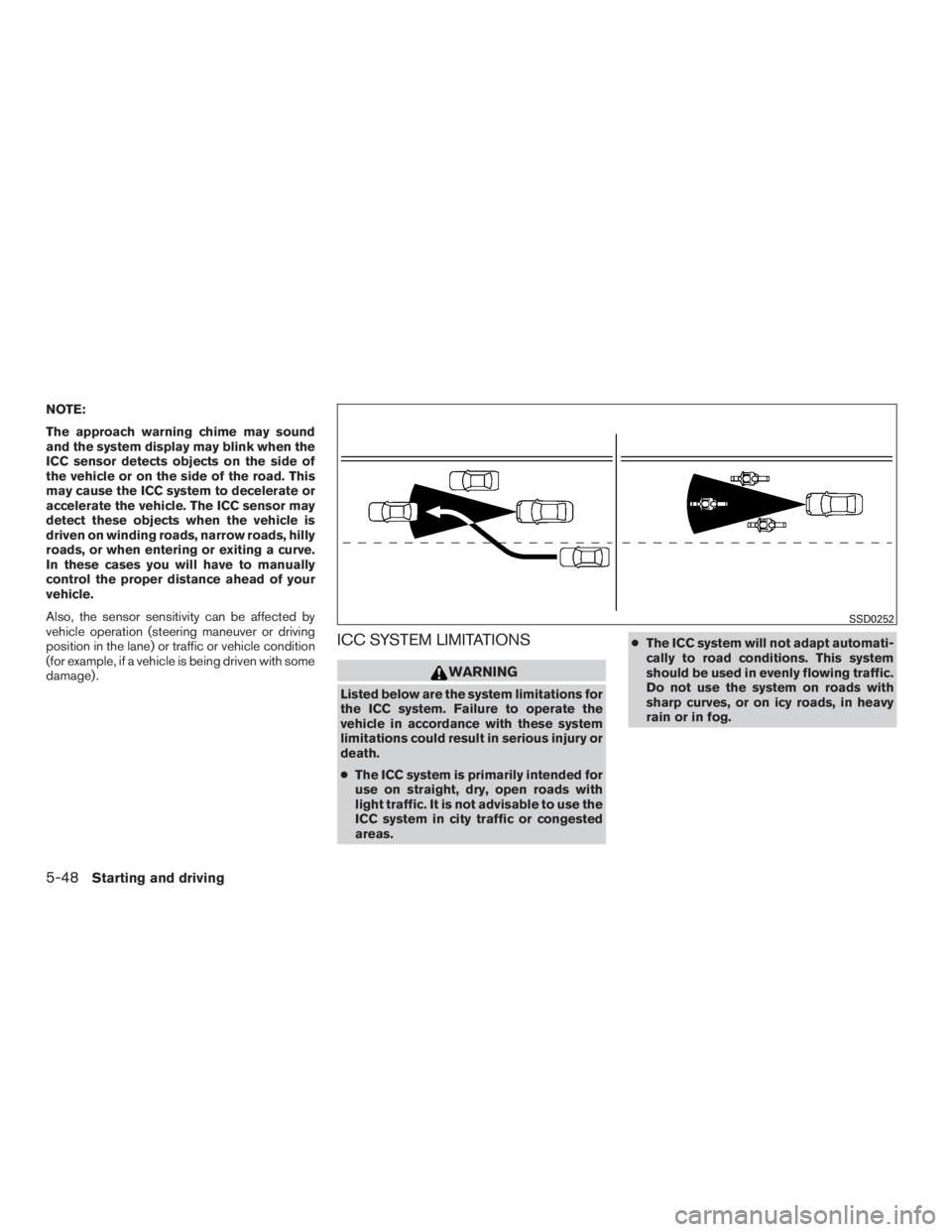
NOTE:
The approach warning chime may sound
and the system display may blink when the
ICC sensor detects objects on the side of
the vehicle or on the side of the road. This
may cause the ICC system to decelerate or
accelerate the vehicle. The ICC sensor may
detect these objects when the vehicle is
driven on winding roads, narrow roads, hilly
roads, or when entering or exiting a curve.
In these cases you will have to manually
control the proper distance ahead of your
vehicle.
Also, the sensor sensitivity can be affected by
vehicle operation (steering maneuver or driving
position in the lane) or traffic or vehicle condition
(for example, if a vehicle is being driven with some
damage) .
ICC SYSTEM LIMITATIONS
Page 427 of 558
●If a warning message continues to be
displayed after the above operations,
have your vehicle checked as soon as
possible. It is recommended that you
visit a NISSAN dealer for this service.
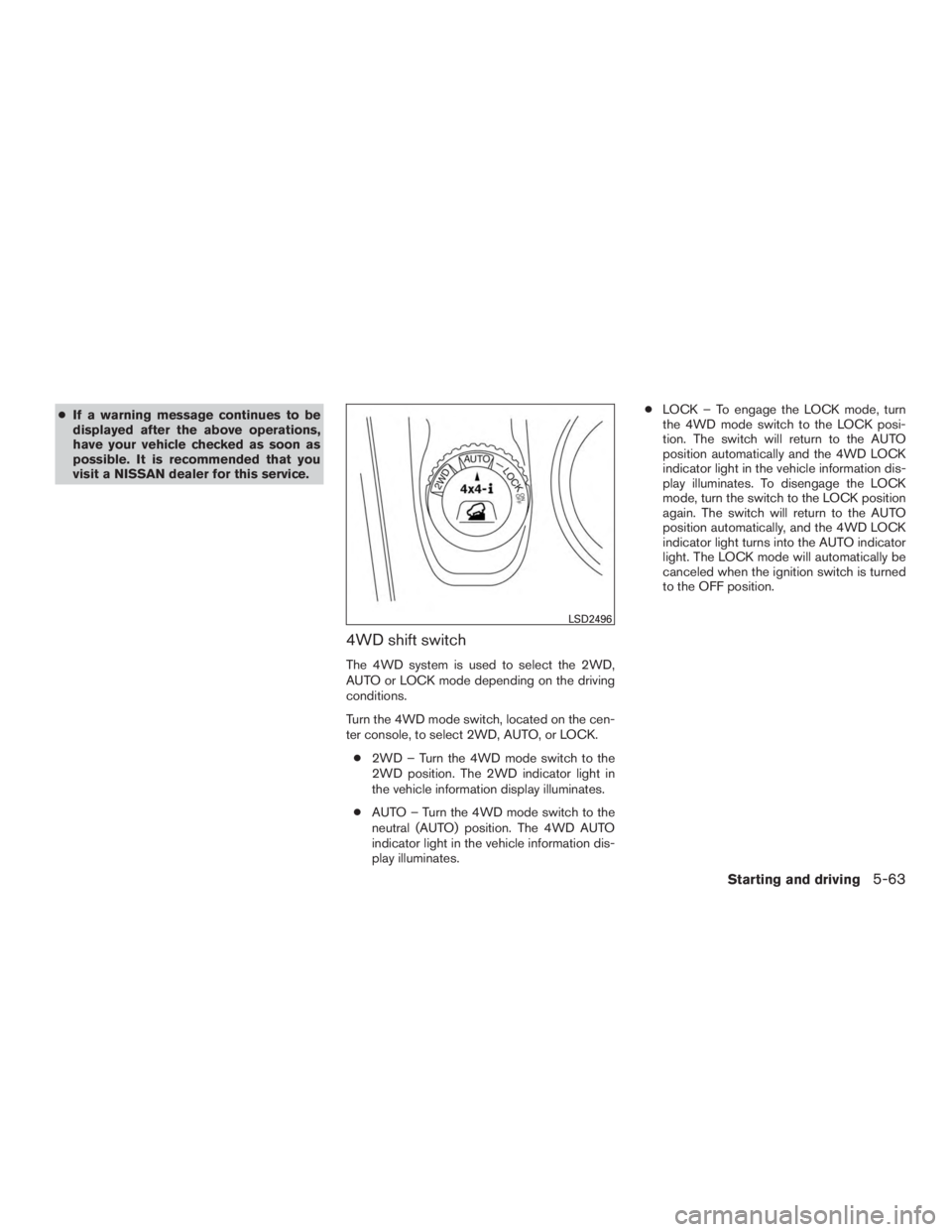
4WD shift switch
The 4WD system is used to select the 2WD,
AUTO or LOCK mode depending on the driving
conditions.
Turn the 4WD mode switch, located on the cen-
ter console, to select 2WD, AUTO, or LOCK.
● 2WD – Turn the 4WD mode switch to the
2WD position. The 2WD indicator light in
the vehicle information display illuminates.
● AUTO – Turn the 4WD mode switch to the
neutral (AUTO) position. The 4WD AUTO
indicator light in the vehicle information dis-
play illuminates. ●
LOCK – To engage the LOCK mode, turn
the 4WD mode switch to the LOCK posi-
tion. The switch will return to the AUTO
position automatically and the 4WD LOCK
indicator light in the vehicle information dis-
play illuminates. To disengage the LOCK
mode, turn the switch to the LOCK position
again. The switch will return to the AUTO
position automatically, and the 4WD LOCK
indicator light turns into the AUTO indicator
light. The LOCK mode will automatically be
canceled when the ignition switch is turned
to the OFF position.
Page 429 of 558
CAUTION
●Depending on the driving condition, the
4WD mode may automatically change
from 2WD to 4WD even when the 2WD
mode is selected. If this occurs while
driving, the 4WD mode indicator light
will not illuminate.
● Do not start the engine with the 4WD
mode switch in any mode in the follow-
ing cases:
– when the vehicle is placed on a fre- eroller or jacking up the vehicle with
the front tires raised and the rear
tires on the ground.
– when towing the vehicle with the rear tires raised from the ground.
● Operate the 4WD mode switch only
when driving straight. Do not operate
the 4WD mode switch when making a
turn or backing up.
● Do not operate the 4WD mode switch
with the front wheel spinning.
● Engine idling speed is high while warm-
ing up the engine. Be especially careful
when starting or driving on slippery sur-
faces with the 4WD mode switch set in
the AUTO mode.
4WD mode indicator lights
The 2WD, 4WD AUTO and LOCK mode indica-
tor lights are located in the vehicle information
display.
The 4WD mode indicator lights will display the
mode selected by the 4WD mode switch while
the engine is running.
The 4WD AUTO indicator light illuminates when
selecting the AUTO mode.
The 4WD LOCK indicator light illuminates when
selecting the LOCK mode and the 2WD indicator
light illuminates when selecting the 2WD mode.
Starting and driving5-65
Page 438 of 558
●The system is designed as an aid to the
driver in detecting large stationary ob-
jects to help avoid damaging the ve-
hicle. The system will not detect small
objects below the bumper, and may not
detect objects close to the bumper or
on the ground.
● If your vehicle sustains damage to the
rear bumper fascia, leaving it mis-
aligned or bent, the sensing zone may
be altered causing inaccurate measure-
ment of obstacles or false alarms.
The RSS sounds a tone to warn the driver of
obstacles near the rear bumper when the shift
lever is in R (Reverse) . The system may not
detect objects at speeds above 3 mph (5 km/h)
and may not detect certain angular or moving
objects.
The RSS detects obstacles up to 5.9 ft (1.8 m)
from the rear bumper with a decreased coverage
area at the outer corners of the bumper (refer to
the illustration for approximate zone coverage
areas) . As you move closer to the obstacle, the
rate of the tone increases. When the obstacle is
less than 10 in (25.0 cm) away, the tone will
sound continuously. If the RSS detects a station-
ary or receding object further than 10 in.
(25.0 cm) from the side of the vehicle, the tone will sound for only 3 seconds. Once the system
detects an object approaching, the tone will
sound again.
The RSS automatically turns on when the shift
lever is placed in R (Reverse) and the ignition
switch is placed in the ON position. The RSS can
be turned off in the vehicle information display.
For additional information, refer to “Vehicle infor-
mation display” in the “Instruments and controls”
section of this manual. To turn the RSS off, the
ignition switch must be placed in the ON posi-
tion.
Keep the RSS sensors (located on the rear bum-
per fascia) free from snow, ice and large accumu-
lations of dirt (do not clean the sensors with sharp
objects) . If the sensors are covered, it will affect
the accuracy of the RSS.FREEING A FROZEN DOOR LOCK
To prevent a door lock from freezing, apply de-
icer through the key hole. If the lock becomes
frozen, heat the key before inserting it into the key
hole, or use the NISSAN Intelligent Key®.
ANTIFREEZE
In the winter when it is anticipated that the tem-
perature will drop below 32°F (0°C) , check the
antifreeze to assure proper winter protection. For
additional information, refer to “Engine cooling
system” in the “Do-it-yourself” section of this
manual.
BATTERY
If the battery is not fully charged during extremely
cold weather conditions, the battery fluid may
freeze and damage the battery. To maintain maxi-
mum efficiency, the battery should be checked
regularly. For additional information, refer to “Bat-
tery” in the “Do-it-yourself” section of this manual.
DRAINING OF COOLANT WATER
If the vehicle is to be left outside without anti-
freeze, drain the cooling system, including the
engine block. Refill before operating the vehicle.
For additional information, refer to “Changing
engine coolant” in the “Do-it-yourself” section of
this manual.
COLD WEATHER DRIVING
5-74Starting and driving
Page 443 of 558
TIRE PRESSURE MONITORING
SYSTEM (TPMS)
This vehicle is equipped with TPMS. It monitors
tire pressure of all tires except the spare. When
the low tire pressure warning light is lit, and the
“Tire Pressure Low - Add Air” warning appears in
the vehicle information display, one or more of
your tires is significantly under-inflated. If
equipped, the system also displays pressure of
all tires (except the spare tire) on the display
screen by sending a signal from a sensor that is
installed in each wheel. If the vehicle is being
driven with low tire pressure, the TPMS will acti-
vate and warn you of it by the low tire pressure
warning light. This system will activate only when
the vehicle is driven at speeds above 16 mph
(25 km/h). For additional information, refer to
“Warning lights, indicator lights and audible re-
minders” in “Instruments and controls” section
and the “Tire Pressure Monitoring System
(TPMS)” in the “Starting and driving” sections of
this manual.
Page 475 of 558
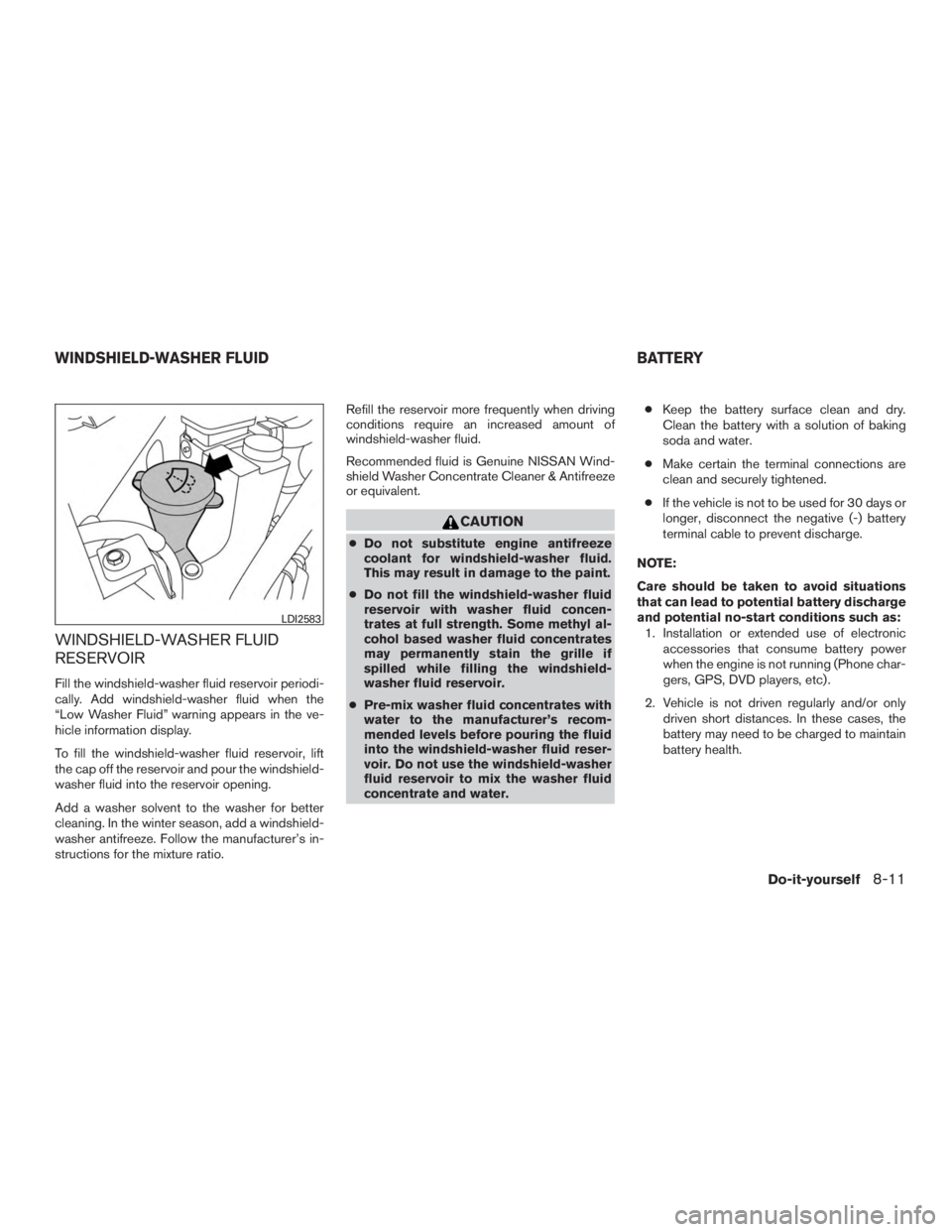
WINDSHIELD-WASHER FLUID
RESERVOIR
Fill the windshield-washer fluid reservoir periodi-
cally. Add windshield-washer fluid when the
“Low Washer Fluid” warning appears in the ve-
hicle information display.
To fill the windshield-washer fluid reservoir, lift
the cap off the reservoir and pour the windshield-
washer fluid into the reservoir opening.
Add a washer solvent to the washer for better
cleaning. In the winter season, add a windshield-
washer antifreeze. Follow the manufacturer’s in-
structions for the mixture ratio.Refill the reservoir more frequently when driving
conditions require an increased amount of
windshield-washer fluid.
Recommended fluid is Genuine NISSAN Wind-
shield Washer Concentrate Cleaner & Antifreeze
or equivalent.
Page 550 of 558
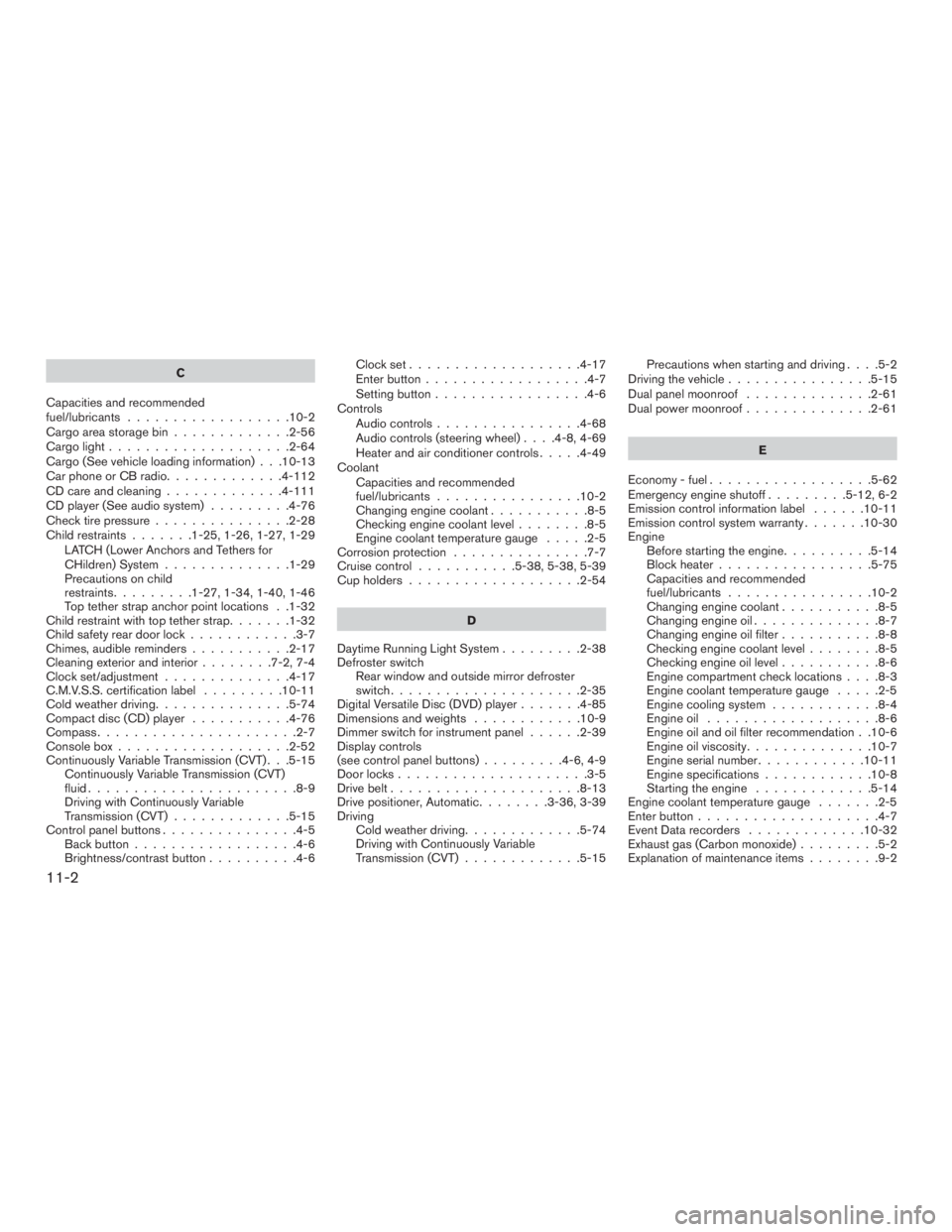
C
Capacities and recommended
fuel/lubricants ..................10-2
Cargoareastoragebin.............2-56
Cargolight....................2-64
Cargo (See vehicle loading information) . . .10-13
Car phone or CB radio .............4-112
CD care and cleaning .............4-111
CD player (See audio system) .........4-76
Check tire pressure ...............2-28
Child restraints .......1-25,1-26,1-27,1-29
LATCH (Lower Anchors and Tethers for
CHildren) System ..............1-29
Precautions on child
restraints.........1-27,1-34,1-40,1-46
Top tether strap anchor point locations . .1-32
Child restraint with top tether strap .......1-32
Child safety rear door lock ............3-7
Chimes, audible reminders ...........2-17
Cleaningexteriorandinterior........7-2,7-4
Clock set/adjustment ..............4-17
C.M.V.S.S. certification label .........10-11
Cold weather driving ...............5-74
Compact disc (CD) player ...........4-76
Compass ......................2-7
Consolebox...................2-52
Continuously Variable Transmission (CVT) . . .5-15 Continuously Variable Transmission (CVT)
fluid .......................8-9
Driving with Continuously Variable
Transmission (CVT) .............5-15
Control panel buttons ...............4-5
Backbutton..................4-6
Brightness/contrast button ..........4-6 Clockset...................4-17
Enterbutton..................4-7
Setting button
.................4-6
Controls Audio controls ................4-68
Audio controls (steering wheel) ....4-8,4-69
Heater and air conditioner controls .....4-49
Coolant Capacities and recommended
fuel/lubricants ................10-2
Changingenginecoolant...........8-5
Checking engine coolant level ........8-5
Engine coolant temperature gauge .....2-5
Corrosion protection ...............7-7
Cruisecontrol ...........5-38,5-38,5-39
Cupholders...................2-54
D
Daytime Running Light System .........2-38
Defroster switch Rear window and outside mirror defroster
switch.....................2-35
Digital Versatile Disc (DVD) player .......4-85
Dimensionsandweights ............10-9
Dimmer switch for instrument panel ......2-39
Display controls
(seecontrolpanelbuttons).........4-6,4-9
Door locks .....................3-5
Drive belt .....................8-13
Drive positioner, Automatic ........3-36,3-39
Driving Cold weather driving .............5-74
Driving with Continuously Variable
Transmission (CVT) .............5-15 Precautions when starting and driving
....5-2
Driving the vehicle ................5-15
Dual panel moonroof ..............2-61
Dual power moonroof ..............2-61
E
Economy-fuel..................5-62
Emergency engine shutoff .........5-12,6-2
Emission control information label ......10-11
Emission control system warranty .......10-30
Engine Before starting the engine ..........
5
-14
Blockheater.................5-75
Capacities and recommended
fuel/lubricants ................10-2
Changing engine coolant ...........8-5
Changingengineoil..............8-7
Changing engine oil filter ...........8-8
Checking engine coolant level ........8-5
Checking engine oil level ...........8-6
Engine compartment check locations ....8-3
Engine coolant temperature gauge .....2-5
Engine cooling system ............8-4
Engineoil ...................8-6
Engine oil and oil filter recommendation . .10-6
Engine oil viscosity ..............10-7
Engine serial number ............10-11
Engine specifications ............10-8
Starting the engine .............5-14
Engine coolant temperature gauge .......2-5
Enter button ....................4-7
Event Data recorders .............10-32
Exhaust gas (Carbon monoxide) .........5-2
Explanation of maintenance items ........9-2
11-2