glow plugs NISSAN QASHQAI 2015 Owner´s Manual
[x] Cancel search | Manufacturer: NISSAN, Model Year: 2015, Model line: QASHQAI, Model: NISSAN QASHQAI 2015Pages: 338, PDF Size: 4.88 MB
Page 69 of 338
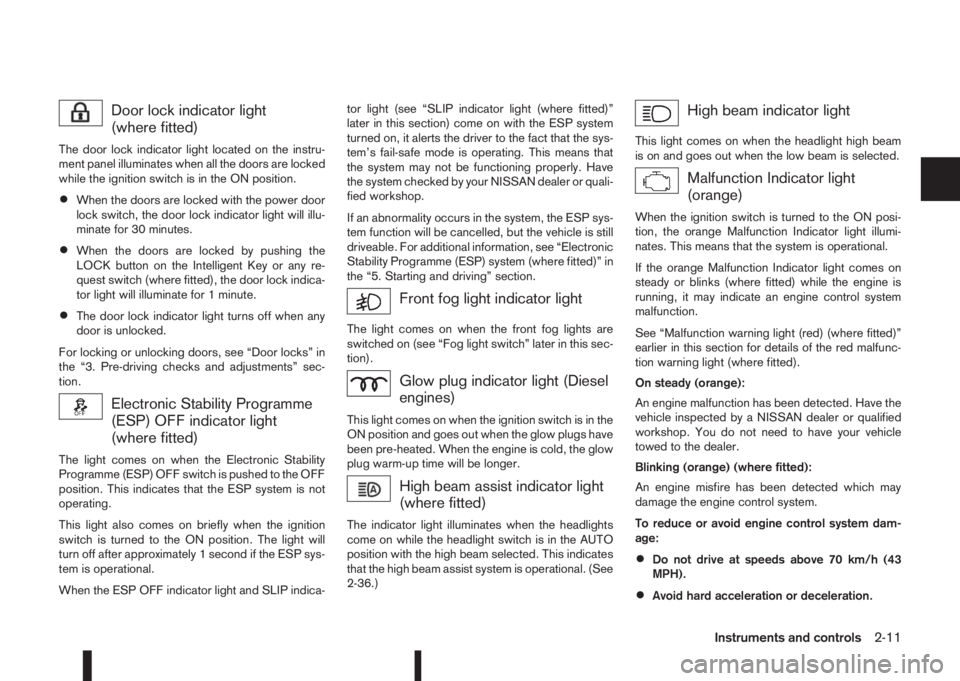
Door lock indicator light
(where fitted)
The door lock indicator light located on the instru-
ment panel illuminates when all the doors are locked
while the ignition switch is in the ON position.
•When the doors are locked with the power door
lock switch, the door lock indicator light will illu-
minate for 30 minutes.
•When the doors are locked by pushing the
LOCK button on the Intelligent Key or any re-
quest switch (where fitted), the door lock indica-
tor light will illuminate for 1 minute.
•The door lock indicator light turns off when any
door is unlocked.
For locking or unlocking doors, see “Door locks” in
the “3. Pre-driving checks and adjustments” sec-
tion.
Electronic Stability Programme
(ESP) OFF indicator light
(where fitted)
The light comes on when the Electronic Stability
Programme (ESP) OFF switch is pushed to the OFF
position. This indicates that the ESP system is not
operating.
This light also comes on briefly when the ignition
switch is turned to the ON position. The light will
turn off after approximately 1 second if the ESP sys-
tem is operational.
When the ESP OFF indicator light and SLIP indica-tor light (see “SLIP indicator light (where fitted)”
later in this section) come on with the ESP system
turned on, it alerts the driver to the fact that the sys-
tem’s fail-safe mode is operating. This means that
the system may not be functioning properly. Have
the system checked by your NISSAN dealer or quali-
fied workshop.
If an abnormality occurs in the system, the ESP sys-
tem function will be cancelled, but the vehicle is still
driveable. For additional information, see “Electronic
Stability Programme (ESP) system (where fitted)” in
the “5. Starting and driving” section.
Front fog light indicator light
The light comes on when the front fog lights are
switched on (see “Fog light switch” later in this sec-
tion).
Glow plug indicator light (Diesel
engines)
This light comes on when the ignition switch is in the
ON position and goes out when the glow plugs have
been pre-heated. When the engine is cold, the glow
plug warm-up time will be longer.
High beam assist indicator light
(where fitted)
The indicator light illuminates when the headlights
come on while the headlight switch is in the AUTO
position with the high beam selected. This indicates
that the high beam assist system is operational. (See
2-36.)
High beam indicator light
This light comes on when the headlight high beam
is on and goes out when the low beam is selected.
Malfunction Indicator light
(orange)
When the ignition switch is turned to the ON posi-
tion, the orange Malfunction Indicator light illumi-
nates. This means that the system is operational.
If the orange Malfunction Indicator light comes on
steady or blinks (where fitted) while the engine is
running, it may indicate an engine control system
malfunction.
See “Malfunction warning light (red) (where fitted)”
earlier in this section for details of the red malfunc-
tion warning light (where fitted).
On steady (orange):
An engine malfunction has been detected. Have the
vehicle inspected by a NISSAN dealer or qualified
workshop. You do not need to have your vehicle
towed to the dealer.
Blinking (orange) (where fitted):
An engine misfire has been detected which may
damage the engine control system.
To reduce or avoid engine control system dam-
age:
•Do not drive at speeds above 70 km/h (43
MPH).
•Avoid hard acceleration or deceleration.
Instruments and controls2-11
Page 191 of 338
After step 4 is performed, when the ignition switch
is pushed without depressing the brake pedal, the
ignition switch position will change to “ACC”.
NOTE
•When the ignition switch is pushed to the
“ACC” or “ON” position or the engine is started
by the above procedures, the Intelligent Key
system warning light may blink in yellow (on
the meter) even if the Intelligent Key is inside
the vehicle. This is not a malfunction. To stop
the warning light from blinking, touch the ig-
nition switch with the Intelligent Key again.
•If the Intelligent Key system warning light in
the meter is blinking in green, replace the bat-
tery as soon as possible. (See “Integrated
keyfob/Intelligent Key battery replacement” in
the “8. Maintenance and do-it-yourself” sec-
tion.)
MODELS WITH INTELLIGENT KEY
SYSTEM
1. Apply the parking brake. For additional informa-
tion, see “Parking brake switch” in the “3. Pre-
driving checks and adjustments” section.
2.Manual transmission models:
Move the shift lever to the N (Neutral) position,
and depress the clutch pedal to the floor while
starting the engine.
XTRONIC transmission (CVT) models:
Move the shift lever to the P (Park) or N (Neutral)
position. (P position is preferred).
The starter is designed to operate only when
the shift lever is in the proper position.
The Intelligent Key (where fitted) must be car-
ried while inside the vehicle when operating
the ignition switch.
3. To start the engine:
•MT models – keep the clutch pedal
depressed and/or depress the brake pedal
then push the ignition switch to the “ON” po-
sition.
•XTRONIC transmission models – depress the
brake pedal then push the ignition switch to
the “ON” position.
NOTE
•To start the engine immediately, push and
release the ignition switch while depress-ing the brake pedal or clutch pedal with
the ignition switch in any position.
•For diesel engine models: In cold condi-
tions there may be a delay for a few sec-
onds before the engine cranks. This is due
to the glow plugs heating to ensure ad-
equate engine starting conditions. The
glow indicator light (
) will illuminate
during this delay, then the engine will start.
4. Immediately release the ignition switch when the
engine starts. If the engine starts, but fails to run,
repeat the above procedures.
NOTE
Petrol engine models:
•If the engine is very hard to start in ex-
tremely cold weather or when restarting,
depress the accelerator pedal a little (ap-
proximately 1/3 of the way to the floor)
and hold it and then crank the engine. Re-
lease the ignition switch and the accelera-
tor pedal when the engine starts.
•If the engine is very hard to start because
it is flooded, depress the accelerator pedal
all the way to the floor and hold it. Crank
the engine for 5-6 seconds. After cranking
the engine, release the accelerator pedal.
Crank the engine with your foot off the ac-
celerator pedal by turning the ignition
switch to START. Release the switch when
the engine starts. If the engine starts, but
fails to run, repeat the above procedure.
STARTING ENGINE
Starting and driving5-15