chirp NISSAN ROGUE 2018 Owner´s Manual
[x] Cancel search | Manufacturer: NISSAN, Model Year: 2018, Model line: ROGUE, Model: NISSAN ROGUE 2018Pages: 547, PDF Size: 6.42 MB
Page 117 of 547
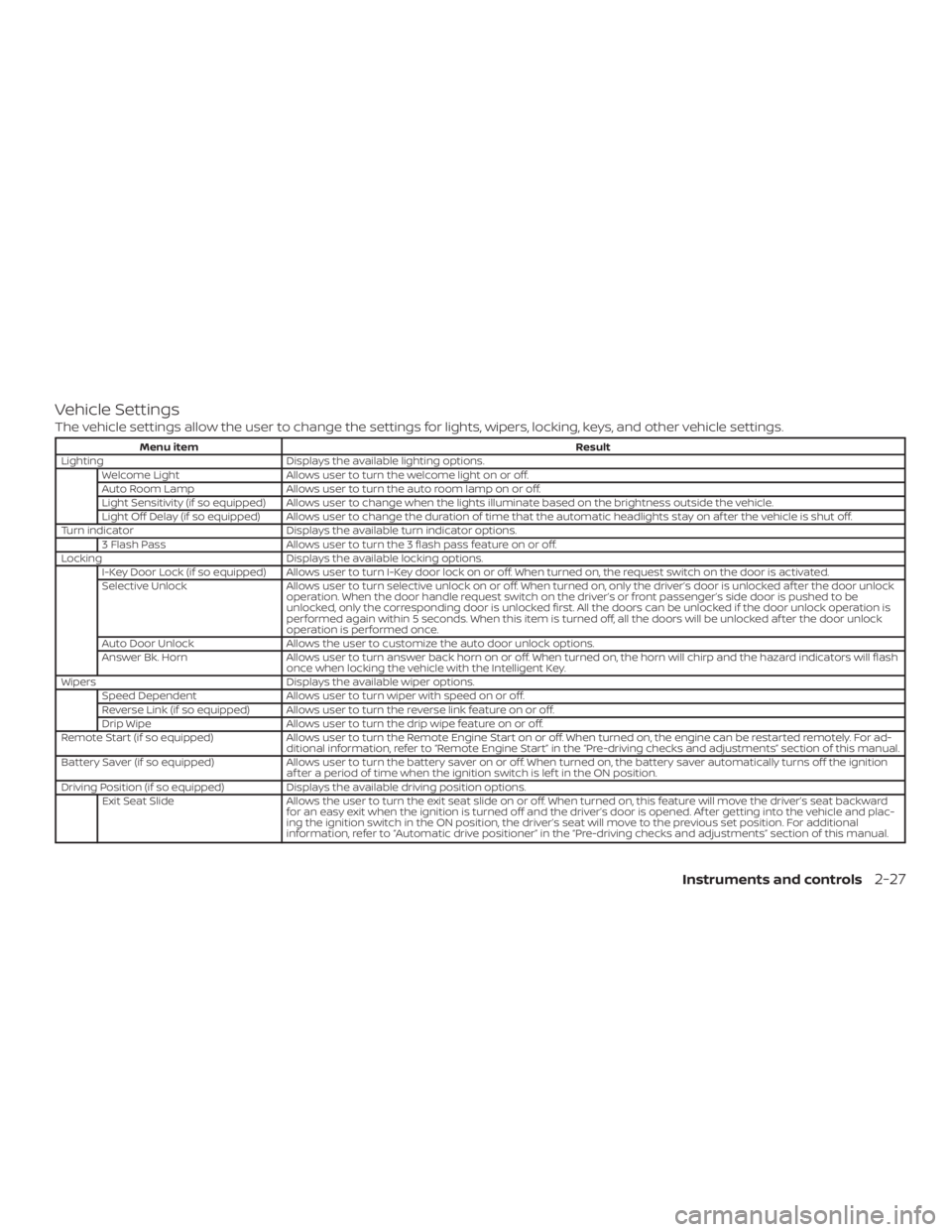
Vehicle Settings
The vehicle settings allow the user to change the settings for lights, wipers, locking, keys, and other vehicle settings.
Menu itemResult
Lighting Displays the available lighting options.
Welcome Light Allows user to turn the welcome light on or off.
Auto Room Lamp Allows user to turn the auto room lamp on or off.
Light Sensitivity (if so equipped) Allows user to change when the lights illuminate based on the brightness outside the vehicle.
Light Off Delay (if so equipped) Allows user to change the duration of time that the automatic headlights stay on af ter the vehicle is shut off.
Turn indicator Displays the available turn indicator options.
3 Flash Pass Allows user to turn the 3 flash pass feature on or off.
Locking Displays the available locking options.
I-Key Door Lock (if so equipped) Allows user to turn I-Key door lock on or off. When turned on, the request switch on the door is activated.
Selective Unlock Allows user to turn selective unlock on or off. When turned on, only the driver’s door is unlocked af ter the door unlock
operation. When the door handle request switch on the driver’s or front passenger’s side door is pushed to be
unlocked, only the corresponding door is unlocked first. All the doors can be unlocked if the door unlock operation is
performed again within 5 seconds. When this item is turned off, all the doors will be unlocked af ter the door unlock
operation is performed once.
Auto Door Unlock Allows the user to customize the auto door unlock options.
Answer Bk. Horn Allows user to turn answer back horn on or off. When turned on, the horn will chirp and the hazard indicators will flash
once when locking the vehicle with the Intelligent Key.
Wipers Displays the available wiper options.
Speed Dependent Allows user to turn wiper with speed on or off.
Reverse Link (if so equipped) Allows user to turn the reverse link feature on or off.
Drip Wipe Allows user to turn the drip wipe feature on or off.
Remote Start (if so equipped) Allows user to turn the Remote Engine Start on or off. When turned on, the engine can be restarted remotely. For ad-
ditional information, refer to “Remote Engine Start” in the “Pre-driving checks and adjustments” section of this manual.
Battery Saver (if so equipped) Allows user to turn the battery saver on or off. When turned on, the battery saver automatically turns off the ignition
af ter a period of time when the ignition switch is lef t in the ON position.
Driving Position (if so equipped) Displays the available driving position options.
Exit Seat Slide Allows the user to turn the exit seat slide on or off. When turned on, this feature will move the driver’s seat backward
for an easy exit when the ignition is turned off and the driver’s door is opened. Af ter getting into the vehicle and plac-
ing the ignition switch in the ON position, the driver’s seat will move to the previous set position. For additional
information, refer to “Automatic drive positioner” in the “Pre-driving checks and adjustments” section of this manual.
Instruments and controls2-27