check NISSAN ROGUE 2019 Owner´s Manual
[x] Cancel search | Manufacturer: NISSAN, Model Year: 2019, Model line: ROGUE, Model: NISSAN ROGUE 2019Pages: 564, PDF Size: 6.97 MB
Page 108 of 564
The MIL may stop blinking and come on
steady. Have the vehicle inspected. It is rec-
ommended that you visit a NISSAN dealer
for this service. You do not need to have
your vehicle towed to the dealer.
CAUTION
Continued vehicle operation without
having the emission control system
checked and repaired as necessary
could lead to poor driveability, reduced
fuel economy, and possible damage to
the emission control system.
Security indicator light
This light blinks when the ignition switch is
placed in the OFF or LOCK position.
The blinking security indicator light indi-
cates that the security systems equipped
on the vehicle are operational.
For additional information, refer to “Security
systems” in this section.
Side light and headlightindicator light (green)
The side light and headlight indicator light
illuminates when the side light or headlight
position is selected. For additional informa- tion, refer to “Headlight and turn signal
switch” in this section.
Slip indicator light
This indicator light will blink when the VDC
system is operating, thus alerting the driver
to the fact that the road surface is slippery
and the vehicle is nearing its traction limits.
You may feel or hear the system working;
this is normal.
The light will blink for a few seconds af ter
the VDC system stops limiting wheel spin.
The
indicator light also comes on
when you place the ignition switch in the
ON position. The light will turn off af ter ap-
proximately 2 seconds if the system is op-
erational. If the light does not come on
have the system checked. It is recom-
mended that you visit a NISSAN dealer for
this service.
Turn signal/hazard
indicator lights
The appropriate light flashes when the turn
signal switch is activated.
Both lights flash when the hazard switch is
turned on.
Vehicle Dynamic Control (VDC) OFF indicator light
This indicator light comes on when the
VDC OFF switch is pushed to off. This indi-
cates the VDC system has been turned off.
Push the VDC OFF switch again or restart
the engine and the system will operate
normally. For additional information, refer
to “Vehicle Dynamic Control (VDC) system”
in the “Starting and driving” section of this
manual.
The VDC OFF indicator light also comes on
when you place the ignition switch in the
ON position. The light will turn off af ter
about 2 seconds if the system is opera-
tional. If the light stays on or comes on
along with the
indicator light while
you are driving, have the VDC system
checked. It is recommended that you visit a
NISSAN dealer for this service.
While the VDC system is operating, you
might feel a slight vibration or hear the sys-
tem working when starting the vehicle or
accelerating, but this is normal.
2-20Instruments and controls
Page 109 of 564
AUDIBLE REMINDERS
Brake pad wear warning
The disc brake pads have audible wear
warnings. When a disc brake pad requires
replacement, it makes a high pitched
scraping sound when the vehicle is in mo-
tion, whether or not the brake pedal is de-
pressed. Have the brakes checked as soon
as possible if the warning sound is heard.
Key reminder chime
A chime sounds if the driver’s door is
opened while the ignition switch is placed
in the OFF position or placed in the OFF or
LOCK position with the key lef t in the ve-
hicle. Make sure the ignition switch is
placed in the LOCK position, and take the
key with you when leaving the vehicle.
Light reminder chime
With the ignition switch placed in the OFF
position, a chime sounds when the driver’s
door is opened if the headlights or parking
lights are on.
Turn the headlight control switch off before
leaving the vehicle.
NISSAN Intelligent Key® door
buzzer (if so equipped)
The Intelligent Key door buzzer sounds if
any one of the following improper opera-
tions is found.∙ The Intelligent Key is lef t inside the ve- hicle when locking the doors.
∙ Any doors are not closed securely when locking the doors.
When the buzzer sounds, be sure to check
both the vehicle and the Intelligent Key. For
additional information, refer to “NISSAN In-
telligent Key®” in the “Pre-driving checks
and adjustments” section of this manual.
Driving aid chimes (if so equipped)
An audible alert/chime may be heard if any
of the following systems are active: ∙ Automatic Emergency Braking (AEB)
∙ Automatic Emergency Braking (AEB) with Pedestrian Detection
∙ Blind Spot Warning (BSW)/Rear Cross Traffic Alert (RCTA)
∙ Intelligent Cruise Control (ICC)
∙ Intelligent Lane Intervention (I-LI) ∙ Lane Departure Warning (LDW)
∙ ProPILOT Assist
∙ Rear Automatic Braking (RAB)
∙ Rear Sonar System (RSS)
For additional information, refer to the
“Starting and driving” section of this
manual.
Instruments and controls2-21
Page 116 of 564
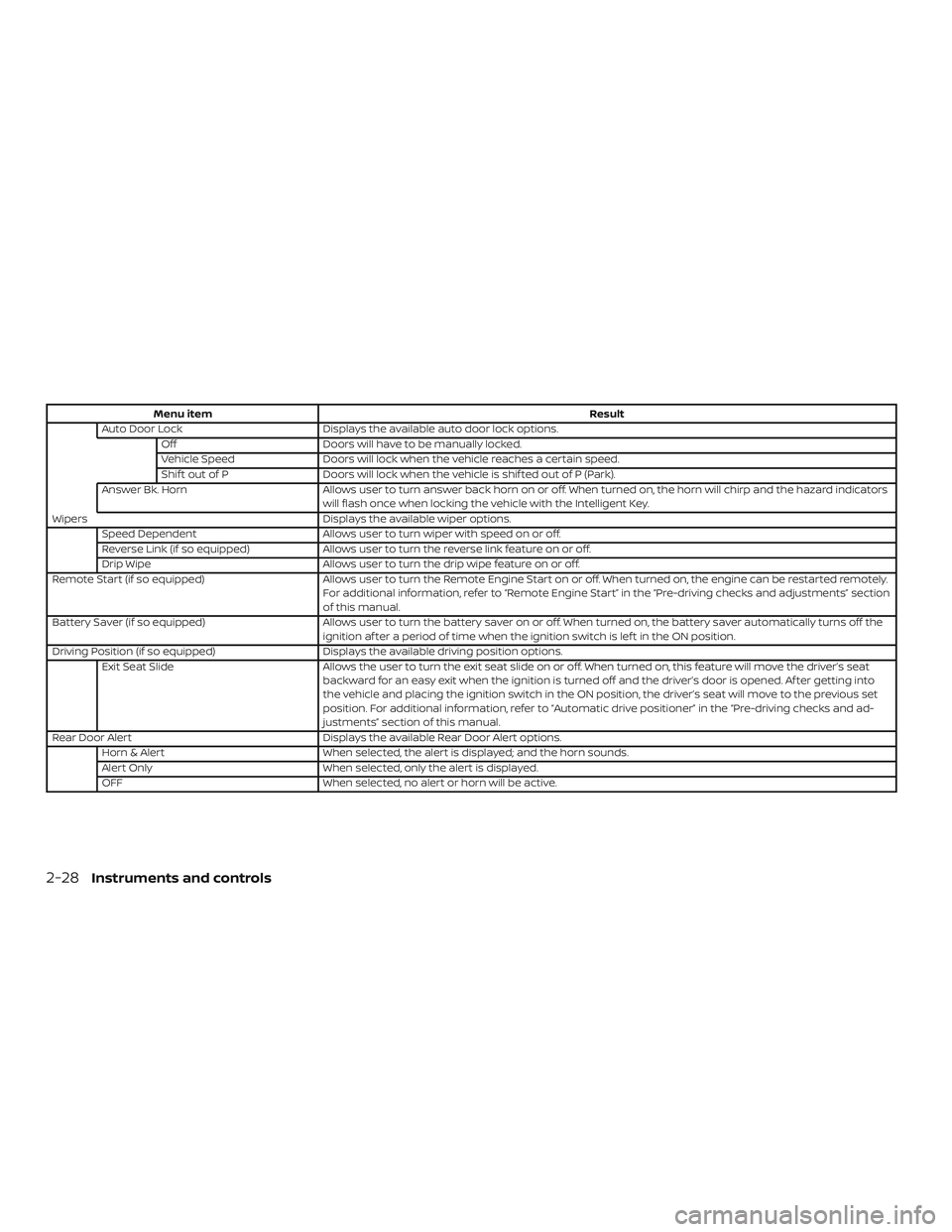
Menu itemResult
Auto Door Lock Displays the available auto door lock options.
Off Doors will have to be manually locked.
Vehicle Speed Doors will lock when the vehicle reaches a certain speed.
Shif t out of P Doors will lock when the vehicle is shif ted out of P (Park).
Answer Bk. Horn Allows user to turn answer back horn on or off. When turned on, the horn will chirp and the hazard indicators
will flash once when locking the vehicle with the Intelligent Key.
Wipers Displays the available wiper options.
Speed Dependent Allows user to turn wiper with speed on or off.
Reverse Link (if so equipped) Allows user to turn the reverse link feature on or off.
Drip Wipe Allows user to turn the drip wipe feature on or off.
Remote Start (if so equipped) Allows user to turn the Remote Engine Start on or off. When turned on, the engine can be restarted remotely.
For additional information, refer to “Remote Engine Start” in the “Pre-driving checks and adjustments” section
of this manual.
Battery Saver (if so equipped) Allows user to turn the battery saver on or off. When turned on, the battery saver automatically turns off the
ignition af ter a period of time when the ignition switch is lef t in the ON position.
Driving Position (if so equipped) Displays the available driving position options.
Exit Seat Slide Allows the user to turn the exit seat slide on or off. When turned on, this feature will move the driver’s seat
backward for an easy exit when the ignition is turned off and the driver’s door is opened. Af ter getting into
the vehicle and placing the ignition switch in the ON position, the driver’s seat will move to the previous set
position. For additional information, refer to “Automatic drive positioner” in the “Pre-driving checks and ad-
justments” section of this manual.
Rear Door Alert Displays the available Rear Door Alert options.
Horn & Alert When selected, the alert is displayed; and the horn sounds.
Alert Only When selected, only the alert is displayed.
OFF When selected, no alert or horn will be active.
2-28Instruments and controls
Page 117 of 564
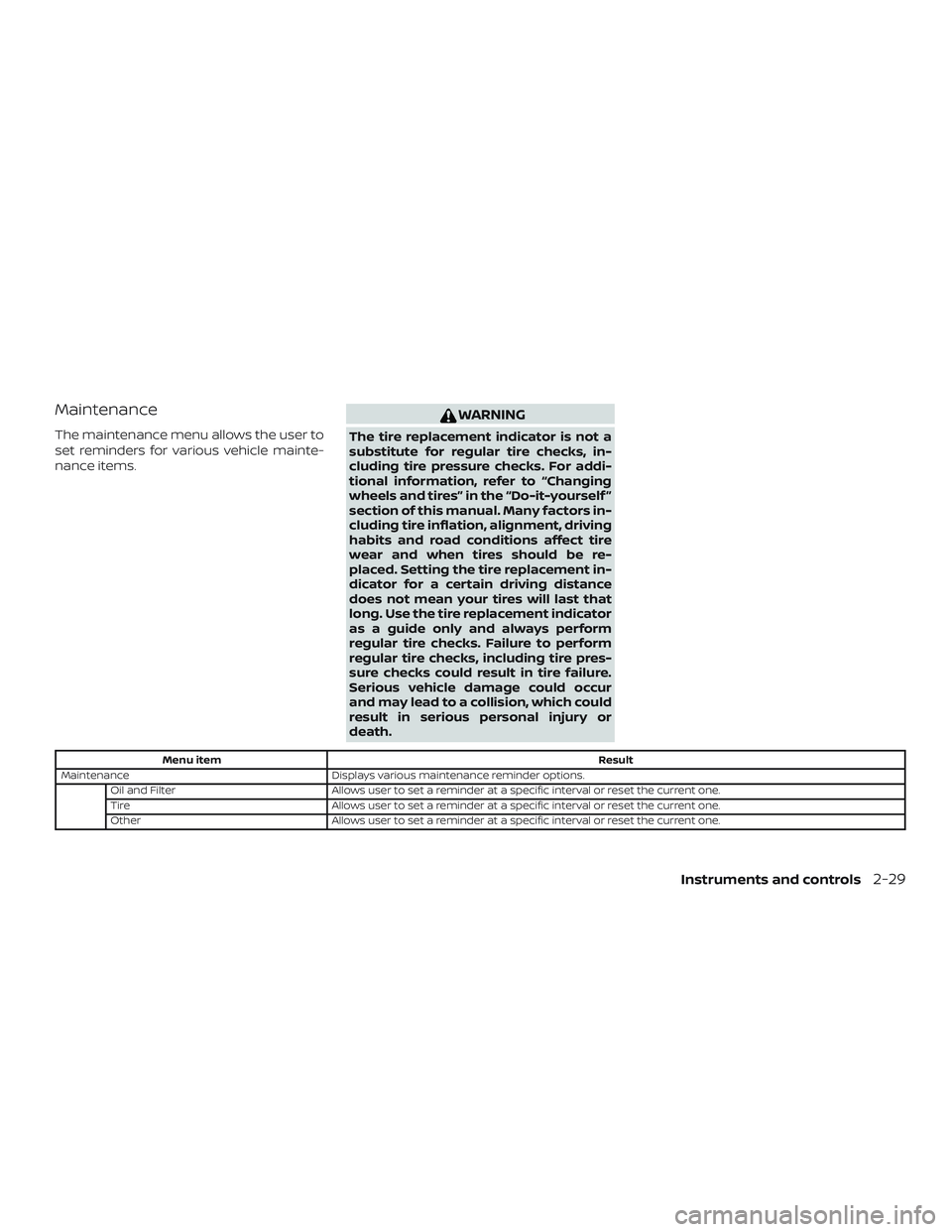
Maintenance
The maintenance menu allows the user to
set reminders for various vehicle mainte-
nance items.
WARNING
The tire replacement indicator is not a
substitute for regular tire checks, in-
cluding tire pressure checks. For addi-
tional information, refer to “Changing
wheels and tires” in the “Do-it-yourself ”
section of this manual. Many factors in-
cluding tire inflation, alignment, driving
habits and road conditions affect tire
wear and when tires should be re-
placed. Setting the tire replacement in-
dicator for a certain driving distance
does not mean your tires will last that
long. Use the tire replacement indicator
as a guide only and always perform
regular tire checks. Failure to perform
regular tire checks, including tire pres-
sure checks could result in tire failure.
Serious vehicle damage could occur
and may lead to a collision, which could
result in serious personal injury or
death.
Menu itemResult
Maintenance Displays various maintenance reminder options.
Oil and Filter Allows user to set a reminder at a specific interval or reset the current one.
Tire Allows user to set a reminder at a specific interval or reset the current one.
Other Allows user to set a reminder at a specific interval or reset the current one.
Instruments and controls2-29
Page 123 of 564
46. Not Available Parking Brake On (if soequipped)
47. Not Available Seat Belt Not Fastened (if so equipped)
48. Step on Brake Now (if so equipped)
49. Steering Assist on Alert (if so equipped)
50. Automatic Emergency Braking (AEB) emergency warning indicator (if so
equipped)
51. Rear Door Alert is activated
52. Check Rear Seat for All Articles
53. Rear Automatic Braking (RAB) indicator (if so equipped)
54. Rear Sonar System (RSS) indicator (if so equipped)
55. Parking Sensor Error: See Owner’s Manual (if so equipped)
56. Blind Spot Warning (BSW) indicator
57. System Fault (if so equipped)
Engine start operation
This indicator appears when the shif t lever
is in the P (Park) position. This indicator means that the engine will
start by pushing the ignition switch with
the brake pedal depressed. You can start
the engine from any position of the ignition
switch.
No Key Detected (if so equipped)
This warning appears when the Intelligent
Key is lef t outside the vehicle with the igni-
tion switch in the ON position. Make sure
the Intelligent Key is inside the vehicle.
For additional information about the Intel-
ligent Key, refer to “NISSAN Intelligent Key®”
in the “Pre-driving checks and adjust-
ments” section of this manual.
Shif t to Park
This warning illuminates when the ignition
switch is in the OFF position and the shif t
lever is not in the P (Park) position. Also, a
chime sounds when the ignition switch is
in the OFF position.
If this warning illuminates, move the shif t
lever to the P (Park) position and start the
engine.
Key Battery Low (if so equipped)
This indicator illuminates when the Intelli-
gent Key battery is running out of power.If this indicator illuminates, replace the bat-
tery with a new one. For additional infor-
mation, refer to “Battery replacement” in
the “Do-it-yourself ” section of this manual.
Engine start operation for Intelligent
Key system (if I-Key battery level is low)
(if so equipped)
This indicator appears when the battery of
the Intelligent Key is low and when the In-
telligent Key system and the vehicle are not
communicating normally.
If this appears, touch the ignition switch
with the Intelligent Key while depressing
the brake pedal. For additional information,
refer to “NISSAN Intelligent Key® battery dis-
charge” in the “Starting and driving” section
of this manual.
Key ID incorrect (if so equipped)
This warning appears when the ignition
switch is placed from the OFF position and
the Intelligent Key is not recognized by the
system. You cannot start the engine with
an unregistered key.
For additional information, refer to “NISSAN
Intelligent Key®” in the “Pre-driving checks
and adjustments” section of this manual.
Instruments and controls2-35
Page 124 of 564
Release Parking Brake
This warning illuminates in the message
area of the vehicle information display
when the parking brake is set and the ve-
hicle is driven.
Low Fuel
This warning illuminates when the fuel level
in the fuel tank is getting low. Refuel as
soon as it is convenient, preferably before
the fuel gauge reaches 0 (Empty).There
will be a small reserve of fuel in the tank
when the fuel gauge needle reaches 0
(Empty).
Low Washer Fluid (if so equipped)
This warning illuminates when the
windshield-washer fluid is at a low level.
Add windshield-washer fluid as necessary.
For additional information, refer to
“Windshield-washer fluid” in the “Do-it-
yourself ” section of this manual.
Door/lif tgate Open
This warning illuminates when a door or
the lif tgate has been opened. Key System Error: See Owner’s Manual
(if so equipped)
Af ter the ignition switch is pushed to the
ON position, this light comes on for about
2 seconds and then turns off.
The Key System Error message warns of a
malfunction with the Intelligent Key sys-
tem. If the light comes on while the engine
is stopped, it may be impossible to start
the engine.
If the light comes on while the engine is
running, you can drive the vehicle. However
in these cases, contact a NISSAN dealer for
repair as soon as possible.
Loose Fuel Cap
This warning appears when the fuel-filler
cap is not tightened correctly af ter the ve-
hicle has been refueled. For additional in-
formation, refer to “Fuel-filler cap” in the
“Pre-driving checks and adjustments” sec-
tion of this manual.
Tire Pressure Low - Add Air
This warning appears when the low tire
pressure warning light in the meter illumi-
nates and low tire pressure is detected. The
warning appears each time the ignition
switch is placed in the ON position as longas the low tire pressure warning light re-
mains illuminated. If this warning appears,
stop the vehicle and adjust the tire pres-
sures of all four tires to the recommended
COLD tire pressure shown on the Tire and
Loading Information label. For additional
information, refer to “Low tire pressure
warning light” in this section and “Tire Pres-
sure Monitoring System (TPMS)” in the
“Starting and driving” section of this
manual.
Flat Tire – Visit dealer (if so equipped)
This warning appears when the low tire
pressure warning light in the meter illumi-
nates and one or more flat tires are de-
tected while driving. A chime also sounds
for approximately 10 seconds.
Low Oil Pressure Stop Vehicle
This warning appears in the message area
of the vehicle information display if low oil
pressure is detected. This gauge is not de-
signed to indicate low oil level.
The low oil
pressure warning is not designed to indi-
cate a low oil level. Use the dipstick to
check the oil level. For additional informa-
tion, refer to “Engine oil” in the “Do-it-
yourself ” section of this manual.
2-36Instruments and controls
Page 125 of 564
AWD Error: See Owner’s Manual (if so
equipped)
This warning appears when the all-wheel
drive system is not functioning properly
while the engine is running.
AWD High Temp. Stop vehicle (if so
equipped)
This warning may appear while trying to
free a stuck vehicle due to increased oil
temperature. The driving mode may
change to 2-Wheel Drive (2WD). If this warn-
ing is displayed, stop the vehicle with the
engine idling, as soon as it is safe to do so.
Then if the warning turns off, you can con-
tinue driving.
Tire Size Incorrect: See Owner’s Manual
(if so equipped)
This warning may appear if there is a large
difference between the diameters of the
front and rear wheels. Pull off the road in a
safe area, with the engine idling. Check that
all the tire sizes are the same, that the tire
pressure is correct and that the tires are
not excessively worn.
Battery Voltage Low Charge Battery
This warning appears when the battery is
low and needs to be charged.Shipping Mode On Push Storage Fuse
This warning may appear if the extended
storage switch is not pushed in. When this
warning appears, push in the extended
storage switch to turn off the warning. For
additional information, refer to “Extended
storage switch” in this section.
Power will turn off to save the battery
This warning appears in the message area
of the vehicle information display af ter a
period of time if the shif t lever has not
moved from the P (Park) position.
Power turned off to save the battery
This warning appears af ter the ignition
switch is automatically turned off to save
the battery.
Reminder: Turn OFF Headlights
This warning appears when the headlights
are lef t in the ON position when exiting the
vehicle. Place the headlight switch to OFF
or AUTO position. For additional informa-
tion, refer to “Headlight and turn signal
switch” in this section.
Headlight System Error: See Owner’s
Manual (if so equipped)
This warning illuminates when there is an
error with the system. For additional infor-
mation, refer to “Headlight and turn signal
switch” in this section.
Timer Alert – Time for a driver break?
This indicator appears when the set time is
reached. The time can be set up to six
hours. For additional information on set-
ting the timer, refer to “Alarm” in this sec-
tion.
Chassis Control System Error: See Own-
er’s Manual (if so equipped)
This warning appears if the Integrated
Dynamics-control Module detects an error
in the Intelligent Trace Control, Intelligent
Engine Brake, or the Active Ride Control
systems. Have the system checked. It is
recommended that you visit a NISSAN
dealer for this service. For additional infor-
mation, refer to “Chassis control” in the
“Starting and driving” section of this
manual.
Cruise control indicator (if so equipped)
This indicator shows the cruise control sys-
tem status.
Instruments and controls2-37
Page 126 of 564
For additional information, refer to “Cruise
control” in the “Starting and driving” section
of this manual.
Intelligent Cruise Control (ICC) indica-
tors (if so equipped)
These indicators show the Intelligent
Cruise Control (ICC) system status. The sta-
tus is shown by color. For additional infor-
mation, refer to “Intelligent Cruise Control
(ICC)” in the “Starting and driving” section of
this manual.
Transmission Shif t Position Indicator
This indicator shows the transmission shif t
position.
CVT Error: See Owner’s Manual
This warning illuminates when there is a
problem with the CVT system. If this warn-
ing comes on, have the system checked. It
is recommended that you visit a NISSAN
dealer for this service.
Malfunction: See Owner’s Manual (if so
equipped)
This warning appears when one or more of
the following systems (if so equipped) is
not functioning properly:∙ Automatic Emergency Braking (AEB) ∙ Automatic Emergency Braking (AEB)
with Pedestrian Detection
∙ Rear Automatic Braking (RAB)
∙ Lane Departure Warning (LDW)
∙ Blind Spot Warning (BSW)
∙ Intelligent Cruise Control (ICC)
If one or more of these warning appears,
have the system checked. It is recom-
mended that you visit a NISSAN dealer for
this service.
Drive mode indicators
These indicators illuminate in the vehicle
information display when either the ECO or
SPORT modes are selected.
For additional information, refer to “SPORT
mode switch” or “ECO mode switch” in the
“Starting and driving” or the section of this
manual.
Unavailable: High Cabin Temp. (if so
equipped)
This message appears when the camera
detects an interior temperature of more
than approximately 104°F (40°C). For addi-
tional information, refer to “Lane Departure
Warning (LDW)” and “Intelligent Lane Inter- vention (I-LI)” in the “Starting and driving”
section of this manual.
Unavailable: Road is slippery (if so
equipped)
This message appears when the Intelligent
Lane Intervention (I-LI) system becomes
unavailable because the road is slippery.
For additional information, refer to “ Intelli-
gent Lane Intervention (I-LI)” in the “Starting
and driving” section of this manual.
Unavailable: VDC OFF (if so equipped)
This message appears when the Intelligent
Lane Intervention (I-LI) system becomes
unavailable because the VDC is turned off.
For additional information, refer to “ Intelli-
gent Lane Intervention (I-LI)” in the “Starting
and driving” section of this manual.
Unavailable: Front Radar Obstruction (if
so equipped)
This message appears when the Intelligent
Cruise Control (ICC), Automatic Emergency
Braking (AEB), Automatic Emergency Brak-
ing (AEB) with Pedestrian Detection, and/or
ProPILOT Assist system(s) become unavail-
able because the front radar is obstructed.
For additional information, refer to “Intelli-
gent Cruise Control (ICC)”, “Automatic
Emergency Braking (AEB)”, “Automatic
2-38Instruments and controls
Page 129 of 564
Step on Brake Now (if so equipped)
This message may appear when the Intel-
ligent Cruise Control (ICC) (with ProPILOT
Assist) system is engaged.
It will be displayed under the following con-
dition:∙ While the vehicle is stopped by the ICC (with ProPILOT Assist), the driver’s door
is opened but the electronic parking
brake was not activated.
Please step on the brake immediately.
Steering Assist Alert (if so equipped)
This message may appear when the Steer-
ing Assist system is engaged.
It will be displayed under the following con-
dition: ∙ When not holding the steering wheel or when there is no steering wheel opera-
tion
Please hold on the steering wheel immedi-
ately. When the steering operation is de-
tected, the warning turns off and the steer-
ing assist function is automatically
restored. Automatic Emergency Braking (AEB)
emergency warning indicator (if so
equipped)
This indicator illuminates along, with an au-
dible warning, when the system detects
the possibility of a forward collision.
For additional information, refer to “Auto-
matic Emergency Braking (AEB)” in the
“Starting and driving” section of this
manual.
Rear Door Alert is activated
When the system is enabled, this message
appears when the Rear Door Alert system
is active and can remind the driver to check
the back seat.
∙ Using the steering wheel switch, a driver can select “Dismiss Message” to clear
the display for a period of time. If no
selection is made, this message auto-
matically turns off af ter a period of time.
∙ Using the steering wheel switch, a driver can select “Disable Alert” to disable the
horn alert for the remainder of the cur-
rent trip.WARNING
Selecting “Dismiss Message” during a
stop within a trip temporarily dismisses
the message for that stop without turn-
ing the system off. Alerts can be pro-
vided for other stops during the trip. Se-
lecting “Disable Alert” turns off the Rear
Door Alert system for the remainder of
a trip and no audible alert will be
provided.
NOTE:
This system is disabled until a driver en-
ables it using the vehicle information
display. For additional information, refer
to “How to use the vehicle information
display ” in this section.
For additional information, refer to “Rear
Door Alert” in this section.
Check Rear Seat For All Articles
When the system is enabled, this message
appears when the vehicle comes to a com-
plete stop, the vehicle is transitioned from
the D (Drive) position to P (Park) position,
and the driver exits the vehicle. This mes-
sage alerts the driver, af ter a period of time,
to check for items in the rear seat af ter the
audible alert has been provided.
Instruments and controls2-41
Page 131 of 564
The system helps deter vehicle thef t but
cannot prevent it, nor can it prevent the
thef t of interior or exterior vehicle compo-
nents in all situations. Always secure your
vehicle even if parking for a brief period.
Never leave your keys in the vehicle, and
always lock the vehicle when unattended.
Be aware of your surroundings, and park in
secure, well-lit areas whenever possible.
Many devices offering additional protec-
tion, such as component locks, identifica-
tion markers, and tracking systems, are
available at auto supply stores and spe-
cialty shops. A NISSAN dealer may also offer
such equipment. Check with your insur-
ance company to see if you may be eligible
for discounts for various thef t protection
features.
How to arm the vehicle security
system
1. Close all windows.(The system can be
armed even if the windows are open.)
2. Remove the keys from the vehicle.
3. Close all doors and lif tgate. Lock all doors. The doors can be locked with
the key fob (if so equipped), Intelligent Key (if so equipped), door handle re-
quest switch, or mechanical key (if so
equipped).
4. Confirm that the
security indica-
tor light stays on for about 30 seconds.
The vehicle security system is now pre-
armed. The vehicle security system will
automatically shif t into the armed
phase. The
security light begins
to flash once every three seconds. If
during the pre-armed phase one of the
following occurs, the system will not
arm:
∙ Any door is unlocked with the key fob (if so equipped), the Intelligent Key (if so
equipped), mechanical key (if so
equipped), or door request switch.
∙ Ignition switch is placed in the ON posi- tion.
∙ Even when the driver and/or passen-
gers are in the vehicle, the system will
activate with all the doors, hood and
lif tgate locked with the ignition
switch placed in the LOCK position.
When placing the ignition switch in
the ON position, the system will be
released.
Vehicle security system activation
The vehicle security system will give the
following alarm:
∙ The headlights blink and the horn sounds intermittently but synchro-
nously.
∙ The alarm automatically turns off af ter a period of time. However, the alarm
reactivates if the vehicle is tampered
with again.
The alarm is activated by: ∙ opening any door or the lif tgate without using the key or Intelligent Key (even if
the door is unlocked by releasing the
door inside lock knob).
How to stop an activated alarm
The alarm stops only by unlocking a door
or the lif tgate with the mechanical key (if so
equipped), the key fob (if so equipped),
pressing the
button on the Intelligent
Key (if so equipped), or pushing the request
switch on the driver’s or passenger’s door
with the Intelligent Key (if so equipped) in
range of the door handle.
Instruments and controls2-43