battery location NISSAN SENTRA 2017 B17 / 7.G User Guide
[x] Cancel search | Manufacturer: NISSAN, Model Year: 2017, Model line: SENTRA, Model: NISSAN SENTRA 2017 B17 / 7.GPages: 491
Page 283 of 491
MANUAL CONTROL
While using the Voice Recognition system, it is
possible to select menu options by using the
steering wheel controls instead of speaking voice
commands. The manual control mode does not
allow dialing a phone number by digits. The user
may select an entry from the Phonebook or Re-
cent Calls lists. To re-activate Voice Recognition,
exit the manual control mode by pressing and
holding the PHONE/END (
) button. At that
time, pressing the PHONE/SEND
(Type
A) or the
(Type B) button will start the
Hands Free Phone System.
WARNING
● Use a phone after stopping your vehicle
in a safe location. If you have to use a
phone while driving, exercise extreme
caution at all times so full attention may
be given to vehicle operation.
● If you are unable to devote full attention
to vehicle operation while talking on
the phone, pull off the road to a safe
location and stop your vehicle.
CAUTION
To avoid discharging the vehicle battery,
use a phone after starting the engine.
BLUETOOTH® HANDS-FREE PHONE
SYSTEM WITH NAVIGATION SYSTEM
(if so equipped)
4-106Monitor, climate, audio, phone and voice recognition systems
Page 285 of 491
– Your vehicle is in an area where it isdifficult to receive cellular signal; such as
in a tunnel, in an underground parking
garage, near a tall building or in a moun-
tainous area.
– Your cellular phone is locked to prevent it from being dialed.
● When the radio wave condition is not ideal
or ambient sound is too loud, it may be
difficult to hear the other person’s voice dur-
ing a call.
● Immediately after the ignition switch is
placed in the ON position, it may be impos-
sible to receive a call for a short period of
time.
● Do not place the cellular phone in an area
surrounded by metal or far away from the
in-vehicle phone module to prevent tone
quality degradation and wireless connection
disruption.
● While a cellular phone is connected through
the Bluetooth® wireless connection, the
battery power of the cellular phone may dis-
charge quicker than usual. The Bluetooth®
Hands-Free Phone System cannot charge
cellular phones. ●
For additional information, refer to “Trouble-
shooting guide” in this section. If the hands-
free phone system seems to be malfunction-
ing. You can also visit
www.nissanusa.com/bluetooth or
www.nissan.ca/bluetooth for troubleshoot-
ing help.
● Some cellular phones or other devices may
cause interference or a buzzing noise to
come from the audio system speakers. Stor-
ing the device in a different location may
reduce or eliminate the noise.
● For additional information, refer to the cellu-
lar phone owner’s manual regarding the tele-
phone charges, cellular phone antenna and
body, etc.
● The signal strength display on the monitor
will not coincide with the signal strength
display of some cellular phones.
REGULATORY INFORMATION
FCC Regulatory information
– CAUTION: To maintain compliance with FCC’s RF exposure guidelines, use only the
supplied antenna. Unauthorized antenna,
modification, or attachments could damage
the transmitter and may violate FCC regula-
tions. – Operation is subject to the following two con-
ditions:
1. This device may not cause interference and
2. this device must accept any interference, including interference that may cause unde-
sired operation of the device.
IC Regulatory information
– Operation is subject to the following two con- ditions: (1) this device may not cause interfer-
ence, and (2) this device must accept any
interference, including interference that may
cause undesired operation of the device.
– This Class B digital apparatus meets all re- quirements of the Canadian Interference-
Causing Equipment Regulations.
BLUETOOTH® is a
trademark owned by
Bluetooth SIG, Inc.
and licensed to Bosch.
4-108Monitor, climate, audio, phone and voice recognition systems
Page 310 of 491
When the ignition switch is pushed without de-
pressing the brake pedal or the clutch pedal
(MT) , the ignition switch position will illuminate as
follows:
Push center:● Once to change to ACC.
● Two times to change to ON.
● Three times to return to OFF.
The ignition switch will automatically return to the
LOCK position when any door is either opened or
closed with the switch in the OFF position.
The ignition lock is designed so that the ignition
switch position cannot be switched to OFF until
the shift lever is moved to the P (Park) position or
N (Neutral) position (MT) .
When the ignition switch cannot be pushed to-
ward the OFF position, proceed as follows: 1. Move the shift lever into the P (Park) position or N (Neutral) position (MT) .
2. Push the ignition switch. The ignition switch position will change to the ON position.
3. Push the ignition switch again to the OFF position. The shift lever can be moved from the P
(Park) position if the ignition switch is in
the ON position and the brake pedal is
depressed.
If the battery of the vehicle is discharged,
the push-button ignition switch cannot be
moved from the LOCK position.
Some indicators and warnings for operation are
displayed in the meter. For additional information,
refer to “Warning lights, indicator lights and au-
dible reminders” in the “Instruments and con-
trols” section of this manual.
OPERATING RANGE
The Intelligent Key functions can only be used
when the Intelligent Key is within the specified
operating range.
When the Intelligent Key battery is almost dis-
charged or strong radio waves are present near
the operating location, the Intelligent Key sys-
tem’s operating range becomes narrower and
may not function properly.
If the Intelligent Key is within the operating range,
it is possible for anyone, even someone who does
not carry the Intelligent Key, to push the ignition
switch to start the engine.
LSD2089
Starting and driving5-11
Page 319 of 491
●CVT operation is limited to automatic drive
mode when CVT fluid temperature is ex-
tremely low even if manual shift mode is
selected. This is not a malfunction. When
CVT fluid warms up, manual mode can be
selected.
● When the CVT fluid temperature is high, the
shift range may upshift in lower rpm than
usual. This is not a malfunction.
Shift lock release
If the battery charge is low or discharged, the
shift lever may not be moved from the P (Park)
position even with the brake pedal depressed
and the shift lever button pressed.
It will be necessary to jump start or have your
battery charged. For additional information, refer
to “Jump starting” in the “In case of emergency”
section of this manual. Contact a NISSAN dealer
or a professional towing service. To move the shift lever, complete the following
procedure:
1. Push the ignition switch to the LOCK posi- tion.
2. Apply the parking brake.
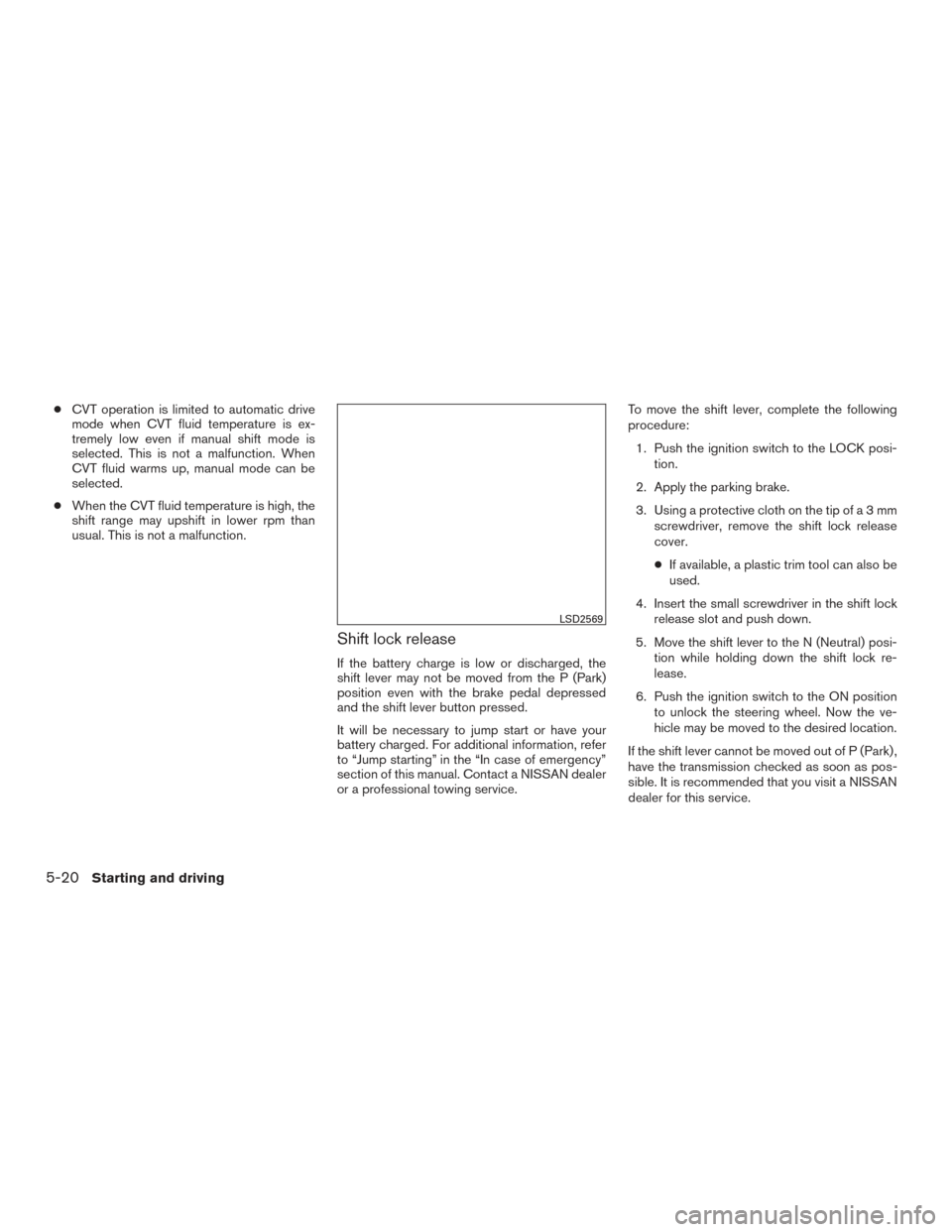
3. Using a protective cloth on the tip ofa3mm screwdriver, remove the shift lock release
cover.
● If available, a plastic trim tool can also be
used.
4. Insert the small screwdriver in the shift lock release slot and push down.
5. Move the shift lever to the N (Neutral) posi- tion while holding down the shift lock re-
lease.
6. Push the ignition switch to the ON position to unlock the steering wheel. Now the ve-
hicle may be moved to the desired location.
If the shift lever cannot be moved out of P (Park) ,
have the transmission checked as soon as pos-
sible. It is recommended that you visit a NISSAN
dealer for this service.
LSD2569
5-20Starting and driving
Page 400 of 491
8 Do-it-yourself
Maintenance precautions...........................8-2
Engine compartment check locations ................8-3
Engine cooling system .............................8-5
Checking engine coolant level ...................8-6
Changing engine coolant ........................8-6
Engine oil .........................................8-7
Checking engine oil level ........................8-7
Changing engine oil ............................8-8
Changing engine oil filter ........................8-9
Continuously Variable Transmission (CVT) fluid
(if so equipped) .................................. 8-11
Brake and clutch (if so equipped) fluid ..............8-11
Brake fluid .................................... 8-11
Clutch fluid (if so equipped) ....................8-12
Windshield-washer fluid ........................... 8-12
Windshield-washer fluid reservoir ...............8-12
Battery .......................................... 8-13
Jump starting ................................. 8-14
Variable voltage control system .....................8-15
Drive belt ........................................ 8-15
Spark plugs ...................................... 8-16
Replacing spark plugs ......................... 8-16
Air cleaner ....................................... 8-17In-cabin microfilter
............................. 8-17
Windshield wiper blades .......................... 8-18
Cleaning ..................................... 8-18
Replacing .................................... 8-18
Brakes .......................................... 8-20
Fuses ........................................... 8-20
Engine compartment ........................... 8-21
Passenger compartment .......................8-23
Battery replacement .............................. 8-24
Key fob (if so equipped) ........................ 8-25
NISSAN Intelligent Key® (if so equipped) ........8-26
Lights ........................................... 8-28
Headlights .................................... 8-28
Turn signal bulb ............................... 8-29
Fog lights (if so equipped) ......................8-29
Exterior
and interior lights ....................... 8-31
Wheels and tires ................................. 8-33
Tire pressure .................................. 8-33
Tire labeling ................................... 8-37
Types of tires .................................. 8-39
Tire chains .................................... 8-40
Changing wheels and tires .....................8-40
Page 402 of 491
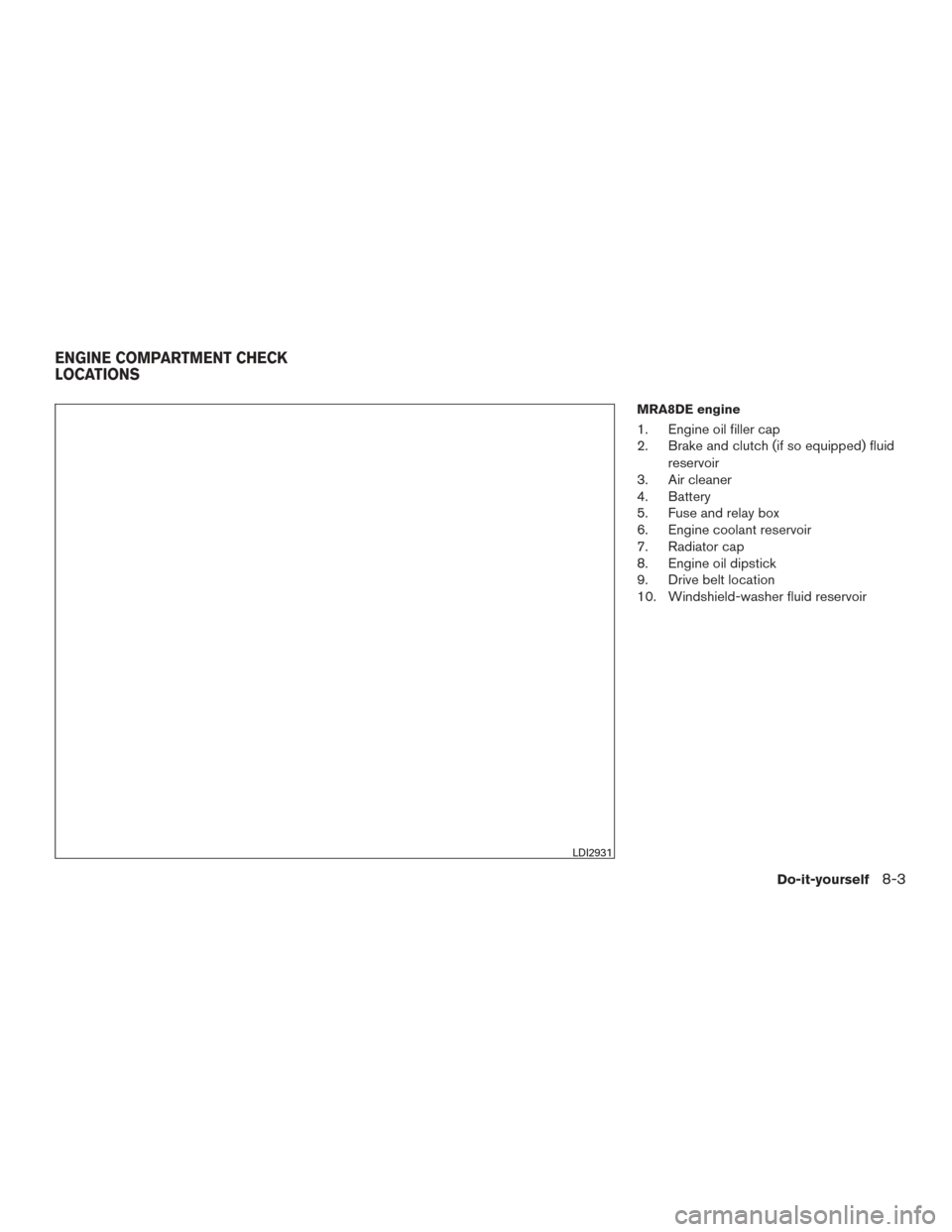
MRA8DE engine
1. Engine oil filler cap
2. Brake and clutch (if so equipped) fluidreservoir
3. Air cleaner
4. Battery
5. Fuse and relay box
6. Engine coolant reservoir
7. Radiator cap
8. Engine oil dipstick
9. Drive belt location
10. Windshield-washer fluid reservoir
LDI2931
ENGINE COMPARTMENT CHECK
LOCATIONS
Do-it-yourself8-3
Page 403 of 491
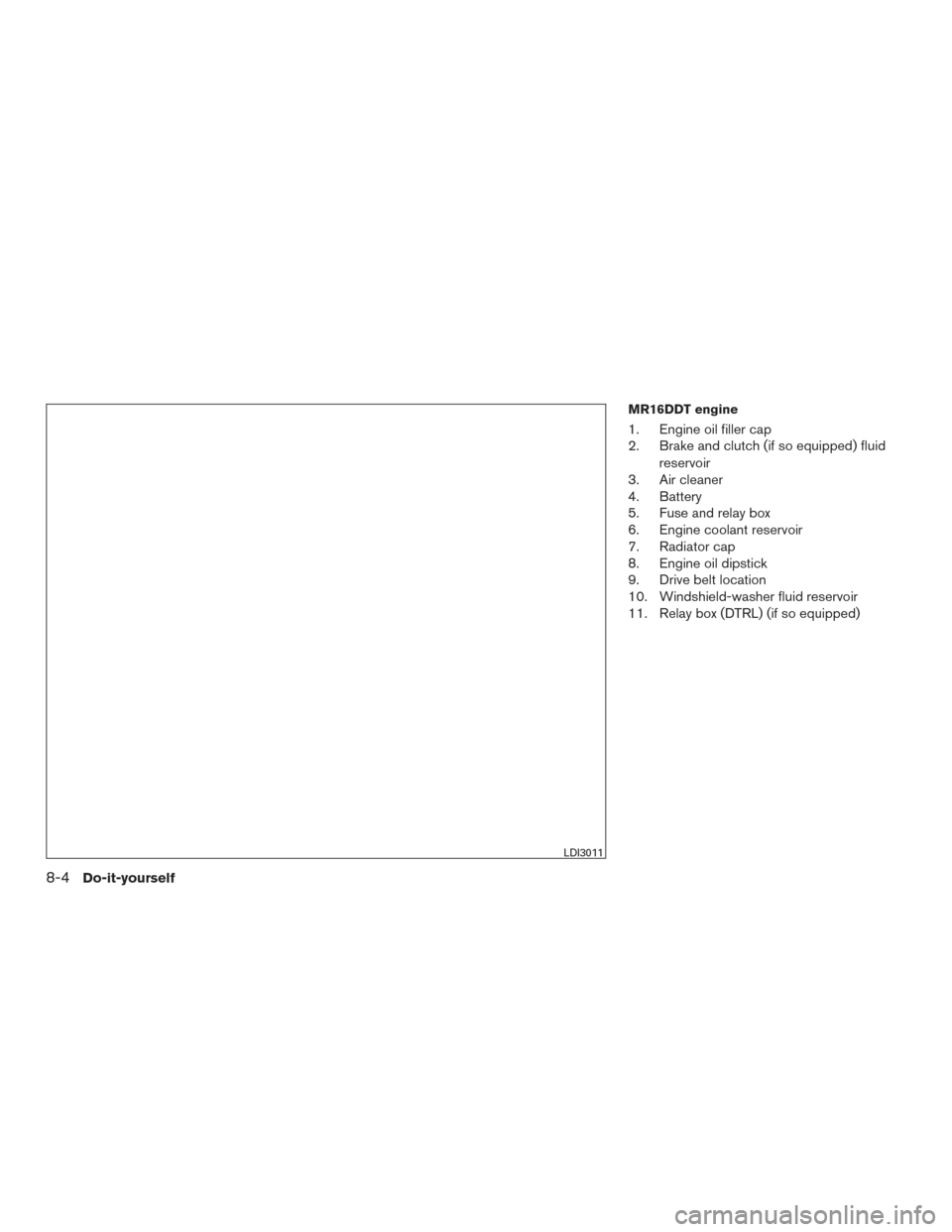
MR16DDT engine
1. Engine oil filler cap
2. Brake and clutch (if so equipped) fluidreservoir
3. Air cleaner
4. Battery
5. Fuse and relay box
6. Engine coolant reservoir
7. Radiator cap
8. Engine oil dipstick
9. Drive belt location
10. Windshield-washer fluid reservoir
11. Relay box (DTRL) (if so equipped)
LDI3011
8-4Do-it-yourself
Page 480 of 491
Due to legal requirements in some states and
Canadian Provinces, your vehicle may be re-
quired to be in what is called the “ready condi-
tion” for an Inspection/Maintenance (I/M) test of
the emission control system.
The vehicle is set to the “ready condition” when it
is driven through certain driving patterns. Usually,
the ready condition can be obtained by ordinary
usage of the vehicle.
If a powertrain system component is repaired or
the battery is disconnected, the vehicle may be
reset to a “not ready” condition. Before taking the
I/M test, check the vehicle’s
inspection/maintenance test readiness condi-
tion. Place the ignition switch in the ON position
without starting the engine. If the Malfunction
Indicator Light (MIL) comes on steady for 20 sec-
onds and then blinks for 10 seconds , the I/M test
condition is “not ready”. If the MIL does not blink
after 20 seconds, the I/M test condition is
“ready”. It is recommended that you visit a
NISSAN dealer to set the “ready condition” or to
prepare the vehicle for testing.This vehicle is equipped with an Event Data Re-
corder (EDR) . The main purpose of an EDR is to
record, in certain crash or near crash-like situa-
tions, such as an air bag deployment or hitting a
road obstacle, data that will assist in understand-
ing how a vehicle’s systems performed. The EDR
is designed to record data related to vehicle
dynamics and safety systems for a short period of
time, typically 30 seconds or less. The EDR in this
vehicle is designed to record such data as:
● How various systems in your vehicle were
operating;
● Whether or not the driver and passenger
safety belts were buckled/fastened;
● How far (if at all) the driver was depressing
the accelerator and/or brake pedal; and,
● How fast the vehicle was traveling.
● Sounds are not recorded. These data can help provide a better understand-
ing of the circumstances in which crashes and
injuries occur. NOTE: EDR data are recorded by
your vehicle only if a nontrivial crash situation
occurs; no data are recorded by the EDR under
normal driving conditions and no personal data
(e.g. name, gender, age and crash location) are
recorded. However, other parties, such as law
enforcement, could combine the EDR data with
the type of personally identifying data routinely
acquired during a crash investigation.
To read data recorded by an EDR, special equip-
ment is required and access to the vehicle or the
EDR is needed. In addition to the vehicle manu-
facturer and NISSAN dealer, other parties, such
as law enforcement, that have the special equip-
ment, can read the information if they have ac-
cess to the vehicle or the EDR. EDR data will only
be accessed with the consent of the vehicle
owner or lessee or as otherwise required or per-
mitted by law.
READINESS FOR INSPECTION/
MAINTENANCE (I/M) TEST
EVENT DATA RECORDERS (EDR)
Technical and consumer information10-21
Page 482 of 491
11 Index
A
Air bag (See supplemental restraint
system) .....................1-41
Air bag system Front (See supplemental front impact air bag
system) ...................1-48
Side and curtain (See supplemental
side air bag and curtain side-impact
air bag system) ...............1-55
Airbagwarninglabels.............1-57
Airbagwarninglight...........1-58,2-20
Air bag warning light, supplemental . .1-58, 2-20
Aircleaner....................8-17
Air cleaner housing filter ............8-17
Air conditioner Air conditioner operation ..........4-26
Air conditioner service ...........4-34
Air conditioner specification label ....10-13
Air conditioner system refrigerant and
oil recommendations ............10-8
Air conditioner system refrigerant
recommendations ..............10-8
Heater and air conditioner (automatic)
(if so equipped) ...............4-31
Heater and air conditioner
controls................4-24,4-32
Heater and air conditioner (manual) ....4-23
Servicing air conditioner ..........4-34
Airflowcharts..............4-20,4-27
Alarm system
(See vehicle security system) .........2-36Anchor point locations
.............1-25
Antenna.....................4-73
Antifreeze ....................5-76
Anti-lock Braking System (ABS) ........5-73
Apps .......................4-74
APPS button ...................4-7
Armrests .....................1-6
Audible reminders ...............2-23
Audio system ..................4-34
AMradioreception.............4-35
Bluetooth®audio..........4-70,4-70
Bluetooth® streaming audio ........4-70
Compact disc (CD) player . .4-46, 4-51, 4-58
FM/AM radio with compact disc (CD)
player ....................4-43
FM/AM/SAT radio with compact disc (CD)
player.................4-48,4-53
FMradioreception..........4-35,4-44
iPod® Player .............4-64,4-66
iPod® player operation .......4-64,4-66
Radio ....................4-34
Steering wheel audio control switch . . .4-72
USB interface ............4-60,4-62
USB (Universal Serial Bus) Connection
Port..................4-60,4-62
Autolight switch .................2-42
Automatic Automatic power window switch .....2-56
Automatic anti-glare inside mirror .......3-30
Automatic door locks ..............3-6
AUXjack.................4-44,4-60 B
Back button ....................4-7
Battery ..................5-76, 8-13
Charge warning light ............2-17
Battery replacement ..............8-24
Keyfob................8-24,8-25
NISSAN Intelligent Key® ..........8-26
Before starting the engine ...........5-14
Belt (See drive belt) ..............8-15
Blind Spot Warning (BSW) ..........5-26
Block heater Engine ....................5-77
Bluetooth® audio ............4-70,4-70
Bluetooth® hands-free phone system ....4-94
Bluetooth® Hands-Free Phone System with
Navigation System ..............4-106
Bluetooth® Hands-Free Phone System without
Navigation System ............4-78,4-94
Bluetooth® streaming audio with Navigation
System .....................4-70
Bluetooth® streaming audio without Navigation
System (if so equipped) ............4-70
Boosterseats..................1-38
Brake Anti-lock Braking System (ABS) ......5-73
Brake fluid ..................8-11
Brakelight(Seestoplight).........8-31
Brake system ................5-72
Brakewarninglight.............2-16
Brakewearindicators........2-23,8-20
Parking brake operation ..........5-23