USB NISSAN SENTRA 2017 B17 / 7.G Owner's Manual
[x] Cancel search | Manufacturer: NISSAN, Model Year: 2017, Model line: SENTRA, Model: NISSAN SENTRA 2017 B17 / 7.GPages: 491
Page 253 of 491
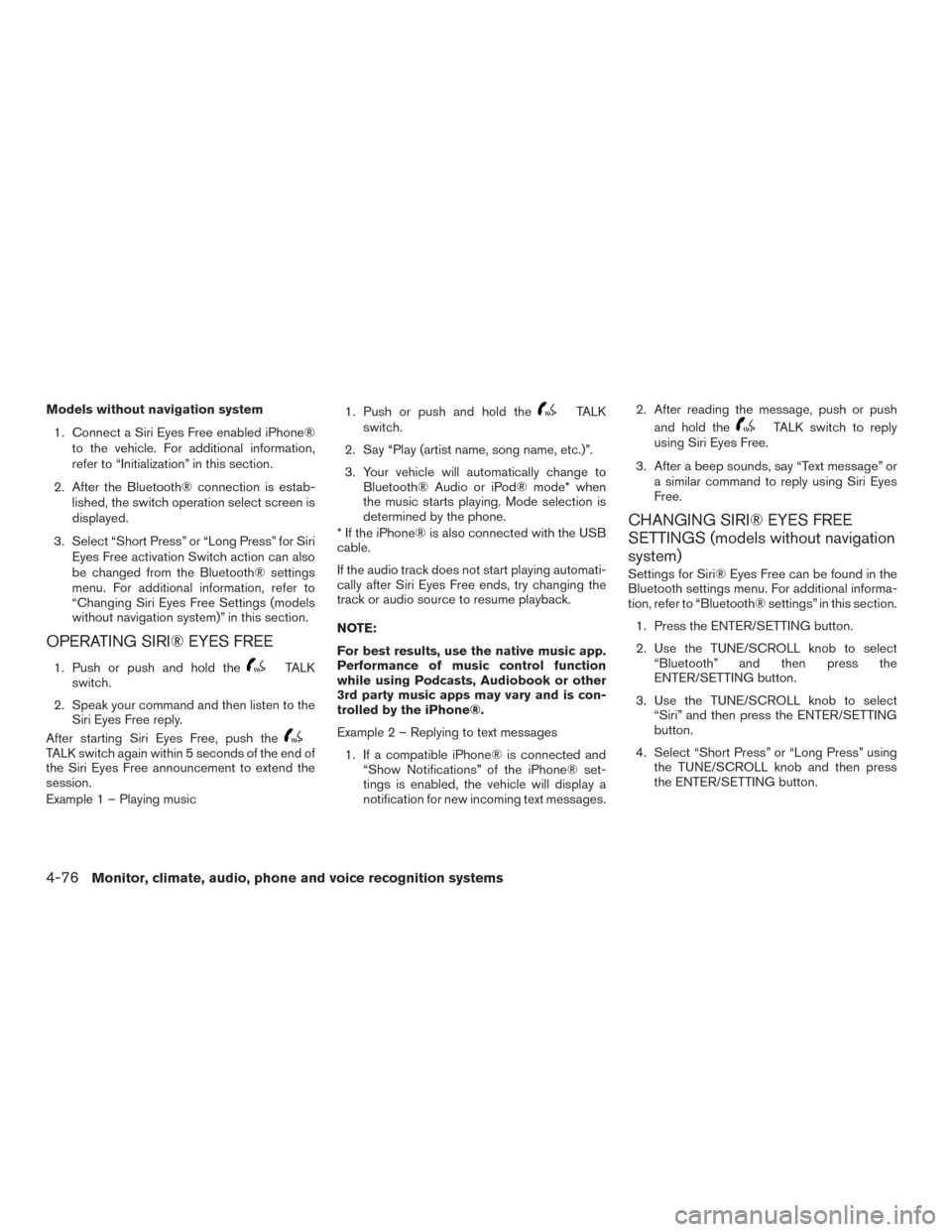
Models without navigation system1. Connect a Siri Eyes Free enabled iPhone® to the vehicle. For additional information,
refer to “Initialization” in this section.
2. After the Bluetooth® connection is estab- lished, the switch operation select screen is
displayed.
3. Select “Short Press” or “Long Press” for Siri Eyes Free activation Switch action can also
be changed from the Bluetooth® settings
menu. For additional information, refer to
“Changing Siri Eyes Free Settings (models
without navigation system)” in this section.
OPERATING SIRI® EYES FREE
1. Push or push and hold theTALK
switch.
2. Speak your command and then listen to the Siri Eyes Free reply.
After starting Siri Eyes Free, push the
TALK switch again within 5 seconds of the end of
the Siri Eyes Free announcement to extend the
session.
Example 1 – Playing music 1. Push or push and hold the
TALK
switch.
2. Say “Play (artist name, song name, etc.)”.
3. Your vehicle will automatically change to Bluetooth® Audio or iPod® mode* when
the music starts playing. Mode selection is
determined by the phone.
* If the iPhone® is also connected with the USB
cable.
If the audio track does not start playing automati-
cally after Siri Eyes Free ends, try changing the
track or audio source to resume playback.
NOTE:
For best results, use the native music app.
Performance of music control function
while using Podcasts, Audiobook or other
3rd party music apps may vary and is con-
trolled by the iPhone®.
Example 2 – Replying to text messages
1. If a compatible iPhone® is connected and “Show Notifications” of the iPhone® set-
tings is enabled, the vehicle will display a
notification for new incoming text messages. 2. After reading the message, push or push
and hold theTALK switch to reply
using Siri Eyes Free.
3. After a beep sounds, say “Text message” or a similar command to reply using Siri Eyes
Free.
CHANGING SIRI® EYES FREE
SETTINGS (models without navigation
system)
Settings for Siri® Eyes Free can be found in the
Bluetooth settings menu. For additional informa-
tion, refer to “Bluetooth® settings” in this section.
1. Press the ENTER/SETTING button.
2. Use the TUNE/SCROLL knob to select “Bluetooth” and then press the
ENTER/SETTING button.
3. Use the TUNE/SCROLL knob to select “Siri” and then press the ENTER/SETTING
button.
4. Select “Short Press” or “Long Press” using the TUNE/SCROLL knob and then press
the ENTER/SETTING button.
4-76Monitor, climate, audio, phone and voice recognition systems
Page 254 of 491
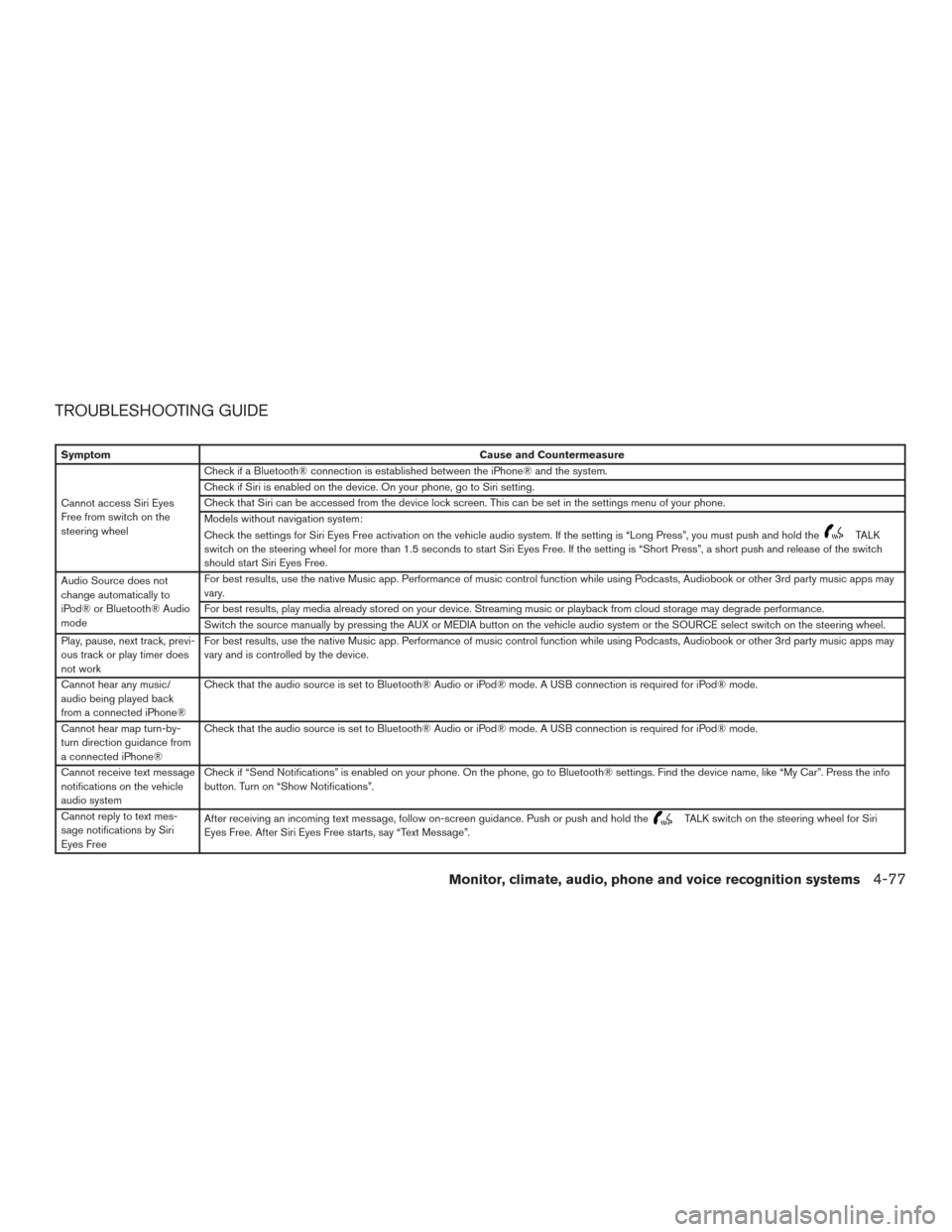
TROUBLESHOOTING GUIDE
SymptomCause and Countermeasure
Cannot access Siri Eyes
Free from switch on the
steering wheel Check if a Bluetooth® connection is established between the iPhone® and the system.
Check if Siri is enabled on the device. On your phone, go to Siri setting.
Check that Siri can be accessed from the device lock screen. This can be set in the settings menu of your phone.
Models without navigation system:
Check the settings for Siri Eyes Free activation on the vehicle audio system. If the setting is “Long Press”, you must push and hold the
TALK
switch on the steering wheel for more than 1.5 seconds to start Siri Eyes Free. If the setting is “Short Press”, a short push and release of the switch
should start Siri Eyes Free.
Audio Source does not
change automatically to
iPod® or Bluetooth® Audio
mode For best results, use the native Music app. Performance of music control function while using Podcasts, Audiobook or other 3rd party music apps may
vary.
For best results, play media already stored on your device. Streaming music or playback from cloud storage may degrade performance.
Switch the source manually by pressing the AUX or MEDIA button on the vehicle audio system or the SOURCE select switch on the steering wheel.
Play, pause, next track, previ-
ous track or play timer does
not work For best results, use the native Music app. Performance of music control function while using Podcasts, Audiobook or other 3rd party music apps may
vary and is controlled by the device.
Cannot hear any music/
audio being played back
from a connected iPhone® Check that the audio source is set to Bluetooth® Audio or iPod® mode. A USB connection is required for iPod® mode.
Cannot hear map turn-by-
turn direction guidance from
a connected iPhone® Check that the audio source is set to Bluetooth® Audio or iPod® mode. A USB connection is required for iPod® mode.
Cannot receive text message
notifications on the vehicle
audio system Check if “Send Notifications” is enabled on your phone. On the phone, go to Bluetooth® settings. Find the device name, like “My Car”. Press the info
button. Turn on “Show Notifications”.
Cannot reply to text mes-
sage notifications by Siri
Eyes Free After receiving an incoming text message, follow on-screen guidance. Push or push and hold the
TALK switch on the steering wheel for Siri
Eyes Free. After Siri Eyes Free starts, say “Text Message”.
Monitor, climate, audio, phone and voice recognition systems4-77
Page 482 of 491
11 Index
A
Air bag (See supplemental restraint
system) .....................1-41
Air bag system Front (See supplemental front impact air bag
system) ...................1-48
Side and curtain (See supplemental
side air bag and curtain side-impact
air bag system) ...............1-55
Airbagwarninglabels.............1-57
Airbagwarninglight...........1-58,2-20
Air bag warning light, supplemental . .1-58, 2-20
Aircleaner....................8-17
Air cleaner housing filter ............8-17
Air conditioner Air conditioner operation ..........4-26
Air conditioner service ...........4-34
Air conditioner specification label ....10-13
Air conditioner system refrigerant and
oil recommendations ............10-8
Air conditioner system refrigerant
recommendations ..............10-8
Heater and air conditioner (automatic)
(if so equipped) ...............4-31
Heater and air conditioner
controls................4-24,4-32
Heater and air conditioner (manual) ....4-23
Servicing air conditioner ..........4-34
Airflowcharts..............4-20,4-27
Alarm system
(See vehicle security system) .........2-36Anchor point locations
.............1-25
Antenna.....................4-73
Antifreeze ....................5-76
Anti-lock Braking System (ABS) ........5-73
Apps .......................4-74
APPS button ...................4-7
Armrests .....................1-6
Audible reminders ...............2-23
Audio system ..................4-34
AMradioreception.............4-35
Bluetooth®audio..........4-70,4-70
Bluetooth® streaming audio ........4-70
Compact disc (CD) player . .4-46, 4-51, 4-58
FM/AM radio with compact disc (CD)
player ....................4-43
FM/AM/SAT radio with compact disc (CD)
player.................4-48,4-53
FMradioreception..........4-35,4-44
iPod® Player .............4-64,4-66
iPod® player operation .......4-64,4-66
Radio ....................4-34
Steering wheel audio control switch . . .4-72
USB interface ............4-60,4-62
USB (Universal Serial Bus) Connection
Port..................4-60,4-62
Autolight switch .................2-42
Automatic Automatic power window switch .....2-56
Automatic anti-glare inside mirror .......3-30
Automatic door locks ..............3-6
AUXjack.................4-44,4-60 B
Back button ....................4-7
Battery ..................5-76, 8-13
Charge warning light ............2-17
Battery replacement ..............8-24
Keyfob................8-24,8-25
NISSAN Intelligent Key® ..........8-26
Before starting the engine ...........5-14
Belt (See drive belt) ..............8-15
Blind Spot Warning (BSW) ..........5-26
Block heater Engine ....................5-77
Bluetooth® audio ............4-70,4-70
Bluetooth® hands-free phone system ....4-94
Bluetooth® Hands-Free Phone System with
Navigation System ..............4-106
Bluetooth® Hands-Free Phone System without
Navigation System ............4-78,4-94
Bluetooth® streaming audio with Navigation
System .....................4-70
Bluetooth® streaming audio without Navigation
System (if so equipped) ............4-70
Boosterseats..................1-38
Brake Anti-lock Braking System (ABS) ......5-73
Brake fluid ..................8-11
Brakelight(Seestoplight).........8-31
Brake system ................5-72
Brakewarninglight.............2-16
Brakewearindicators........2-23,8-20
Parking brake operation ..........5-23
Page 488 of 491
Supplemental restraint system
(Supplemental air bag system).........1-41
Supplemental side and curtain side-impact
air bag system ..................1-55
Switch Autolightswitch...............2-42
Automatic power window switch ......2-56
Foglightswitch ...............2-45
Hazard warning flasher switch ........6-2
Headlight and turn signal switch ......2-41
Headlight control switch ..........2-41
Ignition switch .................5-8
Instrument brightness control ........2-44
Power door lock switch .........3-5,3-6
Rear window and outside mirror defroster
switch.....................2-40
Turnsignalswitch..............2-45
Vehicle dynamic control (VDC) off
switch.....................2-47
T
Tachometer ....................2-7
Temperature gauge Engine coolant temperature gauge .....2-7
Theft (NISSAN Vehicle Immobilizer System) ,
engine start .............2-38,5-10,5-13
Three-way catalyst ................5-2
Tilt Telescopic steering .............3-28
Tire Flat tire ..................6-3,6-3
Spare tire ................6-4,8-43
TireandLoadingInformationlabel ....10-13
Tire chains ..................8-40 Tirepressure.................8-33
Tire rotation..................8-40
Types of tires
.................8-39
Uniform tire quality grading ........10-18
Wheels and tires ...............8-33
Wheel/tire size ...............10-10
Tire pressure Low tire pressure warning light .......2-18
Tire Pressure Monitoring System
(TPMS) ....................2-6,5-3
Towing Flattowing.................10-18
Trailer towing ................10-18
Towing a trailer .................10-18
Towingyourvehicle...............6-11
Transceiver HomeLink® Universal
Transceiver .......2-62,2-64,2-64,2-65
Transmission Continuously Variable Transmission (CVT)
fluid......................8-11
Driving with Continuously Variable
Transmission (CVT) ..........5-9,5-16
Driving with manual transmission . . .5-9, 5-21
Travel (See registering a vehicle in another
country) .....................10-11
Trip computer ...................2-9
Trip odometer ................2-4,2-5
Troubleshooting guide
(NISSAN voice recognition system) .....4-120
Trunklid......................3-25
Trunklidlockopenerlever............3-25
Trunklight ....................2-61
Turn signal switch ................2-45 U
Uniform tire quality grading ..........10-18
USB interface ...............4-60,4-62
Audio file operation ..........4-61,4-63
V
Vanity mirror ...................3-29
Variable voltage control system .........8-15
Vehicle dimensions and weights .......10-10
Vehicle dynamic control (VDC) off switch . . .2-47
Vehicle dynamic control (VDC) system .....5-74
Vehicle Dynamic Control (VDC) system . . . .5-74
Vehicle identification ..............10-11
Vehicle identification number (VIN) ......10-11
V
ehicle identification number (VIN)
(Chassis number) ...............10-11
Vehicle identification number (VIN) plate . . .10-11
Vehicle immobilizer system ....2-38,5-10,5-13
Vehicle Information Display ...........2-24
Vehicle loading information ..........10-14
Vehicle recovery .................6-13
Vehicle security system ..........2-36,2-36
Vehicle security system (NISSAN Vehicle Immobi-
lizer System) , engine start .....2-38,5-10,5-13
Vents.......................4-16
Visors.......................3-29
Voice Prompt Interrupt ......4-82,4-97,4-109
Voice Recognition System ...........4-116
11-7