Trunk switch NISSAN SENTRA 2023 Owner's Manual
[x] Cancel search | Manufacturer: NISSAN, Model Year: 2023, Model line: SENTRA, Model: NISSAN SENTRA 2023Pages: 556, PDF Size: 6.11 MB
Page 206 of 556
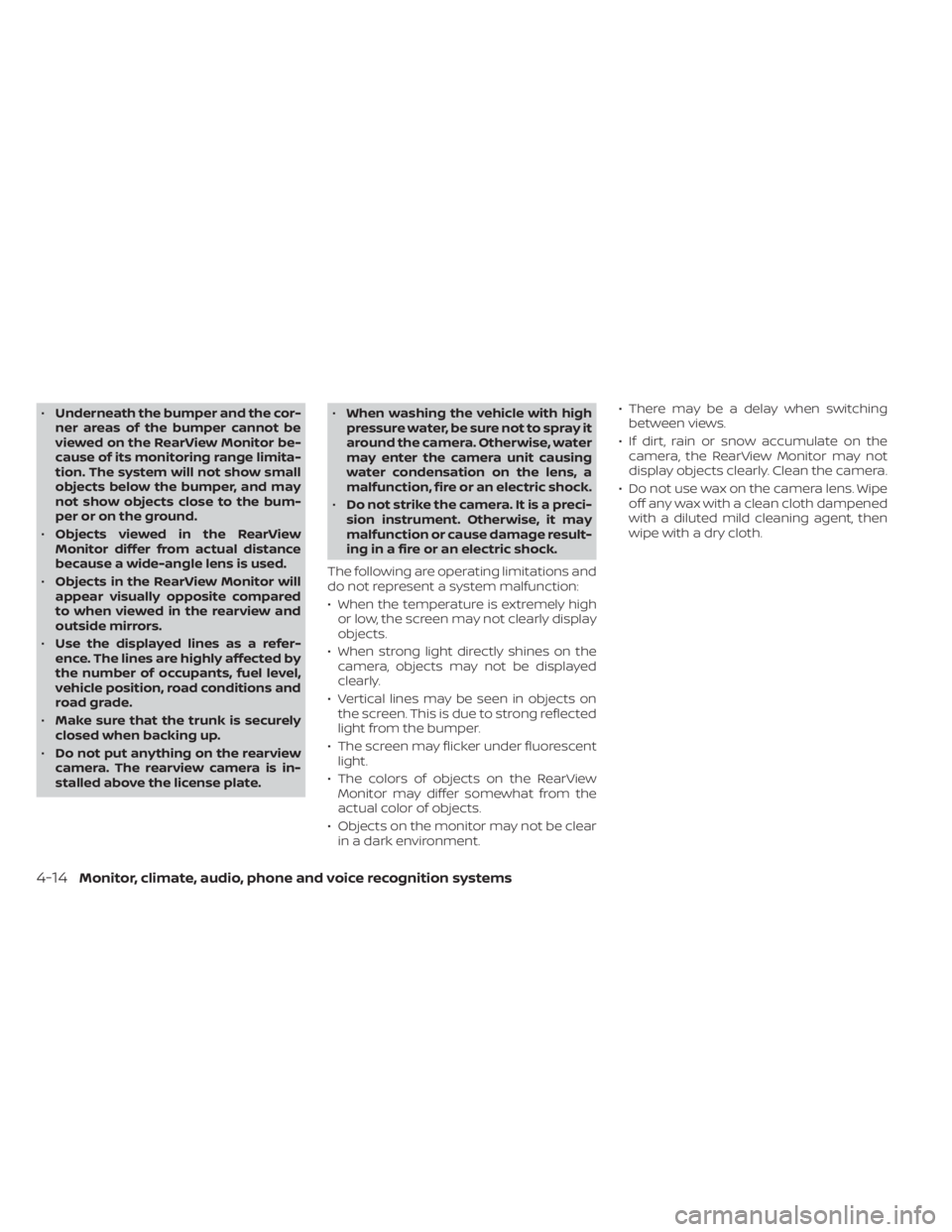
•Underneath the bumper and the cor-
ner areas of the bumper cannot be
viewed on the RearView Monitor be-
cause of its monitoring range limita-
tion. The system will not show small
objects below the bumper, and may
not show objects close to the bum-
per or on the ground.
• Objects viewed in the RearView
Monitor differ from actual distance
because a wide-angle lens is used.
• Objects in the RearView Monitor will
appear visually opposite compared
to when viewed in the rearview and
outside mirrors.
• Use the displayed lines as a refer-
ence. The lines are highly affected by
the number of occupants, fuel level,
vehicle position, road conditions and
road grade.
• Make sure that the trunk is securely
closed when backing up.
• Do not put anything on the rearview
camera. The rearview camera is in-
stalled above the license plate. •
When washing the vehicle with high
pressure water, be sure not to spray it
around the camera. Otherwise, water
may enter the camera unit causing
water condensation on the lens, a
malfunction, fire or an electric shock.
• Do not strike the camera. It is a preci-
sion instrument. Otherwise, it may
malfunction or cause damage result-
ing in a fire or an electric shock.
The following are operating limitations and
do not represent a system malfunction:
• When the temperature is extremely high or low, the screen may not clearly display
objects.
• When strong light directly shines on the camera, objects may not be displayed
clearly.
• Vertical lines may be seen in objects on the screen. This is due to strong reflected
light from the bumper.
• The screen may flicker under fluorescent light.
• The colors of objects on the RearView Monitor may differ somewhat from the
actual color of objects.
• Objects on the monitor may not be clear in a dark environment. • There may be a delay when switching
between views.
• If dirt, rain or snow accumulate on the camera, the RearView Monitor may not
display objects clearly. Clean the camera.
• Do not use wax on the camera lens. Wipe off any wax with a clean cloth dampened
with a diluted mild cleaning agent, then
wipe with a dry cloth.
4-14Monitor, climate, audio, phone and voice recognition systems
Page 217 of 556
WARNING
Listed below are the system limitations
for Intelligent Around View® Monitor.
Failure to operate the vehicle in accor-
dance with these system limitations
could result in serious injury or death.
• Do not use the Intelligent Around
View® Monitor with the outside mir-
rors in the stored position, and make
sure that the trunk is securely closed
when operating the vehicle using the
Intelligent Around View® Monitor.
• The apparent distance between ob-
jects viewed on the Intelligent
Around View® Monitor differs from
the actual distance.
• The cameras are installed on the
front grille, the outside mirrors and
above the rear license plate. Do not
put anything such as a license plate
frame on the vehicle that covers or
blocks the view of the cameras.
• When washing the vehicle with high
pressure water, be sure not to spray it
around the cameras. Otherwise, wa-
ter may enter the camera unit caus-
ing water condensation on the lens, a
malfunction, fire or an electric shock. •
Do not strike the cameras. They are
precision instruments. Doing so
could cause a malfunction or cause
damage resulting in a fire or an elec-
tric shock.
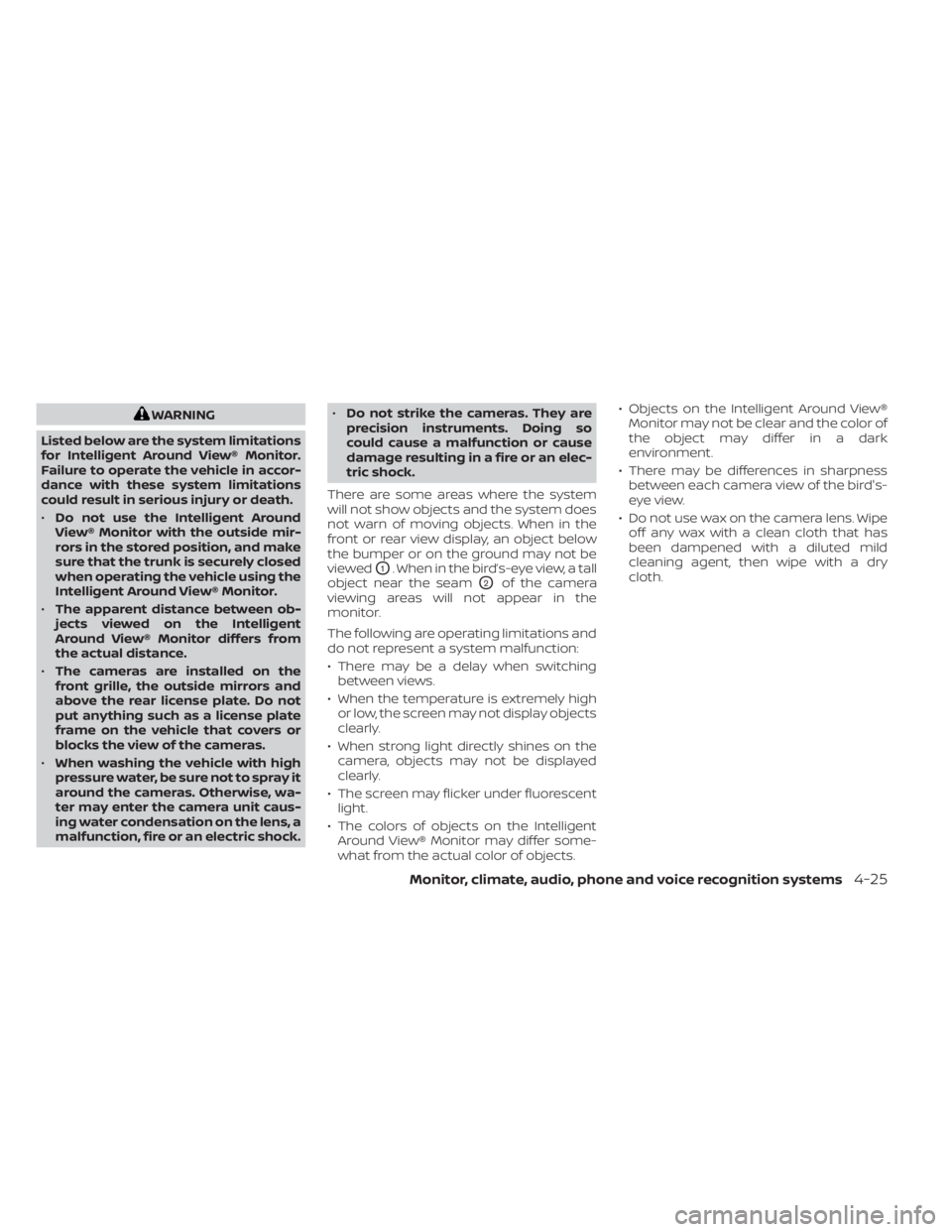
There are some areas where the system
will not show objects and the system does
not warn of moving objects. When in the
front or rear view display, an object below
the bumper or on the ground may not be
viewed
O1. When in the bird’s-eye view, a tall
object near the seam
O2of the camera
viewing areas will not appear in the
monitor.
The following are operating limitations and
do not represent a system malfunction:
• There may be a delay when switching between views.
• When the temperature is extremely high or low, the screen may not display objects
clearly.
• When strong light directly shines on the camera, objects may not be displayed
clearly.
• The screen may flicker under fluorescent light.
• The colors of objects on the Intelligent Around View® Monitor may differ some-
what from the actual color of objects. • Objects on the Intelligent Around View®
Monitor may not be clear and the color of
the object may differ in a dark
environment.
• There may be differences in sharpness between each camera view of the bird's-
eye view.
• Do not use wax on the camera lens. Wipe off any wax with a clean cloth that has
been dampened with a diluted mild
cleaning agent, then wipe with a dry
cloth.
Monitor, climate, audio, phone and voice recognition systems4-25
Page 542 of 556
Intelligent Forward Collision Warning
(I-FCW).....................5-106Intelligent Key systemKey operating range............3-9Key operation................3-10Mechanical key................3-3Remote keyless entry operation. . . .3-13Troubleshooting guide.......3-16,3-17Warning signals...........3-16,3-17Intelligent Trace Control..........5-133Interior light...............2-74,2-75Interior trunk lid release...........3-22iPod® Player................. .4-56ISOFIX child restraints.............1-25
J
Jump starting..............6-9, 8-14
K
Key.........................3-2Key fob battery replacement........8-23Keyless entry
With Intelligent Key system
(See Intelligent Key system)
.......3-13KeysNISSAN Intelligent Key®........3-2,3-7NISSAN Vehicle Immobilizer System
keys..................... .3-3
L
Labels
Air conditioner specification label. . .10-14C.M.V.S.S. certification label.......10-13Emission control information label. .10-13Engine serial number..........10-13F.M.V.S.S. certification label........10-13Tire and Loading Information label. .10-14Vehicle identification number (VIN)
plate.................... .10-12Warning labels (for SRS)..........1-65Lane Departure Warning (LDW).......5-29LATCH (Lower Anchors and Tethers for
CHildren) System...............1-25Launch bar menu................4-7License plate
Installing the license plate........10-15LightAir bag warning light........1-65, 2-12Brake light (See stop light)........8-27Bulb check/instrument panel......2-10Bulb replacement.............8-27Charge warning light............2-11Exterior and Interior lights........8-27Fog light switch..............2-59Fog lights..................8-26Headlight and turn signal switch. . . .2-52Headlight control switch.........2-52Headlights..................8-25Interior light..............2-74,2-75Light bulbs.................8-25Low tire pressure warning light.....2-13
Low windshield-washer fluid
warning light.............2-28, 2-43Spotlights (See map light)........2-75Trunk light..................2-76Lights......................8-25Map lights..................2-75Lock
Child safety rear door lock.........3-7Door locks................. .3-4Fuel-filler door lock opener lever. . . .3-23Power door locks...........3-5, 3-6Trunk lid lock opener lever........3-22Loose fuel cap warning........2-28,2-42Low fuel warning light.........2-28, 2-43Low tire pressure warning light.......2-13Low windshield-washer fluid
warning light..............2-28, 2-43Luggage (See vehicle loading
information)................. .10-16
M
Maintenance
General maintenance...........9-2Inside the vehicle..............9-3Maintenance precautions.........8-2Outside the vehicle.............9-2Seat belt maintenance..........1-20Under the hood and vehicle.......9-4Maintenance requirements..........9-2Maintenance schedules............9-7Malfunction indicator light..........2-11Manual front seat adjustment........1-3
11-4
Page 545 of 556
T
Tachometer...................2-6Temperature gauge
Engine coolant temperature gauge. . .2-6Thef t (NISSAN Vehicle Immobilizer System),
engine start...............2-49, 5-14Three-way catalyst...............5-4TiltTelescopic steering............3-26TireFlat tire................... .6-3Spare tire................6-4, 8-41Tire and Loading Information label. .10-14Tire chains..................8-37Tire pressure................8-29Tire rotation.................8-38Types of tires................8-36Uniform tire quality grading.......10-21Wheel/tire size...............10-10Wheels and tires..............8-29Tire pressure
Low tire pressure warning light.....2-13Tire Pressure Monitoring System
(TPMS)...................... .5-5Towing
2-wheel drive models...........6-134-wheel drive models...........6-13Flat towing................ .10-20Trailer towing...............10-20Towing a trailer................10-20Towing your vehicle..............6-12Traffic Sign Recognition (TSR)........5-25
Transmission
Continuously Variable Transmission
(CVT) fluid
..................8-10Driving with Continuously Variable
Transmission (CVT)............5-16Driving with manual transmission. . .5-21Travel (See registering a vehicle in
another country)...............10-12Trip odometer................. .2-5Trunk access through the rear seat. . . .3-23Trunk lid.....................3-22Trunk lid lock opener lever..........3-22Trunk light....................2-76Turn signal switch...............2-58
U
Uniform tire quality grading........10-21USB interface.................4-53USB/iPod® Charging Ports.........2-64
V
Vanity mirror..................3-27Variable voltage control system......8-15Vehicle dimensions and weights.....10-11Vehicle Dynamic Control (VDC)
system.....................5-131Vehicle identification.............10-12Vehicle identification number (VIN)
(Chassis number)...............10-12Vehicle identification number (VIN)
plate...................... .10-12
Vehicle immobilizer system.....2-49, 5-14Vehicle information display......2-18,2-32Vehicle loading information........10-16Vehicle recovery................6-14Vehicle security system...........2-48Vehicle security system
(NISSAN Vehicle Immobilizer System),
engine start
...............2-49, 5-14Vents...................... .4-31Visors......................3-26Voice Prompt Interrupt...........4-69
W
Warning
Air bag warning light........1-65, 2-12Battery charge warning light.......2-11Brake warning light............2-10Engine oil pressure warning light. . . .2-11Hazard warning flasher switch......6-2Loose fuel cap warning......2-28, 2-42Low fuel warning light.......2-28, 2-43Low tire pressure warning light.....2-13Low windshield-washer fluid
warning light.............2-28, 2-43Seat belt warning light.......1-15,2-12Supplemental air bag warning
light.................. .1-65, 2-12Vehicle security system.........2-48Warning labels (for SRS)..........1-65Warning lights, indicator lights and
audible reminders...............2-9
11-7