phone NISSAN TITAN 2008 Owners Manual
[x] Cancel search | Manufacturer: NISSAN, Model Year: 2008, Model line: TITAN, Model: NISSAN TITAN 2008Pages: 408, PDF Size: 6.08 MB
Page 247 of 408
and you change the priority level of Phone C to
Level 1, then:
Priority Level 1 = Phone C
Priority Level 2 = Phone B
Priority Level 3 = Phone A
“Delete phone”
sE
Use the Delete Phone command to delete a
specific phone or all phones from the BluetoothT
Hands-Free Phone System.
The system announces the names of the phones
already paired with the system and their priority
level. The system then gives you the option to
delete a specific phone, all phones or listen to the
list again.
Once you choose to delete a phone or all phones,
the system asks you to confirm this action.
NOTE:
When you delete a phone, the associated
phone book for that phone will also be
deleted.
“Bluetooth off”
sF
Use the Bluetooth Off command to turn off the
BluetoothTHands-Free Phone System.
When the BluetoothTHands-Free Phone Sys-
tem is off, you will not be able to make or receivecalls using NISSAN Voice Recognition. Also, you
will not have access to the Phone Book.
You can still use the Memo Pad and access
Setup.
SPEAKER ADAPTATION (SA) MODE
Speaker Adaptation allows up to two out-of-
dialect users to train the system to improve rec-
ognition accuracy. By repeating a number of
commands, the users can create a voice model of
their own voice that is stored in the system. The
system is capable of storing a different speaker
adaptation model for memory A and memory B.
If memory A is available, the system will use
memory A to store the model. If memory A is in
use and memory B is available, the system will
use memory B to store the model. If both of the
memory locations are in use, the system will ask
the user to select which memory location should
be overwritten.
Training procedure
The procedure for training a voice is as follows.
1. Position the vehicle in a reasonably quiet
outdoor location.
2. Sit in the driver’s seat with the engine run-
ning, the parking brake on, and the transmis-
sion in P (Park) .3. Press and hold the
button for more
than 5 seconds.
4. The system announces: “Press the
PHONE/SEND (
) button for the
hands-free phone system to enter the
speaker adaptation mode or press the
PHONE/END (
) button to select a dif-
ferent language.”
5. Press the
button.
For information on selecting a different lan-
guage, see “Choosing a language” earlier in
this section.
6. Voice memory A or memory B is selected
automatically. If both memory locations are
already in use, the system will prompt you to
overwrite one. Follow the instructions pro-
vided by the system.
7. When preparation is complete and you are
ready to begin, the press the
button.
8. The SA mode will be explained. Follow the
instructions provided by the system.
9. When training is finished, the system will tell
you an adequate number of phrases have
been recorded.
10. The system will ask you to say your name.
Follow the instructions to register your
name.
Display screen, heater, air conditioner, audio and phone systems4-83
ZREVIEW COPYÐ2008 Titan(tzw)
Owners ManualÐUSA_English(nna)
10/12/07Ðdebbie
X
ProCarManuals.com
Page 248 of 408
11. The system will announce that speaker ad-
aptation has been completed and the sys-
tem is ready.
The SA mode will stop if:
cThe
button is pressed for more than 5
seconds in SA mode.
cThe vehicle begins moving during SA mode.
cThe ignition switch is turned to the OFF or
LOCK position.
Training phrases
During the SA mode, the system instructs the
trainer to say the following phrases. (The system
will prompt you for each phrase.)
cphone book new entry
cdial three oh four two nine
cdelete call back number
csetup pair phone
cmemo pad play
ceight pause nine three two pause seven
cdelete all entries
ccall seven two four zero nine
cphone book delete entrycmemo pad record
cdial star two one seven oh
cYe s
cNo
cselect ring tone
cdial eight five six nine two
cBluetooth on
csetup change priority
ccall three one nine oh two
cnine seven pause pause three oh eight
cCancel
ccall back number
ccall star two zero nine five
cdelete phone
cdial eight three zero five one
cHome
cfour three pause two nine pause zero
cdelete redial number
cphone book list names
ccall eight oh five four onecCorrection
csetup change ring tone
cdial seven four oh one eight
csetup main menu
cDelete
cdial nine seven two six six
cmemo pad delete
ccall seven six three oh one
cgo back
ccall five six two eight zero
cdial six six four three seven
4-84Display screen, heater, air conditioner, audio and phone systems
ZREVIEW COPYÐ2008 Titan(tzw)
Owners ManualÐUSA_English(nna)
10/12/07Ðdebbie
X
ProCarManuals.com
Page 249 of 408
TROUBLESHOOTING GUIDE
The system should respond correctly to all voice
commands without difficulty. If problems are en-
countered, try the following solutions.Where the solutions are listed by number, try
each solution in turn, starting with number 1, until
the problem is resolved.
Symptom Solution
System fails to interpret the command correctly.1. Ensure that the command is valid. See “List of voice commands” earlier in this section.
2. Ensure that the command is spoken after the tone.
3. Speak clearly without pausing between words and at a level appropriate to the ambient noise level in the vehicle.
4. Ensure that the ambient noise level is not excessive (for example, windows open or defroster on) . NOTE: If it is too
noisy to use the phone, it is likely that the voice commands will not be recognized.
5. If more than one command was said at a time, try saying the commands separately.
6. If the system consistently fails to recognize commands, the voice training procedure should be carried out to im-
prove the recognition response for the speaker. See “Speaker adaptation (SA) mode” earlier in this section.
The system consistently selects the wrong entry from the
phone book.1. Ensure that the phone book entry name requested matches what was originally stored. This can be confirmed by
using the “List Names” command. See “Phone book” earlier in this section.
2. Replace one of the names being confused with a new name.
Display screen, heater, air conditioner, audio and phone systems4-85
ZREVIEW COPYÐ2008 Titan(tzw)
Owners ManualÐUSA_English(nna)
10/12/07Ðdebbie
X
ProCarManuals.com
Page 393 of 408
A genuine NISSAN Service Manual is the best
source of service and repair information for your
vehicle. Filled with wiring diagrams, illustrations
and step-by-step diagnostic and adjustment pro-
cedures, this manual is the same one used by the
factory-trained technicians working at NISSAN
dealerships. Also available are genuine NISSAN
Owner’s Manuals, and genuine NISSAN Service
and Owner’s Manuals for older NISSAN models.
For USA
For current pricing and availability of genuine
NISSAN Service Manualsfor the 2000 model
year and later contact:
Tweddle Litho Company
1-800-450-9491
www.nissan-techinfo.com
For current pricing and availability of genuine
NISSAN Service Manualsfor the 1999 model
year and prior, see a NISSAN dealer, or contact:
Resolve Corporation
20770 Westwood Drive
Strongsville, OH 44149
1-800-247-5321For current pricing and availability of genuine
NISSAN Owner’s Manualsfor this model year
and prior, see a NISSAN dealer, or contact:
Resolve Corporation
20770 Westwood Drive
Strongsville, OH 44149
1-800-247-5321
For Canada
To purchase a copy of a genuine NISSAN Ser-
vice Manual or Owner’s Manual please contact
your nearest NISSAN dealer. For the phone num-
ber and location of a NISSAN dealer in your area
call the NISSAN Information Center at 1-800-
387-0122 and a bilingual NISSAN representa-
tive will assist you.
Also available are genuine NISSAN Service and
Owner’s Manuals for older NISSAN models.
IN THE EVENT OF A COLLISION
Unfortunately, accidents do occur. In this unlikely
event, there is some important information you
should know.
Many insurance companies routinely authorize
the use of non-genuine collision parts in order to
cut costs, among other reasons.
Insist on the use of genuine NISSAN
collision parts!
If you want your vehicle to be restored using parts
made to NISSAN’s original exacting specifica-
tions – if you want to help it to last and hold its
resale value, the solution is simple.Tell your
insurance agent and your repair shop to
only use Genuine NISSAN Collision Parts.
NISSAN does not warrant non-NISSAN parts,
nor does NISSAN’s warranty apply to damage
caused by a non-genuine part.
Using Genuine NISSAN Parts can help protect
your personal safety, preserve your warranty pro-
tection and maintain the resale value of your
vehicle. And if your vehicle was leased, using
Genuine NISSAN Parts may prevent or limit un-
necessary excess wear and tear expenses at the
end of your lease.
NISSAN designs its hoods with crumple zones to
minimize the risk that the hood will penetrate the
windshield of your vehicle in an accident. Non-
genuine (imitation) parts may not provide such
built-in safeguards. Also, non-genuine parts of-
ten show premature wear, rust and corrosion.
OWNER’S MANUAL/SERVICE
MANUAL ORDER INFORMATION
Technical and consumer information9-45
ZREVIEW COPYÐ2008 Titan(tzw)
Owners ManualÐUSA_English(nna)
10/12/07Ðdebbie
X
ProCarManuals.com
Page 395 of 408
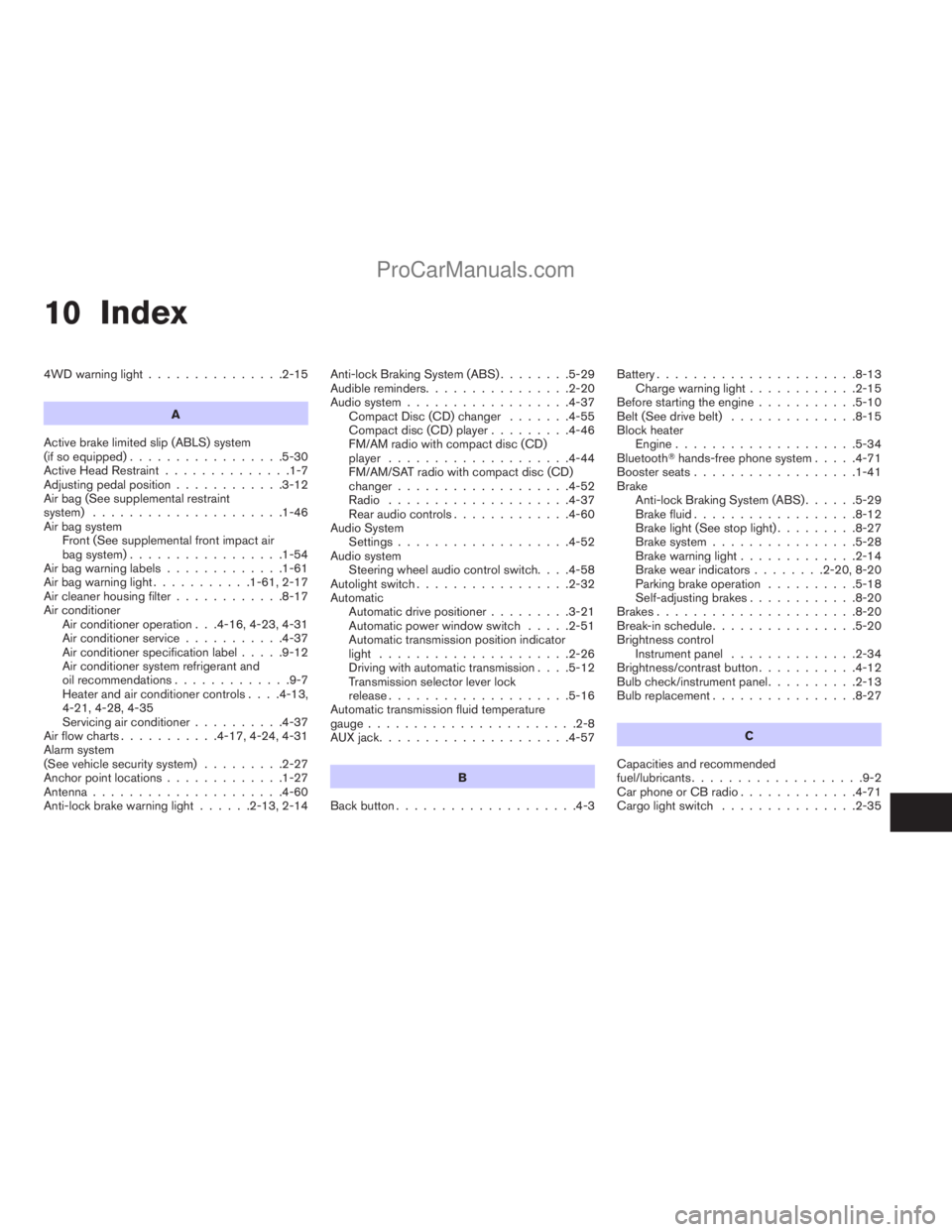
10 Index
4WD warning light...............2-15
A
Active brake limited slip (ABLS) system
(if so equipped).................5-30
Active Head Restraint..............1-7
Adjusting pedal position............3-12
Air bag (See supplemental restraint
system).....................1-46
Air bag system
Front (See supplemental front impact air
bag system).................1-54
Air bag warning labels.............1-61
Air bag warning light...........1-61, 2-17
Air cleaner housing filter............8-17
Air conditioner
Air conditioner operation . . .4-16, 4-23, 4-31
Air conditioner service...........4-37
Air conditioner specification label.....9-12
Air conditioner system refrigerant and
oil recommendations.............9-7
Heater and air conditioner controls. . . .4-13,
4-21, 4-28, 4-35
Servicing air conditioner..........4-37
Air flow charts...........4-17, 4-24, 4-31
Alarm system
(See vehicle security system).........2-27
Anchor point locations.............1-27
Antenna.....................4-60
Anti-lock brake warning light......2-13, 2-14Anti-lock Braking System (ABS)........5-29
Audible reminders................2-20
Audio system..................4-37
Compact Disc (CD) changer.......4-55
Compact disc (CD) player.........4-46
FM/AM radio with compact disc (CD)
player....................4-44
FM/AM/SAT radio with compact disc (CD)
changer...................4-52
Radio....................4-37
Rear audio controls.............4-60
Audio System
Settings...................4-52
Audio system
Steering wheel audio control switch. . . .4-58
Autolight switch.................2-32
Automatic
Automatic drive positioner.........3-21
Automatic power window switch.....2-51
Automatic transmission position indicator
light.....................2-26
Driving with automatic transmission. . . .5-12
Transmission selector lever lock
release....................5-16
Automatic transmission fluid temperature
gauge.......................2-8
AUX jack.....................4-57
B
Back button....................4-3Battery......................8-13
Charge warning light............2-15
Before starting the engine...........5-10
Belt (See drive belt)..............8-15
Block heater
Engine....................5-34
BluetoothThands-free phone system.....4-71
Booster seats..................1-41
Brake
Anti-lock Braking System (ABS)......5-29
Brake fluid..................8-12
Brake light (See stop light).........8-27
Brake system................5-28
Brake warning light.............2-14
Brake wear indicators........2-20, 8-20
Parking brake operation..........5-18
Self-adjusting brakes............8-20
Brakes......................8-20
Break-in schedule................5-20
Brightness control
Instrument panel..............2-34
Brightness/contrast button...........4-12
Bulb check/instrument panel..........2-13
Bulb replacement................8-27
C
Capacities and recommended
fuel/lubricants...................9-2
Car phone or CB radio.............4-71
Cargo light switch...............2-35
ZREVIEW COPYÐ2008 Titan(tzw)
Owners ManualÐUSA_English(nna)
10/12/07Ðdebbie
X
ProCarManuals.com
Page 397 of 408
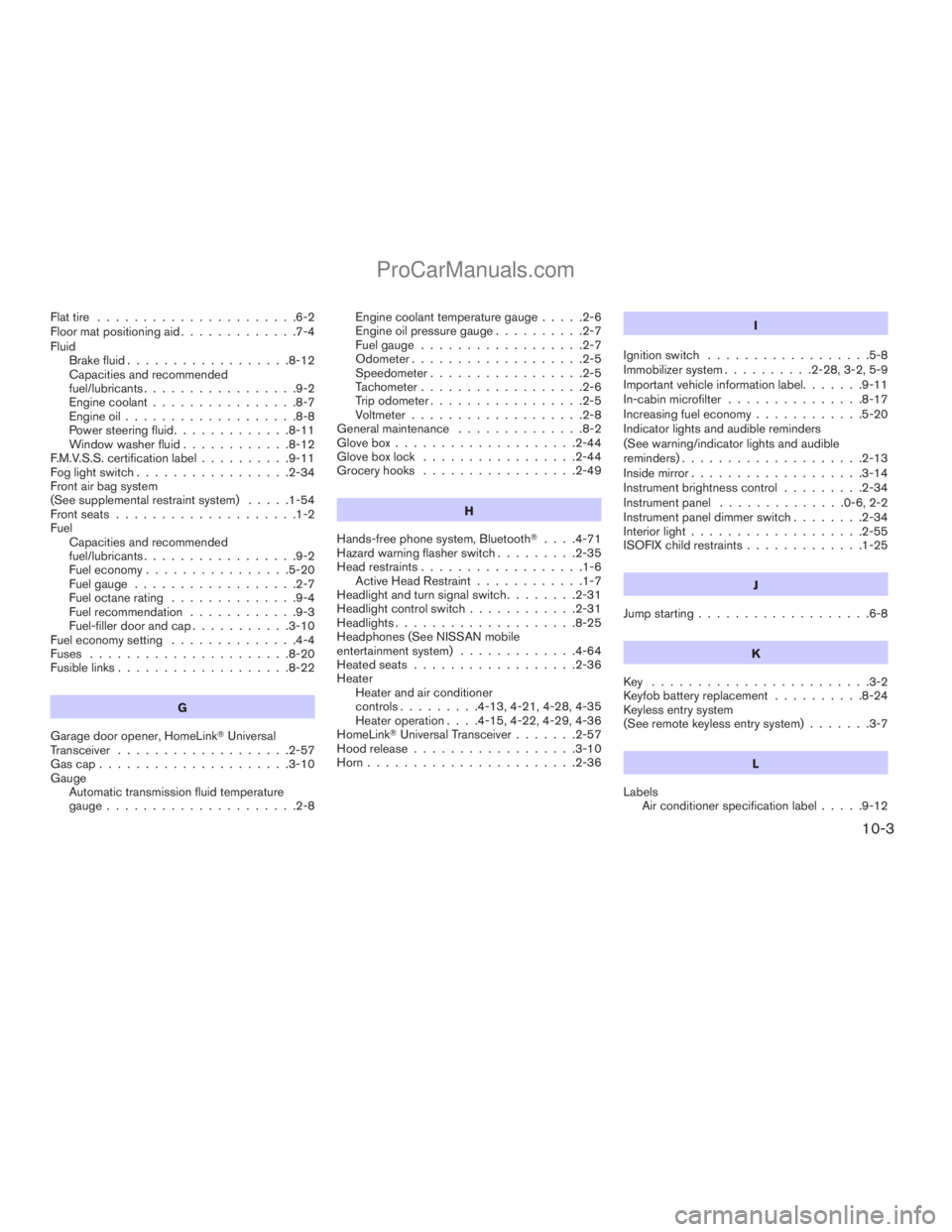
Flat tire......................6-2
Floor mat positioning aid.............7-4
Fluid
Brake fluid..................8-12
Capacities and recommended
fuel/lubricants.................9-2
Engine coolant................8-7
Engine oil...................8-8
Power steering fluid.............8-11
Window washer fluid............8-12
F.M.V.S.S. certification label..........9-11
Fog light switch.................2-34
Front air bag system
(See supplemental restraint system).....1-54
Front seats....................1-2
Fuel
Capacities and recommended
fuel/lubricants.................9-2
Fuel economy................5-20
Fuel gauge..................2-7
Fuel octane rating..............9-4
Fuel recommendation............9-3
Fuel-filler door and cap...........3-10
Fuel economy setting..............4-4
Fuses......................8-20
Fusible links...................8-22
G
Garage door opener, HomeLinkTUniversal
Transceiver...................2-57
Gascap.....................3-10
Gauge
Automatic transmission fluid temperature
gauge.....................2-8Engine coolant temperature gauge.....2-6
Engine oil pressure gauge..........2-7
Fuel gauge..................2-7
Odometer...................2-5
Speedometer.................2-5
Tachometer..................2-6
Trip odometer.................2-5
Voltmeter...................2-8
General maintenance..............8-2
Glove box....................2-44
Glove box lock.................2-44
Grocery hooks.................2-49
H
Hands-free phone system, BluetoothT. . . .4-71
Hazard warning flasher switch.........2-35
Head restraints..................1-6
Active Head Restraint............1-7
Headlight and turn signal switch........2-31
Headlight control switch............2-31
Headlights....................8-25
Headphones (See NISSAN mobile
entertainment system).............4-64
Heated seats..................2-36
Heater
Heater and air conditioner
controls.........4-13, 4-21, 4-28, 4-35
Heater operation. . . .4-15, 4-22, 4-29, 4-36
HomeLinkTUniversal Transceiver.......2-57
Hood release..................3-10
Horn.......................2-36I
Ignition switch..................5-8
Immobilizer system..........2-28, 3-2, 5-9
Important vehicle information label.......9-11
In-cabin microfilter...............8-17
Increasing fuel economy............5-20
Indicator lights and audible reminders
(See warning/indicator lights and audible
reminders)....................2-13
Inside mirror...................3-14
Instrument brightness control.........2-34
Instrument panel..............0-6, 2-2
Instrument panel dimmer switch........2-34
Interior light...................2-55
ISOFIX child restraints.............1-25
J
Jump starting...................6-8
K
Key ........................3-2
Keyfob battery replacement..........8-24
Keyless entry system
(See remote keyless entry system).......3-7
L
Labels
Air conditioner specification label.....9-12
10-3
ZREVIEW COPYÐ2008 Titan(tzw)
Owners ManualÐUSA_English(nna)
10/12/07Ðdebbie
X
ProCarManuals.com
Page 399 of 408
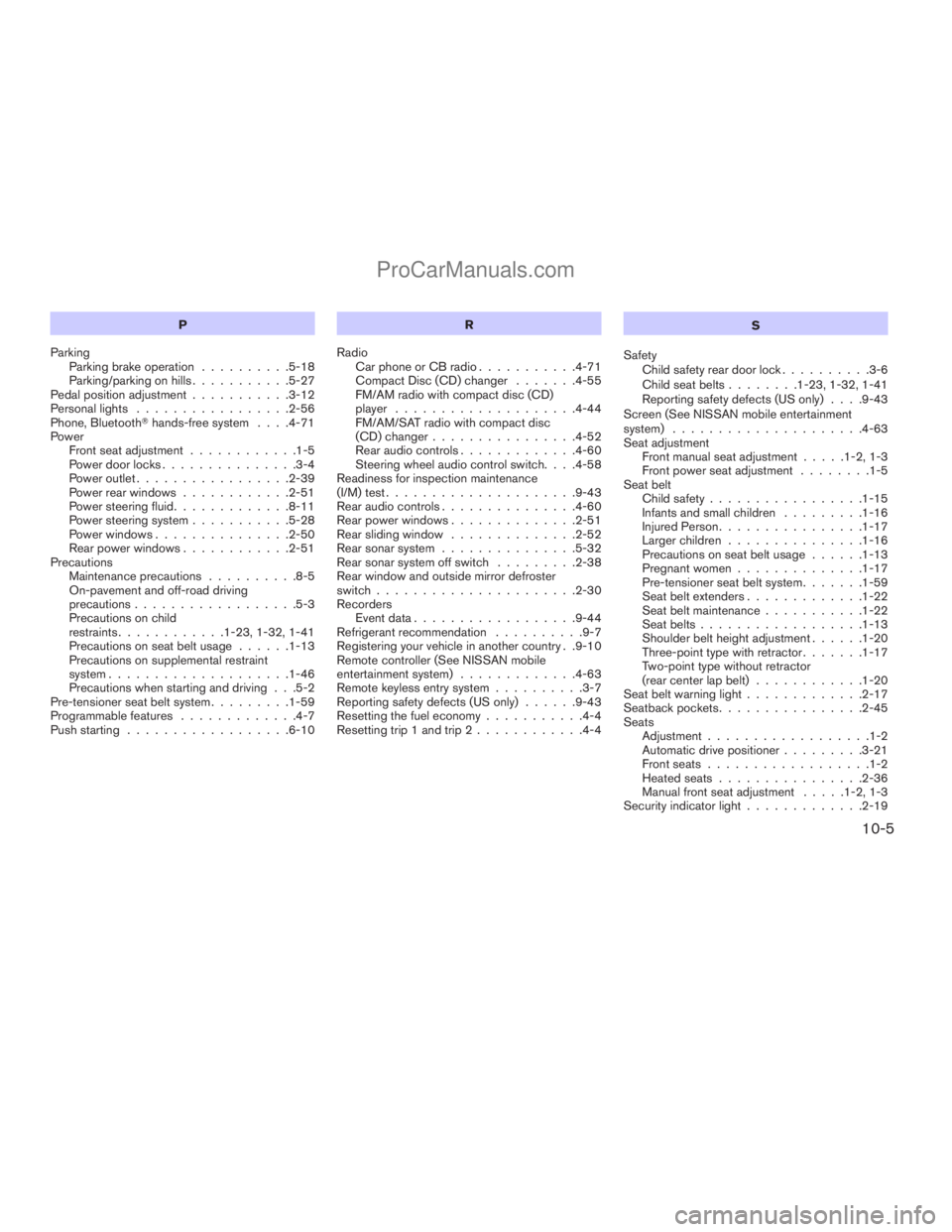
P
Parking
Parking brake operation..........5-18
Parking/parking on hills...........5-27
Pedal position adjustment...........3-12
Personal lights.................2-56
Phone, BluetoothThands-free system. . . .4-71
Power
Front seat adjustment............1-5
Power door locks...............3-4
Power outlet.................2-39
Power rear windows............2-51
Power steering fluid.............8-11
Power steering system...........5-28
Power windows...............2-50
Rear power windows............2-51
Precautions
Maintenance precautions..........8-5
On-pavement and off-road driving
precautions..................5-3
Precautions on child
restraints............1-23, 1-32, 1-41
Precautions on seat belt usage......1-13
Precautions on supplemental restraint
system....................1-46
Precautions when starting and driving . . .5-2
Pre-tensioner seat belt system.........1-59
Programmable features.............4-7
Push starting..................6-10R
Radio
Car phone or CB radio...........4-71
Compact Disc (CD) changer.......4-55
FM/AM radio with compact disc (CD)
player....................4-44
FM/AM/SAT radio with compact disc
(CD) changer................4-52
Rear audio controls.............4-60
Steering wheel audio control switch. . . .4-58
Readiness for inspection maintenance
(I/M) test.....................9-43
Rear audio controls...............4-60
Rear power windows..............2-51
Rear sliding window..............2-52
Rear sonar system...............5-32
Rear sonar system off switch.........2-38
Rear window and outside mirror defroster
switch......................2-30
Recorders
Event data..................9-44
Refrigerant recommendation..........9-7
Registering your vehicle in another country . .9-10
Remote controller (See NISSAN mobile
entertainment system).............4-63
Remote keyless entry system..........3-7
Reporting safety defects (US only)......9-43
Resetting the fuel economy...........4-4
Resetting trip 1 and trip 2............4-4S
Safety
Child safety rear door lock..........3-6
Child seat belts........1-23, 1-32, 1-41
Reporting safety defects (US only). . . .9-43
Screen (See NISSAN mobile entertainment
system).....................4-63
Seat adjustment
Front manual seat adjustment.....1-2, 1-3
Front power seat adjustment........1-5
Seat belt
Child safety.................1-15
Infants and small children.........1-16
Injured Person................1-17
Larger children...............1-16
Precautions on seat belt usage......1-13
Pregnant women..............1-17
Pre-tensioner seat belt system.......1-59
Seat belt extenders.............1-22
Seat belt maintenance...........1-22
Seat belts..................1-13
Shoulder belt height adjustment......1-20
Three-point type with retractor.......1-17
Two-point type without retractor
(rear center lap belt)............1-20
Seat belt warning light.............2-17
Seatback pockets................2-45
Seats
Adjustment..................1-2
Automatic drive positioner.........3-21
Front seats..................1-2
Heated seats................2-36
Manual front seat adjustment.....1-2, 1-3
Security indicator light.............2-19
10-5
ZREVIEW COPYÐ2008 Titan(tzw)
Owners ManualÐUSA_English(nna)
10/12/07Ðdebbie
X
ProCarManuals.com