seat NISSAN TITAN 2011 Repair Manual
[x] Cancel search | Manufacturer: NISSAN, Model Year: 2011, Model line: TITAN, Model: NISSAN TITAN 2011Pages: 407, PDF Size: 3.14 MB
Page 80 of 407
2 Instruments and controls
Instrument panel...................................2-2
Meters and gauges ................................2-4
Speedometer and odometer .....................2-5
Tachometer ....................................2-6
Engine coolant temperature gauge ...............2-6
Fuel gauge ....................................2-7
Engine oil pressure gauge (if so equipped) ........2-8
Voltmeter (if so equipped) .......................2-8
Automatic transmission fluid temperature
gauge .........................................2-9
Compass display (if so equipped) ...................2-9
Compass display .............................. 2-10
Warning/indicator lights and audible reminders ......2-13
Checking bulbs ............................... 2-13
Warning lights ................................ 2-13
Indicator lights ................................ 2-18
Audible reminders ............................. 2-20
Vehicle Information Display (if so equipped) .........2-21
How to use the Vehicle Information Display .......2-21
Security systems (if so equipped) ..................2-25
Vehicle security system (if so equipped) ..........2-25
NISSAN vehicle immobilizer system
(if so equipped) ............................... 2-26Windshield wiper and washer switch
...............2-27
Switch operation .............................. 2-27
Rear window and outside mirror defroster switch
(if so equipped) .................................. 2-28
Headlight and turn signal switch ....................2-29
Headlight control switch ........................ 2-29
Daytime running light system (Canada only) ......2-31
Instrument brightness control ...................2-32
Turn signal switch ............................. 2-32
Fog light switch (if so equipped) ................2-33
Hazard warning flasher switch .....................2-33
Cargo lamp switch (if so equipped) .................2-34
Horn ............................................ 2-34
Heated seat (if so equipped) .......................2-34
Vehicle Dynamic Control (VDC) OFF switch .........2-35
Electronic locking rear differential (E-Lock) system
switch (if so equipped) ............................ 2-35
Rear
sonar system off switch (if so equipped) ........2-36
Tow mode switch ................................. 2-37
Power outlet ..................................... 2-38
Storage ......................................... 2-39
Instrument panel storage trays ..................2-39
Console box (if so equipped) ...................2-40
Page 83 of 407
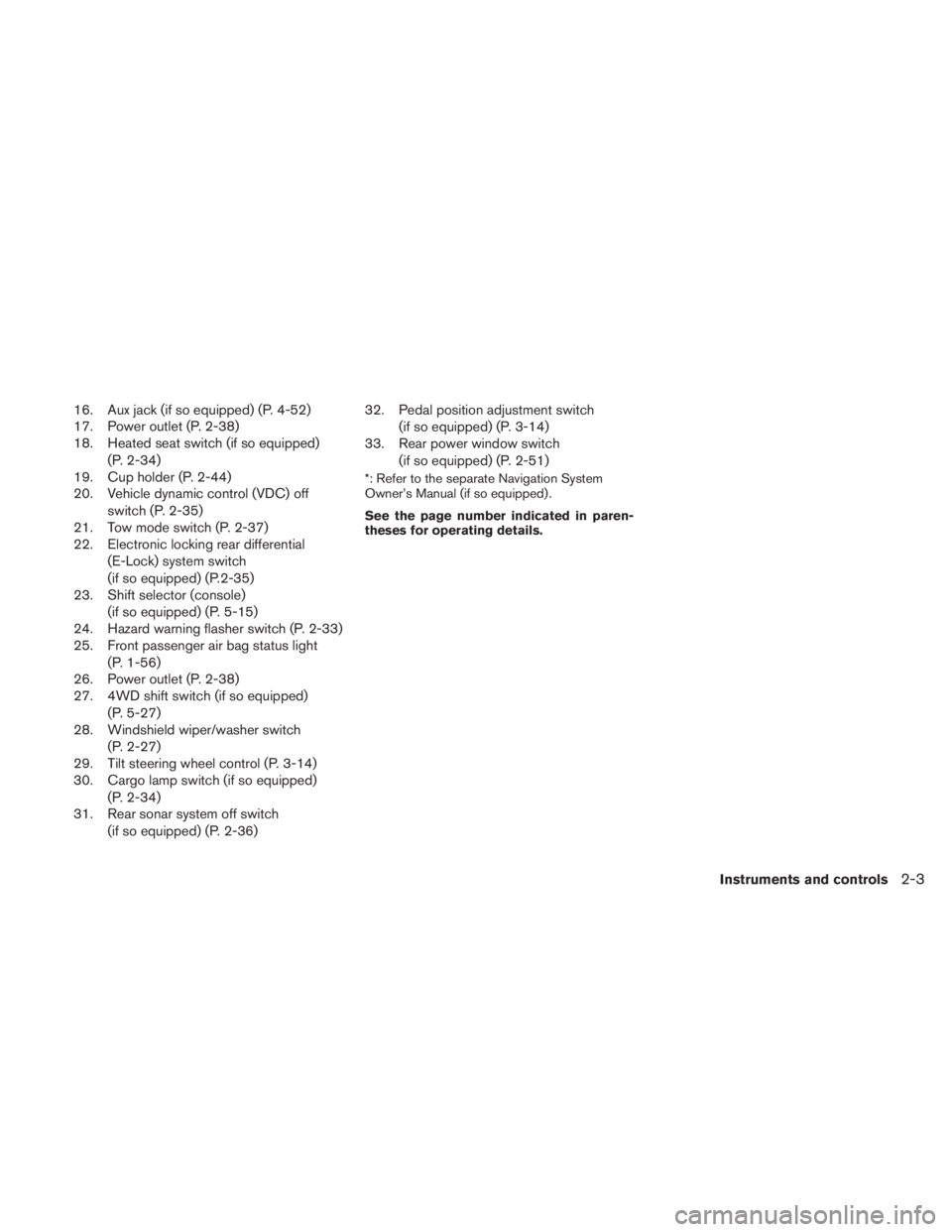
16. Aux jack (if so equipped) (P. 4-52)
17. Power outlet (P. 2-38)
18. Heated seat switch (if so equipped)(P. 2-34)
19. Cup holder (P. 2-44)
20. Vehicle dynamic control (VDC) off
switch (P. 2-35)
21. Tow mode switch (P. 2-37)
22. Electronic locking rear differential
(E-Lock) system switch
(if so equipped) (P.2-35)
23. Shift selector (console)
(if so equipped) (P. 5-15)
24. Hazard warning flasher switch (P. 2-33)
25. Front passenger air bag status light
(P. 1-56)
26. Power outlet (P. 2-38)
27. 4WD shift switch (if so equipped)
(P. 5-27)
28. Windshield wiper/washer switch
(P. 2-27)
29. Tilt steering wheel control (P. 3-14)
30. Cargo lamp switch (if so equipped)
(P. 2-34)
31. Rear sonar system off switch
(if so equipped) (P. 2-36) 32. Pedal position adjustment switch
(if so equipped) (P. 3-14)
33. Rear power window switch
(if so equipped) (P. 2-51)
*: Refer to the separate Navigation System
Owner’s Manual (if so equipped) .
See the page number indicated in paren-
theses for operating details.
Instruments and controls2-3
Page 98 of 407
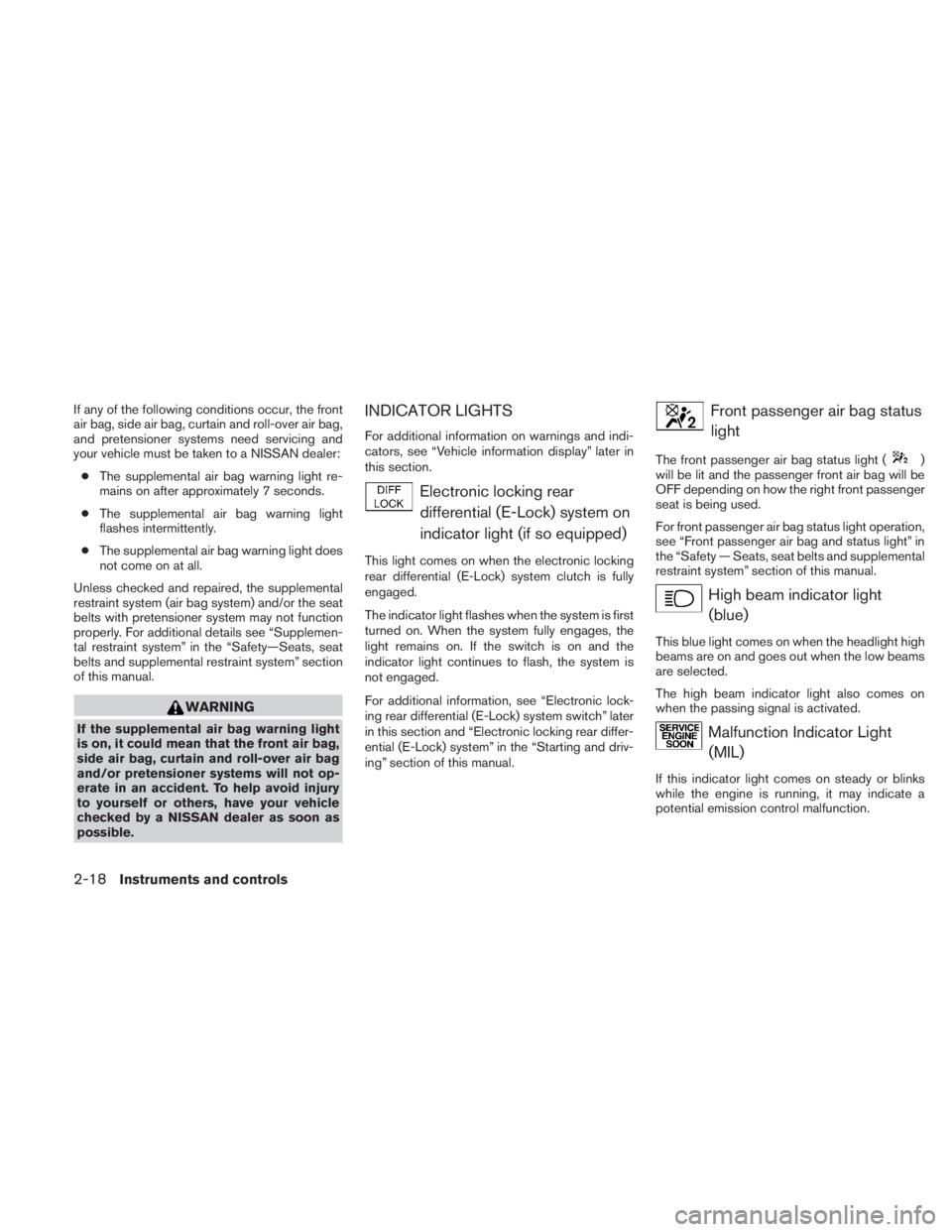
If any of the following conditions occur, the front
air bag, side air bag, curtain and roll-over air bag,
and pretensioner systems need servicing and
your vehicle must be taken to a NISSAN dealer:● The supplemental air bag warning light re-
mains on after approximately 7 seconds.
● The supplemental air bag warning light
flashes intermittently.
● The supplemental air bag warning light does
not come on at all.
Unless checked and repaired, the supplemental
restraint system (air bag system) and/or the seat
belts with pretensioner system may not function
properly. For additional details see “Supplemen-
tal restraint system” in the “Safety—Seats, seat
belts and supplemental restraint system” section
of this manual.
Page 115 of 407
CAUTION
●Do not use the seat heater for extended
periods or when no one is using the
seat.
● Do not put anything on the seat which
insulates heat, such as a blanket, cush-
ion, seat cover, etc. Otherwise, the seat
may become overheated.
● Do not place anything hard or heavy on
the seat or pierce it with a pin or similar
object. This may result in damage to the
heater.
● Any liquid spilled on the heated seat
should be removed immediately with a
dry cloth.
● When cleaning the seat, never use
gasoline, benzine, thinner, or any simi-
lar materials.
● If any abnormalities are found or the
heated seat does not operate, turn the
switch off and have the system checked
by your NISSAN dealer.
● The battery could run down if the seat
heater is operated while the engine is
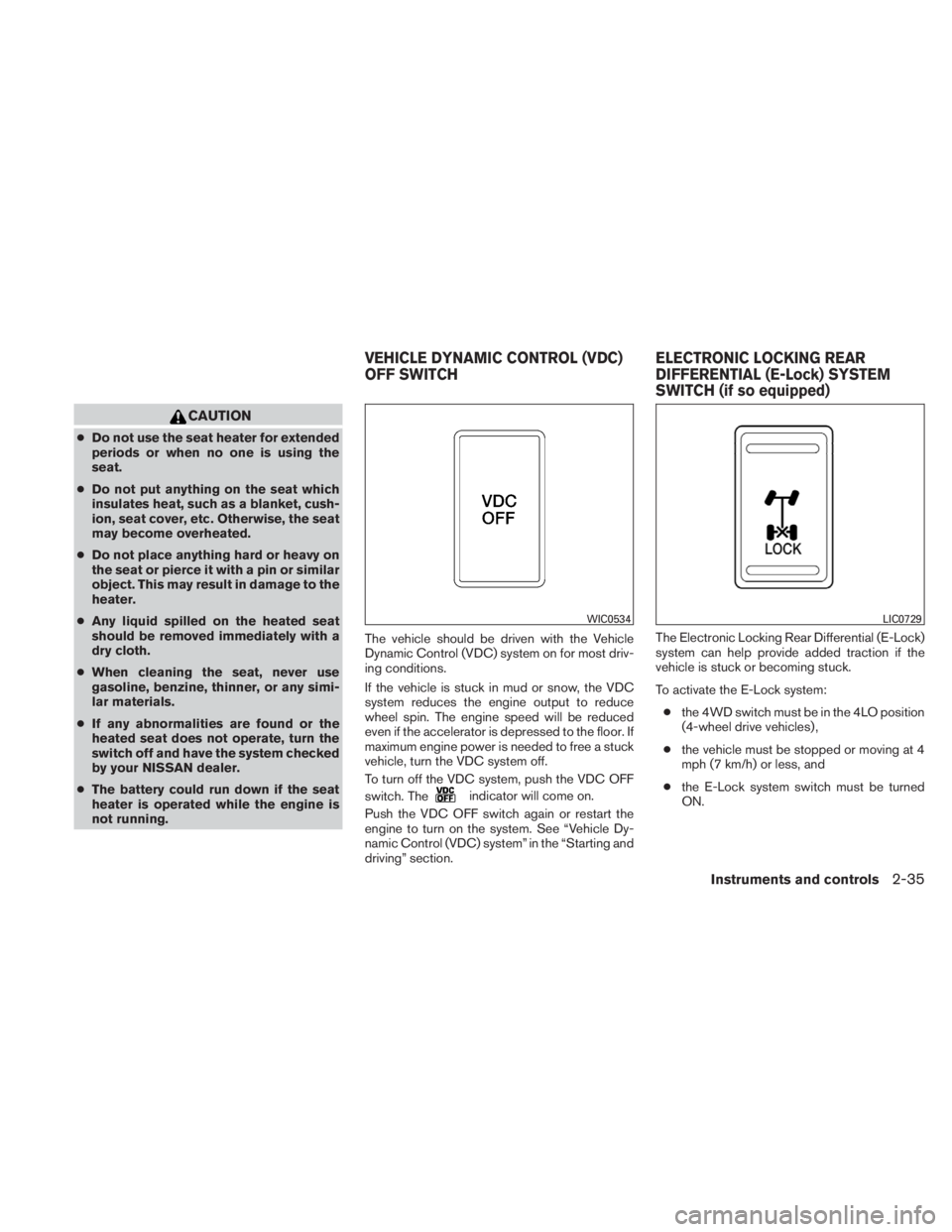
not running. The vehicle should be driven with the Vehicle
Dynamic Control (VDC) system on for most driv-
ing conditions.
If the vehicle is stuck in mud or snow, the VDC
system reduces the engine output to reduce
wheel spin. The engine speed will be reduced
even if the accelerator is depressed to the floor. If
maximum engine power is needed to free a stuck
vehicle, turn the VDC system off.
To turn off the VDC system, push the VDC OFF
switch. The
Page 123 of 407
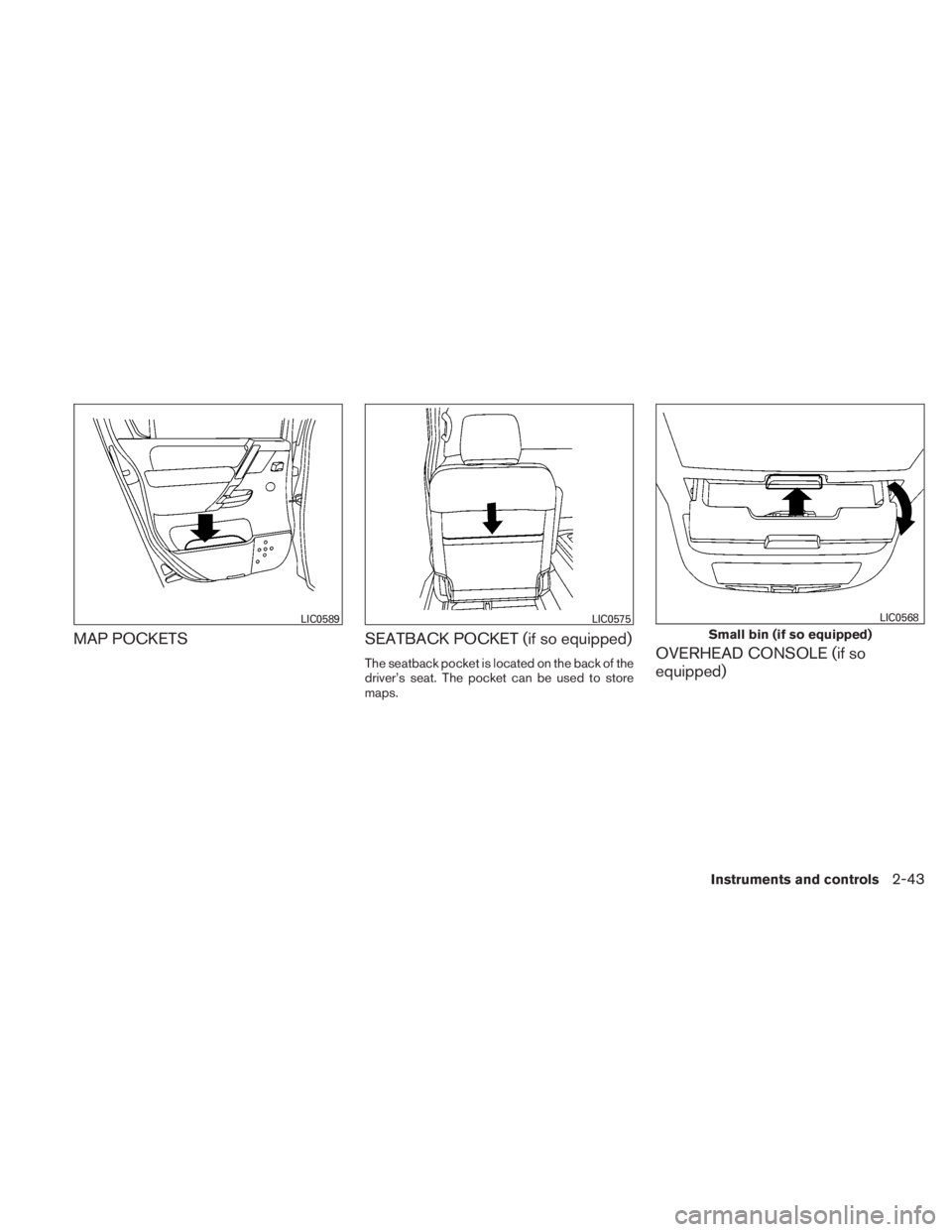
MAP POCKETSSEATBACK POCKET (if so equipped)
The seatback pocket is located on the back of the
driver’s seat. The pocket can be used to store
maps.OVERHEAD CONSOLE (if so
equipped)
Page 127 of 407
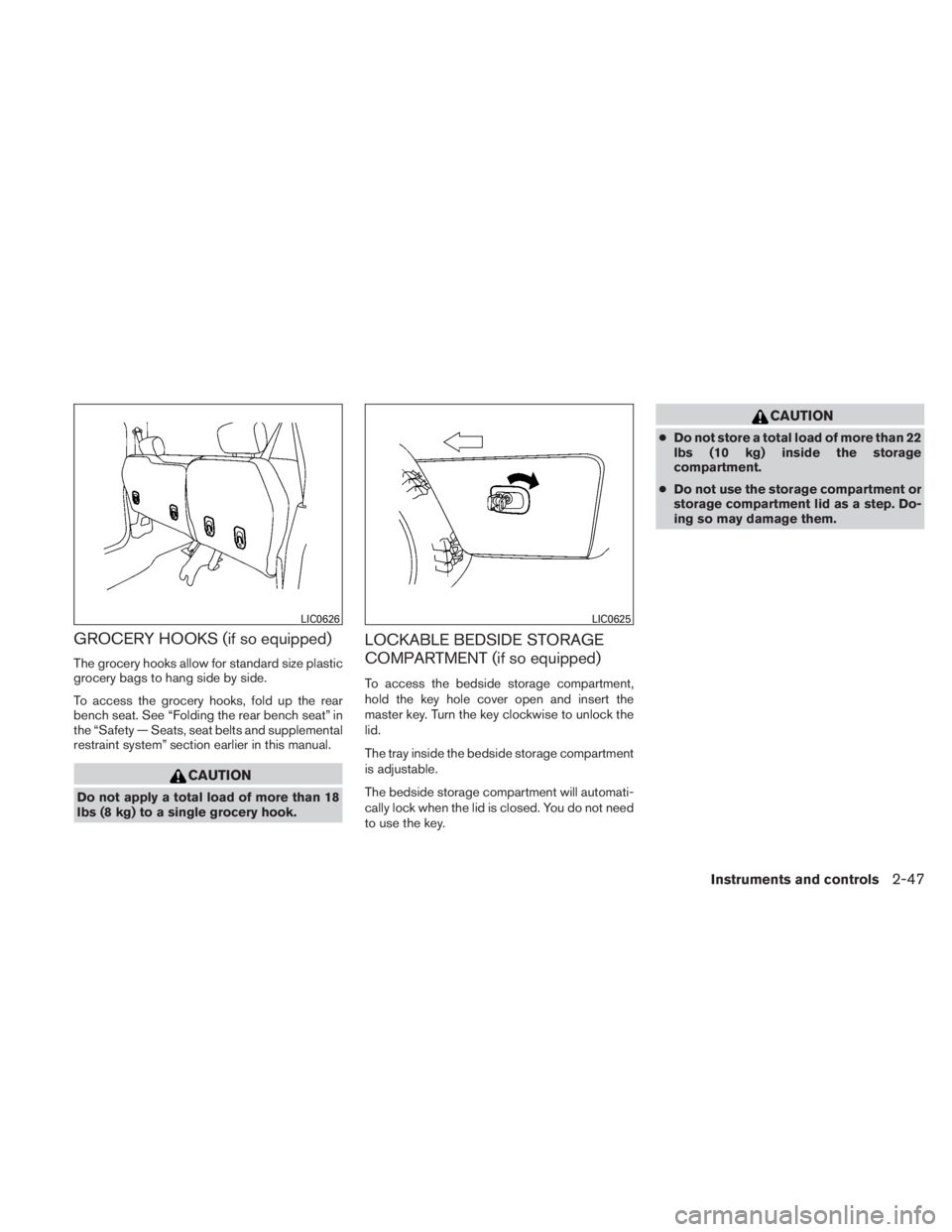
GROCERY HOOKS (if so equipped)
The grocery hooks allow for standard size plastic
grocery bags to hang side by side.
To access the grocery hooks, fold up the rear
bench seat. See “Folding the rear bench seat” in
the “Safety — Seats, seat belts and supplemental
restraint system” section earlier in this manual.
Page 162 of 407
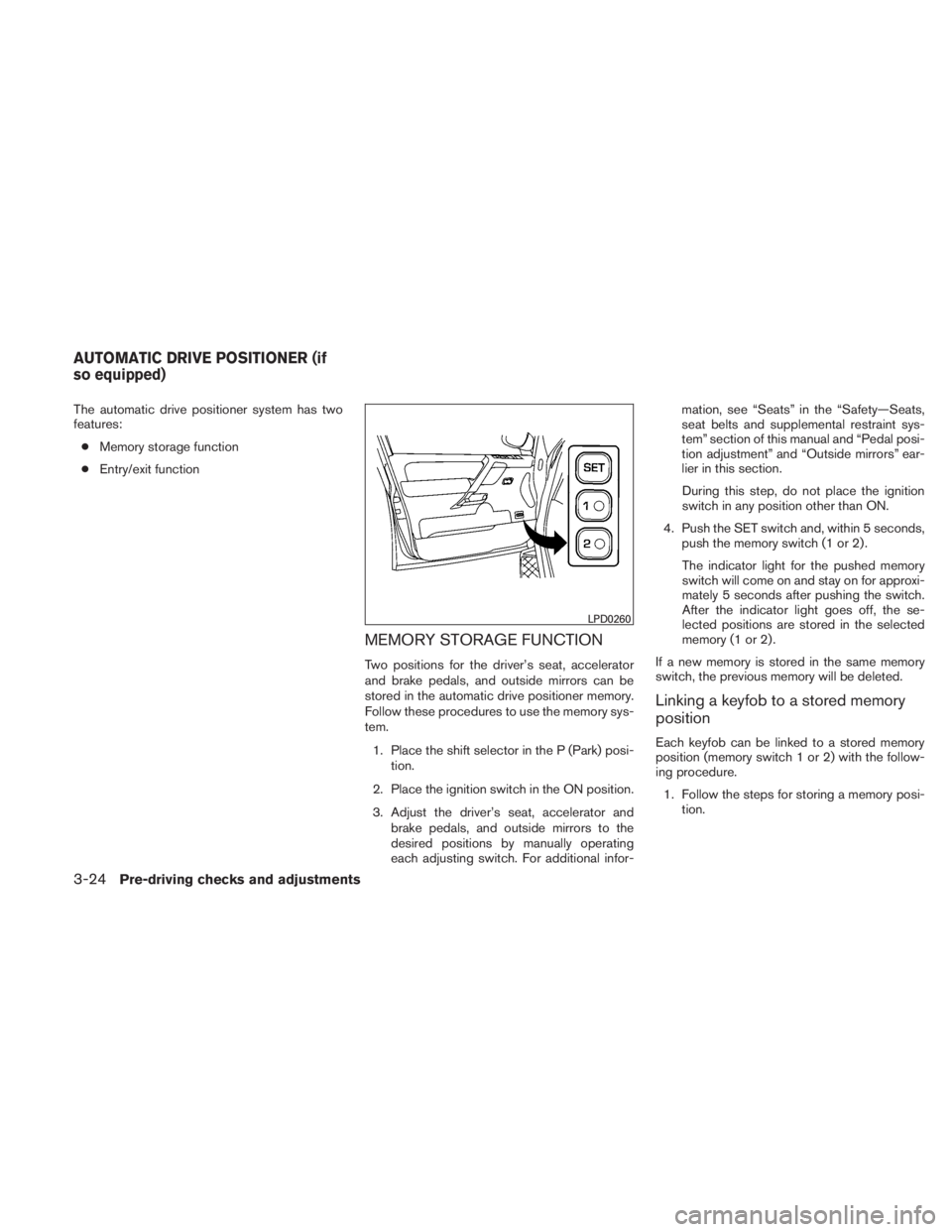
The automatic drive positioner system has two
features:● Memory storage function
● Entry/exit function
MEMORY STORAGE FUNCTION
Two positions for the driver’s seat, accelerator
and brake pedals, and outside mirrors can be
stored in the automatic drive positioner memory.
Follow these procedures to use the memory sys-
tem.
1. Place the shift selector in the P (Park) posi- tion.
2. Place the ignition switch in the ON position.
3. Adjust the driver’s seat, accelerator and brake pedals, and outside mirrors to the
desired positions by manually operating
each adjusting switch. For additional infor- mation, see “Seats” in the “Safety—Seats,
seat belts and supplemental restraint sys-
tem” section of this manual and “Pedal posi-
tion adjustment” and “Outside mirrors” ear-
lier in this section.
During this step, do not place the ignition
switch in any position other than ON.
4. Push the SET switch and, within 5 seconds, push the memory switch (1 or 2) .
The indicator light for the pushed memory
switch will come on and stay on for approxi-
mately 5 seconds after pushing the switch.
After the indicator light goes off, the se-
lected positions are stored in the selected
memory (1 or 2) .
If a new memory is stored in the same memory
switch, the previous memory will be deleted.
Linking a keyfob to a stored memory
position
Each keyfob can be linked to a stored memory
position (memory switch 1 or 2) with the follow-
ing procedure. 1. Follow the steps for storing a memory posi- tion.
Page 164 of 407
The entry/exit function can be adjusted or can-
celed. For vehicles with a navigation system, see
“Vehicle electronic systems” in the “Display
screen, heater, air conditioner, audio and phone
systems” section of this manual. For vehicles
without navigation system, see your NISSAN
dealer.
Restarting the entry/exit function
If the battery cable is disconnected or if the fuse
opens, the entry/exit function will be disabled.
Drive the vehicle over 25 MPH (40 km/h) to
restart the entry/exit function. You can also restart
the entry/exit function using the following proce-
dure.1. Connect the battery cable or replace the fuse.
2. Open and close the driver’s door more than 2 times with the ignition switch in the LOCK
position.
The entry/exit function should now work properly.
SYSTEM OPERATION
The automatic drive positioner system will not
work or will stop operating under the following
conditions: ● When the vehicle speed is above 4 MPH (7
km/h) .
● When any of the memory switches are
pushed while the automatic drive positioner
is operating.
● When the adjusting switch for the driver’s
seat is turned on while the automatic drive
positioner is operating.
● When the seat has already been moved to
the memorized position.
● When no seat position is stored in the
memory switch.
● When the shift selector is moved from P
(Park) to any other position.
● When the driver’s door remains open more
than 45 seconds and the ignition switch is
not in the ON position. The automatic drive positioner system can be
adjusted and canceled. For vehicles with a navi-
gation system, see “Vehicle electronic systems”
in the “Display screen, heater, air conditioner,
audio and phone systems” section of this manual.
For vehicles without navigation system, see your
NISSAN dealer.
3-26Pre-driving checks and adjustments
Page 218 of 407
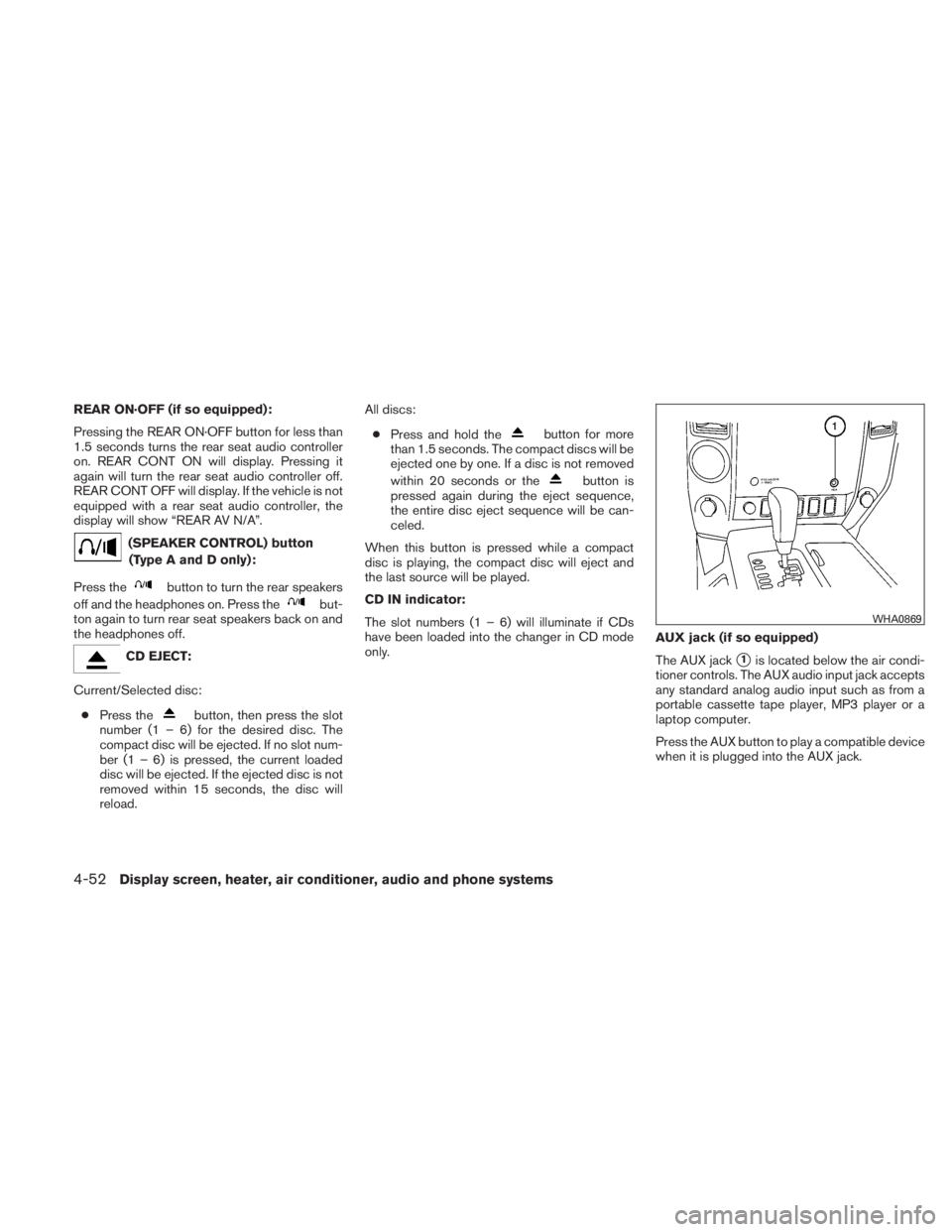
REAR ON·OFF (if so equipped):
Pressing the REAR ON·OFF button for less than
1.5 seconds turns the rear seat audio controller
on. REAR CONT ON will display. Pressing it
again will turn the rear seat audio controller off.
REAR CONT OFF will display. If the vehicle is not
equipped with a rear seat audio controller, the
display will show “REAR AV N/A”.
Page 225 of 407
●The screen rotates down to view and up
into the housing to store when not in
use. Ensure that the screen is latched
securely into the housing when stored.
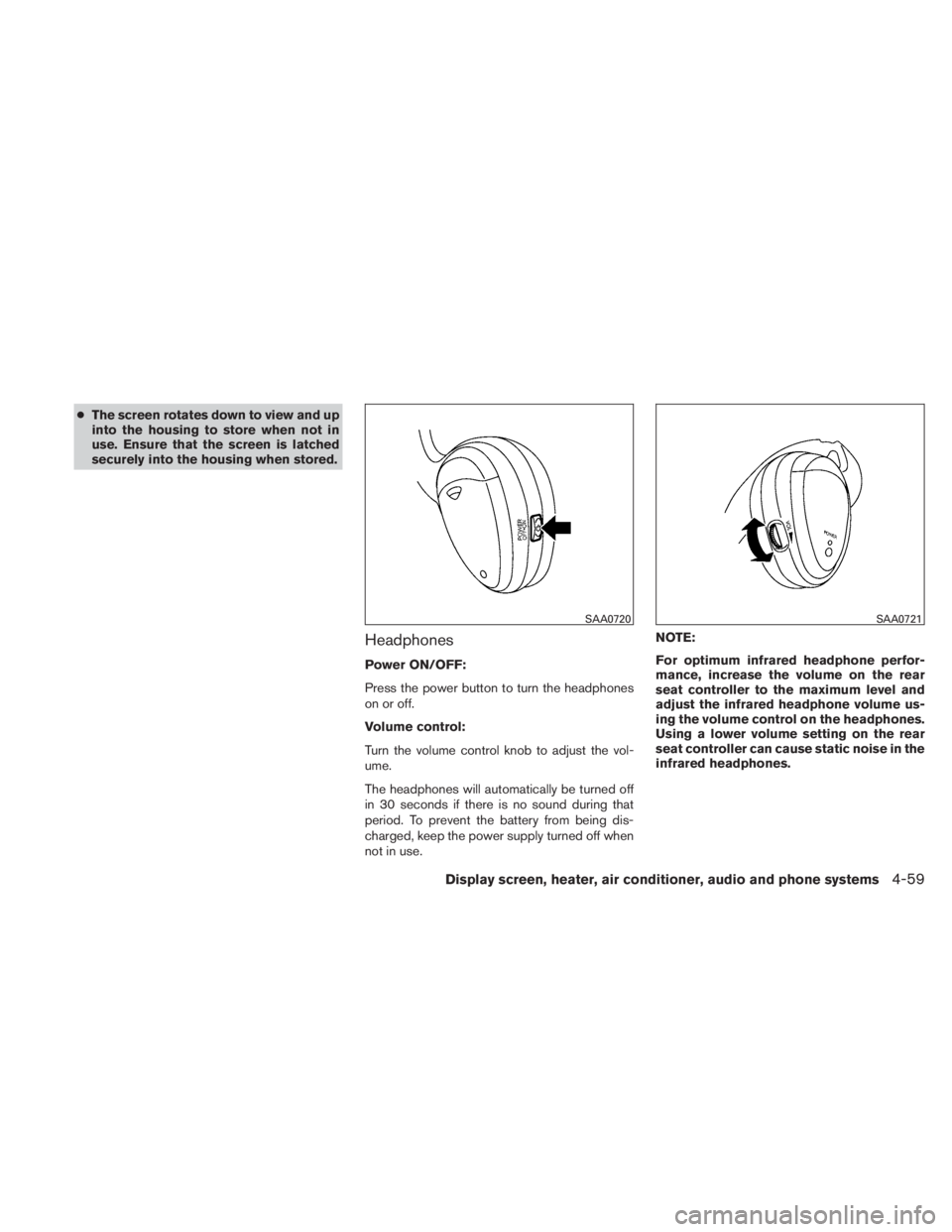
Headphones
Power ON/OFF:
Press the power button to turn the headphones
on or off.
Volume control:
Turn the volume control knob to adjust the vol-
ume.
The headphones will automatically be turned off
in 30 seconds if there is no sound during that
period. To prevent the battery from being dis-
charged, keep the power supply turned off when
not in use. NOTE:
For optimum infrared headphone perfor-
mance, increase the volume on the rear
seat controller to the maximum level and
adjust the infrared headphone volume us-
ing the volume control on the headphones.
Using a lower volume setting on the rear
seat controller can cause static noise in the
infrared headphones.