light NISSAN TITAN 2016 2.G Owners Manual
[x] Cancel search | Manufacturer: NISSAN, Model Year: 2016, Model line: TITAN, Model: NISSAN TITAN 2016 2.GPages: 636, PDF Size: 7.17 MB
Page 246 of 636
●When theposition is selected, the air
conditioner automatically turns on if the out-
side temperature is more than 36°F (2°C) .
This dehumidifies the air which helps defog
the windshield. The
mode automati-
cally turns off, allowing outside air to be
drawn into the passenger compartment to
further improve the defogging performance.
Under this condition, the indicator light on
the A/C button indicator will not turn on if the
user had selected the A/C off. Turning off the
air conditioning via the A/C button is not
allowed In this mode. If the A/C button indi-
cator was on when entering this mode, and
the A/C button is selected in this mode, the
A/C button indicator will turn off, but the A/C
compressor will still be automatically en-
abled. The recirculation button indicator will
not illuminate if the button is pressed in this
mode.
Bi-level heating
The bi-level mode directs warmed air to the side
and center vents and to the front and rear floor
outlets.
1. Press the
button to the OFF position.
The indicator light on the
button will
go off.
2. Press the
air flow control button.
3. Turn the
fan control dial to the desired
position.
4. Turn the temperature control dial to the de- sired position.
Heating and defogging
This mode heats the interior and defogs the wind-
shield.
1. Press the
air flow control button.
2. Turn the
fan control dial to the desired
position.
3. Turn the temperature control dial to the de- sired position between the middle and the
hot position. ●
When the
position is selected, the air
conditioner automatically turns on if the out-
side temperature is more than 36°F (2°C) . If
the
air flow control button is selected
for more than 1 minute, the air conditioning
system will continue to operate until
the
fan control dial is turned to OFF,
the vehicle is shut off, or the A/C button is
used to turn off the compressor even if the
air flow control dial is turned to a position
other than the
position. This dehu-
midifies the air which helps defog the wind-
shield. Under this condition, the indicator
light on the A/C button indicator will not turn
on if the user had selected A/C off. Turning
off the air conditioning via the A/C button is
not allowed in this mode. If the A/C button
indicator was on when entering this mode,
and the A/C button is selected in this mode,
the A/C button indicator will turn off, but the
A/C compressor will stall be automatically
enabled. It is recommended that
mode be turned off for maximum defogging.
The recirc button can be selected in this
mode to block outside odors. However, for
maximum defogging in this mode, it is rec-
ommended to turn recirc off when possible.
Monitor, climate, audio, phone and voice recognition systems4-35
Page 247 of 636
Operating tips
Clear snow and ice from the wiper blades
and air inlet in front of the windshield. This
improves heater operation.
AIR CONDITIONER OPERATION
Start the engine, turn thefan control dial to
the desired position, and press the
button
to activate the air conditioner. When the air con-
ditioner is on, cooling and dehumidifying func-
tions are added to the heater operation.
The air conditioner cooling function oper-
ates only when the engine is running.
Cooling
This mode is used to cool and dehumidify the air.
1. Press the
button to the OFF position.
2. Press the
air flow control button.
3. Turn the
fan control dial to the desired
position.
4. Press the
button.
5. Turn the temperature control dial to the de- sired position between the middle and the
cold position. ●
For quick cooling when the outside tem-
perature is high, press the
button to
the ON position. Be sure to return the
to the OFF position for normal cooling. The
indicator light on the
button will go off.
You may also select MAX A/C for quick
cooling.
Dehumidified heating
This mode is used to heat and dehumidify the air.
1. Press the
button to the OFF position.
The indicator light on the
button will
go off.
2. Press the
air flow control button.
3. Turn the
fan control dial to the desired
position.
4. Press the
button on.
5. Turn the temperature control dial to the de- sired position.
Dehumidified defogging
This mode is used to defog the windows and
dehumidify the air.
1. Press the
air flow control button.
2. Turn the
fan control dial to the desired
position. When the
orpositions are se-
lected, the air conditioner automatically turns on if
the outside temperature is more than 36°F (2°C) .
The air conditioning system will continue to op-
erate until the
fan control dial is turned to
OFF, the air conditioner is turned OFF, or the
vehicle is shut off, even if a position other than
the
air flow control button is selected.
Under this condition, the indicator light on the
A/C button indicator will not turn off if the user
had selected A/C off. Turning off the air condi-
tioning via the A/C button is not allowed in this
mode. If the A/C button indicator was on when
entering this mode, and the A/C button is se-
lected in this mode, the A/C button indicator will
turn off, but the A/C compressor will still be
automatically enabled. This dehumidifies the air
which helps defog the windshield. The
mode automatically turns off, allowing outside air
to be drawn into the passenger compartment to
further improve the defogging performance.
3. Turn the temperature control dial to the de- sired position.
4-36Monitor, climate, audio, phone and voice recognition systems
Page 253 of 636
●When parking, set the heater and air condi-
tioner controls to turn off air recirculation to
allow fresh air into the passenger compart-
ment. This should help reduce odors inside
the vehicle.
AUTOMATIC OPERATION
Cooling or heating (auto)
This mode may be normally used all year round as
the system automatically works to keep a con-
stant temperature. Air flow distribution and fan
speed are also controlled automatically.
1. Press the AUTO button on.
2. Turn the temperature dial to the left or right to set the desired temperature. Driver and
passenger temperatures can be set inde-
pendently. Press DUAL to activate dual cli-
mate control functions. Turn the passenger’s
side temperature control dial to the left or
right to set the desired passenger’s tem-
perature.
● Adjust the temperature dial to about 75°F
(24°C) for normal operation. ●
The temperature of the passenger compart-
ment will be maintained automatically. Air
flow distribution, fan speed and A/C on/off
are also controlled automatically. The A/C
button indicator will remain in the last user
setting. Under this condition, the indicator
light on the A/C button indicator will not turn
on if the user had not selected the A/C
button off. Turning off the air conditioning via
the A/C button is not allowed in this mode. If
the A/C button indicator was on hen enter-
ing this mode, and the A/C button is se-
lected in this mode, the A/C button indicator
will turn off, but the A/C compressor will still
be automatically enabled (see air flow con-
trol) .
To turn off the compressor, turn off auto
mode, then turn the A/C on then off until the
A/C button indicator is not lit.
● A visible mist may be seen coming from the
vents in hot, humid conditions as the air is
cooled rapidly. This does not indicate a mal-
function.
Heating (A/C OFF)
The air conditioner does not activate. When you
need to heat only, use this mode.
1. Press the AUTO button. 2. Turn the temperature control dial to set the
desired temperature.
● The temperature of the passenger compart-
ment will be maintained automatically. Air
flow distribution and fan speed are also con-
trolled automatically.
● Do not set the temperature lower than the
outside air temperature. Otherwise, the sys-
tem may not work properly.
● Not recommended if windows fog up.
Dehumidified defrosting or defogging
1. Press the defroster control switchto
turn the system on. The indicator light in the
button will illuminate.
2. Turn the temperature dial to the left or right to set the desired temperature.
● To quickly remove ice from the outside of the
windows, turn the manual fan control to the
maximum position.
● As soon as possible after the windshield is
clean, press the AUTO button to return to
the auto mode.
4-42Monitor, climate, audio, phone and voice recognition systems
Page 254 of 636
●When thecontrol is activated, the air
conditioner will automatically be turned on at
outside temperatures above 36°F (2°C) . This
dehumidifies the air which helps defog the
windshield. Under this condition, the indicator
light on the A/C button indicator will not turn
on if the user had selected A/C off. Turning off
the air condition via the A/C button is not
allowed in this mode. If the A/C button indica-
tor was on hen entering this mode, and the
A/C button is selected in this mode, the A/C
button indicator will turn off, but the A/C com-
pressor will still be automatically enabled. The
air recirculation mode automatically turns off,
allowing outside air to be drawn into the pas-
senger compartment to further improve the
defogging performance.
MANUAL OPERATION
Fan speed control
Press thefan speed control buttons to
manually control the fan speed.
Press the AUTO button to return to automatic
control of the fan speed.
When adjusting the manual fan from auto mode,
the outlet direction (floor, floor/defrost, vent, bi-
level) will still automatically change. To fix the
outlet to a manual mode, select the desired air
flow location using the MODE button.
Air recirculation
Press the air recirculation buttonto recir-
culate interior air inside the vehicle. Press the
AUTO button to return to automatic mode.
The air recirculation button will not be activated
when the air conditioner is in
, mode.
In Floor/Defrost mode, the recirc button can be
selected to block outside odors. However, for
maximum defogging in this mode, it is recom-
mended to turn recirc off when possible.
Fresh air intake
Press thefresh air intake button to draw
outside air into the passenger compartment.
Air flow control
Press the air flow control buttons to manually
control air flow and select the air outlet:
— Air flows from center and side
vents.
— Air flows from center and side ventsand foot outlets.
— Air flows mainly from foot outlets.
— Air flows from defroster and footoutlets.
— Air flows from defroster outlets.
To turn system off
Press the ON-OFF button.
Rear window and / or outside mirror (if
so equipped) defroster switch
For additional information, refer to “Rear window
and / or outside mirror (if so equipped) defroster
switch” in the “Instruments and controls” section
of this manual.
Remote engine start logic (if so
equipped)
Vehicles equipped with automatic climate con-
trols and remote start function may go into auto-
matic heating or cooling mode when remote start
is activated depending on outside and cabin tem-
peratures. Automatic temperature depends on
outside and cabin temperatures. During this pe-
riod, the climate control display and buttons will
be inoperable until the ignition switch is turned
on.
Monitor, climate, audio, phone and voice recognition systems4-43
Page 256 of 636
RADIO
With the ignition placed in the ACC or ON posi-
tion, press the
or POWER button to turn
the radio on. If you listen to the radio with the
engine not running, the ignition should be placed
in the ACC position.
Radio reception is affected by station signal
strength, distance from radio transmitter, build-
ings, bridges, mountains and other external influ-
ences. Intermittent changes in reception quality
normally are caused by these external influences.
Using a cellular phone in or near the vehicle
may influence radio reception quality.
Radio reception
Your NISSAN radio system is equipped with
state-of-the-art electronic circuits to enhance ra-
dio reception. These circuits are designed to
extend reception range, and to enhance the qual-
ity of that reception.
However, there are some general characteristics
of both FM and AM radio signals that can affect
radio reception quality in a moving vehicle, even
when the finest equipment is used. These char-
acteristics are completely normal in a given re-
ception area and do not indicate any malfunction
in your NISSAN radio system. Reception conditions will constantly change be-
cause of vehicle movement. Buildings, terrain,
signal distance and interference from other ve-
hicles can work against ideal reception. De-
scribed below are some of the factors that can
affect your radio reception.
Some cellular phones or other devices may
cause interference or a buzzing noise to come
from the audio system speakers. Storing the de-
vice in a different location may reduce or elimi-
nate the noise.
FM RADIO RECEPTION
Range: FM range is normally limited to 25 – 30 mi
(40 – 48 km) , with monaural (single channel) FM
having slightly more range than stereo FM. Exter-
nal influences may sometimes interfere with FM
station reception even if the FM station is within
25 mi (40 km) . The strength of the FM signal is
directly related to the distance between the
transmitter and receiver. FM signals follow a line-
of-sight path, exhibiting many of the same char-
acteristics as light. For example, they will reflect
off objects.
Fade and drift: As your vehicle moves away from
a station transmitter, the signals will tend to fade
and/or drift.
Static and flutter: During signal interference from
buildings, large hills or due to antenna position
(usually in conjunction with increased distance
from the station transmitter) , static or flutter can
be heard. This can be reduced by adjusting the
treble control to reduce treble response.
Multipath reception: Because of the reflective
characteristics of FM signals, direct and reflected
signals reach the receiver at the same time. The
signals may cancel each other, resulting in mo-
mentary flutter or loss of sound.
AM RADIO RECEPTION
AM signals, because of their low frequency, can
bend around objects and skip along the ground.
In addition, the signals can be bounced off the
ionosphere and bent back to earth. Because of
these characteristics, AM signals are also sub-
ject to interference as they travel from transmitter
to receiver.
Fading: Occurs while the vehicle is passing
through freeway underpasses or in areas with
many tall buildings. It can also occur for several
seconds during ionospheric turbulence even in
areas where no obstacles exist.
Static: Caused by thunderstorms, electrical
power lines, electric signs and even traffic lights.
AUDIO SYSTEM
Monitor, climate, audio, phone and voice recognition systems4-45
Page 258 of 636
●Do not expose the CD to direct sun-
light.
● CDs that are in poor condition or are
dirty, scratched or covered with finger-
prints may not work properly.
● The following CDs may not work prop-
erly:
● Copy control compact discs (CCCD)
● Recordable compact discs (CD-R)
● Rewritable compact discs (CD-RW)
● Do not use the following CDs as they
may cause the CD player to malfunc-
tion:
● 3.1 in (8 cm) discs with an adapter
● CDs that are not round
● CDs with a paper label
● CDs that are warped, scratched, or
have abnormal edges
● This audio system can only play pre-
recorded CDs. It has no capability to
record or burn CDs.
● If the CD cannot be played, one of the
following messages will be displayed. CHECK DISC
●
Confirm that the CD is inserted cor-
rectly (the label side is facing up,
etc.) .
● Confirm that the CD is not bent or
warped and it is free of scratches.
PRESS EJECT
This is an error due to excessive tem-
perature inside the player. Remove the
CD by pressing the EJECT button. After
a short time, reinsert the CD. The CD
can be played when the temperature of
the player returns to normal.
UNPLAYABLE
The file is unplayable in this audio sys-
tem (only MP3 or WMA (if so equipped)
CD) .Compact disc with MP3 or WMA
Terms ● MP3 — MP3 is short for Moving Pictures
Experts Group Audio Layer 3. MP3 is the
most well-known compressed digital audio
file format. This format allows for near “CD
quality” sound, but at a fraction of the size of
normal audio files. MP3 conversion of an
audio track from CD-ROM can reduce the
file size by approximately a 10:1 ratio with
virtually no perceptible loss in quality. MP3
compression removes the redundant and
irrelevant parts of a sound signal that the
human ear doesn’t hear.
● WMA — Windows Media Audio (WMA)* is a
compressed audio format created by Micro-
soft as an alternative to MP3. The WMA
codec offers greater file compression than
the MP3 codec, enabling storage of more
digital audio tracks in the same amount of
space when compared to MP3s at the same
level of quality.
● Bit rate — Bit rate denotes the number of
bits per second used by a digital music file.
The size and quality of a compressed digital
audio file is determined by the bit rate used
when encoding the file.
Monitor, climate, audio, phone and voice recognition systems4-47
Page 265 of 636
To turn the system off, press the(power)
button.
Turn the VOL (volume) control knob to adjust the
volume.
This vehicle may be equipped with Speed Sen-
sitive Volume. When this feature is active, the
audio volume changes as the driving speed
changes. ENTER/SETTING button
Press the ENTER/SETTING button to show the
Settings screen on the display. Turn the
TUNE/FOLDER knob to navigate the options and
then press the ENTER/SETTING button to make
a selection.
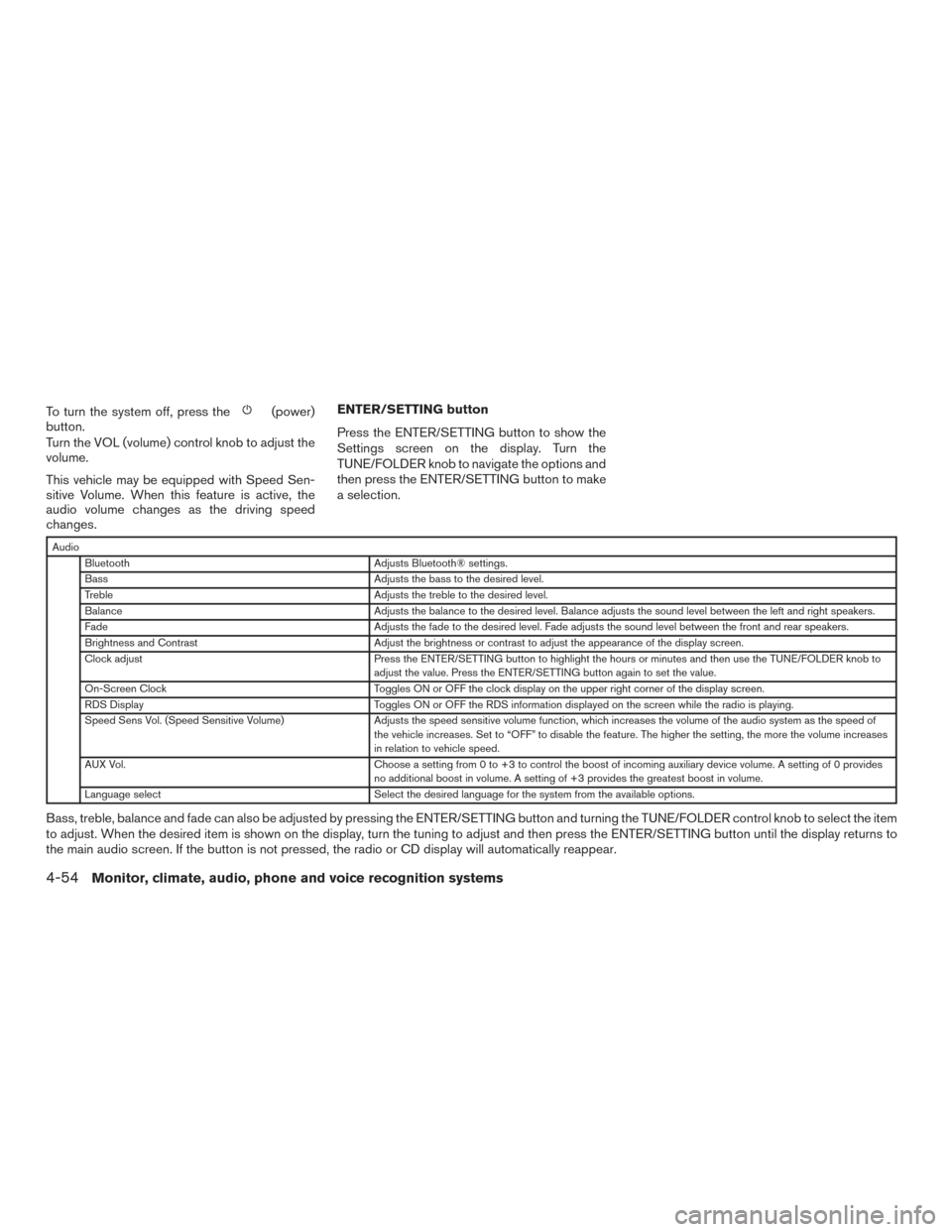
Audio
Bluetooth Adjusts Bluetooth® settings.
Bass Adjusts the bass to the desired level.
Treble Adjusts the treble to the desired level.
Balance Adjusts the balance to the desired level. Balance adjusts the sound level between the left and right speakers.
Fade Adjusts the fade to the desired level. Fade adjusts the sound level between the front and rear speakers.
Brightness and Contrast Adjust the brightness or contrast to adjust the appearance of the display screen.
Clock adjust Press the ENTER/SETTING button to highlight the hours or minutes and then use the TUNE/FOLDER knob to
adjust the value. Press the ENTER/SETTING button again to set the value.
On-Screen Clock Toggles ON or OFF the clock display on the upper right corner of the display screen.
RDS Display Toggles ON or OFF the RDS information displayed on the screen while the radio is playing.
Speed Sens Vol. (Speed Sensitive Volume) Adjusts the speed sensitive volume function, which increases the volume of the audio system as the speed of
the vehicle increases. Set to “OFF” to disable the feature. The higher the setting, the more the volume increases
in relation to vehicle speed.
AUX Vol. Choose a setting from 0 to +3 to control the boost of incoming auxiliary device volume. A setting of 0 provides
no additional boost in volume. A setting of +3 provides the greatest boost in volume.
Language select Select the desired language for the system from the available options.
Bass, treble, balance and fade can also be adjusted by pressing the ENTER/SETTING button and turning the TUNE/FOLDER control knob to select the item
to adjust. When the desired item is shown on the display, turn the tuning to adjust and then press the ENTER/SETTING button until the display returns to
the main audio screen. If the button is not pressed, the radio or CD display will automatically reappear.
4-54Monitor, climate, audio, phone and voice recognition systems
Page 270 of 636
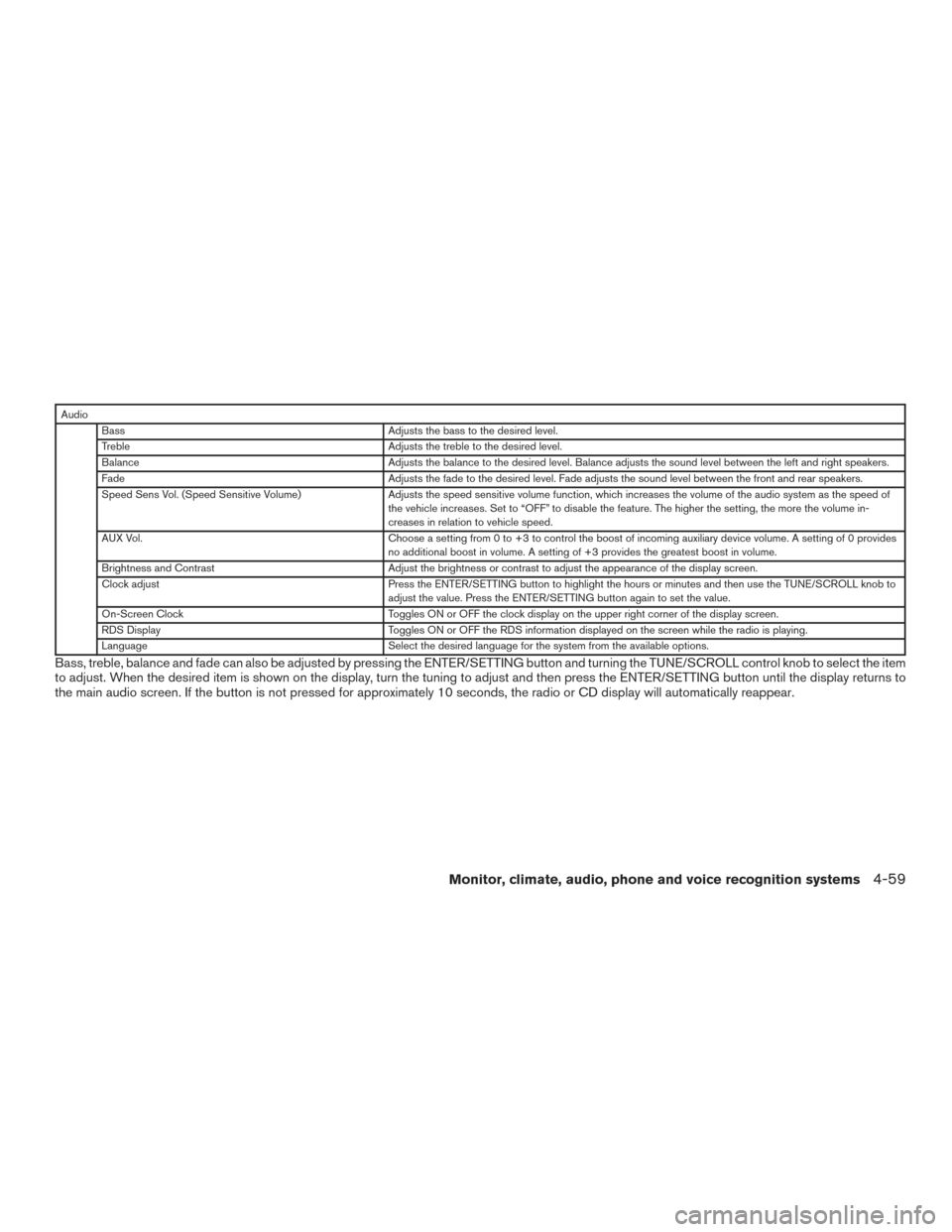
AudioBass Adjusts the bass to the desired level.
Treble Adjusts the treble to the desired level.
Balance Adjusts the balance to the desired level. Balance adjusts the sound level between the left and right speakers.
Fade Adjusts the fade to the desired level. Fade adjusts the sound level between the front and rear speakers.
Speed Sens Vol. (Speed Sensitive Volume) Adjusts the speed sensitive volume function, which increases the volume of the audio system as the speed of
the vehicle increases. Set to “OFF” to disable the feature. The higher the setting, the more the volume in-
creases in relation to vehicle speed.
AUX Vol. Choose a setting from 0 to +3 to control the boost of incoming auxiliary device volume. A setting of 0 provides
no additional boost in volume. A setting of +3 provides the greatest boost in volume.
Brightness and Contrast Adjust the brightness or contrast to adjust the appearance of the display screen.
Clock adjust Press the ENTER/SETTING button to highlight the hours or minutes and then use the TUNE/SCROLL knob to
adjust the value. Press the ENTER/SETTING button again to set the value.
On-Screen Clock Toggles ON or OFF the clock display on the upper right corner of the display screen.
RDS Display Toggles ON or OFF the RDS information displayed on the screen while the radio is playing.
Language Select the desired language for the system from the available options.
Bass, treble, balance and fade can also be adjusted by pressing the ENTER/SETTING button and turning the TUNE/SCROLL control knob to select the item
to adjust. When the desired item is shown on the display, turn the tuning to adjust and then press the ENTER/SETTING button until the display returns to
the main audio screen. If the button is not pressed for approximately 10 seconds, the radio or CD display will automatically reappear.
Monitor, climate, audio, phone and voice recognition systems4-59
Page 279 of 636
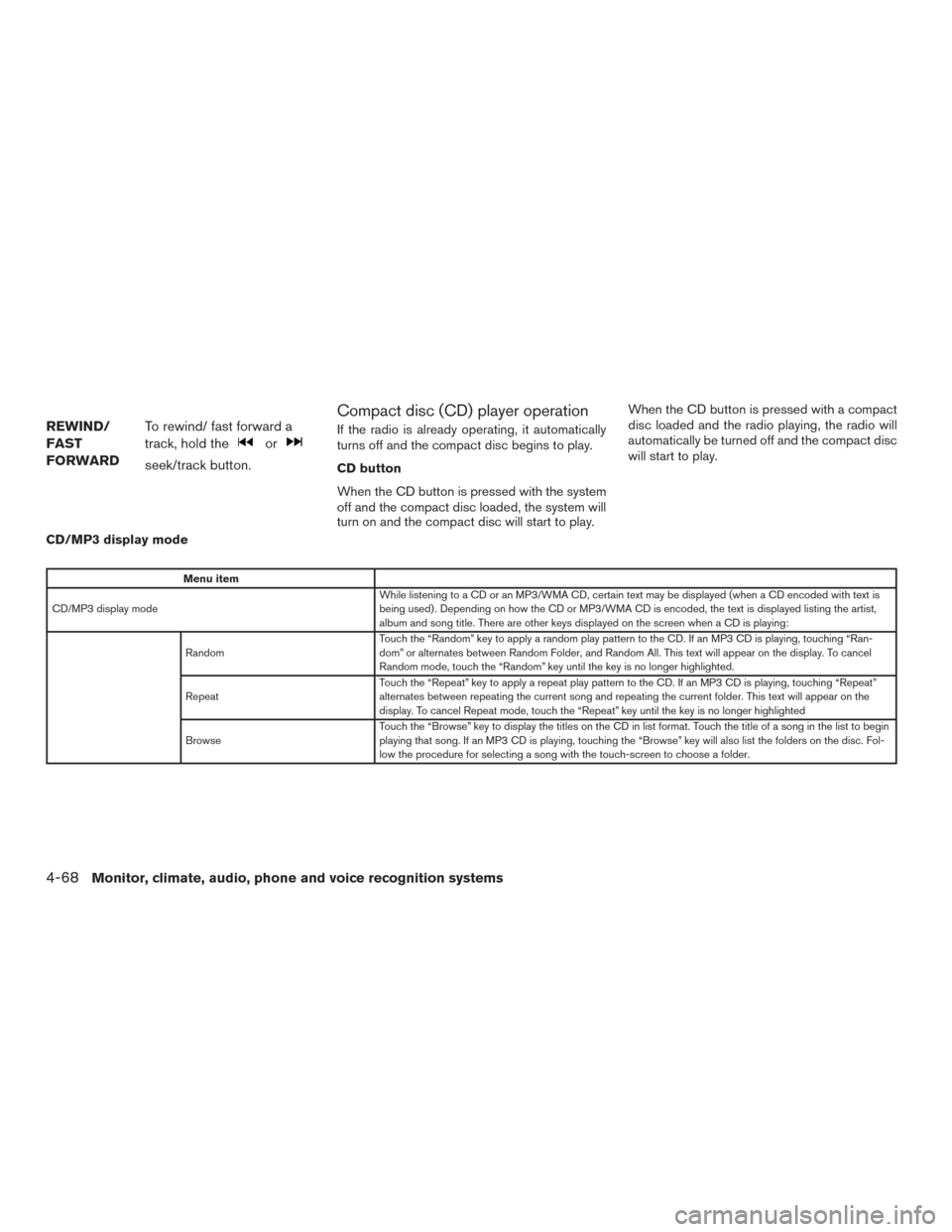
REWIND/
FAST
FORWARDTo rewind/ fast forward a
track, hold the
or
seek/track button.
Compact disc (CD) player operation
If the radio is already operating, it automatically
turns off and the compact disc begins to play.
CD button
When the CD button is pressed with the system
off and the compact disc loaded, the system will
turn on and the compact disc will start to play. When the CD button is pressed with a compact
disc loaded and the radio playing, the radio will
automatically be turned off and the compact disc
will start to play.
CD/MP3 display mode
Menu item
CD/MP3 display mode While listening to a CD or an MP3/WMA CD, certain text may be displayed (when a CD encoded with text is
being used) . Depending on how the CD or MP3/WMA CD is encoded, the text is displayed listing the artist,
album and song title. There are other keys displayed on the screen when a CD is playing:
Random Touch the “Random” key to apply a random play pattern to the CD. If an MP3 CD is playing, touching “Ran-
dom” or alternates between Random Folder, and Random All. This text will appear on the display. To cancel
Random mode, touch the “Random” key until the key is no longer highlighted.
Repeat Touch the “Repeat” key to apply a repeat play pattern to the CD. If an MP3 CD is playing, touching “Repeat”
alternates between repeating the current song and repeating the current folder. This text will appear on the
display. To cancel Repeat mode, touch the “Repeat” key until the key is no longer highlighted
Browse Touch the “Browse” key to display the titles on the CD in list format. Touch the title of a song in the list to begin
playing that song. If an MP3 CD is playing, touching the “Browse” key will also list the folders on the disc. Fol-
low the procedure for selecting a song with the touch-screen to choose a folder.
4-68Monitor, climate, audio, phone and voice recognition systems
Page 299 of 636
WARNING
●The Mobile Entertainment System is
designed for rear seat passenger view-
ing only.
● It is unlawful in most jurisdictions for a
person to drive a motor vehicle which is
equipped with a television viewer or
screen that is located in the motor ve-
hicle at any point forward of the back of
the driver’s seat, or that is visible, di-
rectly or indirectly, to the driver while
operating the vehicle.
● In the interest of safety, the monitors
should never be installed where they
will be visible, directly or indirectly, by
the operator of the motor vehicle.
● If your vehicle is equipped with a wire-
less rear seat audio system or any other
wireless infrared device, make sure it is
powered off when operating the Rear
Seat Entertainment System. If both sys-
tems are powered on at the same time,
the two systems may obstruct each
other, possibly creating undesirable au-
dio interference through the wireless
headphones. ●
For safety reasons, when changing
video discs it is recommended that the
vehicle is not in motion, and that you do
not allow children to unfasten safety
belts to change discs or make any ad-
justments to the system. System adjust-
ments can be accomplished using the
remote control unit, while safety belts
remain fastened.
CAUTION
● Be sure to run the vehicle engine while
using the system. Using this system
without running the engine can result in
a battery drain. To avoid the risk of
battery drain, please remember to turn
off the system when the vehicle is not in
use. Do not touch the inner pins of the
jacks on the front panel. Electrostatic
discharge may cause permanent dam-
age to the system.
NOTE:
Depending on the USB device, it may or
may not charge when connected to the USB
connection port. Not all devices are able to
charge when connected to the USB connec-
tion port. Each monitor includes a built-in dual channel
infrared transmitter for use with wireless head-
phones. The wireless headphones must be used
within a line of sight from the transmitter as infra-
red transmission, like visible light, travels only in a
straight line.
When placing the headphones on your head,
make sure to observe the Left and Right orienta-
tion. The headphones must be oriented correctly
(facing forward) in order to receive the audio
signal. Press the power button on the head-
phones, then select channel “A” to listen to moni-
tor A, or channel “B” to listen to monitor B. Adjust
the audio level using the volume control on each
headphone.
There is a 3.5mm stereo headphone output jack
on each monitor which can be used with any
standard stereo headphone with an in-line vol-
ume control (wired headphones sold separately) .
The system includes a built-in infrared receiver
for use with the included wireless remote control.
For additional information, refer to “Remote con-
trol operation” in this section.
NISSAN MOBILE ENTERTAINMENT
SYSTEM (MES) (if so equipped)
4-88Monitor, climate, audio, phone and voice recognition systems