warning NISSAN TITAN 2017 2.G Owners Manual
[x] Cancel search | Manufacturer: NISSAN, Model Year: 2017, Model line: TITAN, Model: NISSAN TITAN 2017 2.GPages: 671, PDF Size: 7.96 MB
Page 387 of 671
●If at all possible, avoid sharp turning
maneuvers, particularly at high speeds.
Your NISSAN 4-wheel drive vehicle has
a higher center of gravity than a passen-
ger car. The vehicle is not designed for
cornering at the same speeds as pas-
senger cars. Failure to operate this ve-
hicle correctly could result in loss of
control and/or a rollover accident.
● Always use tires of the same type, size,
brand, construction (bias, bias-belted,
or radial) , and tread pattern on all four
wheels. Install tire chains on the rear
wheels when driving on slippery roads
and drive carefully.
● Be sure to check the brakes immedi-
ately after driving in mud or water. For
additional information, refer to “Wet
brakes” in this section.
● Avoid parking your vehicle on steep
hills. If you get out of the vehicle and it
rolls forward, backward or sideways,
you could be injured. ●
Whenever you drive off-road through
sand, mud or water as deep as the
wheel hub, more frequent maintenance
may be required. For additional infor-
mation, refer to “Maintenance sched-
ules” in the “Maintenance and sched-
ules” section of this manual.
WARNING
Do not operate the push-button ignition
switch while driving the vehicle except in
an emergency. (The engine will stop when
the ignition switch is pushed three con-
secutive times in quick succession or the
ignition switch is pushed and held for
more than 2 seconds.) If the engine stops
while the vehicle is being driven, this
could lead to a crash and serious injury
LSD2014
PUSH-BUTTON IGNITION SWITCH
5-10Starting and driving
Page 388 of 671
When the ignition switch is pushed without de-
pressing the brake pedal, the ignition switch po-
sition will illuminate as follows:
Push center● Once to change to ACC.
● Two times to change to ON.
● Three times to return to OFF.
The ignition switch will automatically return to the
LOCK position when any door is either opened or
closed with the switch in the OFF position.
The ignition lock is designed so that the ignition
switch position cannot be switched to OFF until
the shift lever is moved to the P (Park) position.
When the ignition switch cannot be pushed to-
ward the OFF position, proceed as follows: 1. Move the shift lever into the P (Park) posi- tion.
2. Push the ignition switch. The ignition switch position will change to the ON position.
3. Push the ignition switch again to the OFF position.
The shift lever can be moved from the P
(Park) position if the ignition switch is in
the ON position and the brake pedal is
depressed. If the battery of the vehicle is discharged,
the push-button ignition switch cannot be
moved from the LOCK position.
Some indicators and warnings for operation are
displayed in the meter. For additional information,
refer to “Vehicle information display warnings and
indicators” in the “Instruments and controls” sec-
tion of this manual.
OPERATING RANGE
The Intelligent Key functions can only be used
when the Intelligent Key is within the specified
operating range.
When the Intelligent Key battery is almost dis-
charged or strong radio waves are present near
the operating location, the Intelligent Key sys-
tem’s operating range becomes narrower and
may not function properly.
If the Intelligent Key is within the operating range,
it is possible for anyone, even someone who does
not carry the Intelligent Key, to push the ignition
switch to start the engine.
LSD2456
Starting and driving5-11
Page 391 of 671
NISSAN VEHICLE IMMOBILIZER
SYSTEM
The NISSAN Vehicle Immobilizer System will not
allow the engine to start without the use of the
registered key.
If the engine fails to start using a registered key
(for example, when interference is caused by
another registered key, an automated toll road
device or automatic payment device on the key
ring) , restart the engine using the following pro-
cedures:1. Leave the ignition switch in the ON position for approximately 5 seconds.
2. Turn the ignition switch to the OFF or LOCK position, and wait approximately 10 sec-
onds.
3. Repeat steps 1 and 2.
4. Restart the engine while holding the device (which may have caused the interference)
separate from the registered key.
If the no start condition re-occurs, NISSAN rec-
ommends placing the registered key on a sepa-
rate key ring to avoid interference from other
devices. ●
Make sure the area around the vehicle is
clear.
● Check fluid levels such as engine oil, cool-
ant, brake fluid, DEF (Diesel only) and
windshield-washer fluid as frequently as
possible, or at least whenever you refuel.
● Check that all windows and lights are clean.
● Visually inspect tires for their appearance
and condition. Also check tires for proper
inflation.
● Check that all doors are closed.
● Position seat and adjust head
restraints/headrests.
● Adjust inside and outside mirrors.
● Fasten seat belts and ask all passengers to
do likewise.
● Check the operation of warning lights when
the ignition switch is placed in the ON posi-
tion. For additional information, refer to
“Warning lights, indicator lights and audible
reminders” in the “Instruments and controls”
section of this manual. 1. Apply the parking brake.
2. Move the shift lever to P (Park) or N (Neu-
tral) . P (Park) is recommended.
The starter is designed not to operate
unless the shift lever is in either P
(Park) or N (Neutral) .
3. Push the ignition switch to the ON position. Depress the brake pedal and push the igni-
tion switch to start the engine.
To start the engine immediately, push and
release the ignition switch while depressing
the brake pedal with the ignition switch in
any position.
● If the engine is very hard to start in ex-
tremely cold weather or when restarting,
depress the accelerator pedal a little (ap-
proximately 1/3 to the floor) and while
holding, crank the engine. Release the
accelerator pedal when the engine starts.
● If the engine is very hard to start because
it is flooded, depress the accelerator
pedal all the way to the floor and hold it.
Push the ignition switch to the ON posi-
tion to start cranking the engine. After five
or six seconds, stop cranking by pushing
the ignition switch to LOCK. After crank-
ing the engine, release the accelerator
pedal. Crank the engine with your foot off
BEFORE STARTING THE ENGINE STARTING THE ENGINE (gasoline engine only)
5-14Starting and driving
Page 393 of 671
For additional information on starting your diesel
engine, refer to your “Titan Diesel Owner’s
Manual.”ENGINE PROTECTION MODE
The engine has an engine protection mode to
reduce the chance of damage if the coolant tem-
perature becomes too high (for example, when
climbing steep grades in high temperature with
heavy loads, such as when towing a trailer) .
When the engine temperature reaches a certain
level:● The engine coolant temperature gauge will
move toward the H position.
● Engine power may be reduced.
● The air conditioning cooling function may be
automatically turned OFF for a short time
(the blower will continue to operate) .
Engine power and, under some conditions, ve-
hicle speed will decrease. Vehicle speed can be
controlled with the accelerator pedal, but the
vehicle may not accelerate at the desired speed.
The transmission will downshift or upshift as it
reaches prescribed shift points. You can also
shift manually.
As driving conditions change and engine coolant
temperature is reduced, vehicle speed can be
increased using the accelerator pedal, and air
conditioning cooling function will automatically
be turned back ON. If:
1. The engine coolant temperature is not re- duced.
2. The air conditioning cooling function does not turn back ON.
The Malfunction Indicator Light (MIL) may also
come ON. If onlyit remains on, you do not need
to have your vehicle towed, but have it inspected
soon. It is recommended that you visit a NISSAN
dealer for servicing. For additional information,
refer to “Malfunction Indicator Light (MIL)” in the
“Instruments and controls ” section of this
manual.
WARNING
Overheating can result in reduced engine
power and vehicle speed. The reduced
speed may be lower than other traffic,
which could increase the chance of a col-
lision. Be especially careful when driving.
If the vehicle cannot maintain a safe driv-
ing speed, pull to the side of the road in a
safe area. Allow the engine to cool and
return to normal operation. For additional
information, refer to “If your vehicle over-
heats” in the “In case of emergency” sec-
tion of this manual.
STARTING THE ENGINE (diesel only) DRIVING THE VEHICLE
5-16Starting and driving
Page 394 of 671
CAUTION
Running the engine with the engine oil
pressure warning light on could cause se-
rious damage to the engine almost imme-
diately. Such damage is not covered by
warranty. Turn off the engine as soon as it
is safe to do so.
AUTOMATIC TRANSMISSION
WARNING
●Do not depress the accelerator pedal
while shifting from P (Park) or N (Neu-
tral) to R (Reverse) , or D (Drive) . Always
depress the brake pedal until shifting is
completed. Failure to do so could cause
you to lose control and have an
accident.
● Cold engine idle speed is high, so use
caution when shifting into a forward or
reverse gear before the engine has
warmed up.
● Never shift to either the P (Park) or R
(Reverse) position while the vehicle is
moving forward and P (Park) or D
(Drive) position while the vehicle is re-
versing. This could cause an accident or
damage the transmission. ●
Except in an emergency, do not shift to
the N (Neutral) position while driving.
Coasting with the transmission in the N
(Neutral) position may cause serious
damage to the transmission.
● Do not downshift abruptly on slippery
roads. This may cause a loss of control.
CAUTION
To avoid possible damage to your vehicle,
when stopping the vehicle on an uphill
grade, do not hold the vehicle by depress-
ing the accelerator pedal. The foot brake
should be used for this purpose
The automatic transmission in your vehicle is
electronically controlled to produce maximum
power and smooth operation.
The recommended operating procedures for this
transmission are shown on the following pages.
Follow these procedures for maximum vehicle
performance and driving enjoyment.
Starting the vehicle
WARNING
● Do not depress the accelerator pedal
while shifting from P (Park) or N (Neu-
tral) to R (Reverse) , or D (Drive) . Always
depress the brake pedal until shifting is
completed. Failure to do so could cause
you to lose control and have an
accident.
● Cold engine idle speed is high, so use
caution when shifting into a forward or
reverse gear before the engine has
warmed up.
● Never shift to either the P (Park) or R
(Reverse) position while the vehicle is
moving forward and P (Park) or D
(Drive) position while the vehicle is re-
versing. This could cause an accident or
damage the transmission.
● Except in an emergency, do not shift to
the N (Neutral) position while driving.
Coasting with the transmission in the N
(Neutral) position may cause serious
damage to the transmission.
● Do not downshift abruptly on slippery
roads. This may cause a loss of control.
Starting and driving5-17
Page 395 of 671
CAUTION
To avoid possible damage to your vehicle,
when stopping the vehicle on an uphill
grade, do not hold the vehicle by depress-
ing the accelerator pedal. The foot brake
should be used for this purpose1. After starting the engine, fully depress the foot brake pedal before moving the shift
lever out of the P (Park) position.
2. Keep the foot brake pedal depressed and move the shift lever into a driving gear.
3. Release the foot brake, then gradually start the vehicle in motion.
The automatic transmission is designed so
the foot brake pedal MUST be depressed
before shifting from P (Park) to any drive
position while the ignition switch is in the
ON position.
The shift lever cannot be moved out of the
P (Park) position and into any of the other
gear positions if the ignition switch is
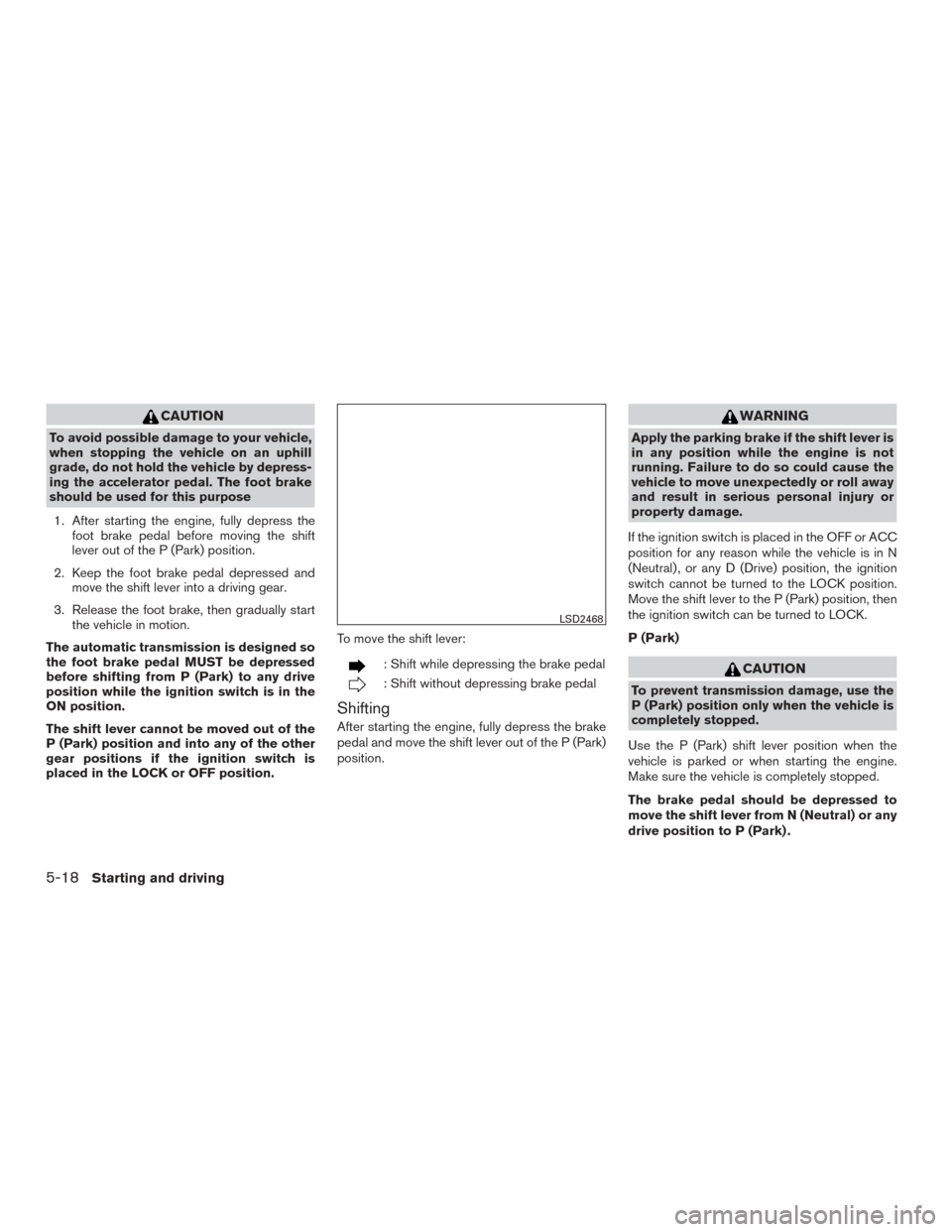
placed in the LOCK or OFF position. To move the shift lever:
: Shift while depressing the brake pedal
: Shift without depressing brake pedal
Shifting
After starting the engine, fully depress the brake
pedal and move the shift lever out of the P (Park)
position.
WARNING
Apply the parking brake if the shift lever is
in any position while the engine is not
running. Failure to do so could cause the
vehicle to move unexpectedly or roll away
and result in serious personal injury or
property damage.
If the ignition switch is placed in the OFF or ACC
position for any reason while the vehicle is in N
(Neutral) , or any D (Drive) position, the ignition
switch cannot be turned to the LOCK position.
Move the shift lever to the P (Park) position, then
the ignition switch can be turned to LOCK.
P (Park)
CAUTION
To prevent transmission damage, use the
P (Park) position only when the vehicle is
completely stopped.
Use the P (Park) shift lever position when the
vehicle is parked or when starting the engine.
Make sure the vehicle is completely stopped.
The brake pedal should be depressed to
move the shift lever from N (Neutral) or any
drive position to P (Park) .
LSD2468
5-18Starting and driving
Page 398 of 671
Shift lock release
If the battery is discharged, the shift lever may not
be moved from the P (Park) position even with the
brake pedal depressed.
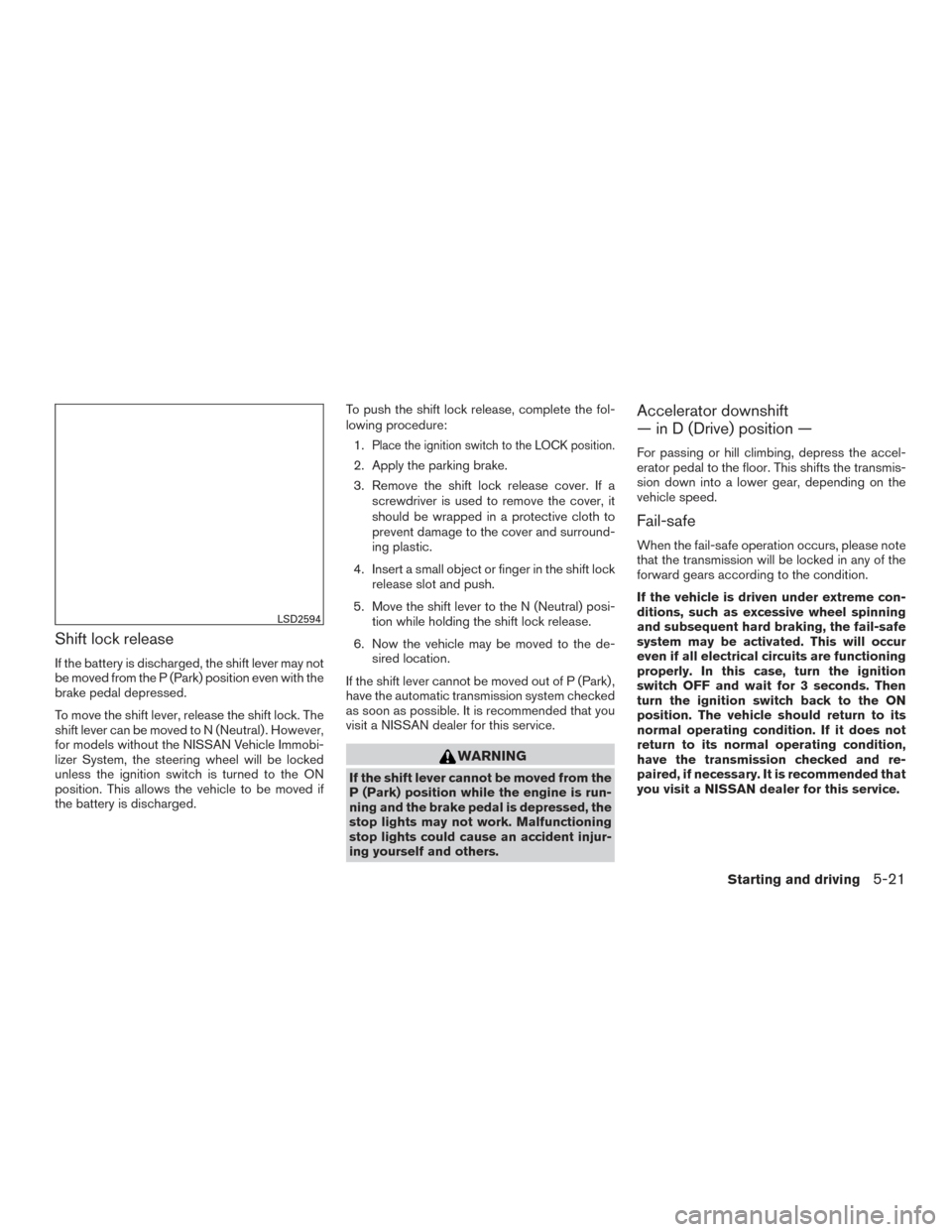
To move the shift lever, release the shift lock. The
shift lever can be moved to N (Neutral) . However,
for models without the NISSAN Vehicle Immobi-
lizer System, the steering wheel will be locked
unless the ignition switch is turned to the ON
position. This allows the vehicle to be moved if
the battery is discharged.To push the shift lock release, complete the fol-
lowing procedure:
1.
Place the ignition switch to the LOCK position.
2. Apply the parking brake.
3. Remove the shift lock release cover. If a screwdriver is used to remove the cover, it
should be wrapped in a protective cloth to
prevent damage to the cover and surround-
ing plastic.
4. Insert a small object or finger in the shift lock release slot and push.
5. Move the shift lever to the N (Neutral) posi- tion while holding the shift lock release.
6. Now the vehicle may be moved to the de- sired location.
If the shift lever cannot be moved out of P (Park) ,
have the automatic transmission system checked
as soon as possible. It is recommended that you
visit a NISSAN dealer for this service.
WARNING
If the shift lever cannot be moved from the
P (Park) position while the engine is run-
ning and the brake pedal is depressed, the
stop lights may not work. Malfunctioning
stop lights could cause an accident injur-
ing yourself and others.
Accelerator downshift
— in D (Drive) position —
For passing or hill climbing, depress the accel-
erator pedal to the floor. This shifts the transmis-
sion down into a lower gear, depending on the
vehicle speed.
Fail-safe
When the fail-safe operation occurs, please note
that the transmission will be locked in any of the
forward gears according to the condition.
If the vehicle is driven under extreme con-
ditions, such as excessive wheel spinning
and subsequent hard braking, the fail-safe
system may be activated. This will occur
even if all electrical circuits are functioning
properly. In this case, turn the ignition
switch OFF and wait for 3 seconds. Then
turn the ignition switch back to the ON
position. The vehicle should return to its
normal operating condition. If it does not
return to its normal operating condition,
have the transmission checked and re-
paired, if necessary. It is recommended that
you visit a NISSAN dealer for this service.
LSD2594
Starting and driving5-21
Page 399 of 671
WARNING
●Be sure the parking brake is fully re-
leased before driving. Failure to do so
can cause brake failure and lead to an
accident.
● Do not release the parking brake from
outside the vehicle.
● Do not use the shift lever in place of the
parking brake. When parking, be sure
the parking brake is fully engaged.
● To help avoid risk of injury or death
through unintended operation of the
vehicle and /or its systems, do not leave
children, people who require the assis-
tance of others or pets unattended in
your vehicle. Additionally, the tempera-
ture inside a closed vehicle on a warm
day can quickly become high enough to
cause a significant risk of injury or
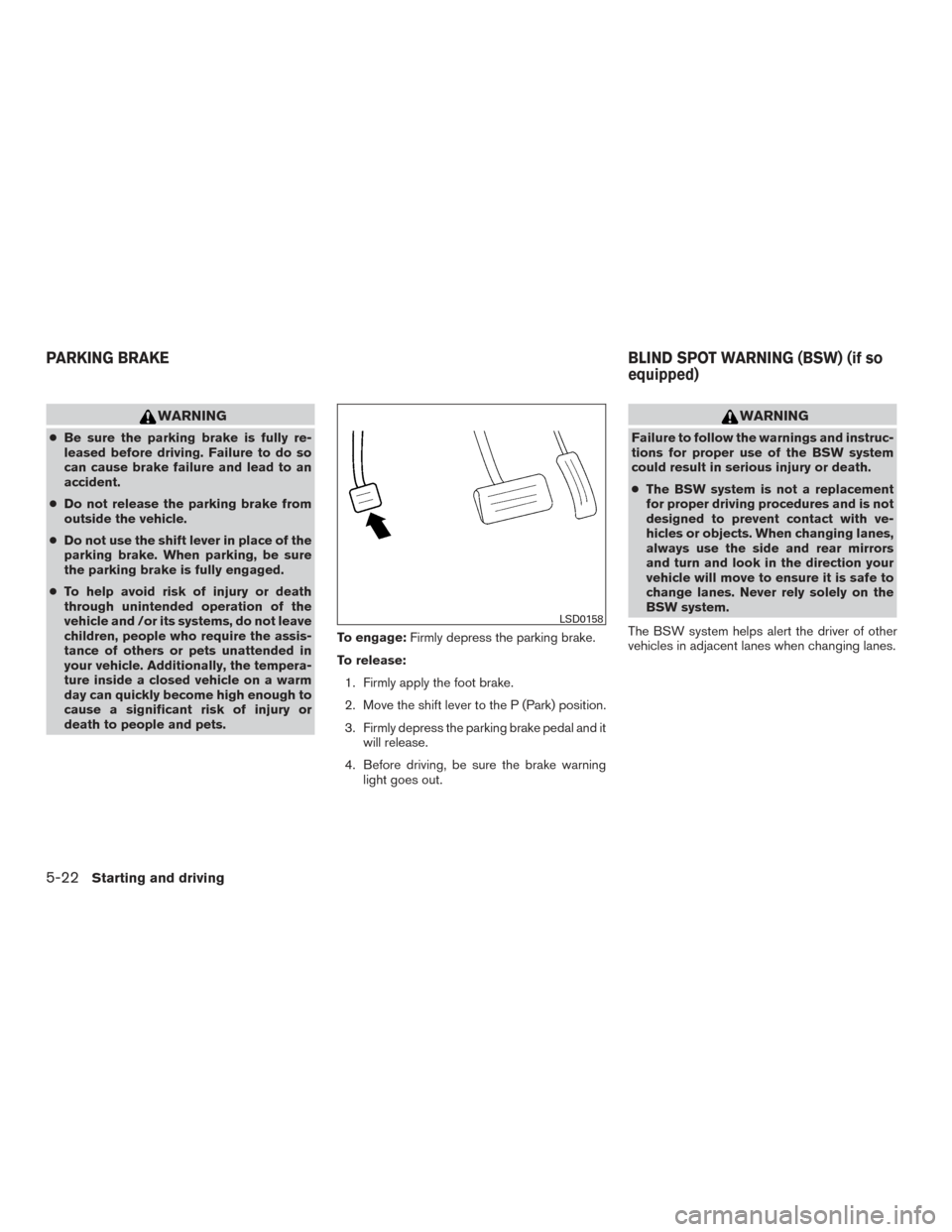
death to people and pets. To engage:
Firmly depress the parking brake.
To release: 1. Firmly apply the foot brake.
2. Move the shift lever to the P (Park) position.
3. Firmly depress the parking brake pedal and it will release.
4. Before driving, be sure the brake warning light goes out.
WARNING
Failure to follow the warnings and instruc-
tions for proper use of the BSW system
could result in serious injury or death.
●The BSW system is not a replacement
for proper driving procedures and is not
designed to prevent contact with ve-
hicles or objects. When changing lanes,
always use the side and rear mirrors
and turn and look in the direction your
vehicle will move to ensure it is safe to
change lanes. Never rely solely on the
BSW system.
The BSW system helps alert the driver of other
vehicles in adjacent lanes when changing lanes.
LSD0158
PARKING BRAKE BLIND SPOT WARNING (BSW) (if so
equipped)
5-22Starting and driving
Page 402 of 671
HOW TO ENABLE/DISABLE THE
BSW SYSTEM
When the BSW system is enabled in the vehicle
information display, the system can be turned off
temporarily by pushing the warning systems
switch. For additional information, refer to “Warn-
ing systems switch” in the “Instruments and con-
trols” section of this manual.
Perform the following steps to enable or disable
the BSW system.1. Press the
button until “Settings” dis-
plays in the vehicle information display. Use
the
button to select “Driver Assis-
tance” and press ENTER. Select “Driving
Aids” and press ENTER.
2. Select “Blind Spot (BSW)” and press the ENTER button.
NOTE: ● When enabling/disabling the system, the
system will retain current settings even if the
engine is restarted.
● When the BSW system is turned on, the
BSW/RCTA indicator (white) in the vehicle
information display illuminates.
LSD2607
Starting and driving5-25
Page 403 of 671
BSW SYSTEM LIMITATIONS
WARNING
Listed below are the system limitations for
the BSW system. Failure to operate the
vehicle in accordance with these system
limitations could result in serious injury or
death.
●The BSW system cannot detect all ve-
hicles under all conditions.
● The radar sensors may not be able to
detect and activate BSW when certain
objects are present such as:
– Pedestrians, bicycles, animals.
– Vehicles such as motorcycles, low height vehicles, or high ground clear-
ance vehicles.
– Oncoming vehicles.
– Vehicles remaining in the detection zone when you accelerate from a
stop.
– A vehicle merging into an adjacent lane at a speed approximately the
same as your vehicle.
– A vehicle approaching rapidly from behind. – A vehicle which your vehicle over-
takes rapidly.
– A vehicle that passes through the de- tection zone quickly.
– When overtaking several vehicles in a row, the vehicles after the first ve-
hicle may not be detected if they are
traveling close together.
● The radar sensors’ detection zone is
designed based on a standard lane
width. When driving in a wider lane,
the radar sensors may not detect ve-
hicles in an adjacent lane. When driv-
ing in a narrow lane, the radar sen-
sors may detect vehicles driving two
lanes away.
● The radar sensors are designed to
ignore most stationary objects, how-
ever objects such as guardrails,
walls, foliage and parked vehicles
may occasionally be detected. This is
a normal operation condition.
● The following conditions may reduce
the ability of the radar to detect other
vehicles:
– Severe weather
– Road spray – Ice/frost/snow build-up on the
vehicle
– Dirt build-up on the vehicle
● Do not attach stickers (including trans-
parent material) , install accessories or
apply additional paint near the radar
sensors. These conditions may reduce
the ability of the radar to detect other
vehicles.
● Excessive noise (for example, audio
system volume, open vehicle window)
will interfere with the chime sound, and
it may not be heard.
5-26Starting and driving