climate control NISSAN TITAN 2019 Owner´s Manual
[x] Cancel search | Manufacturer: NISSAN, Model Year: 2019, Model line: TITAN, Model: NISSAN TITAN 2019Pages: 682, PDF Size: 7.99 MB
Page 334 of 682
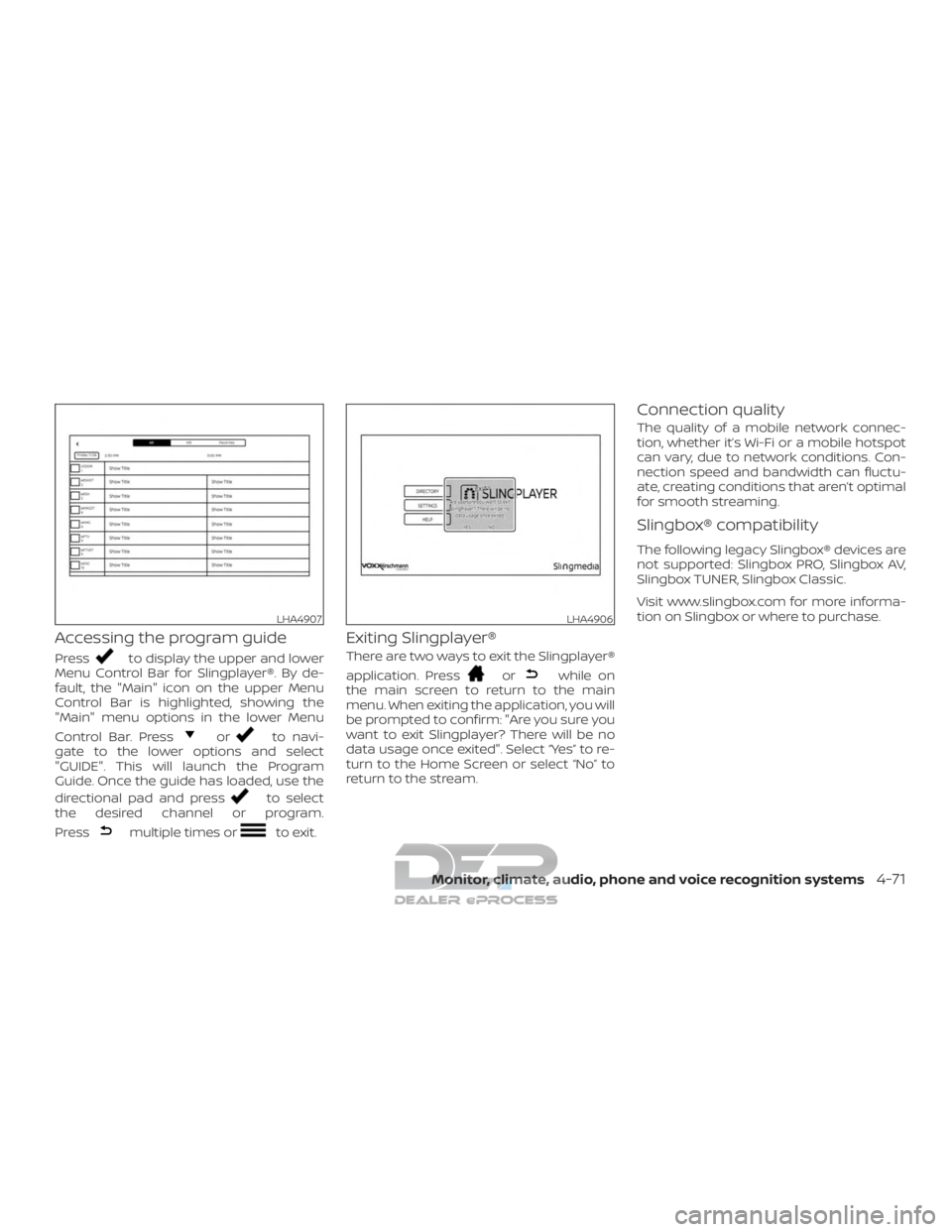
Accessing the program guide
Pressto display the upper and lower
Menu Control Bar for Slingplayer®. By de-
fault, the "Main" icon on the upper Menu
Control Bar is highlighted, showing the
"Main" menu options in the lower Menu
Control Bar. Press
orto navi-
gate to the lower options and select
"GUIDE". This will launch the Program
Guide. Once the guide has loaded, use the
directional pad and press
to select
the desired channel or program.
Press
multiple times orto exit.
Exiting Slingplayer®
There are two ways to exit the Slingplayer®
application. Press
orwhile on
the main screen to return to the main
menu. When exiting the application, you will
be prompted to confirm: "Are you sure you
want to exit Slingplayer? There will be no
data usage once exited". Select “Yes” to re-
turn to the Home Screen or select “No” to
return to the stream.
Connection quality
The quality of a mobile network connec-
tion, whether it’s Wi-Fi or a mobile hotspot
can vary, due to network conditions. Con-
nection speed and bandwidth can fluctu-
ate, creating conditions that aren’t optimal
for smooth streaming.
Slingbox® compatibility
The following legacy Slingbox® devices are
not supported: Slingbox PRO, Slingbox AV,
Slingbox TUNER, Slingbox Classic.
Visit www.slingbox.com for more informa-
tion on Slingbox or where to purchase.
LHA4907LHA4906
Monitor, climate, audio, phone and voice recognition systems4-71
Page 337 of 682
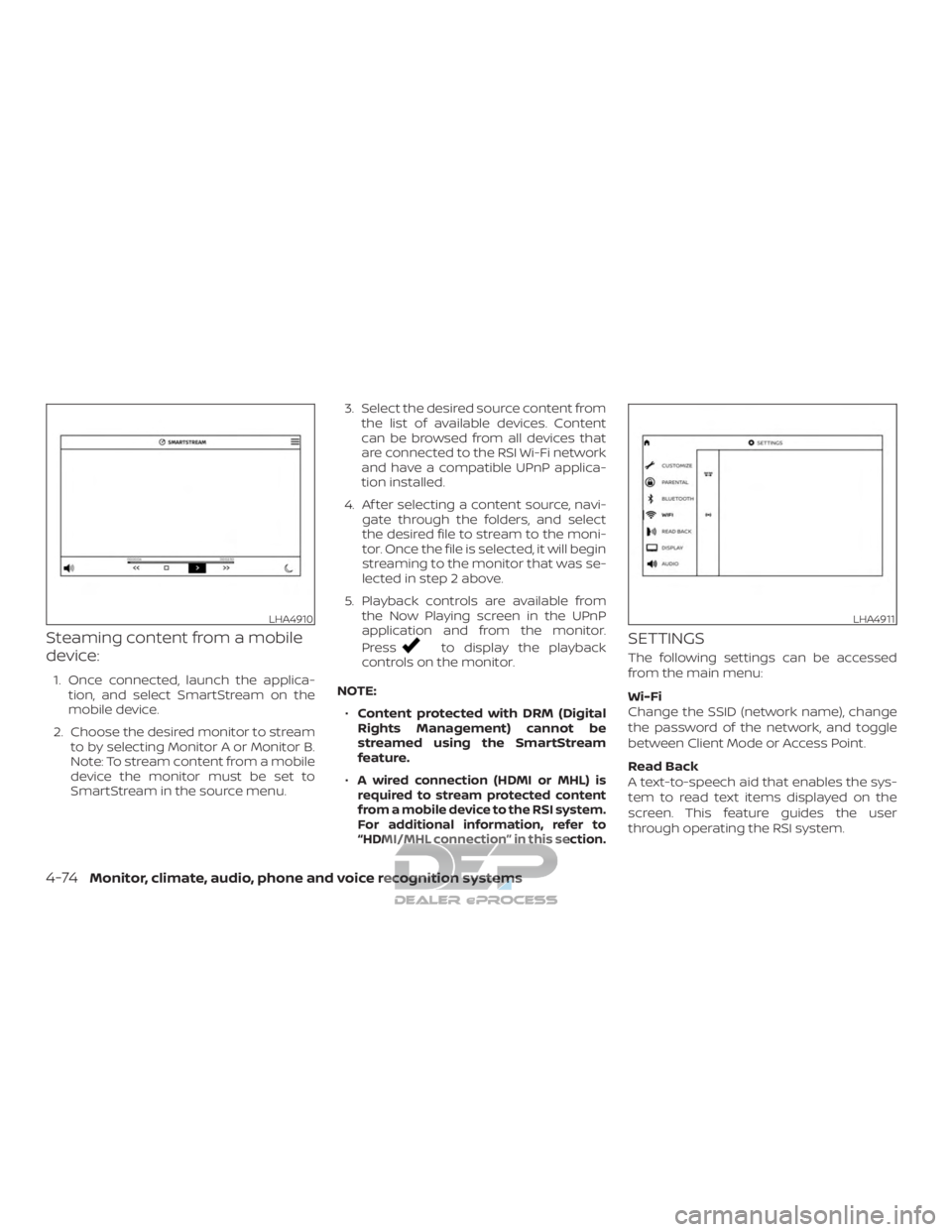
Steaming content from a mobile
device:
1. Once connected, launch the applica-tion, and select SmartStream on the
mobile device.
2. Choose the desired monitor to stream to by selecting Monitor A or Monitor B.
Note: To stream content from a mobile
device the monitor must be set to
SmartStream in the source menu. 3. Select the desired source content from
the list of available devices. Content
can be browsed from all devices that
are connected to the RSI Wi-Fi network
and have a compatible UPnP applica-
tion installed.
4. Af ter selecting a content source, navi- gate through the folders, and select
the desired file to stream to the moni-
tor. Once the file is selected, it will begin
streaming to the monitor that was se-
lected in step 2 above.
5. Playback controls are available from the Now Playing screen in the UPnP
application and from the monitor.
Press
to display the playback
controls on the monitor.
NOTE: ∙ Content protected with DRM (Digital
Rights Management) cannot be
streamed using the SmartStream
feature.
∙
A wired connection (HDMI or MHL) is
required to stream protected content
from a mobile device to the RSI system.
For additional information, refer to
“HDMI/MHL connection” in this section.
SETTINGS
The following settings can be accessed
from the main menu:
Wi-Fi
Change the SSID (network name), change
the password of the network, and toggle
between Client Mode or Access Point.
Read Back
A text-to-speech aid that enables the sys-
tem to read text items displayed on the
screen. This feature guides the user
through operating the RSI system.
LHA4910LHA4911
4-74Monitor, climate, audio, phone and voice recognition systems
Page 338 of 682
Display
Adjust Brightness, Contrast, and Sharp-
ness settings.
Audio
Select the monitor to use for Bluetooth®
audio streaming and set the maximum
volume level when using wired head-
phones.
Advanced
Change the language of the GUI (Graphic
User Interface), reset the RSI system, and
update the sof tware.
Customize
Change the background image of the
home screen using content from an SD
card or USB storage device.
Parental
Set or change the password to limit DVD
content playback using parental control
based on the Motion Picture Association of
America (MPAA) ratings.
Bluetooth
Control Bluetooth® audio streaming
(On/Off ) and select from the available list of
paired devices.
Using Wi-Fi
Access Point
Access Point is used when connecting
other mobile devices to the RSI’s built-in
internal network. This mode allows the RSI
system to connect to devices "inside" the
vehicle, using an optional UPnP application
installed on a mobile device.
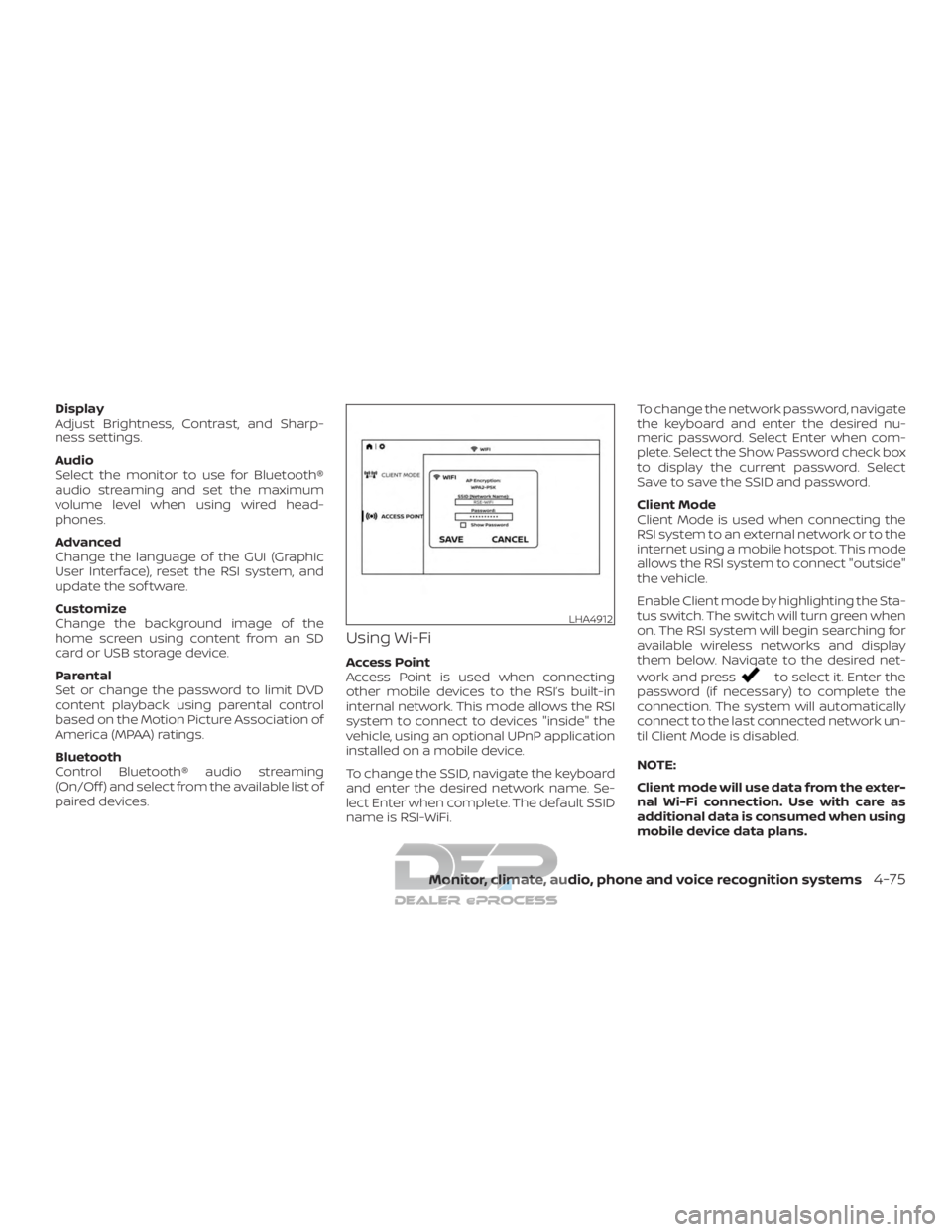
To change the SSID, navigate the keyboard
and enter the desired network name. Se-
lect Enter when complete. The default SSID
name is RSI-WiFi.To change the network password, navigate
the keyboard and enter the desired nu-
meric password. Select Enter when com-
plete. Select the Show Password check box
to display the current password. Select
Save to save the SSID and password.
Client Mode
Client Mode is used when connecting the
RSI system to an external network or to the
internet using a mobile hotspot. This mode
allows the RSI system to connect "outside"
the vehicle.
Enable Client mode by highlighting the Sta-
tus switch. The switch will turn green when
on. The RSI system will begin searching for
available wireless networks and display
them below. Navigate to the desired net-
work and pressto select it. Enter the
password (if necessary) to complete the
connection. The system will automatically
connect to the last connected network un-
til Client Mode is disabled.
NOTE:
Client mode will use data from the exter-
nal Wi-Fi connection. Use with care as
additional data is consumed when using
mobile device data plans.
LHA4912
Monitor, climate, audio, phone and voice recognition systems4-75
Page 339 of 682
Using Read Back*
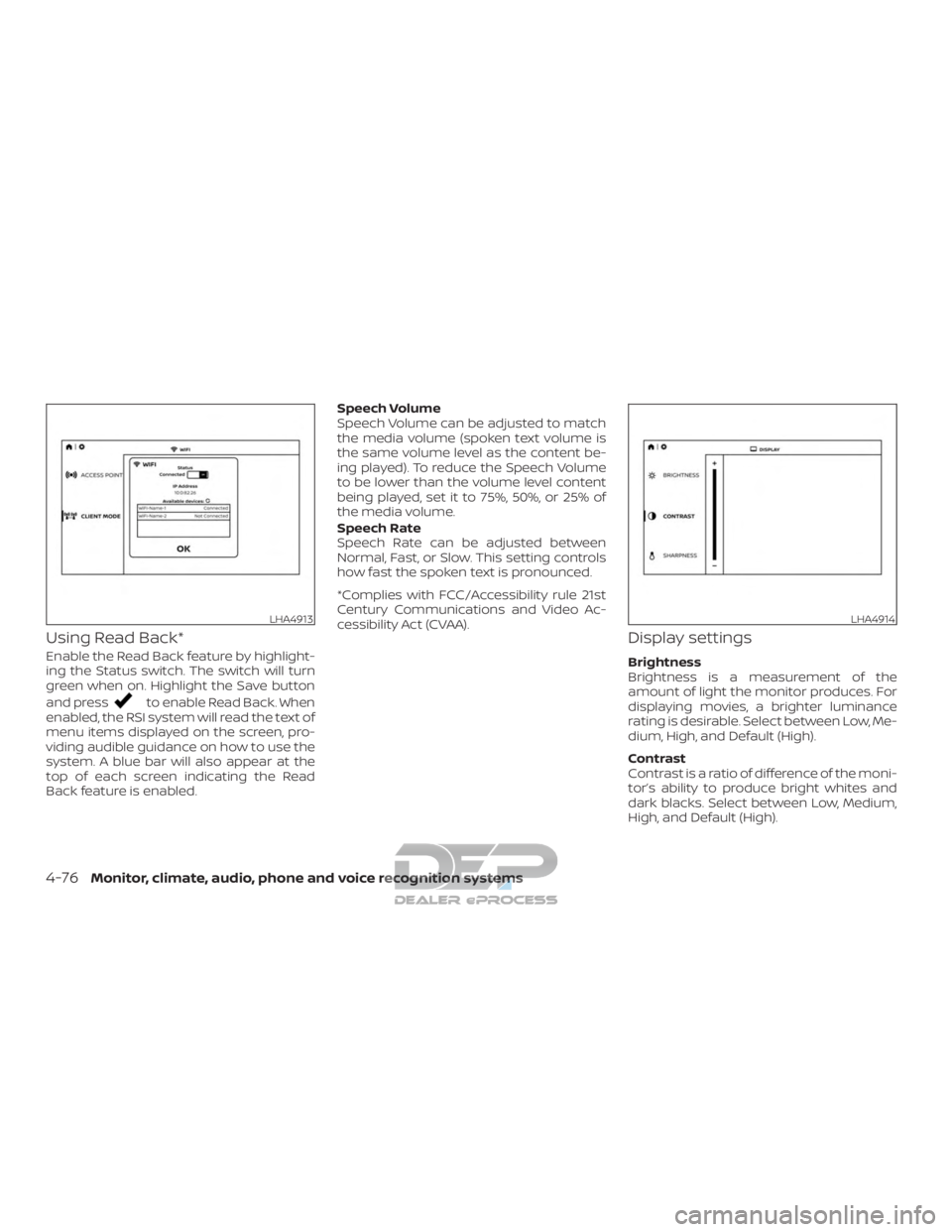
Enable the Read Back feature by highlight-
ing the Status switch. The switch will turn
green when on. Highlight the Save button
and press
to enable Read Back. When
enabled, the RSI system will read the text of
menu items displayed on the screen, pro-
viding audible guidance on how to use the
system. A blue bar will also appear at the
top of each screen indicating the Read
Back feature is enabled. Speech Volume
Speech Volume can be adjusted to match
the media volume (spoken text volume is
the same volume level as the content be-
ing played). To reduce the Speech Volume
to be lower than the volume level content
being played, set it to 75%, 50%, or 25% of
the media volume.
Speech Rate
Speech Rate can be adjusted between
Normal, Fast, or Slow. This setting controls
how fast the spoken text is pronounced.
*Complies with FCC/Accessibility rule 21st
Century Communications and Video Ac-
cessibility Act (CVAA).
Display settings
Brightness
Brightness is a measurement of the
amount of light the monitor produces. For
displaying movies, a brighter luminance
rating is desirable. Select between Low, Me-
dium, High, and Default (High).
Contrast
Contrast is a ratio of difference of the moni-
tor’s ability to produce bright whites and
dark blacks. Select between Low, Medium,
High, and Default (High).
LHA4913LHA4914
4-76Monitor, climate, audio, phone and voice recognition systems
Page 345 of 682
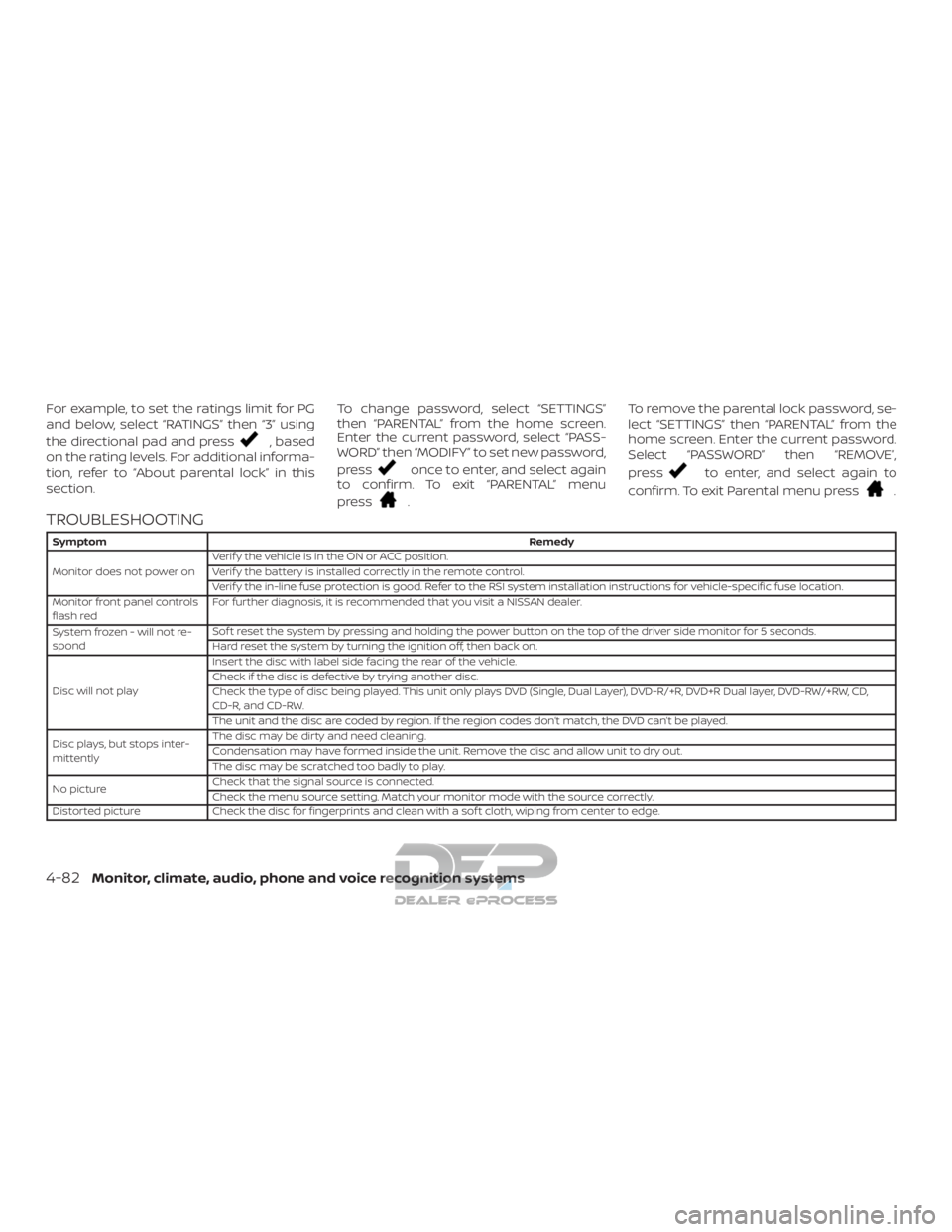
For example, to set the ratings limit for PG
and below, select “RATINGS” then “3” using
the directional pad and press
, based
on the rating levels. For additional informa-
tion, refer to “About parental lock” in this
section. To change password, select “SETTINGS”
then “PARENTAL” from the home screen.
Enter the current password, select “PASS-
WORD” then “MODIFY” to set new password,
press
once to enter, and select again
to confirm. To exit “PARENTAL” menu
press
. To remove the parental lock password, se-
lect “SETTINGS” then “PARENTAL” from the
home screen. Enter the current password.
Select “PASSWORD” then “REMOVE”,
press
to enter, and select again to
confirm. To exit Parental menu press
.
TROUBLESHOOTING
Symptom Remedy
Monitor does not power on Verif y the vehicle is in the ON or ACC position.
Verif y the battery is installed correctly in the remote control.
Verif y the in-line fuse protection is good. Refer to the RSI system installation instructions for vehicle-specific fuse location.
Monitor front panel controls
flash red For further diagnosis, it is recommended that you visit a NISSAN dealer.
System frozen - will not re-
spond Sof t reset the system by pressing and holding the power button on the top of the driver side monitor for 5 seconds.
Hard reset the system by turning the ignition off, then back on.
Disc will not play Insert the disc with label side facing the rear of the vehicle.
Check if the disc is defective by trying another disc.
Check the type of disc being played. This unit only plays DVD (Single, Dual Layer), DVD-R/+R, DVD+R Dual layer, DVD-RW/+RW, CD,
CD-R, and CD-RW.
The unit and the disc are coded by region. If the region codes don’t match, the DVD can’t be played.
Disc plays, but stops inter-
mittently The disc may be dirty and need cleaning.
Condensation may have formed inside the unit. Remove the disc and allow unit to dry out.
The disc may be scratched too badly to play.
No picture Check that the signal source is connected.
Check the menu source setting. Match your monitor mode with the source correctly.
Distorted picture Check the disc for fingerprints and clean with a sof t cloth, wiping from center to edge.
4-82Monitor, climate, audio, phone and voice recognition systems
Page 352 of 682
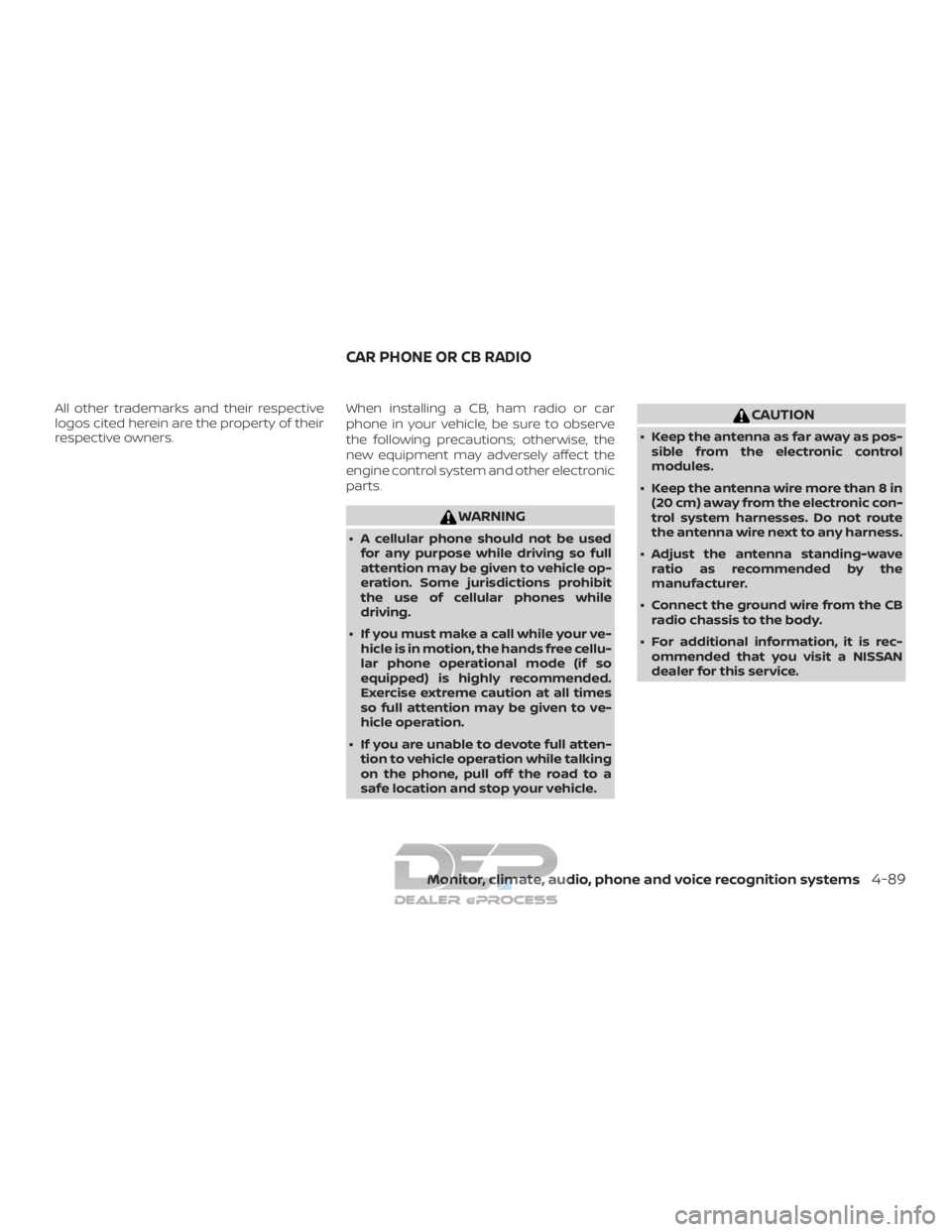
All other trademarks and their respective
logos cited herein are the property of their
respective owners.When installing a CB, ham radio or car
phone in your vehicle, be sure to observe
the following precautions; otherwise, the
new equipment may adversely affect the
engine control system and other electronic
parts.
WARNING
∙ A cellular phone should not be used
for any purpose while driving so full
attention may be given to vehicle op-
eration. Some jurisdictions prohibit
the use of cellular phones while
driving.
∙ If you must make a call while your ve- hicle is in motion, the hands free cellu-
lar phone operational mode (if so
equipped) is highly recommended.
Exercise extreme caution at all times
so full attention may be given to ve-
hicle operation.
∙ If you are unable to devote full atten- tion to vehicle operation while talking
on the phone, pull off the road to a
safe location and stop your vehicle.
CAUTION
∙ Keep the antenna as far away as pos-sible from the electronic control
modules.
∙ Keep the antenna wire more than 8 in (20 cm) away from the electronic con-
trol system harnesses. Do not route
the antenna wire next to any harness.
∙ Adjust the antenna standing-wave ratio as recommended by the
manufacturer.
∙ Connect the ground wire from the CB radio chassis to the body.
∙ For additional information, it is rec- ommended that you visit a NISSAN
dealer for this service.
CAR PHONE OR CB RADIO
Monitor, climate, audio, phone and voice recognition systems4-89
Page 587 of 682
∙ A snowplow attached may affect theoperation of the air bags. Use extreme
caution while driving and plowing to
avoid vehicle damage, serious injury,
or death. DOT (Department of Transportation) Qual-
ity Grades: All passenger car tires must
conform to federal safety requirements in
addition to these grades.
Quality grades can be found where appli-
cable on the tire sidewall between tread
shoulder and maximum section width. For
example:
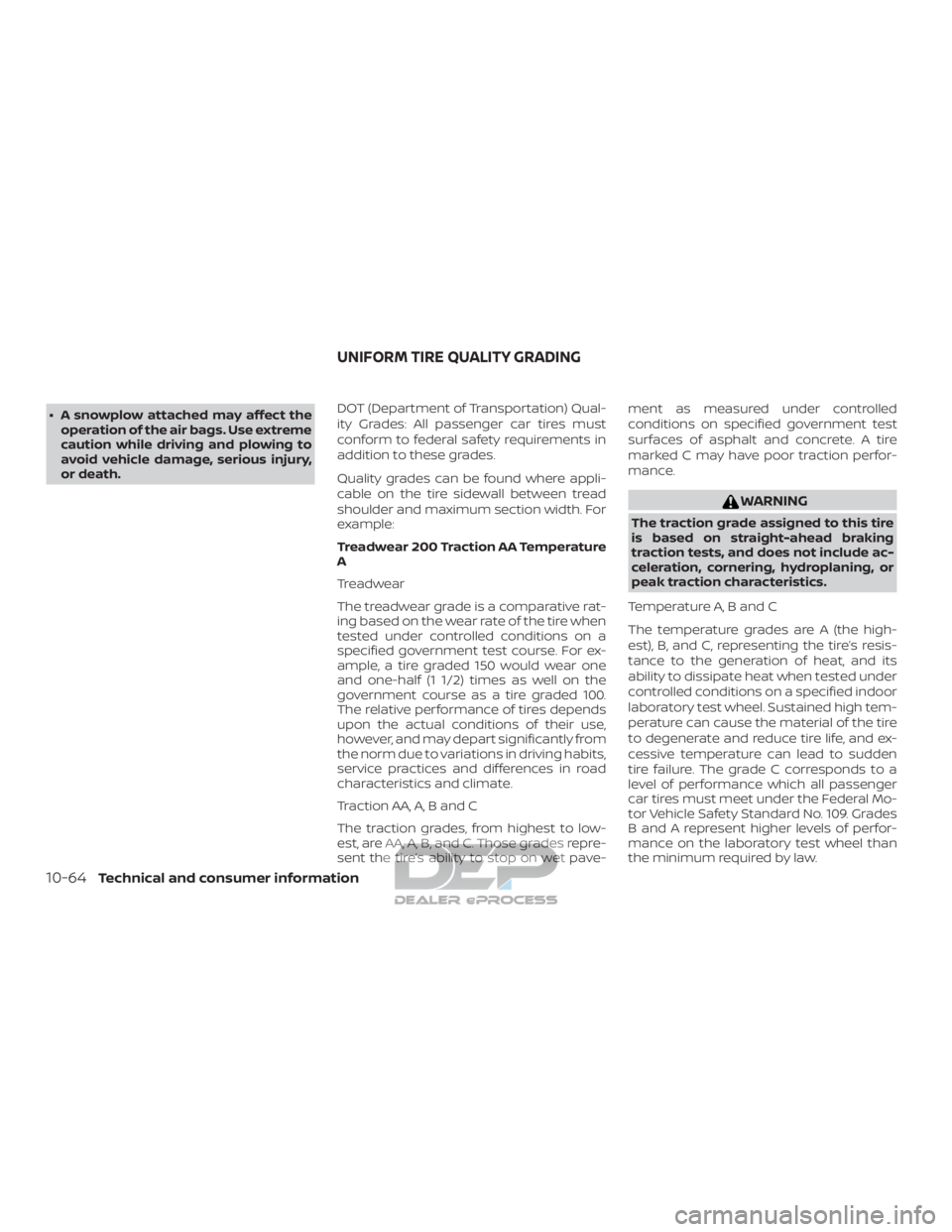
Treadwear 200 Traction AA Temperature
A
Treadwear
The treadwear grade is a comparative rat-
ing based on the wear rate of the tire when
tested under controlled conditions on a
specified government test course. For ex-
ample, a tire graded 150 would wear one
and one-half (1 1/2) times as well on the
government course as a tire graded 100.
The relative performance of tires depends
upon the actual conditions of their use,
however, and may depart significantly from
the norm due to variations in driving habits,
service practices and differences in road
characteristics and climate.
Traction AA, A, B and C
The traction grades, from highest to low-
est, are AA, A, B, and C. Those grades repre-
sent the tire’s ability to stop on wet pave- ment as measured under controlled
conditions on specified government test
surfaces of asphalt and concrete. A tire
marked C may have poor traction perfor-
mance.
WARNING
The traction grade assigned to this tire
is based on straight-ahead braking
traction tests, and does not include ac-
celeration, cornering, hydroplaning, or
peak traction characteristics.
Temperature A, B and C
The temperature grades are A (the high-
est), B, and C, representing the tire’s resis-
tance to the generation of heat, and its
ability to dissipate heat when tested under
controlled conditions on a specified indoor
laboratory test wheel. Sustained high tem-
perature can cause the material of the tire
to degenerate and reduce tire life, and ex-
cessive temperature can lead to sudden
tire failure. The grade C corresponds to a
level of performance which all passenger
car tires must meet under the Federal Mo-
tor Vehicle Safety Standard No. 109. Grades
B and A represent higher levels of perfor-
mance on the laboratory test wheel than
the minimum required by law.
UNIFORM TIRE QUALITY GRADING
10-64Technical and consumer information
Page 593 of 682
Top tether strap anchor point
locations...................1-31
Child safety rear door lock ..........3-10
Chimes, audible reminders .........2-25
Cleaningexteriorandinterior......7-2,7-4
Climatecontrolseatswitch.........2-55
C.M.V.S.S. certification label .........10-20
Coldweatherdriving.............5-68
Compass ....................2-12
Console light ..................2-88
Controls Heater and air conditioner controls . .4-39
Heater and air conditioner controls
(manual) ...................4-29
Coolant Capacities and recommended
fuel/lubricants...............10-2
Changing engine coolant .........8-6
Checking engine coolant level ......8-6
Engine coolant temperature gauge . .2-8
Corrosionprotection..............7-7
Cruisecontrol...........5-41,5-41,5-42
Cupholders...................2-78
Curtain side-impact and rollover air
bag........................1-78
D
Daytime Running Light System . . .2-52, 8-30
Diesel Particulate Filter (DPF) .........8-11
DigitalvideodiscDVD ............4-44
Dimensions and weights ..........10-12
Dimmer switch for instrument panel . . .2-53
Display......................2-26
Door locks ..................3-5,3-6 Door open warning light
...........2-19
Drivebelt ....................8-19
Drive positioner, Automatic ......3-43,3-45
Driving Cold weather driving ...........5-68
Driving with automatic
transmission ................5-17
Precautions when starting and
driving..................5-2,5-9
Drivingthevehicle...............5-17
E
Eco Drive Report ................5-53
Economy - fuel .................5-44
Electronic locking rear differential (E-Lock)
system ......................5-52
Electronic locking rear differential (E-Lock)
system switch .................2-62
Emergency engine shutoff .......5-13,6-2
Emission control information label . . . .10-20
Emission control system warranty . . . .10-65
Engine Before starting the engine ........5-15
Blockheater................5-70
Capacities and recommended
fuel/lubricants...............10-2
Changing engine coolant .........8-6
Changing engine oil ............8-8
Changing engine oil filter .........8-9
Checking engine coolant level ......8-6
Checking engine oil level .........8-7
Engine compartment check
locations...................8-3
Engine coolant temperature gauge . .2-8 Engine cooling system
..........8-5
Engine oil ...................8-7
Engine oil and oil filter
recommendation .............10-7
Engine oil pressure gauge .....2-10,2-11
Engine oil pressure warning light ....2-19
Engine oil viscosity ............10-8
Engine serial numbe r..........10-19
Engine specifications ..........10-10
Engine coolant temperature gauge ....2-8
Engine oil pressure gauge .......2-10,2-11
EventDatarecorders............10-67
Exhaust gas (Carbon monoxide) .......5-2
Explanation of maintenance items .....9-2
Explanation of scheduled maintenance
items .......................9-5
Extended storage switch ..........2-70
Eyeglasscase..................2-77
F
Flashers
(Seehazardwarningflasherswitch)....6-2
Flattire....................6-3,6-4
F lo
ormatpositioningaid...........7-5
Fluid Brakefluid..................8-13
Capacities and recommended
fuel/lubricants...............10-2
Engine coolant ...............8-5
Engine oil ...................8-7
Powersteeringfluid............8-12
Windshield-washer fluid .........8-13
F.M.V.S.S. certification label .........10-20
Foglightswitch................2-54
11-2