display NISSAN TITAN 2021 Owner´s Manual
[x] Cancel search | Manufacturer: NISSAN, Model Year: 2021, Model line: TITAN, Model: NISSAN TITAN 2021Pages: 638, PDF Size: 4.31 MB
Page 148 of 638
•The rain-sensing auto wipers are in-
tended for use during rain. If the
switch is lef t in the AUTO position, the
wipers may operate unexpectedly
when dirt, fingerprints, oil film or in-
sects are stuck on or around the sen-
sor. The wipers may also operate
when exhaust gas or moisture affect
the rain sensor.
• When the windshield glass is coated
with water repellent, the speed of the
rain-sensing auto wipers may be
higher even though the amount of
the rainfall is small.
• Be sure to turn off the rain-sensing
auto wiper system when you use a
car wash.
• The rain-sensing auto wipers may
not operate if rain does not hit the
rain sensor even if it is raining.
•
Using Genuine NISSAN wiper blades is
recommended for proper operation of
the rain-sensing auto wiper system.
For additional information, see “Wind-
shield wiper blades” (P. 8-22).
The rain-sensing auto wiper system can
automatically turn on the wipers and ad-
just the wiper speed depending on the
rainfall and the vehicle speed by using the
rain sensor located on the upper part of
the windshield.
To set the rain-sensing auto wiper system,
rotate the lever to the AUTO position
O1.
The wiper will sweep once while the igni-
tion switch is in the ON position.
The rain sensor sensitivity level can be ad-
justed by turning the knob toward the front
OB(High) or toward the rearOA(Low).
– High — High sensitive operation
– Low — Low sensitive operation
To turn the rain-sensing auto wiper system
off, rotate the lever to the OFF position, or
rotate the lever to the LO or HI position.
NOTE:
The rain sensor feature may be disabled.
For additional information, see “Vehicle
information display ” (P. 2-22).
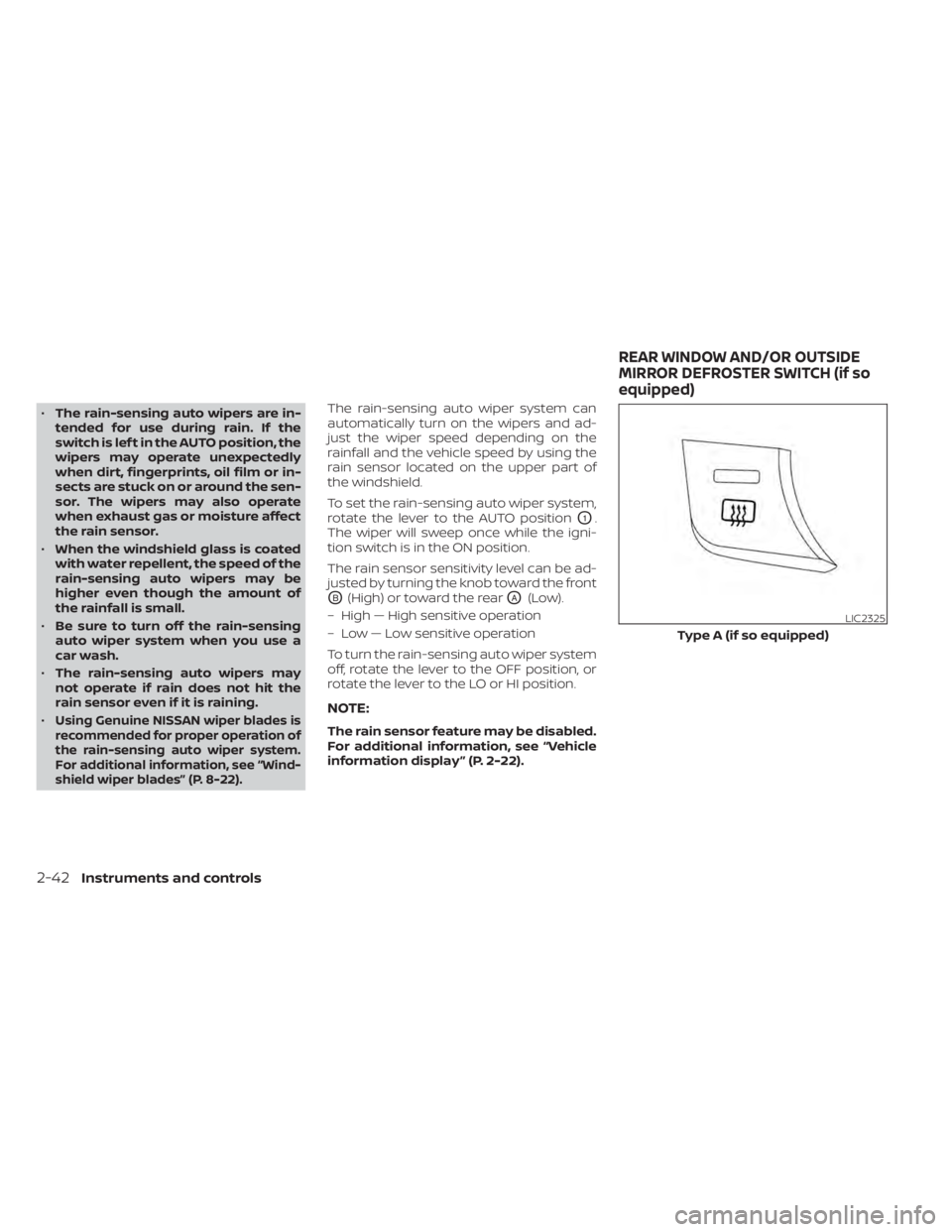
LIC2325
Type A (if so equipped)
REAR WINDOW AND/OR OUTSIDE
MIRROR DEFROSTER SWITCH (if so
equipped)
2-42Instruments and controls
Page 157 of 638
Move the lever up or down until the turn
signal begins to flash, but the lever does
not latch, and release the lever. The turn
signal will automatically flash three times.
Choose the appropriate method to signal
a lane change based on road and traffic
conditions.
NOTE:
The 3 flash pass turn indicator may be
disabled. For additional information, see
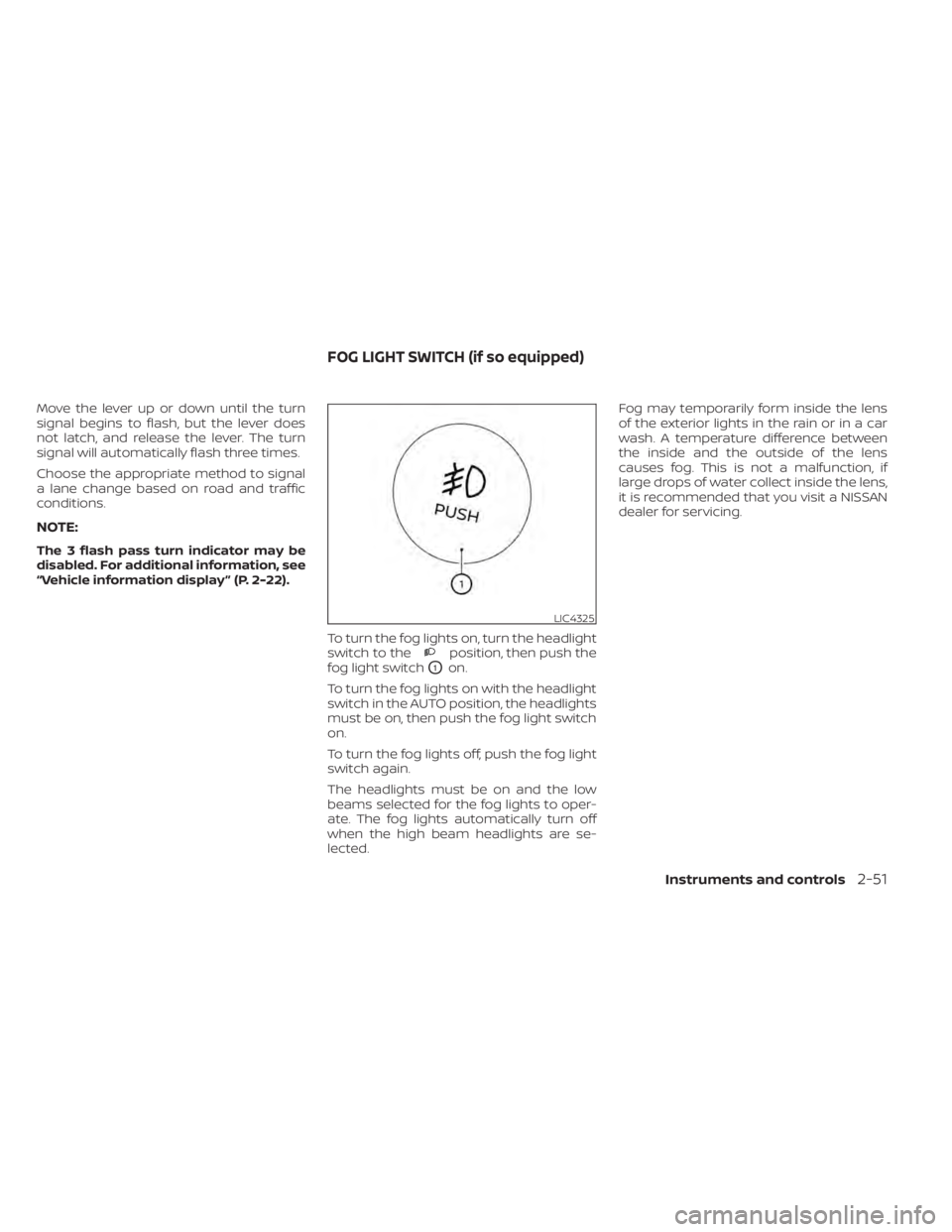
“Vehicle information display ” (P. 2-22).To turn the fog lights on, turn the headlight
switch to the
position, then push the
fog light switch
O1on.
To turn the fog lights on with the headlight
switch in the AUTO position, the headlights
must be on, then push the fog light switch
on.
To turn the fog lights off, push the fog light
switch again.
The headlights must be on and the low
beams selected for the fog lights to oper-
ate. The fog lights automatically turn off
when the high beam headlights are se-
lected. Fog may temporarily form inside the lens
of the exterior lights in the rain or in a car
wash. A temperature difference between
the inside and the outside of the lens
causes fog. This is not a malfunction, if
large drops of water collect inside the lens,
it is recommended that you visit a NISSAN
dealer for servicing.
LIC4325
FOG LIGHT SWITCH (if so equipped)
Instruments and controls2-51
Page 163 of 638
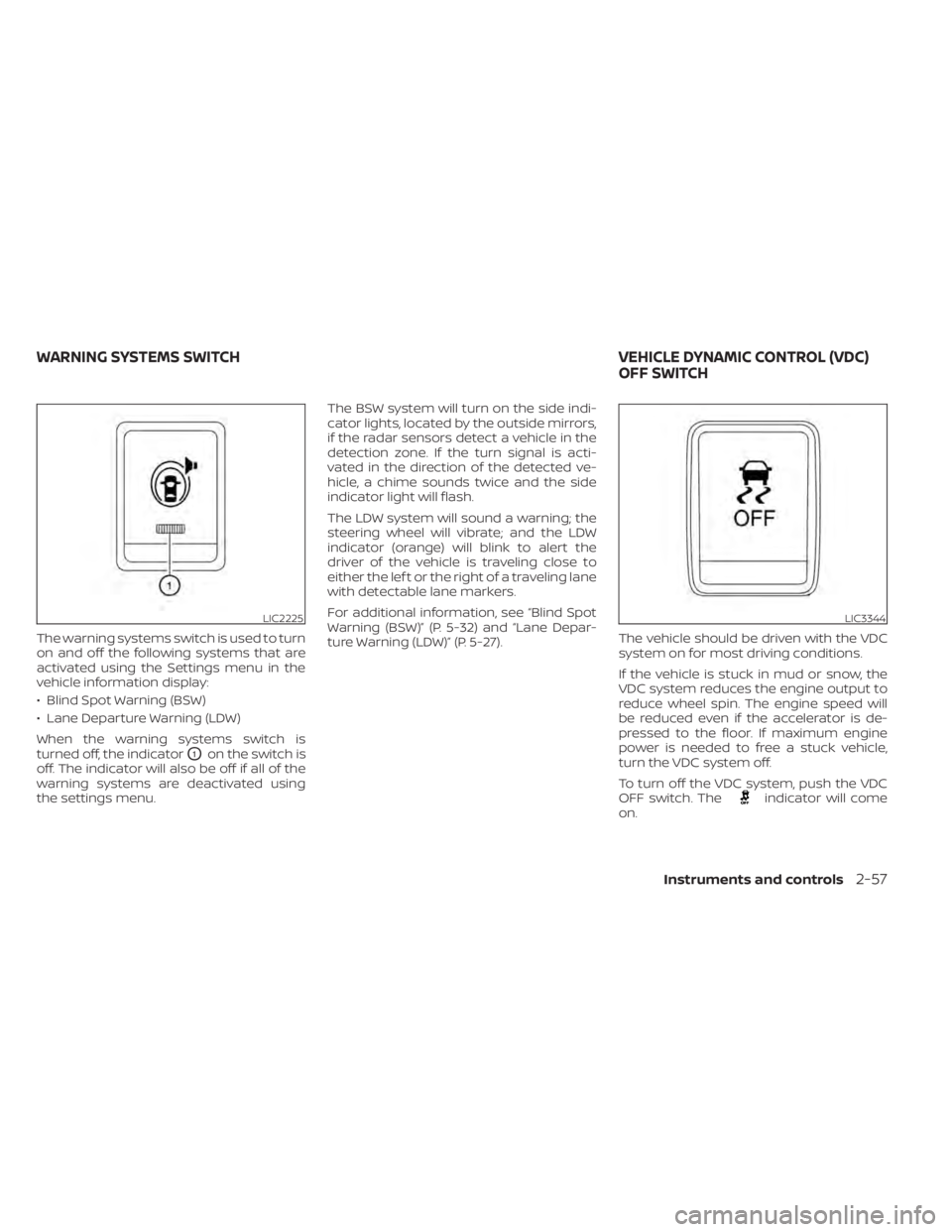
The warning systems switch is used to turn
on and off the following systems that are
activated using the Settings menu in the
vehicle information display:
• Blind Spot Warning (BSW)
• Lane Departure Warning (LDW)
When the warning systems switch is
turned off, the indicator
O1on the switch is
off. The indicator will also be off if all of the
warning systems are deactivated using
the settings menu. The BSW system will turn on the side indi-
cator lights, located by the outside mirrors,
if the radar sensors detect a vehicle in the
detection zone. If the turn signal is acti-
vated in the direction of the detected ve-
hicle, a chime sounds twice and the side
indicator light will flash.
The LDW system will sound a warning; the
steering wheel will vibrate; and the LDW
indicator (orange) will blink to alert the
driver of the vehicle is traveling close to
either the lef t or the right of a traveling lane
with detectable lane markers.
For additional information, see “Blind Spot
Warning (BSW)” (P. 5-32) and “Lane Depar-
ture Warning (LDW)” (P. 5-27).
The vehicle should be driven with the VDC
system on for most driving conditions.
If the vehicle is stuck in mud or snow, the
VDC system reduces the engine output to
reduce wheel spin. The engine speed will
be reduced even if the accelerator is de-
pressed to the floor. If maximum engine
power is needed to free a stuck vehicle,
turn the VDC system off.
To turn off the VDC system, push the VDC
OFF switch. The
indicator will come
on.
LIC2225LIC3344
WARNING SYSTEMS SWITCH VEHICLE DYNAMIC CONTROL (VDC)
OFF SWITCH
Instruments and controls2-57
Page 168 of 638
If the indicator light flashes when the Front
and rear sonar system, MOD, RAB, or RCTA
systems are not turned off, it may indicate
a malfunction in one or more of these sys-
tems (if so equipped).
The Front and rear sonar system, MOD,
RAB, or RCTA systems will be turned on
automatically under the following condi-
tions:
• When the ignition switch is switched fromthe OFF position to the ON position.
• When the shif t lever is shif ted into the R (Reverse) position.
The automatic turning on function can be
turned on and off for these systems in the
vehicle information display. For additional
information, see “Settings” (P. 2-23).
For additional information, see “Front and
rear sonar system” (P. 5-122), ”Rear Auto-
matic Braking (RAB)” (P. 5-75), “Rear Cross
Traffic Alert (RCTA)” (P. 5-41), or “Moving Ob-
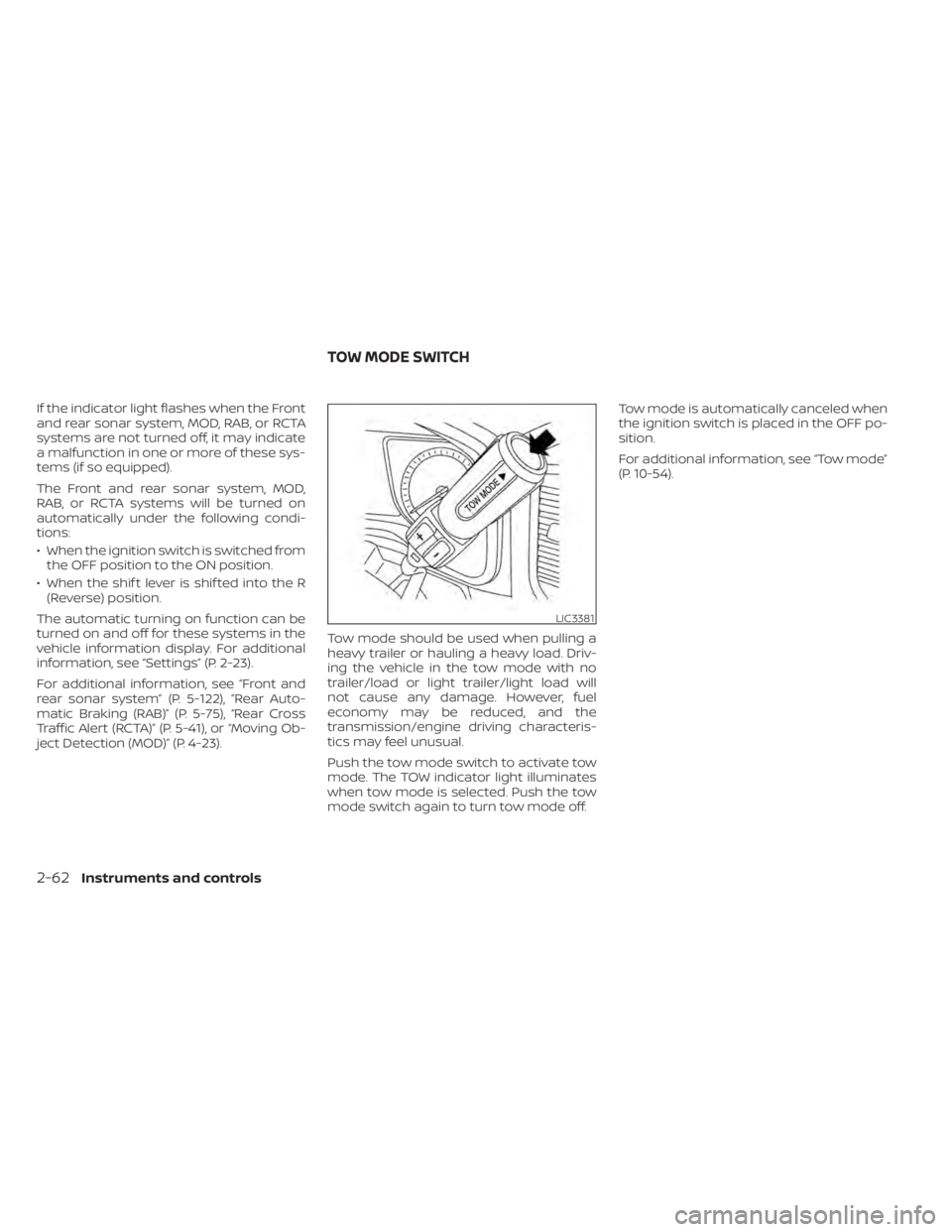
ject Detection (MOD)” (P. 4-23). Tow mode should be used when pulling a
heavy trailer or hauling a heavy load. Driv-
ing the vehicle in the tow mode with no
trailer/load or light trailer/light load will
not cause any damage. However, fuel
economy may be reduced, and the
transmission/engine driving characteris-
tics may feel unusual.
Push the tow mode switch to activate tow
mode. The TOW indicator light illuminates
when tow mode is selected. Push the tow
mode switch again to turn tow mode off.Tow mode is automatically canceled when
the ignition switch is placed in the OFF po-
sition.
For additional information, see “Tow mode”
(P. 10-54).
LIC3381
TOW MODE SWITCH
2-62Instruments and controls
Page 169 of 638
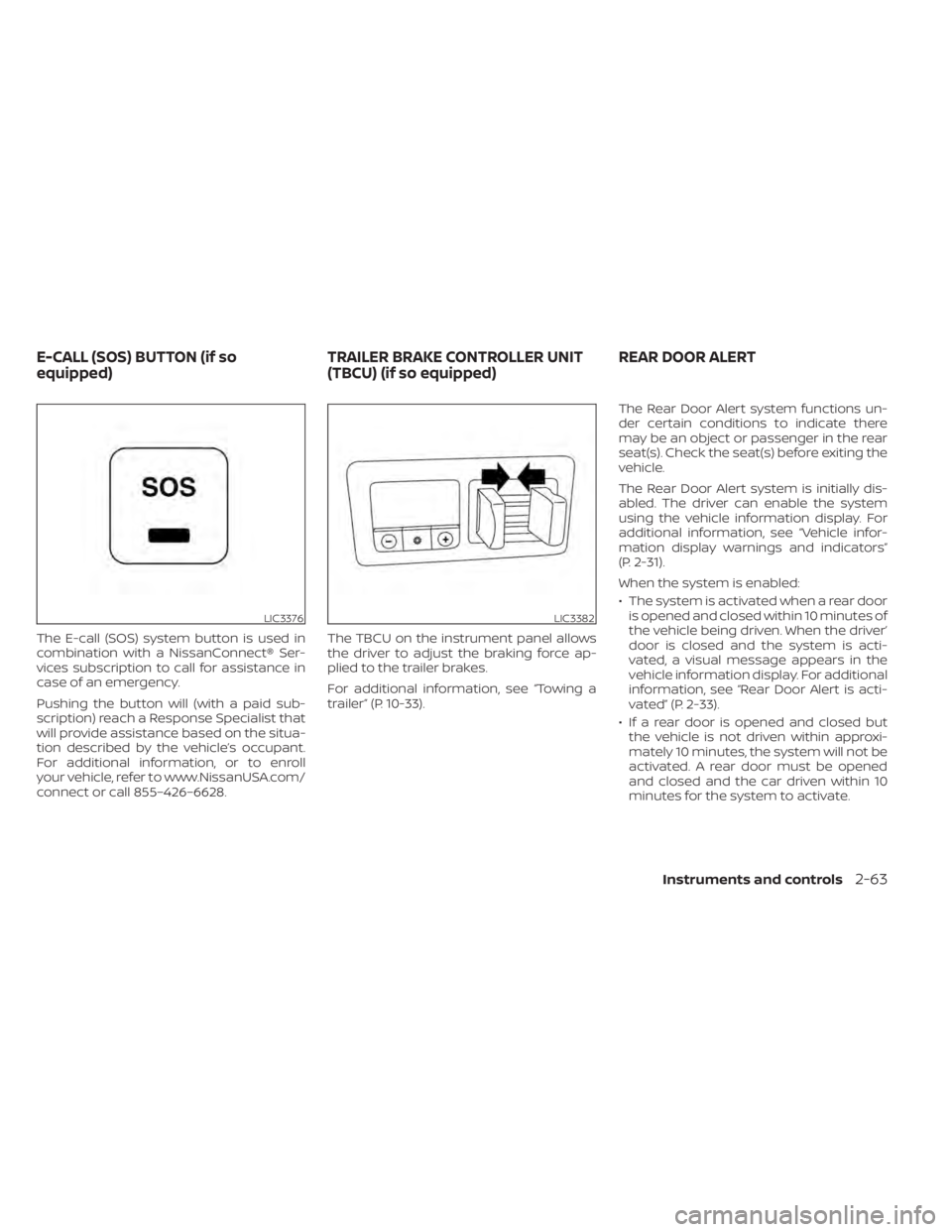
The E-call (SOS) system button is used in
combination with a NissanConnect® Ser-
vices subscription to call for assistance in
case of an emergency.
Pushing the button will (with a paid sub-
scription) reach a Response Specialist that
will provide assistance based on the situa-
tion described by the vehicle’s occupant.
For additional information, or to enroll
your vehicle, refer to www.NissanUSA.com/
connect or call 855–426–6628.The TBCU on the instrument panel allows
the driver to adjust the braking force ap-
plied to the trailer brakes.
For additional information, see “Towing a
trailer” (P. 10-33).The Rear Door Alert system functions un-
der certain conditions to indicate there
may be an object or passenger in the rear
seat(s). Check the seat(s) before exiting the
vehicle.
The Rear Door Alert system is initially dis-
abled. The driver can enable the system
using the vehicle information display. For
additional information, see “Vehicle infor-
mation display warnings and indicators”
(P. 2-31).
When the system is enabled:
• The system is activated when a rear door
is opened and closed within 10 minutes of
the vehicle being driven. When the driver’
door is closed and the system is acti-
vated, a visual message appears in the
vehicle information display. For additional
information, see “Rear Door Alert is acti-
vated” (P. 2-33).
• If a rear door is opened and closed but the vehicle is not driven within approxi-
mately 10 minutes, the system will not be
activated. A rear door must be opened
and closed and the car driven within 10
minutes for the system to activate.
LIC3376LIC3382
E-CALL (SOS) BUTTON (if so
equipped) TRAILER BRAKE CONTROLLER UNIT
(TBCU) (if so equipped)REAR DOOR ALERT
Instruments and controls2-63
Page 170 of 638
When the Rear Door Alert system is acti-
vated and a driver exits the vehicle af ter
arriving at a destination:
• When the driver puts the vehicle in the P(Park) position, a message appears in the
vehicle information display for a driver to
“Dismiss Message” or “Disable Alert” if de-
sired.
• With the system enabled, when the driver exits the vehicle, an audible alert (horn
sound) will occur unless a rear door is
opened and closed within a short time to
deactivate the alert.
• If the doors are locked before the alert is deactivated by opening a rear door, the
horn will sound.
• If the audible horn alert occurs, a mes- sage will also appear in the vehicle infor-
mation display that states, “Check Rear
Seat for All Articles”.WARNING
• If the driver selects “Disable Alert”, no
audible alert will be provided regard-
less of rear door open/close status.
• There may be times when there is an
object or passenger in the rear seat(s)
but the audible alert does not sound.
For example, this may occur if rear seat
passengers enter or exit the vehicle
during a trip.
• The system does not directly detect
objects or passengers in the rear
seat(s). Instead, it can detect when a
rear door is opened and closed, indicat-
ing that there may be something in the
rear seat(s).
NOTE:
There may be times when the horn
sounds but there are no objects or pas-
sengers in the rear seat(s).
For additional information, see “Rear Door
Alert is activated” (P. 2-33).
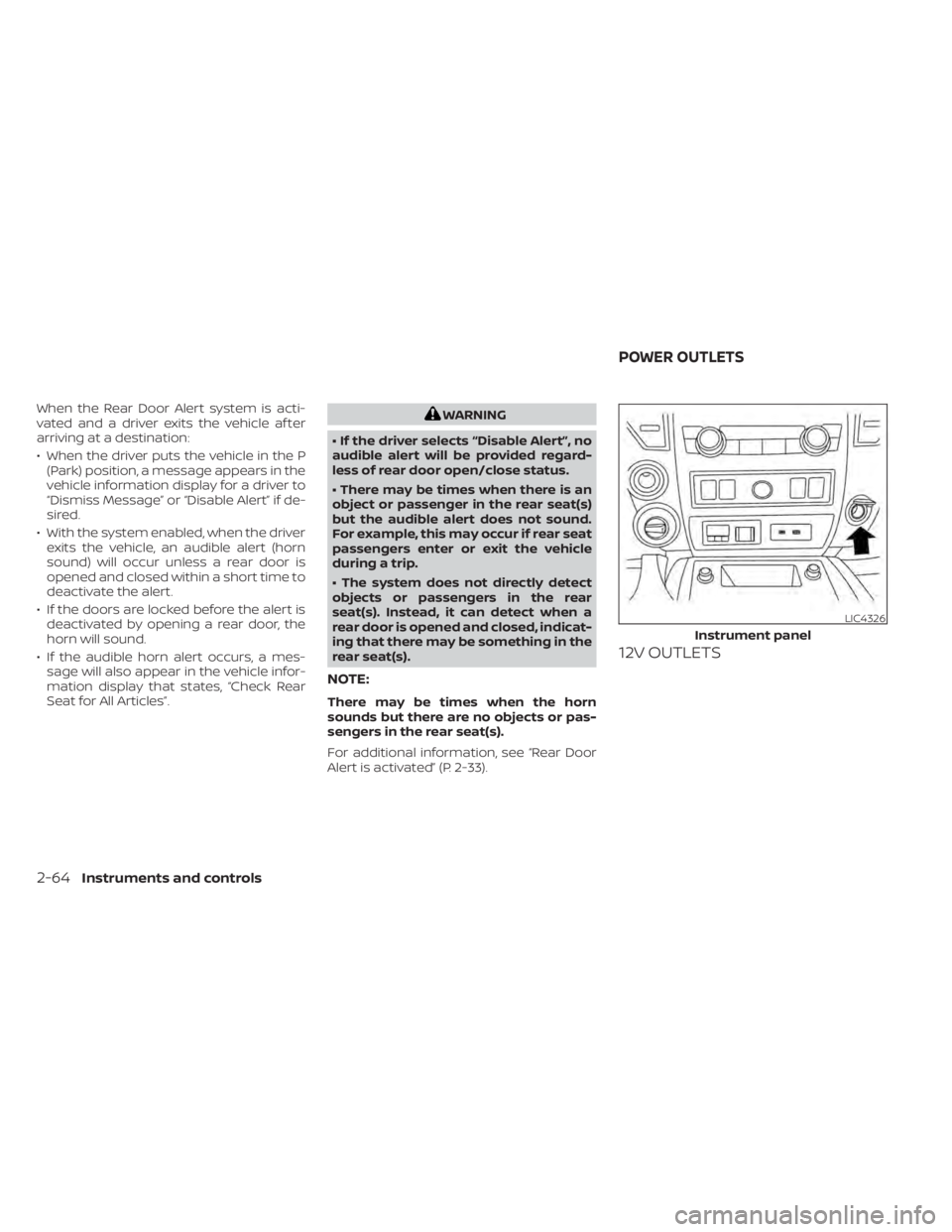
12V OUTLETS
LIC4326
Instrument panel
POWER OUTLETS
2-64Instruments and controls
Page 208 of 638
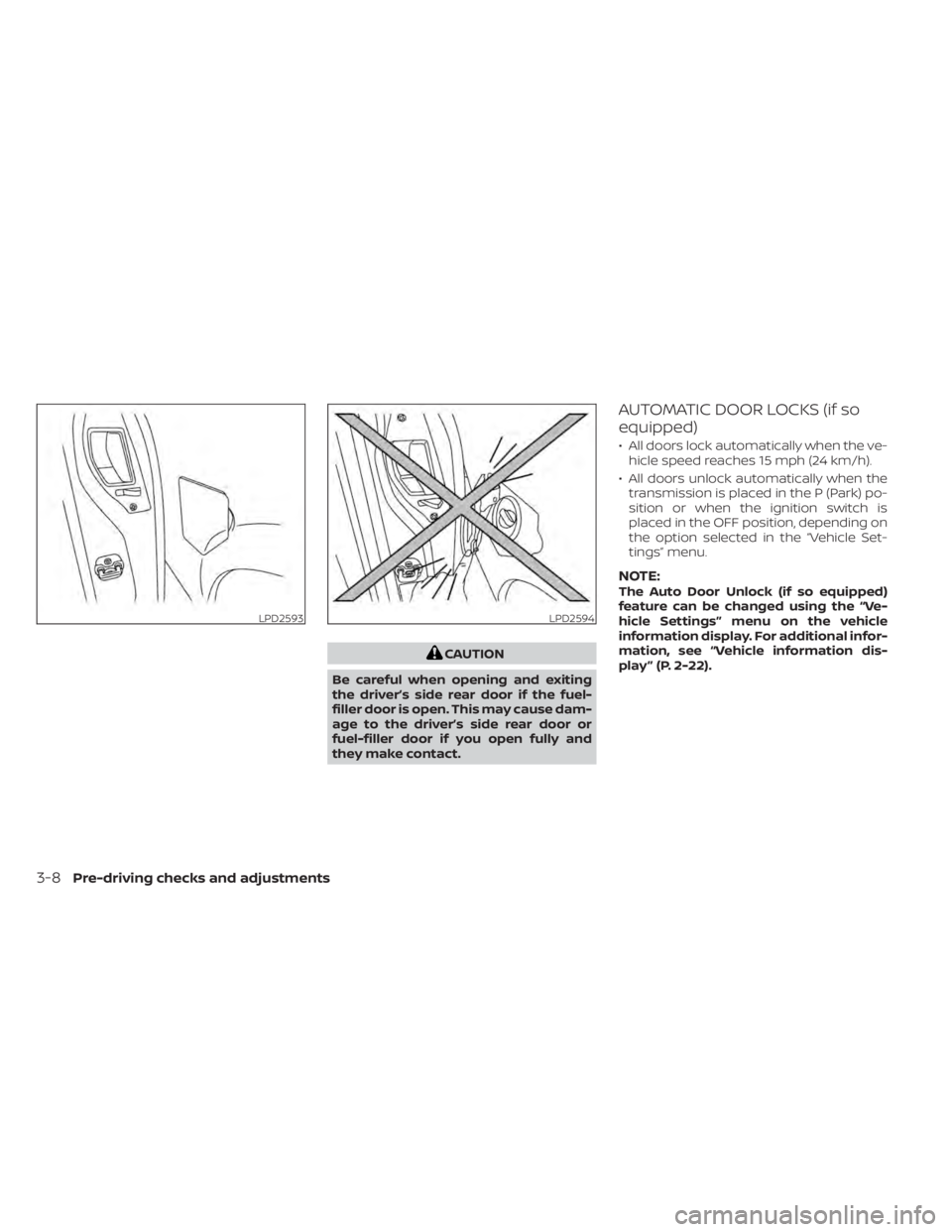
CAUTION
Be careful when opening and exiting
the driver’s side rear door if the fuel-
filler door is open. This may cause dam-
age to the driver’s side rear door or
fuel-filler door if you open fully and
they make contact.
AUTOMATIC DOOR LOCKS (if so
equipped)
• All doors lock automatically when the ve- hicle speed reaches 15 mph (24 km/h).
• All doors unlock automatically when the transmission is placed in the P (Park) po-
sition or when the ignition switch is
placed in the OFF position, depending on
the option selected in the “Vehicle Set-
tings” menu.
NOTE:The Auto Door Unlock (if so equipped)
feature can be changed using the “Ve-
hicle Settings” menu on the vehicle
information display. For additional infor-
mation, see “Vehicle information dis-
play ” (P. 2-22).
LPD2593LPD2594
3-8Pre-driving checks and adjustments
Page 210 of 638
CAUTION
Be sure to carry the Intelligent Key with
you when operating the vehicle.
The Intelligent Key is capable of receiving
and transmitting radio waves. The Intelli-
gent Key system transmits weak radio
waves from various distances. Environ-
mental conditions may interfere with the
operation of the Intelligent Key system un-
der the following operating conditions:
• When operating near a location where strong radio waves are transmitted, such
as a TV tower, power station and broad-
casting station.
• When in possession of wireless equip- ment, such as a cellular telephone, trans-
ceiver, or a CB radio.
• When the Intelligent Key is in contact with or covered by metallic materials.
• When any type of radio wave remote con- trol is used nearby.
• When the Intelligent Key is placed near an electric appliance such as a personal
computer.
• When the vehicle is parked near a parking meter. In such cases, correct the operating condi-
tions before using the Intelligent Key func-
tion or use the mechanical key.
Although the life of the battery varies de-
pending on the operating conditions, the
battery’s life is approximately two years. If
the battery is discharged, replace it with a
new one.
When the Intelligent Key battery is low, an
indicator light illuminates with the mes-
sage “Warning, Key ID Incorrect” in the
vehicle information display. When the
Intelligent Key battery is low, the NISSAN
Intelligent Key® warning light (if so
equipped) will blink. For additional informa-
tion, see “Vehicle information display warn-
ings and indicators” (P. 2-31).
Since the Intelligent Key is capable of re-
ceiving radio waves, if the key is lef t near
equipment which transmits strong radio
waves, such as signals from a TV and per-
sonal computer, the battery life may be-
come shorter.
For additional information, see “Battery re-
placement” (P. 8-27).
As many as four Intelligent Keys can be
registered and used with one vehicle. For
information about the purchase and use of
additional Intelligent Keys, it is recom-
mended that you visit a NISSAN dealer.
3-10Pre-driving checks and adjustments
Page 213 of 638
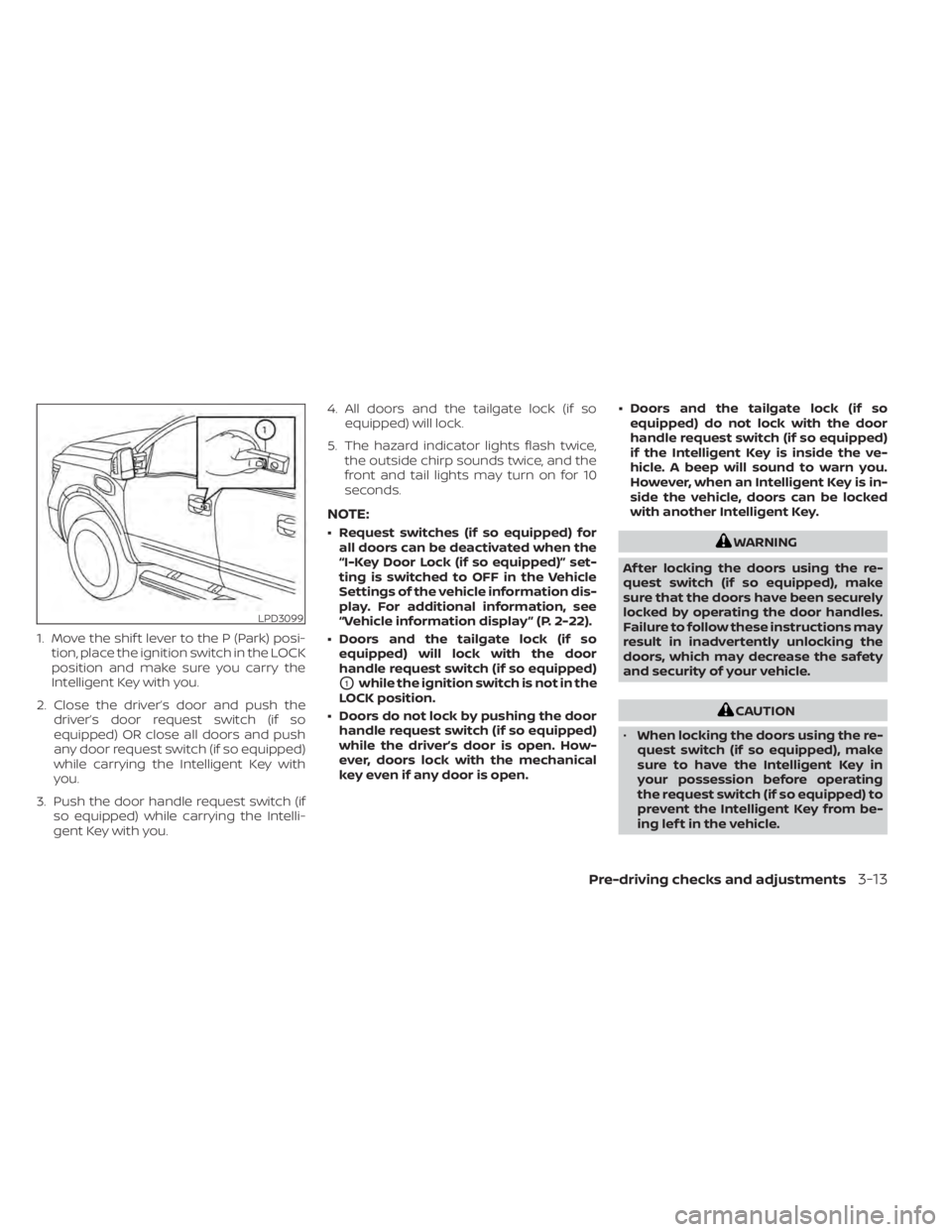
1. Move the shif t lever to the P (Park) posi-tion, place the ignition switch in the LOCK
position and make sure you carry the
Intelligent Key with you.
2. Close the driver’s door and push the driver’s door request switch (if so
equipped) OR close all doors and push
any door request switch (if so equipped)
while carrying the Intelligent Key with
you.
3. Push the door handle request switch (if so equipped) while carrying the Intelli-
gent Key with you. 4. All doors and the tailgate lock (if so
equipped) will lock.
5. The hazard indicator lights flash twice, the outside chirp sounds twice, and the
front and tail lights may turn on for 10
seconds.
NOTE:
• Request switches (if so equipped) forall doors can be deactivated when the
“I-Key Door Lock (if so equipped)” set-
ting is switched to OFF in the Vehicle
Settings of the vehicle information dis-
play. For additional information, see
“Vehicle information display ” (P. 2-22).
• Doors and the tailgate lock (if so equipped) will lock with the door
handle request switch (if so equipped)
O1while the ignition switch is not in the
LOCK position.
• Doors do not lock by pushing the door handle request switch (if so equipped)
while the driver’s door is open. How-
ever, doors lock with the mechanical
key even if any door is open. • Doors and the tailgate lock (if so
equipped) do not lock with the door
handle request switch (if so equipped)
if the Intelligent Key is inside the ve-
hicle. A beep will sound to warn you.
However, when an Intelligent Key is in-
side the vehicle, doors can be locked
with another Intelligent Key.
WARNING
Af ter locking the doors using the re-
quest switch (if so equipped), make
sure that the doors have been securely
locked by operating the door handles.
Failure to follow these instructions may
result in inadvertently unlocking the
doors, which may decrease the safety
and security of your vehicle.
CAUTION
• When locking the doors using the re-
quest switch (if so equipped), make
sure to have the Intelligent Key in
your possession before operating
the request switch (if so equipped) to
prevent the Intelligent Key from be-
ing lef t in the vehicle.
LPD3099
Pre-driving checks and adjustments3-13
Page 215 of 638
NOTE:
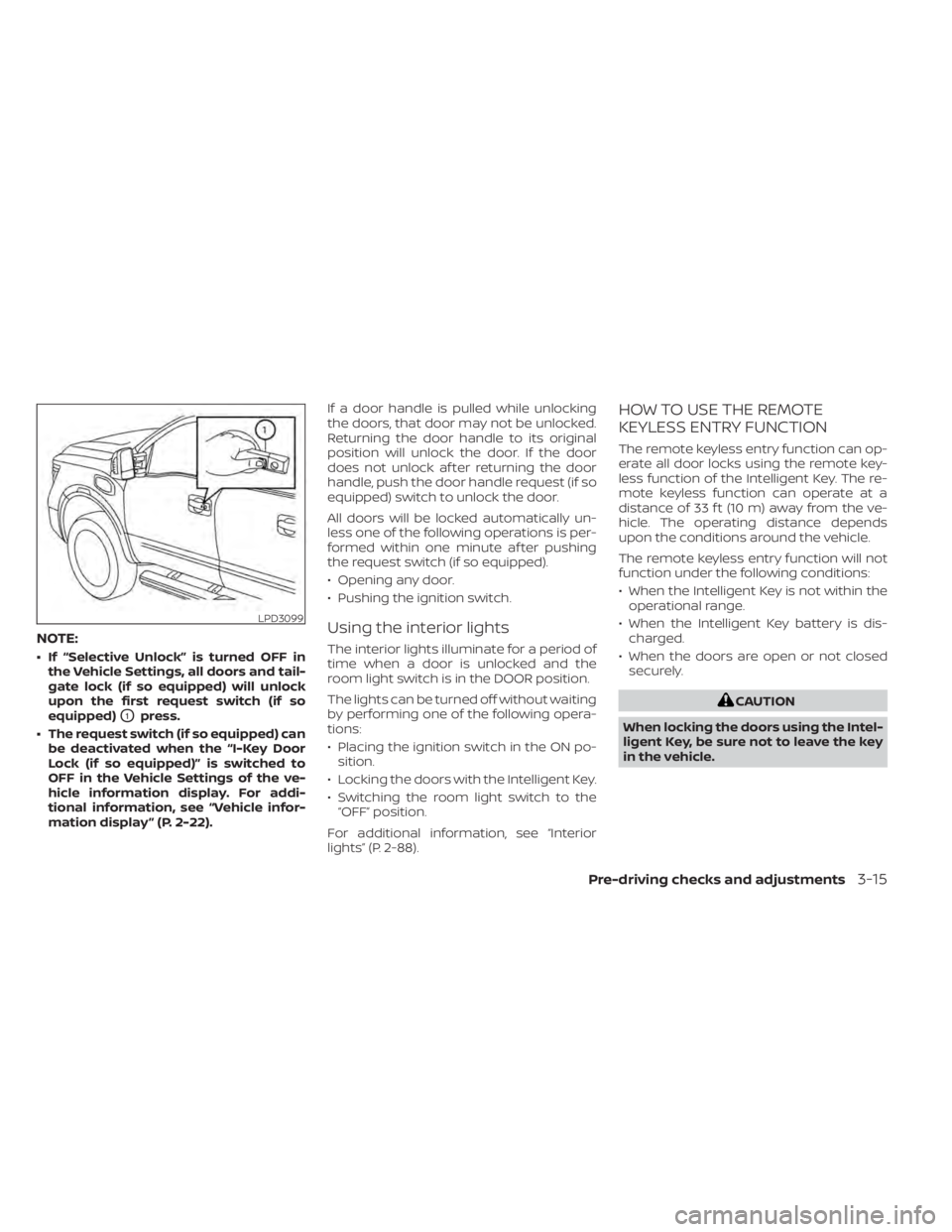
• If “Selective Unlock” is turned OFF inthe Vehicle Settings, all doors and tail-
gate lock (if so equipped) will unlock
upon the first request switch (if so
equipped)
O1press.
• The request switch (if so equipped) can be deactivated when the “I-Key Door
Lock (if so equipped)” is switched to
OFF in the Vehicle Settings of the ve-
hicle information display. For addi-
tional information, see “Vehicle infor-
mation display ” (P. 2-22). If a door handle is pulled while unlocking
the doors, that door may not be unlocked.
Returning the door handle to its original
position will unlock the door. If the door
does not unlock af ter returning the door
handle, push the door handle request (if so
equipped) switch to unlock the door.
All doors will be locked automatically un-
less one of the following operations is per-
formed within one minute af ter pushing
the request switch (if so equipped).
• Opening any door.
• Pushing the ignition switch.
Using the interior lights
The interior lights illuminate for a period of
time when a door is unlocked and the
room light switch is in the DOOR position.
The lights can be turned off without waiting
by performing one of the following opera-
tions:
• Placing the ignition switch in the ON po-
sition.
• Locking the doors with the Intelligent Key.
• Switching the room light switch to the “OFF” position.
For additional information, see “Interior
lights” (P. 2-88).
HOW TO USE THE REMOTE
KEYLESS ENTRY FUNCTION
The remote keyless entry function can op-
erate all door locks using the remote key-
less function of the Intelligent Key. The re-
mote keyless function can operate at a
distance of 33 f t (10 m) away from the ve-
hicle. The operating distance depends
upon the conditions around the vehicle.
The remote keyless entry function will not
function under the following conditions:
• When the Intelligent Key is not within the operational range.
• When the Intelligent Key battery is dis- charged.
• When the doors are open or not closed securely.
CAUTION
When locking the doors using the Intel-
ligent Key, be sure not to leave the key
in the vehicle.
LPD3099
Pre-driving checks and adjustments3-15