display NISSAN VERSA NOTE 2020 Owner´s Manual
[x] Cancel search | Manufacturer: NISSAN, Model Year: 2020, Model line: VERSA NOTE, Model: NISSAN VERSA NOTE 2020Pages: 492, PDF Size: 6.12 MB
Page 363 of 492
∙ The I-DA system may not operateproperly and may not provide an alert
in the following conditions:
– Poor road conditions such as an uneven road surface or pot holes.
– Strong side wind.
– If you have adopted a sporty driv- ing style with higher cornering
speeds or higher rates of
acceleration.
– Frequent lane changes or changes to vehicle speed.
∙ The I–DA system will not provide an alert in the following conditions:
– Vehicle speeds lower than 37 mph (60 km/h).
– Short lapses of attention.
– Instantaneous distractions such as dropping an object.
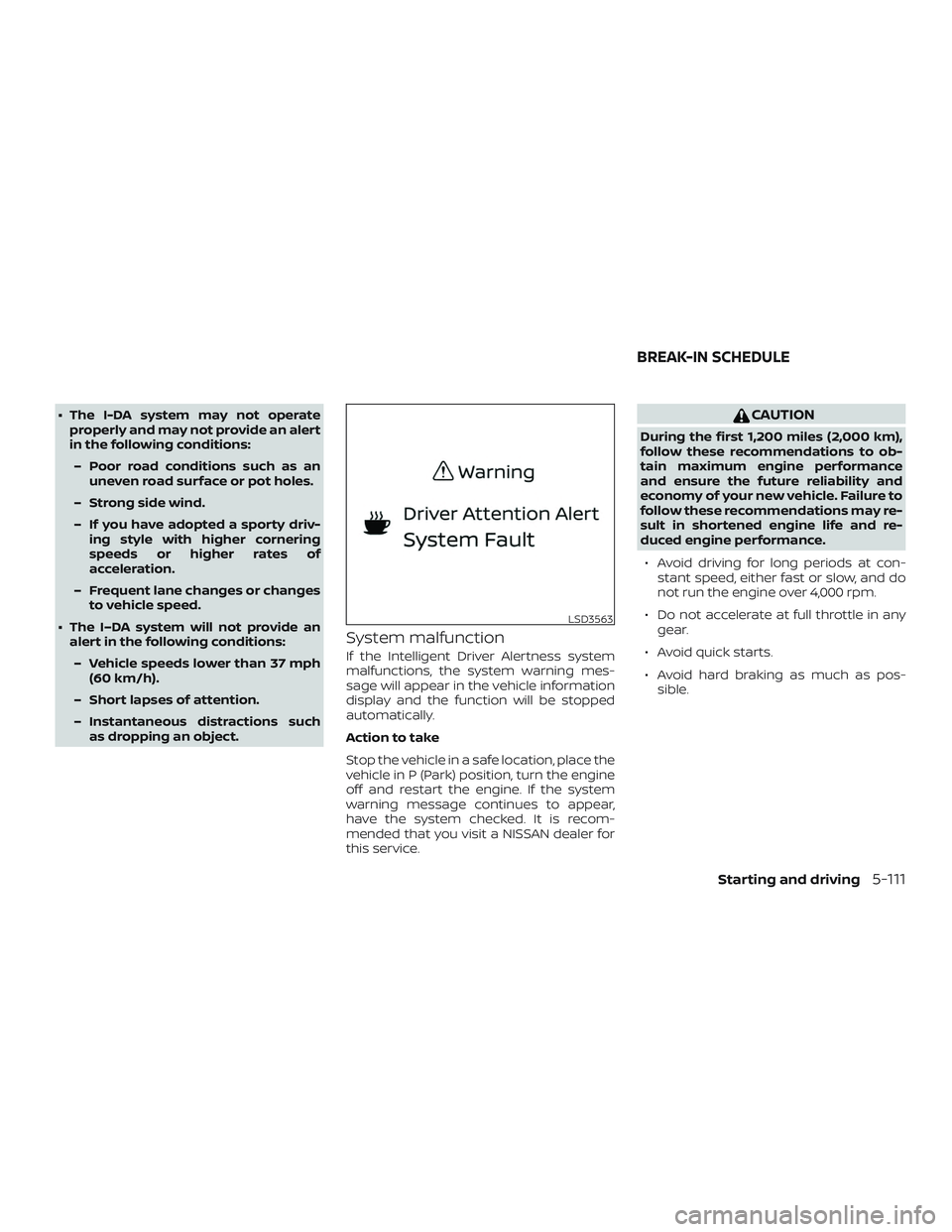
System malfunction
If the Intelligent Driver Alertness system
malfunctions, the system warning mes-
sage will appear in the vehicle information
display and the function will be stopped
automatically.
Action to take
Stop the vehicle in a safe location, place the
vehicle in P (Park) position, turn the engine
off and restart the engine. If the system
warning message continues to appear,
have the system checked. It is recom-
mended that you visit a NISSAN dealer for
this service.
CAUTION
During the first 1,200 miles (2,000 km),
follow these recommendations to ob-
tain maximum engine performance
and ensure the future reliability and
economy of your new vehicle. Failure to
follow these recommendations may re-
sult in shortened engine life and re-
duced engine performance.
∙ Avoid driving for long periods at con- stant speed, either fast or slow, and do
not run the engine over 4,000 rpm.
∙ Do not accelerate at full throttle in any gear.
∙ Avoid quick starts.
∙ Avoid hard braking as much as pos- sible.
LSD3563
BREAK-IN SCHEDULE
Starting and driving5-111
Page 371 of 492
The VDC OFF switch is used to turn off the
VDC system. The VDC system can also be
enabled or disabled in the vehicle informa-
tion display (if so equipped). The
indi-
cator light, the RAB warning light, and the
AEB with Pedestrian Detection warning
light illuminate to indicate that the VDC, the
RAB, and the AEB with Pedestrian Detec-
tion systems are off.
When the VDC switch is used to turn off the
system, the VDC system still operates to
prevent one drive wheel from slipping by
transferring power to a non-slipping drive
wheel. The
indicator light flashes if
this occurs. All other VDC functions are off
and the
indicator light will not flash.
The VDC system is automatically reset to
on when the ignition switch is placed in the
OFF position then back to the ON position.
The computer has a built-in diagnostic fea-
ture that tests the system each time you
start the engine and move the vehicle for-
ward or in reverse at a slow speed. When
the self-test occurs, you may hear a clunk
noise and/or feel a pulsation in the brake
pedal. This is normal and is not an indica-
tion of a malfunction.
WARNING
∙ The VDC system is designed to help the driver maintain stability but does
not prevent accidents due to abrupt
steering operation at high speeds or
by careless or dangerous driving
techniques. Reduce vehicle speed and
be especially careful when driving and
cornering on slippery surfaces and al-
ways drive carefully.
∙ Do not modif y the vehicle’s suspen- sion. If suspension parts such as
shock absorbers, struts, springs, sta-
bilizer bars, bushings and wheels are
not NISSAN recommended for your
vehicle or are extremely deteriorated,
the VDC system may not operate
properly. This could adversely affect
vehicle handling performance, and
the
indicator light may flash or
illuminate.
∙ If brake related parts such as brake pads, rotors and calipers are not
NISSAN recommended or are ex-
tremely deteriorated, the VDC system
may not operate properly and
the
indicator light may
illuminate. ∙ If engine control related parts are not
NISSAN recommended or are ex-
tremely deteriorated, the
indica-
tor light may illuminate.
∙ When driving on extremely inclined surfaces such as higher banked cor-
ners, the VDC system may not operate
properly and the
indicator light
may flash or illuminate. Do not drive
on these types of roads.
∙ When driving on an unstable surface such as a turntable, ferry, elevator or
ramp, the
indicator light may
flash or illuminate. This is not a mal-
function. Restart the engine af ter
driving onto a stable surface.
∙ If wheels or tires other than the NISSAN recommended ones are used,
the VDC system may not operate
properly and the
indicator light
may flash or illuminate.
∙ The VDC system is not a substitute for winter tires or tire chains on a snow
covered road.
Starting and driving5-119
Page 373 of 492
WARNING
∙ Never rely solely on the hill start assistsystem to prevent the vehicle from
moving backward on a hill. Always
drive carefully and attentively. De-
press the brake pedal when the ve-
hicle is stopped on a steep hill. Be es-
pecially careful when stopped on a hill
on frozen or muddy roads. Failure to
prevent the vehicle from rolling back-
wards may result in a loss of control of
the vehicle and possible serious injury
or death.
∙ The hill start assist system is not de- signed to hold the vehicle at a stand-
still on a hill. Depress the brake pedal
when the vehicle is stopped on a
steep hill. Failure to do so may cause
the vehicle to roll backwards and may
result in a collision or serious personal
injury.
∙ The hill start assist system may not prevent the vehicle from rolling back-
wards on a hill under all load or road
conditions. Always be prepared to de-
press the brake pedal to prevent the
vehicle from rolling backwards. Fail-
ure to do so may result in a collision or
serious personal injury. When the vehicle is stopped on a hill, the hill
start assist system automatically keeps
the brakes applied to help prevent the ve-
hicle from rolling backward in the time it
takes the driver to release the brake pedal
and apply the accelerator.
The hill start assist system will operate au-
tomatically under the following conditions:
∙ The transmission is shif ted to a forward or reverse gear.
∙ The vehicle is stopped completely on a hill by applying the brake. The maxi-
mum holding time is 2 seconds. Af ter
2 seconds the vehicle will begin to roll
back and the hill start assist system will
stop operating completely.
The hill start assist system will not operate
when the shif t lever is placed in the N (Neu-
tral) or P (Park) position or on a flat and level
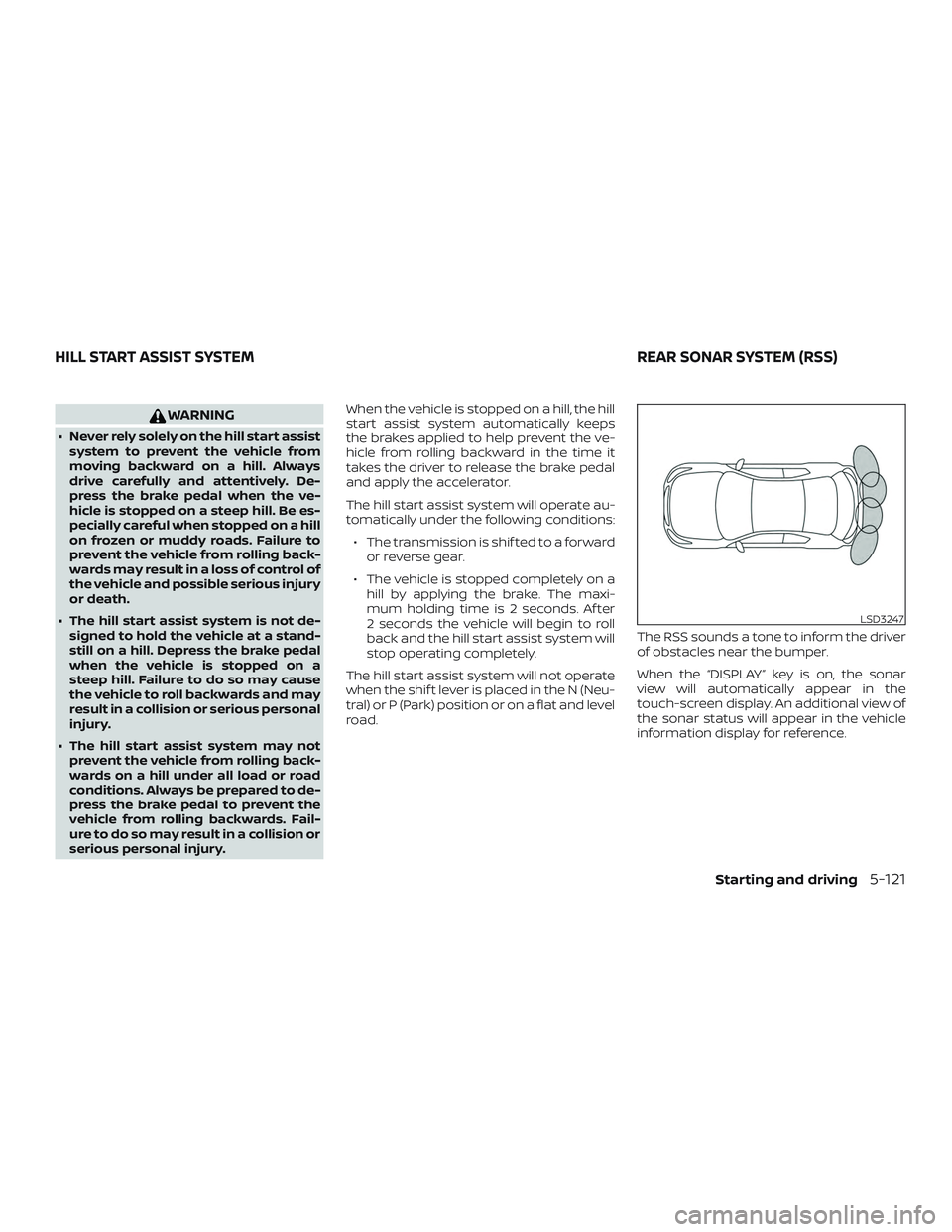
road. The RSS sounds a tone to inform the driver
of obstacles near the bumper.
When the “DISPLAY” key is on, the sonar
view will automatically appear in the
touch-screen display. An additional view of
the sonar status will appear in the vehicle
information display for reference.
LSD3247
HILL START ASSIST SYSTEM
REAR SONAR SYSTEM (RSS)
Starting and driving5-121
Page 374 of 492
WARNING
∙ The RSS is a convenience but it is not asubstitute for proper parking.
∙ The driver is always responsible for safety during parking and other ma-
neuvers. Always look around and
check that it is safe to do so before
parking.
∙ Read and understand the limitations of the RSS as contained in this section.
The colors of the corner sonar indica-
tor and the distance guide lines in the
rear view indicate different distances
to the object.
∙ Inclement weather or ultrasonic sources such as an automatic car
wash, a truck’s compressed-air
brakes or a pneumatic drill may affect
the function of the system; this may
include reduced performance or a
false activation.
∙ This function is designed as an aid to the driver in detecting large station-
ary objects to help avoid damaging
the vehicle. ∙ The system is not designed to prevent
contact with small or moving objects.
Always move slowly. The system will
not detect small objects below the
bumper, and may not detect objects
close to the bumper or on the ground.
∙ The system may not detect the fol- lowing objects: fluff y objects such as
snow, cloth, cotton, glass, wool, etc.;
thin objects such as rope, wire and
chain, etc.; or wedge-shaped objects.
If your vehicle sustains damage to the
bumper fascia, leaving it misaligned or
bent, the sensing zone may be altered
causing inaccurate measurement of ob-
stacles or false alarms.
CAUTION
∙ Excessive noise (such as audio system volume or an open vehicle window)
will interfere with the tone and it may
not be heard. ∙ Keep the sonar sensors (located on
the bumper fascia) free from snow, ice
and large accumulations of dirt. Do
not clean the sensors with sharp ob-
jects. If the sensors are covered, the
accuracy of the sonar function will be
diminished.
SYSTEM OPERATION
The system informs with a visual and au-
dible alert of rear obstacles when the shif t
lever is in the R (Reverse) position.
Sonar Operation Table
RR Sensor
Range Sound Display Roo
o – Display/Beep when detect
† – Display on camera view
x – No Display and Beep
The system is deactivated at speeds above
6 mph (10 km/h). It is reactivated at lower
speeds.
The intermittent tone will stop af ter 3 sec-
onds when an obstacle is detected by only
the corner sensor and the distance does
not change. The tone will stop when the
obstacle gets away from the vehicle.
5-122Starting and driving
Page 377 of 492
HOW TO ENABLE/DISABLE THE
SONAR SYSTEM
The system is automatically activated
when the ignition is in the ON position and
the shif t lever is in the R (Reverse) position.
Perform the following steps to enable or
disable the sonar system:
For vehicles with the vehicle information
display (if so equipped):1. Press the
button until “Settings”
displays in the vehicle information dis-
play. Use the
button to select
“Driver Assistance.” Then press the OK
button.
2. Select “Parking Aids” and press the OK button.
3. Select “Sonar” and press the OK button. – Select “Rear Sensor” and press theOK button to turn the sonar system
on or off.
– Select “Display” to display the park- ing sensor in the vehicle information
display when the sonar system acti-
vates. – Select “Range” to change the sonar
system distance to “Far,” “Mid” or
“Near.”
For vehicles with the RSS OFF switch (if
so equipped): 1. The RSS is automatically enabled when the ignition switch is placed in the ON
position and the shif t lever is in R (Re-
verse).
2. Push the RSS OFF switch once to dis- able the RSS. The indicator light on the
RSS switch will not illuminate.
The RSS will automatically be turned on
when the engine is restarted.
SONAR LIMITATIONS
WARNING
Listed below are the system limitations
for the sonar system. Failure to operate
the vehicle in accordance with these
system limitations could result in seri-
ous injury or death. ∙ Read and understand the limitations
of the sonar system as contained in
this section. Inclement weather may
affect the function of the sonar sys-
tem; this may include reduced perfor-
mance or a false activation.
∙ The system is deactivated at speeds above 6 mph (10 km/h). It is reacti-
vated at lower speeds.
∙ Inclement weather or ultrasonic sources such as an automatic car
wash, a truck’s compressed-air
brakes or a pneumatic drill may affect
the function of the system; this may
include reduced performance or a
false activation.
∙ The system is not designed to prevent contact with small or moving objects.
Always move slowly. The system will
not detect small objects below the
bumper or on the ground.
∙ The system may not detect the fol- lowing objects: fluff y objects such as
snow, cloth, cotton, glass-wool, etc.;
thin objects such as rope, wire and
chain, etc.; or wedge-shaped objects.
Starting and driving5-125
Page 385 of 492
TIRE PRESSURE MONITORING
SYSTEM (TPMS)
This vehicle is equipped with the Tire Pres-
sure Monitoring System (TPMS). It monitors
tire pressure of all tires except the spare.
When the low tire pressure warning light is
lit, and the “Tire Pressure Low - Add Air”
warning message is displayed in the trip
computer, one or more of your tires is sig-
nificantly under-inflated. If the vehicle is be-
ing driven with low tire pressure, the TPMS
will activate and warn you of it by the low
tire pressure warning light. This system will
activate only when the vehicle is driven at
speeds above 16 mph (25 km/h). For addi-
tional information, refer to “Warning lights,
indicator lights and audible reminders” in
the “Instruments and controls” section, and
“Tire Pressure Monitoring System (TPMS)” in
the “Starting and driving” section of this
manual.
WARNING
∙ Radio waves could adversely affectelectric medical equipment. Those
who use a pacemaker should contact
the electric medical equipment
manufacturer for the possible influ-
ences before use. ∙ If the low tire pressure warning light
illuminates while driving, avoid sud-
den steering maneuvers or abrupt
braking, reduce vehicle speed, pull off
the road to a safe location and stop
the vehicle as soon as possible. Driv-
ing with under-inflated tires may per-
manently damage the tires and in-
crease the likelihood of tire failure.
Serious vehicle damage could occur
and may lead to an accident and could
result in serious personal injury.
Check the tire pressure for all four
tires. Adjust the tire pressure to the
recommended COLD tire pressure
shown on the Tire and Loading Infor-
mation label to turn the low tire pres-
sure warning light OFF. If the light still
illuminates while driving af ter adjust-
ing the tire pressure, a tire may be flat
or the TPMS may be malfunctioning. If
you have a flat tire, replace it with a
spare tire as soon as possible. If no tire
is flat and all tires are properly in-
flated, have the vehicle checked. It is
recommended that you visit a NISSAN
dealer for this service. ∙ When replacing a wheel without the
TPMS such as the spare tire, the TPMS
will not function and the low tire pres-
sure warning light will flash for ap-
proximately 1 minute. The light will re-
main on af ter 1 minute. Have your
tires replaced and/or TPMS system
reset as soon as possible. It is recom-
mended that you visit a NISSAN dealer
for these services.
∙ Do not inject any tire liquid or aerosol tire sealant into the tires, as this may
cause a malfunction of the tire pres-
sure sensors.
∙ Replacing tires with those not origi- nally specified by NISSAN could affect
the proper operation of the TPMS.
CHANGING A FLAT TIRE
If you have a flat tire, follow the instructions
below:
Stopping the vehicle
1. Safely move the vehicle off the road and away from traffic.
2. Turn on the hazard warning flashers.
FLAT TIRE
In case of emergency6-3
Page 415 of 492
10. Start the engine and check for leakagearound the drain plug and the oil filter.
Correct as required. Turn the engine off
and wait more than 15 minutes. Check
the oil level with the dipstick. Add en-
gine oil if necessary.
Af ter the operation
1. Lower the vehicle carefully to theground.
2. Reset oil and oil filter maintenance re- minder (if so equipped). For additional
information, refer to “Vehicle informa-
tion display” in the “Instruments and
controls” section of this manual.
∙ Dispose of waste oil and filter properly.
∙ Check your local regulations.
CAUTION
∙ NISSAN recommends using Genuine NISSAN CVT Fluid NS-3 (or equivalent)
ONLY in NISSAN CVTs. Do not mix with
other fluids.
∙ Do not use Automatic Transmission Fluid (ATF) or manual transmission
fluid in a NISSAN CVT, as it may dam-
age the CVT. Damage caused by the
use of fluids other than as recom-
mended is not covered under
NISSAN’s New Vehicle Limited
Warranty.
∙ Using fluids that are not equivalent to Genuine NISSAN CVT Fluid NS-3 may
also damage the CVT. Damage caused
by the use of fluids other than as rec-
ommended is not covered under
NISSAN’s New Vehicle Limited
Warranty.
When checking or replacement of CVT fluid
is required, it is recommended that you visit
a NISSAN dealer for servicing. For additional information on brake fluid
specification, refer to “Recommended
fluids/lubricants and capacities” in the
“Technical and consumer information” sec-
tion of this manual.
WARNING
∙ Use only new fluid from a sealed con-
tainer. Old, inferior or contaminated
fluid may damage the brake and
clutch (if so equipped) systems. The
use of improper fluids can damage
the brake and clutch system and af-
fect the vehicle’s stopping ability.
∙ Clean the filler cap before removing.
∙ Brake and clutch fluid is poisonous and should be stored carefully in
marked containers out of reach of
children.
CAUTION
Do not spill the fluid on any painted sur-
faces. This will damage the paint. If fluid
is spilled, immediately wash the surface
with water.
CONTINUOUSLY VARIABLE
TRANSMISSION (CVT) FLUID (if so
equipped) BRAKE AND CLUTCH (if so equipped)
FLUID
Do-it-yourself8-9
Page 434 of 492
If you have a flat tire, refer to “Flat tire” in
the “In case of emergency ” section of
this manual.
TIRE PRESSURE
Tire Pressure Monitoring System
(TPMS)
WARNING
Radio waves could adversely af-
fect electric medical equipment.
Those who use a pacemaker
should contact the electric medi-
cal equipment manufacturer for
the possible influences before
use.
This vehicle is equipped with the Tire
Pressure Monitoring System (TPMS).
It monitors tire pressure of all tires
except the spare. When the low tire
pressure warning light is lit and the
“Tire Pressure Low – Add Air” warning
appears in the vehicle information
display, one or more of your tires is
significantly under-inflated.
The TPMS will activate only when the
vehicle is driven at speeds above 16 mph (25 km/h). Also, this system
may not detect a sudden drop in tire
pressure (for example a flat tire while
driving).
For additional information, refer to
“Low tire pressure warning light” in
the “Instruments and controls” sec-
tion, “Tire Pressure Monitoring Sys-
tem (TPMS)” in the “Starting and driv-
ing” section, and “Flat tire” in the “In
case of emergency” section of this
manual.
Tire inflation pressure
Check the tire pressures (including
the spare) of ten and always prior to
long distance trips. The recom-
mended tire pressure specifications
are shown on the F.M.V.S.S./C.M.V.S.S.
certification label or the Tire and
Loading Information label under the
“Cold Tire Pressure” heading. The Tire
and Loading Information label is af-
fixed to the driver side center pillar.
Tire pressures should be checked
regularly because: ∙ Most tires naturally lose air over
time.
∙ Tires can lose air suddenly when driven over potholes or other ob-
jects or if the vehicle strikes a
curb while parking.
The tire pressures should be
checked when the tires are cold. The
tires are considered COLD af ter the
vehicle has been parked for 3 or
more hours, or driven less than 1 mile
(1.6 km) at moderate speeds.
The TPMS with Easy-Fill Tire Alert
provides visual and audible signals
outside the vehicle for inflating tires
to the recommended COLD tire
pressure. For additional information,
refer to “TPMS with Easy-Fill Tire
Alert” in the “Starting and driving”
section of this manual.
Incorrect tire pressure, including
under inflation, may adversely af-
fect tire life and vehicle handling.
WHEELS AND TIRES
8-28Do-it-yourself
Page 482 of 492
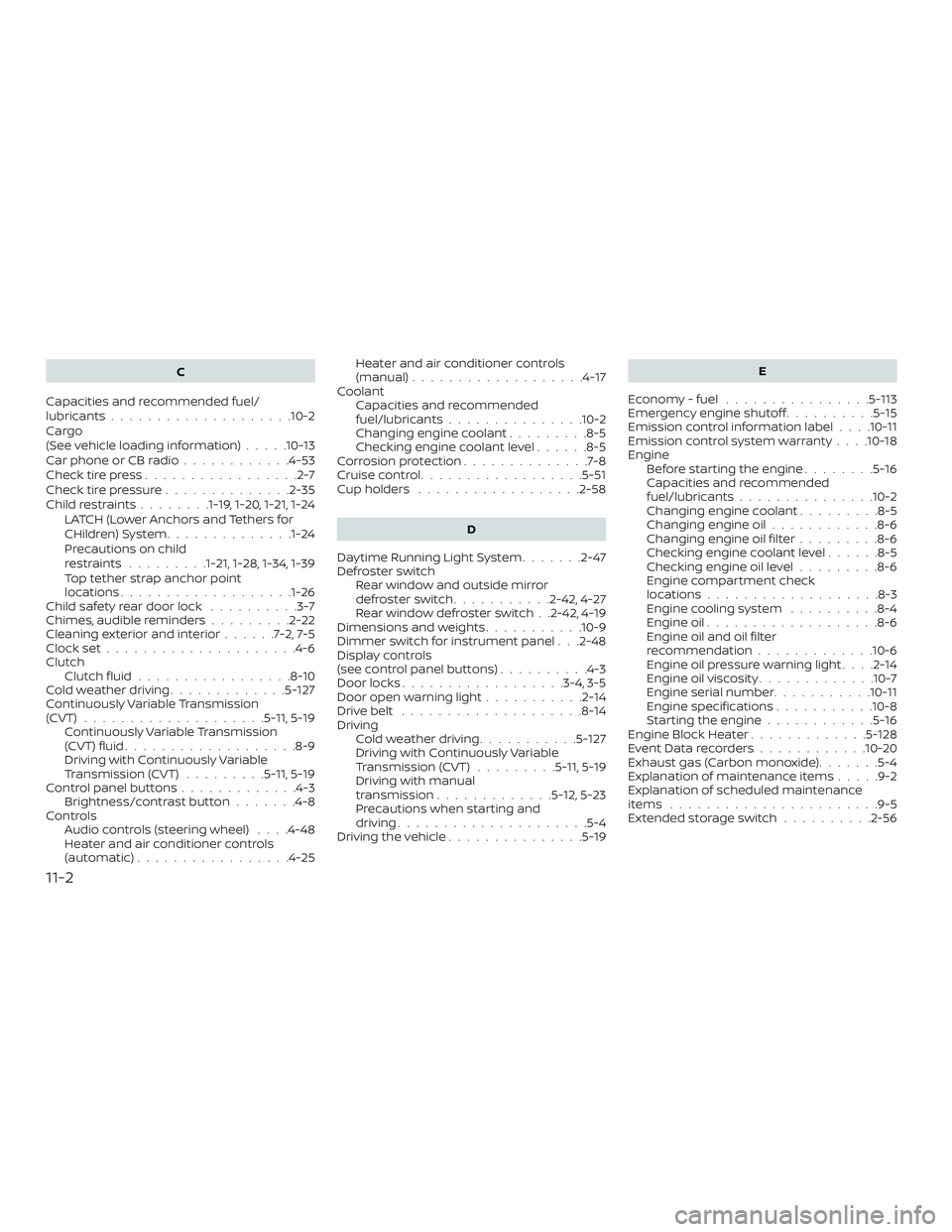
C
Capacities and recommended fuel/
lubricants....................10-2
Cargo
(See vehicle loading information) .....10-13
Car phone or CB radio ............4-53
Check tire press .................2-7
Check tire pressure ..............2-35
Childrestraints........1-19, 1-20, 1-21, 1-24 LATCH (Lower Anchors and Tethers for
CHildren)System............. .1-24
Precautions on child
restraints.........1-21, 1-28, 1-34, 1-39
Top tether strap anchor point
locations.................. .1-26
Child safety rear door lock ..........3-7
Chimes, audible reminders .........2-22
Cleaningexteriorandinterior......7-2,7-5
Clockset.....................4-6
Clutch Clutchfluid.................8-10
Coldweatherdriving.............5-127
Continuously Variable Transmission
(CVT) ....................5 -11, 5-19
Continuously Variable Transmission
(CVT) fluid ...................8-9
Driving with Continuously Variable
Transmission (CVT) .........5-11, 5-19
Control panel buttons .............4-3
Brightness/contrast button .......4-8
Controls Audio controls (steering wheel) ....4-48
Heater and air conditioner controls
(automatic).................4-25 Heater and air conditioner controls
(manual)
...................4-17
Coolant Capacities and recommended
fuel/lubricants...............10-2
Changing engine coolant .........8-5
Checking engine coolant level ......8-5
Corrosionprotection..............7-8
Cruisecontrol..................5-51
Cupholders ..................2-58
D
Daytime Running Light System .......2-47
Defroster switch Rear window and outside mirror
defrosterswitch...........2-42,4-27
Rear window defroster switch . .2-42, 4-19
Dimensions and weights ...........10-9
Dimmer switch for instrument panel . . .2-48
Display controls
(see control panel buttons) ..........4-3
Door locks ..................3-4,3-5
Door open warning light ...........2-14
Drivebelt ....................8-14
Driving Cold weather driving ...........5-127
Driving with Continuously Variable
Transmission (CVT) .........5-11, 5-19
Driving with manual
transmission .............5-12,5-23
Precautions when starting and
driving.....................5-4
Drivingthevehicle...............5-19 E
Economy - fuel ................5-113
Emergency engine shutoff ..........5-15
Emission control information label . . . .10-11
Emission control system warranty . . . .10-18
Engine Before starting the engine ........5-16
Capacities and recommended
fuel/lubricants...............10-2
Changing engine coolant .........8-5
Changing engine oil ............8-6
Changing engine oil filter .........8-6
Checking engine coolant level ......8-5
Checking engine oil level .........8-6
Engine compartment check
locations...................8-3
Engine cooling system ..........8-4
Engine oil ...................8-6
Engine oil and oil filter
r ec
ommendation .............10-6
Engine oil pressure warning light ....2-14
Engine oil viscosity .............10-7
Engine serial number ...........10-11
Engine specifications ...........10-8
Starting the engine ............5-16
Engine Block Heater .............5-128
EventDatarecorders............10-20
Exhaust gas (Carbon monoxide) .......5-4
Explanation of maintenance items .....9-2
Explanation of scheduled maintenance
items .......................9-5
Extended storage switch ..........2-56
11-2
Page 487 of 492
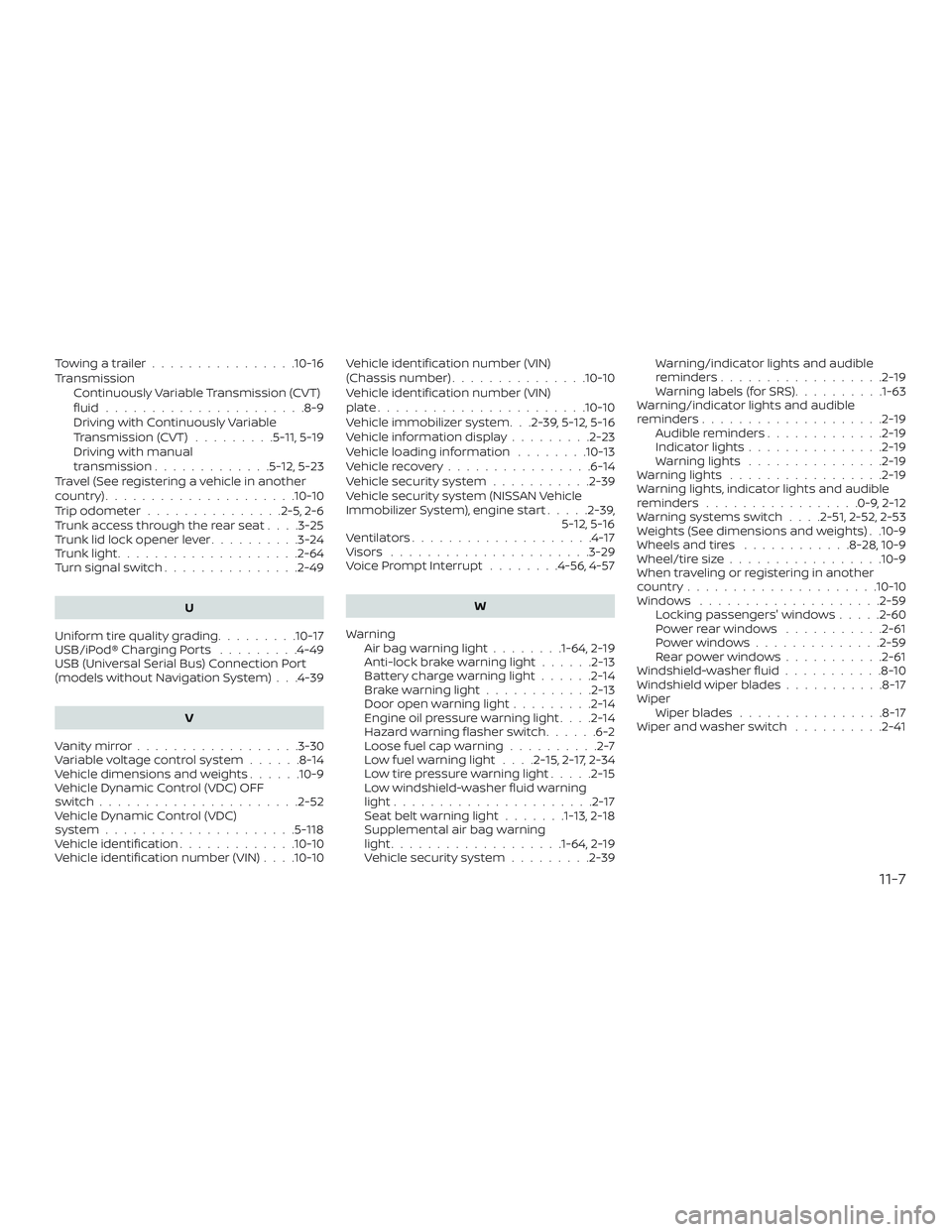
Towingatrailer................10-16
TransmissionContinuously Variable Transmission (CVT)
fluid......................8-9
Driving with Continuously Variable
Transmission (CVT) .........5-11, 5-19
Driving with manual
transmission .............5-12,5-23
Travel (See registering a vehicle in another
country) .....................10-10
Trip odometer ...............2-5,2-6
Trunk access through the rear seat ....3-25
Trunk lid lock opener lever ..........3-24
Trunklight....................2-64
Turn signal switch ...............2-49
U
Uniform tire quality grading .........10-17
USB/iPod® Charging Ports .........4-49
USB (Universal Serial Bus) Connection Port
(models without Navigation System) . . .4-39
V
Vanitymirror..................3-30
Variable voltage control system ......8-14
Vehicle dimensions and weights ......10-9
Vehicle Dynamic Control (VDC) OFF
switch......................2-52
Vehicle Dynamic Control (VDC)
system .....................5 -118
Vehicle identification .............10-10
Vehicle identification number (VIN) . . . .10-10Vehicle identification number (VIN)
(Chassis number)
...............10-10
Vehicle identification number (VIN)
plate.......................10-10
Vehicle immobilizer system. . .2-39, 5-12, 5-16
Vehicleinformationdisplay.........2-23
Vehicle loading information ........10-13
Vehiclerecovery................6-14
Vehicle security system ...........2-39
Vehicle security system (NISSAN Vehicle
Immobilizer System), engine start .....2-39,
5-12, 5-16
Ventilators ....................4-17
Visors ......................3-29
Voice Prompt Interrupt ........4-56,4-57
W
Warning Airbagwarninglight........1-64, 2-19
Anti-lock brake warning light ......2-13
Battery charge warning light ......2-14
Brakewarninglight............2-13
Door open warning light .........2-14
Engine oil pressure warning light ....2-14
Hazard warning flasher switch ......6-2
Loose fuel cap warning ..........2-7
Lowfuelwarninglight....2-15,2-17,2-34
Lowtirepressurewarninglight.....2-15
Low windshield-washer fluid warning
light......................2-17
Seatbeltwarninglight.......1-13, 2-18
Supplemental air bag warning
light...................1-64, 2-19
Vehicle security system .........2-39Warning/indicator lights and audible
reminders
..................2-19
Warning labels (for SRS) ..........1-63
Warning/indicator lights and audible
reminders ....................2-19
Audible reminders .............2-19
Indicatorlights...............2-19
Warninglights ...............2-19
Warninglights .................2-19
Warning lights, indicator lights and audible
reminders .................0-9,2-12
Warningsystemsswitch....2-51,2-52,2-53
Weights (See dimensions and weights) . .10-9
Wheels and tires ............8-28,10-9
Wheel/tire size .................10-9
When traveling or registering in another
country .....................10-10
Windows ....................2-59 Locking passengers' windows .....2-60
Powerrearwindows ...........2-61
Powerwindows............. .2-59
Rearpowerwindows.......... .2-61
Windshield -washer
fluid ...........8-10
Windshield wiper blades ...........8-17
Wiper Wiper blades ................8-17
Wiper and washer switch ..........2-41
11-7