wheel Oldsmobile Alero 2003 s User Guide
[x] Cancel search | Manufacturer: OLDSMOBILE, Model Year: 2003, Model line: Alero, Model: Oldsmobile Alero 2003Pages: 354, PDF Size: 16.74 MB
Page 112 of 354

Tilt Wheel
A tilt wheel allows you to adjust the steering wheel
before you drive. You can raise it to the highest level to
give your legs more room when you exit and enter
your vehicle.
The lever that allows you to tilt the steering wheel is
located on the left side of the steering column.
Turn SignaVMultifunction Lever
I I
To tilt the wheel, hold the wheel and pull the lever
toward you. Then move the wheel
to a comfortable
position and release
the iever to iock the wheei in piace. The
lever on the left side of the steering column
includes the following:
Turn and Lane-Change Signals
Headlamp High/Low-Beam Changer
Flash-to-pass
For information on the exterior lamps. See
Exterior
Lamps on page 3-13 later in this section.
3-7
Page 114 of 354
Flash-to-Pass Feature
This feature lets you use your high-beam headlamps to
signal a driver in front of you that you want
to pass.
To use it, pull the turn signaVmultifunction lever toward
you until the high-beam headlamps come on, then
release the lever to turn them
off.
Windshield Wipers
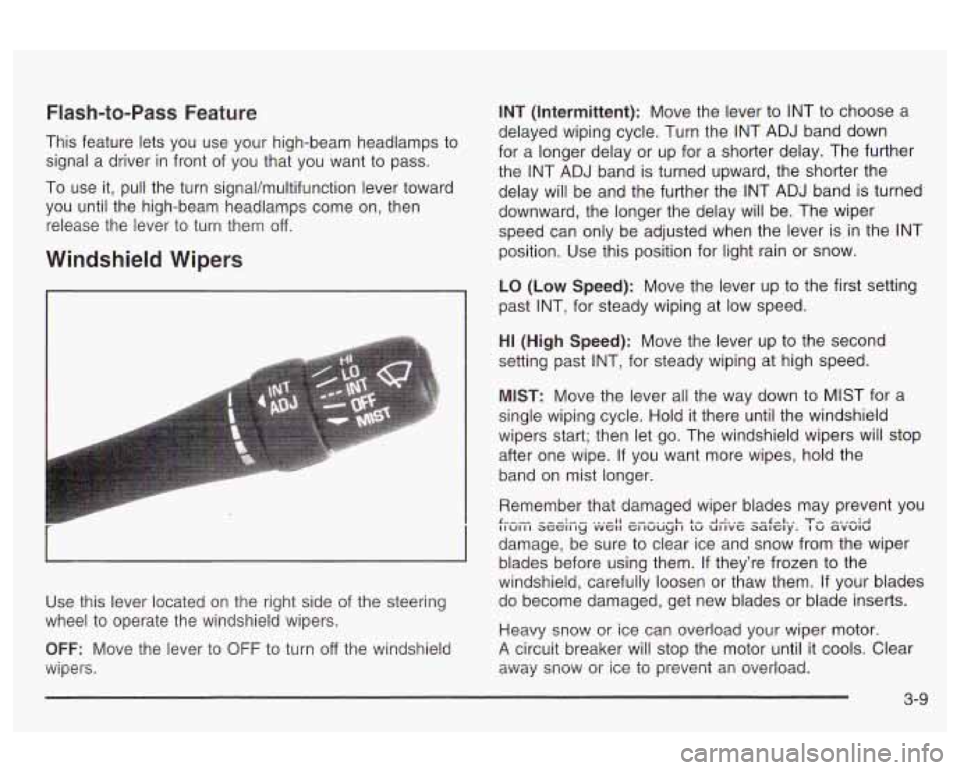
Use this lever located on the right side of the steering
wheel
to operate the windshield wipers.
OFF: Move the lever to OFF to turn off the windshield
wipers.
INT (Intermittent): Move the lever to INT to choose a
delayed wiping cycle. Turn the INT ADJ band down
for a longer delay or up for a shorter delay. The further
the INT ADJ band is turned upward, the shorter the
delay will be and the further the INT ADJ band is turned
downward, the longer the delay will be. The wiper
speed can only be adjusted when the lever is in the INT
position. Use this position for light rain or snow.
LO
(Low Speed): Move the lever up to the first setting
past INT, for steady wiping at low speed.
HI (High Speed): Move the lever up to the second
setting past INT, for steady wiping at high speed.
MIST: Move the lever all the way down to MIST for a
single wiping cycle. Hold it there until the windshield
wipers start; then let go. The windshield wipers will stop
after one wipe. If you want more wipes, hold the
band on mist longer.
Remember that damaged wiper blades may prevent you
damage, be sure
to clear ice and snow from the wiper
blades before using them. If they’re frozen to the
windshield, carefully loosen or thaw them.
If your blades
do become damaged, get new blades or blade inserts.
Heavy snow or Ice can overload your wiper motor-
A circuit breaker will stop the motor until it cools. Clear
away snow or ice
to prevent an overload.
t--- -,-:,, ... - 11 ---..-.L L- -I.-:.,- --&-I., T, -.,-:A IIUIII ~GGII ~y VVGII GI wuy~ I LW UIIVC; aalC;;ly. I u avulu
3-9
Page 115 of 354
Windshield Washer Cruise Control
To wash your windshield, push in the button at the end
0 er until the washers begin.
In freezing weather, don’t use your washer
until the windshield is warmed. Otherwise the
washer fluid can form ice
on the windshield,
blocking your vision.
I I
When you release the button, the washers will stop, but
the wipers will continue to wipe about three times or
will resume the speed you were using before.
1
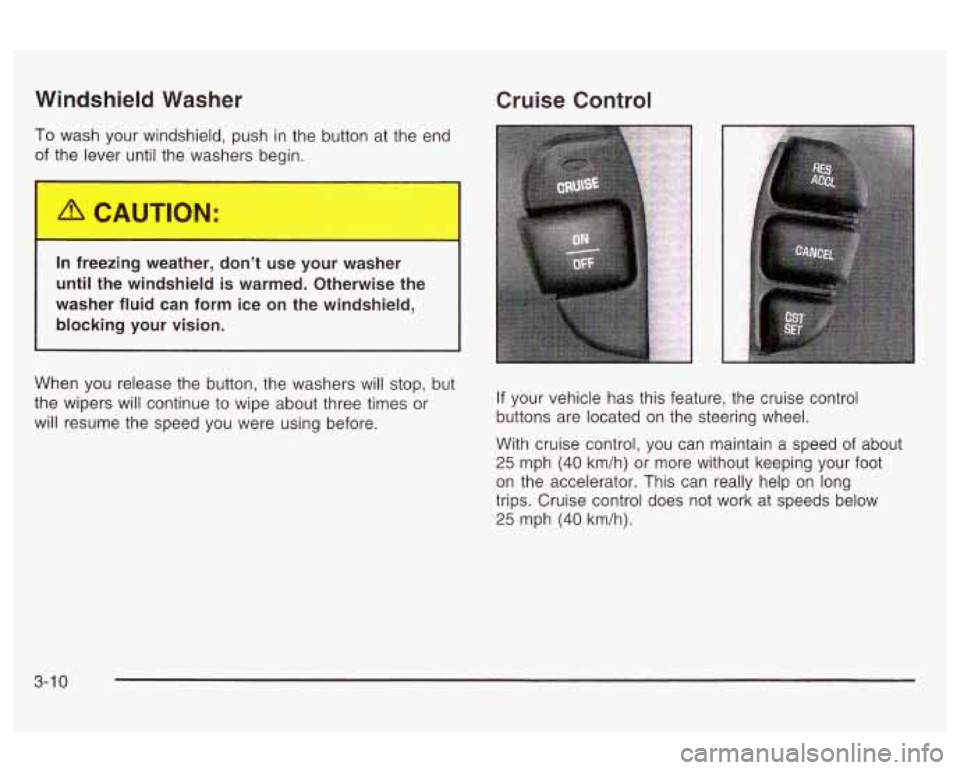
If your vehicle has this feature, the cruise control
buttons are located on the steering wheel.
With cruise control, you can maintain a speed of about
25 mph (40 km/h) or more without keeping your foot
on the accelerator. This can really help on long
trips. Cruise control does not work at speeds below
25 mph (40 km/h).
3-1 0
Page 116 of 354
The cruise control will turn off when any of the
following occur:
The brakes are applied,
the clutch is applied (manual transaxle),
the parking brake is applied, or
the brake system warning light is on.
Cruise control can be dangerous where
you can’t drive safely at a steady speed.
So, don’t use your cruise control on
winding roads or
in heavy traffic.
0 Cruise control can be dangerous on
slippery roads. On such roads, fast
changes in tire traction can cause
needless wheel spinning, and you could
lose control. Don’t use cruise control on
slippery roads.
If your vehicle is in cruise control when the enhanced
traction system,
if your vehicle has this feature, begins to
limit wheel spin, the cruise control will automatically
disengx~e. See Enhanced Trac?im Sys?m (ETSI ar?
page 4-9. When road conditions allow you to safely use
it again, you may turn the cruise control back on.
:ing Cruise Contrc
If you leave your cruise control on when you’re
not using cruise, you might hit a button and go
into cruise when you don’t want to. You could
be startled and even lose control. Keep the
cruise control switch
off until you want to use
cruise control.
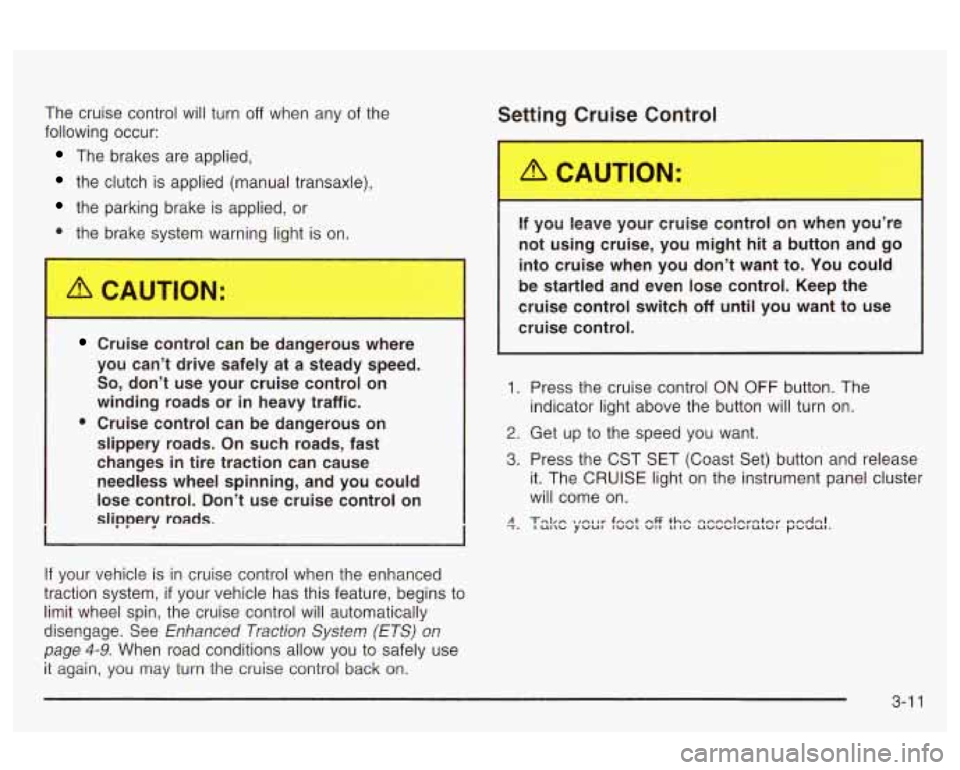
1. Press the cruise control
ON OFF button. The
indicator light above the button will turn on.
2. Get up to the speed you want.
3. Press the CST SET (Coast Set) button and release
it. The
CRUISE light on the instrument panel cluster
will come on.
3-1 1
Page 120 of 354

The system may also be on when driving through a
parking garage, heavy overcast weather or a tunnel.
This is normal.
There is a delay in the transition between the daytime
and nighttime operation of the DRL and the Automatic
Headlamp System
so that driving under bridges or bright
overhead street lights does not affect the system. The
DRL and Automatic Headlamp Systems will only be
affected when the light sensor sees a change in lighting
lasting longer than this delay.
To idle your vehicle with the system off, set the parkin9
brake while the ignition is
off. Then start the vehicle.
The system will stay
off until you release the parking
brake.
As with any vehicle, you should turn on the regular
headlamps when you need them.
Headlamps Off in PARK (P)
To turn the headlamps off when it is dark outside, turn
the exterior lamps control
to the parking lamp position.
In this position, the parking lamps, sidemarker lamps,
taillamps, license plate lamps and instrument panel
lights will be on, but the headlamps will be off.
To turn on the headlamps along with the other lamps
when it is dark outside, turn the exterior lamps control
to
the AUTO or headlamp position.
Delayed Headlamps
The delayed headlamps feature will continue to
illuminate the headlamps for
20 seconds after the key is
turned to
OFF, then the headlamps will automatically
turn off.
To override the
20 second delayed headlamp feature
while it is active turn the turn signal/muItifunction
lever up one position and then back
to AUTO.
Fog Lamps
If your vehicle has this feature, the button for your fog
lamps is located on the instrument panel, to the left
of the steering wheel, beside the instrument panel
brightness thumbwheel.
When using the fog lamps, the ignition must be on as
well as the parking lamps or the low-beam headlamps.
Press the button to turn the fog lamps on. An indicator
light on the button will glow when the fog lamps are on.
Press the button again to turn the fog lamps off.
TI-- I--. I ... :I1 I ..... LT . I. . . I I luy I~III~ WIII Lull1 UII WII~II~V~I iile iliyil-bed1r1
headlamps are turned on. When the high beams
are turned off, the fog lamps will come on again.
3-1 5
Page 121 of 354
Interior Lamps
Instrument Panel Brightness
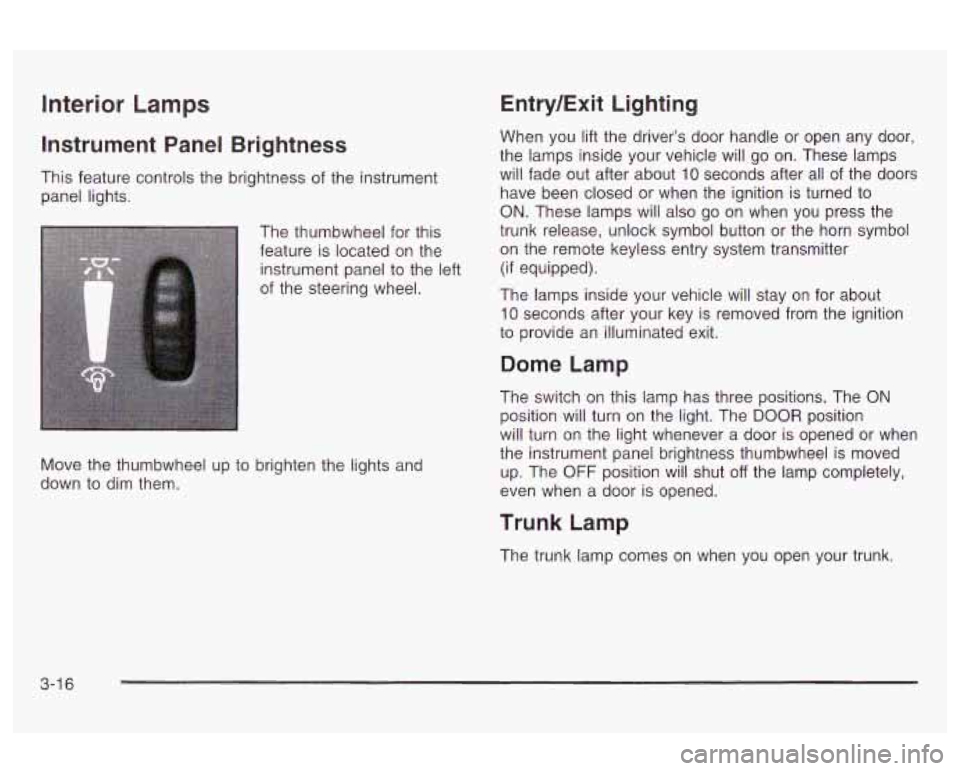
This feature controls the brightness of the instrument
panel lights.
The thumbwheel for this
feature is located on the
instrument panel to the left
of the steering wheel.
Move the thumbwheel up to brighten the lights and
down to dim them.
Entry/Exit Lighting
When you lift the driver’s door handle or open any door,
the lamps inside your vehicle will go on. These lamps
will fade out after about
10 seconds after all of the doors
have been closed or when the ignition is turned to
ON. These lamps will also go on when you press the
trunk release, unlock symbol button or the horn symbol
on the remote keyless entry system transmitter
(if equipped).
The lamps inside your vehicle will stay on for about
10 seconds after your key is removed from the ignition
to provide an illuminated exit.
Dome Lamp
The switch on this lamp has three positions. The ON
position will turn on the light. The DOOR position
will turn on the light whenever a door is opened or when
the instrument panel brightness thumbwheel is moved
up. The
OFF position will shut off the lamp completely,
even when a door is opened.
Trunk Lamp
The trunk lamp comes on when you open your trunk.
3-1 6
Page 134 of 354
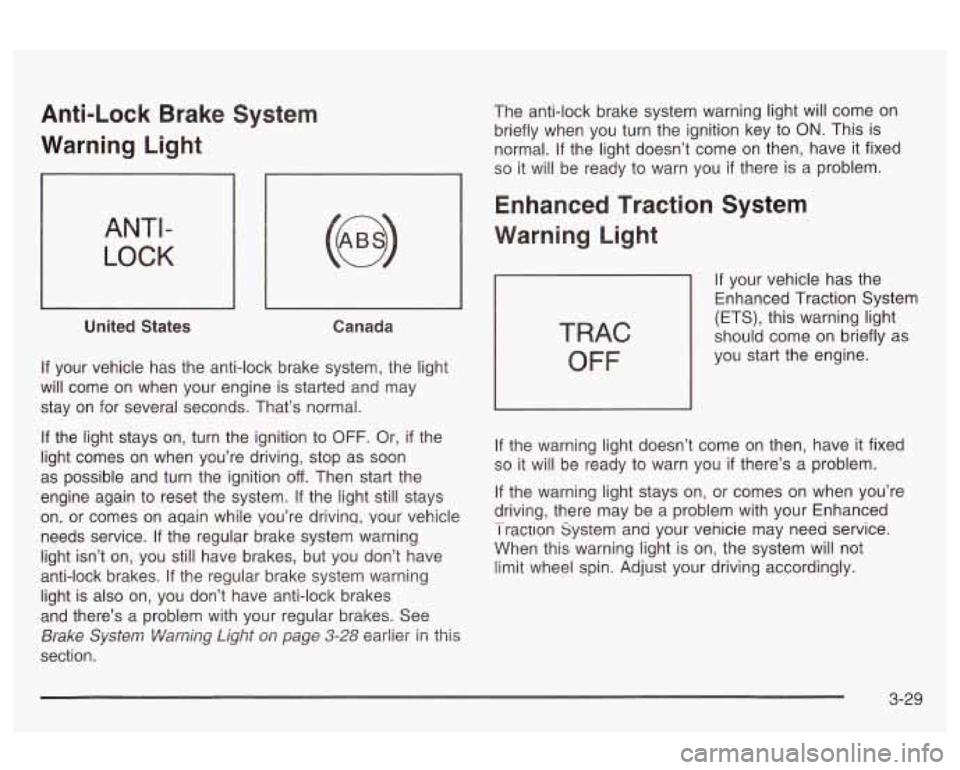
Anti-Lock Brake System
Warning Light
ANTI -
LOCK
United States Canada
If your vehicle has the anti-lock brake system, the light
will come on when your engine is started and may
stay on for several seconds. That’s normal.
If the light stays on, turn the ignition to OFF. Or, if the
light comes on when you’re driving, stop as soon
as possible and turn the ignition
off. Then start the
engine again to reset the system.
If the light still stays
on, or comes on aqain while Vou’re drivinq, your vehicle
needs service. If the regular brake system warning
light isn’t on, you still have brakes, but you don’t have
anti-lock brakes. If the regular brake system warning
light is also on, you don’t have anti-lock brakes
and there’s a problem with your regular brakes. See
section.
Brake Sy~Sei~7 Viamj~~ Light O/T page 3-28 earlier in this
The anti-lock brake system warning light will come on
briefly when you turn the ignition key to
ON. This is
normal.
If the light doesn’t come on then, have it fixed
so it will be ready to warn you if there is a problem.
Enhanced Traction System
Warning Light
TRAC
OFF
If your vehicle has the
Enhanced Traction System
(ETS), this warning light
should come on briefly as
you start the engine.
If the warning light doesn’t come on then, have it fixed
so it will be ready to warn you if there’s a problem.
If the warning light stays on, or comes on when you’re
driving, there may be a problem with your Enhanced
I raction system ana your venicie may need service.
When this warning light is on, the system will not
limit wheel spin. Adjust your driving accordingly. -
3-29
Page 135 of 354
The Enhanced Traction System warning light may come
on for the following reasons:
If you turn the system off by pressing the ETS
button on the center console near the gear
shift lever, the warning light will come on and stay
on. To turn the system back
on, press the button
again. The warning light should go
off. See
Enhanced Traction System (ETS) on page 4-9 for
more information.
If the traction control system is affected by an
engine-related problem, the system will turn
off and
the warning light will come on.
If the vehicle is driven on an extremely rough road,
the warning light may come on momentarily but will
go off again when the vehicle leaves the rough
surface.
If the Enhanced Traction System warning light comes
on and stays on for an extended period of time when the
system is turned on and the parking brake is fully
released, your vehicle needs service.
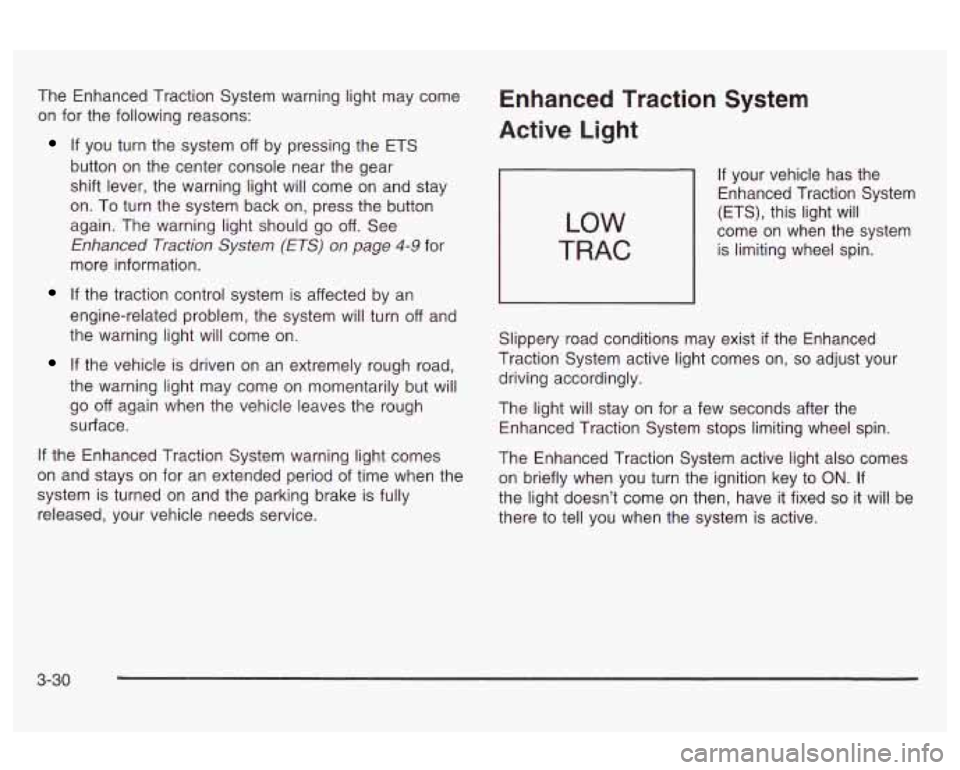
Enhanced Traction System
Active Light
LOW
TRAC
If your vehicle has the
Enhanced Traction System
(ETS), this light will
come on when the system
is limiting wheel spin.
Slippery road conditions may exist
if the Enhanced
Traction System active light comes on,
so adjust your
driving accordingly.
The light will stay on for a few seconds after the
Enhanced Traction System stops limiting wheel spin.
The Enhanced Traction System active light also comes
on briefly when you turn the ignition key
to ON. If
the light doesn’t come on then, have it fixed
so it will be
there to tell you when the system is active.
3-30
Page 180 of 354
When you start your engine, or when you begin to drive
away, your anti-lock brake system will check itself.
You may hear a momentary motor or clicking noise while
this test
is going on, and you may even notice that
your brake pedal moves or pulses a little. This is normal. Let’s say the road
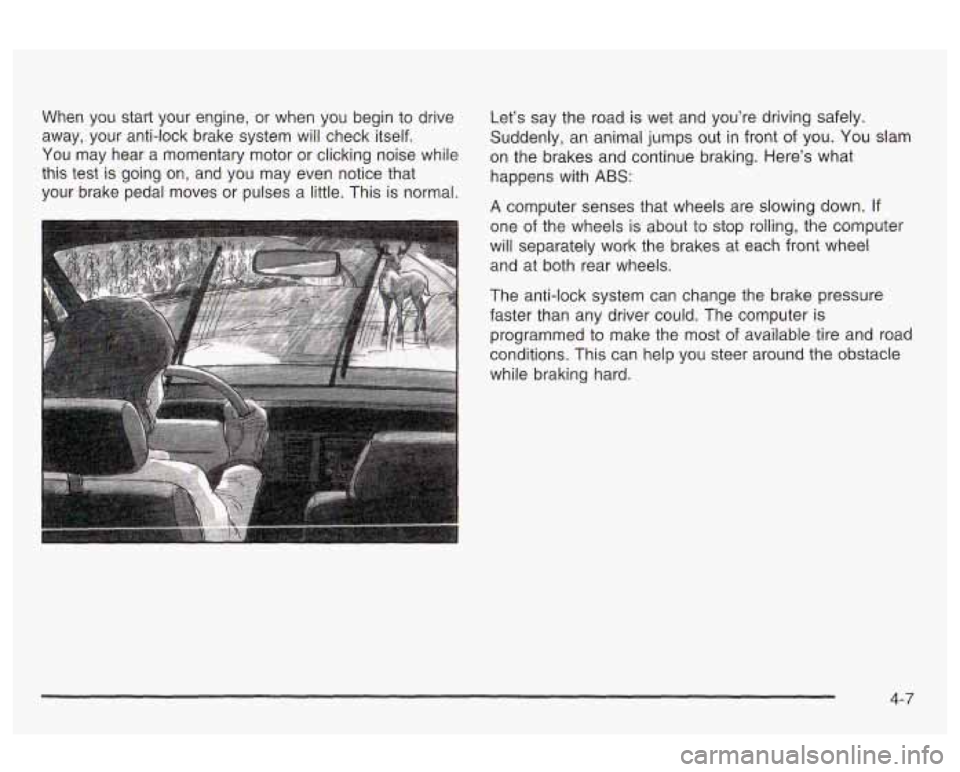
is wet and you’re driving safely.
Suddenly, an animal jumps out in front of you. You slam
on the brakes and continue braking. Here’s what
happens with ABS:
A computer senses that wheels are slowing down. If
one of the wheels is about to stop rolling, the computer
will separately work the brakes at each front wheel
and at both rear wheels.
The anti-lock system can change the brake pressure
faster than any driver could. The computer is
programmed to make the most of available tire and road
conditions. This can help you steer around the obstacle
while braking hard.
4-7
Page 181 of 354
Using Anti-Lock
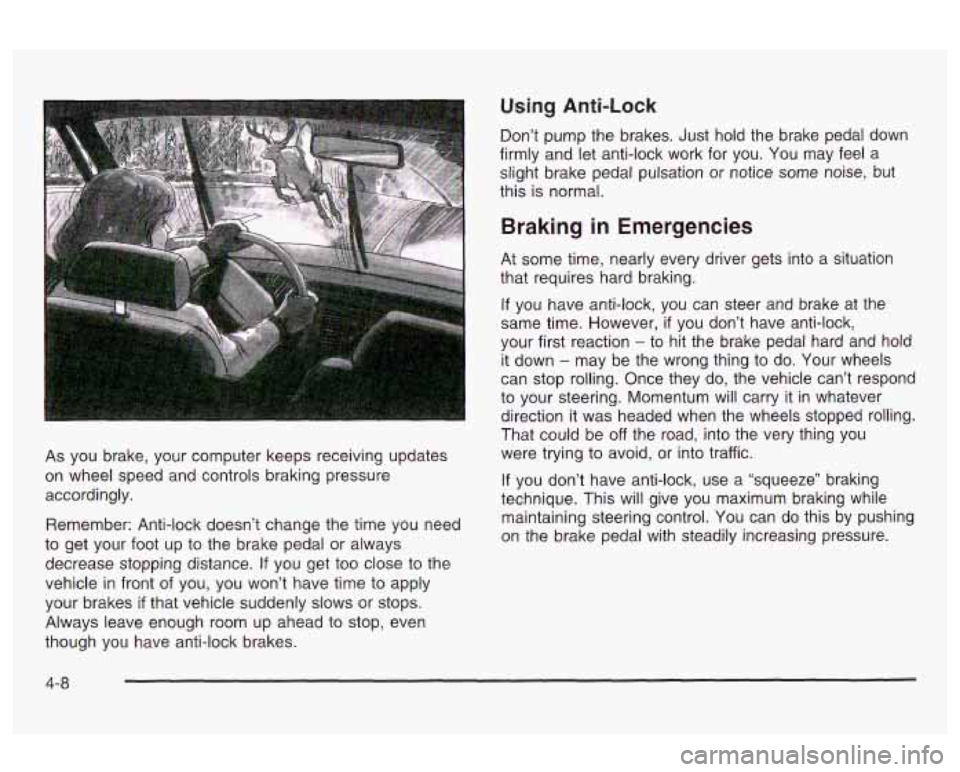
As you brake, your computer keeps receiving updates
on wheel speed and controls braking pressure
accordingly.
Remember: Anti-lock doesn’t change the time you need
to get your foot up to the brake pedal or always
decrease stopping distance.
If you get too close to the
vehicle
in front of you, you won’t have time to apply
your brakes
if that vehicle suddenly slows or stops.
Always leave enough room up ahead to stop, even
though you have anti-lock brakes. Don’t
pump the brakes. Just hold the brake pedal down
firmly and let anti-lock work for you. You may feel a
slight brake pedal pulsation or notice some noise, but
this is normal.
Braking in Emergencies
At some time, nearly every driver gets into a situation
that requires hard braking.
If you have anti-lock, you can steer and brake at the
same time. However,
if you don’t have anti-lock,
your first reaction
- to hit the brake pedal hard and hola
it down
- may be the wrong thing to do. Your wheels
can stop rolling. Once they do, the vehicle can’t respond
to your steering. Momentum will carry it in whatever
direction it was headed when the wheels stopped rolling.
That could be
off the road, into the very thing you
were trying to avoid, or into traffic.
If you don’t have anti-lock, use a “squeeze” braking
technique. This will give you maximum braking while
maintaining steering control. You can do this by pushing
on the brake pedal with steadily increasing pressure.
4-8