lock Oldsmobile Bravada 2000 Owner's Manuals
[x] Cancel search | Manufacturer: OLDSMOBILE, Model Year: 2000, Model line: Bravada, Model: Oldsmobile Bravada 2000Pages: 364, PDF Size: 2.6 MB
Page 2 of 364
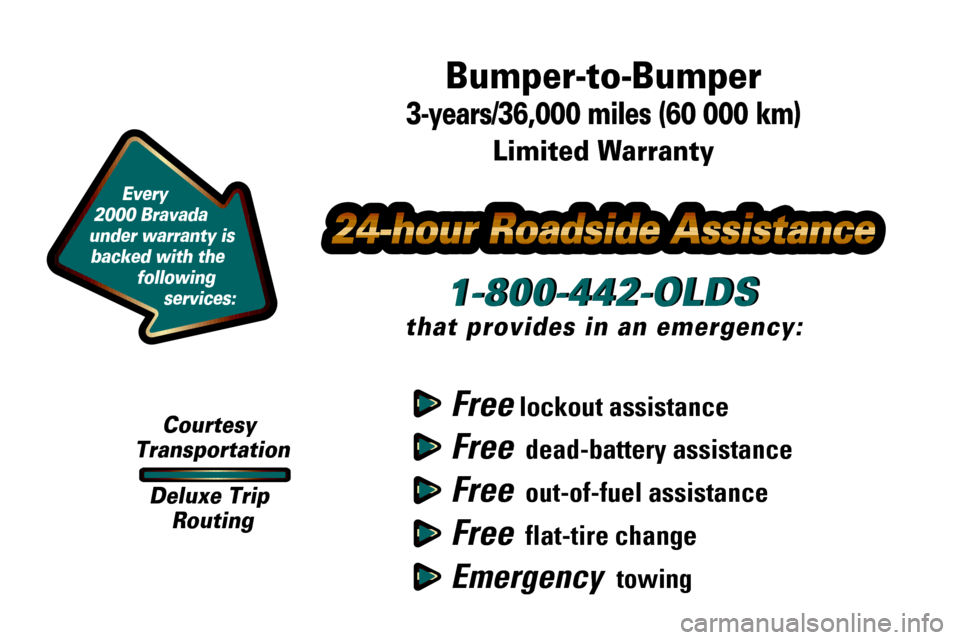
Every
2000 Bravada
under warranty is
backed with the
following
services:
Free lockout assistance
Free dead-battery assistance
Free out-of-fuel assistance
Free flat-tire change
Emergency towing
1-800-442-OLDS
that provides in an emergency:
Bumper-to-Bumper
3-years/36,000 miles (60 000 km)
Limited Warranty
Courtesy
Transportation
Deluxe Trip
Routing
1-800-442-OLDS
Page 4 of 364
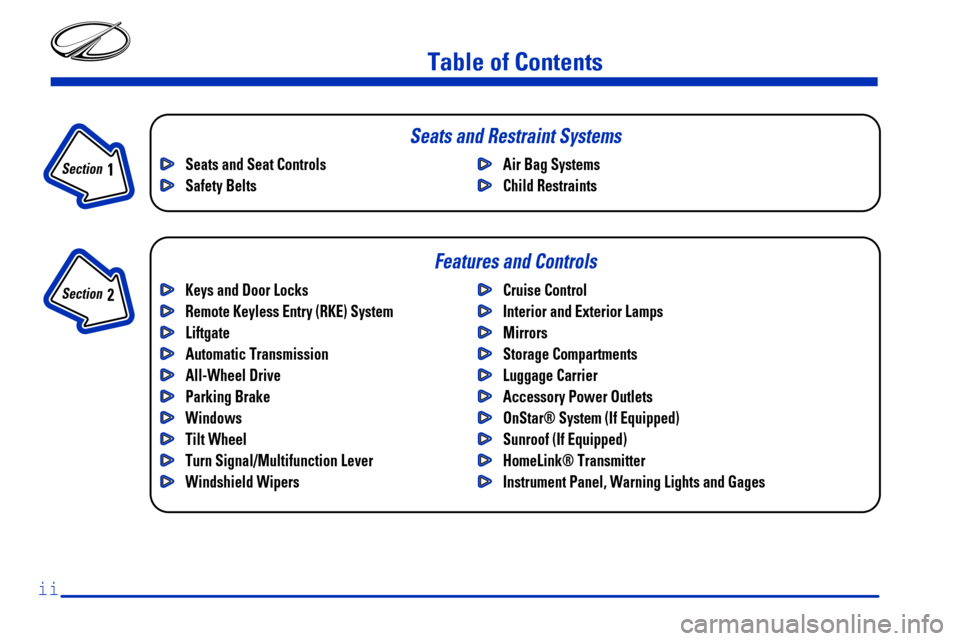
Table of Contents
Keys and Door Locks
Remote Keyless Entry (RKE) System
Liftgate
Automatic Transmission
All-Wheel Drive
Parking Brake
Windows
Tilt Wheel
Turn Signal/Multifunction Lever
Windshield WipersCruise Control
Interior and Exterior Lamps
Mirrors
Storage Compartments
Luggage Carrier
Accessory Power Outlets
OnStar® System (If Equipped)
Sunroof (If Equipped)
HomeLink® Transmitter
Instrument Panel, Warning Lights and Gages Seats and Seat Controls
Safety BeltsAir Bag Systems
Child Restraints
Section
1
Section
2
Seats and Restraint Systems
Features and Controls
ii
Page 5 of 364
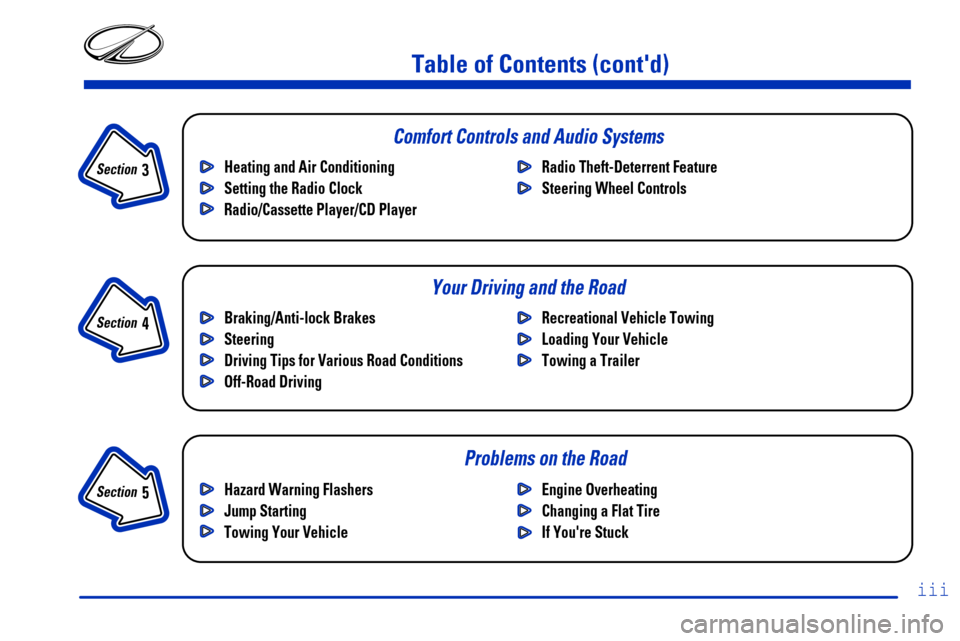
Table of Contents (cont'd)
Braking/Anti-lock Brakes
Steering
Driving Tips for Various Road Conditions
Off-Road DrivingRecreational Vehicle Towing
Loading Your Vehicle
Towing a Trailer Heating and Air Conditioning
Setting the Radio Clock
Radio/Cassette Player/CD PlayerRadio Theft-Deterrent Feature
Steering Wheel Controls
Hazard Warning Flashers
Jump Starting
Towing Your VehicleEngine Overheating
Changing a Flat Tire
If You're Stuck
Problems on the Road
iii
Section
3
Section
4
Section
5
Comfort Controls and Audio Systems
Your Driving and the Road
Page 12 of 364

x
For example,
these symbols
are used on an
original battery:
CAUTION
POSSIBLE
INJURY
PROTECT
EYES BY
SHIELDING
CAUSTIC
BATTERY
ACID COULD
CAUSE
BURNS
AVOID
SPARKS OR
FLAMES
SPARK OR
FLAME
COULD
EXPLODE
BATTERY
These symbols
are important
for you and
your passengers
whenever your
vehicle is
driven:
DOOR LOCK
UNLOCK
FASTEN
SEAT
BELTS
POWER
WINDOW
AIR BAG
These symbols
have to do with
your lamps:
MASTER
LIGHTING
SWITCH
TURN
SIGNALS
PARKING
LAMPS
HAZARD
WARNING
FLASHER
DAYTIME
RUNNING
LAMPS
FOG LAMPS
These symbols
are on some of
your controls:
WINDSHIELD
WIPER
WINDSHIELD
WASHER
WINDSHIELD
DEFROSTER
REAR
WINDOW
DEFOGGER
VENTILATING
FAN
These symbols
are used on
warning and
indicator lights:
ENGINE
COOLANT
TEMP
BATTERY
CHARGING
SYSTEM
BRAKE
COOLANT
ENGINE OIL
PRESSURE
ANTI-LOCK
BRAKES
Here are some
other symbols
you may see:
FUSE
LIGHTER
HORN
SPEAKER
FUEL
Vehicle Symbols
These are some of the symbols you may find on your vehicle.
Page 15 of 364
1-2
Seats and Seat Controls
This section tells you about the seats -- how to adjust
them and fold them up and down.
Manual Passenger Seat
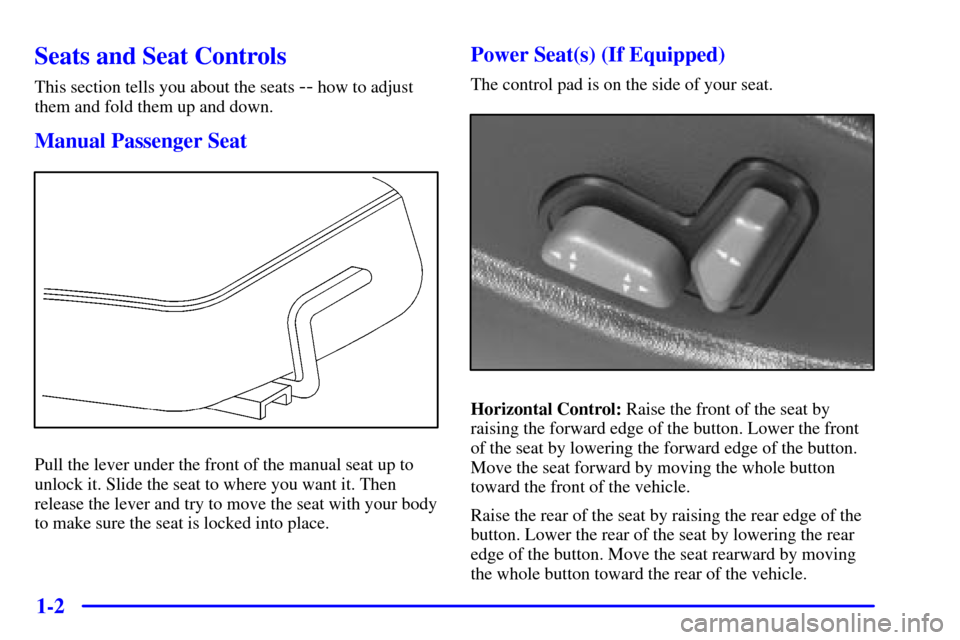
Pull the lever under the front of the manual seat up to
unlock it. Slide the seat to where you want it. Then
release the lever and try to move the seat with your body
to make sure the seat is locked into place.
Power Seat(s) (If Equipped)
The control pad is on the side of your seat.
Horizontal Control: Raise the front of the seat by
raising the forward edge of the button. Lower the front
of the seat by lowering the forward edge of the button.
Move the seat forward by moving the whole button
toward the front of the vehicle.
Raise the rear of the seat by raising the rear edge of the
button. Lower the rear of the seat by lowering the rear
edge of the button. Move the seat rearward by moving
the whole button toward the rear of the vehicle.
Page 16 of 364
1-3
Moving the whole button up or down raises or lowers
the whole seat.
Vertical Control: Move the reclining front seatback
rearward by moving the button toward the rear of the
vehicle. Move the seatback forward by moving the
button toward the front of the vehicle.
Power Lumbar Control
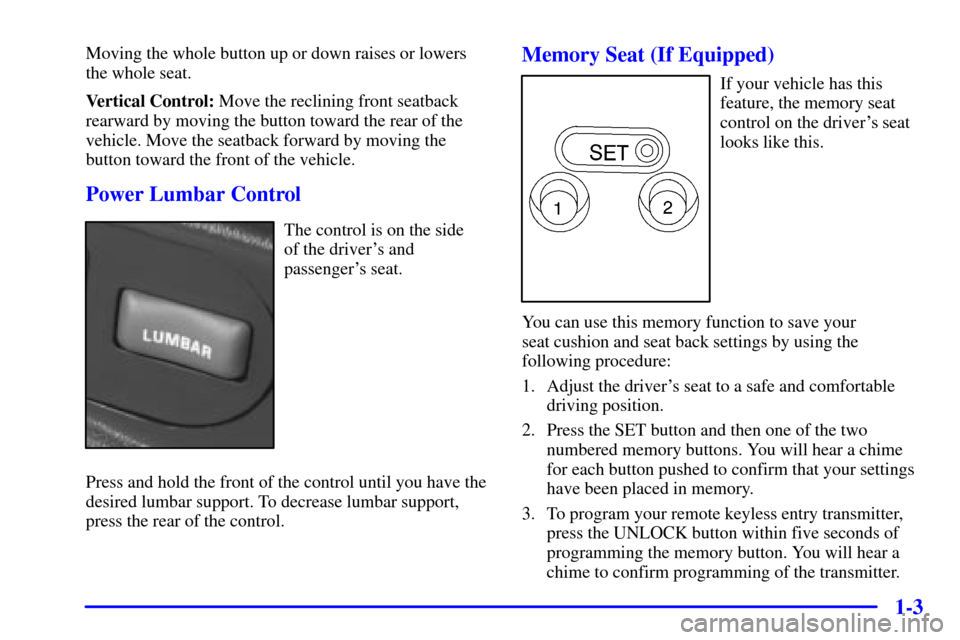
The control is on the side
of the driver's and
passenger's seat.
Press and hold the front of the control until you have the
desired lumbar support. To decrease lumbar support,
press the rear of the control.
Memory Seat (If Equipped)
If your vehicle has this
feature, the memory seat
control on the driver's seat
looks like this.
You can use this memory function to save your
seat cushion and seat back settings by using the
following procedure:
1. Adjust the driver's seat to a safe and comfortable
driving position.
2. Press the SET button and then one of the two
numbered memory buttons. You will hear a chime
for each button pushed to confirm that your settings
have been placed in memory.
3. To program your remote keyless entry transmitter,
press the UNLOCK button within five seconds of
programming the memory button. You will hear a
chime to confirm programming of the transmitter.
Page 17 of 364
1-4
When your vehicle is in PARK (P), push and release the
numbered memory button you just stored. The seat will
move to the set position. You will hear one chime.
Pressing the unlock button of a remote keyless entry
transmitter will adjust the seat to the corresponding
stored memory position. You will hear one chime.
To store a new position, repeat Steps 1 and 2 to readjust
the seat. The keyless entry transmitter need not be
programmed unless it needs to correspond to the other
numbered memory button.
To set the seat for a second driver, follow the previous
steps, but use the other numbered button and the other
keyless entry transmitter.
If there is a third driver, use the seat adjuster switch to
adjust the seat.
Pressing any of the seat adjuster switches, the SET
button or the desired memory button twice will cause
the seat to stop moving.
If you push the numbered button to adjust the seat
and start the vehicle while the seat is still adjusting,
adjustment will pause while the ignition is in START.
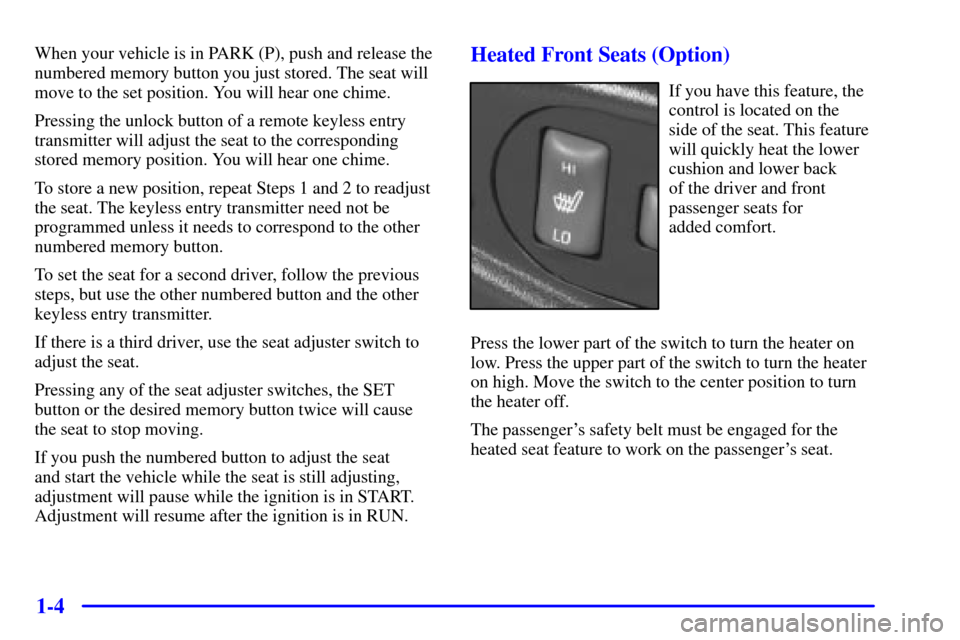
Adjustment will resume after the ignition is in RUN.Heated Front Seats (Option)
If you have this feature, the
control is located on the
side of the seat. This feature
will quickly heat the lower
cushion and lower back
of the driver and front
passenger seats for
added comfort.
Press the lower part of the switch to turn the heater on
low. Press the upper part of the switch to turn the heater
on high. Move the switch to the center position to turn
the heater off.
The passenger's safety belt must be engaged for the
heated seat feature to work on the passenger's seat.
Page 19 of 364
1-6 Head Restraints
Slide the head restraint up or down so that the top of the
restraint is closest to the top of your ears. This position
reduces the chance of a neck injury in a crash.
The head restraints tilt forward and rearward also.
The rear seat head restraints in your vehicle are
adjustable. Slide an adjustable head restraint up or down
so that the top of the restraint is closest to the top of
your ears. This position reduces the chance of a neck
injury in a crash.
Push the button located under the rear head restraint to
raise or lower it. After releasing the button, push or pull
on the head restraint to make sure it's locked in place.
Rear Seats
Your vehicle has a folding rear seat which lets you fold
the seatbacks down for more cargo space.
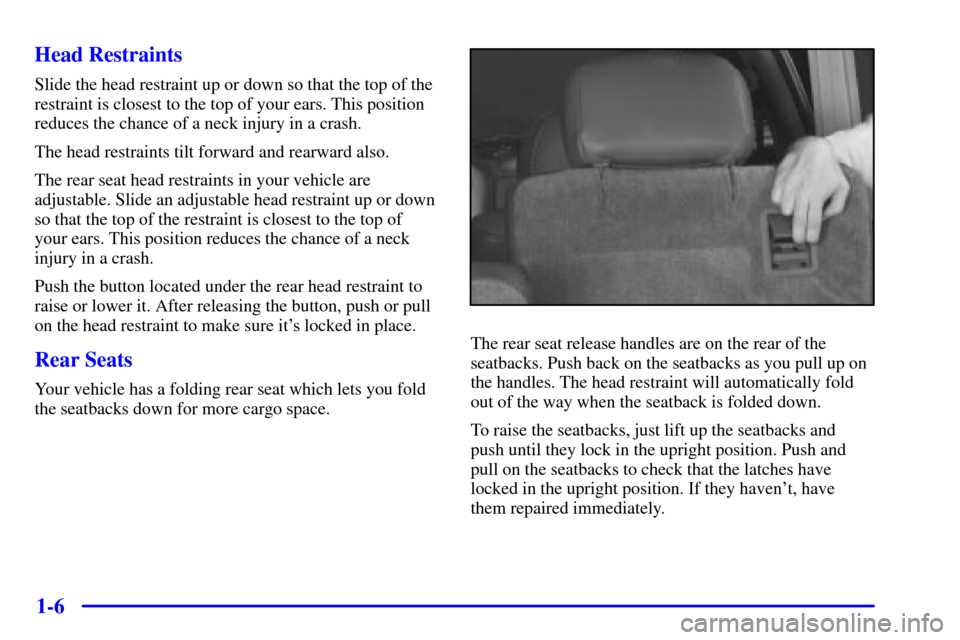
The rear seat release handles are on the rear of the
seatbacks. Push back on the seatbacks as you pull up on
the handles. The head restraint will automatically fold
out of the way when the seatback is folded down.
To raise the seatbacks, just lift up the seatbacks and
push until they lock in the upright position. Push and
pull on the seatbacks to check that the latches have
locked in the upright position. If they haven't, have
them repaired immediately.
Page 20 of 364
1-7
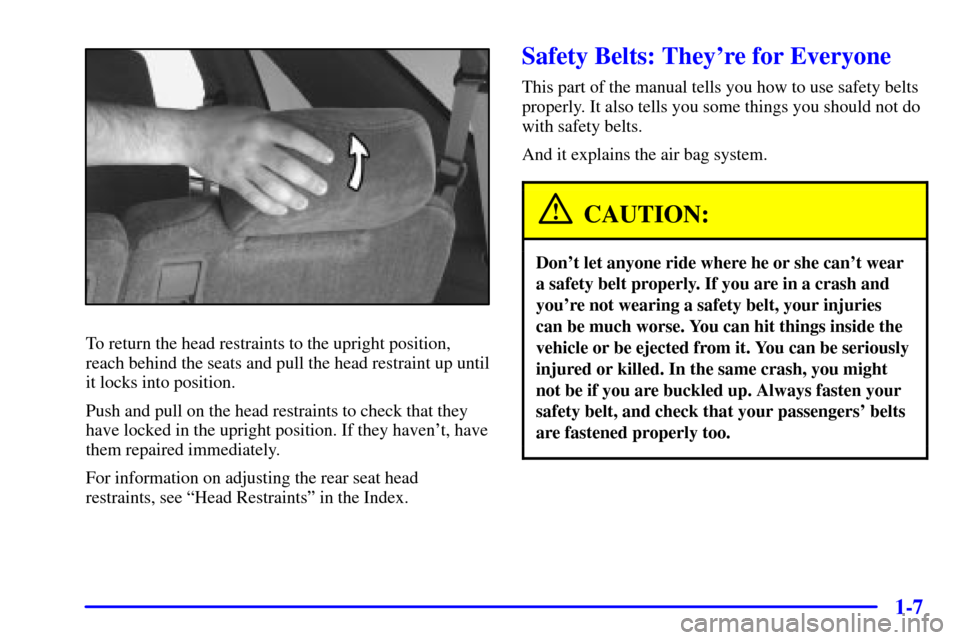
To return the head restraints to the upright position,
reach behind the seats and pull the head restraint up until
it locks into position.
Push and pull on the head restraints to check that they
have locked in the upright position. If they haven't, have
them repaired immediately.
For information on adjusting the rear seat head
restraints, see ªHead Restraintsº in the Index.
Safety Belts: They're for Everyone
This part of the manual tells you how to use safety belts
properly. It also tells you some things you should not do
with safety belts.
And it explains the air bag system.
CAUTION:
Don't let anyone ride where he or she can't wear
a safety belt properly. If you are in a crash and
you're not wearing a safety belt, your injuries
can be much worse. You can hit things inside the
vehicle or be ejected from it. You can be seriously
injured or killed. In the same crash, you might
not be if you are buckled up. Always fasten your
safety belt, and check that your passengers' belts
are fastened properly too.
Page 26 of 364
1-13
How to Wear Safety Belts Properly
Adults
This part is only for people of adult size.
Be aware that there are special things to know about
safety belts and children. And there are different rules
for smaller children and babies. If a child will be riding
in your vehicle, see the part of this manual called
ªChildren.º Follow those rules for
everyone's protection.
First, you'll want to know which restraint systems your
vehicle has.
We'll start with the driver position.
Driver Position
This part describes the driver's restraint system.
Lap-Shoulder Belt
The driver has a lap-shoulder belt. Here's how to wear
it properly.
1. Close and lock the door.
2. Adjust the seat (to see how, see ªSeatsº in the Index)
so you can sit up straight.
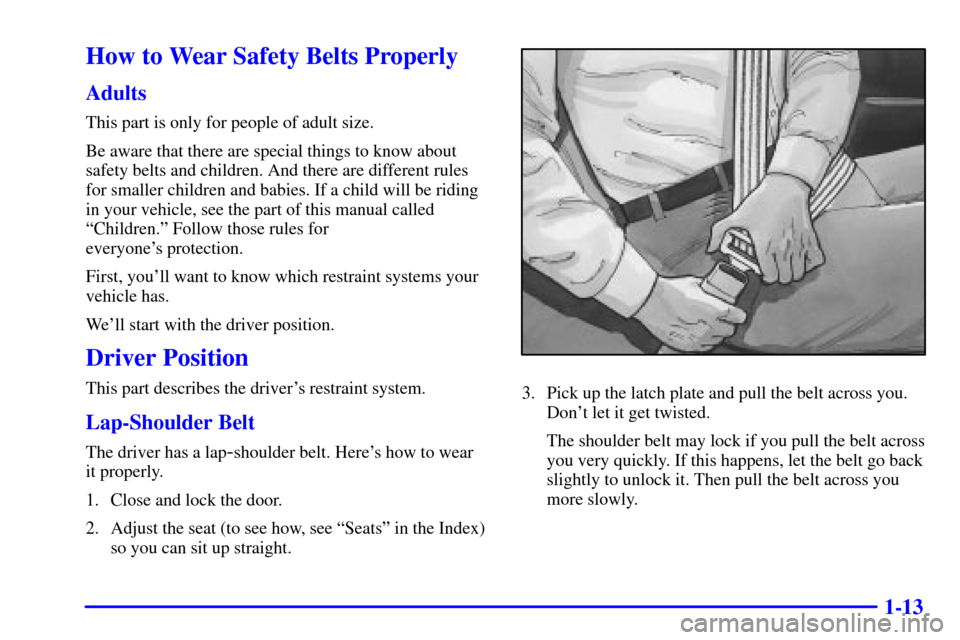
3. Pick up the latch plate and pull the belt across you.
Don't let it get twisted.
The shoulder belt may lock if you pull the belt across
you very quickly. If this happens, let the belt go back
slightly to unlock it. Then pull the belt across you
more slowly.