wheel Oldsmobile Bravada 2004 s User Guide
[x] Cancel search | Manufacturer: OLDSMOBILE, Model Year: 2004, Model line: Bravada, Model: Oldsmobile Bravada 2004Pages: 420, PDF Size: 4.37 MB
Page 86 of 420
FIRST (1):This position gives you even more power
but lower fuel economy than SECOND (2). You can use
it on very steep hills, or in deep snow or mud. If the
gear shift lever is put in FIRST (1) while the vehicle is
moving forward, the transmission won’t shift into
rst gear until the vehicle is going slowly enough.
Notice:Spinning the tires or holding the vehicle in
one place on a hill using only the accelerator
pedal may damage the transmission. If you are
stuck, do not spin the tires. When stopping on a hill,
use the brakes to hold the vehicle in place.
All-Wheel Drive
Your vehicle may have this feature. There is no lever or
switch to engage or disengage the front axle. It is
fully automatic and adjusts as needed for road
conditions. Your vehicle has an active transfer case
allowing two-wheel-drive operation on dry roads.
The transfer case will shift automatically into all-wheel
drive on slippery surfaces. You may feel an extra
shift when the all-wheel drive engages.
Parking Brake
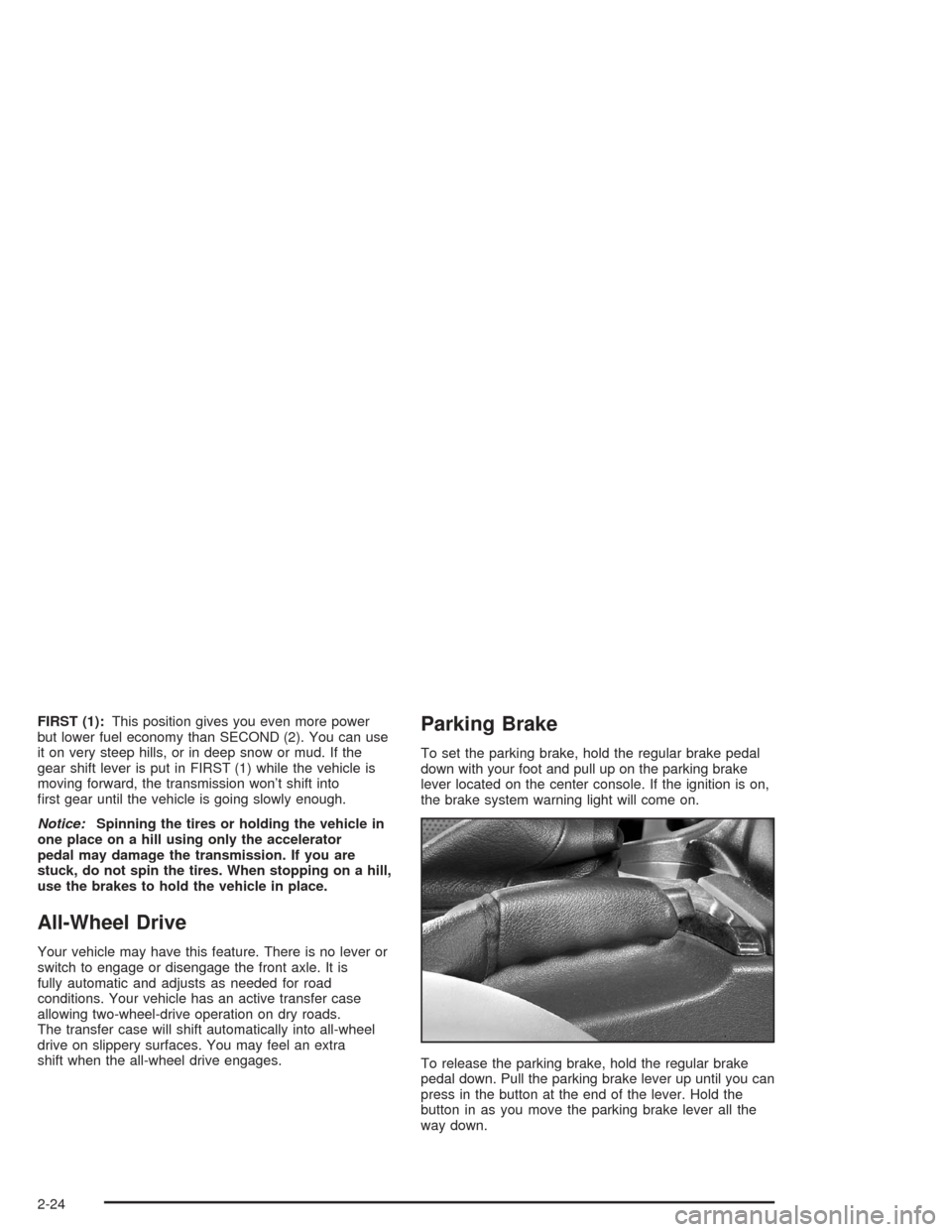
To set the parking brake, hold the regular brake pedal
down with your foot and pull up on the parking brake
lever located on the center console. If the ignition is on,
the brake system warning light will come on.
To release the parking brake, hold the regular brake
pedal down. Pull the parking brake lever up until you can
press in the button at the end of the lever. Hold the
button in as you move the parking brake lever all the
way down.
2-24
Page 96 of 420
OnStar®Virtual Advisor
With OnStar®Virtual Advisor you can listen to your
favorite news, entertainment and information topics,
such as traffic and weather reports, stock quotes
and sports scores. You listen to your e-mail through
your vehicle’s speakers, and reply with your hands on
the wheel and your eyes on the road.
HomeLink®Transmitter
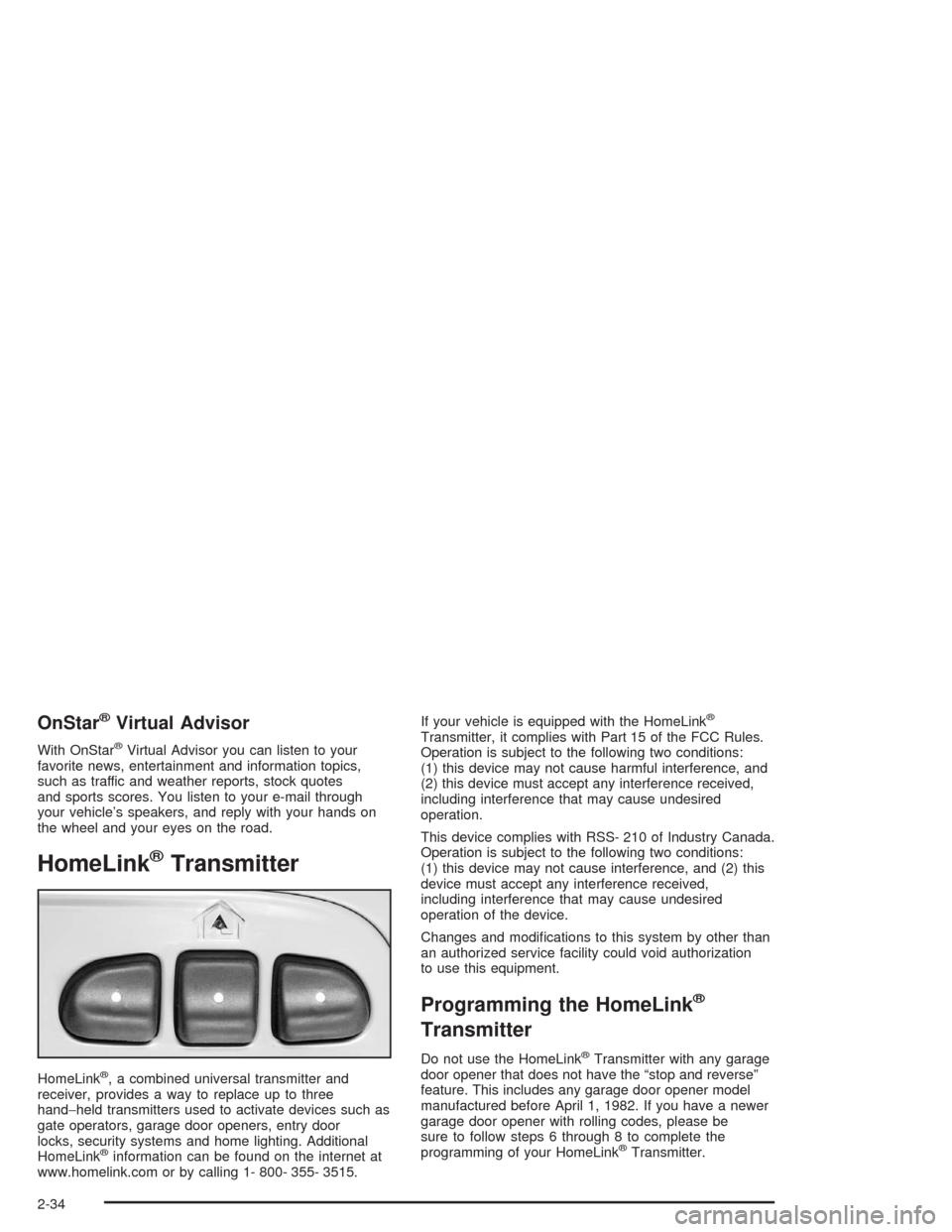
HomeLink®, a combined universal transmitter and
receiver, provides a way to replace up to three
hand−held transmitters used to activate devices such as
gate operators, garage door openers, entry door
locks, security systems and home lighting. Additional
HomeLink
®information can be found on the internet at
www.homelink.com or by calling 1- 800- 355- 3515.If your vehicle is equipped with the HomeLink
®
Transmitter, it complies with Part 15 of the FCC Rules.
Operation is subject to the following two conditions:
(1) this device may not cause harmful interference, and
(2) this device must accept any interference received,
including interference that may cause undesired
operation.
This device complies with RSS- 210 of Industry Canada.
Operation is subject to the following two conditions:
(1) this device may not cause interference, and (2) this
device must accept any interference received,
including interference that may cause undesired
operation of the device.
Changes and modications to this system by other than
an authorized service facility could void authorization
to use this equipment.
Programming the HomeLink®
Transmitter
Do not use the HomeLink®Transmitter with any garage
door opener that does not have the “stop and reverse”
feature. This includes any garage door opener model
manufactured before April 1, 1982. If you have a newer
garage door opener with rolling codes, please be
sure to follow steps 6 through 8 to complete the
programming of your HomeLink
®Transmitter.
2-34
Page 107 of 420
Instrument Panel Overview...............................3-4
Hazard Warning Flashers................................3-6
Other Warning Devices...................................3-7
Horn.............................................................3-7
Tilt Wheel.....................................................3-7
Turn Signal/Multifunction Lever.........................3-8
Exterior Lamps.............................................3-15
Interior Lamps..............................................3-17
Accessory Power Outlets...............................3-20
Ashtrays and Cigarette Lighter........................3-20
Climate Controls............................................3-21
Dual Automatic Climate Control System...........3-21
Rear Climate Control System.........................3-26
Climate Controls Personalization.....................3-27
Warning Lights, Gages and Indicators.............3-28
Instrument Panel Cluster................................3-29
Speedometer and Odometer...........................3-30
Tachometer.................................................3-31
Safety Belt Reminder Light.............................3-31
Air Bag Readiness Light................................3-32Charging System Light..................................3-33
Voltmeter Gage............................................3-33
Brake System Warning Light..........................3-34
Anti-Lock Brake System Warning Light.............3-35
Engine Coolant Temperature Gage..................3-36
Malfunction Indicator Lamp.............................3-36
Oil Pressure Gage........................................3-39
Change Engine Oil Light................................3-40
Security Light...............................................3-41
Cruise Control Light......................................3-41
Reduced Engine Power Light.........................3-42
Service All-Wheel Drive Light.........................3-42
Check Gages Warning Light...........................3-43
Gate Ajar Light.............................................3-43
Fuel Gage...................................................3-44
Low Fuel Warning Light.................................3-44
Driver Information Center (DIC).......................3-45
DIC Operation and Displays...........................3-45
DIC Warnings and Messages.........................3-54
Section 3 Instrument Panel
3-1
Page 108 of 420
Audio System(s).............................................3-58
Setting the Time...........................................3-58
Radio with Cassette and CD..........................3-59
Radio with Six-Disc CD.................................3-69
Navigation/Radio System...............................3-81
Rear Seat Entertainment System....................3-82
Rear Seat Audio (RSA).................................3-93
Radio Personalization....................................3-94
Theft-Deterrent Feature..................................3-94Audio Steering Wheel Controls.......................3-95
DVD Distortion.............................................3-96
Understanding Radio Reception......................3-96
Care of Your Cassette Tape Player.................3-96
Care of Your CDs and DVDs.........................3-97
Care of Your CD and DVD Player...................3-97
Cleaning the Video Screen.............................3-98
Fixed Mast Antenna......................................3-98
Chime Level Adjustment................................3-98
Section 3 Instrument Panel
3-2
Page 111 of 420
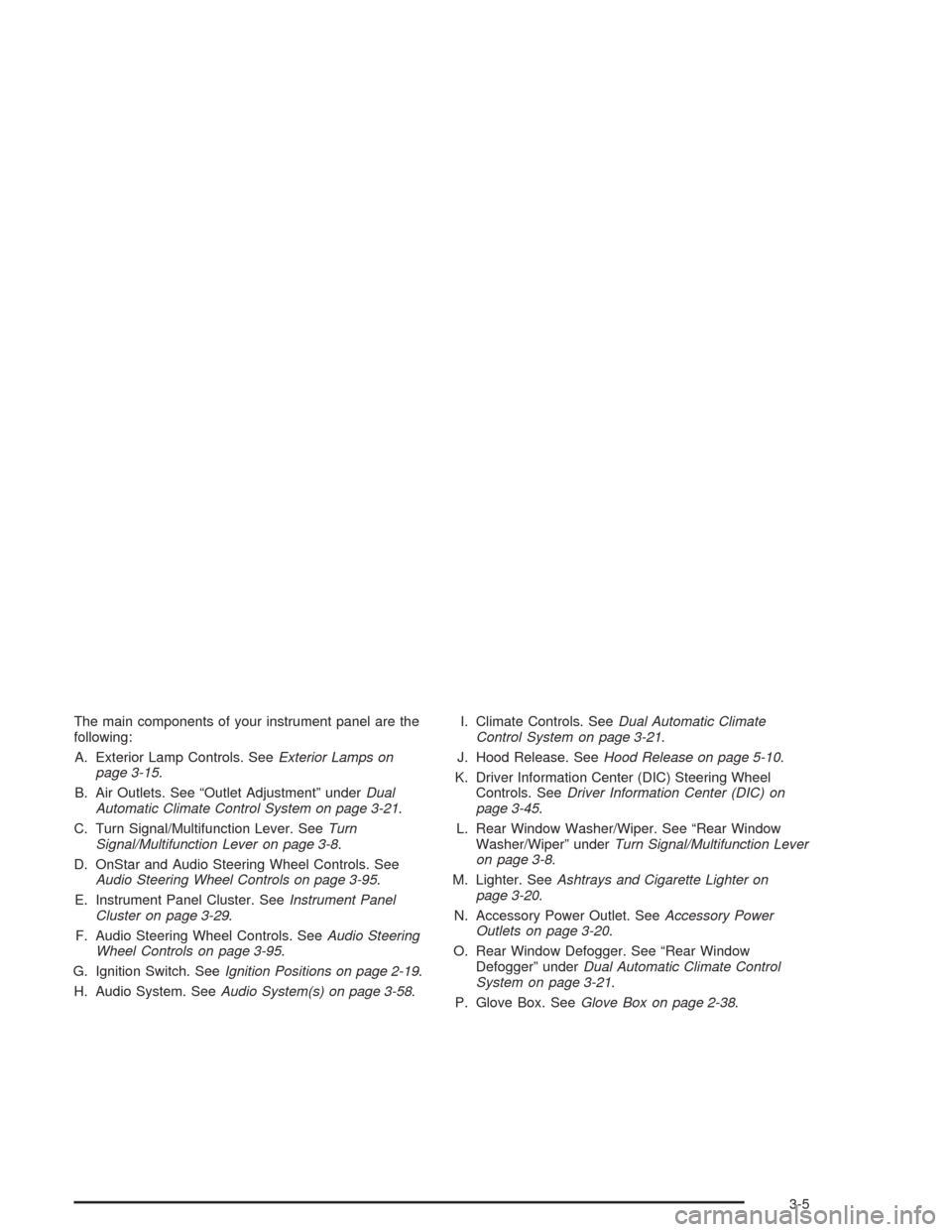
The main components of your instrument panel are the
following:
A. Exterior Lamp Controls. SeeExterior Lamps on
page 3-15.
B. Air Outlets. See “Outlet Adjustment” underDual
Automatic Climate Control System on page 3-21.
C. Turn Signal/Multifunction Lever. SeeTurn
Signal/Multifunction Lever on page 3-8.
D. OnStar and Audio Steering Wheel Controls. See
Audio Steering Wheel Controls on page 3-95.
E. Instrument Panel Cluster. SeeInstrument Panel
Cluster on page 3-29.
F. Audio Steering Wheel Controls. SeeAudio Steering
Wheel Controls on page 3-95.
G. Ignition Switch. SeeIgnition Positions on page 2-19.
H. Audio System. SeeAudio System(s) on page 3-58.I. Climate Controls. SeeDual Automatic Climate
Control System on page 3-21.
J. Hood Release. SeeHood Release on page 5-10.
K. Driver Information Center (DIC) Steering Wheel
Controls. SeeDriver Information Center (DIC) on
page 3-45.
L. Rear Window Washer/Wiper. See “Rear Window
Washer/Wiper” underTurn Signal/Multifunction Lever
on page 3-8.
M. Lighter. SeeAshtrays and Cigarette Lighter on
page 3-20.
N. Accessory Power Outlet. SeeAccessory Power
Outlets on page 3-20.
O. Rear Window Defogger. See “Rear Window
Defogger” underDual Automatic Climate Control
System on page 3-21.
P. Glove Box. SeeGlove Box on page 2-38.
3-5
Page 113 of 420
Other Warning Devices
If you carry reective triangles, you can set one up at
the side of the road about 300 feet (100 m) behind your
vehicle.
Horn
To sound the horn, press the horn symbols on the
steering wheel pad.
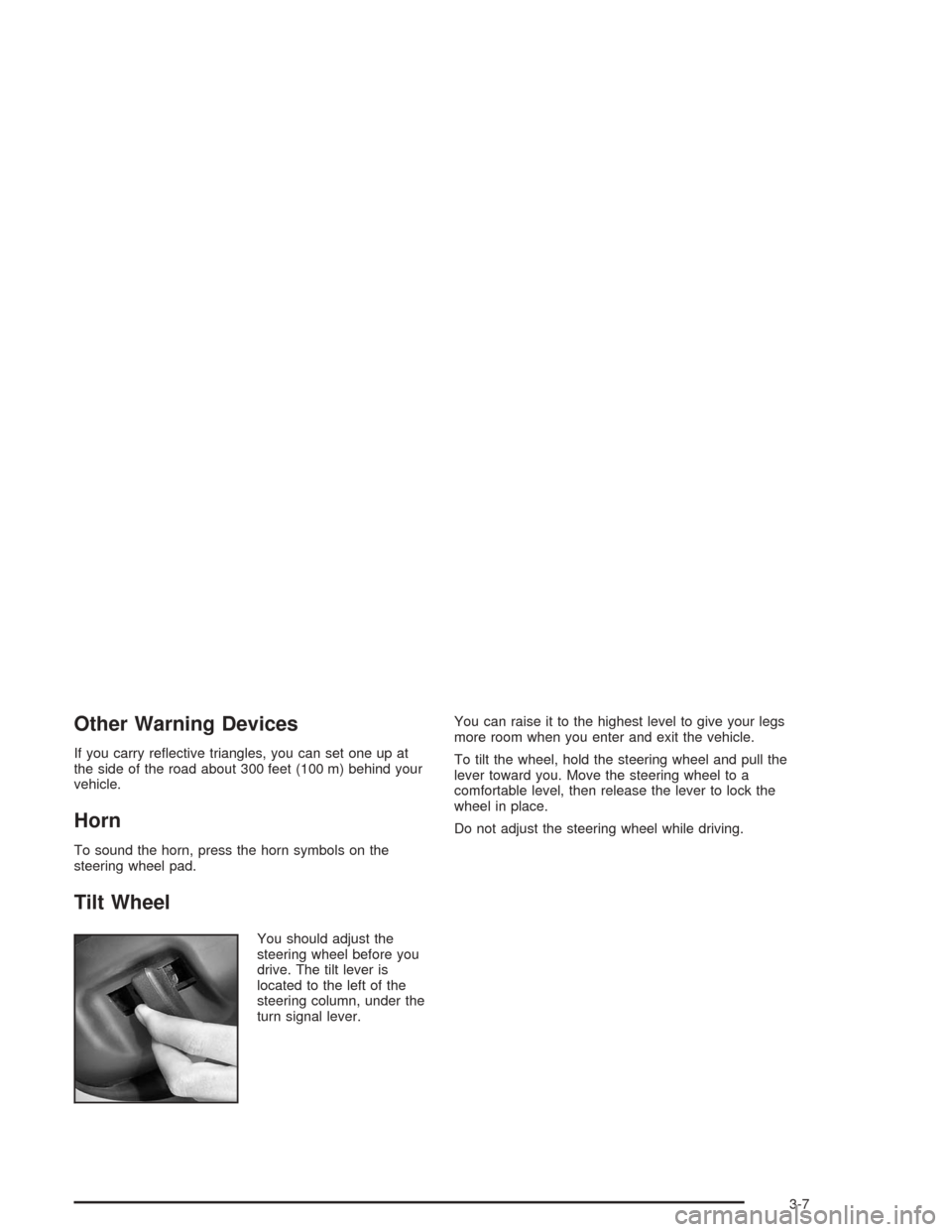
Tilt Wheel
You should adjust the
steering wheel before you
drive. The tilt lever is
located to the left of the
steering column, under the
turn signal lever.You can raise it to the highest level to give your legs
more room when you enter and exit the vehicle.
To tilt the wheel, hold the steering wheel and pull the
lever toward you. Move the steering wheel to a
comfortable level, then release the lever to lock the
wheel in place.
Do not adjust the steering wheel while driving.
3-7
Page 117 of 420
Windshield Washer
L
(Windshield Washer):To spray washer uid on the
windshield, press the windshield washer paddle. The
wipers will clear the window and then either stop
or return to your preset speed.
{CAUTION:
In freezing weather, do not use your washer
until the windshield is warmed. Otherwise the
washer uid can form ice on the windshield,
blocking your vision.
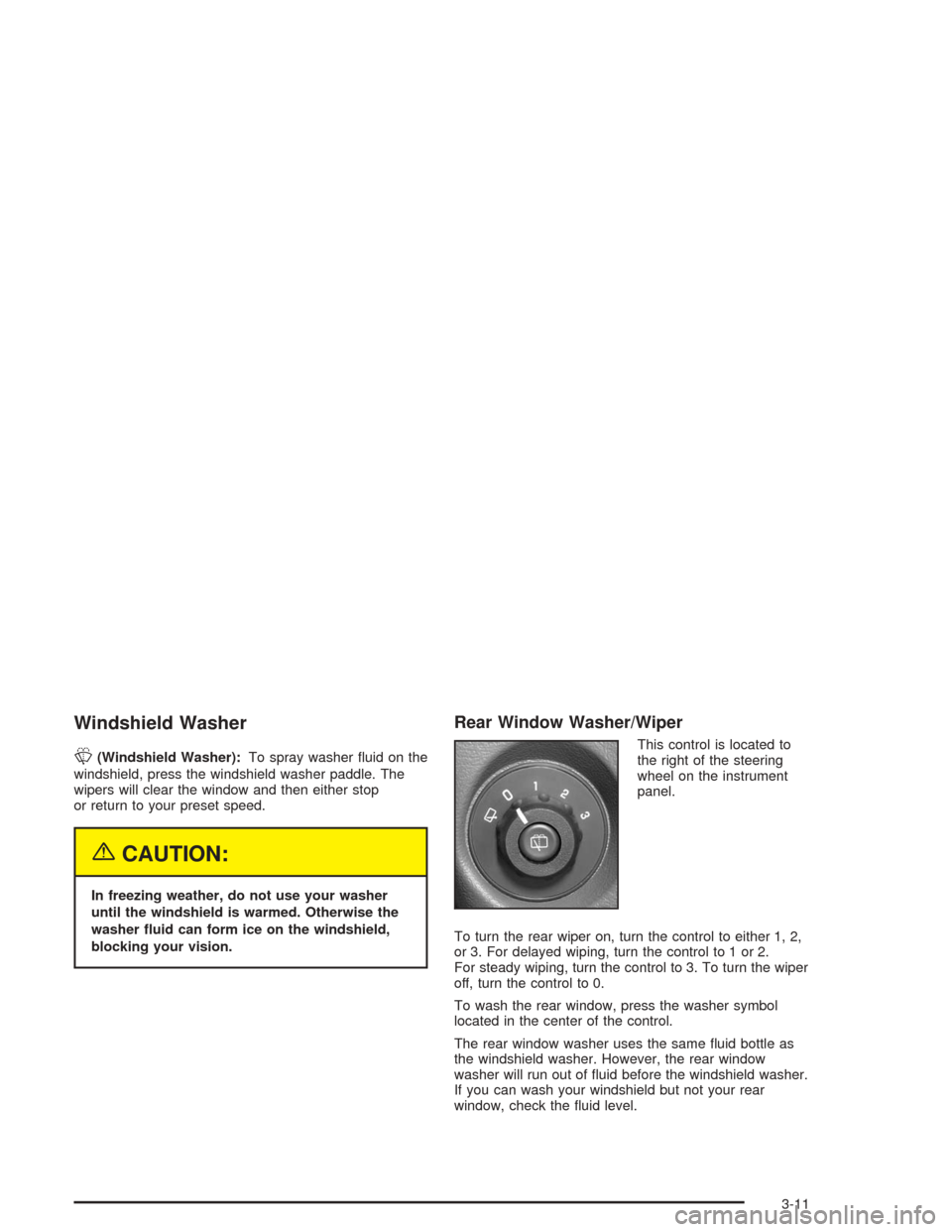
Rear Window Washer/Wiper
This control is located to
the right of the steering
wheel on the instrument
panel.
To turn the rear wiper on, turn the control to either 1, 2,
or 3. For delayed wiping, turn the control to 1 or 2.
For steady wiping, turn the control to 3. To turn the wiper
off, turn the control to 0.
To wash the rear window, press the washer symbol
located in the center of the control.
The rear window washer uses the same uid bottle as
the windshield washer. However, the rear window
washer will run out of uid before the windshield washer.
If you can wash your windshield but not your rear
window, check the uid level.
3-11
Page 118 of 420
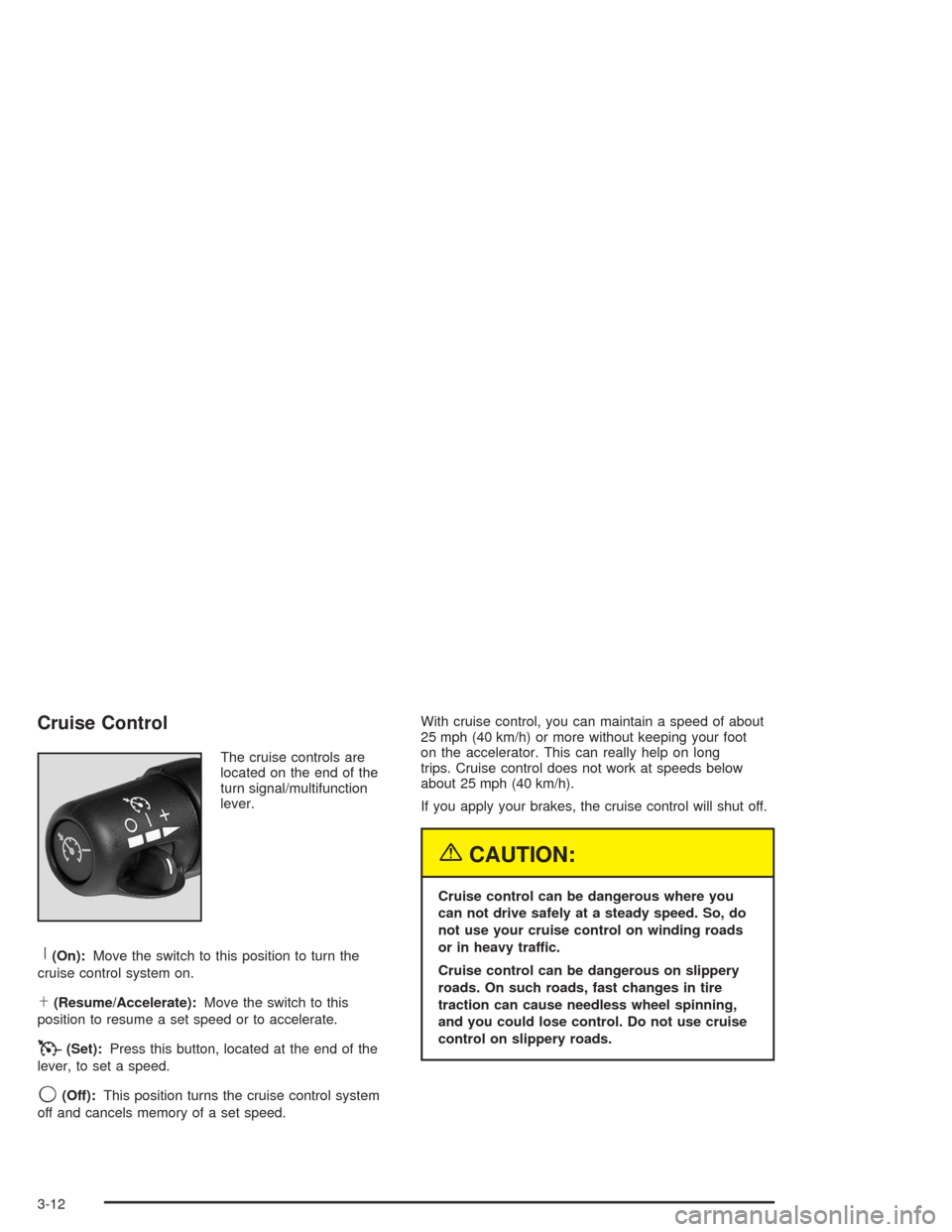
Cruise Control
The cruise controls are
located on the end of the
turn signal/multifunction
lever.
R(On):Move the switch to this position to turn the
cruise control system on.
S(Resume/Accelerate):Move the switch to this
position to resume a set speed or to accelerate.
T(Set):Press this button, located at the end of the
lever, to set a speed.
9(Off):This position turns the cruise control system
off and cancels memory of a set speed.With cruise control, you can maintain a speed of about
25 mph (40 km/h) or more without keeping your foot
on the accelerator. This can really help on long
trips. Cruise control does not work at speeds below
about 25 mph (40 km/h).
If you apply your brakes, the cruise control will shut off.
{CAUTION:
Cruise control can be dangerous where you
can not drive safely at a steady speed. So, do
not use your cruise control on winding roads
or in heavy traffic.
Cruise control can be dangerous on slippery
roads. On such roads, fast changes in tire
traction can cause needless wheel spinning,
and you could lose control. Do not use cruise
control on slippery roads.
3-12
Page 121 of 420
Exterior Lamps
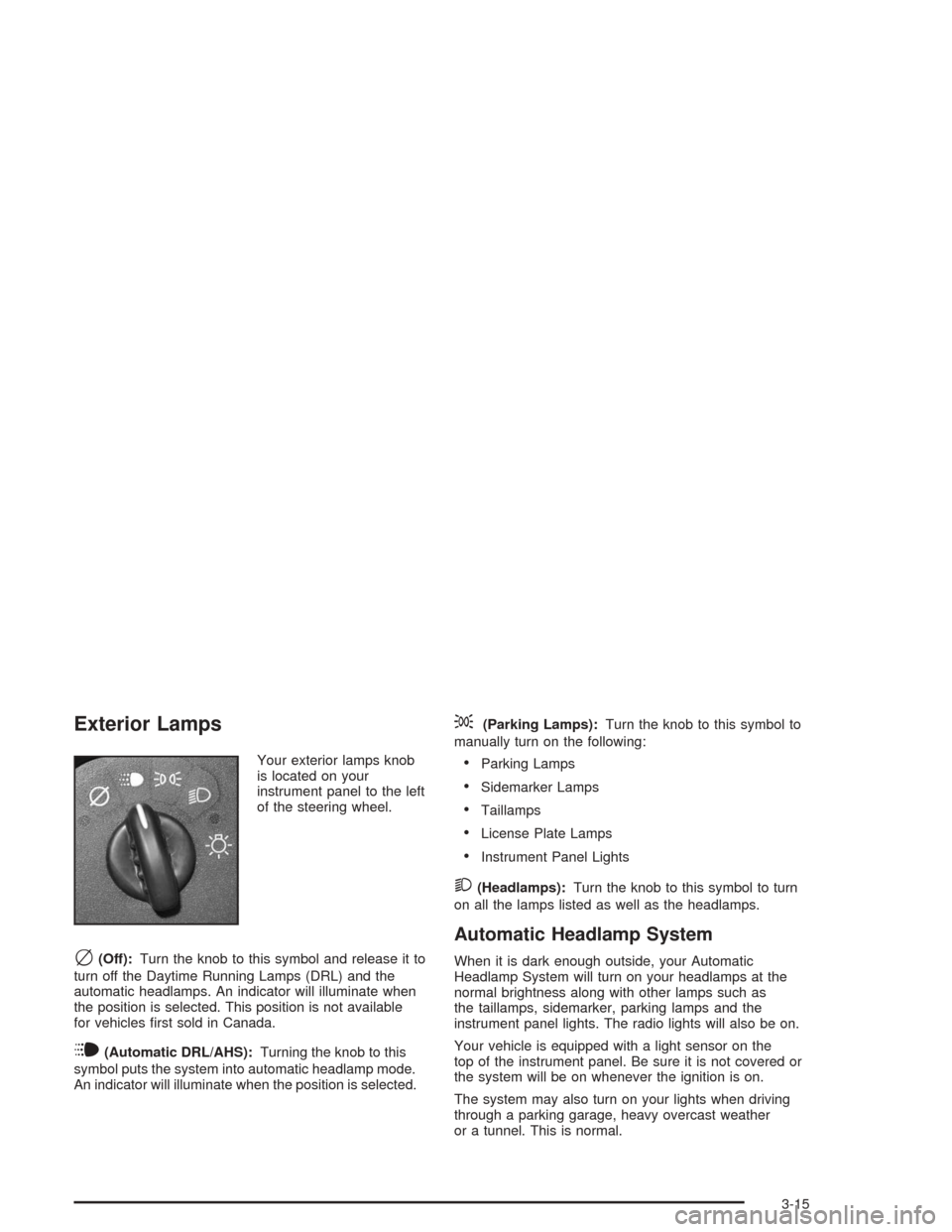
Your exterior lamps knob
is located on your
instrument panel to the left
of the steering wheel.
c(Off):Turn the knob to this symbol and release it to
turn off the Daytime Running Lamps (DRL) and the
automatic headlamps. An indicator will illuminate when
the position is selected. This position is not available
for vehicles rst sold in Canada.
i(Automatic DRL/AHS):Turning the knob to this
symbol puts the system into automatic headlamp mode.
An indicator will illuminate when the position is selected.
;(Parking Lamps):Turn the knob to this symbol to
manually turn on the following:
Parking Lamps
Sidemarker Lamps
Taillamps
License Plate Lamps
Instrument Panel Lights
2(Headlamps):Turn the knob to this symbol to turn
on all the lamps listed as well as the headlamps.
Automatic Headlamp System
When it is dark enough outside, your Automatic
Headlamp System will turn on your headlamps at the
normal brightness along with other lamps such as
the taillamps, sidemarker, parking lamps and the
instrument panel lights. The radio lights will also be on.
Your vehicle is equipped with a light sensor on the
top of the instrument panel. Be sure it is not covered or
the system will be on whenever the ignition is on.
The system may also turn on your lights when driving
through a parking garage, heavy overcast weather
or a tunnel. This is normal.
3-15
Page 125 of 420
Reading Lamps
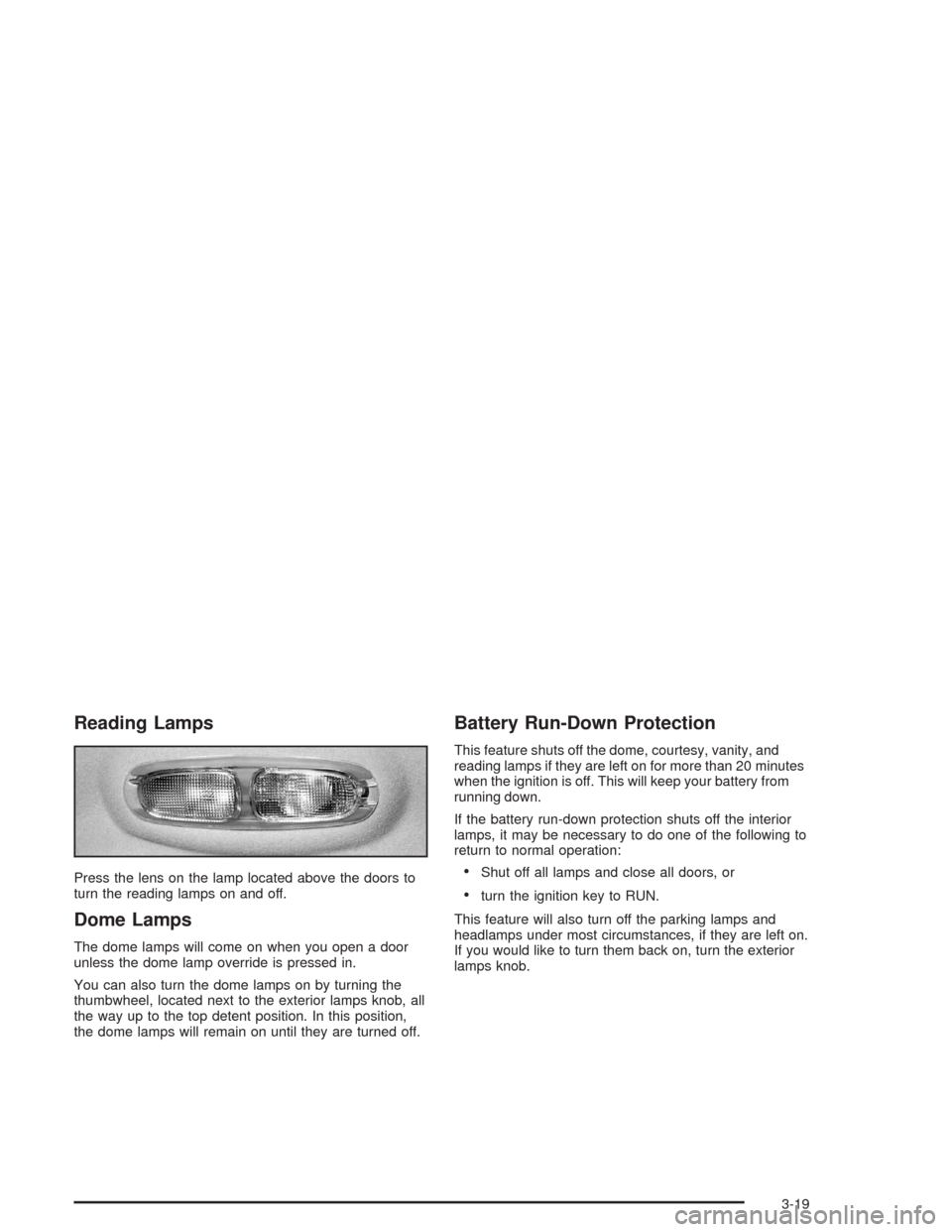
Press the lens on the lamp located above the doors to
turn the reading lamps on and off.
Dome Lamps
The dome lamps will come on when you open a door
unless the dome lamp override is pressed in.
You can also turn the dome lamps on by turning the
thumbwheel, located next to the exterior lamps knob, all
the way up to the top detent position. In this position,
the dome lamps will remain on until they are turned off.
Battery Run-Down Protection
This feature shuts off the dome, courtesy, vanity, and
reading lamps if they are left on for more than 20 minutes
when the ignition is off. This will keep your battery from
running down.
If the battery run-down protection shuts off the interior
lamps, it may be necessary to do one of the following to
return to normal operation:
Shut off all lamps and close all doors, or
turn the ignition key to RUN.
This feature will also turn off the parking lamps and
headlamps under most circumstances, if they are left on.
If you would like to turn them back on, turn the exterior
lamps knob.
3-19