engine Oldsmobile Cutlass Supreme 1993 s User Guide
[x] Cancel search | Manufacturer: OLDSMOBILE, Model Year: 1993, Model line: Cutlass Supreme, Model: Oldsmobile Cutlass Supreme 1993Pages: 340, PDF Size: 16.21 MB
Page 78 of 340
Features & Controls
76
Windshield Washer (CONT.)
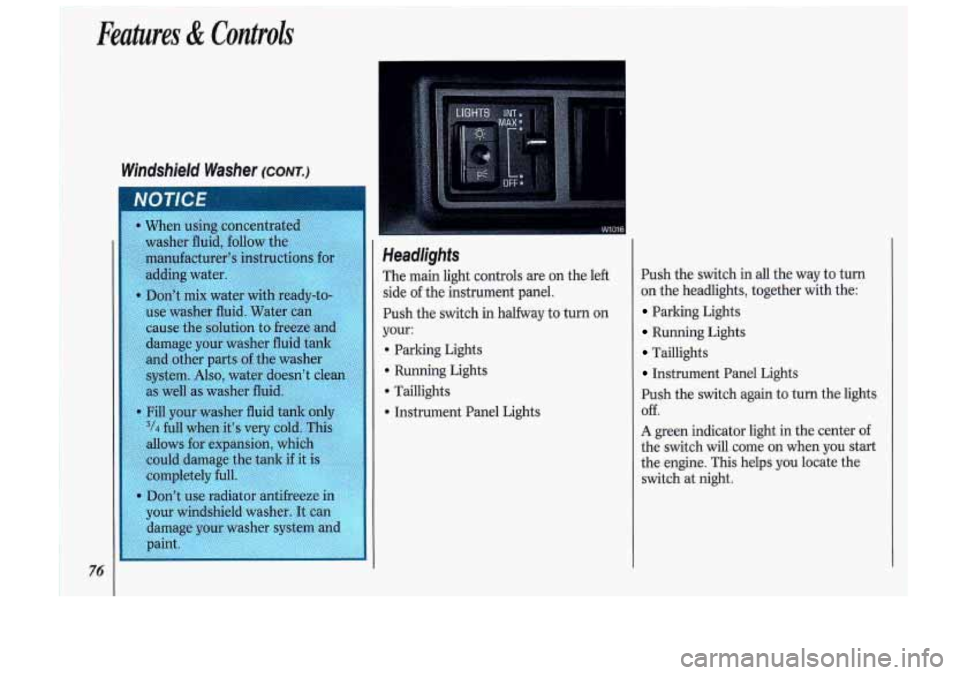
Push the switch in all the wa
on the headlights, together u
Parking Lights
Running Lights
Taillights
Instrument Panel Lights
1y to turn
rith the:
Push the switch again to turn the lights
Off.
A green indicator light in the center of
the switch will come on when you start
the engine. This helps you locate the
switch at night.
Page 96 of 340

~ Features & Controli
Tachomefer ~WUOG CLUSTER)
The tachometer displays the
engine
speed
in revolutions per rninute (rpm) .
E
Page 98 of 340
i-
Features & Controls
96
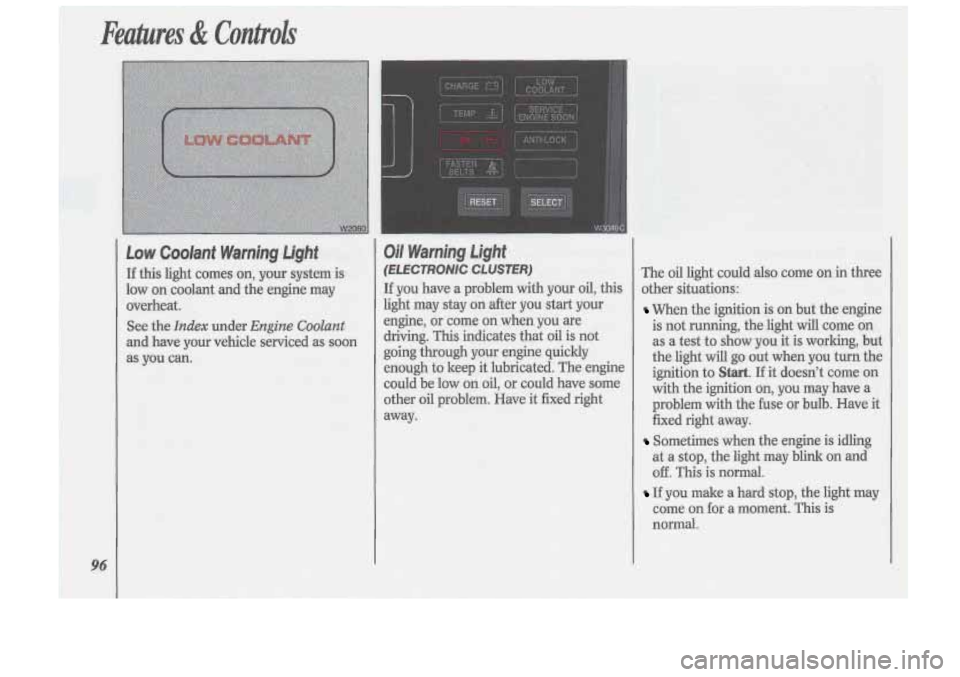
Low Coolant Warning Light
If this light comes on, your system is
low on coolant and the engine may
overheat.
See the
Index under Engine Coolant
and have your vehicle serviced as soon
as you can.
Oil Warning Light
(E LE CTRONlC CLUSTER)
If you have a problem with your oil, this
light may stay on after you start your
engine,
or come on when you are
driving. This indicates that oil is not
going through your engine quickly
enough to keep it lubricated. The engine
could be low
on oil, or could have some
other oil problem. Have it fixed right
away. The
oil light could also come
on in three
other situations:
When the ignition is on but the engine
is not running, the light will come on
as a test to show you it is working, but
the light will go out when you turn the
ignition to
Start. If it doesn’t come on
with the ignition on, you may have a
problem with the fuse or bulb. Have it
fixed right away.
Sometimes when the engine is idling
at a stop, the light may blink on and
off. This is normal.
If you make a hard stop, the light may
come on for a moment. This is
normal.
Page 99 of 340
r
CAUTION
Don’t keep driving if the oil I
pressure is low. If you do,
your engine can become
so hot that
it catches fire. You or others could
be burned. Check your oil as soon
as possible and have your vehicle
serviced.
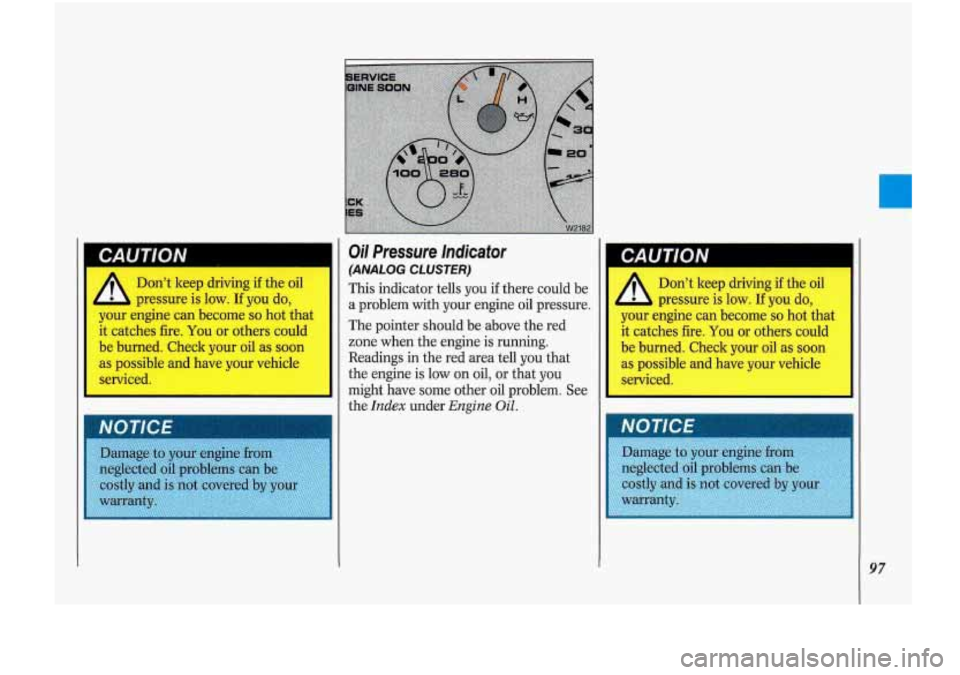
Oil Pressure indicator
(ANALOG CLUSTER)
This indicator tells you if there could be
a problem with your engine
oil pressure.
The pointer should be above the red
zone when the engine is running.
Readings in the red area tell
you that
the engine is low on oil, or that
you
might have some other oil problem. See
the
Index under Engine Oil.
CAUTION
Don’t keep driving if the oil
pressure is low.
If you do, I
your engine can become so hot that
it catches fire. You or others could
be burned. Check your oil as soon
as possible and have your vehicle
serviced.
97
Page 100 of 340

\A1
Battery Warning Light
(EECTRONiC CLUSTER)
The charging system light will come on
briefly when you turn.
on the ignition as
a check to show you it
is working. Then
it
should go out. If it stays on, or comes
on
while you are driving, you may have
a problem with the electrical chaging
system. It could indicate that you have
a loose generator drive belt or another
eIectrical problem. Have it checked
right away. Driving while this light is
on
could drain your battery.
If you mu,st drive a short distance with
the light
on, be certain to turn off all
your accessories, such as the radio and
air conditioner.
Voltmeter (ANALOG CLOSER)
When the engine is running, the gage
shows the condition
of the charging
system. Readings between the red
warning zones indicate the
normal
operating range.
Readings in either red warning zone
indicate
a possible problem in the
electrical system. Have your vehicle
serviced immediately.
When your engine is not running, but
the ipition is on (in the
Run position),
the gage shows your battery‘s state
of
charge.
Brake System Warning Light
It
Your Oldsmobile’s hydraulic brake
system is divided .into
two parts. If one I
1
Page 101 of 340
brake is fully released, it means you
have a brake problem.
If the light comes
on while driving, pull
off the road and stop carefully. You may
notice that the pedal is harder to push.
Or, the pedal may go closer to the floor.
It may take longer to stop. If the light is
still on, have the vehicle towed for
service. (See the
Index under Towing
Your Oldsrnobile.)
CAUTION
Your brake system may not I
be working properly if the
brake warning light is on. Driving
with the brake warning light on can
lead to an accident. If the light is
still on after you’ve pulled
off the
road and stopped carefully, have
the vehicle towed for service.
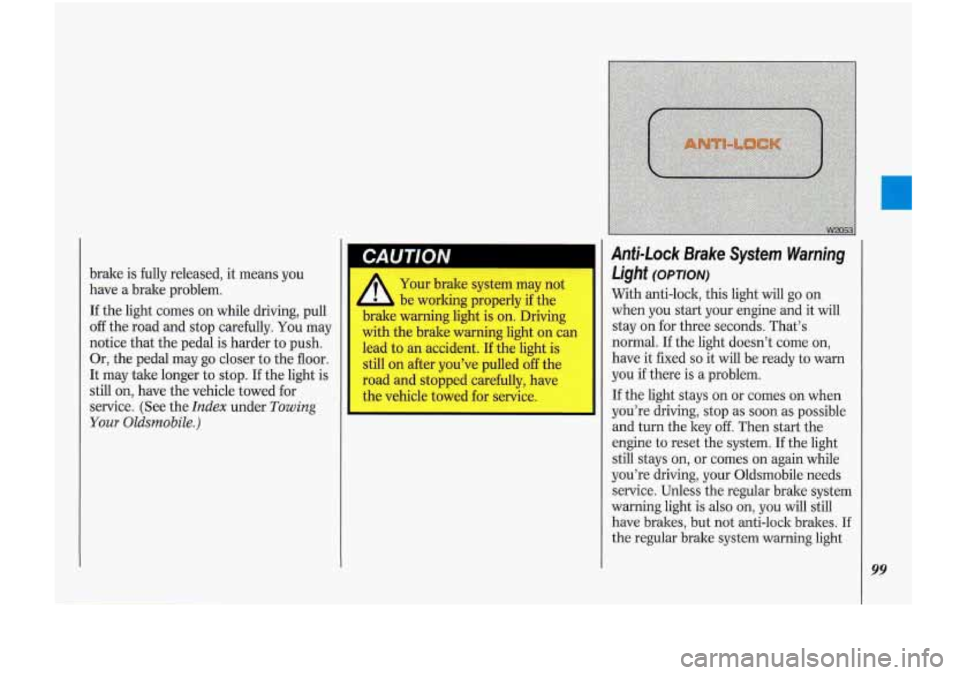
Anti-Lock Brake System Warning
Light
(opTloN)
With anti-lock, this light will go on
when you start your engine and it will
stay on for three seconds. That’s
normal. If the light doesn’t come on,
have it fixed
so it will be ready to warn
you if there is a problem.
If the light stays on or comes on when
you’re driving, stop as soon as possible
and turn the key
off. Then start the
engine to reset the system.
If the light
still stays on, or comes
on again while
you’re driving, your Oldsmobile needs
service. Unless the regular brake system
warning light
is also on, you will still
have brakes, but not anti-lock brakes.
If
the regular brake system warning light
99
Page 102 of 340
100
Anti-Lock Brake System Warning Light
(CONT.)
is also on, see Brake System Warning
Light earlier in this section.
If the anti-lock brake system warning
light ever flashes, your anti-lock bralre system is still working but needs service
as soon as possible.
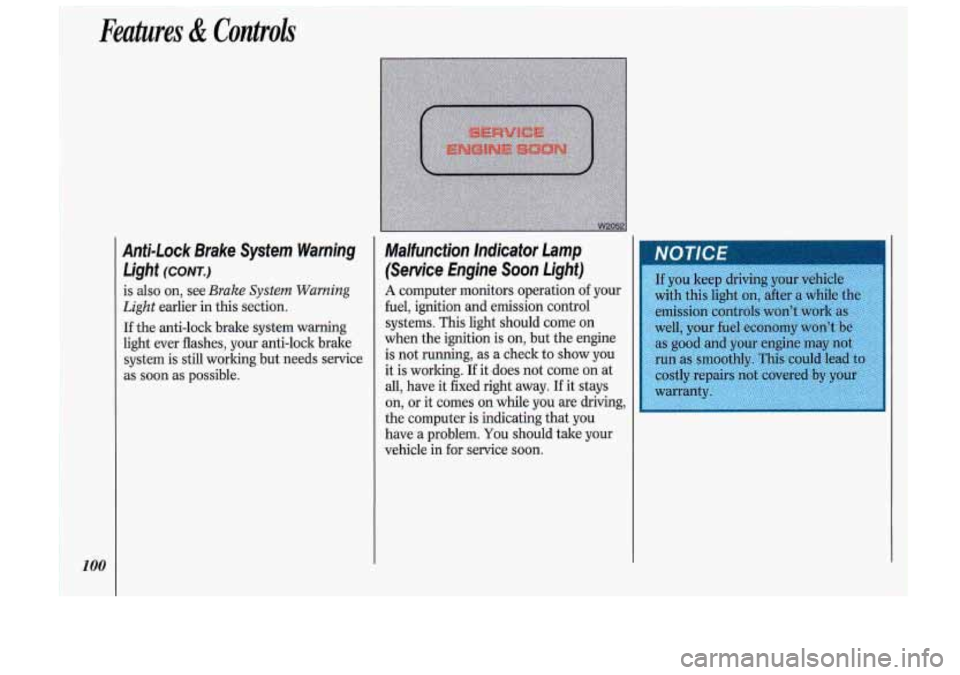
Malfunction lnelicator Lamp
(Service Engine Soon Light)
A computer monitors operation of your
fuel, ignition and emission control
.systems.
This light should come on
when the ignition is on, but the engine
is not running, as a check
to show you-
it is working. If it does not come on at
all, have it fixed right away. If it stays
on,
or it comes on while you are driving,
the computer is indicating that you
have
a problem. You should take your
vehicle in
for service soon.
Page 104 of 340
102
Although the HUD irinage apper
to be near the front
of the vehicl
do not, use it as a parking aid. T1
HUD was not designed For that
rpose.
If you try to use it that
way, such as in a parltirig lot, yo
may misjudge distance
ct run
:o somethin!
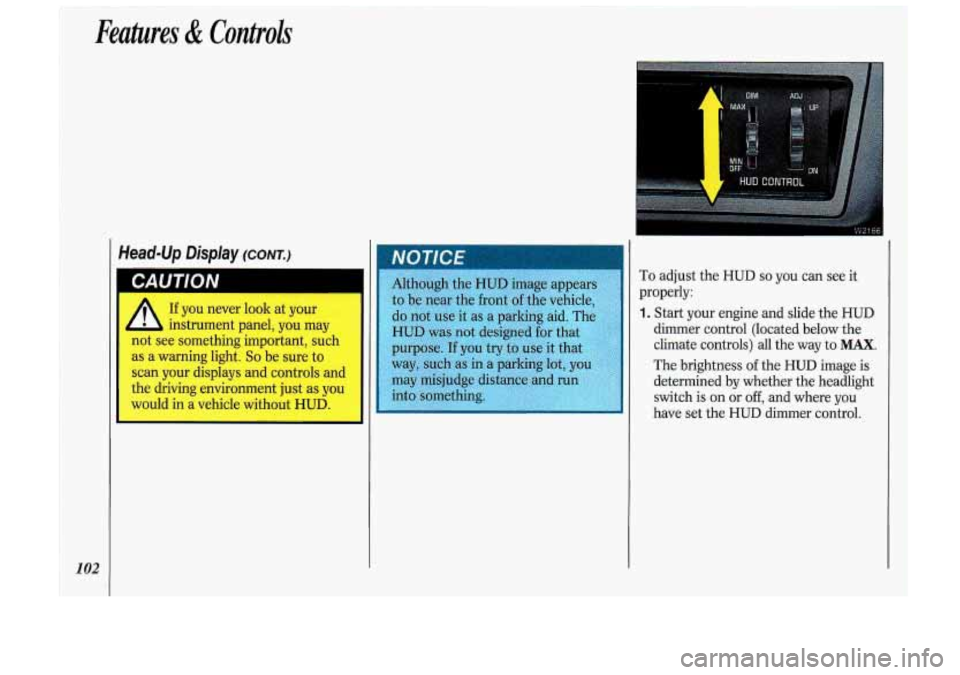
To adjust the HUD so you can see it
properly:
1. Start your engine and slide the HUD
dimmer control (located below the
climate controls) all the way to
MAX.
The brightness of the HUD image is
determined
by whether the headlight
switch is on or
off, and where you
have set the HUD dimmer control.
Page 113 of 340
Heating and Venfilafion
When you don’t need to cool the outside
air, use these next settings.
You can
leave the air as it is or heat it.
The air conditioner compressor doesn’t
run in these settings. This reduces the
engine load, resulting in improved fuel
economy (gas mileage)
.
VENT: For mild outside temperatures,
when little heating or cooling is needed,
push
VENT. Air flow is through the
instrument panel outlets. Slide the
temperature control lever to a
comfortable level.
HEAT: When outside temperatures are
cold, push
HEAT. Slide the temper-
ature control lever to a comfortable
level. For maximum heating, slide it all
the way to the right.
This setting will send most of the heated
air through the ducts near the floor. The
rest will come out of the defroster vents
and side window defogger vents.
Defogging and Defrosting
There are two settings for clearing your
windows. For each setting, adjust the
temperature control
as desired. The air
conditioner compressor will run in
these settings to remove moisture from
the air when the temperature
is above
freezing.
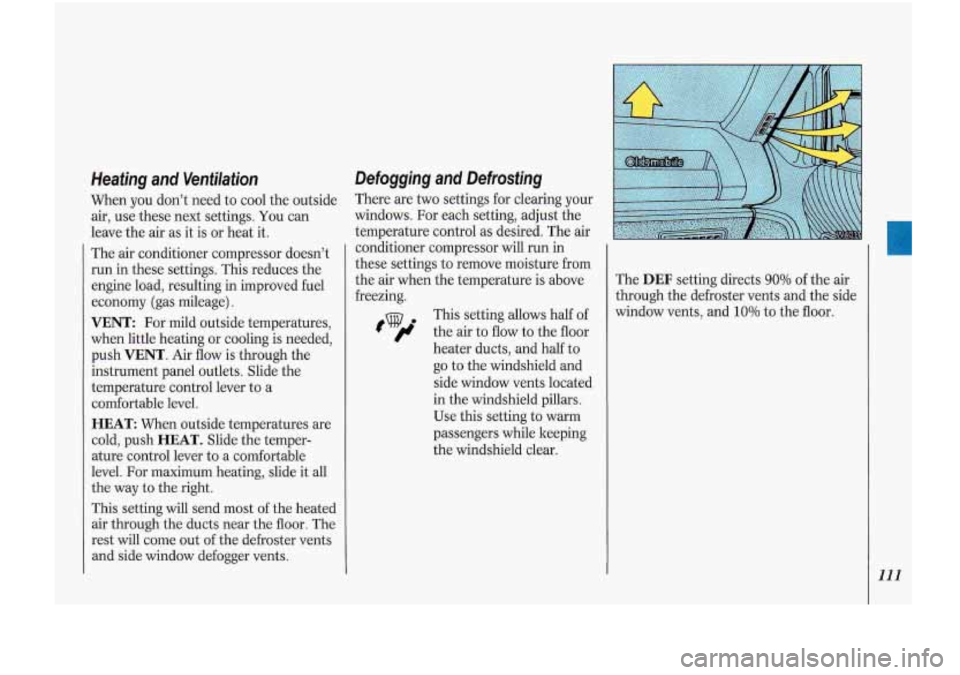
tv th This setting allows half of
e air to flow to the floor
heater ducts, and half to
go to the windshield and
side window vents located
in the windshield pillars.
Use this setting to warm
passengers while keeping
the windshield clear. The
DEF setting directs 90% of
the air
through the defroster vents and the side
window vents, and
10% to the floor.
111
Page 120 of 340

Comfort Controls &Audio Systems
Audio Systems
The following pages describe the audio
systems available for your Oldsmobile,
and how to get the best performance
from them. Please read about the system
in your vehicle.
A
Hearing damage from loud
noise is almost undetectable
until it is too late. Your hearing can
adapt to higher volumes of sound.
Sound that seems normal can be
loud and harmful to your hearing.
Take precautions by adjusting the
volume control on your radio to a
safe sound level before your hearing
adapts to it.
To help avoid hearing loss or
damage:
1. Adjust the volume control to the
lowest setting.
2. Increase volume slowly until you
hear
comfort: ~ Id clez ’ ‘. __
equipment to your vehicle
tape player,
CB radio, mobil
telephone or two-way radio-De
sure you can add what you wanl.
I
you can, it’s very important to do i
properly. Added sound equipment
may interfere with the operation
oj
your vehicle’s engine, DelcoQ radic
or other systems, and even damage
them. And, your vehicle’s systems
may interfere with the operation
ol
No matter which audio system you have
in your vehicle, setting the clock is easy.
1 For Radios with SCAN and One
SEEK Button:
1. With the radio off and the ignition on,
press
SET. The SET indicator will
appear on the digital screen for five
seconds.
, During those five seconds, you can
set the clock to the correct hour and
minute by depressing the
SEEK and
SCAN buttons. For some radios
SEEK will set the hour, for others it
sets the minute. For some radios,
SCAN will set the hour, for others it
sets the minute.