light OPEL CASCADA 2019 Manual user
[x] Cancel search | Manufacturer: OPEL, Model Year: 2019, Model line: CASCADA, Model: OPEL CASCADA 2019Pages: 261, PDF Size: 7.94 MB
Page 86 of 261
84Instruments and controls
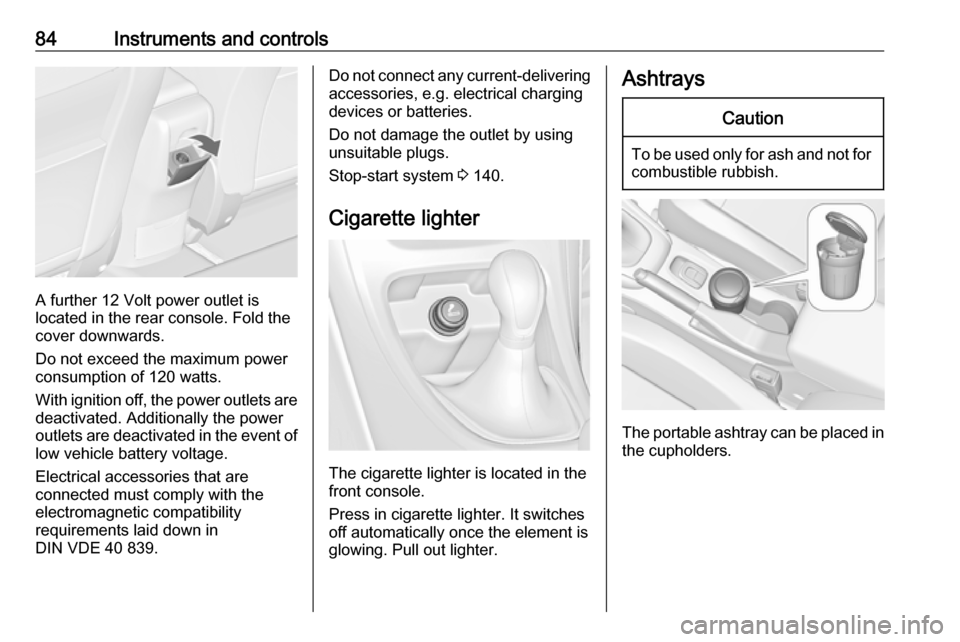
A further 12 Volt power outlet is
located in the rear console. Fold the
cover downwards.
Do not exceed the maximum power
consumption of 120 watts.
With ignition off, the power outlets are
deactivated. Additionally the power
outlets are deactivated in the event of
low vehicle battery voltage.
Electrical accessories that are
connected must comply with the
electromagnetic compatibility
requirements laid down in
DIN VDE 40 839.
Do not connect any current-delivering
accessories, e.g. electrical charging
devices or batteries.
Do not damage the outlet by using
unsuitable plugs.
Stop-start system 3 140.
Cigarette lighter
The cigarette lighter is located in the
front console.
Press in cigarette lighter. It switches off automatically once the element is
glowing. Pull out lighter.
AshtraysCaution
To be used only for ash and not for combustible rubbish.
The portable ashtray can be placed in
the cupholders.
Page 87 of 261
Instruments and controls85Warning lights, gauges
and indicators
Instrument cluster
In some versions, the needles of the
instruments briefly rotate to the end
position when the ignition is switched on.
Speedometer
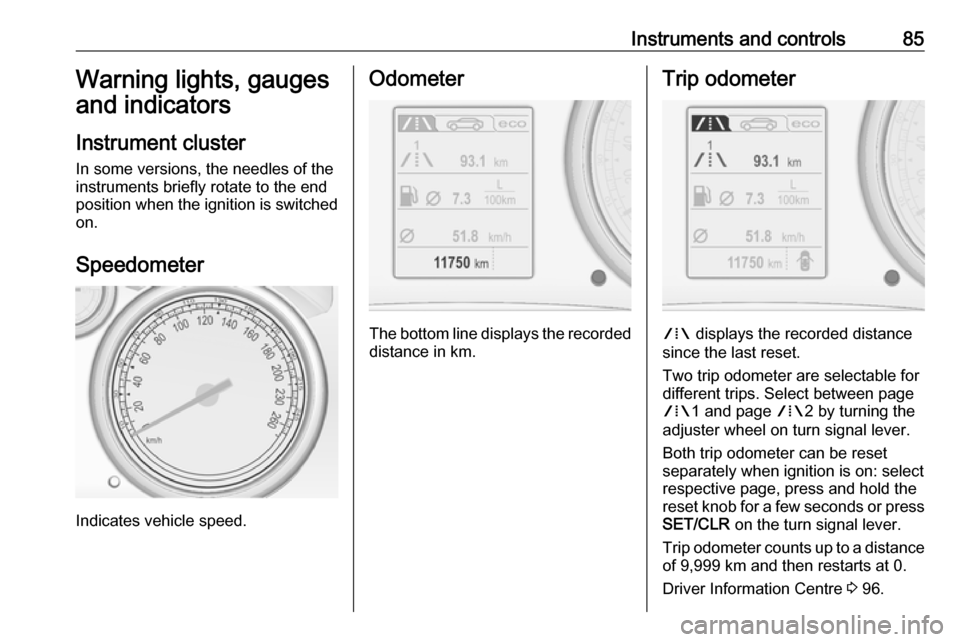
Indicates vehicle speed.
Odometer
The bottom line displays the recorded distance in km.
Trip odometer
W displays the recorded distance
since the last reset.
Two trip odometer are selectable for
different trips. Select between page
W 1 and page W2 by turning the
adjuster wheel on turn signal lever.
Both trip odometer can be reset
separately when ignition is on: select
respective page, press and hold the
reset knob for a few seconds or press
SET/CLR on the turn signal lever.
Trip odometer counts up to a distance
of 9,999 km and then restarts at 0.
Driver Information Centre 3 96.
Page 92 of 261
90Instruments and controlsControl indicators in the centre
console
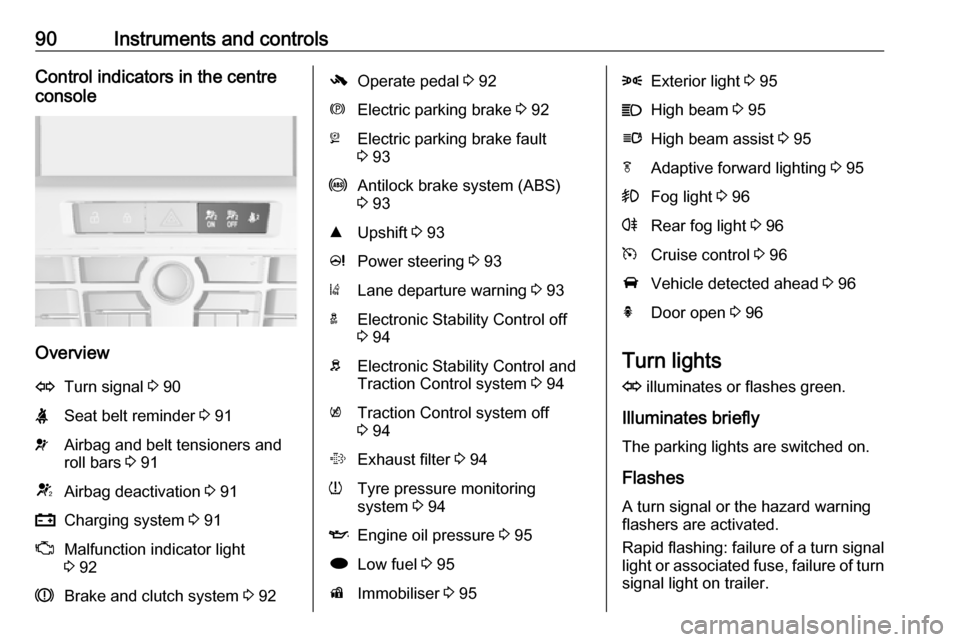
Overview
OTurn signal 3 90XSeat belt reminder 3 91vAirbag and belt tensioners and
roll bars 3 91VAirbag deactivation 3 91pCharging system 3 91ZMalfunction indicator light
3 92RBrake and clutch system 3 92-Operate pedal 3 92mElectric parking brake 3 92jElectric parking brake fault
3 93uAntilock brake system (ABS)
3 93RUpshift 3 93cPower steering 3 93)Lane departure warning 3 93aElectronic Stability Control off
3 94bElectronic Stability Control and
Traction Control system 3 94kTraction Control system off
3 94%Exhaust filter 3 94wTyre pressure monitoring
system 3 94IEngine oil pressure 3 95iLow fuel 3 95dImmobiliser 3 958Exterior light 3 95CHigh beam 3 95lHigh beam assist 3 95fAdaptive forward lighting 3 95>Fog light 3 96rRear fog light 3 96mCruise control 3 96AVehicle detected ahead 3 96hDoor open 3 96
Turn lights
O illuminates or flashes green.
Illuminates briefly The parking lights are switched on.
Flashes
A turn signal or the hazard warning
flashers are activated.
Rapid flashing: failure of a turn signal
light or associated fuse, failure of turn signal light on trailer.
Page 94 of 261
92Instruments and controlsIlluminates when the engine is
running
Stop, switch off engine. Vehiclebattery is not charging. Engine
cooling may be interrupted. The
brake servo unit may cease to be
effective. Seek the assistance of a
workshop.
Malfunction indicator light
Z illuminates or flashes yellow.
Illuminates when the ignition is
switched on and extinguishes shortly
after the engine starts.
Illuminates when the engine is
running
Fault in the emission control system.
The permitted emission limits may be
exceeded. Seek the assistance of a
workshop immediately.Flashes when the engine is
running
Fault that could lead to catalytic converter damage. Ease up on the
accelerator until the flashing stops.
Seek the assistance of a workshop
immediately.
Brake and clutch system
R illuminates red.
The brake and clutch fluid level is too low 3 190.9 Warning
Stop. Do not continue your
journey. Consult a workshop.
Illuminates after the ignition is
switched on if the manual parking
brake is applied 3 150.
Operate pedal - illuminates or flashes yellow.
Illuminates
Brake pedal must be depressed to release the electric parking brake
3 150.
Clutch pedal must be depressed to
start the engine in Autostop mode.
Stop-start system 3 140.
Flashes
Clutch pedal must be depressed to
start the engine with the key 3 18,
3 139.
On some versions, the message to
operate the clutch pedal is indicated
in the Driver Information Centre
3 103.
Electric parking brake m illuminates or flashes red.
Illuminates
Electric parking brake is applied
3 150.
Page 97 of 261
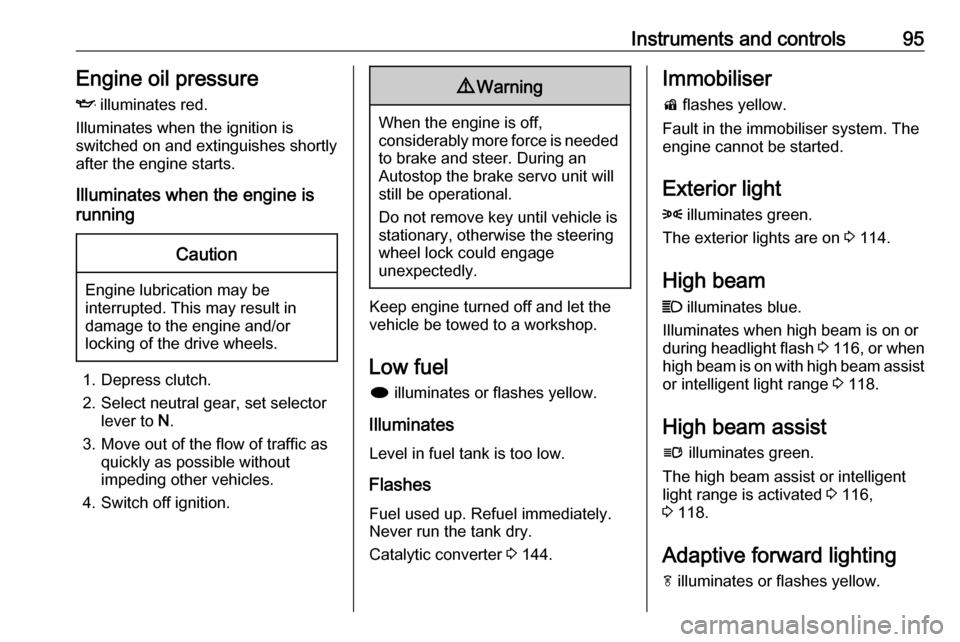
Instruments and controls95Engine oil pressure
I illuminates red.
Illuminates when the ignition is
switched on and extinguishes shortly
after the engine starts.
Illuminates when the engine is
runningCaution
Engine lubrication may be
interrupted. This may result in
damage to the engine and/or
locking of the drive wheels.
1. Depress clutch.
2. Select neutral gear, set selector lever to N.
3. Move out of the flow of traffic as quickly as possible without
impeding other vehicles.
4. Switch off ignition.
9 Warning
When the engine is off,
considerably more force is needed
to brake and steer. During an
Autostop the brake servo unit will still be operational.
Do not remove key until vehicle is stationary, otherwise the steeringwheel lock could engage
unexpectedly.
Keep engine turned off and let the
vehicle be towed to a workshop.
Low fuel i illuminates or flashes yellow.
Illuminates
Level in fuel tank is too low.
Flashes
Fuel used up. Refuel immediately.
Never run the tank dry.
Catalytic converter 3 144.
Immobiliser
d flashes yellow.
Fault in the immobiliser system. The
engine cannot be started.
Exterior light 8 illuminates green.
The exterior lights are on 3 114.
High beam
C illuminates blue.
Illuminates when high beam is on or
during headlight flash 3 116 , or when
high beam is on with high beam assist
or intelligent light range 3 118.
High beam assist
l illuminates green.
The high beam assist or intelligent light range is activated 3 116,
3 118.
Adaptive forward lighting
f illuminates or flashes yellow.
Page 98 of 261
96Instruments and controlsIlluminates
Fault in system.
Seek the assistance of a workshop.
Flashes
System switched to symmetrical low
beam.
Control indicator f flashes for approx.
4 seconds after the ignition is switched on as a reminder that the
system has been activated 3 117.
Automatic light control 3 115.
Front fog lights
> illuminates green.
The front fog lights are on 3 122.
Rear fog light r illuminates yellow.
The rear fog light is on 3 122.
Cruise control
m illuminates white or green.Illuminates white
The system is on.
Illuminates green
Cruise control is active.
Cruise control 3 156.
Vehicle detected ahead
A illuminates green.
A vehicle ahead is detected in the
same lane.
Forward collision alert 3 159.
Door open h is indicated as symbol in the Driver
Information Centre when a door or the
boot lid is open.Displays
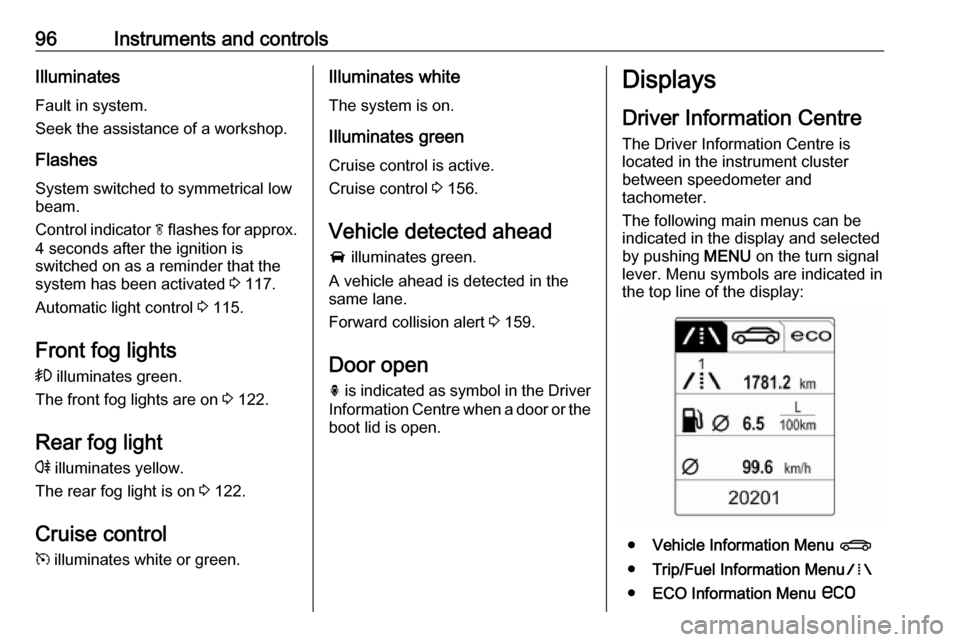
Driver Information Centre
The Driver Information Centre is
located in the instrument cluster
between speedometer and
tachometer.
The following main menus can be
indicated in the display and selected
by pushing MENU on the turn signal
lever. Menu symbols are indicated in
the top line of the display:
● Vehicle Information Menu X
● Trip/Fuel Information Menu W
● ECO Information Menu s
Page 99 of 261
Instruments and controls97Some of the displayed functions differ
when the vehicle is being driven or at
a standstill. Some functions are only
available when the vehicle is being
driven.
Vehicle personalisation 3 104.
Memorised settings 3 23.
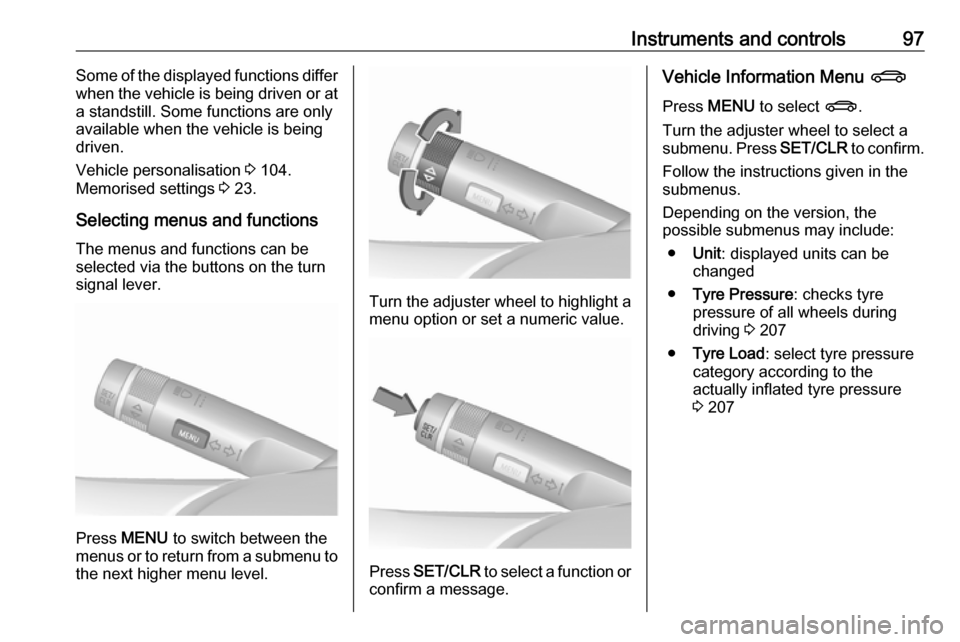
Selecting menus and functions
The menus and functions can be
selected via the buttons on the turn
signal lever.
Press MENU to switch between the
menus or to return from a submenu to the next higher menu level.
Turn the adjuster wheel to highlight a
menu option or set a numeric value.
Press SET/CLR to select a function or
confirm a message.
Vehicle Information Menu X
Press MENU to select X.
Turn the adjuster wheel to select a
submenu. Press SET/CLR to confirm.
Follow the instructions given in the
submenus.
Depending on the version, the
possible submenus may include:
● Unit : displayed units can be
changed
● Tyre Pressure : checks tyre
pressure of all wheels during
driving 3 207
● Tyre Load : select tyre pressure
category according to the
actually inflated tyre pressure
3 207
Page 106 of 261

104Instruments and controls● If a warning message appears inthe Driver Information Centre.
● If the parking assist detects an object.
● If unintended lane change occurs.
● If the exhaust filter has reached the maximum filling level.
When the vehicle is parked and/or the driver's door is opened
● With exterior lights on.
During an Autostop ● If the driver's door is opened.
Battery voltage When the vehicle battery voltage is
running low, a warning message will
appear in the Driver Information
Centre.1. Switch off immediately any electrical consumers which are
not required for a safe ride, e.g.
seat heating, heated rear window or other main consumers.
2. Charge the vehicle battery by driving continuously for a while or
by using a charging device.
The warning message will disappear
after the engine has been started
twice consecutively without a voltage
drop.
If the vehicle battery cannot be
recharged, have the cause of the fault
remedied by a workshop.Vehicle personalisation
The vehicle's behaviour can be
personalised by changing the settings
in the Info-Display.
Some of the personal settings for
different drivers can be memorised individually for each vehicle key.
Memorised settings 3 23.
Depending on vehicle equipment and
country-specific regulations, some of
the functions described below may
not be available.
Some functions are only displayed or
active when the engine is running.
Personal settings in the
Graphic-Info-Display
CD 400plus/CD 400/CD 300
Page 107 of 261
Instruments and controls105
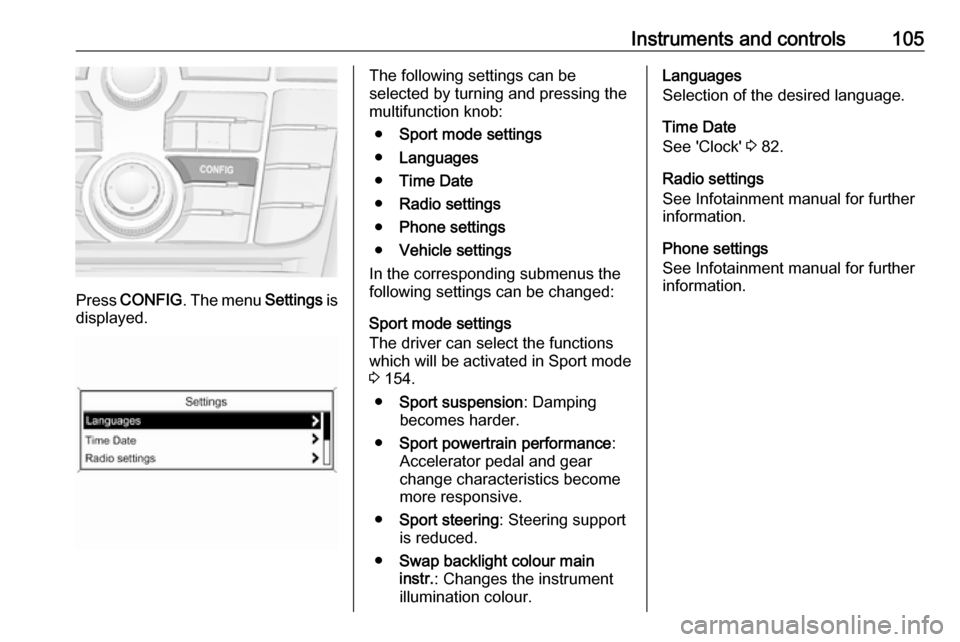
Press CONFIG . The menu Settings is
displayed.
The following settings can be
selected by turning and pressing the
multifunction knob:
● Sport mode settings
● Languages
● Time Date
● Radio settings
● Phone settings
● Vehicle settings
In the corresponding submenus the
following settings can be changed:
Sport mode settings
The driver can select the functions
which will be activated in Sport mode
3 154.
● Sport suspension : Damping
becomes harder.
● Sport powertrain performance :
Accelerator pedal and gear
change characteristics become
more responsive.
● Sport steering : Steering support
is reduced.
● Swap backlight colour main
instr. : Changes the instrument
illumination colour.Languages
Selection of the desired language.
Time Date
See 'Clock' 3 82.
Radio settings
See Infotainment manual for further
information.
Phone settings
See Infotainment manual for further information.
Page 108 of 261
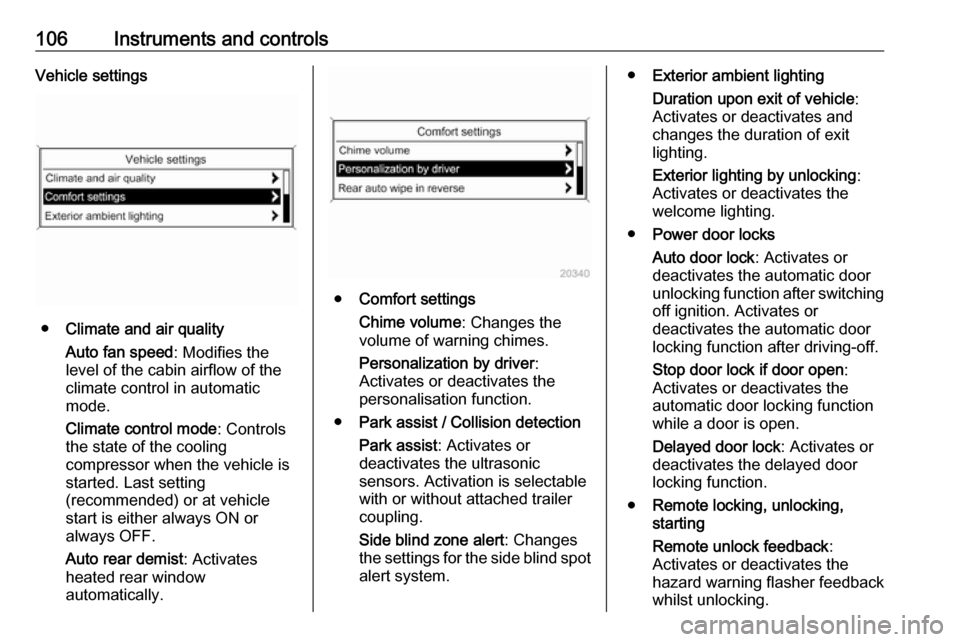
106Instruments and controlsVehicle settings
●Climate and air quality
Auto fan speed : Modifies the
level of the cabin airflow of the
climate control in automatic
mode.
Climate control mode : Controls
the state of the cooling
compressor when the vehicle is
started. Last setting
(recommended) or at vehicle
start is either always ON or
always OFF.
Auto rear demist : Activates
heated rear window
automatically.
● Comfort settings
Chime volume : Changes the
volume of warning chimes.
Personalization by driver :
Activates or deactivates the
personalisation function.
● Park assist / Collision detection
Park assist : Activates or
deactivates the ultrasonic
sensors. Activation is selectable
with or without attached trailer
coupling.
Side blind zone alert : Changes
the settings for the side blind spot alert system.
● Exterior ambient lighting
Duration upon exit of vehicle :
Activates or deactivates and
changes the duration of exit
lighting.
Exterior lighting by unlocking :
Activates or deactivates the
welcome lighting.
● Power door locks
Auto door lock : Activates or
deactivates the automatic door
unlocking function after switching
off ignition. Activates or
deactivates the automatic door
locking function after driving-off.
Stop door lock if door open :
Activates or deactivates the
automatic door locking function
while a door is open.
Delayed door lock : Activates or
deactivates the delayed door locking function.
● Remote locking, unlocking,
starting
Remote unlock feedback :
Activates or deactivates the
hazard warning flasher feedback
whilst unlocking.