airbag OPEL CROSSLAND X 2017.75 Manual user
[x] Cancel search | Manufacturer: OPEL, Model Year: 2017.75, Model line: CROSSLAND X, Model: OPEL CROSSLAND X 2017.75Pages: 245, PDF Size: 7.6 MB
Page 115 of 245
Lighting113Interior lights
During entry and exit of the vehicle,
the front and rear courtesy lights
automatically switch on and then off
after a delay.
Note
In the event of an accident with
airbag deployment the courtesy
lights are turned on automatically.
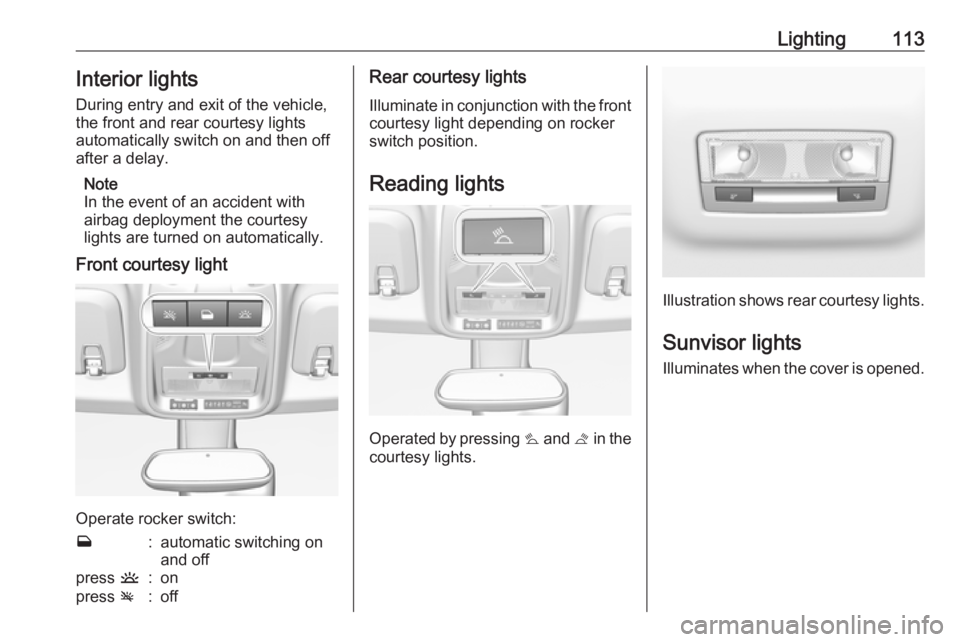
Front courtesy light
Operate rocker switch:
w:automatic switching on
and offpress u:onpress v:offRear courtesy lights
Illuminate in conjunction with the front courtesy light depending on rocker
switch position.
Reading lights
Operated by pressing s and t in the
courtesy lights.
Illustration shows rear courtesy lights.
Sunvisor lights
Illuminates when the cover is opened.
Page 134 of 245
132Driving and operatingAutomatic transmission: operate
brake pedal and move selector lever
to P or N.
Do not operate accelerator pedal.
Press and release Start/Stop: an
automatic procedure operates the
starter with a short delay until the
engine is running.
Before restarting or to switch off the engine when vehicle is stationary, press Start/Stop once more briefly.
Manual transmission: during an
Autostop, the engine can be started
by depressing the clutch pedal
3 132.
Automatic transmission: during an
Autostop, the engine can be started
by releasing the brake pedal 3 132.
Emergency shut off during driving If the engine needs to be switched offduring driving in case of emergency,
press Start/Stop for five seconds.9Danger
Switching off the engine during
driving may cause loss of power
support for brake and steering
systems. Assistance systems and
airbag systems are disabled.
Lighting and brake lights will
extinguish. Therefore power down the engine and ignition while
driving only when required in case of emergency.
Starting the vehicle at low
temperatures
Starting the engine without additional
heaters is possible down to -25 °С for diesel engines and -30 °C for petrol
engines. Required is an engine oil
with the correct viscosity, the correct fuel, performed services and a
sufficiently charged vehicle battery.
With temperatures below -30 °C the
automatic transmission requires a
warming phase of approx.
five minutes. The selector lever must
be in position P.
Turbo engine warm-up
Upon start-up, engine available
torque may be limited for a short time, especially when the engine
temperature is cold. The limitation is
to allow the lubrication system to fully
protect the engine.
Overrun cut-off
The fuel supply is automatically cut off
during overrun, i.e. when the vehicle
is driven with a gear engaged but accelerator pedal is released.
Depending on driving conditions, the
overrun cut-off may be deactivated.
Stop-start system The stop-start system helps to save
fuel and to reduce the exhaust
emissions. When conditions allow, it
switches off the engine as soon as the
vehicle is at a low speed or at a
standstill, e.g. at a traffic light or in a traffic jam.
Page 138 of 245
136Driving and operatingload or run in neutral for
approx. 30 seconds before
switching off, in order to protect
the turbocharger.
Note
In the event of an accident with airbag deployment, the engine is
switched off automatically if the
vehicle comes to a standstill within a certain time.
Emergency operation under
extreme cold temperatures
9 Warning
This emergency operation may
only be carried out in case of
extremely cold temperatures and if the vehicle is parked on a levelsurface.
In countries with extreme cold
temperatures it may be necessary to
park the vehicle without applied
parking brake.
This is an emergency operation to
avoid freezing of the parking brake.
Engine exhaust9 Danger
Engine exhaust gases contain
poisonous carbon monoxide,
which is colourless and odourless and could be fatal if inhaled.
If exhaust gases enter the interior
of the vehicle, open the windows.
Have the cause of the fault
rectified by a workshop.
Avoid driving with an open load
compartment, otherwise exhaust
gases could enter the vehicle.
Diesel particle filter
Automatic cleaning process
The diesel particle filter system filters
harmful soot particles out of the
exhaust gases.
The start of saturation of the particle
filter is indicated by the temporary illumination of % or H ,
accompanied by a message in the
Driver Information Centre.
As soon as the traffic conditions
permit, regenerate the filter by driving at a vehicle speed of at least 60 km/huntil the control indicator
extinguishes.
Note
On a new vehicle, the first particle
filter regeneration operations may
be accompanied by a burning smell,
which is normal. Following
prolonged operation of the vehicle at
very low speed or at idle, you may,
in exceptional circumstances, notice the emission of water vapour at the
exhaust on acceleration. This does
not affect the behaviour of the
vehicle or the environment.
Cleaning process not possible
If % or H stays on, accompanied
by an audible signal and a message,
this indicates that the particle filter
additive level is too low.
The reservoir must be topped-up
without delay. Seek the assistance of
a workshop.
Page 196 of 245
194Vehicle careNo.Circuit14OnStar15Instrument cluster / Climate
control system16Brake / Starter / Retained power off17Instrument cluster18Advanced parking assist19Top column module / Trailer
control module20–21Anti-theft alarm system / Start button22Rain sensor / Camera23Door module24Advanced parking assist /
Camera / Infotainment25Airbag26Top column module27Anti-theft alarm systemNo.Circuit28–29Infotainment30–31Infotainment32Power outlet front33–34Heated exterior mirrors / Door
module35Instrument cluster / Light
switch / Advanced parking
assist/ Transmission control
module36Courtesy lights / Sunvisor
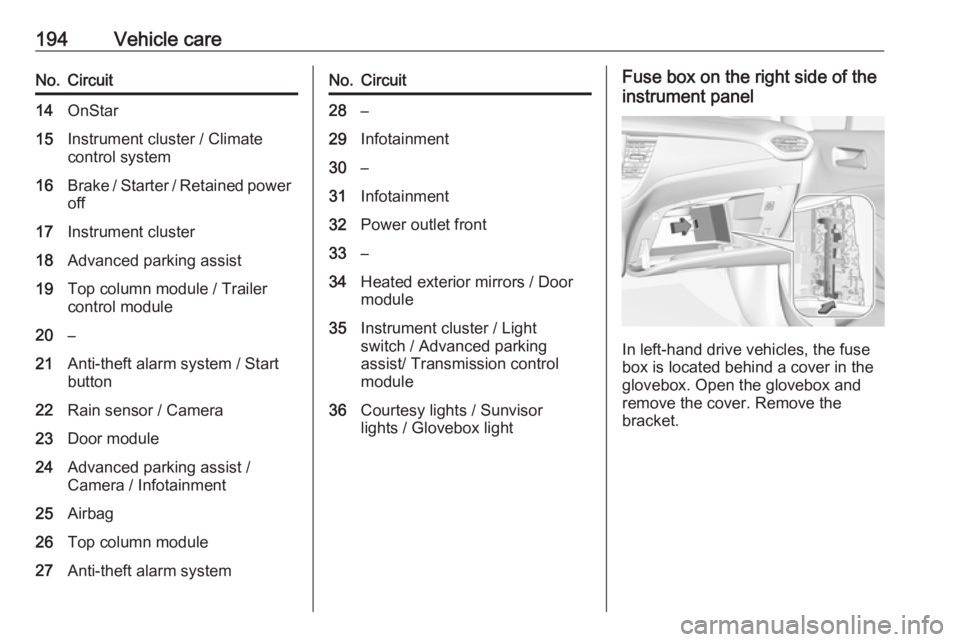
lights / Glovebox lightFuse box on the right side of the
instrument panel
In left-hand drive vehicles, the fuse
box is located behind a cover in the
glovebox. Open the glovebox and
remove the cover. Remove the
bracket.
Page 238 of 245
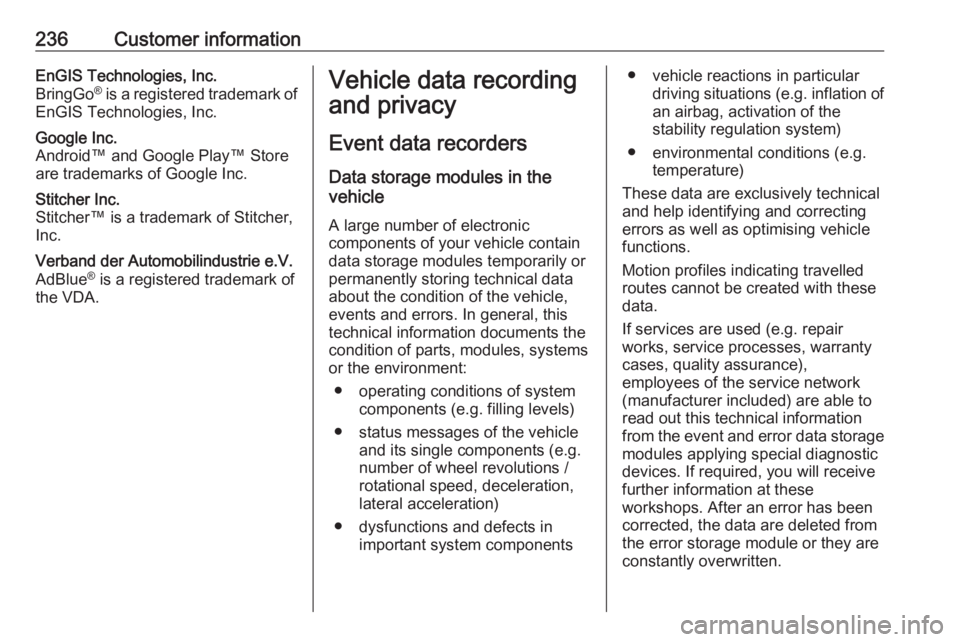
236Customer informationEnGIS Technologies, Inc.
BringGo ®
is a registered trademark of
EnGIS Technologies, Inc.Google Inc.
Android™ and Google Play™ Store
are trademarks of Google Inc.Stitcher Inc.
Stitcher™ is a trademark of Stitcher,
Inc.Verband der Automobilindustrie e.V.
AdBlue ®
is a registered trademark of
the VDA.Vehicle data recording
and privacy
Event data recorders
Data storage modules in the
vehicle
A large number of electronic
components of your vehicle contain
data storage modules temporarily or
permanently storing technical data
about the condition of the vehicle,
events and errors. In general, this
technical information documents the
condition of parts, modules, systems
or the environment:
● operating conditions of system components (e.g. filling levels)
● status messages of the vehicle and its single components (e.g.
number of wheel revolutions / rotational speed, deceleration,
lateral acceleration)
● dysfunctions and defects in important system components● vehicle reactions in particular driving situations ( e.g. inflation of
an airbag, activation of the
stability regulation system)
● environmental conditions (e.g. temperature)
These data are exclusively technical
and help identifying and correcting
errors as well as optimising vehicle
functions.
Motion profiles indicating travelled
routes cannot be created with these
data.
If services are used (e.g. repair
works, service processes, warranty
cases, quality assurance),
employees of the service network
(manufacturer included) are able to
read out this technical information
from the event and error data storage
modules applying special diagnostic
devices. If required, you will receive
further information at these
workshops. After an error has been
corrected, the data are deleted from
the error storage module or they are
constantly overwritten.
Page 240 of 245
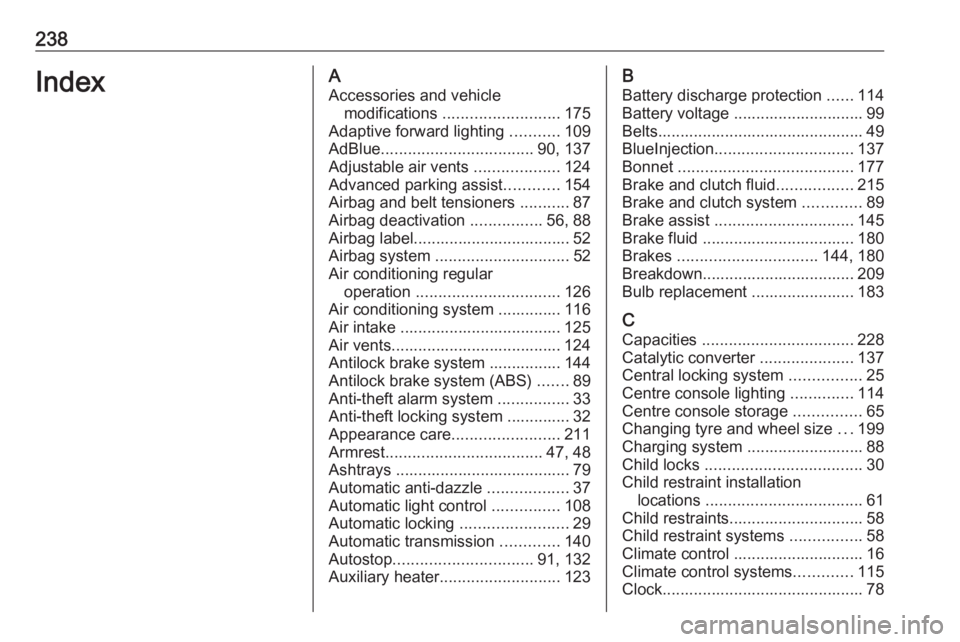
238IndexAAccessories and vehicle modifications .......................... 175
Adaptive forward lighting ...........109
AdBlue .................................. 90, 137
Adjustable air vents ...................124
Advanced parking assist ............154
Airbag and belt tensioners ...........87
Airbag deactivation ................56, 88
Airbag label................................... 52 Airbag system .............................. 52
Air conditioning regular operation ................................ 126
Air conditioning system .............. 116
Air intake .................................... 125
Air vents...................................... 124
Antilock brake system ................ 144
Antilock brake system (ABS) .......89
Anti-theft alarm system ................33
Anti-theft locking system .............. 32
Appearance care ........................211
Armrest ................................... 47, 48
Ashtrays ....................................... 79
Automatic anti-dazzle ..................37
Automatic light control ...............108
Automatic locking ........................29
Automatic transmission .............140
Autostop ............................... 91, 132
Auxiliary heater ........................... 123B
Battery discharge protection ......114
Battery voltage ............................. 99
Belts.............................................. 49
BlueInjection ............................... 137
Bonnet ....................................... 177
Brake and clutch fluid .................215
Brake and clutch system .............89
Brake assist ............................... 145
Brake fluid .................................. 180
Brakes ............................... 144, 180
Breakdown.................................. 209
Bulb replacement ....................... 183
C Capacities .................................. 228
Catalytic converter .....................137
Central locking system ................25
Centre console lighting ..............114
Centre console storage ...............65
Changing tyre and wheel size ...199
Charging system .......................... 88
Child locks ................................... 30
Child restraint installation locations ................................... 61
Child restraints.............................. 58
Child restraint systems ................58
Climate control ............................. 16
Climate control systems .............115
Clock............................................. 78
Page 241 of 245
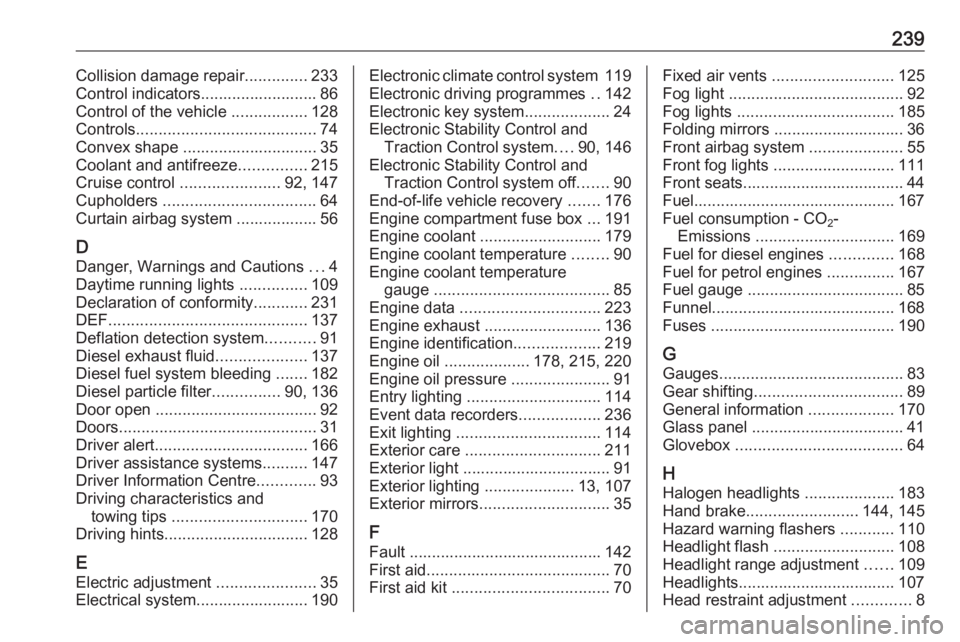
239Collision damage repair..............233
Control indicators.......................... 86
Control of the vehicle .................128
Controls ........................................ 74
Convex shape .............................. 35
Coolant and antifreeze ...............215
Cruise control ...................... 92, 147
Cupholders .................................. 64
Curtain airbag system .................. 56
D
Danger, Warnings and Cautions ...4
Daytime running lights ...............109
Declaration of conformity ............231
DEF ............................................ 137
Deflation detection system ...........91
Diesel exhaust fluid ....................137
Diesel fuel system bleeding .......182
Diesel particle filter ...............90, 136
Door open .................................... 92
Doors ............................................ 31
Driver alert .................................. 166
Driver assistance systems ..........147
Driver Information Centre .............93
Driving characteristics and towing tips .............................. 170
Driving hints ................................ 128
E Electric adjustment ......................35
Electrical system......................... 190Electronic climate control system 119
Electronic driving programmes ..142
Electronic key system ...................24
Electronic Stability Control and Traction Control system ....90, 146
Electronic Stability Control and Traction Control system off .......90
End-of-life vehicle recovery .......176
Engine compartment fuse box ...191
Engine coolant ........................... 179
Engine coolant temperature ........90
Engine coolant temperature gauge ....................................... 85
Engine data ............................... 223
Engine exhaust .......................... 136
Engine identification ...................219
Engine oil ................... 178, 215, 220
Engine oil pressure ......................91
Entry lighting .............................. 114
Event data recorders ..................236
Exit lighting ................................ 114
Exterior care .............................. 211
Exterior light ................................. 91
Exterior lighting ....................13, 107
Exterior mirrors ............................. 35
F
Fault ........................................... 142
First aid ......................................... 70
First aid kit ................................... 70Fixed air vents ........................... 125
Fog light ....................................... 92
Fog lights ................................... 185
Folding mirrors ............................. 36
Front airbag system .....................55
Front fog lights ........................... 111
Front seats.................................... 44
Fuel............................................. 167
Fuel consumption - CO 2-
Emissions ............................... 169
Fuel for diesel engines ..............168
Fuel for petrol engines ...............167
Fuel gauge ................................... 85
Funnel......................................... 168
Fuses ......................................... 190
G Gauges ......................................... 83
Gear shifting ................................. 89
General information ...................170
Glass panel .................................. 41
Glovebox ..................................... 64
H
Halogen headlights ....................183
Hand brake ......................... 144, 145
Hazard warning flashers ............110
Headlight flash ........................... 108
Headlight range adjustment ......109
Headlights................................... 107 Head restraint adjustment .............8
Page 243 of 245
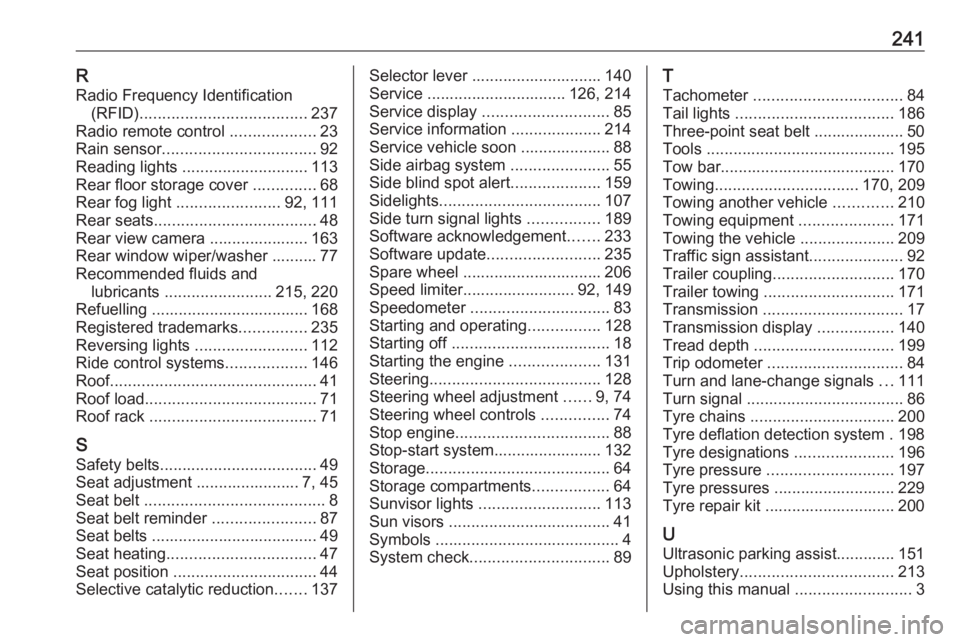
241RRadio Frequency Identification (RFID) ..................................... 237
Radio remote control ...................23
Rain sensor .................................. 92
Reading lights ............................ 113
Rear floor storage cover ..............68
Rear fog light ....................... 92, 111
Rear seats .................................... 48
Rear view camera ...................... 163
Rear window wiper/washer .......... 77 Recommended fluids and lubricants ........................ 215, 220
Refuelling ................................... 168 Registered trademarks ...............235
Reversing lights .........................112
Ride control systems ..................146
Roof .............................................. 41
Roof load ...................................... 71
Roof rack ..................................... 71
S Safety belts ................................... 49
Seat adjustment ....................... 7, 45
Seat belt ........................................ 8
Seat belt reminder .......................87
Seat belts ..................................... 49
Seat heating ................................. 47
Seat position ................................ 44
Selective catalytic reduction .......137Selector lever ............................. 140
Service ............................... 126, 214
Service display ............................ 85
Service information ....................214
Service vehicle soon .................... 88
Side airbag system ......................55
Side blind spot alert ....................159
Sidelights .................................... 107
Side turn signal lights ................189
Software acknowledgement .......233
Software update ......................... 235
Spare wheel ............................... 206
Speed limiter......................... 92, 149
Speedometer ............................... 83
Starting and operating ................128
Starting off ................................... 18
Starting the engine ....................131
Steering ...................................... 128
Steering wheel adjustment ......9, 74
Steering wheel controls ...............74
Stop engine .................................. 88
Stop-start system........................ 132
Storage ......................................... 64
Storage compartments .................64
Sunvisor lights ........................... 113
Sun visors .................................... 41
Symbols ......................................... 4
System check ............................... 89T
Tachometer ................................. 84
Tail lights ................................... 186
Three-point seat belt .................... 50
Tools .......................................... 195
Tow bar....................................... 170
Towing ................................ 170, 209
Towing another vehicle .............210
Towing equipment .....................171
Towing the vehicle .....................209
Traffic sign assistant .....................92
Trailer coupling ........................... 170
Trailer towing ............................. 171
Transmission ............................... 17
Transmission display .................140
Tread depth ............................... 199
Trip odometer .............................. 84
Turn and lane-change signals ...111
Turn signal ................................... 86
Tyre chains ................................ 200
Tyre deflation detection system . 198
Tyre designations ......................196
Tyre pressure ............................ 197
Tyre pressures ........................... 229
Tyre repair kit ............................. 200
U Ultrasonic parking assist............. 151
Upholstery .................................. 213
Using this manual ..........................3