fuel OPEL GRANDLAND X 2020 Manual user
[x] Cancel search | Manufacturer: OPEL, Model Year: 2020, Model line: GRANDLAND X, Model: OPEL GRANDLAND X 2020Pages: 283, PDF Size: 22.19 MB
Page 93 of 283
Instruments and controls91A red marker indicates the beginning
of the warning zone of excessive revolutions. For Diesel engines, thewarning zone starts at 5000
revolutions per minute. For petrol
engines, the warning zone starts at
7000 revolutions per minute.Caution
If the needle is in the red warning
zone, the maximum permitted
engine speed is exceeded. Engine at risk.
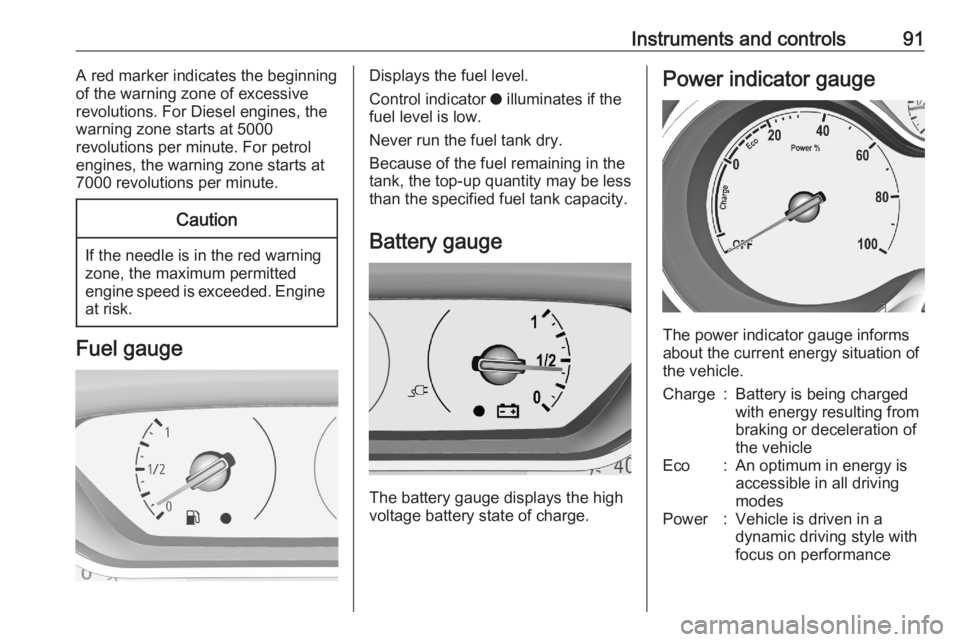
Fuel gauge
Displays the fuel level.
Control indicator o illuminates if the
fuel level is low.
Never run the fuel tank dry. Because of the fuel remaining in the
tank, the top-up quantity may be less
than the specified fuel tank capacity.
Battery gauge
The battery gauge displays the high
voltage battery state of charge.
Power indicator gauge
The power indicator gauge informs
about the current energy situation of
the vehicle.
Charge:Battery is being charged
with energy resulting from
braking or deceleration of
the vehicleEco:An optimum in energy is
accessible in all driving
modesPower:Vehicle is driven in a
dynamic driving style with
focus on performance
Page 99 of 283
Instruments and controls97Automatic operation of
electric parking brake off
o illuminates yellow.
Illuminates
Automatic operation is deactivated or faulty. In the event of a fault, o
illuminates together with other control
indicators or it is accompanied by a
corresponding message in the Driver
Information Centre.
Activate automatic operation again or have the cause remedied by a
workshop in the event of a fault.
Automatic operation 3 154.
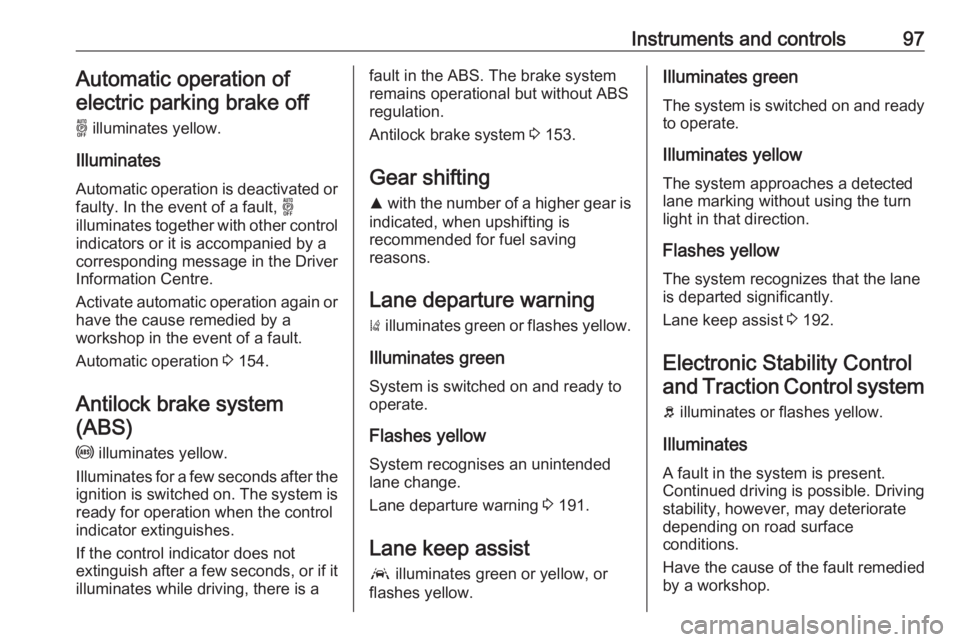
Antilock brake system (ABS)
u illuminates yellow.
Illuminates for a few seconds after the ignition is switched on. The system is ready for operation when the control
indicator extinguishes.
If the control indicator does not
extinguish after a few seconds, or if it illuminates while driving, there is afault in the ABS. The brake system
remains operational but without ABS
regulation.
Antilock brake system 3 153.
Gear shifting R with the number of a higher gear is
indicated, when upshifting is
recommended for fuel saving
reasons.
Lane departure warning ) illuminates green or flashes yellow.
Illuminates green
System is switched on and ready to
operate.
Flashes yellow
System recognises an unintended
lane change.
Lane departure warning 3 191.
Lane keep assist a illuminates green or yellow, or
flashes yellow.Illuminates green
The system is switched on and ready
to operate.
Illuminates yellow The system approaches a detected
lane marking without using the turn
light in that direction.
Flashes yellow
The system recognizes that the lane
is departed significantly.
Lane keep assist 3 192.
Electronic Stability Control and Traction Control system
b illuminates or flashes yellow.
Illuminates
A fault in the system is present.
Continued driving is possible. Driving
stability, however, may deteriorate
depending on road surface
conditions.
Have the cause of the fault remedied
by a workshop.
Page 101 of 283
Instruments and controls99Deflation detection system
w illuminates or flashes yellow.
Illuminates
Tyre pressure loss in one or more
wheels. Stop immediately and check
tyre pressure.
Flashes
Fault in system. Consult a workshop.
Deflation detection system 3 233.
Engine oil pressure
I illuminates red.
Illuminates when the ignition is
switched on and extinguishes shortly after the engine starts.
Illuminates when the engine is
runningCaution
Engine lubrication may be
interrupted. This may result in
damage to the engine and / or
locking of the drive wheels.
1. Select neutral gear.
2. Move out of the flow of traffic as quickly as possible without
impeding other vehicles.
3. Switch off ignition.9 Warning
When the engine is off,
considerably more force is needed
to brake and steer. During an
Autostop the brake servo unit will
still be operational.
Do not remove key until vehicle is stationary, otherwise the steeringwheel lock could engage
unexpectedly.
Keep engine turned off and let the
vehicle be towed to a workshop.
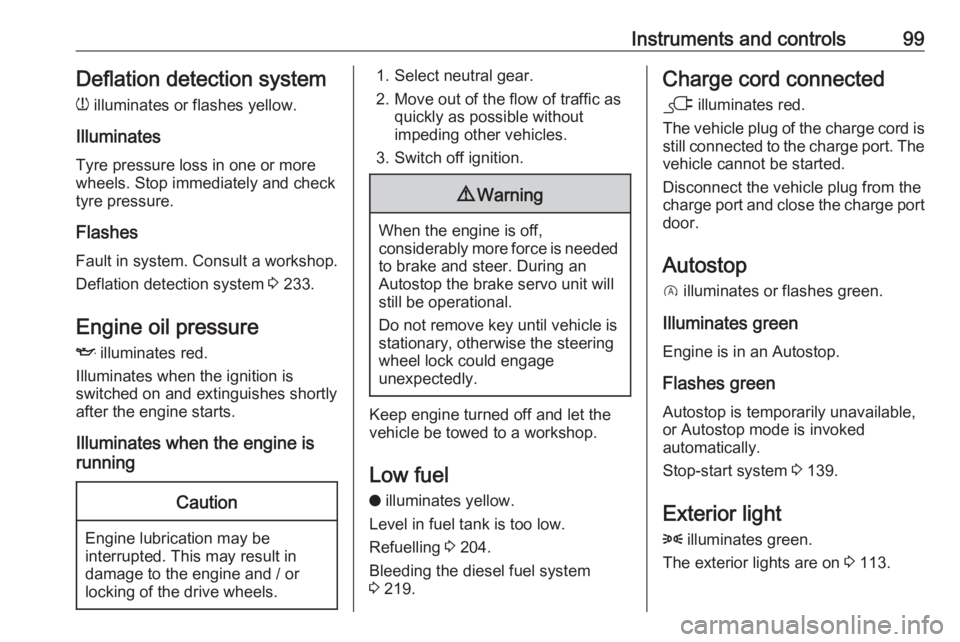
Low fuel o illuminates yellow.
Level in fuel tank is too low.
Refuelling 3 204.
Bleeding the diesel fuel system
3 219.
Charge cord connected
j illuminates red.
The vehicle plug of the charge cord is
still connected to the charge port. The
vehicle cannot be started.
Disconnect the vehicle plug from the
charge port and close the charge port door.
Autostop
D illuminates or flashes green.
Illuminates green
Engine is in an Autostop.
Flashes green
Autostop is temporarily unavailable,
or Autostop mode is invoked
automatically.
Stop-start system 3 139.
Exterior light
8 illuminates green.
The exterior lights are on 3 113.
Page 103 of 283

Instruments and controls101Active emergency braking
m illuminates or flashes yellow.
Illuminates
The system has been deactivated or
a fault has been detected.
Additionally, a warning message is
displayed in the Driver Information
Centre.
Check the reason of the deactivation
3 173 and in case of a system fault,
seek the assistance of a workshop.
Note
m also illuminates if the seat belts
of the front passengers are not
fastened. In this case, active
emergency braking is deactivated.
Flashes
The system is actively engaged. Depending on the situation, the
vehicle may automatically brake
moderately or hard.
Forward collision alert 3 171.
Front pedestrian protection 3 176.Speed limiter
ß illuminates in the Driver
Information Centre when speed
limiter is active. Set speed is indicated
alongside ß symbol.
Speed limiter 3 163.
Door open h illuminates red.
A door or the tailgate is open.Displays
Driver Information Centre The Driver Information Centre is
located in the instrument cluster.
Driver Information Centre indicates: ● overall and trip odometer
● digital speed indication
● trip / fuel information menu
● gear shift indication
● service information
● vehicle and warning messages
● driver assistance messages
● pop-up messages
● AdBlue information
● powerflow
● range autonomy
Selecting menus and functions The menus and functions can be
selected via the buttons on the
indicator lever.
Page 104 of 283
102Instruments and controls
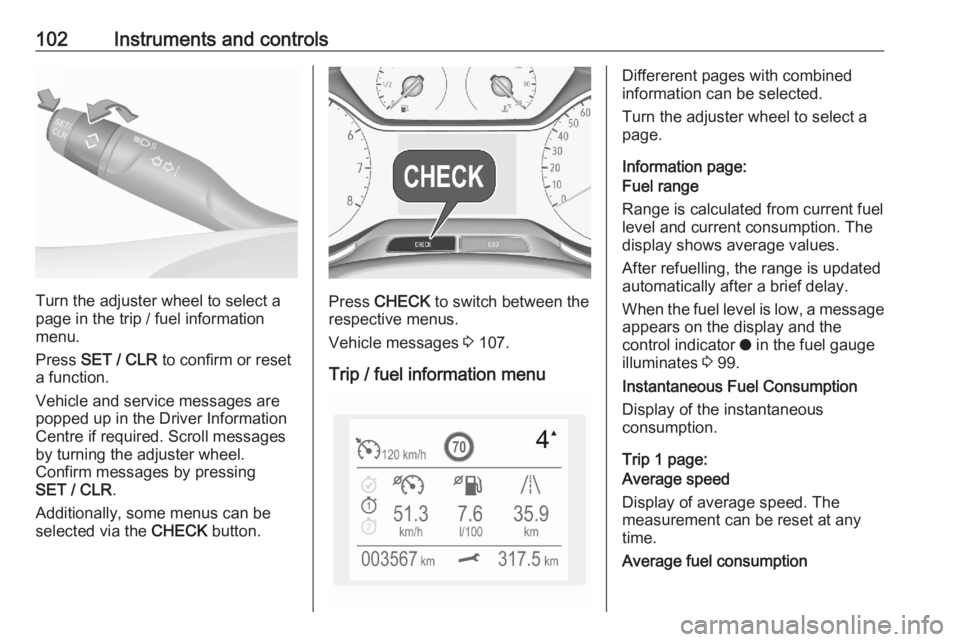
Turn the adjuster wheel to select a
page in the trip / fuel information
menu.
Press SET / CLR to confirm or reset
a function.
Vehicle and service messages are
popped up in the Driver Information
Centre if required. Scroll messages
by turning the adjuster wheel.
Confirm messages by pressing
SET / CLR .
Additionally, some menus can be selected via the CHECK button.Press CHECK to switch between the
respective menus.
Vehicle messages 3 107.
Trip / fuel information menu
Differerent pages with combined
information can be selected.
Turn the adjuster wheel to select a
page.
Information page:
Fuel range
Range is calculated from current fuel
level and current consumption. The
display shows average values.
After refuelling, the range is updated
automatically after a brief delay.
When the fuel level is low, a message appears on the display and the
control indicator o in the fuel gauge
illuminates 3 99.
Instantaneous Fuel Consumption
Display of the instantaneous
consumption.
Trip 1 page:
Average speed
Display of average speed. The
measurement can be reset at any
time.
Average fuel consumption
Page 105 of 283
Instruments and controls103Display of average consumption. The
measurement can be reset at any
time and starts with a default value.
Distance travelled
Displays the current distance for trip
1 since the reset.
The values of trip 1 page can be reset by pressing SET / CLR for a few
seconds.
Trip 2 page:
Average speed
Display of average speed. The
measurement can be reset at any
time.
Average fuel consumption
Display of average consumption. The
measurement can be reset at any
time and starts with a default value.
Distance travelled
Displays the current distance for trip
2 since a certain reset.
The values of trip 2 page can be reset by pressing SET / CLR for a few
seconds.Digital speed page
Digital display of the instantaneous
speed.
Autostop time counter
A time counter calculates the time
spent in Autostop during a journey. It
resets to zero every time the ignition
is switched on.
Compass page
Displays the geographic direction of
driving.
Blank page
No trip / fuel information is displayed.
AdBlue Press CHECK repeatedly until the
AdBlue menu is shown.
AdBlue range
Indicates an estimate of the AdBlue
level. A message indicates whether the level is sufficient or low.
3 143.Powerflow
Displays the current powerflow in the
hybrid system, e.g., when the vehicle
is operating in electric mode or when
energy is regenerated.
Range autonomy Displays the selected drive mode, the range of the high voltage battery and
the combined range, i.e., the range of
the high voltage battery and the fuel
tank.
Info Display The Info Display is located in the
instrument panel near the instrument
cluster.
Depending on the vehicle
configuration the vehicle has a
● Graphic Info Display
or
● 7'' Colour Info Display with
touchscreen functionality
or
● 8'' Colour Info Display with
touchscreen functionality
Page 106 of 283
104Instruments and controlsThe Info Displays can indicate:● time 3 84
● outside temperature 3 84
● date 3 84
● Infotainment system, see description in the Infotainment
manual
● indication of rear view camera 3 189
● indication of panoramic view system 3 186
● indication of parking assist instructions 3 177
● navigation, see description in the
Infotainment manual
● vehicle and system messages 3 107
● settings for vehicle personalisation 3 108
● indication of the current powerflow within the hybrid
system
● indication of the average fuel and
power consumption● settings for programmable charging 3 198
● settings for eSave function
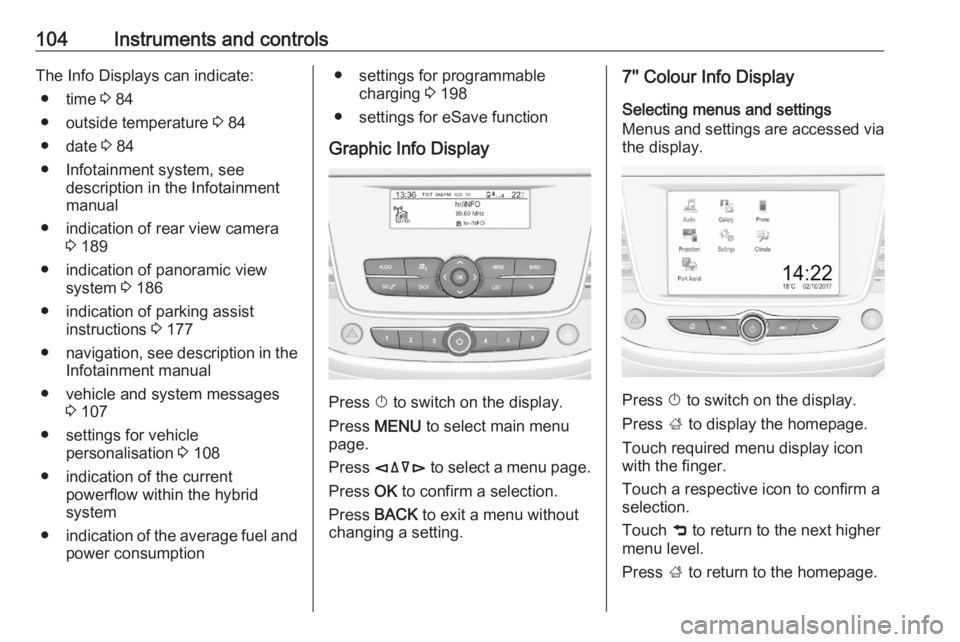
Graphic Info Display
Press X to switch on the display.
Press MENU to select main menu
page.
Press èäåé to select a menu page.
Press OK to confirm a selection.
Press BACK to exit a menu without
changing a setting.
7'' Colour Info Display
Selecting menus and settings
Menus and settings are accessed via
the display.
Press X to switch on the display.
Press ; to display the homepage.
Touch required menu display icon
with the finger.
Touch a respective icon to confirm a
selection.
Touch 9 to return to the next higher
menu level.
Press ; to return to the homepage.
Page 107 of 283
Instruments and controls105For further information, see
Infotainment manual.
Vehicle personalisation 3 108.
8'' Colour Info Display
Selecting menus and settings
There are three options to operate the display:
● via buttons below the display● by touching the touchscreen with
the finger
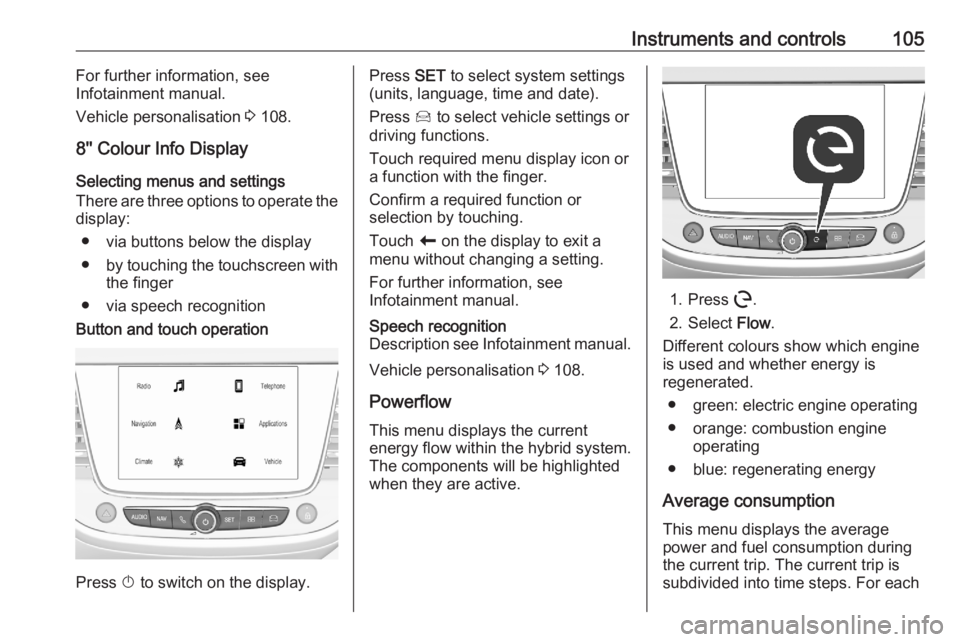
● via speech recognitionButton and touch operation
Press X to switch on the display.
Press SET to select system settings
(units, language, time and date).
Press Í to select vehicle settings or
driving functions.
Touch required menu display icon or
a function with the finger.
Confirm a required function or
selection by touching.
Touch r on the display to exit a
menu without changing a setting.
For further information, see
Infotainment manual.Speech recognition
Description see Infotainment manual.
Vehicle personalisation 3 108.
Powerflow This menu displays the current
energy flow within the hybrid system.
The components will be highlighted
when they are active.
1. Press m.
2. Select Flow.
Different colours show which engine
is used and whether energy is
regenerated.
● green: electric engine operating
● orange: combustion engine operating
● blue: regenerating energy
Average consumption This menu displays the average
power and fuel consumption during
the current trip. The current trip is
subdivided into time steps. For each
Page 108 of 283
106Instruments and controlstime step, the average consumption
is displayed. The time steps can be
modified.
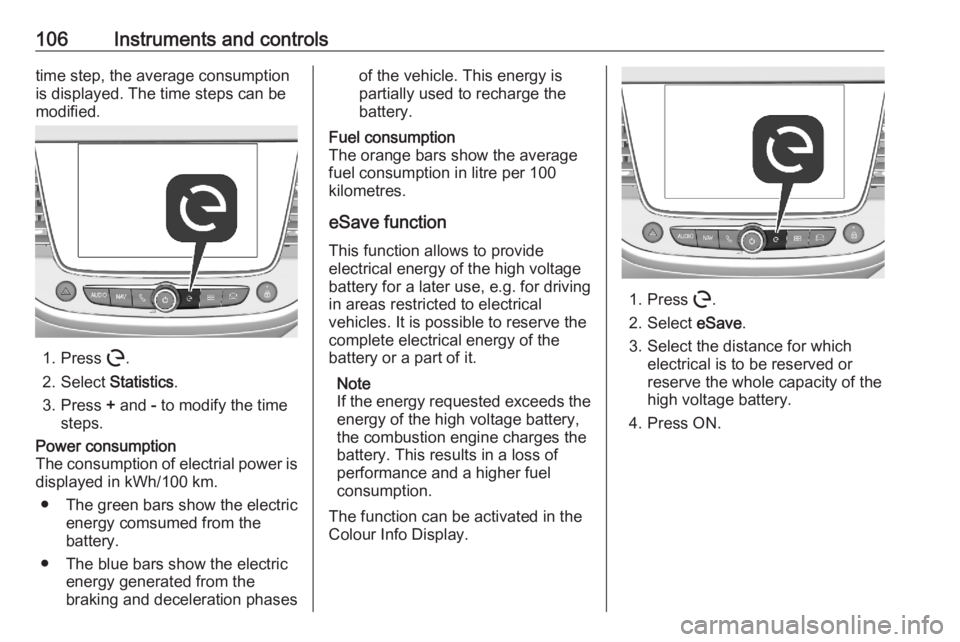
1. Press m.
2. Select Statistics.
3. Press + and - to modify the time
steps.
Power consumption
The consumption of electrial power is displayed in kWh/100 km.
● The green bars show the electric
energy comsumed from the
battery.
● The blue bars show the electric energy generated from the
braking and deceleration phasesof the vehicle. This energy is
partially used to recharge the
battery.Fuel consumption
The orange bars show the average fuel consumption in litre per 100
kilometres.
eSave function
This function allows to provide
electrical energy of the high voltage
battery for a later use, e.g. for driving
in areas restricted to electrical
vehicles. It is possible to reserve the
complete electrical energy of the
battery or a part of it.
Note
If the energy requested exceeds the energy of the high voltage battery,
the combustion engine charges the
battery. This results in a loss of
performance and a higher fuel
consumption.
The function can be activated in the
Colour Info Display.
1. Press m.
2. Select eSave.
3. Select the distance for which electrical is to be reserved or
reserve the whole capacity of the
high voltage battery.
4. Press ON.
Page 112 of 283
110Instruments and controlsUnlock boot only: Activates or
deactivates unlocking the tailgate
only when pressing T on the
remote control.
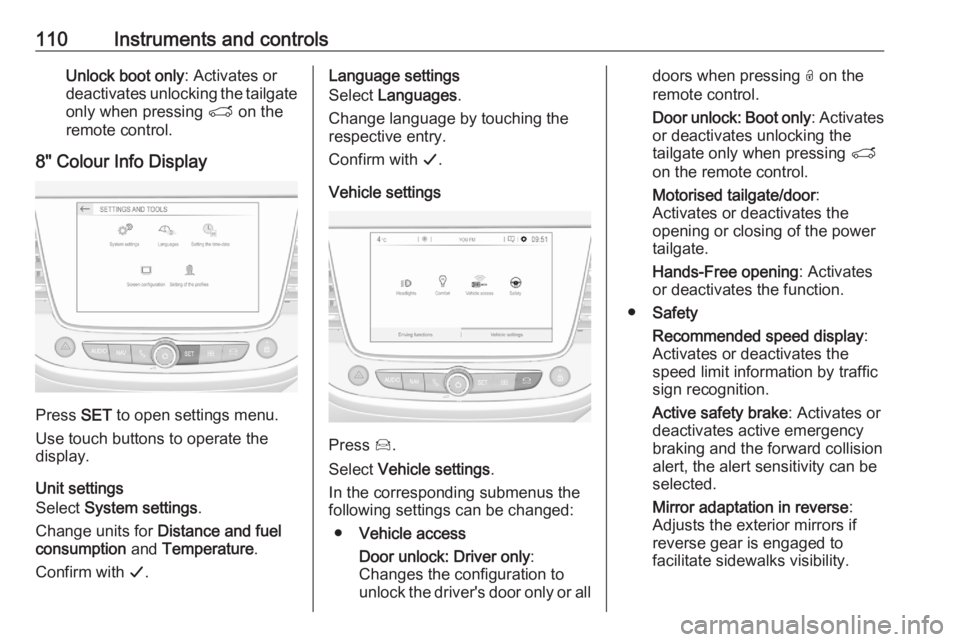
8" Colour Info Display
Press SET to open settings menu.
Use touch buttons to operate the
display.
Unit settings
Select System settings .
Change units for Distance and fuel
consumption and Temperature .
Confirm with G.
Language settings
Select Languages .
Change language by touching the
respective entry.
Confirm with G.
Vehicle settings
Press Í.
Select Vehicle settings .
In the corresponding submenus the
following settings can be changed:
● Vehicle access
Door unlock: Driver only :
Changes the configuration to unlock the driver's door only or all
doors when pressing O on the
remote control.
Door unlock: Boot only : Activates
or deactivates unlocking the
tailgate only when pressing T
on the remote control.
Motorised tailgate/door :
Activates or deactivates the
opening or closing of the power
tailgate.
Hands-Free opening : Activates
or deactivates the function.
● Safety
Recommended speed display :
Activates or deactivates the
speed limit information by traffic
sign recognition.
Active safety brake : Activates or
deactivates active emergency
braking and the forward collision
alert, the alert sensitivity can be
selected.
Mirror adaptation in reverse :
Adjusts the exterior mirrors if
reverse gear is engaged to
facilitate sidewalks visibility.