lights OPEL MOVANO_B 2017.5 Manual user
[x] Cancel search | Manufacturer: OPEL, Model Year: 2017.5, Model line: MOVANO_B, Model: OPEL MOVANO_B 2017.5Pages: 261, PDF Size: 6.26 MB
Page 106 of 261
104Instruments and controls● During activation anddeactivation of alarm monitoringof vehicle inclination 3 34.
● If the AdBlue level falls below a certain amount or a fault is
present 3 143.
● If the lane departure warning system detects an unintended
lane change and when the
system is activated 3 167.
When the vehicle is parked and/or
the driver's door is opened
● When the key is in the ignition switch.
● With exterior lights on 3 108.
● There is a fault with the power door lock system 3 27.
● If the vehicle has manual transmission automated 3 150;
the parking brake has not been
applied, neutral is not selected or
the brake pedal has not been
depressed. A corresponding
message may also appear in the
Driver Information Centre 3 102.● If the sliding side door exterior
handle is in the open position
when unlocking the vehicle 3 28.
● If the parking brake is not applied
when the power sliding door
switch is pressed 3 28.
● If the power sliding door is locked
from the inside with the child lock
active 3 28.
● If the engine is in an Autostop but
not switched off. Stop-start
system 3 136.Trip computer
The trip computer provides
information on driving data, which is
continually recorded and evaluated electronically.
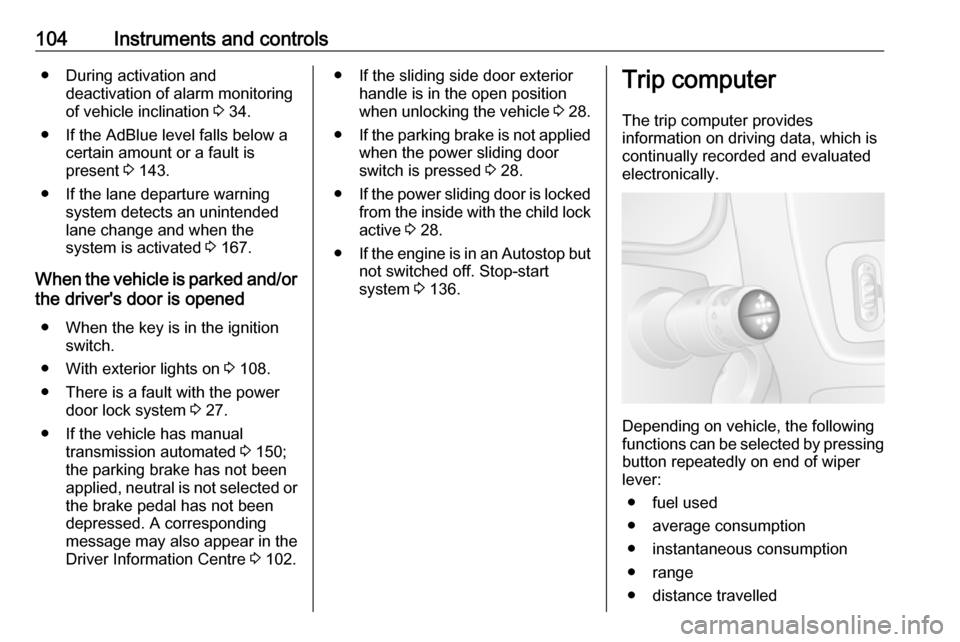
Depending on vehicle, the following
functions can be selected by pressing button repeatedly on end of wiper
lever:
● fuel used
● average consumption
● instantaneous consumption
● range
● distance travelled
Page 110 of 261

108LightingLightingExterior lighting.......................... 108
Light switch .............................. 108
Automatic light control .............108
High beam ............................... 109
High beam assist .....................109
Headlight flash ......................... 110
Headlight range adjustment ....110
Headlights when driving abroad .................................... 110
Daytime running lights .............110
Adaptive forward lighting .........111
Hazard warning flashers ..........111
Turn and lane-change signals . 111
Front fog lights ......................... 112
Rear fog lights ......................... 112
Reversing lights .......................112
Misted light covers ...................112
Interior lighting ........................... 113
Interior lights ............................ 113
Load compartment lighting ......113
Reading lights .......................... 114
Lighting features ........................115
Exit lighting .............................. 115
Battery discharge protection ....115Exterior lighting
Light switch
Turn outer light switch:
7:off0:sidelights9 P:headlightsAUTO:automatic light control:
headlights are switched on
and off automatically.
Turn inner light switch:
>:front fog lightsø:rear fog lights
High beam control indicator P
3 101.
Low beam control indicator 9 3 101.
Note
If the headlights have been switched
on manually, a warning chime will
sound when the engine is switched
off and when the driver's door is
opened as a reminder that the lights are still on.
Tail lights
Tail lights are illuminated together with low beam and sidelights.
Automatic light control
Page 111 of 261
Lighting109When the automatic light control
function is switched on and the
engine is running, the system
switches between daytime running
lights (where fitted) and headlights,
depending on the lighting conditions.
For reasons of safety, the light switch
should always remain in the AUTO
position.
Daytime running lights 3 110.
Automatic headlight activation During poor lighting conditions the
headlights are switched on.
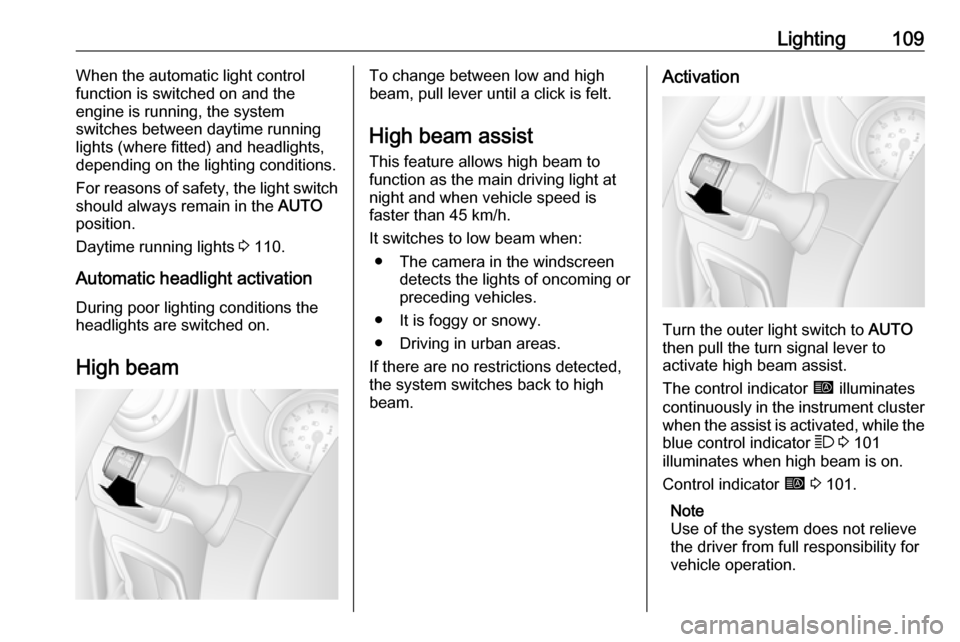
High beamTo change between low and high
beam, pull lever until a click is felt.
High beam assist This feature allows high beam to
function as the main driving light at
night and when vehicle speed is
faster than 45 km/h.
It switches to low beam when: ● The camera in the windscreen detects the lights of oncoming or
preceding vehicles.
● It is foggy or snowy.
● Driving in urban areas.
If there are no restrictions detected,
the system switches back to high
beam.Activation
Turn the outer light switch to AUTO
then pull the turn signal lever to activate high beam assist.
The control indicator í illuminates
continuously in the instrument cluster when the assist is activated, while the
blue control indicator 7 3 101
illuminates when high beam is on.
Control indicator í 3 101.
Note
Use of the system does not relieve
the driver from full responsibility for
vehicle operation.
Page 112 of 261
110LightingDeactivation
Pull the turn signal lever again.
Control indicator í extinguishes.
High beam assist is also deactivated
when the outer light switch is moved
out of the AUTO position.
Note
Depending on version, the system
can be also be deactivated via the
Infotainment system. Refer to
Infotainment manual for further
information.
General information
Performance of the system can be
affected due to the following:
● Extreme weather conditions, e.g.
heavy rain, fog or snow.
● The front camera or the windscreen is obstructed, e.g. bya portable navigation system.
● Oncoming or preceding vehicle lights are not detected.● Headlights are not adjustedcorrectly.
● Various reflective surfaces may also cause the system to fail to
detect other vehicles.
Headlight flash
To activate the headlight flash, pull
lever.
Headlight range adjustment
Manual headlight range
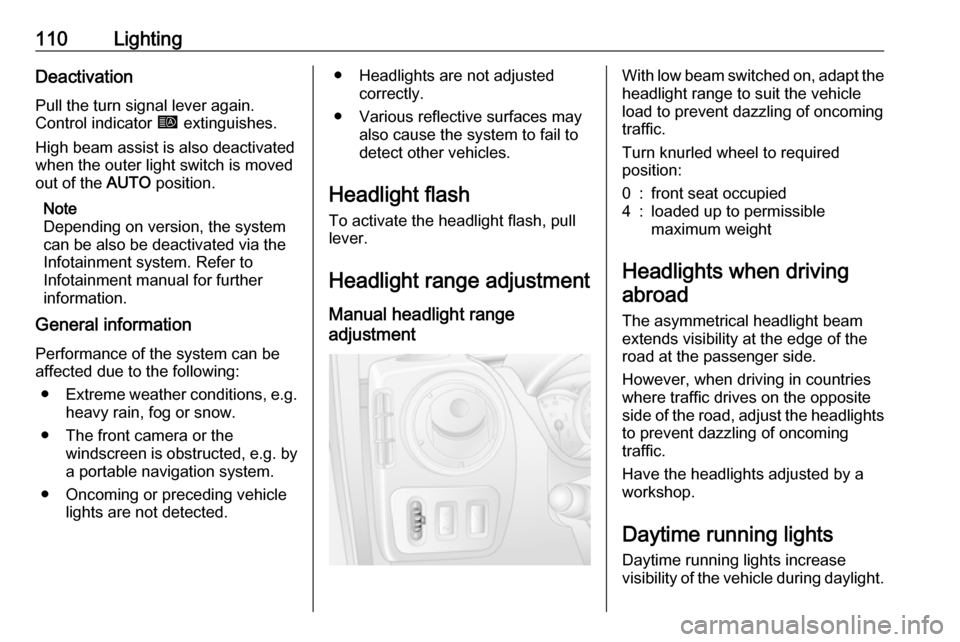
adjustment With low beam switched on, adapt the
headlight range to suit the vehicle
load to prevent dazzling of oncoming
traffic.
Turn knurled wheel to required
position:0:front seat occupied4:loaded up to permissible
maximum weight
Headlights when driving
abroad
The asymmetrical headlight beam
extends visibility at the edge of the
road at the passenger side.
However, when driving in countries
where traffic drives on the opposite
side of the road, adjust the headlights
to prevent dazzling of oncoming
traffic.
Have the headlights adjusted by a
workshop.
Daytime running lights
Daytime running lights increase
visibility of the vehicle during daylight.
Page 113 of 261
Lighting111The lights operate automatically
when the ignition is switched on.
If the vehicle is equipped with the
automatic light control function, the
system switches between daytime running lights and headlights
automatically depending on the
lighting conditions. Automatic light
control 3 108.
Adaptive forward lighting
Cornering light
Depending on the steering angle,
vehicle speed and gear selected
when cornering, an additional light
will illuminate the corner of the road
on the respective side when the
headlights are switched on.
The cornering light is switched off
automatically after prolonged use and at vehicle speeds above 40 km/h.Hazard warning flashers
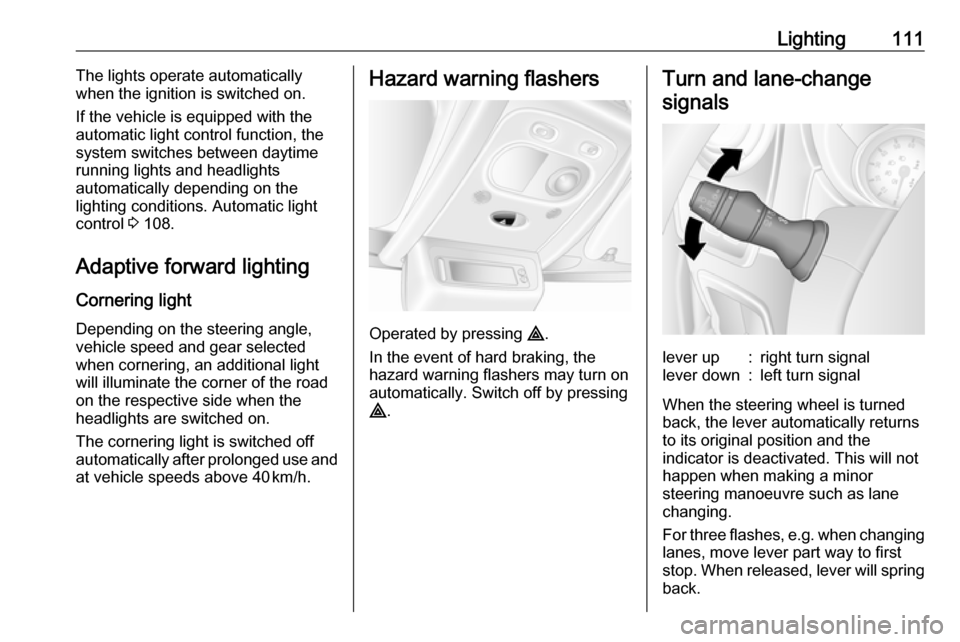
Operated by pressing ¨.
In the event of hard braking, the
hazard warning flashers may turn on automatically. Switch off by pressing
¨ .
Turn and lane-change
signalslever up:right turn signallever down:left turn signal
When the steering wheel is turned
back, the lever automatically returns
to its original position and the
indicator is deactivated. This will not happen when making a minor
steering manoeuvre such as lane
changing.
For three flashes, e.g. when changing lanes, move lever part way to first
stop. When released, lever will spring
back.
Page 114 of 261
112LightingIf the lever is moved past the first stop,the indicator is switched on
constantly. Switch the indicator off
manually by moving the lever to its
original position.
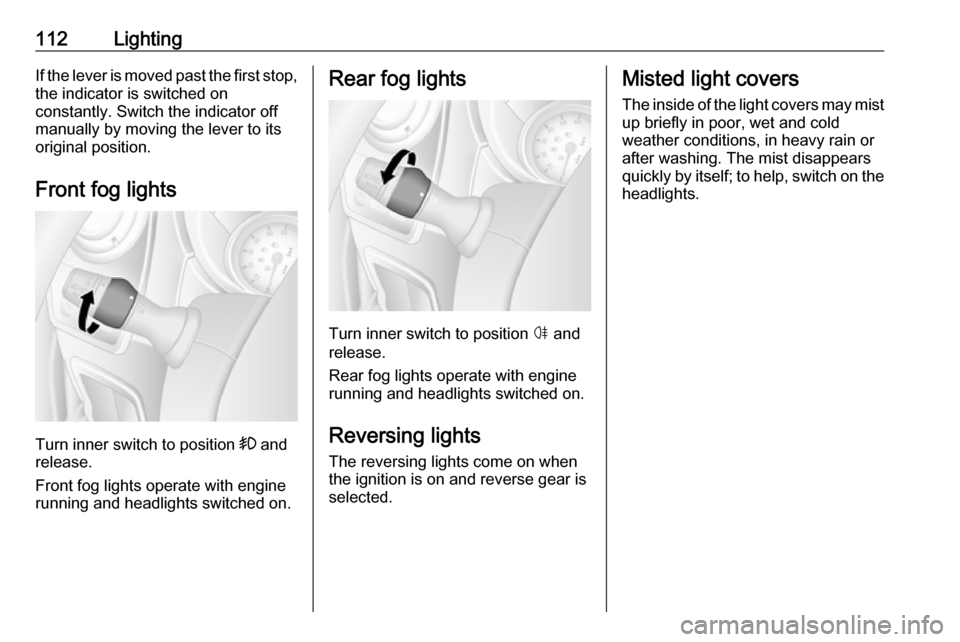
Front fog lights
Turn inner switch to position >
and
release.
Front fog lights operate with engine
running and headlights switched on.
Rear fog lights
Turn inner switch to position ø and
release.
Rear fog lights operate with engine
running and headlights switched on.
Reversing lights
The reversing lights come on when
the ignition is on and reverse gear is
selected.
Misted light covers
The inside of the light covers may mist up briefly in poor, wet and cold
weather conditions, in heavy rain or
after washing. The mist disappears
quickly by itself; to help, switch on the
headlights.
Page 115 of 261
Lighting113Interior lighting
Interior lights
Courtesy lights illuminate when the vehicle is unlocked with the remote
control or the front doors are opened.
When the doors are closed, the
courtesy light extinguishes after a
delay or immediately after the ignition
is switched on.
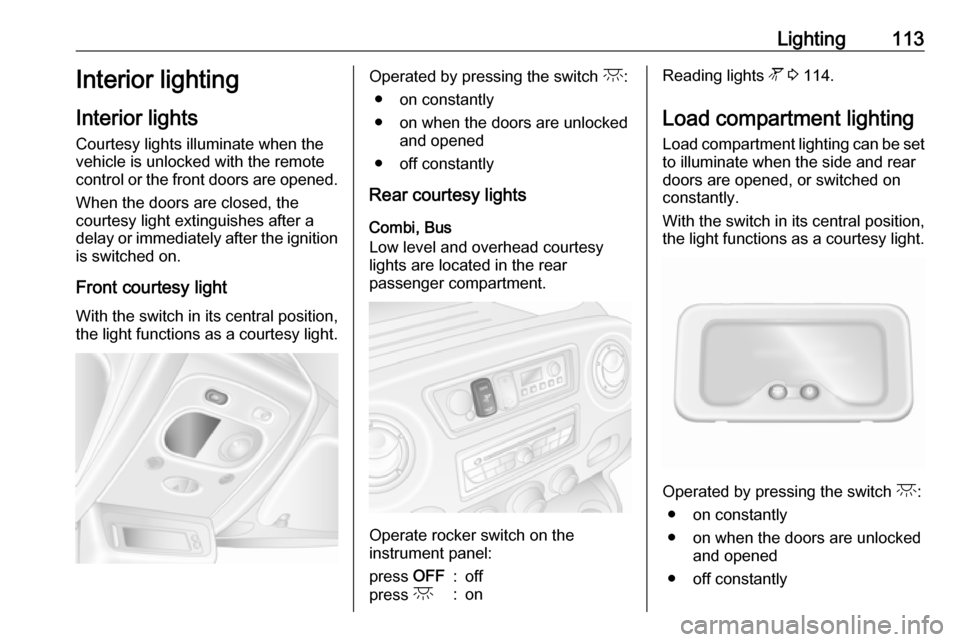
Front courtesy light
With the switch in its central position,
the light functions as a courtesy light.Operated by pressing the switch c:
● on constantly
● on when the doors are unlocked and opened
● off constantly
Rear courtesy lights
Combi, Bus
Low level and overhead courtesy
lights are located in the rear
passenger compartment.
Operate rocker switch on the
instrument panel:
press OFF:offpress c:onReading lights l 3 114.
Load compartment lighting Load compartment lighting can be setto illuminate when the side and rear
doors are opened, or switched on
constantly.
With the switch in its central position,
the light functions as a courtesy light.
Operated by pressing the switch c:
● on constantly
● on when the doors are unlocked and opened
● off constantly
Page 116 of 261
114LightingWhen the doors are closed, the
courtesy light extinguishes after a
delay or immediately after the ignition
is switched on.
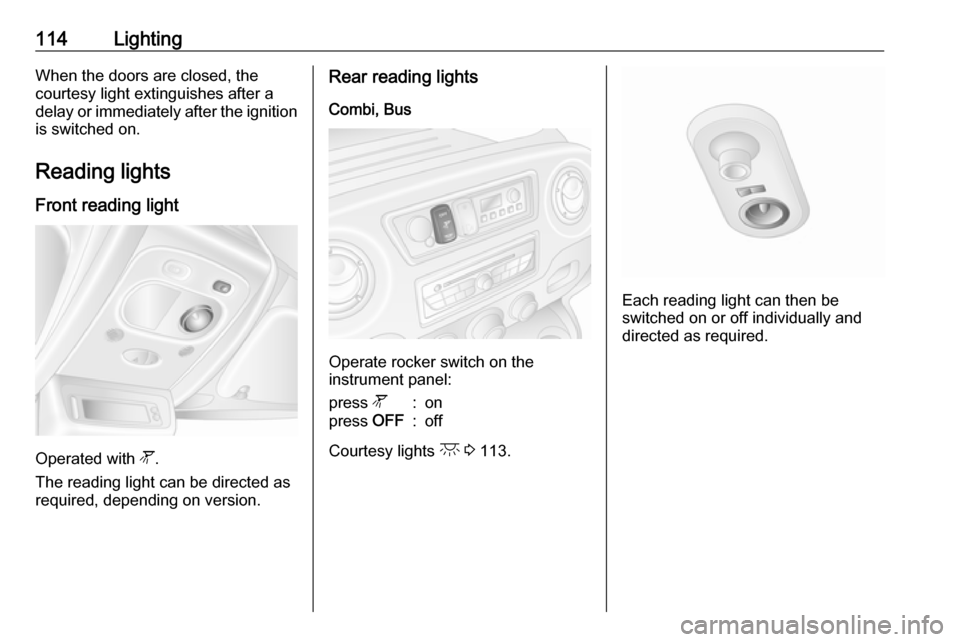
Reading lights Front reading light
Operated with l.
The reading light can be directed as
required, depending on version.
Rear reading lights
Combi, Bus
Operate rocker switch on the
instrument panel:
press l:onpress OFF:off
Courtesy lights c 3 113.
Each reading light can then be
switched on or off individually and
directed as required.
Page 117 of 261
Lighting115Lighting features
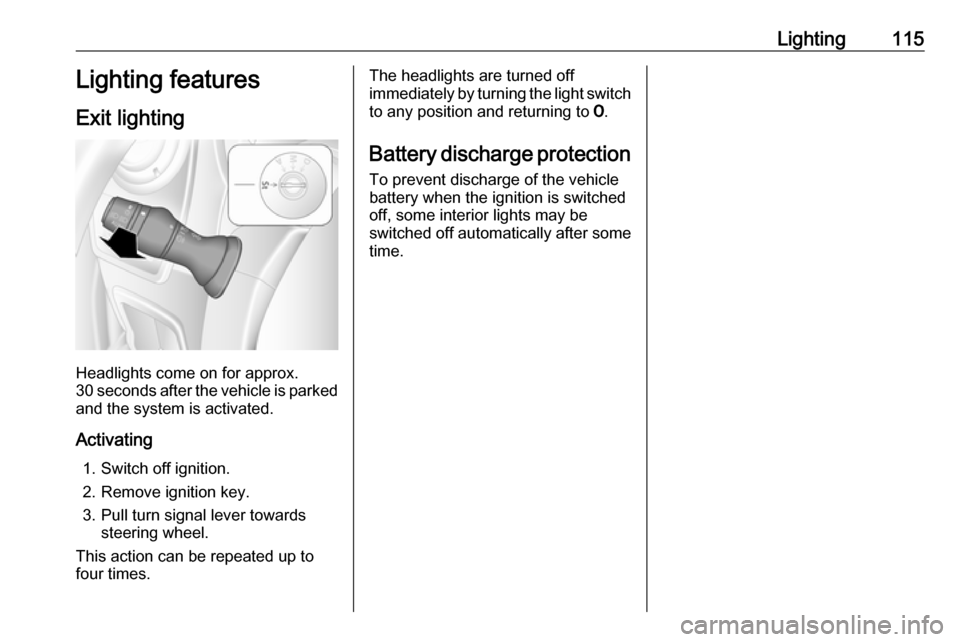
Exit lighting
Headlights come on for approx.
30 seconds after the vehicle is parked
and the system is activated.
Activating 1. Switch off ignition.
2. Remove ignition key.
3. Pull turn signal lever towards steering wheel.
This action can be repeated up to
four times.
The headlights are turned off immediately by turning the light switch
to any position and returning to 7.
Battery discharge protection To prevent discharge of the vehicle
battery when the ignition is switched
off, some interior lights may be
switched off automatically after some
time.
Page 168 of 261
166Driving and operatingInfotainment system display screen
In vehicles with Navigation system,
the rear view camera display is shown
on the Infotainment system display
screen.
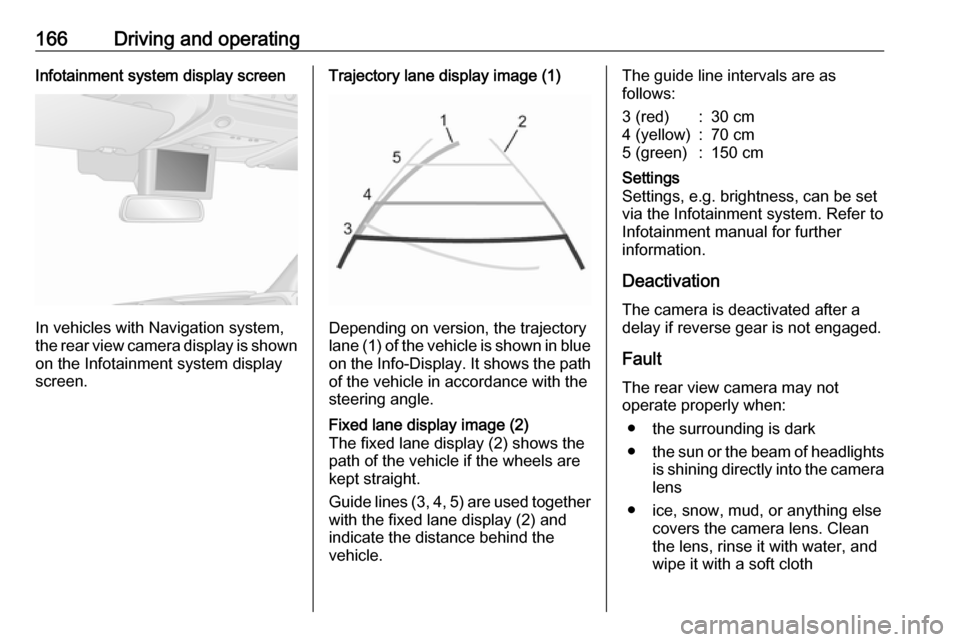
Trajectory lane display image (1)
Depending on version, the trajectory
lane (1) of the vehicle is shown in blue
on the Info-Display. It shows the path of the vehicle in accordance with the
steering angle.
Fixed lane display image (2)
The fixed lane display (2) shows the
path of the vehicle if the wheels are
kept straight.
Guide lines (3, 4, 5) are used together
with the fixed lane display (2) and indicate the distance behind the
vehicle.The guide line intervals are as
follows:3 (red):30 cm4 (yellow):70 cm5 (green):150 cmSettings
Settings, e.g. brightness, can be set
via the Infotainment system. Refer to
Infotainment manual for further
information.
Deactivation
The camera is deactivated after a
delay if reverse gear is not engaged.
Fault
The rear view camera may not
operate properly when:
● the surrounding is dark
● the sun or the beam of headlights
is shining directly into the camera lens
● ice, snow, mud, or anything else covers the camera lens. Clean
the lens, rinse it with water, and
wipe it with a soft cloth