steering Peugeot 301 2017 Owner's Guide
[x] Cancel search | Manufacturer: PEUGEOT, Model Year: 2017, Model line: 301, Model: Peugeot 301 2017Pages: 306, PDF Size: 9.87 MB
Page 242 of 306
10
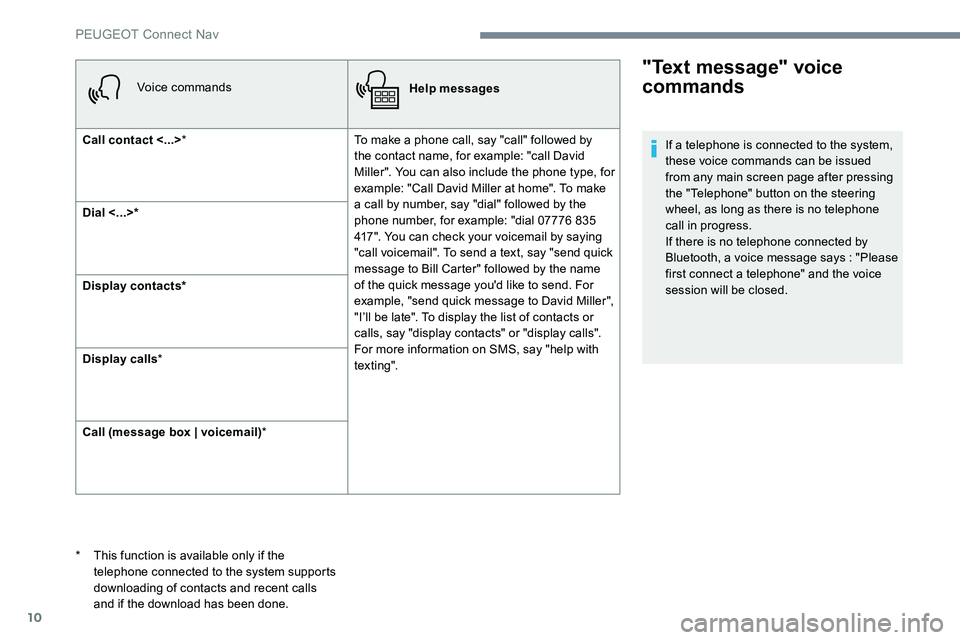
Voice commandsHelp messages
Call contact <...> * To make a phone call, say "call" followed by
the contact name, for example: "call David
Miller". You can also include the phone type, for
example: "Call David Miller at home". To make
a call by number, say "dial" followed by the
phone number, for example: "dial 07776 835
417". You can check your voicemail by saying
"call voicemail". To send a text, say "send quick
message to Bill Carter" followed by the name
of the quick message you'd like to send. For
example, "send quick message to David Miller",
"I’ll be late". To display the list of contacts or
calls, say "display contacts" or "display calls".
For more information on SMS, say "help with
tex t ing".
Dial <...>*
Display contacts*
Display calls
*
Call (message box | voicemail) *
"Text message" voice
commands
* This function is available only if the
telephone connected to the system supports
downloading of contacts and recent calls
and if the download has been done. If a telephone is connected to the system,
these voice commands can be issued
from any main screen page after pressing
the "Telephone" button on the steering
wheel, as long as there is no telephone
call in progress.
If there is no telephone connected by
Bluetooth, a voice message says : "Please
first connect a telephone" and the voice
session will be closed.
PEUGEOT Connect Nav
Page 262 of 306
30
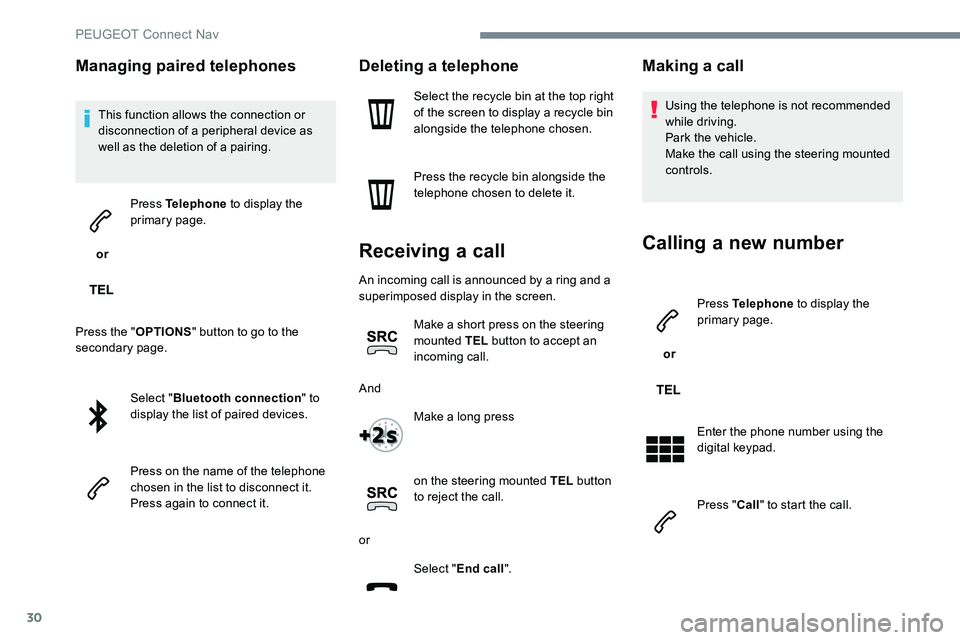
Managing paired telephones
This function allows the connection or
disconnection of a peripheral device as
well as the deletion of a pairing.
or Press Telephone
to display the
primary page.
Press the " OPTIONS" button to go to the
secondary page.
Select "Bluetooth connection " to
display the list of paired devices.
Press on the name of the telephone
chosen in the list to disconnect it.
Press again to connect it.
Deleting a telephone
Select the recycle bin at the top right
of the screen to display a recycle bin
alongside the telephone chosen.
Press the recycle bin alongside the
telephone chosen to delete it.
Receiving a call
An incoming call is announced by a ring and a
superimposed display in the screen.
Make a short press on the steering
mounted TEL button to accept an
incoming call.
And Make a long press
on the steering mounted TEL button
to reject the call.
or Select "End call".
Making a call
Using the telephone is not recommended
while driving.
Park the vehicle.
Make the call using the steering mounted
controls.
Calling a new number
or Press Telephone
to display the
primary page.
Enter the phone number using the
digital keypad.
Press " Call" to start the call.
PEUGEOT Connect Nav
Page 263 of 306
31
Calling a contact
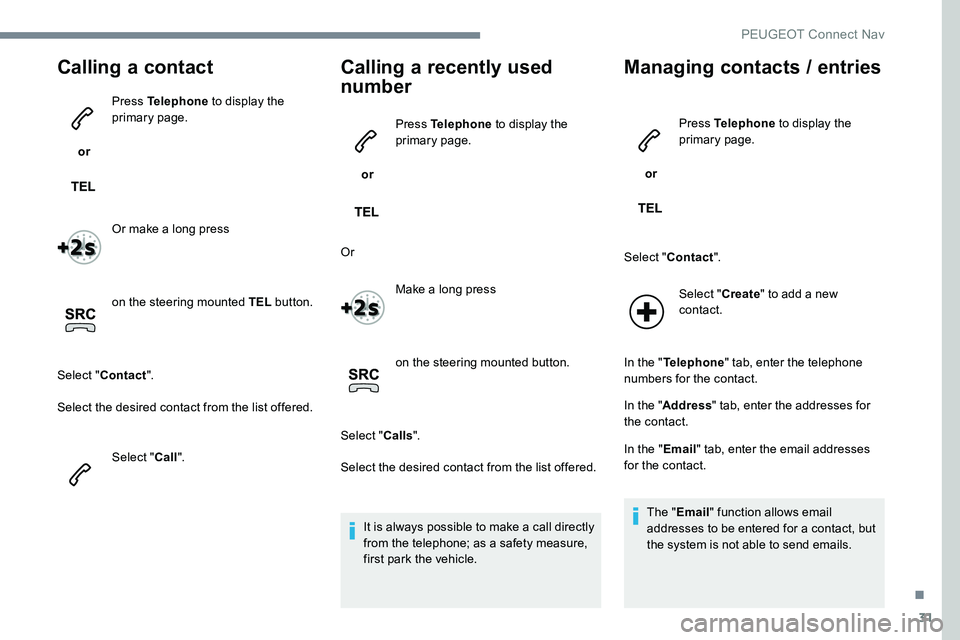
or Press Telephone
to display the
primary page.
Or make a long press
on the steering mounted TEL button.
Select " Contact ".
Select the desired contact from the list offered.
Select "Call".
Calling a recently used
number
or Press Telephone
to display the
primary page.
Or Make a long press
on the steering mounted button.
Select " Calls".
Select the desired contact from the list offered.
It is always possible to make a call directly
from the telephone; as a safety measure,
first park the vehicle.
Managing contacts / entries
or Press Telephone
to display the
primary page.
Select " Contact ".
Select " Create" to add a new
contact.
In the " Telephone " tab, enter the telephone
numbers for the contact.
In the " Address " tab, enter the addresses for
the contact.
In the " Email" tab, enter the email addresses
for the contact.
The " Email " function allows email
addresses to be entered for a contact, but
the system is not able to send emails.
.
PEUGEOT Connect Nav
Page 281 of 306
3
In very hot conditions, the volume may
be limited to protect the system. It may go
into standby (screen and sound off) for at
least 5 minutes
The return to normal takes place when
the temperature in the passenger
compartment has dropped.Steering mounted controls
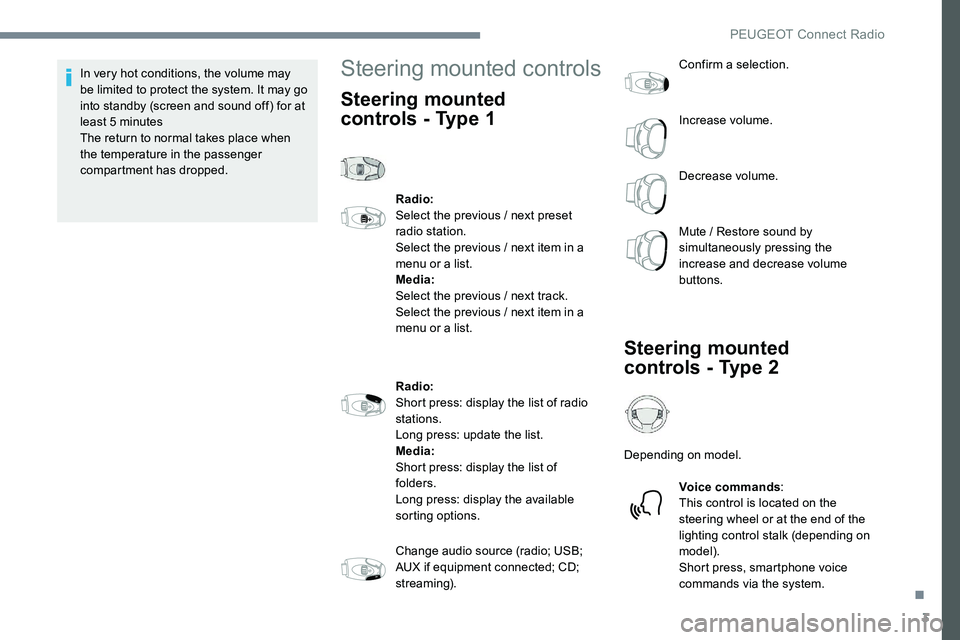
Steering mounted
controls - Type 1
Radio:
Select the previous / next preset
radio station.
Select the previous / next item in a
menu or a list.
Media:
Select the previous / next track.
Select the previous / next item in a
menu or a list.
Radio:
Short press: display the list of radio
stations.
Long press: update the list.
Media:
Short press: display the list of
folders.
Long press: display the available
sorting options.
Change audio source (radio; USB;
AUX if equipment connected; CD;
streaming).Confirm a selection.
Increase volume.
Decrease volume.
Mute / Restore sound by
simultaneously pressing the
increase and decrease volume
buttons.
Steering mounted
controls - Type 2
Depending on model.
Voice commands :
This control is located on the
steering wheel or at the end of the
lighting control stalk (depending on
model).
Short press, smartphone voice
commands via the system.
.
PEUGEOT Connect Radio
Page 295 of 306
17
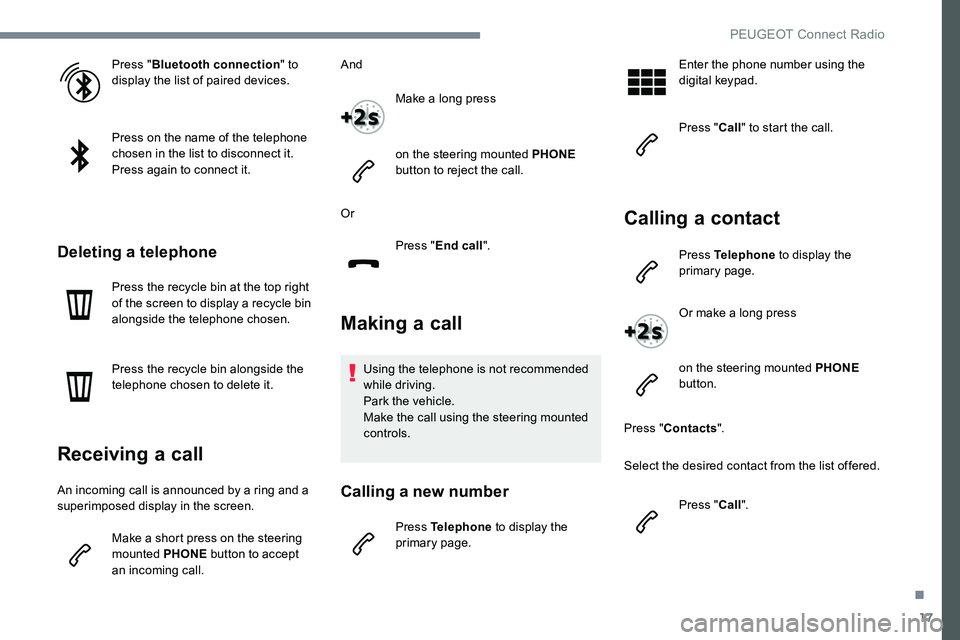
Press "Bluetooth connection " to
display the list of paired devices.
Press on the name of the telephone
chosen in the list to disconnect it.
Press again to connect it.
Deleting a telephone
Press the recycle bin at the top right
of the screen to display a recycle bin
alongside the telephone chosen.
Press the recycle bin alongside the
telephone chosen to delete it.
Receiving a call
An incoming call is announced by a ring and a
superimposed display in the screen.
Make a short press on the steering
mounted PHONE button to accept
an incoming call. And
Make a long press
on the steering mounted PHONE
button to reject the call.
Or Press "End call".
Making a call
Using the telephone is not recommended
while driving.
Park the vehicle.
Make the call using the steering mounted
controls.
Calling a new number
Press Telephone to display the
primary page. Enter the phone number using the
digital keypad.
Press "
Call" to start the call.
Calling a contact
Press Telephone to display the
primary page.
Or make a long press
on the steering mounted PHONE
button.
Press " Contacts ".
Select the desired contact from the list offered.
Press "Call".
.
PEUGEOT Connect Radio
Page 296 of 306
18
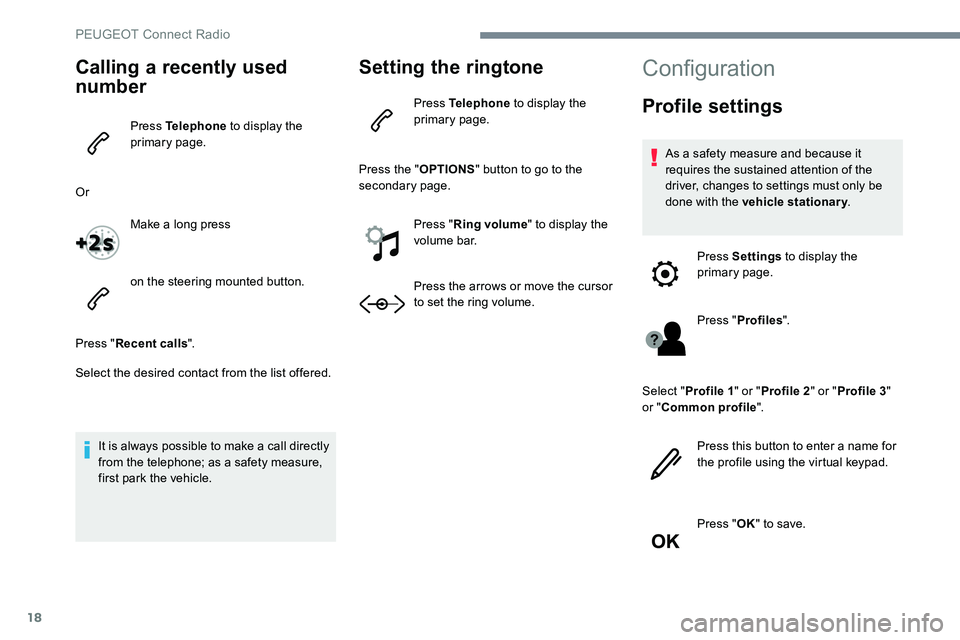
Calling a recently used
number
Press Telephone to display the
primary page.
Or Make a long press
on the steering mounted button.
Press " Recent calls ".
Select the desired contact from the list offered.
It is always possible to make a call directly
from the telephone; as a safety measure,
first park the vehicle.
Setting the ringtone
Press Telephone to display the
primary page.
Press the " OPTIONS" button to go to the
secondary page.
Press "Ring volume " to display the
volume bar.
Press the arrows or move the cursor
to set the ring volume.
Configuration
Profile settings
As a safety measure and because it
requires the sustained attention of the
driver, changes to settings must only be
done with the vehicle stationary .
Press Settings to display the
primary page.
Press " Profiles ".
Select " Profile 1 " or "Profile 2 " or "Profile 3 "
or " Common profile ".
Press this button to enter a name for
the profile using the virtual keypad.
Press " OK" to save.
PEUGEOT Connect Radio