Music Peugeot 308 2016 User Guide
[x] Cancel search | Manufacturer: PEUGEOT, Model Year: 2016, Model line: 308, Model: Peugeot 308 2016Pages: 398, PDF Size: 9.38 MB
Page 375 of 398
373
308_en_Chap10d_RD45_ed02-2015
use only uSB memory sticks formatted FAt32
( File Allocation table ).
It is recommended that you use
genuine Apple
® uSB cables for correct
ope
ration.
*
In c
ertain cases, play of the audio files must
be initiated from the keypad.
** If the telephone supports the function.
Bluetooth® audio streaming
Streaming allows music files on the telephone
to be played via the audio system.
Connect the telephone: see the " Telephone"
section.
Select in the " Bluetooth: Telephone - Audio "
menu the telephone to be connected.
the a
udio system connects to a newly paired
telephone automatically.
Control of tracks to be played is via the buttons
on the audio system control panel and the
steering mounted controls**.
the c
ontextual
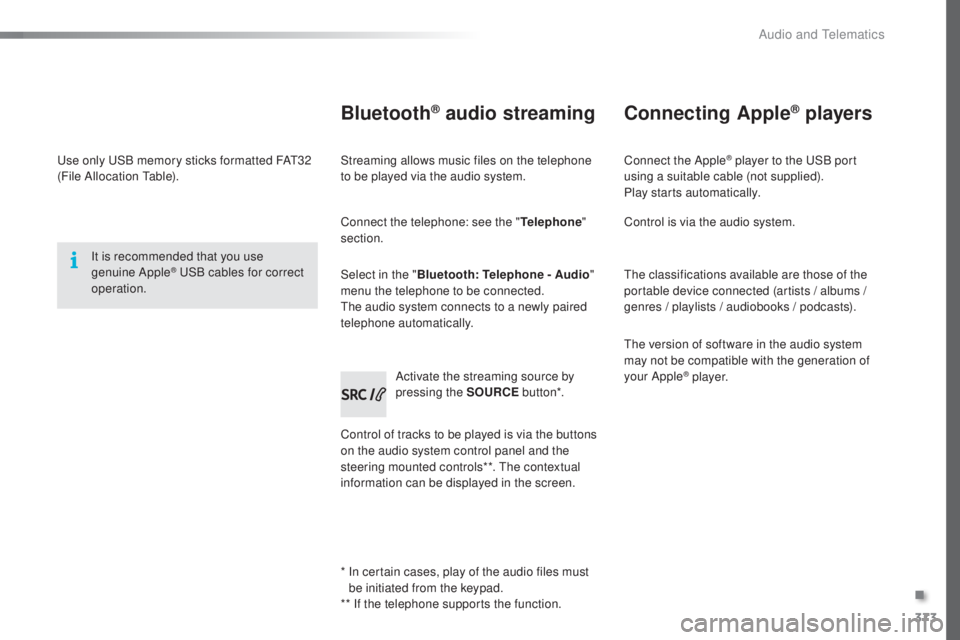
information can be displayed in the screen. Activate the streaming source by
pressing the SOURCE
but to n*.
Connecting Apple® players
Connect the Apple® player to the uSB port
using a suitable cable (not supplied).
Play starts automatically.
Control is via the audio system.
the c
lassifications available are those of the
portable device connected (artists / albums /
genres / playlists / audiobooks / podcasts).
the v
ersion of software in the audio system
may not be compatible with the generation of
your Apple
® p l aye r.
.
Audio and telematics
Page 381 of 398
379
308_en_Chap10d_RD45_ed02-2015
the table below gives answers to the most frequently asked questions on your audio system.Q UESTION ANSWER SOLUTION
With the engine off, the
audio system switches off
after a few minutes of use. When the engine is switched off, the audio system operating time
depends on the state of charge of the battery.
the s
witch-off is normal: the audio equipment switches to economy
mode and switches off to prevent discharging of the vehicle's
battery. Start the vehicle's engine to increase the battery
charge.
the m
essage "the audio
system is overheated"
appears on the display. In order to protect the installation if the surrounding temperature
is too high, the audio system switches to an automatic thermal
protection mode leading to a reduction in volume or CD play
stopping. Switch the audio system off for a few minutes to
allow the system to cool.
Frequently asked questions
QUESTION
ANSWER SOLUTION
the
re is a difference in
sound quality between the
different audio sources
(radio, CD...). For optimum sound quality, the audio settings (Volume, Bass,
tre
ble, Ambience, Loudness) can be adapted to the different sound
sources, which may result in audible differences when changing
source (radio, CD...). Check that the audio settings (Volume, Bass,
tre
ble, Ambience, Loudness) are adapted to the
sources listened to. It is advisable to set the audio
functions (Bass,
tre
ble, Front-Rear Balance, Left-
Right Balance) to the middle position, select the
musical ambience "None" and set the loudness
correction to the "Active" position in CD mode or
to the "Inactive" position in radio mode.
Radio
.
Audio and telematics