language PEUGEOT 308 2018 Owners Manual
[x] Cancel search | Manufacturer: PEUGEOT, Model Year: 2018, Model line: 308, Model: Peugeot 308 2018Pages: 360, PDF Size: 12.38 MB
Page 2 of 360
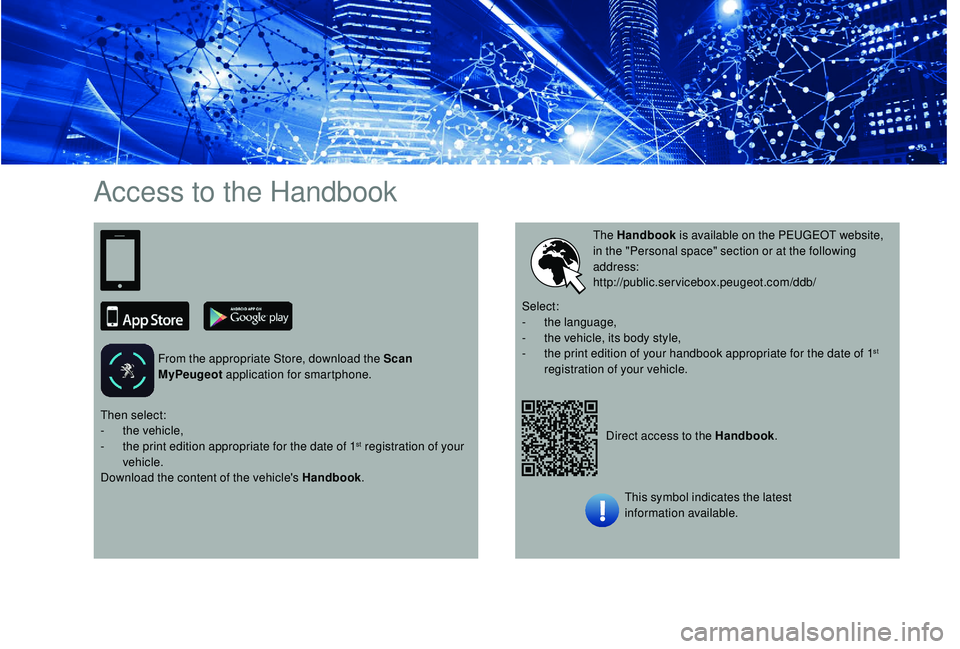
Access to the Handbook
From the appropriate Store, download the Scan
MyPeugeot application for smartphone.
Direct access to the Handbook.
The Handbook
is available on the PEUGEOT website,
in the "Personal space" section or at the following
address:
http://public.servicebox.peugeot.com/ddb/
Then select:
-
t
he vehicle,
-
t
he print edition appropriate for the date of 1
st registration of your
vehicle.
Download the content of the vehicle's Handbook .Select:
-
t
he language,
-
t
he vehicle, its body style,
-
t
he print edition of your handbook appropriate for the date of 1
st
registration of your vehicle.
This symbol indicates the latest
information available.
Page 11 of 360
9
Customisation of the
instrument panel
** Versions with touch screen. You can modify the appearance of the
instrument panel, by choosing:
-
t
he instrument panel display colour**,
-
a d
isplay mode.
Display language and units
They depend on the configuration of the
multifunction screen (configuration menu).
When travelling abroad, the speed must
be shown in the official units of the
country you are driving in (km/h, km or
mph, miles).
As a safety measure, these adjustments
must be carried out with the vehicle
stationary.
Choosing a display colour
This depends on the ambience activated by the
i- Cockpit Amplify function.
The possible choices are:
F
"Relax ": grey,
F
"Boost ": red,
F
"Normal " (no ambience activated): blue.
For more information on the i-Cockpit Amplify
function , refer to the corresponding section.
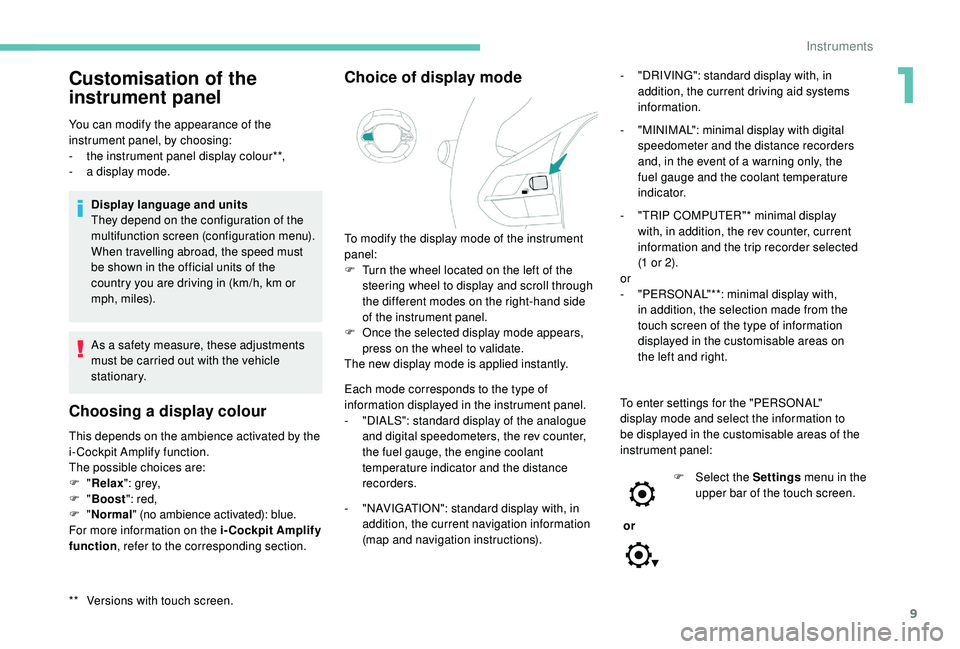
Choice of display mode
Each mode corresponds to the type of
information displayed in the instrument panel.
-
"
DIALS": standard display of the analogue
and digital speedometers, the rev counter,
the fuel gauge, the engine coolant
temperature indicator and the distance
recorders.
-
"
NAVIGATION": standard display with, in
addition, the current navigation information
(map and navigation instructions). -
"
DRIVING": standard display with, in
addition, the current driving aid systems
information.
-
"
MINIMAL": minimal display with digital
speedometer and the distance recorders
and, in the event of a warning only, the
fuel gauge and the coolant temperature
i n d i c a t o r.
-
"
TRIP COMPUTER"* minimal display
with, in addition, the rev counter, current
information and the trip recorder selected
(1 or 2).
or
-
"
PERSONAL"**: minimal display with,
in addition, the selection made from the
touch screen of the type of information
displayed in the customisable areas on
the left and right.
To modify the display mode of the instrument
panel:
F
T
urn the wheel located on the left of the
steering wheel to display and scroll through
the different modes on the right-hand side
of the instrument panel.
F
O
nce the selected display mode appears,
press on the wheel to validate.
The new display mode is applied instantly.
To enter settings for the "PERSONAL"
display mode and select the information to
be displayed in the customisable areas of the
instrument panel:
or F
Sel
ect the Settings menu in the
upper bar of the touch screen.
1
Instruments
Page 41 of 360
39
- visual parking sensor information,
- a udio source being listened to,
-
t
elephone or hands-free kit information,
-
s
ettings menus for the screen and the
vehicle equipment.
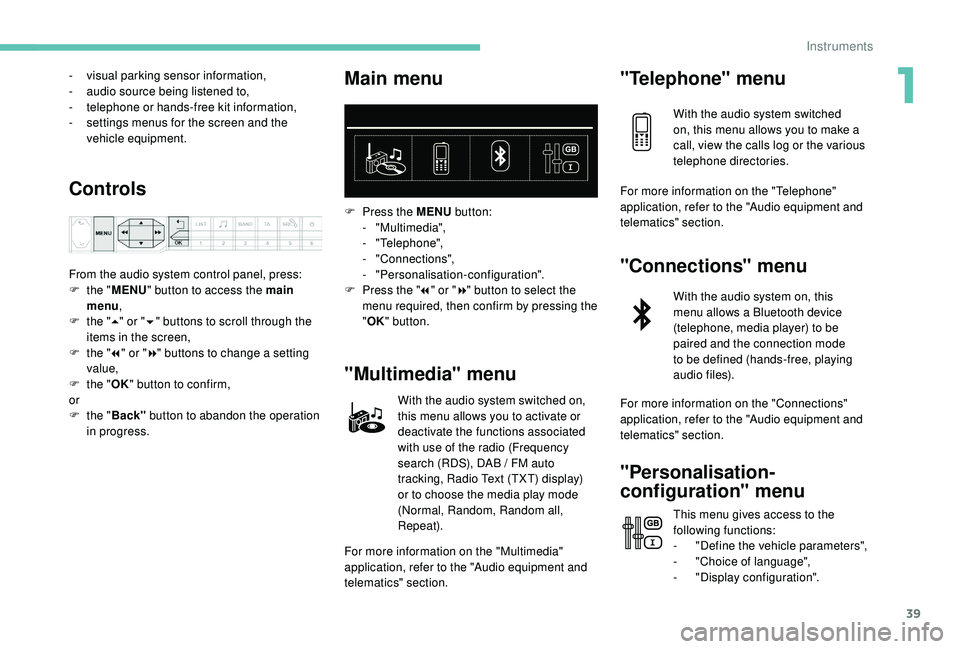
Controls
From the audio system control panel, press:
F t he "MENU " button to access the main
menu ,
F
t
he "5" or " 6" buttons to scroll through the
items in the screen,
F
t
he "7" or " 8" buttons to change a setting
value,
F
t
he "OK" button to confirm,
or
F
t
he "Back" button to abandon the operation
in progress.
Main menu
F Press the MENU button:
- "Multimedia",
-
"Telephone",
-
"Connections",
-
"Personalisation-configuration".
F
P
ress the " 7" or " 8" button to select the
menu required, then confirm by pressing the
" OK " button.
"Multimedia" menu
With the audio system switched on,
this menu allows you to activate or
deactivate the functions associated
with use of the radio (Frequency
search (RDS), DAB
/ FM auto
tracking, Radio Text (TXT) display)
or to choose the media play mode
(Normal, Random, Random all,
Repeat).
For more information on the "Multimedia"
application, refer to the "Audio equipment and
telematics" section.
"Telephone" menu
With the audio system switched
on, this menu allows you to make a
call, view the calls log or the various
telephone directories.
For more information on the "Telephone"
application, refer to the "Audio equipment and
telematics" section.
"Connections" menu
With the audio system on, this
menu allows a Bluetooth device
(telephone, media player) to be
paired and the connection mode
to be defined (hands-free, playing
audio files).
For more information on the "Connections"
application, refer to the "Audio equipment and
telematics" section.
"Personalisation-
configuration" menu
This menu gives access to the
following functions:
-
"
Define the vehicle parameters",
-
"
Choice of language",
-
"
Display configuration".
1
Instruments
Page 42 of 360
40
Touch screen
Define the vehicle parameters
This menu allows the activation or deactivation
of the following equipment, depending on
version:
-
"
Access to the vehicle" :
•
"
Remote control action".
For more information on the Remote control
and driver door selective unlocking in
particular, refer to the "Access" section.
-
"
Comfort" :
•
"
Rear wipe in reverse gear".
For more information on the Wipers ,
refer to the "Lighting and visibility"
section.
•
"
Parking assistance".
For more information on Parking
assistance , refer to the "Driving"
section.
•
"
Fatigue Detection System".
For more information on the Fatigue
detection system , refer to the "Driving"
section.
-
"
Driving assistance" :
•
"
Auto. emergency braking".
For more information on the Active
Safety Brake , refer to the "Driving"
section.
•
"
Speed recommendation".
For more information on Speed limit
recognition , refer to the "Driving"
section. •
"
Tyre inflation".
For more information on Under-
inflation detection and reinitialisation in
particular, refer to the "Driving" section.
Choice of language
This menu allows selection of the language
used by the screen and the instrument panel.
Display configuration
This menu gives access to the following
settings:
-
"
Choice of units",
-
"
Date and time adjustment",
-
"
Display parameters",
-
"Brightness".
Adjusting the date and time
F
P
ress the " 7" or " 8" button to display the
"Display configuration" menu, then press
OK.
F
P
ress the " 5" or " 6" button to select the
"Date and time adjustment" button, then
press OK.
F
P
ress the " 7" or " 8" button to select the
setting to modify. Confirm by pressing OK,
then modify the setting and confirm again to
save the modification.
F
A
djust the settings one by one, confirming
with the OK button. F
P
ress the "
5" or " 6" button, then the OK
button to select the OK box and confirm or
the Back button to cancel.
As a safety measure, the driver must only
carry out operations that require sustained
attention when stationary.
This system gives access to:
-
t
he permanent display of the time and
the exterior temperature (a blue symbol
appears when there is a risk of ice),
-
t
he heating/air conditioning controls,
-
m
enus for adjusting settings for vehicle
functions and systems,
-
a
udio system and telephone controls and
the display of associated information,
-
t
he display of visual parking aids (visual
parking sensor information, Park Assist,
e t c .),
-
I
nternet ser vices and the display of
associated information.
and, depending on equipment, allows:
-
a
ccess to the navigation system controls
and the display of associated information.
Instruments
Page 44 of 360
42
Upper bar
Certain information is always displayed in the
upper bar of the touch screen:
-
T
ime and exterior temperature (a blue
warning lamp appears when there is a risk
of i c e).
-
R
epeat of the air conditioning information,
and direct access to the corresponding
menu.
-
S
ummary of information from the Radio
Media , Telephone menus and navigation
instructions*.
-
Notifications.
-
A
ccess to the Settings for the touch screen
and the digital instrument panel (date/time,
languages, units, etc.).
*
D
epending on equipment
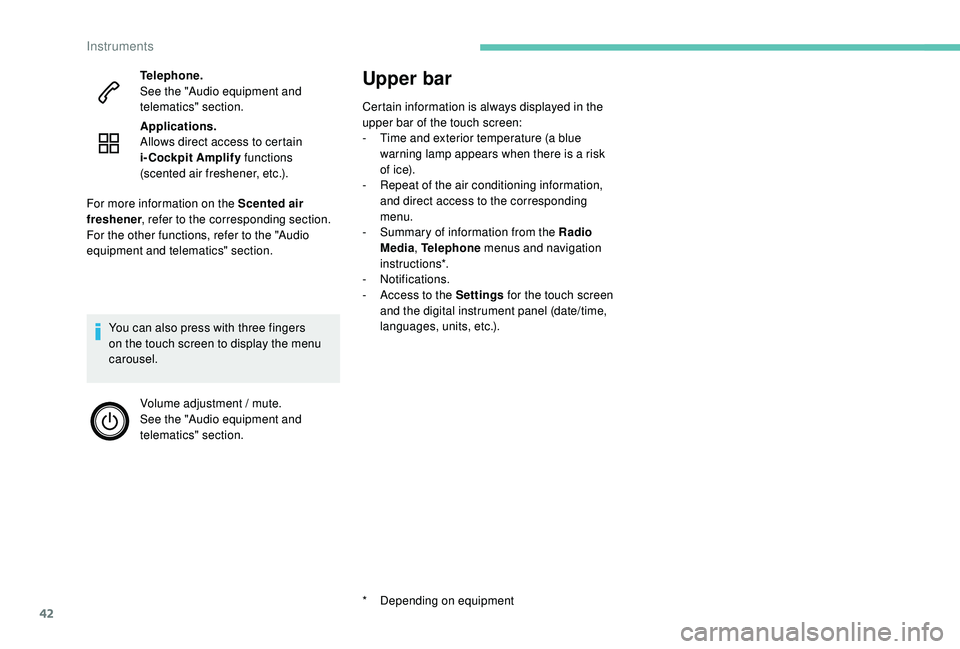
Telephone.
See the "Audio equipment and
telematics" section.
Applications.
Allows direct access to certain
i-Cockpit Amplify
functions
(scented air freshener, etc.).
You can also press with three fingers
on the touch screen to display the menu
carousel. Volume adjustment / mute.
See the "Audio equipment and
telematics" section.
For more information on the Scented air
freshener
, refer to the corresponding section.
For the other functions, refer to the "Audio
equipment and telematics" section.
Instruments
Page 48 of 360
46
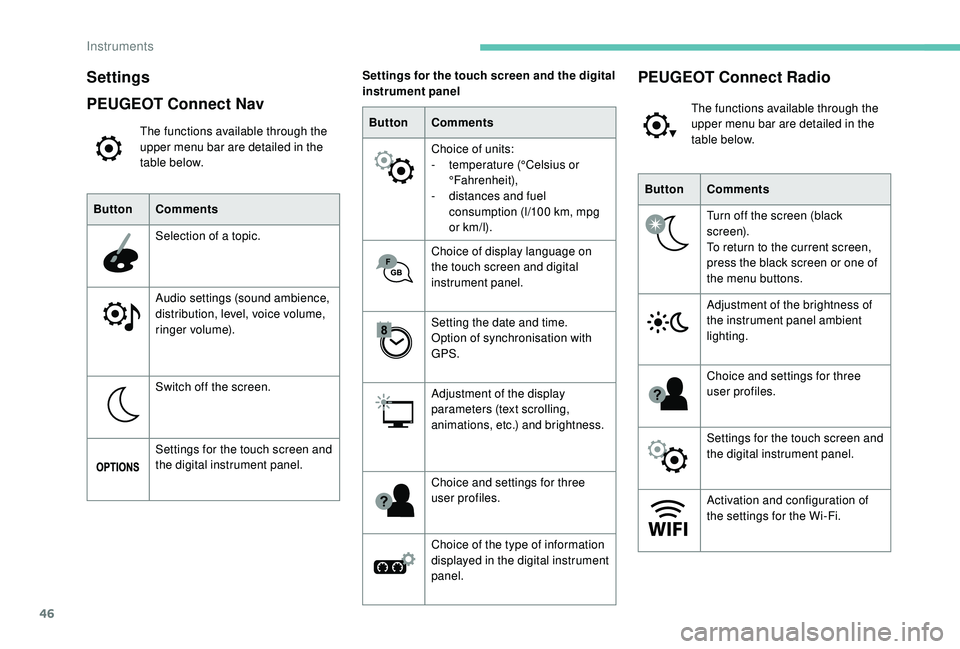
Settings
PEUGEOT Connect Nav
The functions available through the
upper menu bar are detailed in the
table below.
Button Comments
Selection of a topic.
Audio settings (sound ambience,
distribution, level, voice volume,
ringer volume).
Switch off the screen.
Settings for the touch screen and
the digital instrument panel. Button
Comments
Choice of units:
-
t
emperature (°Celsius or
°Fahrenheit),
-
d
istances and fuel
consumption (l/100
km, mpg
or km/l).
Choice of display language on
the touch screen and digital
instrument panel.
Setting the date and time.
Option of synchronisation with
GPS.
Adjustment of the display
parameters (text scrolling,
animations, etc.) and brightness.
Choice and settings for three
user profiles.
Choice of the type of information
displayed in the digital instrument
panel.
Settings for the touch screen and the digital
instrument panel
ButtonComments
Turn off the screen (black
screen).
To return to the current screen,
press the black screen or one of
the menu buttons.
Adjustment of the brightness of
the instrument panel ambient
lighting.
Choice and settings for three
user profiles.
Settings for the touch screen and
the digital instrument panel.
Activation and configuration of
the settings for the Wi-Fi.
PEUGEOT Connect Radio
The functions available through the
upper menu bar are detailed in the
table below.
Instruments
Page 49 of 360
47
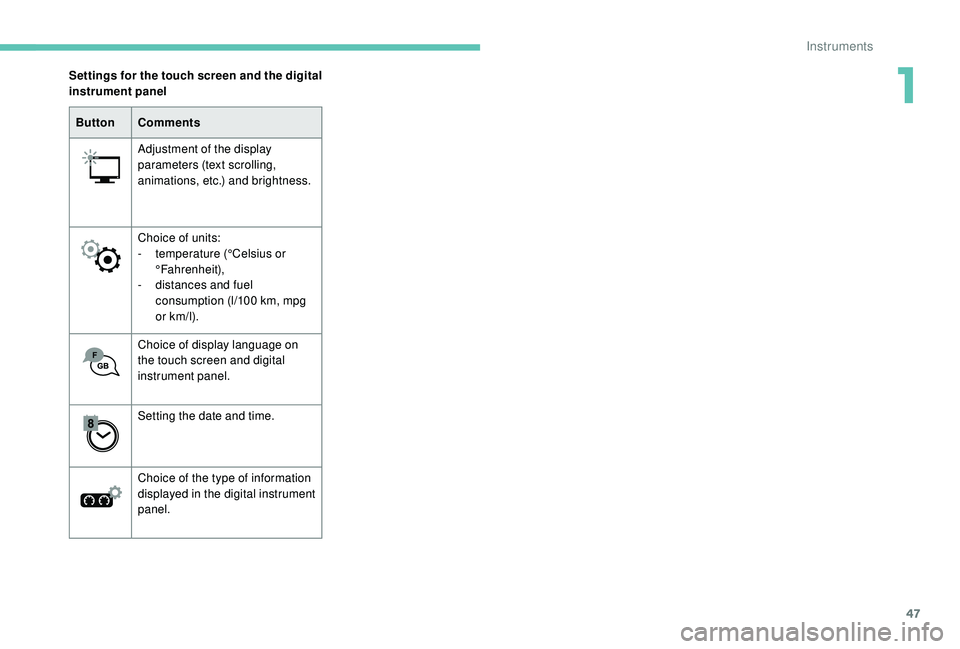
ButtonComments
Adjustment of the display
parameters (text scrolling,
animations, etc.) and brightness.
Choice of units:
-
t
emperature (°Celsius or
°Fahrenheit),
-
d
istances and fuel
consumption (l/100
km, mpg
or km/l).
Choice of display language on
the touch screen and digital
instrument panel.
Setting the date and time.
Choice of the type of information
displayed in the digital instrument
panel.
Settings for the touch screen and the digital
instrument panel
1
Instruments
Page 124 of 360
122
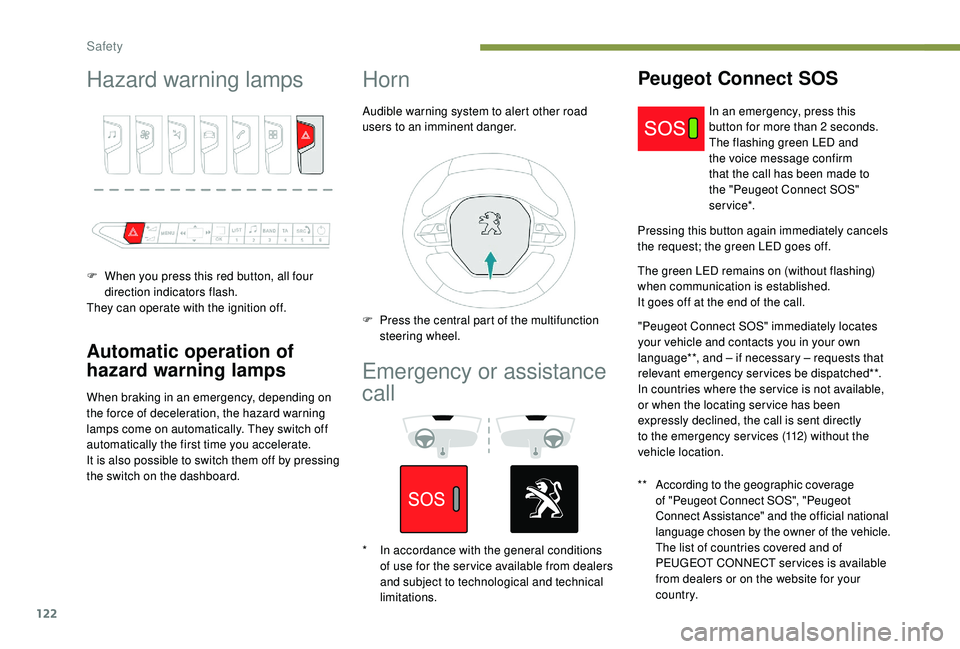
Hazard warning lamps
F When you press this red button, all four direction indicators flash.
They can operate with the ignition off.
Automatic operation of
hazard warning lamps
When braking in an emergency, depending on
the force of deceleration, the hazard warning
lamps come on automatically. They switch off
automatically the first time you accelerate.
It is also possible to switch them off by pressing
the switch on the dashboard.
Horn
Audible warning system to alert other road
users to an imminent danger.
Emergency or assistance
call
Peugeot Connect SOS
** According to the geographic coverage of "Peugeot Connect SOS", "Peugeot
Connect Assistance" and the official national
language chosen by the owner of the vehicle.
The list of countries covered and of
PEUGEOT CONNECT services is available
from dealers or on the website for your
c o u nt r y. In an emergency, press this
button for more than 2
seconds.
The flashing green LED and
the voice message confirm
that the call has been made to
the "Peugeot Connect SOS"
service*.
Pressing this button again immediately cancels
the request; the green LED goes off.
The green LED remains on (without flashing)
when communication is established.
It goes off at the end of the call. "Peugeot Connect SOS" immediately locates
your vehicle and contacts you in your own
language**, and – if necessary – requests that
relevant emergency services be dispatched**.
In countries where the ser vice is not available,
or when the locating ser vice has been
expressly declined, the call is sent directly
to the emergency services (112) without the
vehicle location.
F
P
ress the central part of the multifunction
steering wheel.
*
I
n accordance with the general conditions
of use for the ser vice available from dealers
and subject to technological and technical
limitations.
Safety
Page 125 of 360
123
If an impact is detected by the airbag
control unit, an emergency call is made
automatically and independently of the
deployment of any airbags.
If you benefit from the Peugeot Connect
Packs offer with the SOS and assistance
pack included, there are additional
ser vices available to you in your personal
space, via the website for your country.
Operation of the system
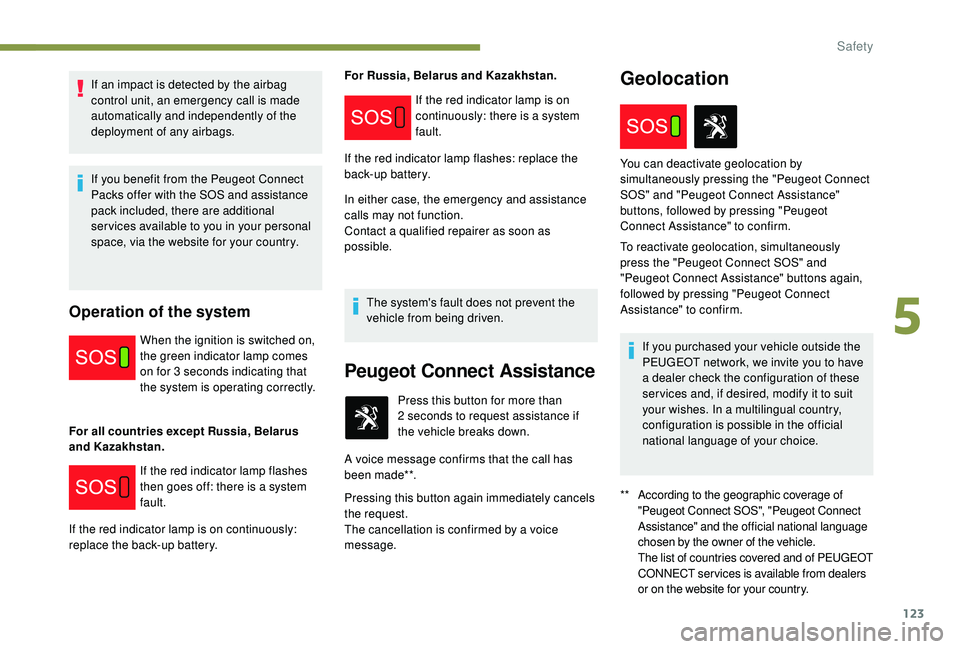
When the ignition is switched on,
the green indicator lamp comes
on for 3 seconds indicating that
the system is operating correctly.
For all countries except Russia, Belarus
and Kazakhstan. For Russia, Belarus and Kazakhstan.
In either case, the emergency and assistance
calls may not function.
Contact a qualified repairer as soon as
possible.
The system's fault does not prevent the
vehicle from being driven.
If the red indicator lamp flashes
then goes off: there is a system
fault.
If the red indicator lamp is on continuously:
replace the back-up battery. If the red indicator lamp is on
continuously: there is a system
fault.
If the red indicator lamp flashes: replace the
back-up battery.
Peugeot Connect Assistance
** According to the geographic coverage of "Peugeot Connect SOS", "Peugeot Connect
Assistance" and the official national language
chosen by the owner of the vehicle.
The list of countries covered and of PEUGEOT
CONNECT services is available from dealers
or on the website for your country.
Press this button for more than
2 seconds to request assistance if
the vehicle breaks down.
A voice message confirms that the call has
been made**.
Pressing this button again immediately cancels
the request.
The cancellation is confirmed by a voice
message.
Geolocation
You can deactivate geolocation by
simultaneously pressing the "Peugeot Connect
SOS" and "Peugeot Connect Assistance"
buttons, followed by pressing "Peugeot
Connect Assistance" to confirm.
To reactivate geolocation, simultaneously
press the "Peugeot Connect SOS" and
"Peugeot Connect Assistance" buttons again,
followed by pressing "Peugeot Connect
Assistance" to confirm.
If you purchased your vehicle outside the
PEUGEOT network, we invite you to have
a dealer check the configuration of these
ser vices and, if desired, modify it to suit
your wishes. In a multilingual country,
configuration is possible in the official
national language of your choice.
5
Safety
Page 140 of 360
138
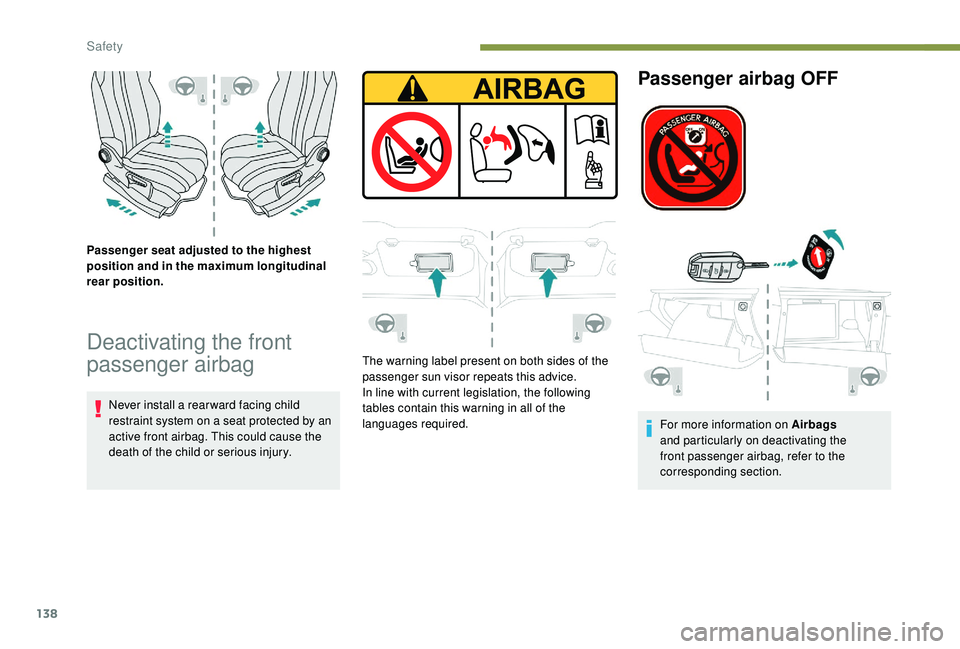
Passenger seat adjusted to the highest
position and in the maximum longitudinal
rear position.
Deactivating the front
passenger airbag
Never install a rear ward facing child
restraint system on a seat protected by an
active front airbag. This could cause the
death of the child or serious injury.The warning label present on both sides of the
passenger sun visor repeats this advice.
In line with current legislation, the following
tables contain this warning in all of the
languages required.
Passenger airbag OFF
For more information on Airbags
and particularly on deactivating the
front passenger airbag, refer to the
corresponding section.
Safety