lock Peugeot 308 2021 Repair Manual
[x] Cancel search | Manufacturer: PEUGEOT, Model Year: 2021, Model line: 308, Model: Peugeot 308 2021Pages: 244, PDF Size: 8.21 MB
Page 198 of 244
196
PEUGEOT Connect Radio
Frequently asked
questions
The following information groups together the answers to the most frequently asked questions
concerning the system.
Radio
The reception quality of the tuned radio
station gradually deteriorates or the station
presets are not working (no sound, 87.5 MHz
is displayed, etc.).
The vehicle is too far from the selected station’s
transmitter, or no transmitter is present in the
geographical area.
►
Activate the "RDS" function in the upper bar
to enable the system to check whether there is
a more powerful transmitter in the geographical
area.
The environment (hills, buildings, tunnels,
basement car parks, etc.) is blocking reception,
including in RDS mode.
This is a perfectly normal phenomenon, and is
not indicative of an audio system malfunction.
The aerial is missing or has been damaged
(for example while entering a car wash or
underground car park).
►
Have the aerial checked by a dealer
.
I cannot find some radio stations in the list of
received stations.
The name of the radio station changes.
The station is no longer received or its name has
changed in the list. ►
Press the round arrow on the "List" tab on the
"Radio" page.
Some radio stations send other information
in place of their name (the title of the song for
example).
The system interprets these details as the station
name.
►
Press the round arrow on the "List" tab on the
"Radio" page.
Media
Playback of my USB memory stick starts only
after a very long wait (around 2 to 3 minutes).
Some files supplied with the memory stick may
greatly slow down access to reading the memory
stick (multiplication by 10 of the cataloguing
time).
►
Delete the files supplied with the memory
stick and limit the number of sub-folders in the
file structure on the memory stick.
Some characters in information about the
currently playing media are not displayed
correctly
.
The audio system is unable to process certain
types of character.
►
Use standard characters to name tracks and
folders.
Playback of streaming files does not start.
The connected device does not automatically
launch playback.
►
Start playback from the device.
T
rack names and playing times are not
displayed on the audio streaming screen. The Bluetooth profile does not allow the transfer
of this information.
Telephone
I cannot connect my Bluetooth telephone.
The telephone's Bluetooth function may be
switched off or the telephone may not be visible.
►
Check that the telephone has Bluetooth
switched on.
►
Check in the telephone settings that it is
"visible to all".
The Bluetooth telephone is not compatible with
the system.
►
Check the compatibility of the telephone on
the Brand's website (services).
Android
Auto and CarPlay do not work.
Android Auto and CarPlay may not activate if the
USB cables are of poor quality.
►
Use genuine USB cables to ensure
compatibility
.
The volume of the telephone connected in
Bluetooth mode is inaudible.
The volume depends on both the system and the
telephone.
►
Increase the volume of the audio system, to
maximum if required, and increase the volume of
the telephone if necessary
.
Ambient noise affects the quality of the
telephone call.
►
Reduce ambient noise (close windows,
reduce ventilation, slow down, etc.).
The contacts are not listed in alphabetical
order
.
Some telephones offer display options.
Depending on the settings chosen, contacts can
be transferred in a specific order.
► Modify the telephone directory display
settings.
Settings
When the treble and bass settings are
changed, the ambience is deselected.
When the ambience is changed, the treble
and bass settings are reset.
Selecting an ambience imposes the treble and
bass settings, and vice versa.
► Modify the treble and bass or ambience
settings to obtain the desired musical ambience.
When the balance settings are changed, the
distribution is deselected.
When the distribution setting is changed, the
balance settings are deselected.
Selecting a distribution setting imposes the
balance settings, and vice versa.
► Modify the balance setting or the distribution
setting to obtain the desired sound quality.
There is a difference in sound quality
between audio sources.
To allow for optimal listening quality, the sound
settings can be tailored to different audio
sources, which can generate audible differences
when changing source.
► Check that the sound settings are appropriate
to the sources listened to. Adjust the sound
functions to the middle position.
Page 211 of 244
209
PEUGEOT Connect Nav
11Select the "Settings” tab.
Select the desired fuel.
Press "OK" to save.
Displaying charging station
details
Press Navigation to display the main
page.
Press this button to display the list of
services.
Press "POI on map" to display the list
of points of interest.
Press one of the buttons to search for
"Stations".
Activate/deactivate "Stations".
Press this button to display a secondary
page.
Select the "Settings” tab.
Select the desired connector type.
Press "OK" to save.
Displaying weather
information
Press Navigation to display the main
page.
Press this button to display the list of
services.
Select "View map".
Select "Weather".
Press this button to display basic
information.
Press this button to display detailed
weather information.
The temperature displayed at 6 a.m. will be the maximum temperature for the day.
The temperature displayed at 6 p.m. will be
the minimum temperature for the night.
Applications
USB ports
Depending on equipment, for more information
on the USB ports compatible with CarPlay®,
MirrorLinkTM or Android Auto applications, refer
to the "Ease of use and comfort" section.
For the list of suitable smartphones, visit
the Brand's national website.
Synchronising a smartphone enables
users to display applications that support
the smartphone’s MirrorLinkCarPlay
®, TM or
Android Auto
technology on the vehicle’s
screen. For CarPlay
® technology, the
CarPlay® function must first be activated on
the smartphone.
In all cases, the smartphone must be
unlocked, to enable the communication
process between the smartphone and the
system to function.
As principles and standards are constantly
changing, we recommend keeping the
smartphone's operating system up-to-
date, together with the date and time on
the smartphone and the system.
Connectivity
Press Applications to display the main
page.
Press "Connectivity" to access the CarPlay
®,
MirrorLinkTM or Android Auto functions.
CarPlay® smartphone
connection
Connect a USB cable. The smartphone
charges when connected by a USB cable.
Press "Telephone" to display the
CarPlay® interface.
Or
Connect a USB cable. The smartphone
charges when connected by a USB cable.
From the system, press "Applications " to
display the main page.
Press "Connectivity" to access the "CarPlay
®”
function.
Page 214 of 244
212
PEUGEOT Connect Nav
OrMove the slider to manually search for
frequencies up or down.
Or
Press Radio Media to display the main
page.
Press the "OPTIONS " button to access the
secondary page.
Select "Radio stations" on the secondary
page.
Press "Frequency".
Enter the values using the virtual keypad.
First enter the units then click on the
decimals field to enter the figures after the
decimal point.
Press "OK" to confirm.
Radio reception may be affected by the
use of electrical equipment not approved
by the Brand, such as a USB charger
connected to the 12 V socket.
The exterior environment (hills, buildings,
tunnels, basement car parks, etc.) may
block reception, including in RDS mode.
This phenomenon is perfectly normal in the
context of radio wave transmission, and
in no way indicative of an audio system
malfunction.
Presetting a station
Select a radio station or frequency.
(refer to the corresponding section)
Press "Presets ".Make a long press on one of the buttons
to preset the station.
Changing the waveband
Press Radio Media to display the main
page.
To change the waveband, press "Band…",
displayed at the top right of the screen.
Activating/Deactivating RDS
RDS, if activated, allows you to continue
listening to the same station by automatic
retuning to alternative frequencies.
Press Radio Media to display the main
page.
Press the "OPTIONS " button to access the
secondary page.
Select "Radio settings".
Select "General".
Activate/deactivate "Station follow ".
Press "OK" to confirm.
RDS station tracking may not be
available nationwide, as many radio
stations do not cover 100
% of the country.
This explains the loss of reception of the
station during a journey.
Displaying text information
The "Radio Text" function displays information
transmitted by the radio station relating to the
station or the currently playing song.
Press Radio Media to display the main
page.
Press the "OPTIONS " button to access the
secondary page.
Select "Radio settings".
Select "General".
Activate/deactivate "Display radio text".
Press "OK" to confirm.
Playing TA messages
The TA (Traffic Announcement) function gives
priority to TA alert messages. To operate, this
function needs good reception of a radio station
that carries this type of message. While traffic
information is being broadcast, the current
media is automatically interrupted so that the
TA message can be heard. Normal play of the
previously playing media resumes at the end of
the message.
Select "Announcements".
Activate/deactivate "Traffic announcement".
Press "OK" to confirm.
Page 222 of 244
220
PEUGEOT Connect Nav
On starting, a few minutes may elapse before
the system begins to receive traffic information.
►
W
ait until traffic information is being received
correctly (traffic information icons shown on the
map).
In certain countries, only major routes
(motorways, etc.) are listed for the traffic
information.
This is perfectly normal. The system is
dependent on the traffic information available.
The altitude is not displayed.
On starting, GPS initialisation may take up to
3 minutes to receive more than 4 satellites
correctly.
►
W
ait until the system has started up
completely so that there is GPS coverage by at
least 4
satellites.
Depending on the geographical environment
(tunnel, etc.) or the weather, the conditions of
reception of the GPS signal may vary.
This behaviour is normal. The system is
dependent on the GPS signal reception
conditions.
My navigation is no longer connected.
During start-up and in certain geographical
areas, the connection may be unavailable.
►
Check that the online services are activated
(settings, contract).
Radio
The reception quality of the tuned radio
station gradually deteriorates or the station presets are not working (no sound, 87.5 MHz
is displayed, etc.).
The vehicle is too far from the selected station’s
transmitter, or no transmitter is present in the
geographical area.
►
Activate the "RDS" function by means of the
short-cut menu to enable the system to check
whether there is a more powerful transmitter in
the geographical area.
The aerial is missing or has been damaged
(for example while entering a car wash or
underground car park).
►
Have the aerial checked by a dealer
.
The environment (hills, buildings, tunnels,
basement car parks, etc.) is blocking reception,
including in RDS mode.
This is a perfectly normal phenomenon, and is
not indicative of an audio system malfunction.
I cannot find some radio stations in the list of
stations received.
The name of the radio station changes.
The station is no longer received or its name has
changed in the list.
Some radio stations send other information
in place of their name (the title of the song for
example).
The system interprets these details as the station
name.
►
Press the "Update list" button in the "Radio
stations” secondary menu.
Media
Playback of my USB memory stick starts only
after a very long wait (around 2 to 3 minutes).
Some files supplied with the memory stick may
greatly slow down access to reading the memory
stick (multiplication by 10 of the cataloguing
time).
►
Delete the files supplied with the memory
stick and limit the number of sub-folders in the
file structure on the memory stick.
There may be an extended pause after
inserting a USB stick.
The system reads a variety of data (folder
, title,
artist, etc.). This can take from a few seconds to
a few minutes.
This is perfectly normal.
Some characters in information about the
currently playing media may not be displayed
correctly.
The audio system is unable to process certain
types of character.
►
Use standard characters to name tracks and
folders.
Playback of streaming files does not start.
The connected device does not automatically
launch playback.
►
Start playback from the device.
T
rack names and playing times are not
displayed on the audio streaming screen.
The Bluetooth profile does not allow the transfer
of this information.
Page 224 of 244
222
Alphabetical index
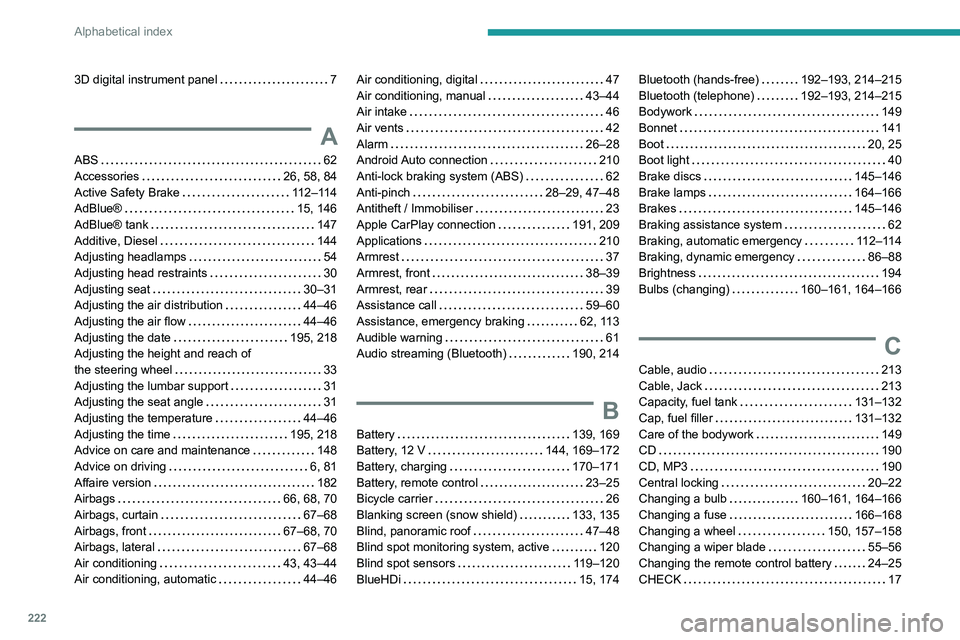
3D digital instrument panel 7
A
ABS 62
Accessories
26, 58, 84
Active Safety Brake
112–114
AdBlue®
15, 146
AdBlue® tank
147
Additive, Diesel
144
Adjusting headlamps
54
Adjusting head restraints
30
Adjusting seat
30–31
Adjusting the air distribution
44–46
Adjusting the air flow
44–46
Adjusting the date
195, 218
Adjusting the height and reach of
the steering wheel
33
Adjusting the lumbar support
31
Adjusting the seat angle
31
Adjusting the temperature
44–46
Adjusting the time
195, 218
Advice on care and maintenance
148
Advice on driving
6, 81
Affaire version
182
Airbags
66, 68, 70
Airbags, curtain
67–68
Airbags, front
67–68, 70
Airbags, lateral
67–68
Air conditioning
43, 43–44
Air conditioning, automatic
44–46
Air conditioning, digital 47
Air conditioning, manual
43–44
Air intake
46
Air vents
42
Alarm
26–28
Android Auto connection
210
Anti-lock braking system (ABS)
62
Anti-pinch
28–29, 47–48
Antitheft / Immobiliser
23
Apple CarPlay connection
191, 209
Applications
210
Armrest
37
Armrest, front
38–39
Armrest, rear
39
Assistance call
59–60
Assistance, emergency braking
62, 113
Audible warning
61
Audio streaming (Bluetooth)
190, 214
B
Battery 139, 169
Battery, 12 V
144, 169–172
Battery, charging
170–171
Battery, remote control
23–25
Bicycle carrier
26
Blanking screen (snow shield)
133, 135
Blind, panoramic roof
47–48
Blind spot monitoring system, active
120
Blind spot sensors
119–120
BlueHDi
15, 174
Bluetooth (hands-free) 192–193, 214–215
Bluetooth (telephone)
192–193, 214–215
Bodywork
149
Bonnet
141
Boot
20, 25
Boot light
40
Brake discs
145–146
Brake lamps
164–166
Brakes
145–146
Braking assistance system
62
Braking, automatic emergency
112–114
Braking, dynamic emergency
86–88
Brightness
194
Bulbs (changing)
160–161, 164–166
C
Cable, audio 213
Cable, Jack
213
Capacity, fuel tank
131–132
Cap, fuel filler
131–132
Care of the bodywork
149
CD
190
CD, MP3
190
Central locking
20–22
Changing a bulb
160–161, 164–166
Changing a fuse
166–168
Changing a wheel
150, 157–158
Changing a wiper blade
55–56
Changing the remote control battery
24–25
CHECK
17
Page 225 of 244
223
Alphabetical index
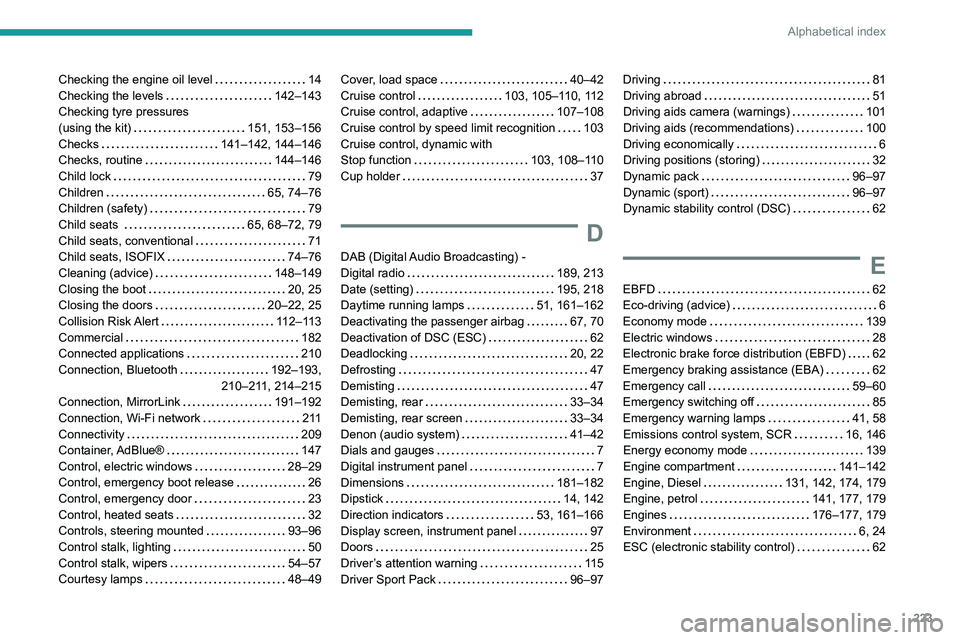
Checking the engine oil level 14
Checking the levels
142–143
Checking tyre pressures
(using the kit)
151, 153–156
Checks
141–142, 144–146
Checks, routine
144–146
Child lock
79
Children
65, 74–76
Children (safety)
79
Child seats
65, 68–72, 79
Child seats, conventional
71
Child seats, ISOFIX
74–76
Cleaning (advice)
148–149
Closing the boot
20, 25
Closing the doors
20–22, 25
Collision Risk Alert
112–113
Commercial
182
Connected applications
210
Connection, Bluetooth
192–193,
210–211, 214–215
Connection, MirrorLink
191–192
Connection, Wi-Fi network
2 11
Connectivity
209
Container, AdBlue®
147
Control, electric windows
28–29
Control, emergency boot release
26
Control, emergency door
23
Control, heated seats
32
Controls, steering mounted
93–96
Control stalk, lighting
50
Control stalk, wipers
54–57
Courtesy lamps
48–49Cover, load space 40–42
Cruise control
103, 105–110, 112
Cruise control, adaptive
107–108
Cruise control by speed limit recognition
103
Cruise control, dynamic with
Stop function
103, 108–110
Cup holder
37
D
DAB (Digital Audio Broadcasting) -
Digital radio
189, 213
Date (setting)
195, 218
Daytime running lamps
51, 161–162
Deactivating the passenger airbag
67, 70
Deactivation of DSC (ESC)
62
Deadlocking
20, 22
Defrosting
47
Demisting
47
Demisting, rear
33–34
Demisting, rear screen
33–34
Denon (audio system)
41–42
Dials and gauges
7
Digital instrument panel
7
Dimensions
181–182
Dipstick
14, 142
Direction indicators
53, 161–166
Display screen, instrument panel
97
Doors
25
Driver’s attention warning
11 5
Driver Sport Pack
96–97
Driving 81
Driving abroad
51
Driving aids camera (warnings)
101
Driving aids (recommendations)
100
Driving economically
6
Driving positions (storing)
32
Dynamic pack
96–97
Dynamic (sport)
96–97
Dynamic stability control (DSC)
62
E
EBFD 62
Eco-driving (advice)
6
Economy mode
139
Electric windows
28
Electronic brake force distribution (EBFD)
62
Emergency braking assistance (EBA)
62
Emergency call
59–60
Emergency switching off
85
Emergency warning lamps
41, 58
Emissions control system, SCR
16, 146
Energy economy mode
139
Engine compartment
141–142
Engine, Diesel
131, 142, 174, 179
Engine, petrol
141, 177, 179
Engines
176–177, 179
Environment
6, 24
ESC (electronic stability control)
62
Page 227 of 244
225
Alphabetical index
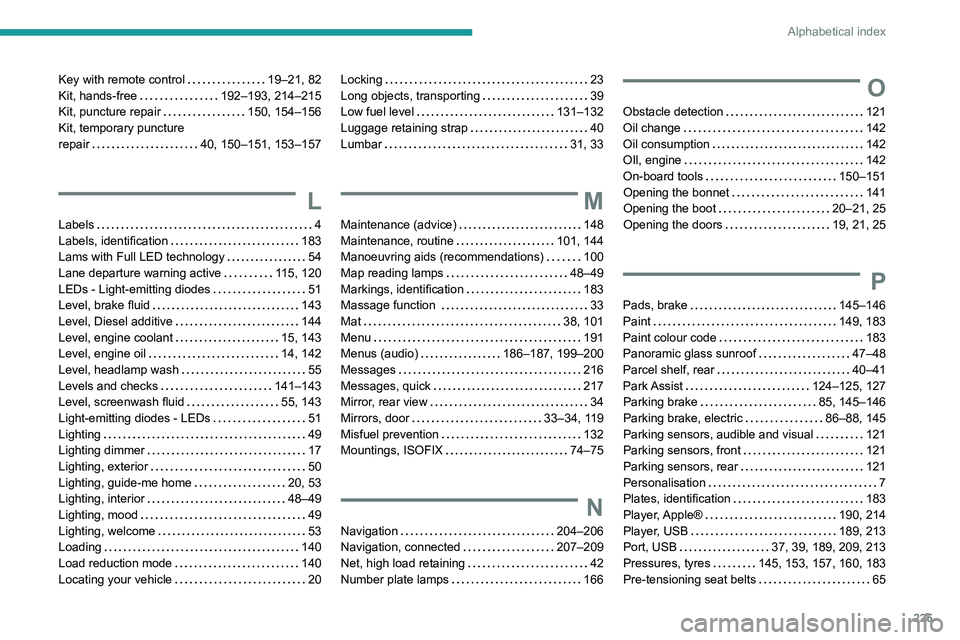
Key with remote control 19–21, 82
Kit, hands-free
192–193, 214–215
Kit, puncture repair
150, 154–156
Kit, temporary puncture
repair
40, 150–151, 153–157
L
Labels 4
Labels, identification
183
Lams with Full LED technology
54
Lane departure warning active
115, 120
LEDs - Light-emitting diodes
51
Level, brake fluid
143
Level, Diesel additive
144
Level, engine coolant
15, 143
Level, engine oil
14, 142
Level, headlamp wash
55
Levels and checks
141–143
Level, screenwash fluid
55, 143
Light-emitting diodes - LEDs
51
Lighting
49
Lighting dimmer
17
Lighting, exterior
50
Lighting, guide-me home
20, 53
Lighting, interior
48–49
Lighting, mood
49
Lighting, welcome
53
Loading
140
Load reduction mode
140
Locating your vehicle
20
Locking 23
Long objects, transporting
39
Low fuel level
131–132
Luggage retaining strap
40
Lumbar
31, 33
M
Maintenance (advice) 148
Maintenance, routine
101, 144
Manoeuvring aids (recommendations)
100
Map reading lamps
48–49
Markings, identification
183
Massage function
33
Mat
38, 101
Menu
191
Menus (audio)
186–187, 199–200
Messages
216
Messages, quick
217
Mirror, rear view
34
Mirrors, door
33–34, 119
Misfuel prevention
132
Mountings, ISOFIX
74–75
N
Navigation 204–206
Navigation, connected
207–209
Net, high load retaining
42
Number plate lamps
166
O
Obstacle detection 121
Oil change
142
Oil consumption
142
OIl, engine
142
On-board tools
150–151
Opening the bonnet
141
Opening the boot
20–21, 25
Opening the doors
19, 21, 25
P
Pads, brake 145–146
Paint
149, 183
Paint colour code
183
Panoramic glass sunroof
47–48
Parcel shelf, rear
40–41
Park Assist
124–125, 127
Parking brake
85, 145–146
Parking brake, electric
86–88, 145
Parking sensors, audible and visual
121
Parking sensors, front
121
Parking sensors, rear
121
Personalisation
7
Plates, identification
183
Player, Apple®
190, 214
Player, USB
189, 213
Port, USB
37, 39, 189, 209, 213
Pressures, tyres
145, 153, 157, 160, 183
Pre-tensioning seat belts
65
Page 229 of 244
227
Alphabetical index
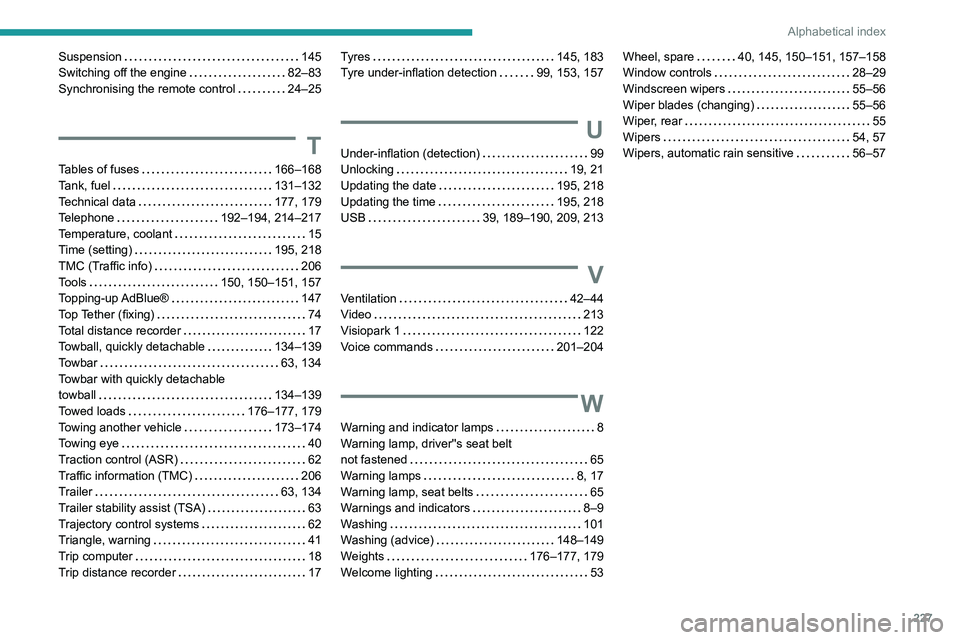
Suspension 145
Switching off the engine
82–83
Synchronising the remote control
24–25
T
Tables of fuses 166–168
Tank, fuel
131–132
Technical data
177, 179
Telephone
192–194, 214–217
Temperature, coolant
15
Time (setting)
195, 218
TMC (Traffic info)
206
Tools
150, 150–151, 157
Topping-up AdBlue®
147
Top Tether (fixing)
74
Total distance recorder
17
Towball, quickly detachable
134–139
Towbar
63, 134
Towbar with quickly detachable
towball
134–139
Towed loads
176–177, 179
Towing another vehicle
173–174
Towing eye
40
Traction control (ASR)
62
Traffic information (TMC)
206
Trailer
63, 134
Trailer stability assist (TSA)
63
Trajectory control systems
62
Triangle, warning
41
Trip computer
18
Trip distance recorder
17
Tyres 145, 183
Tyre under-inflation detection
99, 153, 157
U
Under-inflation (detection) 99
Unlocking
19, 21
Updating the date
195, 218
Updating the time
195, 218
USB
39, 189–190, 209, 213
V
Ventilation 42–44
Video
213
Visiopark 1
122
Voice commands
201–204
W
Warning and indicator lamps 8
Warning lamp, driver''s seat belt
not fastened
65
Warning lamps
8, 17
Warning lamp, seat belts
65
Warnings and indicators
8–9
Washing
101
Washing (advice)
148–149
Weights
176–177, 179
Welcome lighting
53
Wheel, spare 40, 145, 150–151, 157–158
Window controls
28–29
Windscreen wipers
55–56
Wiper blades (changing)
55–56
Wiper, rear
55
Wipers
54, 57
Wipers, automatic rain sensitive
56–57