light PEUGEOT 308 2023 Manual Online
[x] Cancel search | Manufacturer: PEUGEOT, Model Year: 2023, Model line: 308, Model: PEUGEOT 308 2023Pages: 260, PDF Size: 7.97 MB
Page 214 of 260
212
PEUGEOT i-Connect Advanced - PEUGEOT i-Connect
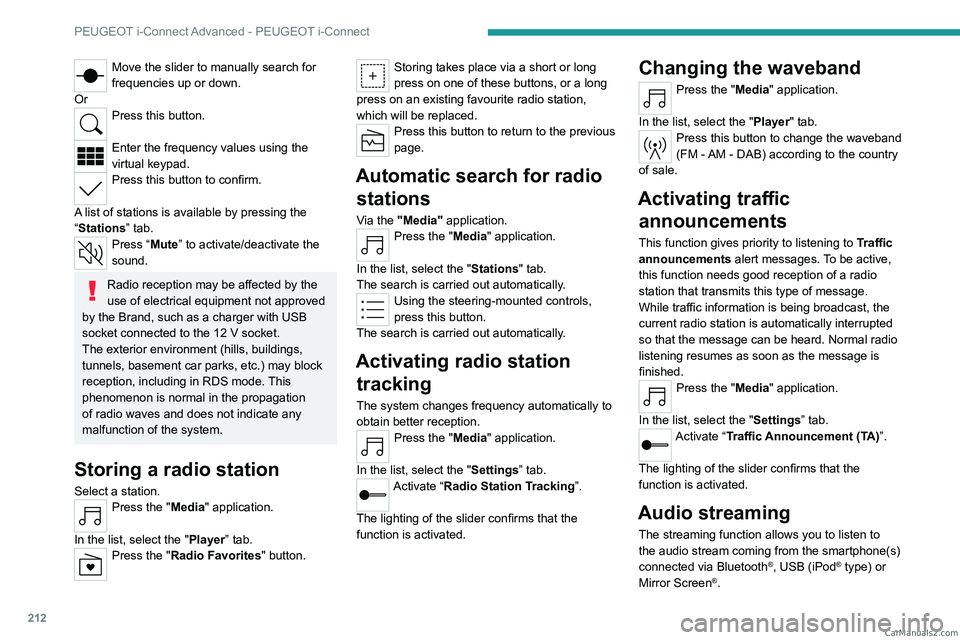
Move the slider to manually search for
frequencies up or down.
Or
Press this button.
Enter the frequency values using the
virtual keypad.
Press this button to confirm.
A list of stations is available by pressing the
“Stations” tab.
Press “Mute” to activate/deactivate the
sound.
Radio reception may be affected by the
use of electrical equipment not approved
by the Brand, such as a charger with USB
socket connected to the 12
V socket.
The exterior environment (hills, buildings,
tunnels, basement car parks, etc.) may block
reception, including in RDS mode. This
phenomenon is normal in the propagation
of radio waves and does not indicate any
malfunction of the system.
Storing a radio station
Select a station.Press the "Media" application.
In the list, select the "Player” tab.
Press the "Radio Favorites" button.
Storing takes place via a short or long
press on one of these buttons, or a long
press on an existing favourite radio station,
which will be replaced.
Press this button to return to the previous
page.
Automatic search for radio stations
Via the "Media" application.Press the "Media" application.
In the list, select the "Stations" tab.
The search is carried out automatically.
Using the steering-mounted controls,
press this button.
The search is carried out automatically.
Activating radio station tracking
The system changes frequency automatically to
obtain better reception.
Press the "Media" application.
In the list, select the "Settings” tab.
Activate “Radio Station Tracking”.
The lighting of the slider confirms that the
function is activated.
Changing the waveband
Press the "Media" application.
In the list, select the "Player" tab.
Press this button to change the waveband
(FM - AM - DAB) according to the country
of sale.
Activating traffic announcements
This function gives priority to listening to Traffic
announcements alert messages. To be active,
this function needs good reception of a radio
station that transmits this type of message.
While traffic information is being broadcast, the
current radio station is automatically interrupted
so that the message can be heard. Normal radio
listening resumes as soon as the message is
finished.
Press the "Media" application.
In the list, select the "Settings” tab.
Activate “Traffic Announcement (TA)”.
The lighting of the slider confirms that the
function is activated.
Audio streaming
The streaming function allows you to listen to
the audio stream coming from the smartphone(s)
connected via Bluetooth
®, USB (iPod® type) or
Mirror Screen®. CarM an uals 2 .c o m
Page 216 of 260
214
PEUGEOT i-Connect Advanced - PEUGEOT i-Connect
Press this button on the touch screen to
send an automatic message indicating
that you are driving.
Making a call
Using the telephone is strongly
discouraged while driving.
Park the vehicle.
Making a call using the numeric
keypad
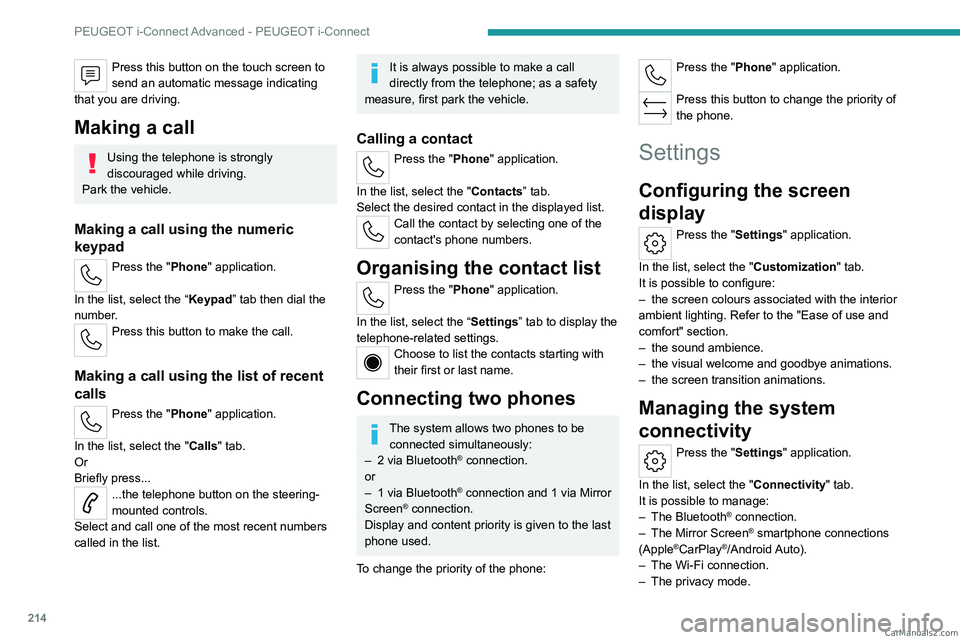
Press the "Phone" application.
In the list, select the “Keypad” tab then dial the
number.
Press this button to make the call.
Making a call using the list of recent
calls
Press the "Phone" application.
In the list, select the "Calls" tab.
Or
Briefly press...
...the telephone button on the steering-
mounted controls.
Select and call one of the most recent numbers
called in the list.
It is always possible to make a call
directly from the telephone; as a safety
measure, first park the vehicle.
Calling a contact
Press the "Phone" application.
In the list, select the "Contacts” tab.
Select the desired contact in the displayed list.
Call the contact by selecting one of the
contact's phone numbers.
Organising the contact list
Press the "Phone" application.
In the list, select the “Settings” tab to display the
telephone-related settings.
Choose to list the contacts starting with
their first or last name.
Connecting two phones
The system allows two phones to be connected simultaneously:
–
2 via
Bluetooth
® connection.
or
–
1 via
Bluetooth
® connection and 1 via Mirror
Screen® connection.
Display and content priority is given to the last
phone used.
To change the priority of the phone:
Press the "Phone" application.
Press this button to change the priority of
the phone.
Settings
Configuring the screen
display
Press the "Settings" application.
In the list, select the "Customization" tab.
It is possible to configure:
–
the screen colours associated with the interior
ambient lighting. Refer to the "Ease of use and
comfort" section.
–
the sound ambience.
–
the visual welcome and goodbye animations.
–
the screen transition animations.
Managing the system
connectivity
Press the "Settings" application.
In the list, select the "Connectivity" tab.
It is possible to manage:
–
The Bluetooth® connection.
–
The Mirror Screen® smartphone connections
(Apple®CarPlay®/Android Auto).
–
The Wi-Fi connection.
–
The privacy mode. CarM an uals 2 .c o m
Page 220 of 260
218
Vehicle data recording and privacy
Comfort and infotainment
functions
Comfort settings and personalised settings
may be saved in the vehicle and modified or
reinitialised at any time.
Depending on the vehicle's equipment level,
this
may
include:
–
Seat and steering wheel position settings.
–
Chassis and air conditioning settings.
–
Personalised settings such as the interior
lighting.
Y
ou can enter your own data into the functions
of your vehicle's audio and telematic system, as
part of the selected functionalities.
Depending on the vehicle's equipment level,
this
may
include:
–
Multimedia data such as music, videos or
photos to be read by an integrated multimedia
system.
–
Address book data to be used with an
integrated hands-free system or with an
integrated navigation system.
–
Entered destinations.
–
Data regarding the use of online services.
This data for the comfort and infotainment
functions may be stored locally in the vehicle
or saved to a device that you have connected
to the vehicle (e.g.
smartphone, USB memory
stick or MP3 player). Data that you have entered
yourself may be deleted at any time.
This data may also be transmitted outside the
vehicle at your request, particularly when using online services in line with the settings that you
have selected. Smartphone integration
(e.g.
Android
Auto
® or
Apple
®CarPlay®)
If your vehicle is equipped accordingly, you can
connect your smartphone or another mobile
device to the vehicle in order to operate it using
the vehicle's integrated controls. Images and
sounds from the smartphone can be transmitted
through the audio and telematics system.
Specific information is simultaneously sent
to your smartphone. Depending on the type
of
integration, this includes data such as location,
day/night mode and other general information
about the vehicle. For more information, please
refer to the user instructions for the vehicle or the
audio and telematics system.
Integrating a smartphone allows you to use
its applications, such as a navigation app or
music player. No other
integration between
the smartphone and the vehicle is possible, in
particular active access to vehicle data. How the
data is processed subsequently is determined
by the supplier of the application being used.
The ability the change settings depends on the
application in question and on the operating
system installed on your smartphone.
Online services
If your vehicle is connected to a wireless
network, data can be exchanged between
your vehicle and other systems. Connection
to a wireless network is made possible
via a
transmitter located in your vehicle or a mobile
device that you have provided (e.g.
smartphone).
The online services can be used via this wireless
connection.
These include online services and
applications (apps) provided to you by the
Manufacturer or other suppliers.
Exclusive services
As regards the Manufacturer's online services,
the corresponding functions are described by
the Manufacturer in an appropriate medium
(e.g.
handbook, Manufacturer's website) and the
information about data protection is provided.
Personal data may be used for online services.
The exchange of data for this purpose takes
place over a secure connection, using for
example the Manufacturer's dedicated computer
systems. The collection, processing and use of
personal data for the development of services
are carried out solely on the basis of a legal
authorisation, for example in the case of a
legal emergency call system or a contractual
agreement or else under a consent agreement.
You can activate or deactivate the services and
functions (some may be chargeable) and, in
some cases, the vehicle's entire connection to
the wireless network. This does not include the CarM an uals 2 .c o m
Page 223 of 260
221
Alphabetical index
Checking tyre pressures
(using the kit)
178, 180
Checks
167, 168–170
Checks, routine
168–170
Child lock
93
Children
83, 89–90
Children (safety)
93
Child seats
83, 86–88
Child seats, conventional
88, 91–92
Child seats, i-Size
90–92
Child seats, ISOFIX
89–92
Cleaning (advice)
149, 173–175
Closing the boot
29, 33
Closing the doors
29, 33
Collision Risk Alert
130–132
Configuration, vehicle
10, 23
Connection, Bluetooth
209–210
Connectivity
214
Consumptions
23
Container, AdBlue®
171
Control, emergency boot release
33
Control, emergency door
31
Control, heated seats
45–46
Controls, steering mounted
101–102
Control stalk, lighting
65–66
Control stalk, wipers
71–73
Control unit
151–153, 157
Courtesy lamps
60–61
Cruise control
113–114, 116–117
Cruise control, adaptive
113–114, 118–119
Cruise control by
speed limit recognition
113–114Cup holder 56
D
Date (setting) 215
Daytime running lamps
66
Deactivating the passenger airbag
84, 88–89
Deadlocking
27, 29
Deferred charging
24, 158
Deferred charging
(Rechargeable hybrid)
23–24, 150, 155
Defrosting
47, 55
Defrosting, front
55
Defrosting, rear screen
55
Demisting
47, 55
Demisting, front
55
Demisting, rear
55
Diagnosis, vehicle
20
Dials and gauges
10
Digital instrument panel
10
Dimensions
199
Dipstick
18, 167
Direction indicators (turn signals)
66, 185
Display screen, instrument panel
10
Domestic charging
153
Domestic charging (Rechargeable hybrid)
157
Door pockets
56
Doors
33
Drive Assist Plus
11 8
Driver’s attention warning
134–135
Driving
42–43, 94–95, 110
Driving abroad 70
Driving aids camera (warnings)
109
Driving aid shortcuts
11 0
Driving aids (recommendations)
108
Driving economically
8
Driving modes
103
Driving positions (storing)
45
Dynamic stability control (DSC)
80
E
EBFD 79
Eco-driving (advice)
8
ECO mode
103
Electric automatic gearbox
(Rechargeable hybrid)
100
Electronic brake force distribution (EBFD)
79
Emergency braking assistance (EBA)
80
Emergency call
77–78
Emergency switching off
97
Emergency warning lamps
76, 176
Emissions control system, SCR
19, 170
Energy economy (mode)
165
Energy economy mode
165
Energy flows
23
Energy recovery
20, 102
Engine
170
Engine compartment
165–166
Engine, Diesel
147, 167, 176, 197
Engine, petrol
104, 166, 195
Engines
194–195, 197 CarM an uals 2 .c o m
Page 224 of 260
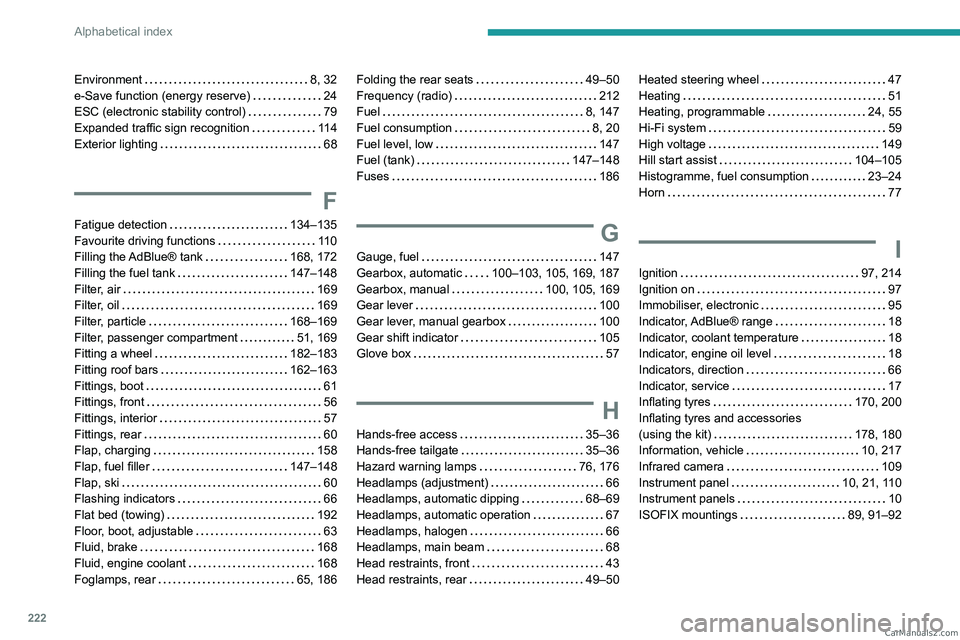
222
Alphabetical index
Environment 8, 32
e-Save function (energy reserve)
24
ESC (electronic stability control)
79
Expanded traffic sign recognition
11 4
Exterior lighting
68
F
Fatigue detection 134–135
Favourite driving functions
11 0
Filling the AdBlue® tank
168, 172
Filling the fuel tank
147–148
Filter, air
169
Filter, oil
169
Filter, particle
168–169
Filter, passenger compartment
51, 169
Fitting a wheel
182–183
Fitting roof bars
162–163
Fittings, boot
61
Fittings, front
56
Fittings, interior
57
Fittings, rear
60
Flap, charging
158
Flap, fuel filler
147–148
Flap, ski
60
Flashing indicators
66
Flat bed (towing)
192
Floor, boot, adjustable
63
Fluid, brake
168
Fluid, engine coolant
168
Foglamps, rear
65, 186
Folding the rear seats 49–50
Frequency (radio)
212
Fuel
8, 147
Fuel consumption
8, 20
Fuel level, low
147
Fuel (tank)
147–148
Fuses
186
G
Gauge, fuel 147
Gearbox, automatic
100–103, 105, 169, 187
Gearbox, manual
100, 105, 169
Gear lever
100
Gear lever, manual gearbox
100
Gear shift indicator
105
Glove box
57
H
Hands-free access 35–36
Hands-free tailgate
35–36
Hazard warning lamps
76, 176
Headlamps (adjustment)
66
Headlamps, automatic dipping
68–69
Headlamps, automatic operation
67
Headlamps, halogen
66
Headlamps, main beam
68
Head restraints, front
43
Head restraints, rear
49–50
Heated steering wheel 47
Heating
51
Heating, programmable
24, 55
Hi-Fi system
59
High voltage
149
Hill start assist
104–105
Histogramme, fuel consumption
23–24
Horn
77
I
Ignition 97, 214
Ignition on
97
Immobiliser, electronic
95
Indicator, AdBlue® range
18
Indicator, coolant temperature
18
Indicator, engine oil level
18
Indicators, direction
66
Indicator, service
17
Inflating tyres
170, 200
Inflating tyres and accessories
(using the kit)
178, 180
Information, vehicle
10, 217
Infrared camera
109
Instrument panel
10, 21, 110
Instrument panels
10
ISOFIX mountings
89, 91–92 CarM an uals 2 .c o m
Page 225 of 260
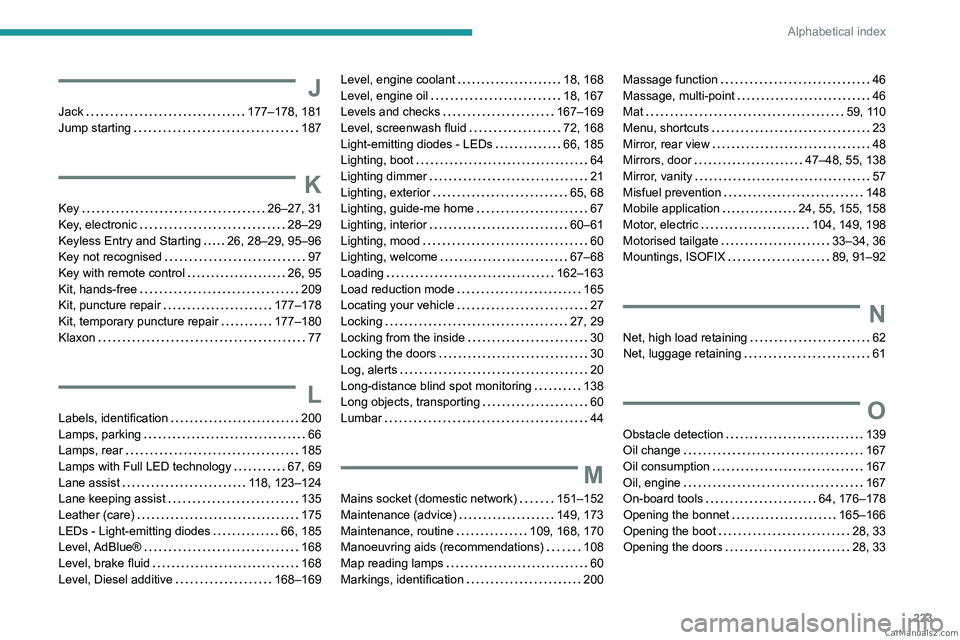
223
Alphabetical index
J
Jack 177–178, 181
Jump starting
187
K
Key 26–27, 31
Key, electronic
28–29
Keyless Entry and Starting
26, 28–29, 95–96
Key not recognised
97
Key with remote control
26, 95
Kit, hands-free
209
Kit, puncture repair
177–178
Kit, temporary puncture repair
177–180
Klaxon
77
L
Labels, identification 200
Lamps, parking
66
Lamps, rear
185
Lamps with Full LED technology
67, 69
Lane assist
118, 123–124
Lane keeping assist
135
Leather (care)
175
LEDs - Light-emitting diodes
66, 185
Level, AdBlue®
168
Level, brake fluid
168
Level, Diesel additive
168–169
Level, engine coolant 18, 168
Level, engine oil
18, 167
Levels and checks
167–169
Level, screenwash fluid
72, 168
Light-emitting diodes - LEDs
66, 185
Lighting, boot
64
Lighting dimmer
21
Lighting, exterior
65, 68
Lighting, guide-me home
67
Lighting, interior
60–61
Lighting, mood
60
Lighting, welcome
67–68
Loading
162–163
Load reduction mode
165
Locating your vehicle
27
Locking
27, 29
Locking from the inside
30
Locking the doors
30
Log, alerts
20
Long-distance blind spot monitoring
138
Long objects, transporting
60
Lumbar
44
M
Mains socket (domestic network) 151–152
Maintenance (advice)
149, 173
Maintenance, routine
109, 168, 170
Manoeuvring aids (recommendations)
108
Map reading lamps
60
Markings, identification
200
Massage function 46
Massage, multi-point
46
Mat
59, 110
Menu, shortcuts
23
Mirror, rear view
48
Mirrors, door
47–48, 55, 138
Mirror, vanity
57
Misfuel prevention
148
Mobile application
24, 55, 155, 158
Motor, electric
104, 149, 198
Motorised tailgate
33–34, 36
Mountings, ISOFIX
89, 91–92
N
Net, high load retaining 62
Net, luggage retaining
61
O
Obstacle detection 139
Oil change
167
Oil consumption
167
Oil, engine
167
On-board tools
64, 176–178
Opening the bonnet
165–166
Opening the boot
28, 33
Opening the doors
28, 33 CarM an uals 2 .c o m
Page 226 of 260
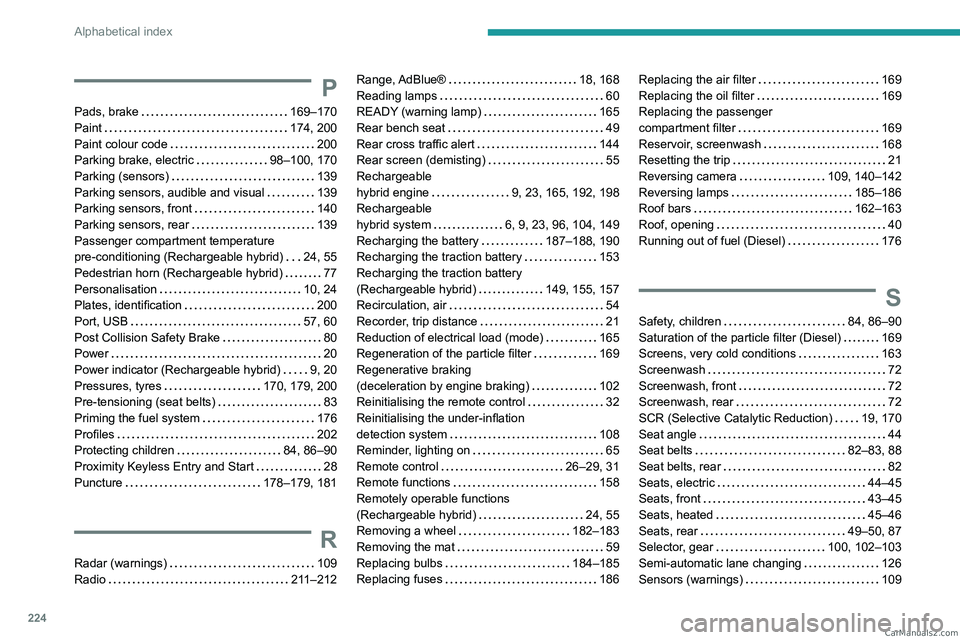
224
Alphabetical index
P
Pads, brake 169–170
Paint
174, 200
Paint colour code
200
Parking brake, electric
98–100, 170
Parking (sensors)
139
Parking sensors, audible and visual
139
Parking sensors, front
140
Parking sensors, rear
139
Passenger compartment temperature
pre-conditioning (Rechargeable hybrid)
24, 55
Pedestrian horn (Rechargeable hybrid)
77
Personalisation
10, 24
Plates, identification
200
Port, USB
57, 60
Post Collision Safety Brake
80
Power
20
Power indicator (Rechargeable hybrid)
9, 20
Pressures, tyres
170, 179, 200
Pre-tensioning (seat belts)
83
Priming the fuel system
176
Profiles
202
Protecting children
84, 86–90
Proximity Keyless Entry and Start
28
Puncture
178–179, 181
R
Radar (warnings) 109
Radio
211–212
Range, AdBlue® 18, 168
Reading lamps
60
READY (warning lamp)
165
Rear bench seat
49
Rear cross traffic alert
144
Rear screen (demisting)
55
Rechargeable
hybrid engine
9, 23, 165, 192, 198
Rechargeable
hybrid system
6, 9, 23, 96, 104, 149
Recharging the battery
187–188, 190
Recharging the traction battery
153
Recharging the traction battery
(Rechargeable hybrid)
149, 155, 157
Recirculation, air
54
Recorder, trip distance
21
Reduction of electrical load (mode)
165
Regeneration of the particle filter
169
Regenerative braking
(deceleration by engine braking)
102
Reinitialising the remote control
32
Reinitialising the under-inflation
detection system
108
Reminder, lighting on
65
Remote control
26–29, 31
Remote functions
158
Remotely operable functions
(Rechargeable hybrid)
24, 55
Removing a wheel
182–183
Removing the mat
59
Replacing bulbs
184–185
Replacing fuses
186Replacing the air filter 169
Replacing the oil filter
169
Replacing the passenger
compartment filter
169
Reservoir, screenwash
168
Resetting the trip
21
Reversing camera
109, 140–142
Reversing lamps
185–186
Roof bars
162–163
Roof, opening
40
Running out of fuel (Diesel)
176
S
Safety, children 84, 86–90
Saturation of the particle filter (Diesel)
169
Screens, very cold conditions
163
Screenwash
72
Screenwash, front
72
Screenwash, rear
72
SCR (Selective Catalytic Reduction)
19, 170
Seat angle
44
Seat belts
82–83, 88
Seat belts, rear
82
Seats, electric
44–45
Seats, front
43–45
Seats, heated
45–46
Seats, rear
49–50, 87
Selector, gear
100, 102–103
Semi-automatic lane changing
126
Sensors (warnings)
109 CarM an uals 2 .c o m
Page 228 of 260
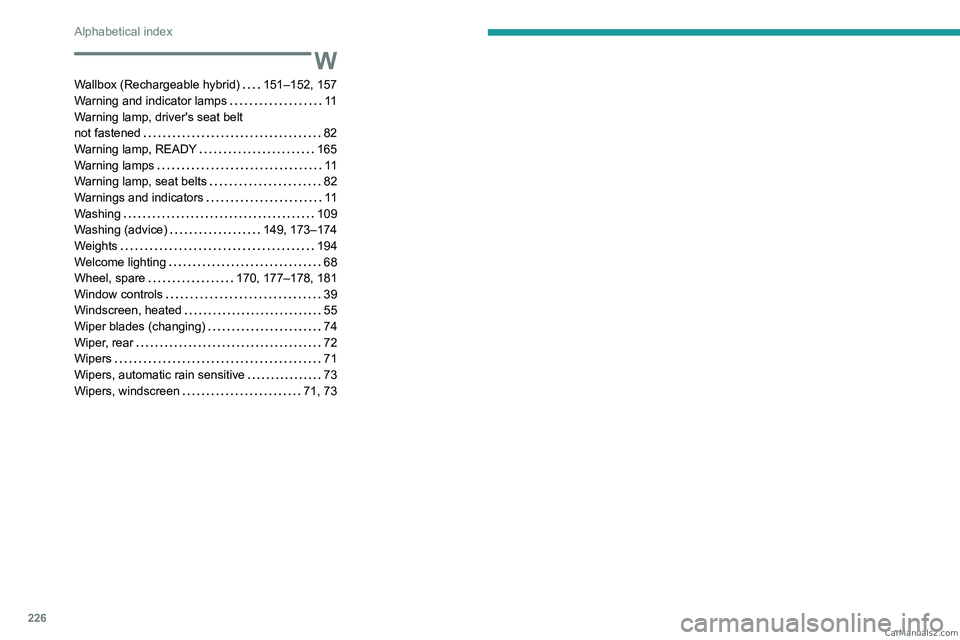
226
Alphabetical index
W
Wallbox (Rechargeable hybrid) 151–152, 157
Warning and indicator lamps
11
Warning lamp, driver's seat belt
not fastened
82
Warning lamp, READY
165
Warning lamps
11
Warning lamp, seat belts
82
Warnings and indicators
11
Washing
109
Washing (advice)
149, 173–174
Weights
194
Welcome lighting
68
Wheel, spare
170, 177–178, 181
Window controls
39
Windscreen, heated
55
Wiper blades (changing)
74
Wiper, rear
72
Wipers
71
Wipers, automatic rain sensitive
73
Wipers, windscreen
71, 73 CarM an uals 2 .c o m