buttons Peugeot 406 Break Dag 2003 User Guide
[x] Cancel search | Manufacturer: PEUGEOT, Model Year: 2003, Model line: 406 Break Dag, Model: Peugeot 406 Break Dag 2003Pages: 177, PDF Size: 2.19 MB
Page 61 of 177

17-02-2003
Adjusting the bassWhen "BASS" is displayed, press button Hor Ito vary the setting.
Ð "BASS Ð9" for a minimum bass setting,
Ð "BASS 0" for a normal setting,
Ð "BASS +9" for a maximum bass setting.
Adjusting the treble When "TREB" is displayed, press button Hor Ito vary the setting.
Ð "TREB Ð9" for a minimum treble setting,
Ð "TREB 0" for a normal setting,
Ð "TREB +9" for a maximum treble setting.
Adjusting the loudness
This function automatically emphasises bass and treble tones when the volume is low. Press button Hor Ito switch the function on or off.
Adjusting the front/rear sound distribution (Fader) When "FAD" is displayed, press button Hor Ito vary the setting.
Button Hincreases the volume at the front.
Button Iincreases the volume at the rear.
Adjusting the right/left sound distribution (Balance)When "BAL" is displayed, press button Hor Ito vary the setting.
Button Hincreases the volume on the right-hand side.
Button Iincreases the volume on the left-hand side.
Automatic volume correction "CAV" This function enables the volume to be automatically adapted depending on the level of noise produced by the speed of the vehic le.
Press buttons Hor Ito switch the function on or off.
YOUR 406 IN DETAIL 83
Page 63 of 177
17-02-2003
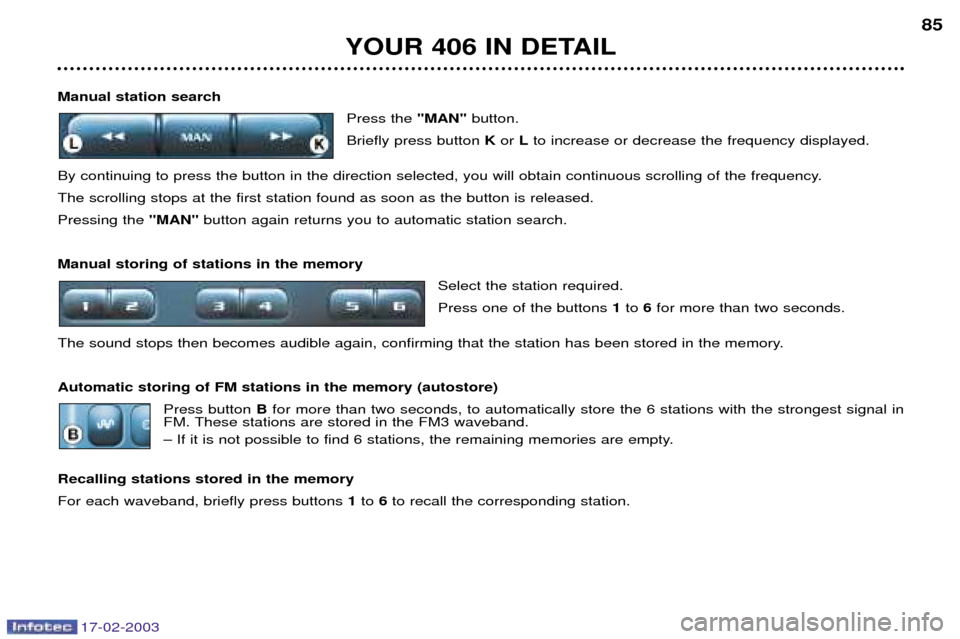
Manual station searchPress the "MAN"button.
Briefly press button Kor Lto increase or decrease the frequency displayed.
By continuing to press the button in the direction selected, you will obtain continuous scrolling of the frequency. The scrolling stops at the first station found as soon as the button is released.Pressing the "MAN"button again returns you to automatic station search.
Manual storing of stations in the memory Select the station required. Press one of the buttons 1to 6for more than two seconds.
The sound stops then becomes audible again, confirming that the station has been stored in the memory. Automatic storing of FM stations in the memory (autostore) Press button Bfor more than two seconds, to automatically store the 6 stations with the strongest signal in
FM. These stations are stored in the FM3 waveband.
Ð If it is not possible to find 6 stations, the remaining memories are empty.
Recalling stations stored in the memory For each waveband, briefly press buttons 1to 6to recall the corresponding station.
YOUR 406 IN DETAIL 85
Page 65 of 177
17-02-2003
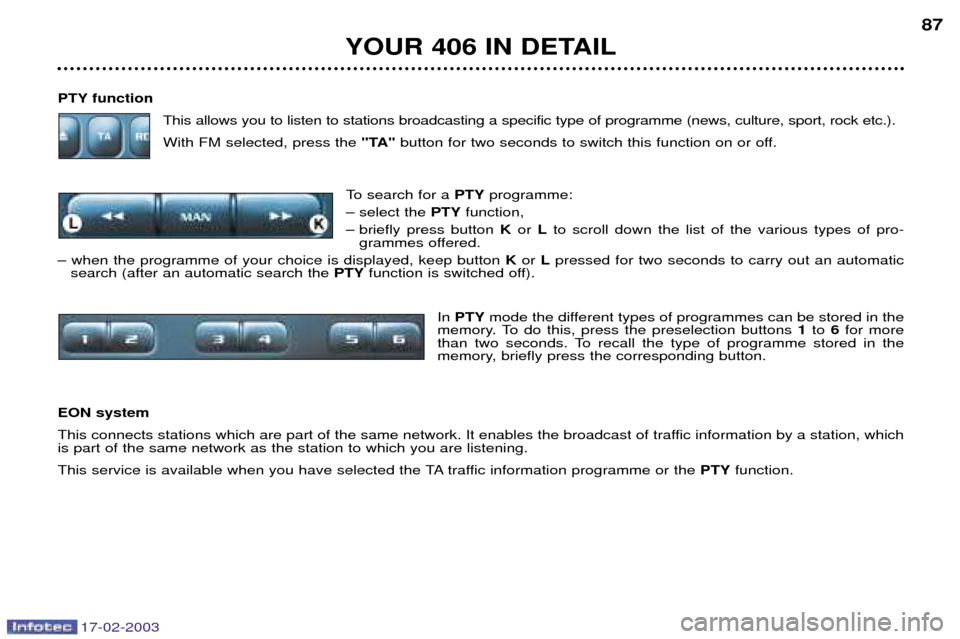
PTY functionThis allows you to listen to stations broadcasting a specific type of programme (news, culture, sport, rock etc.). With FM selected, press the "TA"button for two seconds to switch this function on or off.
To search for a PTYprogramme:
Ð select the PTYfunction,
Ð briefly press button Kor Lto scroll down the list of the various types of pro-
grammes offered.
Ð when the programme of your choice is displayed, keep button Kor Lpressed for two seconds to carry out an automatic
search (after an automatic search the PTYfunction is switched off).
In PTY mode the different types of programmes can be stored in the
memory. To do this, press the preselection buttons 1to 6for more
than two seconds. To recall the type of programme stored in the
memory, briefly press the corresponding button.
EON system
This connects stations which are part of the same network. It enables the broadcast of traffic information by a station, which is part of the same network as the station to which you are listening.
This service is available when you have selected the TA traffic information programme or the PTYfunction.
YOUR 406 IN DETAIL 87
Page 66 of 177
17-02-2003
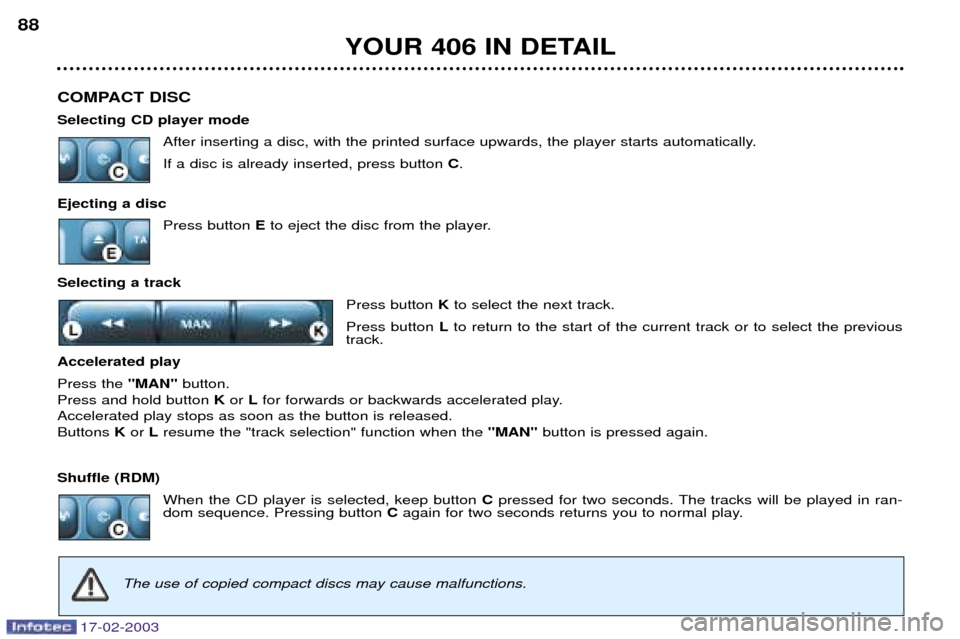
COMPACT DISC Selecting CD player modeAfter inserting a disc, with the printed surface upwards, the player starts automatically.If a disc is already inserted, press button C.
Ejecting a disc Press button Eto eject the disc from the player.
Selecting a track Press button Kto select the next track.
Press button Lto return to the start of the current track or to select the previous
track.
Accelerated playPress the "MAN"button.
Press and hold button Kor Lfor forwards or backwards accelerated play.
Accelerated play stops as soon as the button is released. Buttons Kor Lresume the "track selection" function when the "MAN"button is pressed again.
Shuffle (RDM) When the CD player is selected, keep button Cpressed for two seconds. The tracks will be played in ran-
dom sequence. Pressing button Cagain for two seconds returns you to normal play.
YOUR 406 IN DETAIL
88
The use of copied compact discs may cause malfunctions.
Page 67 of 177
17-02-2003
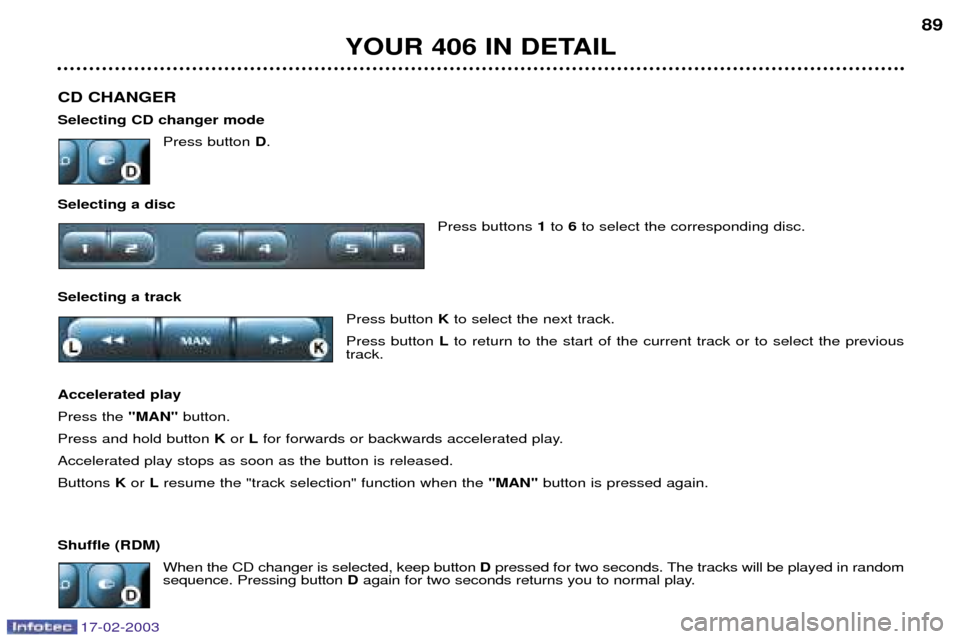
CD CHANGER Selecting CD changer modePress button D.
Selecting a disc Press buttons 1to 6to select the corresponding disc.
Selecting a track Press button Kto select the next track.
Press button Lto return to the start of the current track or to select the previous
track.
Accelerated playPress the "MAN"button.
Press and hold button Kor Lfor forwards or backwards accelerated play.
Accelerated play stops as soon as the button is released.Buttons Kor Lresume the "track selection" function when the "MAN"button is pressed again.
Shuffle (RDM) When the CD changer is selected, keep button Dpressed for two seconds. The tracks will be played in random
sequence. Pressing button Dagain for two seconds returns you to normal play.
YOUR 406 IN DETAIL 89
Page 71 of 177
17-02-2003
THE SATELLITE NAVIGATION SYSTEM IntroductionThe satellite navigation system guides you to the destination of your choiceby means of vocal and visual instruc-tions. The heart of the system lies in the use of a map database and GPS (Global
Positioning System). This enablesyour position to be located by meansof several satellites. The satellite navigation system con- sists of the following components:
Ð the remote control,
Ð the display,
Ð the control unit,
Ð the last voice message recall con-trol,
Ð the CD ROM.
Some functions or services
described in this guide may vary depending on the CD ROM version or the country.The remote control
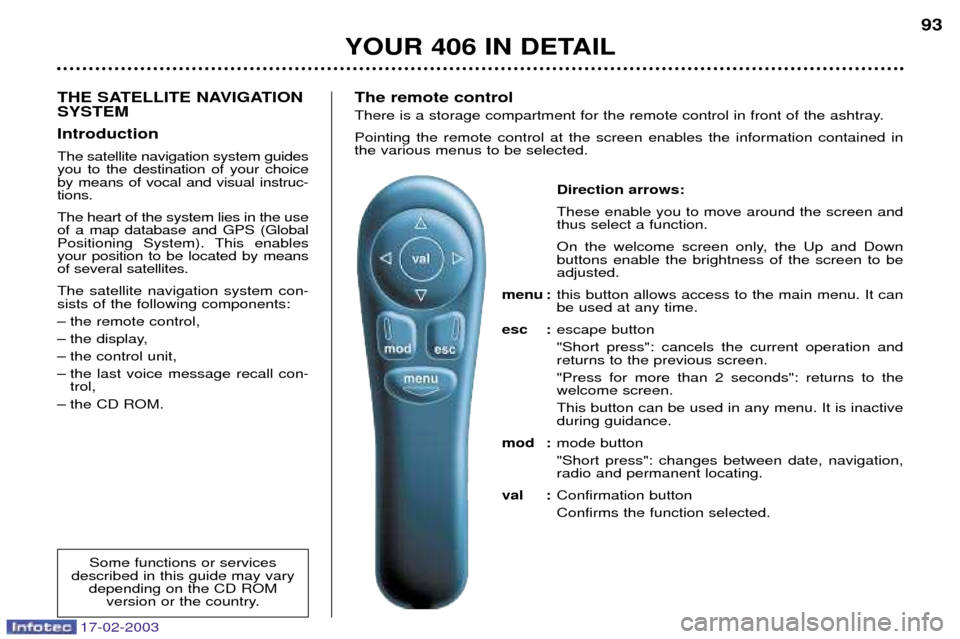
There is a storage compartment for the remote control in front of the ashtray. Pointing the remote control at the screen enables the information contained in the various menus to be selected.
Direction arrows: These enable you to move around the screen and thus select a function.
On the welcome screen only, the Up and Down buttons enable the brightness of the screen to beadjusted.
menu : this button allows access to the main menu. It canbe used at any time.
esc : escape button "Short press": cancels the current operation and returns to the previous screen. "Press for more than 2 seconds": returns to the welcome screen. This button can be used in any menu. It is inactive during guidance.
mod : mode button "Short press": changes between date, navigation, radio and permanent locating.
val : Confirmation button Confirms the function selected.
YOUR 406 IN DETAIL 93
Page 101 of 177
17-02-2003
YOUR 406 IN DETAIL105
Make a careful note of the number on each key. The key number is coded on the label attached to the key. If the key is lost, your PEUGEOT dealer can rapidly supply you with new keys.
The high-frequency remote control is a high-performance system. Do not operate it while it is in your pocket as there is a possibility that it may unlock your vehicle without your knowledge. The remote control cannot operate if the key is in the ignition, even if the ignition is switched off, except for reprogramming .
Do not operate the deadlock if there is someone inside the vehicle.As a safety measure (when there are children on board), remove the ignition key when leaving the vehicle, even for a short time. Do not handle the buttons of your remote control when out of range of your vehicle as you run the risk of stopping it from working. It would then be necessary to reprogramme the remote control. When buying a second-hand car:
Ð ensure that you are in possession of the confidential card;
Ð have the key codes memorised by a PEUGEOT dealer, to ensure that the keys in your possession are the only ones that can start your vehicle.
Do not make any modifications to the electronic engine immobiliser system.