sat nav PEUGEOT 5008 2010 Owners Manual
[x] Cancel search | Manufacturer: PEUGEOT, Model Year: 2010, Model line: 5008, Model: PEUGEOT 5008 2010Pages: 331, PDF Size: 23.41 MB
Page 45 of 331
46
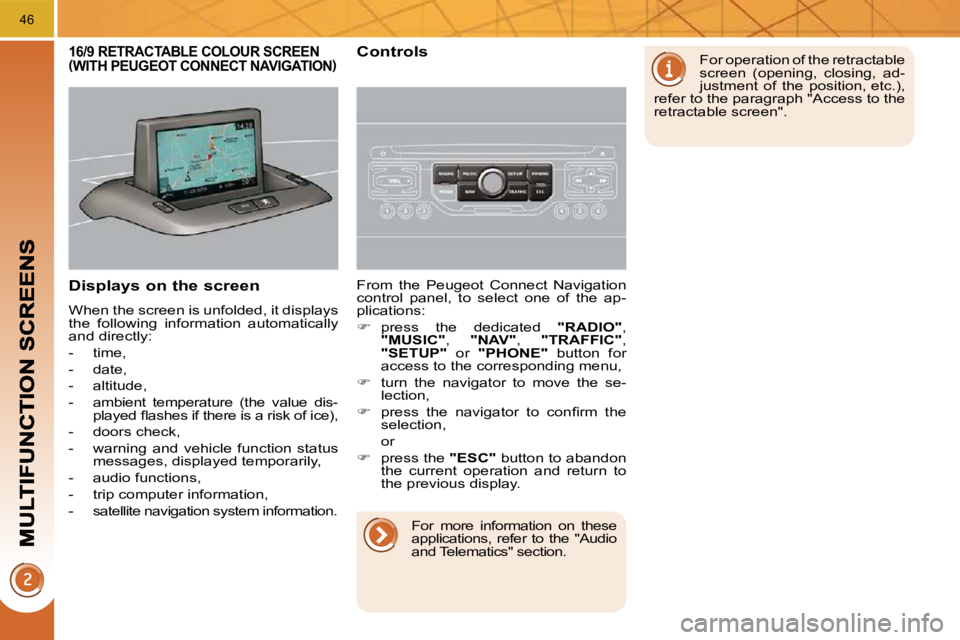
Displays on the screen
When the screen is unfolded, it displays
the following information automatically
and directly:
- time,
- date,
- altitude,
- ambient temperature (the value dis-played fl ashes if there is a risk of ice),
- doors check,
- warning and vehicle function status messages, displayed temporarily,
- audio functions,
- trip computer information,
- satellite navigation system information. From the Peugeot Connect Navigation
control panel, to select one of the ap-
plications:
press the dedicated "RADIO" ,
"MUSIC" , "NAV" , "TRAFFIC" ,
"SETUP" or "PHONE" button for
access to the corresponding menu,
turn the navigator to move the se-
lection,
press the navigator to confi rm the
selection,
or
press the "ESC" button to abandon
the current operation and return to
the previous display.
16/9 RETRACTABLE COLOUR SCREEN (WITH PEUGEOT CONNECT NAVIGATION) Controls For operation of the retractable
screen (opening, closing, ad-
justment of the position, etc.),
refer to the paragraph "Access to the
retractable screen".
For more information on these
applications, refer to the "Audio
and Telematics" section.
Page 47 of 331
48
16/9 HIGH DEFINITION RETRACTABLE COLOUR SCREEN (WITH PEUGEOT CONNECT MEDIA)
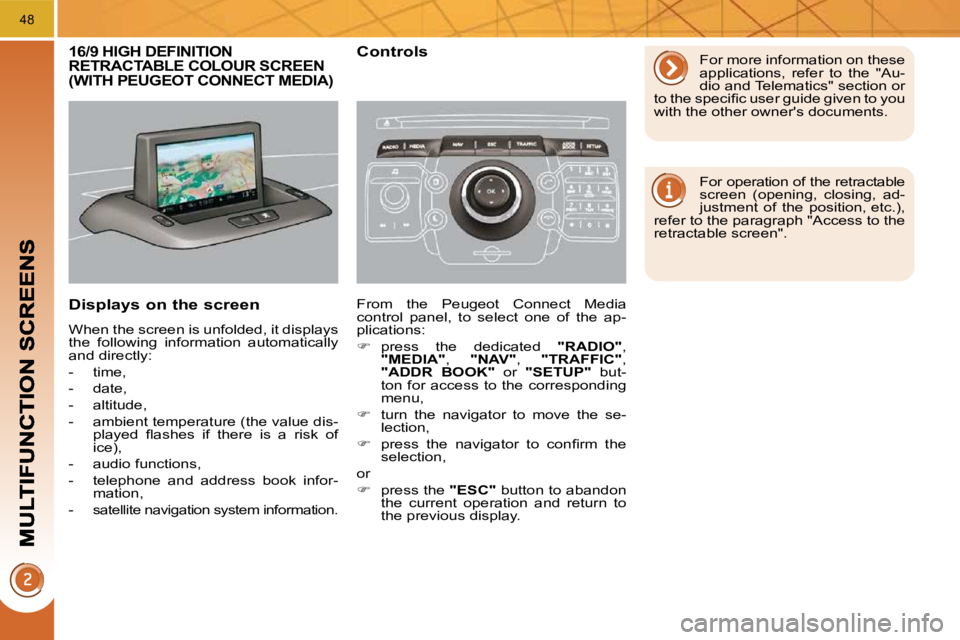
Displays on the screen
When the screen is unfolded, it displays
the following information automatically
and directly:
- time,
- date,
- altitude,
- ambient temperature (the value dis-played fl ashes if there is a risk of
ice),
- audio functions,
- telephone and address book infor- mation,
-
satellite navigation system information.
Controls
From the Peugeot Connect Media
control panel, to select one of the ap-
plications:
press the dedicated "RADIO" ,
"MEDIA" , "NAV" , "TRAFFIC" ,
"ADDR BOOK" or "SETUP" but-
ton for access to the corresponding
menu,
turn the navigator to move the se-
lection,
press the navigator to confi rm the
selection,
or
press the "ESC" button to abandon
the current operation and return to
the previous display. For more information on these
applications, refer to the "Au-
dio and Telematics" section or
to the specifi c user guide given to you
with the other owner's documents.
For operation of the retractable
screen (opening, closing, ad-
justment of the position, etc.),
refer to the paragraph "Access to the
retractable screen".
Page 226 of 331
PRACTICAL INFORMATION
194
Do not disconnect the terminals
while the engine is running.
Do not charge the batter-
ies without disconnecting the
terminals fi rst.
Do not push the vehicle to start the
engine if it is fi tted with a 6-speed
electronic gear control gearbox or an
automatic gearbox.
The batteries contain harmful
substances such as sulphuric
acid and lead. They must be dis-
posed of in accordance with regulations
and must not, in any circumstances, be
discarded with household waste.
Take used remote control batteries
and vehicle batteries to a special col-
lection point.
Charging the battery using a
battery charger
Disconnect the battery from the vehicle.
Follow the instructions for use pro-
vided by the manufacturer of the
charger.
Reconnect starting with the negative
terminal (-).
Check that the terminals and con-
nectors are clean. If they are
covered with sulphate (whitish or
greenish deposit), remove them and
clean them.
It is advisable to disconnect
the battery if the vehicle is to
be left unused for more than
one month. Before disconnecting the battery
Wait 2 minutes after switching off the
ignition before disconnecting the battery.
Close the windows and the doors
before disconnecting the battery.
Following reconnection of the
battery
Following reconnection of the battery,
switch on the ignition and wait 1 minute
before starting to permit initialisation of
the electronic systems. However, if prob-
lems remain following this operation,
contact a PEUGEOT dealer.
Referring to the corresponding section,
you must yourself reinitialise:
- the remote control key,
- the panoramic sunroof blind,
- the GPS satellite navigation system.
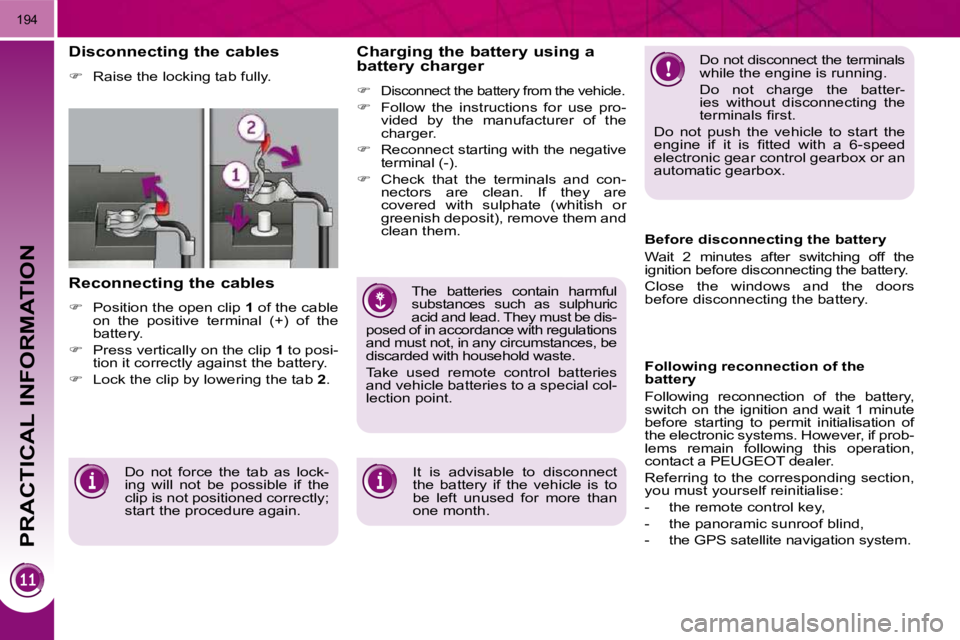
Disconnecting the cables
Raise the locking tab fully.
Reconnecting the cables
Position the open clip 1 of the cable
on the positive terminal (+) of the
battery.
Press vertically on the clip 1 to posi-
tion it correctly against the battery.
Lock the clip by lowering the tab 2 .
Do not force the tab as lock-
ing will not be possible if the
clip is not positioned correctly;
start the procedure again.
Page 281 of 331
248
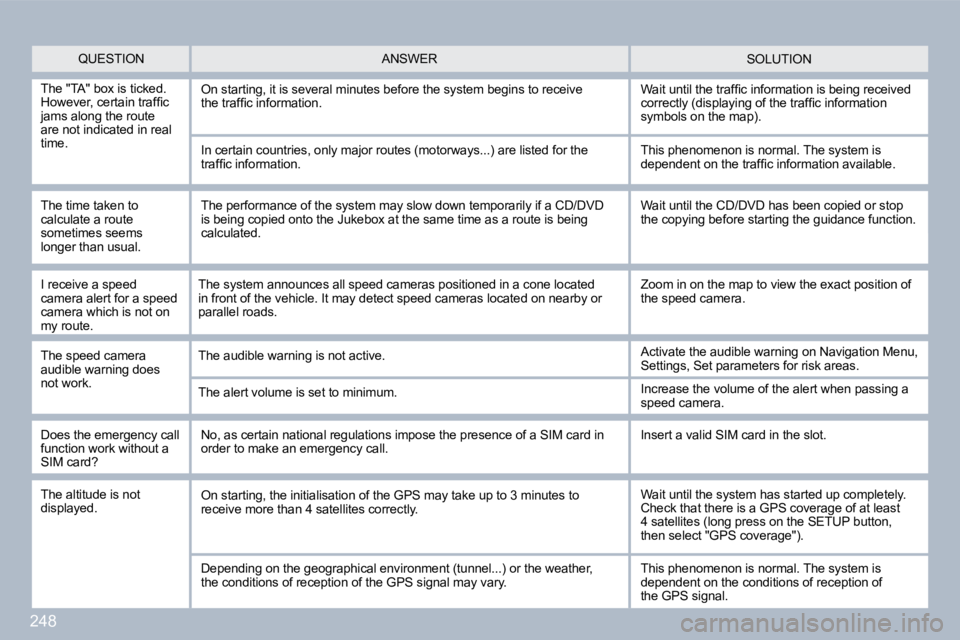
QUESTION SOLUTION ANSWER
The "TA" box is ticked. However, certain traffi c jams along the route are not indicated in real time.
On starting, it is several minutes before the system begins to receivethe traffi c information. Wait until the traffi c information is being received correctly (displaying of the traffi c information symbols on the map).
In certain countries, only major routes (motorways ...) are listed for the traffi c information.
The time taken to calculate a route sometimes seems longer than usual.
This phenomenon is normal. The system is dependent on the traffi c information available.
The performance of the system may slow down tempor arily if a CD/DVD is being copied onto the Jukebox at the same time as a route is being calculated.
Wait until the CD/DVD has been copied or stop the copying before starting the guidance function.
Does the emergency call function work without a SIM card?
No, as certain national regulations impose the pre sence of a SIM card in order to make an emergency call. Insert a valid SIM card in the slot.
The altitude is not displayed. On starting, the initialisation of the GPS may take up to 3 minutes to receive more than 4 satellites correctly. Wait until the system has started up completely. Check that there is a GPS coverage of at least 4 satellites (long press on the SETUP button, then select "GPS coverage").
Depending on the geographical environment (tunnel. ..) or the weather,the conditions of reception of the GPS signal may vary. This phenomenon is normal. The system is dependent on the conditions of reception ofthe GPS signal.
I receive a speed camera alert for a speed camera which is not on my route.
The speed camera audible warning does not work.
The system announces all speed cameras positioned in a cone located in front of the vehicle. It may detect speed cameras located on nearby or parallel roads.
The audible warning is not active.
The alert volume is set to minimum.
Zoom in on the map to view the exact position of the speed camera.
Activate the audible warning on Navigation Menu, Settings, Set parameters for risk areas.
Increase the volume of the alert when passing a speed camera.