Mirror settings Peugeot 508 2019 Owner's Manual
[x] Cancel search | Manufacturer: PEUGEOT, Model Year: 2019, Model line: 508, Model: Peugeot 508 2019Pages: 320, PDF Size: 10.09 MB
Page 34 of 320
32
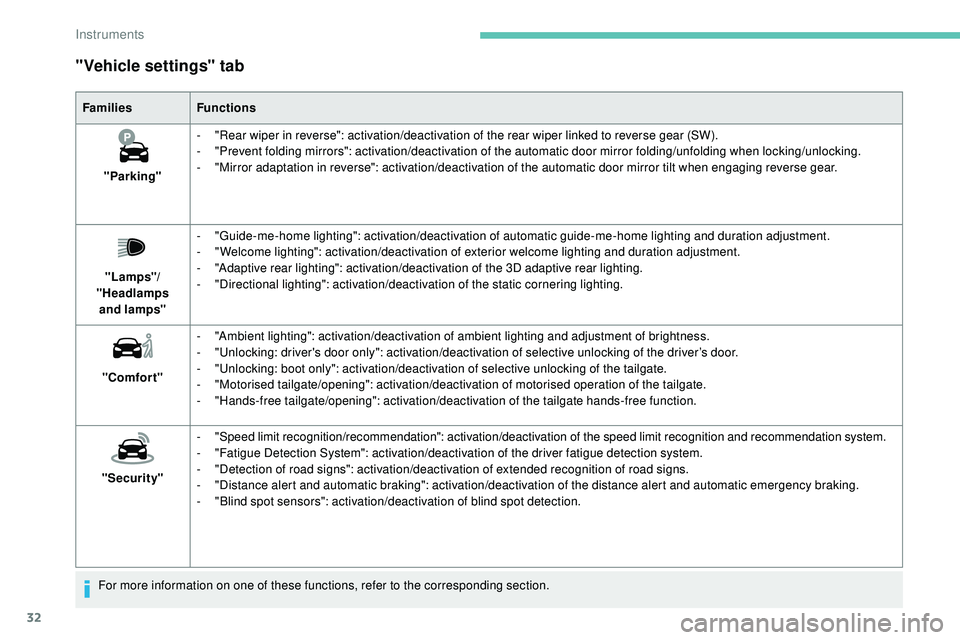
"Vehicle settings" tab
FamiliesFunctions
"Parking" -
"
Rear wiper in reverse": activation/deactivation of the rear wiper linked to reverse gear (SW).
-
"
Prevent folding mirrors": activation/deactivation of the automatic door mirror folding/unfolding when locking/unlocking.
-
"
Mirror adaptation in reverse": activation/deactivation of the automatic door mirror tilt when engaging reverse gear.
"Lamps"/
"Headlamps and
lamps" -
"
Guide-me-home lighting": activation/deactivation of automatic guide-me-home lighting and duration adjustment.
-
"
Welcome lighting": activation/deactivation of exterior welcome lighting and duration adjustment.
-
"
Adaptive rear lighting": activation/deactivation of the 3D adaptive rear lighting.
-
"
Directional lighting": activation/deactivation of the static cornering lighting.
"Comfort" -
"
Ambient lighting": activation/deactivation of ambient lighting and adjustment of brightness.
-
"
Unlocking: driver's door only": activation/deactivation of selective unlocking of the driver’s door.
-
"
Unlocking: boot only": activation/deactivation of selective unlocking of the tailgate.
-
"
Motorised tailgate/opening": activation/deactivation of motorised operation of the tailgate.
-
"
Hands-free tailgate/opening": activation/deactivation of the tailgate hands-free function.
"Security" -
"
Speed limit recognition/recommendation": activation/deactivation of the speed limit recognition and recommendation system.
-
"
Fatigue Detection System": activation/deactivation of the driver fatigue detection system.
-
"
Detection of road signs": activation/deactivation of extended recognition of road signs.
-
"
Distance alert and automatic braking": activation/deactivation of the distance alert and automatic emergency braking.
-
"
Blind spot sensors": activation/deactivation of blind spot detection.
For more information on one of these functions, refer to the corresponding section.
Instruments
Page 39 of 320
37
Welcome lighting
Availability of this function depends on version.F
B
riefly press this button.
The
sidelamps, dipped beam
headlamps, number plate
lamps
and door mirror spotlamps
come on for 30 seconds.
Pressing again before the end of the timed
period switches off the lamps immediately.
Selective unlocking and
opening of the tailgate
The settings for the selective tailgate
unlocking and motorised operation
are made in the Driving/Vehicle
menu of the touch screen.
By default, selective tailgate unlocking is
activated and the motorised function is
deactivated. F
M
ake a long press on this button
to unlock the boot and trigger the
motorised opening of the tailgate.
The doors and fuel filler flap remain locked. If selective unlocking of the tailgate is
deactivated, pressing the unlocking button
unlocks the whole vehicle.
If motorised operation of the tailgate is
deactivated, pressing the unlocking button
releases the tailgate.
To lock the vehicle, it is necessary to close
the tailgate again.
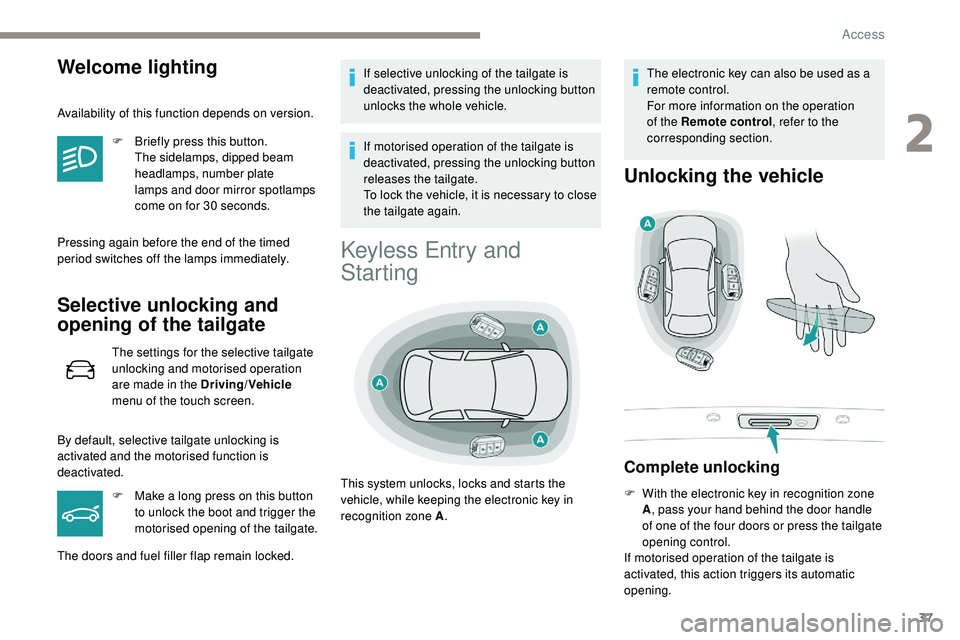
Keyless Entry and
Starting
The electronic key can also be used as a
remote control.
For more information on the operation
of the Remote control
, refer to the
corresponding section.
Unlocking the vehicle
Complete unlocking
F With the electronic key in recognition zone A, pass your hand behind the door handle
of one of the four doors or press the tailgate
opening control.
If motorised operation of the tailgate is
activated, this action triggers its automatic
opening.
This system unlocks, locks and starts the
vehicle, while keeping the electronic key in
recognition zone A
.
2
Access
Page 64 of 320
62
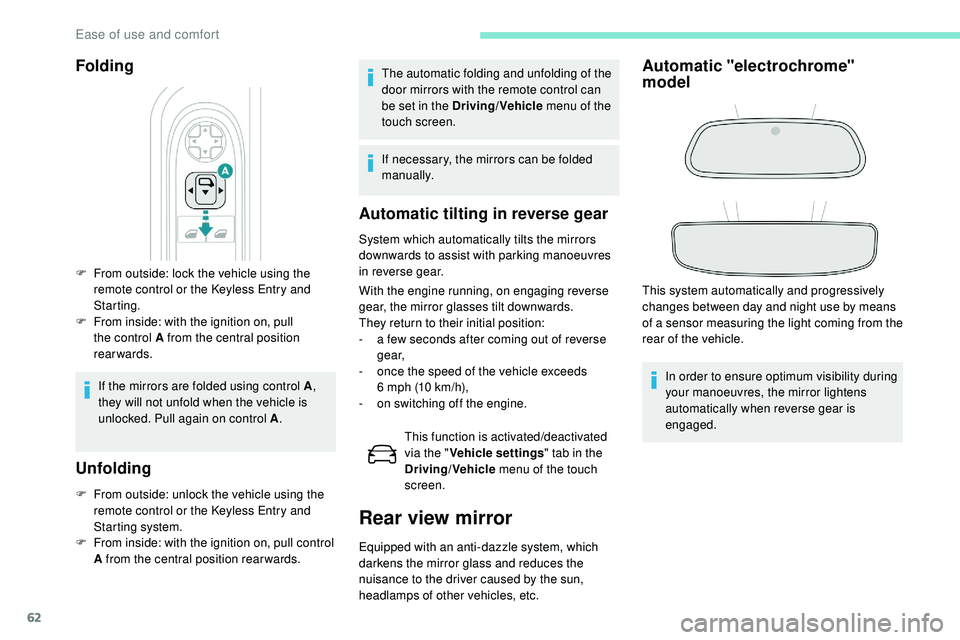
Folding
F From outside: lock the vehicle using the remote control or the Keyless Entry and
Starting.
F
F
rom inside: with the ignition on, pull
the control A from the central position
rearwards.
If the mirrors are folded using control A ,
they will not unfold when the vehicle is
unlocked. Pull again on control A .
Unfolding
F From outside: unlock the vehicle using the
remote control or the Keyless Entry and
Starting system.
F
F
rom inside: with the ignition on, pull control
A from the central position rear wards.
Automatic tilting in reverse gear
System which automatically tilts the mirrors
downwards to assist with parking manoeuvres
in reverse gear.
With the engine running, on engaging reverse
gear, the mirror glasses tilt downwards.
They return to their initial position:
-
a f
ew seconds after coming out of reverse
g e a r,
-
o
nce the speed of the vehicle exceeds
6
mph (10 km/h),
-
o
n switching off the engine.This function is activated/deactivated
via the " Vehicle settings " tab in the
Driving/Vehicle menu of the touch
screen.
Rear view mirror
Equipped with an anti-dazzle system, which
darkens the mirror glass and reduces the
nuisance to the driver caused by the sun,
headlamps of other vehicles, etc.
Automatic "electrochrome"
model
This system automatically and progressively
changes between day and night use by means
of a sensor measuring the light coming from the
rear of the vehicle.
In order to ensure optimum visibility during
your manoeuvres, the mirror lightens
automatically when reverse gear is
engaged.
The automatic folding and unfolding of the
door mirrors with the remote control can
be set in the Driving/Vehicle
menu of the
touch screen.
If necessary, the mirrors can be folded
manually.
Ease of use and comfort
Page 73 of 320
71
In wintry conditions, remove all snow or
ice on the camera on the windscreen
before moving off.
Other wise, this can affect the function
of the equipment associated with the
camera.
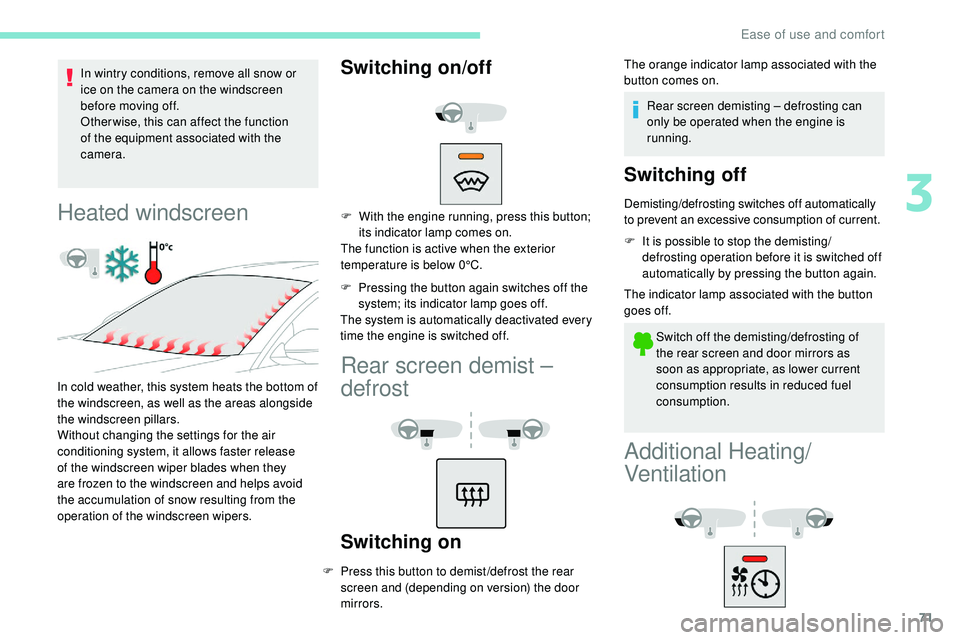
Heated windscreen
In cold weather, this system heats the bottom of
the windscreen, as well as the areas alongside
the windscreen pillars.
Without changing the settings for the air
conditioning system, it allows faster release
of the windscreen wiper blades when they
are frozen to the windscreen and helps avoid
the accumulation of snow resulting from the
operation of the windscreen wipers.
Switching on/off
F With the engine running, press this button; its indicator lamp comes on.
The function is active when the exterior
temperature is below 0°C.
F
P
ressing the button again switches off the
system; its indicator lamp goes off.
The system is automatically deactivated every
time the engine is switched off.
Rear screen demist –
defrost
Switching on
F Press this button to demist /defrost the rear screen and (depending on version) the door
mirrors. The orange indicator lamp associated with the
button comes on.
Rear screen demisting – defrosting can
only be operated when the engine is
running.
Switching off
Demisting/defrosting switches off automatically
to prevent an excessive consumption of current.
F
I
t is possible to stop the demisting/
defrosting operation before it is switched off
automatically by pressing the button again.
The indicator lamp associated with the button
goes off.
Switch off the demisting/defrosting of
the rear screen and door mirrors as
soon as appropriate, as lower current
consumption results in reduced fuel
consumption.
Additional Heating/
Ventilation
3
Ease of use and comfort
Page 251 of 320
5
21,518,5
Settings
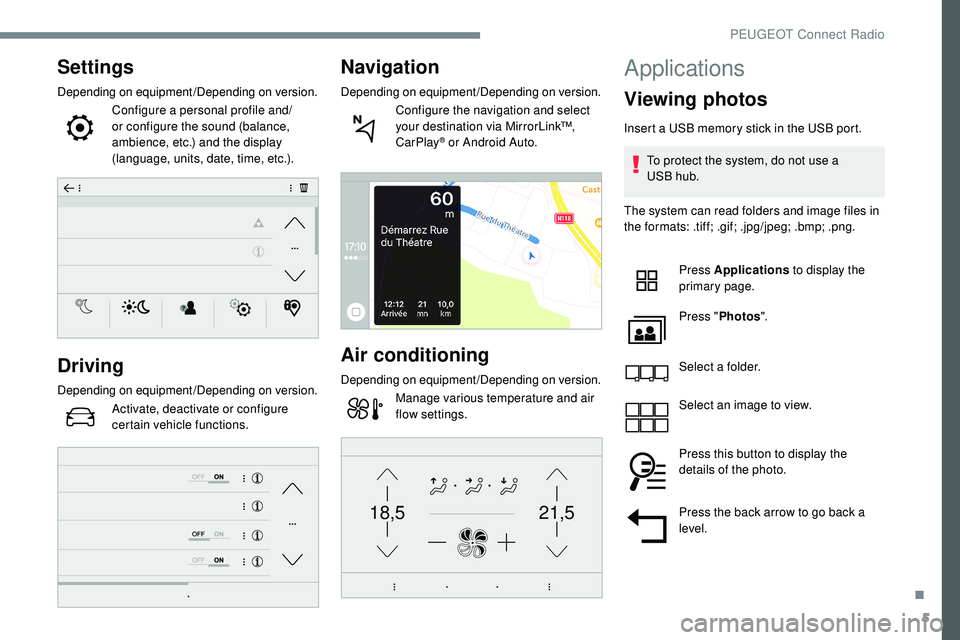
Depending on equipment/Depending on version.Configure a personal profile and/
or configure the sound (balance,
ambience, etc.) and the display
(language, units, date, time, etc.).
Driving
Depending on equipment/Depending on version.Activate, deactivate or configure
certain vehicle functions.
Navigation
Depending on equipment/Depending on version.Configure the navigation and select
your destination via MirrorLink™,
CarPlay
® or Android Auto.
Air conditioning
Depending on equipment/Depending on version.Manage various temperature and air
flow settings.
Applications
Viewing photos
Insert a USB memory stick in the USB port.
To protect the system, do not use a
USB
hub.
The system can read folders and image files in
the formats: .tiff; .gif; .jpg/jpeg; .bmp; .png.
Press Applications to display the
primary page.
Press " Photos ".
Select a folder.
Select an image to view.
Press this button to display the
details of the photo.
Press the back arrow to go back a
level.
.
PEUGEOT Connect Radio
Page 272 of 320
4
FM 87.5 MHz
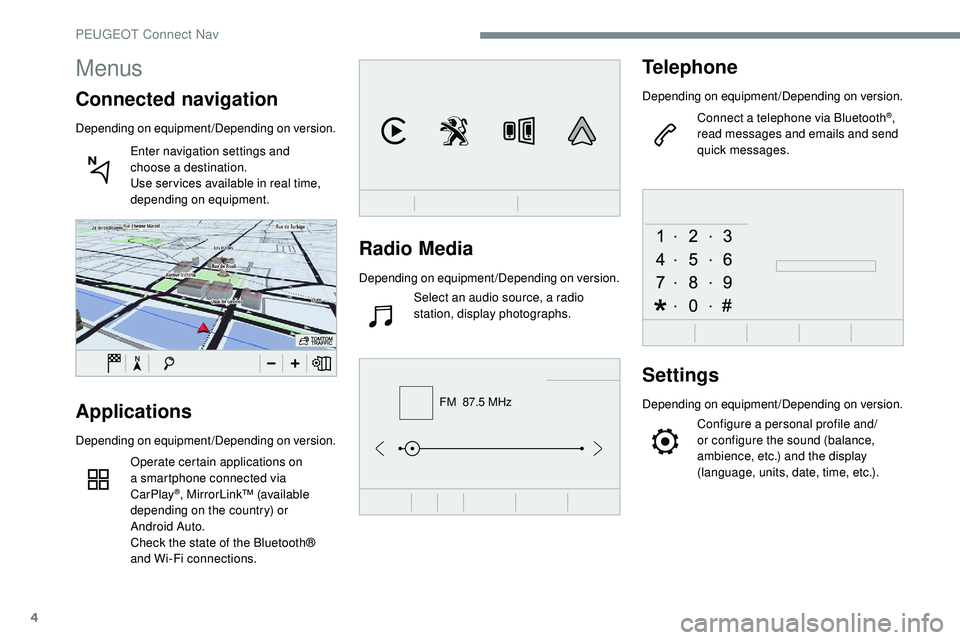
Radio Media
Depending on equipment/Depending on version.Select an audio source, a radio
station, display photographs.
Telephone
Depending on equipment/Depending on version.
Connect a telephone via Bluetooth
®,
read messages and emails and send
quick messages.
Settings
Depending on equipment/Depending on version.
Configure a personal profile and/
or configure the sound (balance,
ambience, etc.) and the display
(language, units, date, time, etc.).Applications
Depending on equipment/Depending on version.
Operate certain applications on
a smartphone connected via
CarPlay
®, MirrorLink™ (available
depending on the country) or
Android Auto.
Check the state of the Bluetooth®
and Wi-Fi connections.
Menus
Connected navigation
Depending on equipment/Depending on version.
Enter navigation settings and
choose a destination.
Use ser vices available in real time,
depending on equipment.
PEUGEOT Connect Nav
Page 284 of 320
16
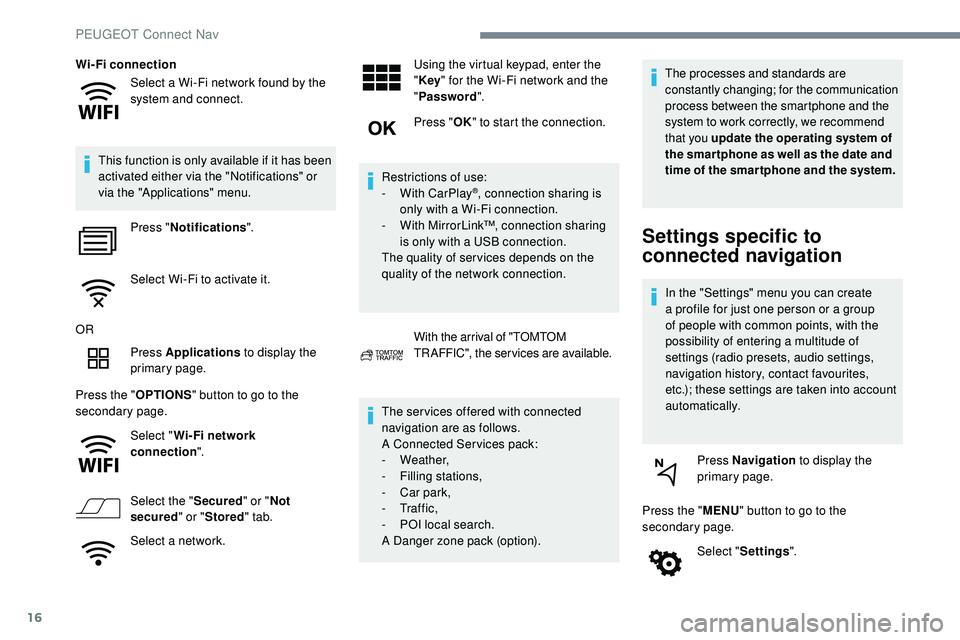
Select a Wi-Fi network found by the
system and connect.
Wi-Fi connection
This function is only available if it has been
activated either via the "Notifications" or
via the "Applications" menu. Press " Notifications ".
Select Wi-Fi to activate it.
OR Press Applications to display the
primary page.
Press the " OPTIONS" button to go to the
secondary page.
Select "Wi- Fi network
connection ".
Select the " Secured" or "Not
secured " or "Stored " tab.
Select a network. Using the virtual keypad, enter the
"
Key " for the Wi-Fi network and the
" Password ".
Press " OK" to start the connection.
Restrictions of use:
-
W
ith CarPlay
®, connection sharing is
only with a Wi-Fi connection.
-
W
ith MirrorLink™, connection sharing
is only with a USB connection.
The quality of ser vices depends on the
quality of the network connection.
With the arrival of "TOMTOM
TR AFFIC", the ser vices are available.
The ser vices offered with connected
navigation are as follows.
A Connected Services pack:
-
Weather,
-
F
illing stations,
-
C
ar park,
-
Tr a f f i c ,
-
P
OI local search.
A Danger zone pack (option). The processes and standards are
constantly changing; for the communication
process between the smartphone and the
system to work correctly, we recommend
that you update the operating system of
the smar tphone as well as the date and
time of the smar tphone and the system.
Settings specific to
connected navigation
In the "Settings" menu you can create
a profile for just one person or a group
of people with common points, with the
possibility of entering a multitude of
settings (radio presets, audio settings,
navigation history, contact favourites,
etc.); these settings are taken into account
automatically.
Press Navigation to display the
primary page.
Press the " MENU" button to go to the
secondary page.
Select "Settings ".
PEUGEOT Connect Nav
Page 286 of 320
18
"Danger zones" pack
updates
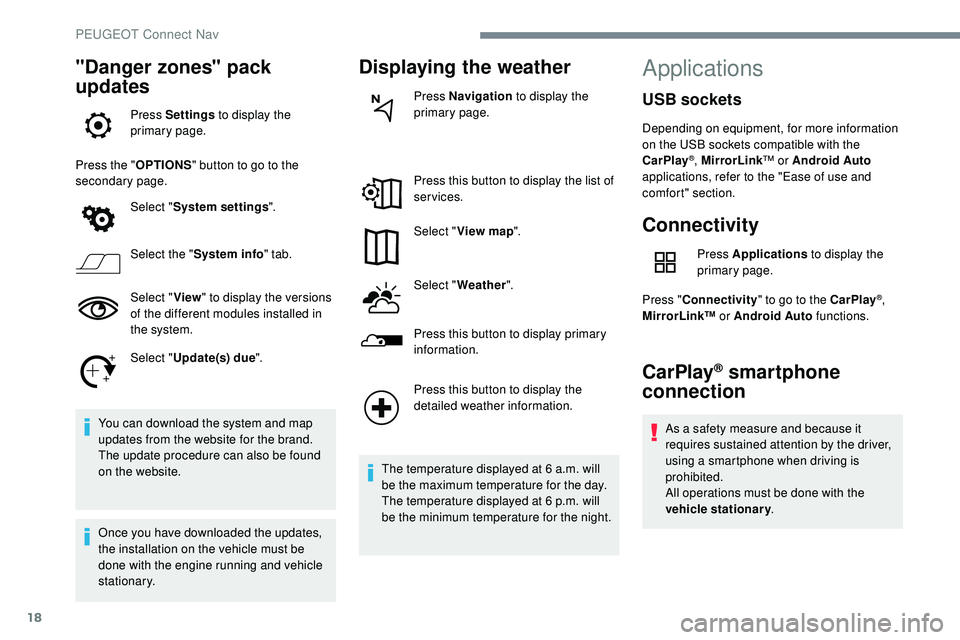
Press Settings to display the
primary page.
Press the " OPTIONS" button to go to the
secondary page.
Select "System settings ".
Select the " System info " tab.
Select " View" to display the versions
of the different modules installed in
the system.
Select " Update(s) due ".
You can download the system and map
updates from the website for the brand.
The update procedure can also be found
on the website.
Once you have downloaded the updates,
the installation on the vehicle must be
done with the engine running and vehicle
stationary.
Displaying the weather
Press Navigation to display the
primary page.
Press this button to display the list of
services.
Select " View map ".
Select " Weather ".
Press this button to display primary
information.
Press this button to display the
detailed weather information.
The temperature displayed at 6 a.m. will
be the maximum temperature for the day.
The temperature displayed at 6 p.m. will
be the minimum temperature for the night.
Applications
Connectivity
Press Applications to display the
primary page.
Press " Connectivity " to go to the CarPlay
®,
MirrorLink™ or Android Auto functions.
CarPlay® smartphone
connection
As a safety measure and because it
requires sustained attention by the driver,
using a smartphone when driving is
prohibited.
All operations must be done with the
vehicle stationary .
USB sockets
Depending on equipment, for more information
on the USB sockets compatible with the
CarPlay
®, MirrorLink™ or Android Auto
applications, refer to the "Ease of use and
comfort" section.
PEUGEOT Connect Nav