display PEUGEOT 807 2002.5 User Guide
[x] Cancel search | Manufacturer: PEUGEOT, Model Year: 2002.5, Model line: 807, Model: PEUGEOT 807 2002.5Pages: 181, PDF Size: 2.69 MB
Page 31 of 181
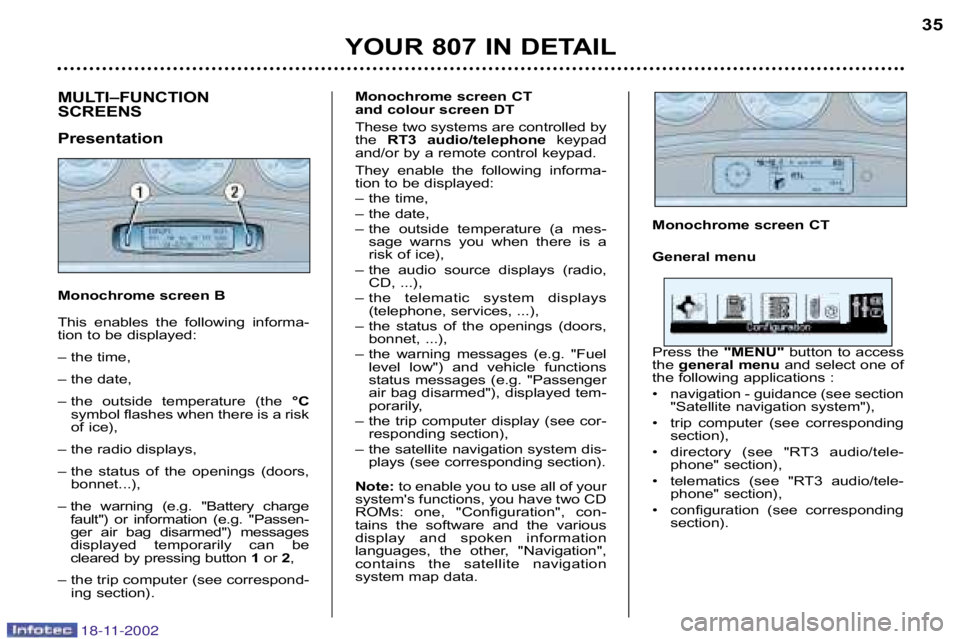
Monochrome screen CT
General menu
Press the "MENU" button to access
the general menu and select one of
the following applications :
• navigation guidance (see section "Satellite navigation system"),
• trip computer (see corresponding section),
• directory (see "RT3 audio/tele phone" section),
• telematics (see "RT3 audio/tele phone" section),
• configuration (see corresponding section).
MULTI–FUNCTION
SCREENS
Presentation
Monochrome screen B
This enables the following informa
tion to be displayed:
– the time,
– the date,
– the outside temperature (the °C
symbol flashes when there is a risk
of ice),
– the radio displays,
– the status of the openings (doors, bonnet...),
– the warning (e.g. "Battery charge fault") or information (e.g. "Passen
ger air bag disarmed") messages
displayed temporarily can be
cleared by pressing button 1or 2,
– the trip computer (see correspond ing section).
YOUR 807 IN DETAIL 35
Monochrome screen CT
and colour screen DT
These two systems are controlled by
the
RT3 audio/telephone keypad
and/or by a remote control keypad.
They enable the following informa
tion to be displayed:
– the time,
– the date,
– the outside temperature (a mes sage warns you when there is a
risk of ice),
– the audio source displays (radio, CD, ...),
– the telematic system displays (telephone, services, ...),
– the status of the openings (doors, bonnet, ...),
– the warning messages (e.g. "Fuel level low") and vehicle functions
status messages (e.g. "Passenger
air bag disarmed"), displayed tem
porarily,
– the trip computer display (see cor responding section),
– the satellite navigation system dis plays (see corresponding section).
Note: to enable you to use all of your
system's functions, you have two CD
ROMs: one, "Configuration", con
tains the software and the various
display and spoken information
languages, the other, "Navigation",
contains the satellite navigation
system map data.
18-11-2002
Page 32 of 181
YOUR 807 IN DETAIL
36
configuration (see corresponding
section).
map (see section "Satellite naviga tion system")
A few definitions
Superimposed display:
a window appears over the current
application for a short while, to
announce a change of status of
another application.
Permanent application:
main application currently in use,
displayed in the main screen win
dow.
Contextual menu:
limited menu associated with the
main application currently in use,
displayed in the main screen win
dow.
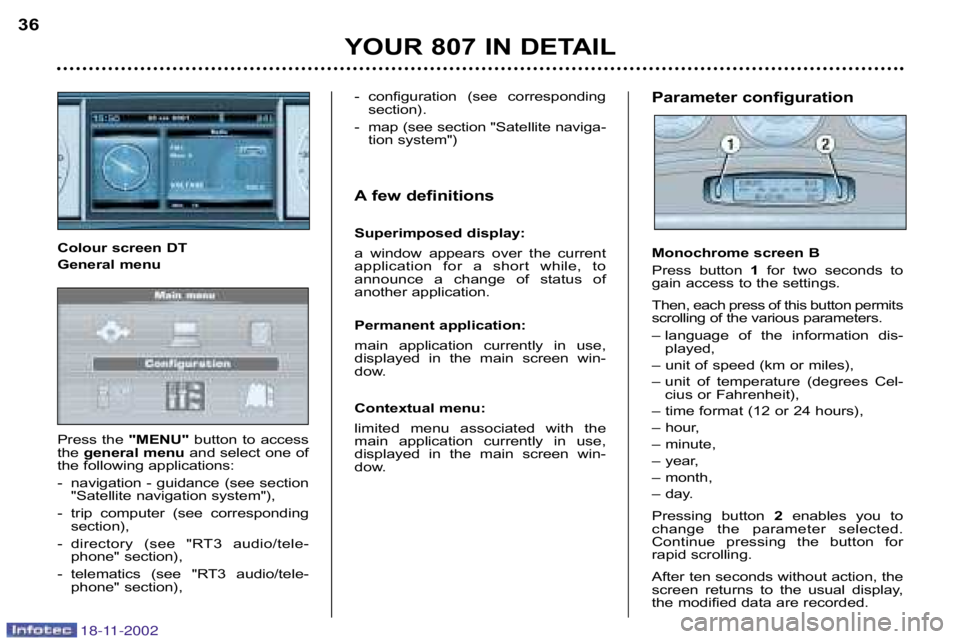
Colour screen DT
General menu
Press the
"MENU" button to access
the general menu and select one of
the following applications:
navigation guidance (see section "Satellite navigation system"),
trip computer (see corresponding section),
directory (see "RT3 audio/tele phone" section),
telematics (see "RT3 audio/tele phone" section),Parameter configuration
Monochrome screen B
Press button 1for two seconds to
gain access to the settings .
Then, each press of this button permits
scrolling of the various parameters.
– language of the information dis played,
– unit of speed (km or miles),
– unit of temperature (degrees Cel cius or Fahrenheit),
– time format (12 or 24 hours),
– hour,
– minute,
– year,
– month,
– day.
Pressing button 2enables you to
change the parameter selected.
Continue pressing the button for
rapid scrolling.
After ten seconds without action, the
screen returns to the usual display,
the modified data are recorded.
18-11-2002
Page 33 of 181
YOUR 807 IN DETAIL
36
configuration (see corresponding
section).
map (see section "Satellite naviga tion system")
A few definitions
Superimposed display:
a window appears over the current
application for a short while, to
announce a change of status of
another application.
Permanent application:
main application currently in use,
displayed in the main screen win
dow.
Contextual menu:
limited menu associated with the
main application currently in use,
displayed in the main screen win
dow.
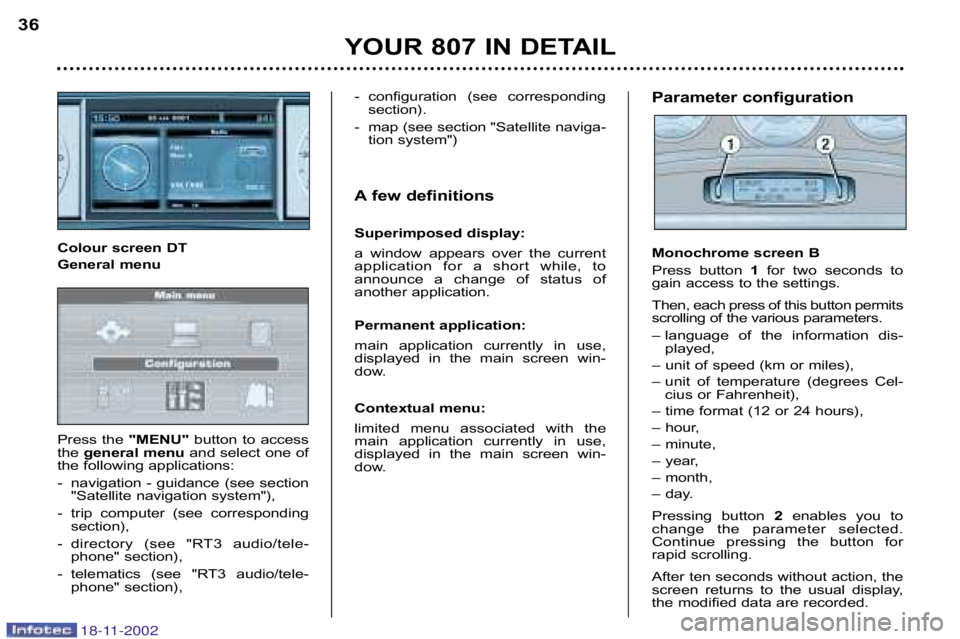
Colour screen DT
General menu
Press the
"MENU" button to access
the general menu and select one of
the following applications:
navigation guidance (see section "Satellite navigation system"),
trip computer (see corresponding section),
directory (see "RT3 audio/tele phone" section),
telematics (see "RT3 audio/tele phone" section),Parameter configuration
Monochrome screen B
Press button 1for two seconds to
gain access to the settings .
Then, each press of this button permits
scrolling of the various parameters.
– language of the information dis played,
– unit of speed (km or miles),
– unit of temperature (degrees Cel cius or Fahrenheit),
– time format (12 or 24 hours),
– hour,
– minute,
– year,
– month,
– day.
Pressing button 2enables you to
change the parameter selected.
Continue pressing the button for
rapid scrolling.
After ten seconds without action, the
screen returns to the usual display,
the modified data are recorded.
18-11-2002
Page 34 of 181
18-11-2002
YOUR 807 IN DETAIL37
For safety reasons, con
figuration of the multi
function screens by the
driver must be carried out
when stationary.
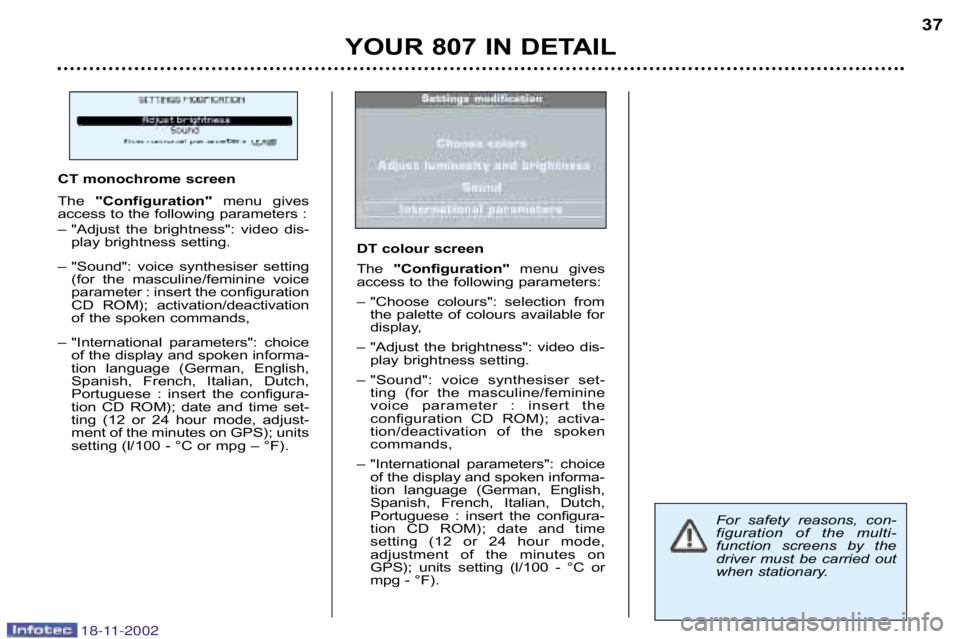
CT monochrome screen
The
"Configuration" menu gives
access to the following parameters :
– "Adjust the brightness": video dis play brightness setting.
– "Sound": voice synthesiser setting (for the masculine/feminine voice
parameter : insert the configuration
CD ROM); activation/deactivation
of the spoken commands,
– "International parameters": choice of the display and spoken informa
tion language (German, English,
Spanish, French, Italian, Dutch,
Portuguese : insert the configura
tion CD ROM); date and time set
ting (12 or 24 hour mode, adjust
ment of the minutes on GPS); units
setting (l/100 °C or mpg – °F).
DT colour screen
The "Configuration" menu gives
access to the following parameters:
– "Choose colours": selection from the palette of colours available for
display,
– "Adjust the brightness": video dis play brightness setting.
– "Sound": voice synthesiser set ting (for the masculine/feminine
voice parameter : insert the
configuration CD ROM); activa
tion/deactivation of the spoken
commands,
– "International parameters": choice of the display and spoken informa
tion language (German, English,
Spanish, French, Italian, Dutch,
Portuguese : insert the configura
tion CD ROM); date and time
setting (12 or 24 hour mode,
adjustment of the minutes on
GPS); units setting (l/100 °C or
mpg °F).
Page 35 of 181
YOUR 807 IN DETAIL
38
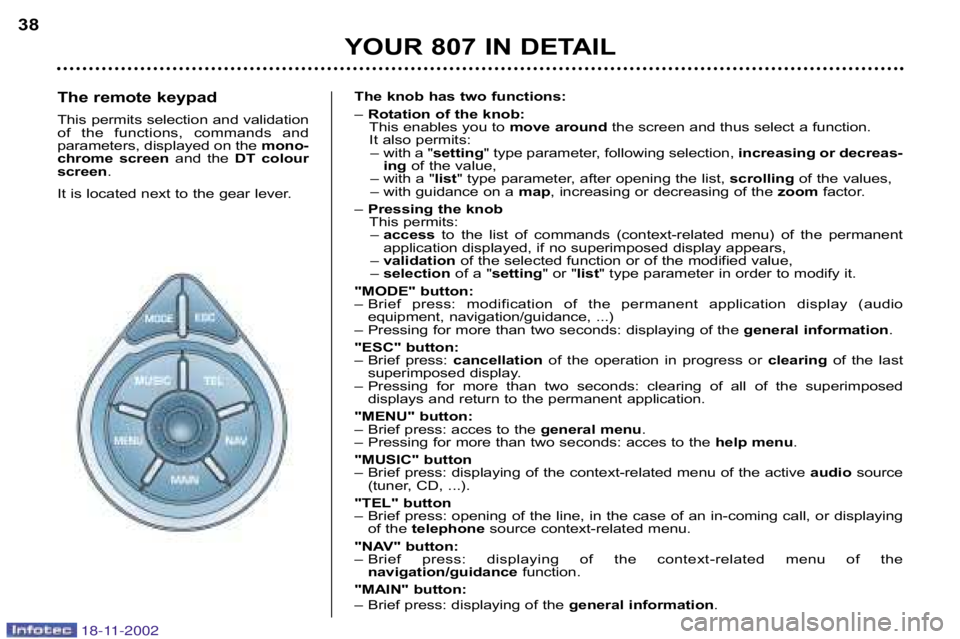
The remote keypad
This permits selection and validation
of the functions, commands and
parameters, displayed on the mono
chrome screen and the DT colour
screen .
It is located next to the gear lever. The knob has two functions:
–
Rotation of the knob:
This enables you to move aroundthe screen and thus select a function.
It also permits: – with a " setting" type parameter, following selection, increasing or decreas
ing of the value,
– with a " list" type parameter, after opening the list, scrolling of the values,
– with guidance on a map, increasing or decreasing of the zoomfactor.
– Pressing the knob
This permits:– access to the list of commands (contextrelated menu) of the permanent
application displayed, if no superimposed display appears,
– validation of the selected function or of the modified value,
– selection of a "setting " or "list" type parameter in order to modify it.
"MODE" button:
– Brief press: modification of the permanent application displ ay (audio
equipment, navigation/guidance, ...)
– Pressing for more than two seconds: displaying of the general information.
"ESC" button:
– Brief press: cancellation of the operation in progress or clearing of the last
superimposed display.
– Pressing for more than two seconds: clearing of all of the sup erimposed
displays and return to the permanent application.
"MENU" button:
– Brief press: acces to the general menu.
– Pressing for more than two seconds: acces to the help menu.
"MUSIC" button
– Brief press: displaying of the contextrelated menu of the act ive audio source
(tuner, CD, ...).
"TEL" button
– Brief press: opening of the line, in the case of an incomi ng call, or displaying
of the telephone source contextrelated menu.
"NAV" button:
– Brief press: displaying of the contextrelated menu of the navigation/guidance function.
"MAIN" button:
– Brief press: displaying of the general information.
18-11-2002
Page 39 of 181
45
YOUR 807 IN DETAIL
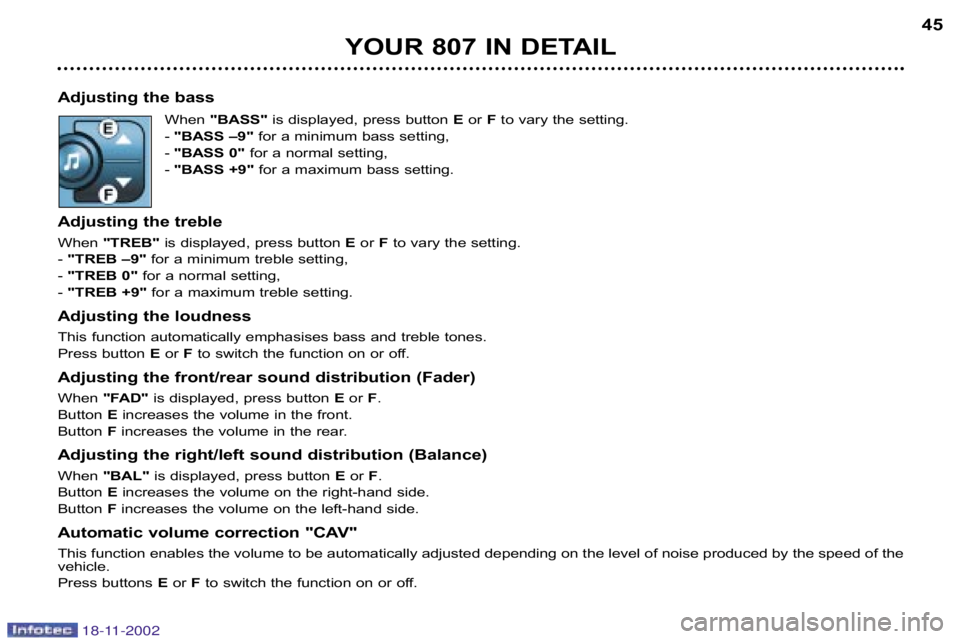
Adjusting the bass When "BASS" is displayed, press button Eor Fto vary the setting.
"BASS –9" for a minimum bass setting,
"BASS 0" for a normal setting,
"BASS +9" for a maximum bass setting.
Adjusting the treble
When "TREB" is displayed, press button Eor Fto vary the setting.
"TREB –9" for a minimum treble setting,
"TREB 0" for a normal setting,
"TREB +9" for a maximum treble setting.
Adjusting the loudness
This function automatically emphasises bass and treble tones.
Press button Eor Fto switch the function on or off.
Adjusting the front/rear sound distribution (Fader)
When "FAD" is displayed, press button Eor F.
Button Eincreases the volume in the front.
Button Fincreases the volume in the rear.
Adjusting the right/left sound distribution (Balance)
When "BAL" is displayed, press button Eor F.
Button Eincreases the volume on the righthand side.
Button Fincreases the volume on the lefthand side.
Automatic volume correction "CAV"
This function enables the volume to be automatically adjuste d depending on the level of noise produced by the speed of the
vehicle.
Press buttons Eor F to switch the function on or off.
18-11-2002
Page 41 of 181
YOUR 807 IN DETAIL47
Manual station search
Press the "MAN"button.
Briefly press button Ior Jto increase or decrease the frequency displayed.
By continuing to press the button in the direction selected, you will obtain continuous scrolling of the frequency.
The scrolling stops at the first station found as soon as the button is released.
Pressing the "MAN"button again returns you to automatic station search.
Manual storing of stations in the memory
Select the station required.
Press one of the buttons "1"to "6" for more than two seconds.
The sound stops then becomes audible again, confirming that the station has been stored in the memory.
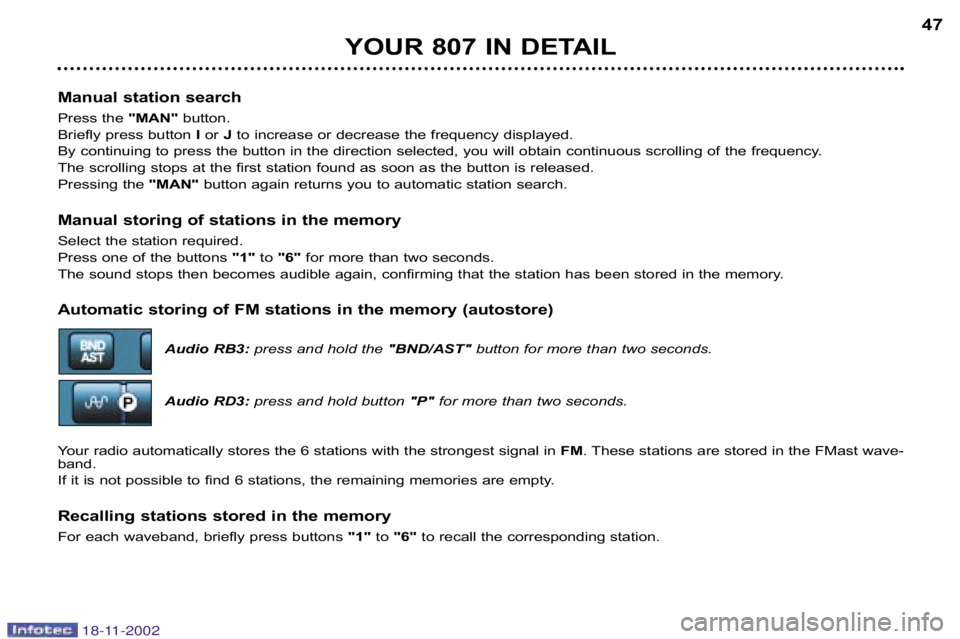
Automatic storing of FM stations in the memory (autostore)
Audio RB3:press and hold the "BND/AST" button for more than two seconds.
Audio RD3: press and hold button "P" for more than two seconds.
Your radio automatically stores the 6 stations with the stronge st signal in FM. These stations are stored in the FMast wave
band.
If it is not possible to find 6 stations, the remaining memo ries are empty.
Recalling stations stored in the memory
For each waveband, briefly press buttons "1"to "6" to recall the corresponding station.
18-11-2002
Page 42 of 181
YOUR 807 IN DETAIL
48
RDS
Using the RDS (Radio Data System) function on FM
Radio Data System allows you to continue listening to the sa me station, whatever frequency it is using for the region you a re
going through.
Briefly press the "RDS"button to switch the function on or off.
The multi–function display wil show: "RDS" if the function is selected.
"(RDS)" if the function is selected but not available.
RDS station following
The display indicates the name of the station selected. The radio is continually searching for the station which has the best
reception and which is transmitting the same programme.
Traffic information programme
Press the "TA"button to switch the function on or off.
The multi–function display will show:
"TA" if the function is selected,
"(TA)" if the function is selected but not available.
Any traffic information flash will be given priority, whatever source you are listening to (radio, cassette or CD
changer).
If you wish to interrupt a message, press the "TA"button; this switches the function off.
Note: the volume of traffic information announcements is inde pendent of the volume of normal radio listening. You
can adjust it using the volume button. The setting will be stored and will be used when the next messages are
broadcast.
Regional following mode (REG)
When they are part of a network, certain stations broadcast regi onal programmes in the various areas they serve. With
regional following mode you can keep listening to the same programme.
Press the "RDS"button for more than two seconds to switch the function on o r off.
18-11-2002
Page 48 of 181
YOUR 807 IN DETAIL47
Manual station search
Press the "MAN"button.
Briefly press button Ior Jto increase or decrease the frequency displayed.
By continuing to press the button in the direction selected, you will obtain continuous scrolling of the frequency.
The scrolling stops at the first station found as soon as the button is released.
Pressing the "MAN"button again returns you to automatic station search.
Manual storing of stations in the memory
Select the station required.
Press one of the buttons "1"to "6" for more than two seconds.
The sound stops then becomes audible again, confirming that the station has been stored in the memory.
Automatic storing of FM stations in the memory (autostore)
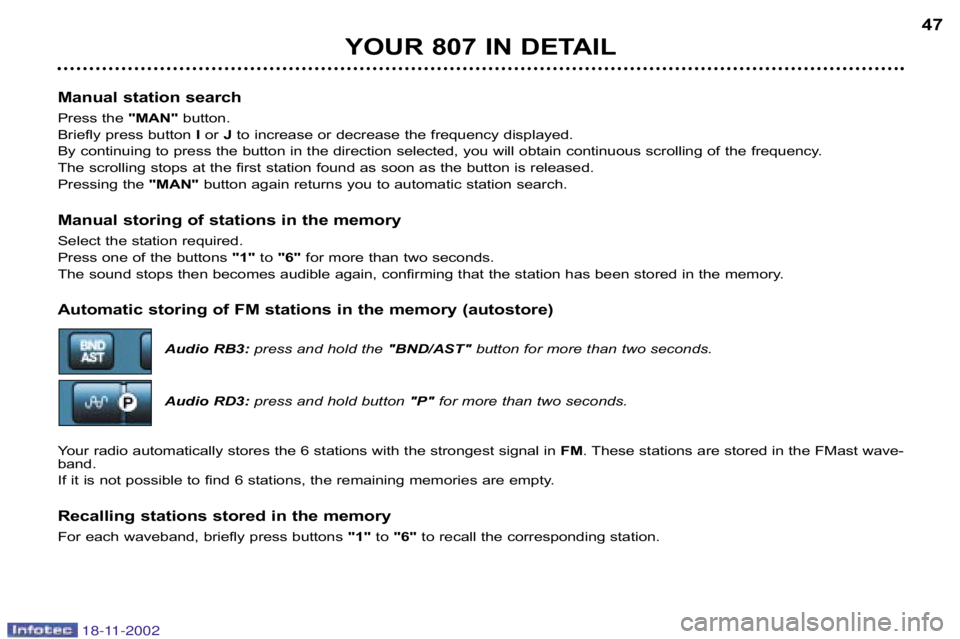
Audio RB3:press and hold the "BND/AST" button for more than two seconds.
Audio RD3: press and hold button "P" for more than two seconds.
Your radio automatically stores the 6 stations with the stronge st signal in FM. These stations are stored in the FMast wave
band.
If it is not possible to find 6 stations, the remaining memo ries are empty.
Recalling stations stored in the memory
For each waveband, briefly press buttons "1"to "6" to recall the corresponding station.
18-11-2002
Page 49 of 181
YOUR 807 IN DETAIL
48
RDS
Using the RDS (Radio Data System) function on FM
Radio Data System allows you to continue listening to the sa me station, whatever frequency it is using for the region you a re
going through.
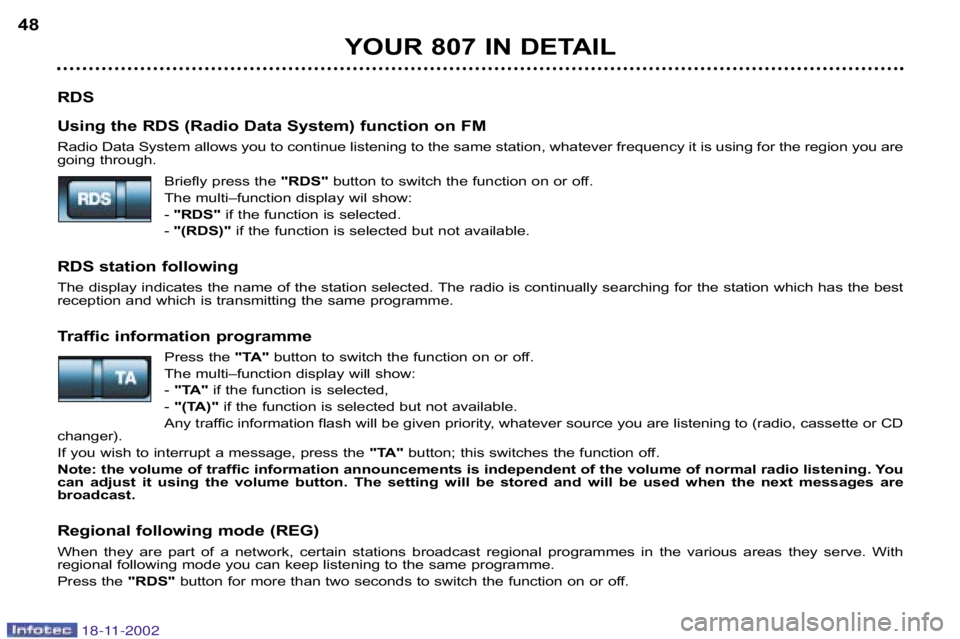
Briefly press the "RDS"button to switch the function on or off.
The multi–function display wil show: "RDS" if the function is selected.
"(RDS)" if the function is selected but not available.
RDS station following
The display indicates the name of the station selected. The radio is continually searching for the station which has the best
reception and which is transmitting the same programme.
Traffic information programme
Press the "TA"button to switch the function on or off.
The multi–function display will show:
"TA" if the function is selected,
"(TA)" if the function is selected but not available.
Any traffic information flash will be given priority, whatever source you are listening to (radio, cassette or CD
changer).
If you wish to interrupt a message, press the "TA"button; this switches the function off.
Note: the volume of traffic information announcements is inde pendent of the volume of normal radio listening. You
can adjust it using the volume button. The setting will be stored and will be used when the next messages are
broadcast.
Regional following mode (REG)
When they are part of a network, certain stations broadcast regi onal programmes in the various areas they serve. With
regional following mode you can keep listening to the same programme.
Press the "RDS"button for more than two seconds to switch the function on o r off.
18-11-2002