service PEUGEOT BOXER 2002 Owner's Manual
[x] Cancel search | Manufacturer: PEUGEOT, Model Year: 2002, Model line: BOXER, Model: PEUGEOT BOXER 2002Pages: 182, PDF Size: 1.93 MB
Page 73 of 182
16-09-2002
YOUR BOXER IN DETAIL77
Emergency 112
In an emergemcy, select and confirm this function by pressing button Lto contact the emergency call service .
Before making a call of this type, the audio/telephone/GPS must detect a cell network. No security mode is required and, depending on the network, you do not have to insert your SIM card or enter your PIN. PEUGEOT customer contact centre Select and confirm this function by pressing button Lto contact the PEUGEOT Customer Contact Centre and gain access
to the services offered (this type of call is suspended if an emergency call is made).
Page 75 of 182
16-09-2002
YOUR BOXER IN DETAIL79
"MEMO" function
"READ" / "DELETE" - "STORE" "RADIO" function
"NEXT" / "PREVIOUS" / "FM" then ("1 ... 3") / "MW" or "MEDIUM WAVE" / "LW" or "LONG WAVE" / "STATION" then ("1 ... 6")
or "MEMORY" then ("1 ... 6") / "AUTOSTORE" / "FREQUENCY" then ("1 ... 6" - "POINT" - "CANCEL" - "DELETE" - "INTER-
RUPT" - REPEAT" - "SEND")
"CD PLAYER" function
"STOP" / "PLAY" / "PAUSE" / "PREVIOUS" / "NEXT" / "TRACK" then ("1 ... 20") or "TITLE" then ("1 ... 20") or "NUMBER" then ("1 ... 20") / "SHUFFLE"
"NAVIGATION" function
"DISPLAY" then ("MAP" - "ROUTE" - "HOTELS" - "RESTAURANTS" - "CAR PARKS" - "SERVICE STATIONS" - "NOTHING") / "ENLARGE" or "ZOOM PLUS" / "REDUCE" "CALL" function "NAME" "DIAL" function
"0 ... 9" / "PLUS" / "CANCEL" / "DELETE" / "INTERRUPT" / REPEAT" / "SEND" "REDIAL" function "PIN" function
"0 ... 9" / "CANCEL" / "DELETE" / "INTERRUPT" / "REPEAT" / "SEND"
"DIRECTORY" function "READ" / "DELETE" then ("NAME" - "ALL")
Page 77 of 182
16-09-2002
YOUR BOXER IN DETAIL83
SATELLITE NAVIGATION SYSTEM Introduction The satellite navigation system guides you, by means of vocal and
visual instructions (graphics), to
your chosen destination. The heart of the system lies in the use of a map data base and GPS
(Global Positioning System) . With
this system you can fix the positionof your vehicle by means of a satelli-te network. The system uses the following ele- ments: - the CD-ROM drive,
- the configuration CD-ROM,
- the navigation CD-ROM,
- the last voice message recall control,
- the control keypad,
- the monochrome screen or thecolour screen.
Certain functions or services des-cribed may vary depending on theversion of the CD-ROM or thecountry where the vehicle is sold.
For safety reasons, the inputting of navigation information by the drivermust be carried out when the vehicle
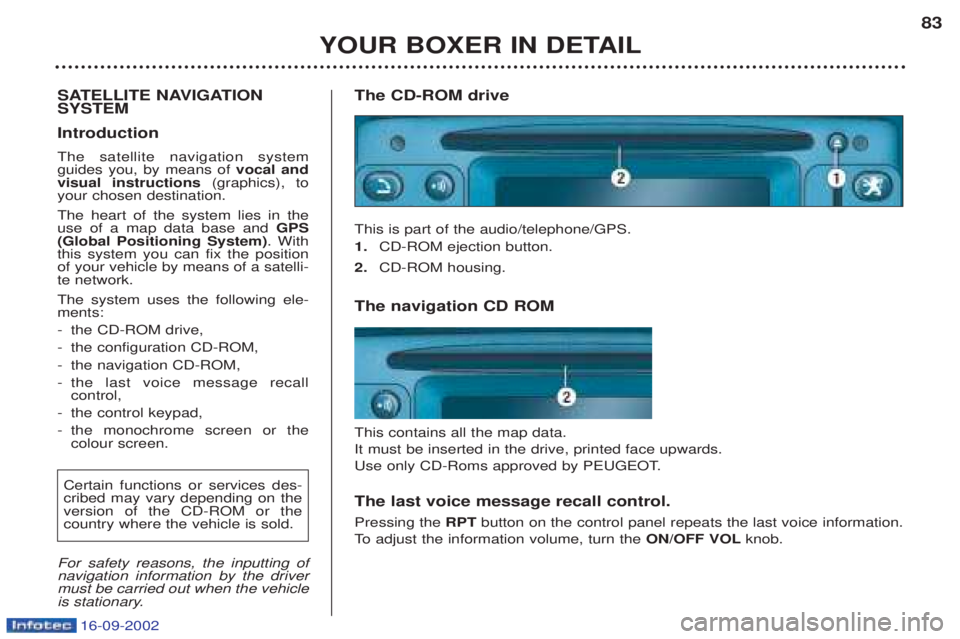
is stationary. The CD-ROM drive This is part of the audio/telephone/GPS. 1.
CD-ROM ejection button.
2. CD-ROM housing.
The navigation CD ROM This contains all the map data. It must be inserted in the drive, printed face upwards.
Use only CD-Roms approved by PEUGEOT. The last voice message recall control. Pressing the RPTbutton on the control panel repeats the last voice information.
To adjust the information volume, turn the ON/OFF VOLknob.
Page 82 of 182
16-09-2002
YOUR BOXER IN DETAIL
88
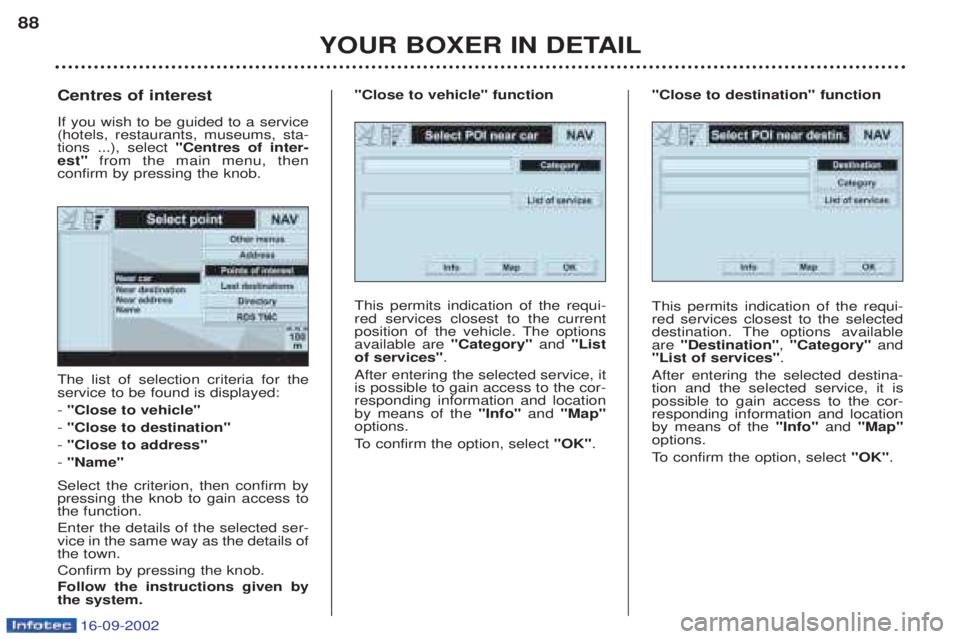
The list of selection criteria for the service to be found is displayed: -
"Close to vehicle"
- "Close to destination"
- "Close to address"
- "Name"
Select the criterion, then confirm by pressing the knob to gain access tothe function. Enter the details of the selected ser- vice in the same way as the details ofthe town. Confirm by pressing the knob.Follow the instructions given by the system.
Centres of interest If you wish to be guided to a service (hotels, restaurants, museums, sta-tions ...), select
"Centres of inter-
est" from the main menu, then
confirm by pressing the knob.
This permits indication of the requi-red services closest to the current
position of the vehicle. The optionsavailable are "Category"and "List
of services" .
After entering the selected service, itis possible to gain access to the cor-responding information and locationby means of the "Info"and "Map"
options.
To confirm the option, select "OK".
"Close to vehicle" function
This permits indication of the requi- red services closest to the selected
destination. The options availableare "Destination" , "Category" and
"List of services" .
After entering the selected destina-tion and the selected service, it ispossible to gain access to the cor-responding information and locationby means of the "Info"and "Map"
options.
To confirm the option, select "OK".
"Close to destination" function
Page 83 of 182
16-09-2002
YOUR BOXER IN DETAIL89
This enables you to enter a known
service. The options available are"Category"
, "Town" and "Service
name" .
After entering the selected service, itis possible to gain access to the cor-responding information and locationby means of the "Info"and "Map"
options.
To confirm the option, select "OK".
"Name" function
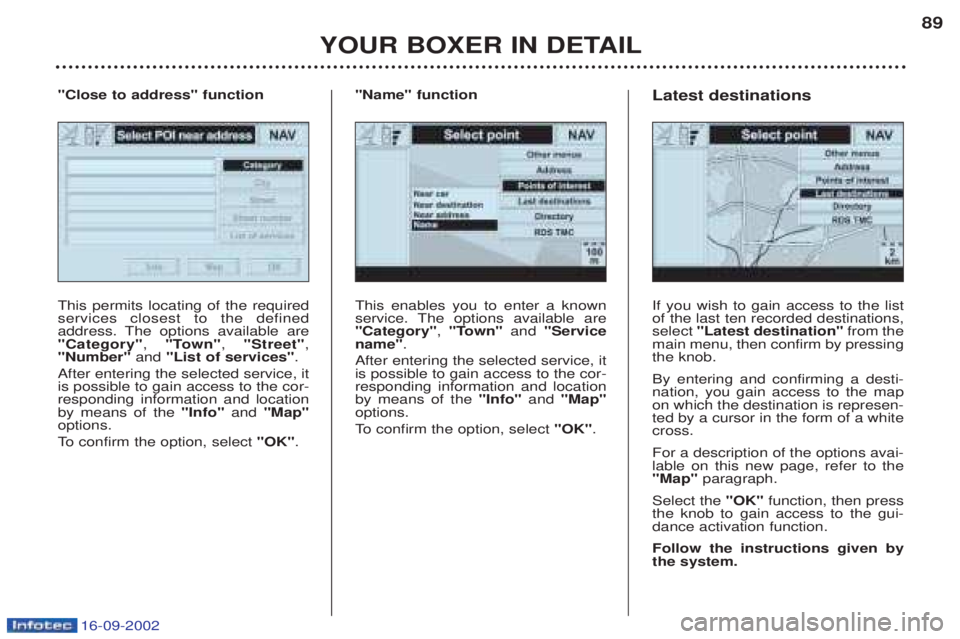
This permits locating of the required services closest to the defined
address. The options available are"Category" , "Town" , "Street" ,
"Number" and "List of services" .
After entering the selected service, itis possible to gain access to the cor-responding information and locationby means of the "Info"and "Map"
options.
To confirm the option, select "OK".
"Close to address" function
If you wish to gain access to the list of the last ten recorded destinations,select "Latest destination" from the
main menu, then confirm by pressingthe knob. By entering and confirming a desti- nation, you gain access to the mapon which the destination is represen-ted by a cursor in the form of a whitecross. For a description of the options avai- lable on this new page, refer to the"Map" paragraph.
Select the "OK"function, then press
the knob to gain access to the gui-dance activation function. Follow the instructions given by the system.
Latest destinations
Page 85 of 182
16-09-2002
YOUR BOXER IN DETAIL91
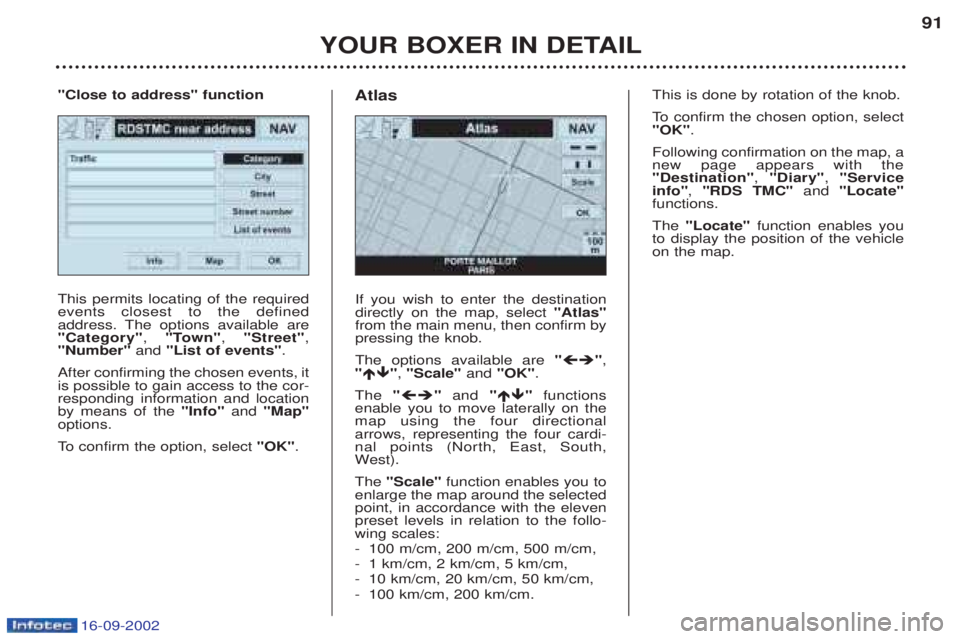
This permits locating of the required events closest to the defined
address. The options available are"Category"
, "Town" , "Street" ,
"Number" and "List of events" .
After confirming the chosen events, itis possible to gain access to the cor-responding information and locationby means of the "Info"and "Map"
options.
To confirm the option, select "OK".
"Close to address" function
If you wish to enter the destination directly on the map, select "Atlas"
from the main menu, then confirm bypressing the knob. The options available are " ",
" ", "Scale" and "OK" .
The " "and " "functions
enable you to move laterally on the map using the four directionalarrows, representing the four cardi-nal points (North, East, South,W est).
The "Scale" function enables you to
enlarge the map around the selectedpoint, in accordance with the elevenpreset levels in relation to the follo-wing scales: - 100 m/cm, 200 m/cm, 500 m/cm,
-1 km/cm, 2 km/cm, 5 km/cm,
- 10 km/cm, 20 km/cm, 50 km/cm,
- 100 km/cm, 200 km/cm.
Atlas
This is done by rotation of the knob.
To
confirm the chosen option, select
"OK" .
Following confirmation on the map, a new page appears with the"Destination" , "Diary" , "Service
info" , "RDS TMC" and "Locate"
functions. The "Locate" function enables you
to display the position of the vehicle on the map.
Page 86 of 182
16-09-2002
YOUR BOXER IN DETAIL
92
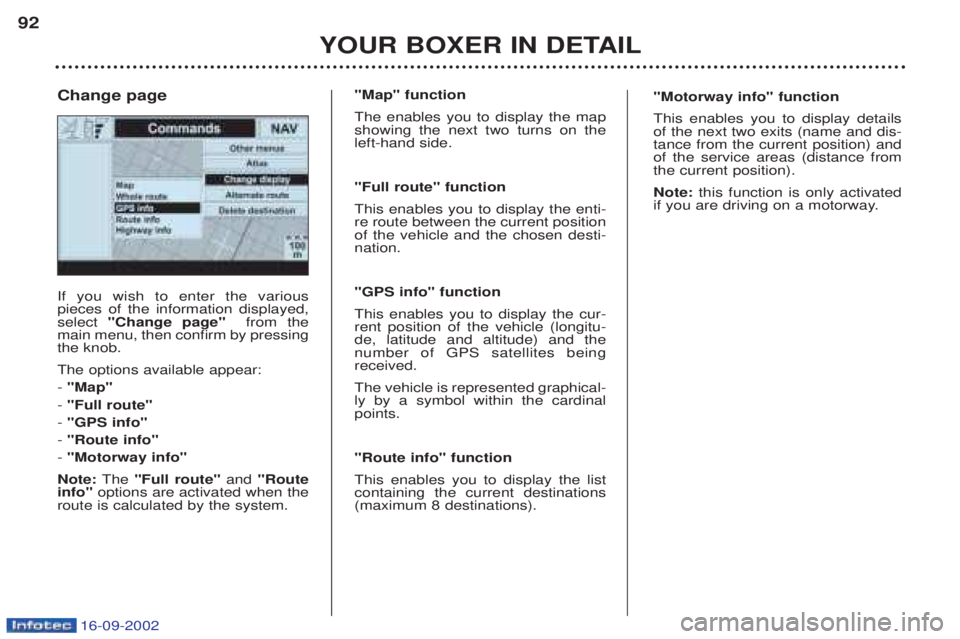
If you wish to enter the various pieces of the information displayed,select
"Change page" from the
main menu, then confirm by pressingthe knob. The options available appear: - "Map"
- "Full route"
- "GPS info"
- "Route info"
- "Motorway info"
Note: The "Full route" and "Route
info" options are activated when the
route is calculated by the system. Change page
"Map" function The enables you to display the map showing the next two turns on theleft-hand side. "Full route" function This enables you to display the enti- re route between the current positionof the vehicle and the chosen desti-nation. "GPS info" function This enables you to display the cur- rent position of the vehicle (longitu-de, latitude and altitude) and thenumber of GPS satellites beingreceived. The vehicle is represented graphical- ly by a symbol within the cardinalpoints. "Route info" function This enables you to display the list containing the current destinations(maximum 8 destinations). "Motorway info" function This enables you to display details of the next two exits (name and dis-tance from the current position) andof the service areas (distance fromthe current position). Note:
this function is only activated
if you are driving on a motorway.
Page 88 of 182
16-09-2002
YOUR BOXER IN DETAIL
94
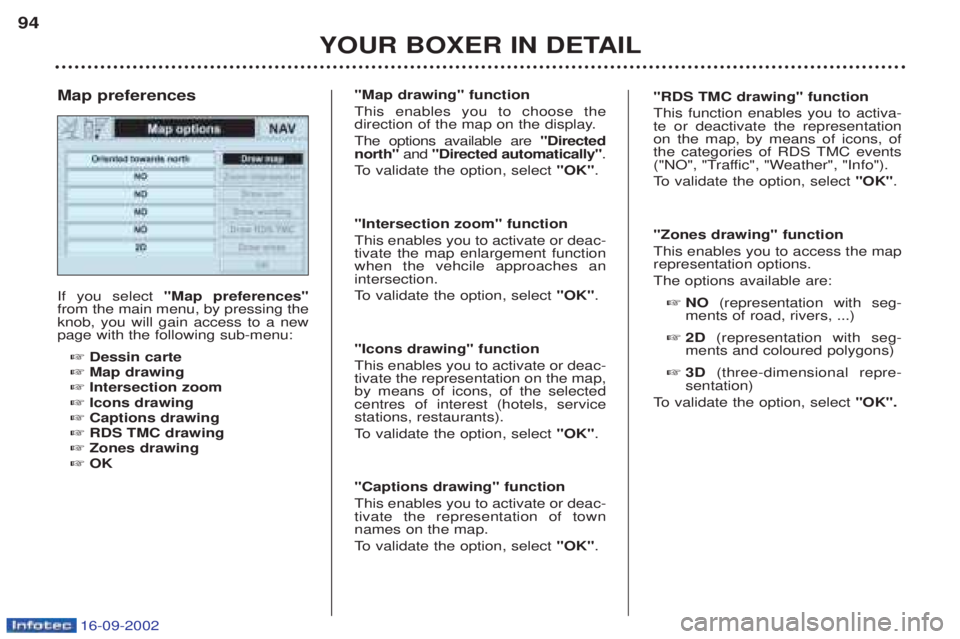
If you select
"Map preferences"
from the main menu, by pressing the knob, you will gain access to a newpage with the following sub-menu:
☞ Dessin carte
☞ Map drawing
☞ Intersection zoom
☞ Icons drawing
☞ Captions drawing
☞ RDS TMC drawing
☞ Zones drawing
☞ OK
Map preferences
"Map drawing" function This enables you to choose the
direction of the map on the display. The options available are
"Directed
north" and "Directed automatically" .
To validate the option, select "OK".
"Intersection zoom" functionThis enables you to activate or deac- tivate the map enlargement functionwhen the vehcile approaches anintersection.
To validate the option, select "OK".
"Icons drawing" functionThis enables you to activate or deac- tivate the representation on the map,by means of icons, of the selectedcentres of interest (hotels, servicestations, restaurants).
To validate the option, select "OK".
"Captions drawing" functionThis enables you to activate or deac- tivate the representation of townnames on the map.
To validate the option, select "OK".
"RDS TMC drawing" function This function enables you to activa- te or deactivate the representationon the map, by means of icons, of
the categories of RDS TMC events
("NO", "Traffic", "Weather", "Info").
To validate the option, select "OK".
"Zones drawing" functionThis enables you to access the map representation options. The options available are: ☞ NO (representation with seg-
ments of road, rivers, ...)
☞ 2D (representation with seg-
ments and coloured polygons)
☞ 3D (three-dimensional repre-
sentation)
To validate the option, select "OK".
Page 145 of 182
16-09-2002
Only use products
approved by Automobiles
PEUGEOT.
To ensure best perfor-
mance from components
as important as the power steering and the braking system,PEUGEOT selects and offersquite specific products.
CHECKS Battery
At the start of winter, have your bat-
tery checked by a PEUGEOT dealer. Air filter and pollen filter Have the filter elements replaced
regularly. If you drive in dusty
conditions, change them twice asoften. Brake pads Brake pad wear depends on the style of driving, in particular forvehicles which are used in town,over short distances. It may benecessary to check the thickness ofthe pads, even between services. Handbrake Where the handbrake travel is too great or there is a reduction in theperformance of the system, thehandbrake should be adjusted, evenbetween services. Have the system checked by a
PEUGEOT dealer. Manual gearbox This does not need an oil change. Check the level, according to themanufacturer's servicing schedule. Automatic gearbox This does not need an oil change. Have the level checked by a
PEUGEOT dealer, according to themanufacturer's servicing schedule. Oil filter
Change the filter regularly, in accor- dance with the servicing schedule.
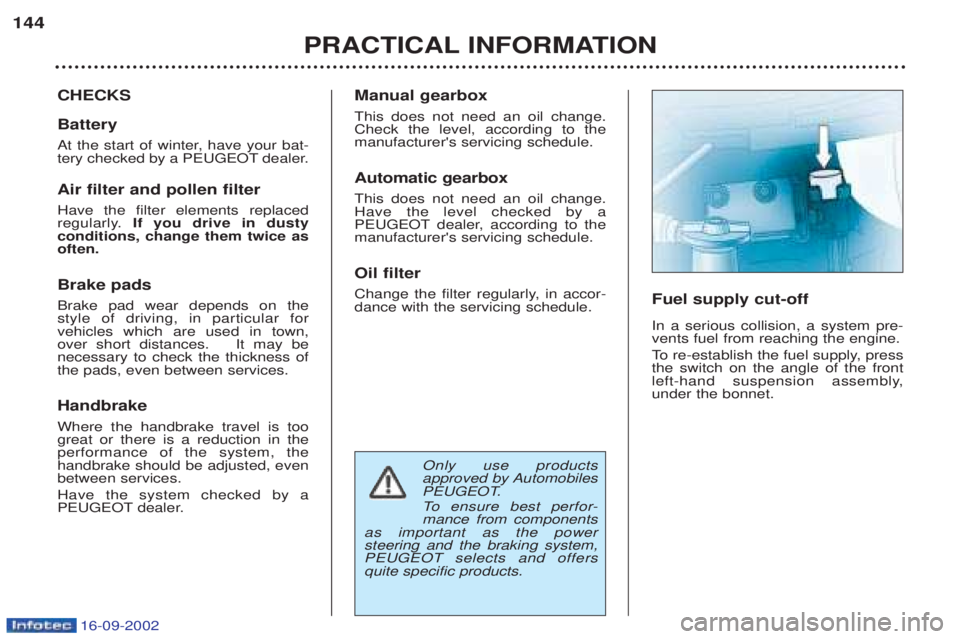
Fuel supply cut-off In a serious collision, a system pre- vents fuel from reaching the engine.
To
re-establish the fuel supply, press
the switch on the angle of the front
left-hand suspension assembly,under the bonnet.
PRACTICAL INFORMATION
144