radio Peugeot Boxer 2016 Owner's Guide
[x] Cancel search | Manufacturer: PEUGEOT, Model Year: 2016, Model line: Boxer, Model: Peugeot Boxer 2016Pages: 292, PDF Size: 10.07 MB
Page 210 of 292
208
boxer_en_Chap10a_Autoradio_Fiat-tactile-1_ed01-2015
Pairing a Bluetooth®
telephone
For reasons of safety and because they
require prolonged attention on the part
of the driver, the operations for pairing
a Bluetooth mobile telephone to the
hands-free system of the audio system
must be carried out with the vehicle
stationary .
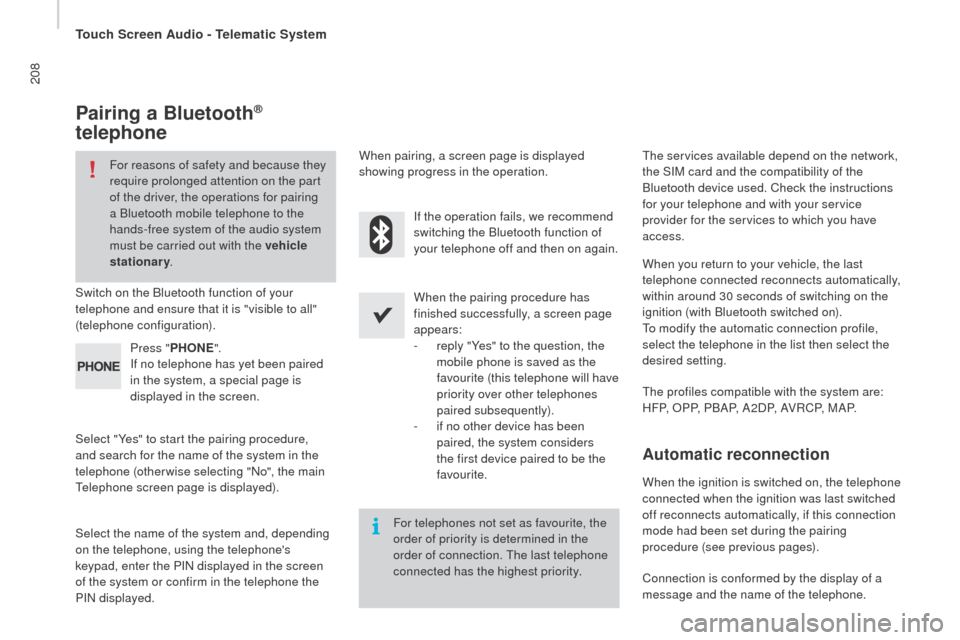
Switch on the Bluetooth function of your
telephone and ensure that it is "visible to all"
(telephone configuration).
Select "Yes" to start the pairing procedure,
and search for the name of the system in the
telephone (otherwise selecting "No", the main
te
lephone screen page is displayed). When the pairing procedure has
finished successfully, a screen page
appears:
-
r
eply "Yes" to the question, the
mobile phone is saved as the
favourite (this telephone will have
priority over other telephones
paired subsequently).
-
i
f no other device has been
paired, the system considers
the first device paired to be the
favourite.
When pairing, a screen page is displayed
showing progress in the operation.th
e services available depend on the network,
the SIM card and the compatibility of the
Bluetooth device used. Check the instructions
for your telephone and with your service
provider for the services to which you have
access.
Select the name of the system and, depending
on the telephone, using the telephone's
keypad, enter the PIN displayed in the screen
of the system or confirm in the telephone the
PIN displayed. Press "
PH
on
E".
I
f no telephone has yet been paired
in the system, a special page is
displayed in the screen. If the operation fails, we recommend
switching the Bluetooth function of
your telephone off and then on again.
For telephones not set as favourite, the
order of priority is determined in the
order of connection.
t
h
e last telephone
connected has the highest priority.
th
e profiles compatible with the system are:
H F P, O P P, P B A P, A 2 D P, A V R C P, M A P. When you return to your vehicle, the last
telephone connected reconnects automatically,
within around 30 seconds of switching on the
ignition (with Bluetooth switched on).
to m
odify the automatic connection profile,
select the telephone in the list then select the
desired setting.
Automatic reconnection
When the ignition is switched on, the telephone
connected when the ignition was last switched
off reconnects automatically, if this connection
mode had been set during the pairing
procedure (see previous pages).
Connection is conformed by the display of a
message and the name of the telephone.
touch Screen Audio - telematic System
Page 211 of 292
209
boxer_en_Chap10a_Autoradio_Fiat-tactile-1_ed01-2015
Managing paired
telephones
Select "telephone/Bluetooth" then select the
telephone in the list of paired devices.
Select "
co
nnected" or "
di
sconnected",
"
de
lete device " or "Add device", " Save
Favourites ", "
te
xt messages on ",
"
d
ownload " on the list of options offered.
Press "
Settings ".
th
is function allows the connection or
disconnection of a peripheral device as
well as the deletion of a pairing.
receiving a call
An incoming call is announced by a ring and a
superimposed display in the screen.
Make a short press on this steering
mounted button to accept an
incoming call.
or
If there are two calls in progress (one in
progress and one on hold), it is possible to
change from one to the other by pressing the
" Switch calls " button or to combine both calls
in a conference call by pressing the "
co
nf e r."
button. Press the "
rep
ly" button displayed in the
screen.
Ending a call
or
to r
eject a call, press this button at
the steering mounted controls.
Press the " Ignore" button displayed in the
screen.
Making a call
Press " PH onE".
P ress " PH
on
E".
P
ress the touch keypad.
Press the "
c
ontacts" button or the
"
re
cent calls " button.
us
e of the telephone is not
recommended while driving. We
recommended that you park safely
or make use of the steering mounted
controls.
en
ter the phone number using the keypad then
press the "
c
all " button to start the call.
Select the desired contact from the list offered
to start the call.
calling a new number
ca
lling a contact
touch Screen Audio - telematic System
AuDIO and teLeMAtICS
10
Page 212 of 292
210
boxer_en_Chap10a_Autoradio_Fiat-tactile-1_ed01-2015
Level 1
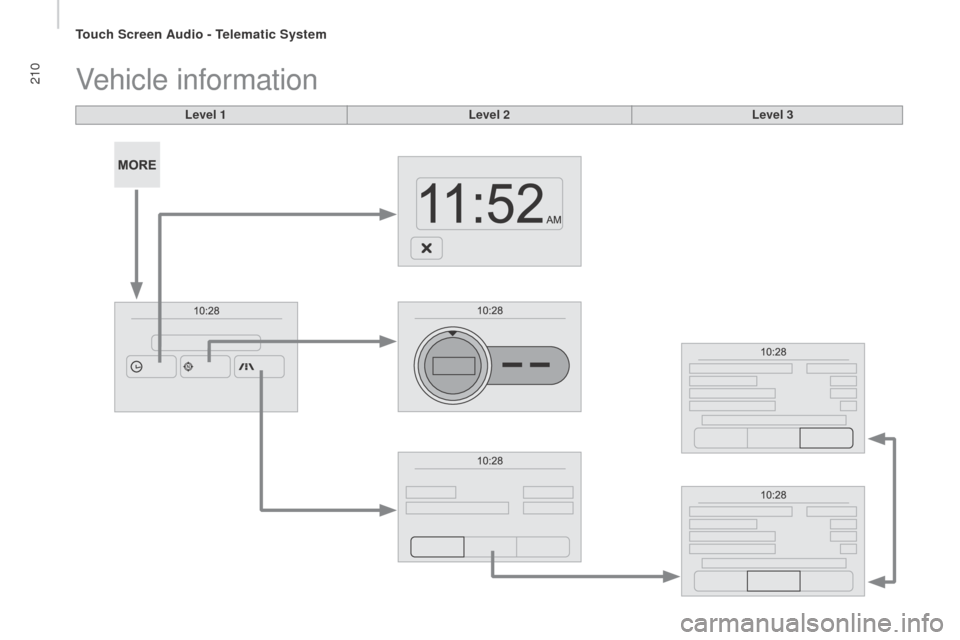
Vehicle information
Level 2Level 3
touch Screen Audio - telematic System
Page 213 of 292
2 11
boxer_en_Chap10a_Autoradio_Fiat-tactile-1_ed01-2015
Level 1Level 2 Level 3co mment
M or
E
A
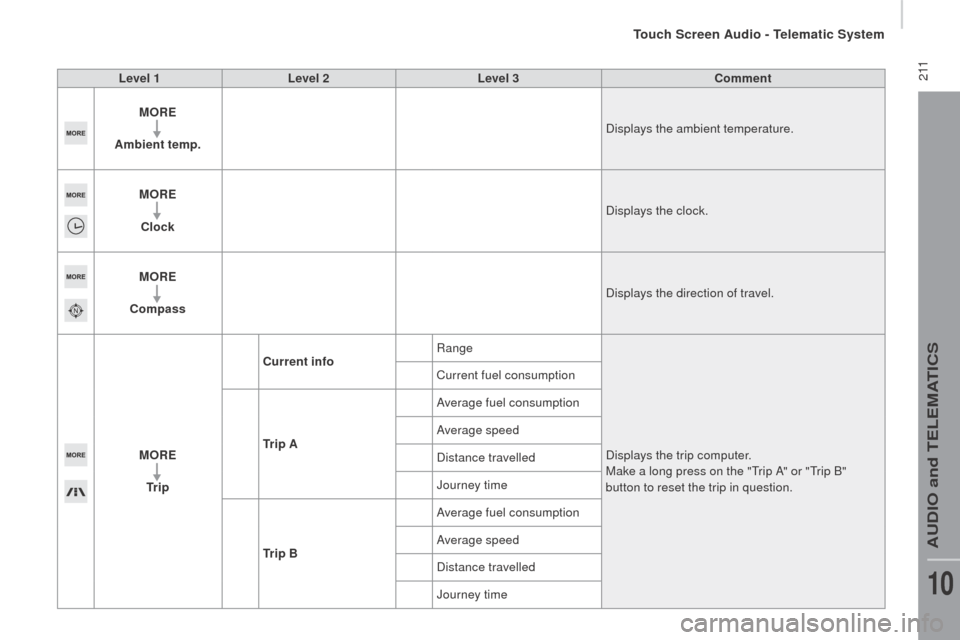
mbient temp. Displays the ambient temperature.
M
or
E
c
lock Displays the clock.
M
or
E
co
mpass Displays the direction of travel.
M
or
E
tr
i p
cur
rent infoRange
Displays the trip computer.
Make a long press on the "
tr
ip A" or "
tr
ip B"
button to reset the trip in question.
Current fuel consumption
tr
i p A Average fuel consumption
Average speed
Distance travelled
Journey time
tr
i p B Average fuel consumption
Average speed
Distance travelled
Journey time
touch Screen Audio - telematic System
AuDIO and teLeMAtICS
10
Page 214 of 292
212
boxer_en_Chap10a_Autoradio_Fiat-tactile-1_ed01-2015
Level 1
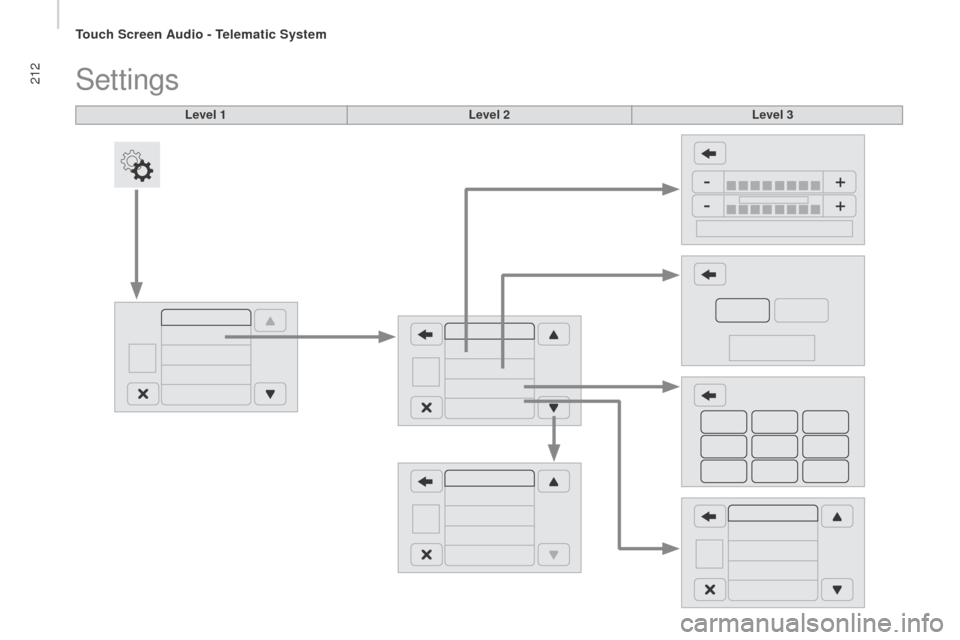
Settings
Level 2Level 3
touch Screen Audio - telematic System
Page 215 of 292
213
boxer_en_Chap10a_Autoradio_Fiat-tactile-1_ed01-2015
Level 1Level 2 Level 3co mment
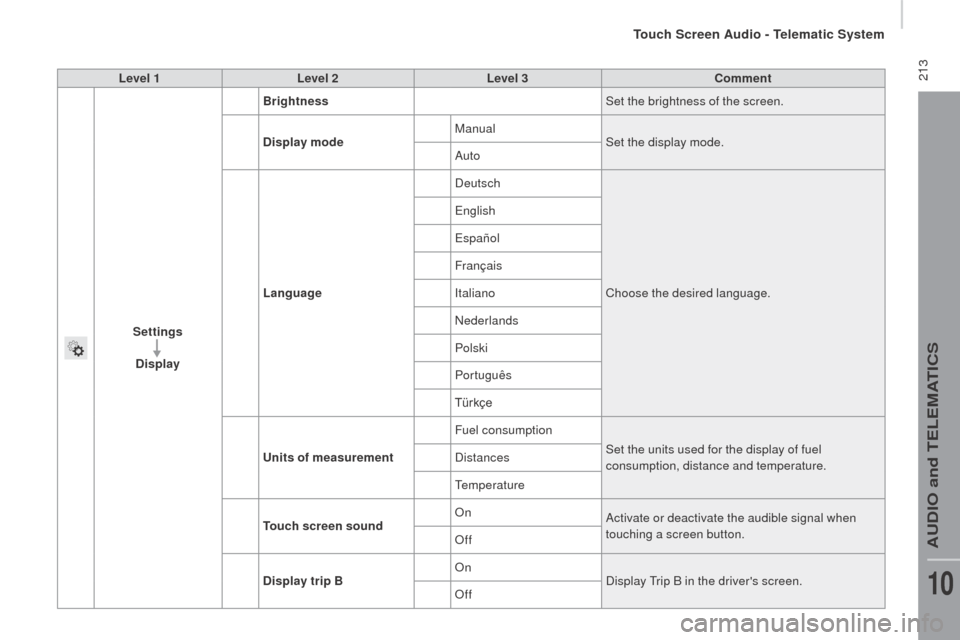
Settings
d
isplay Brightness
Set the brightness of the screen.
d
isplay mode Manual
Set the display mode.
Auto
Language Deutsch
Choose the desired language.
eng
lish
españ
ol
Français
Italiano
Nederlands
Polski
Português
Türkçe
un
its of measurement Fuel consumption
Set the units used for the display of fuel
consumption, distance and temperature.
Distances
te
mperature
to
uch screen sound On
Activate or deactivate the audible signal when
touching a screen button.
Off
di
splay trip B On
Display
t
r
ip B in the driver's screen.
Off
touch Screen Audio - telematic System
AuDIO and teLeMAtICS
10
Page 216 of 292
214
boxer_en_Chap10a_Autoradio_Fiat-tactile-1_ed01-2015
Level 1Level 2Level 3
touch Screen Audio - telematic System
Page 217 of 292
215
boxer_en_Chap10a_Autoradio_Fiat-tactile-1_ed01-2015
Level 1Level 2 Level 3co mment
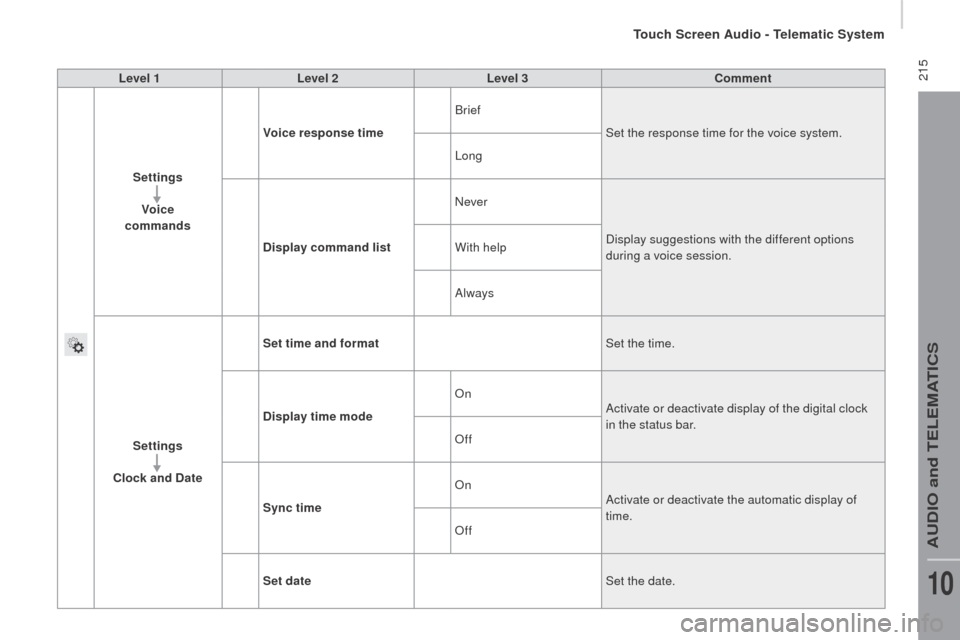
Settings Voice
commands Voice response time
Brief
Set the response time for the voice system.
Long
d
isplay command list Never
Display suggestions with the different options
during a voice session.
With help
Always
Settings
clo
ck and d
at
eSet time and format
Set the time.
d
isplay time mode On
Activate or deactivate display of the digital clock
in the status bar.
Off
Sync time On
Activate or deactivate the automatic display of
time.
Off
Set date Set the date.
touch Screen Audio - telematic System
AuDIO and teLeMAtICS
10
Page 218 of 292
216
boxer_en_Chap10a_Autoradio_Fiat-tactile-1_ed01-2015
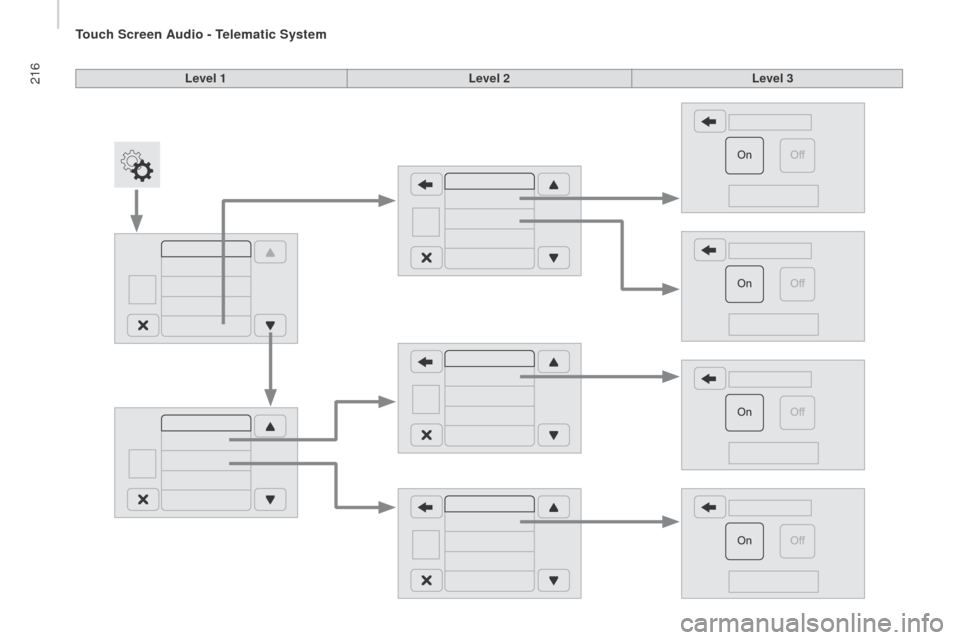
Level 1Level 2Level 3
touch Screen Audio - telematic System
Page 219 of 292
217
boxer_en_Chap10a_Autoradio_Fiat-tactile-1_ed01-2015
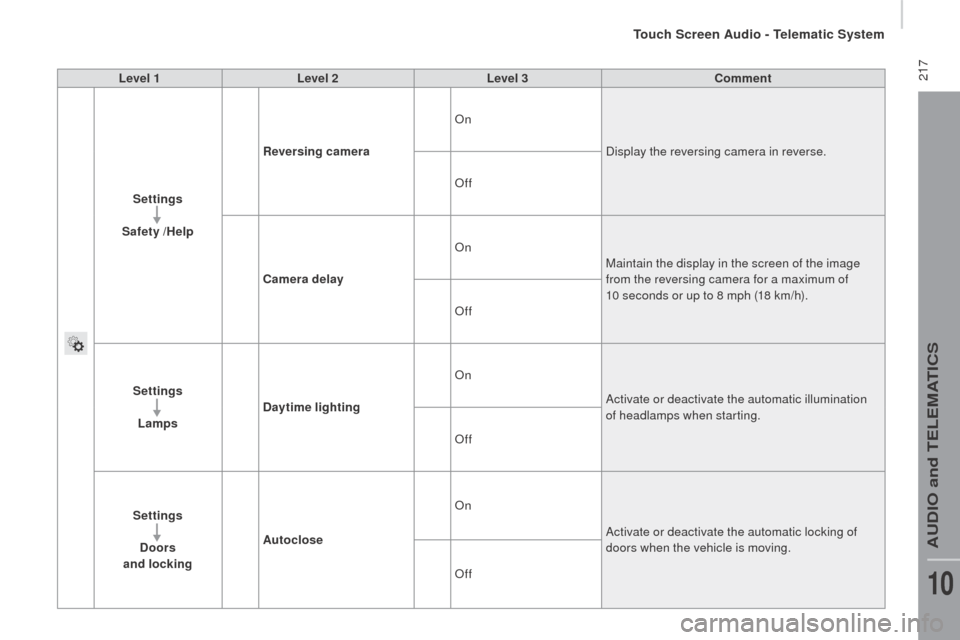
Level 1Level 2 Level 3co mment
Settings
Safety /Help
re
versing camera On
Display the reversing camera in reverse.
Off
ca
mera delay On
Maintain the display in the screen of the image
from the reversing camera for a maximum of
10 seconds or up to 8 mph (18 km/h).
Off
Settings Lamps
da
ytime lighting On
Activate or deactivate the automatic illumination
of headlamps when starting.
Off
Settings
d
oors
and locking Autoclose On
Activate or deactivate the automatic locking of
doors when the vehicle is moving.
Off
touch Screen Audio - telematic System
AuDIO and teLeMAtICS
10