service Peugeot Expert 2019 Owner's Guide
[x] Cancel search | Manufacturer: PEUGEOT, Model Year: 2019, Model line: Expert, Model: Peugeot Expert 2019Pages: 324, PDF Size: 13.07 MB
Page 288 of 324
16
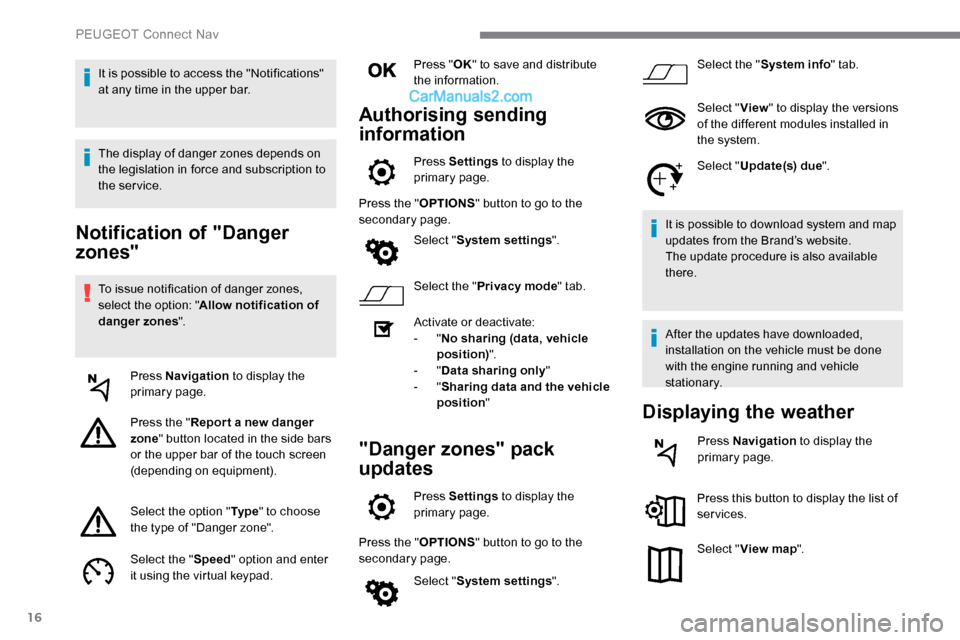
Notification of "Danger
zones"
To issue notification of danger zones,
select the option: "Allow notification of
danger zones ".
Press Navigation to display the
primary page.
Press the " Repor t a new danger
zone " button located in the side bars
or the upper bar of the touch screen
(depending on equipment).
Select the option " Ty p e" to choose
the type of "Danger zone".
Select the " Speed" option and enter
it using the virtual keypad. Press "
OK" to save and distribute
the information.
Authorising sending
information
Press Settings to display the
primary page.
Press the " OPTIONS" button to go to the
secondary page.
Select "System settings ".
Select the " Privacy mode " tab.
Activate or deactivate:
-
"No sharing (data, vehicle
position) ".
-
"Data sharing only "
-
"Sharing data and the vehicle
position "
"Danger zones" pack
updates
Press Settings to display the
primary page.
Press the " OPTIONS" button to go to the
secondary page.
Select "System settings ". Select the "
System info " tab.
Select " View" to display the versions
of the different modules installed in
the system.
Select " Update(s) due ".
It is possible to download system and map
updates from the Brand’s website.
The update procedure is also available
there.
After the updates have downloaded,
installation on the vehicle must be done
with the engine running and vehicle
stationary.
Displaying the weather
Press Navigation to display the
primary page.
Press this button to display the list of
services.
Select " View map ".
It is possible to access the "Notifications"
at any time in the upper bar.
The display of danger zones depends on
the legislation in force and subscription to
the service.
PEUGEOT Connect Nav
Page 291 of 324
19
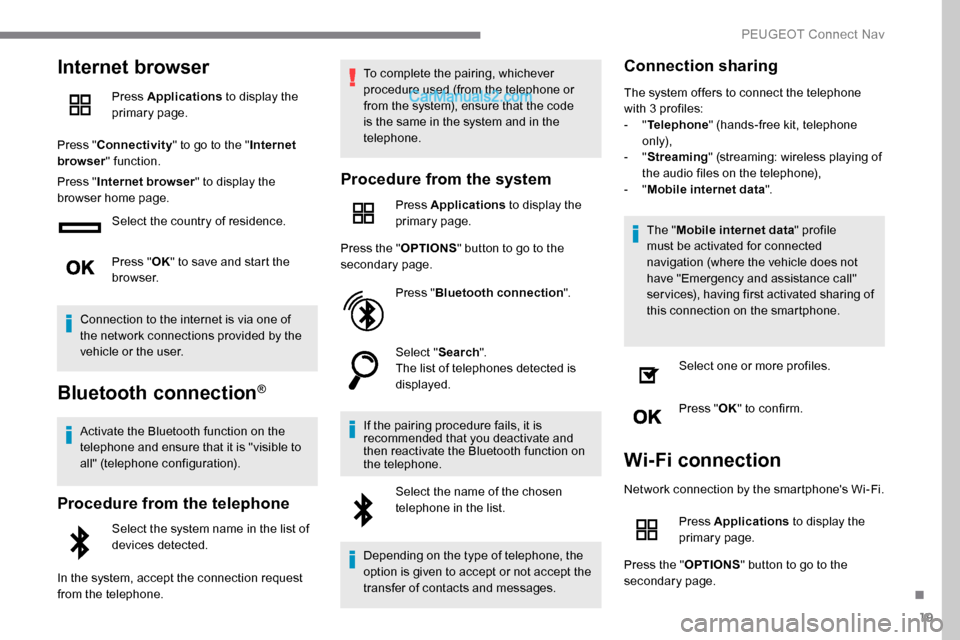
Internet browser
Press Applications to display the
primary page.
Press " Connectivity " to go to the " Internet
browser " function.
Press " Internet browser " to display the
browser home page.
Select the country of residence.
Press "OK" to save and start the
browser.
Connection to the internet is via one of
the network connections provided by the
vehicle or the user.
Bluetooth connection®
Activate the Bluetooth function on the
telephone and ensure that it is "visible to
all" (telephone configuration).
Procedure from the telephone
Select the system name in the list of
devices detected.
In the system, accept the connection request
from the telephone. To complete the pairing, whichever
procedure used (from the telephone or
from the system), ensure that the code
is the same in the system and in the
telephone.
Procedure from the system
Press Applications
to display the
primary page.
Press the " OPTIONS" button to go to the
secondary page.
Press "Bluetooth connection ".
Select " Search".
The list of telephones detected is
displayed.
If the pairing procedure fails, it is
recommended that you deactivate and
then reactivate the Bluetooth function on
the telephone. Select the name of the chosen
telephone in the list.
Depending on the type of telephone, the
option is given to accept or not accept the
transfer of contacts and messages.
Connection sharing
The system offers to connect the telephone
with 3 profiles:
- "Telephone " (hands-free kit, telephone
only),
-
"Streaming " (streaming: wireless playing of
the audio files on the telephone),
-
"Mobile internet data ".
The " Mobile internet data " profile
must be activated for connected
navigation (where the vehicle does not
have "Emergency and assistance call"
services), having first activated sharing of
this connection on the smartphone.
Select one or more profiles.
Press " OK" to confirm.
Wi-Fi connection
Network connection by the smartphone's Wi-Fi.
Press Applications to display the
primary page.
Press the " OPTIONS" button to go to the
secondary page.
.
PEUGEOT Connect Nav
Page 292 of 324
20
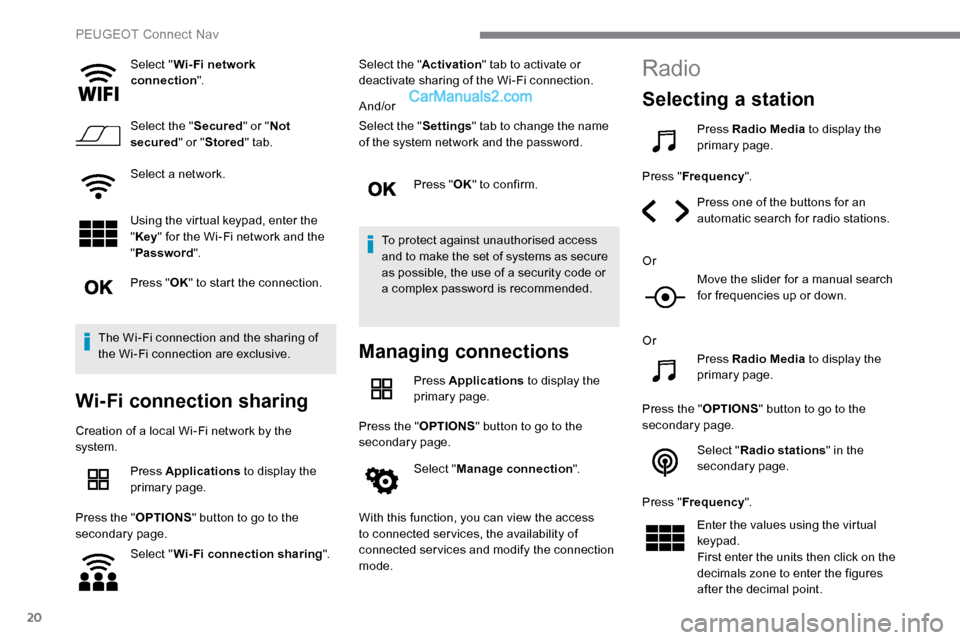
Select "Wi- Fi network
connection ".
Select the " Secured" or "Not
secured " or "Stored " tab.
Select a network.
Using the virtual keypad, enter the
" Key " for the Wi-Fi network and the
" Password ".
Press " OK" to start the connection.
The Wi-Fi connection and the sharing of
the Wi-Fi connection are exclusive.
Wi-Fi connection sharing
Creation of a local Wi-Fi network by the
system. Press Applications to display the
primary page.
Press the " OPTIONS" button to go to the
secondary page.
Select "Wi-Fi connection sharing ".Select the "
Activation" tab to activate or
deactivate sharing of the Wi-Fi connection.
And/or
Select the " Settings" tab to change the name
of the system network and the password.
Press "OK" to confirm.
To protect against unauthorised access
and to make the set of systems as secure
as possible, the use of a security code or
a complex password is recommended.
Managing connections
Press Applications to display the
primary page.
Press the " OPTIONS" button to go to the
secondary page.
Select "Manage connection ".
With this function, you can view the access
to connected ser vices, the availability of
connected services and modify the connection
mode.
Radio
Selecting a station
Press Radio Media to display the
primary page.
Press " Frequency ".
Press one of the buttons for an
automatic search for radio stations.
Or Move the slider for a manual search
for frequencies up or down.
Or Press Radio Media to display the
primary page.
Press the " OPTIONS" button to go to the
secondary page.
Select "Radio stations " in the
secondary page.
Press " Frequency ".
Enter the values using the virtual
keypad.
First enter the units then click on the
decimals zone to enter the figures
after the decimal point.
PEUGEOT Connect Nav
Page 297 of 324
25
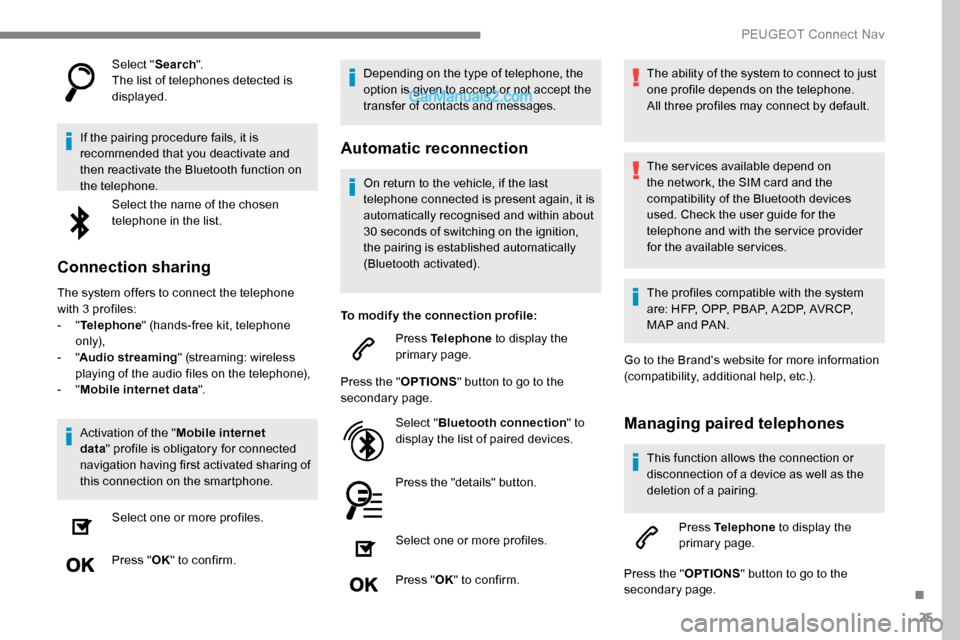
Select "Search".
The list of telephones detected is
displayed.
If the pairing procedure fails, it is
recommended that you deactivate and
then reactivate the Bluetooth function on
the telephone. Select the name of the chosen
telephone in the list.
Connection sharing
The system offers to connect the telephone
with 3 profiles:
-
"Telephone " (hands-free kit, telephone
only),
-
"Audio streaming " (streaming: wireless
playing of the audio files on the telephone),
-
"Mobile internet data ".
Activation of the " Mobile internet
data " profile is obligatory for connected
navigation having first activated sharing of
this connection on the smartphone.
Select one or more profiles.
Press " OK" to confirm. Depending on the type of telephone, the
option is given to accept or not accept the
transfer of contacts and messages.
Automatic reconnection
On return to the vehicle, if the last
telephone connected is present again, it is
automatically recognised and within about
30 seconds of switching on the ignition,
the pairing is established automatically
(Bluetooth activated).
To modify the connection profile: Press Telephone to display the
primary page.
Press the " OPTIONS" button to go to the
secondary page.
Select "Bluetooth connection " to
display the list of paired devices.
Press the "details" button.
Select one or more profiles.
Press " OK" to confirm. The ability of the system to connect to just
one profile depends on the telephone.
All three profiles may connect by default.
The services available depend on
the network, the SIM card and the
compatibility of the Bluetooth devices
used. Check the user guide for the
telephone and with the service provider
for the available services.
The profiles compatible with the system
are: HFP, OPP, PBAP, A 2DP, AVRCP,
MAP and PAN.
Go to the Brand's website for more information
(compatibility, additional help, etc.).
Managing paired telephones
This function allows the connection or
disconnection of a device as well as the
deletion of a pairing.
Press Telephone to display the
primary page.
Press the " OPTIONS" button to go to the
secondary page.
.
PEUGEOT Connect Nav
Page 299 of 324
27
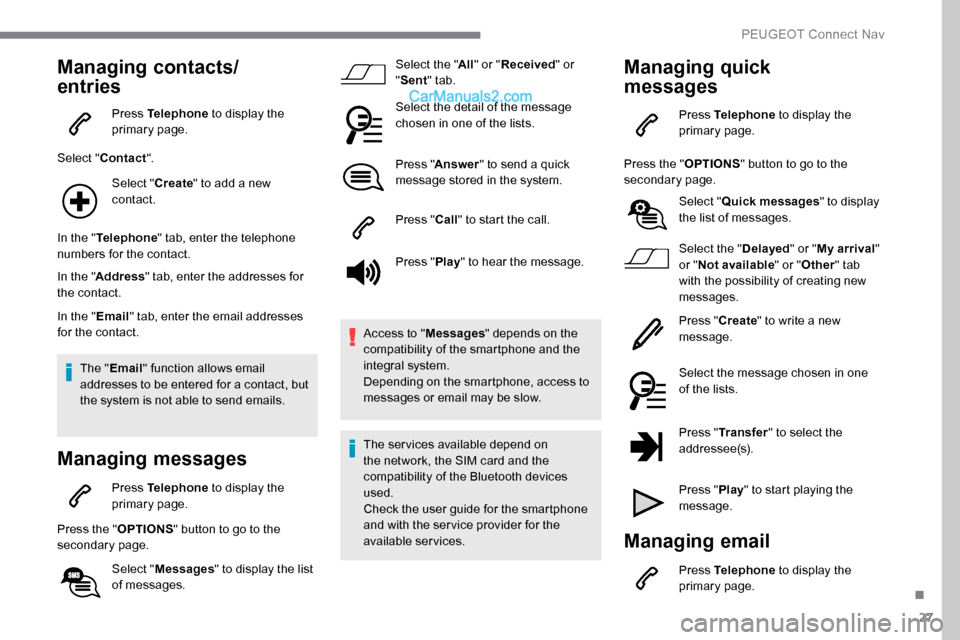
Managing contacts/
entries
Press Telephone to display the
primary page.
Select " Contact ".
Select " Create" to add a new
contact.
In the " Telephone " tab, enter the telephone
numbers for the contact.
In the " Address " tab, enter the addresses for
the contact.
In the " Email" tab, enter the email addresses
for the contact.
The " Email " function allows email
addresses to be entered for a contact, but
the system is not able to send emails.
Managing messages
Press Telephone to display the
primary page.
Press the " OPTIONS" button to go to the
secondary page.
Select "Messages " to display the list
of messages. Select the "
All" or " Received " or
" Sent " tab.
Select the detail of the message
chosen in one of the lists.
Press " Answer " to send a quick
message stored in the system.
Press " Call" to start the call.
Press " Play" to hear the message.
Access to " Messages" depends on the
compatibility of the smartphone and the
integral system.
Depending on the smartphone, access to
messages or email may be slow.
The services available depend on
the network, the SIM card and the
compatibility of the Bluetooth devices
used.
Check the user guide for the smartphone
and with the ser vice provider for the
available services.
Managing quick
messages
Press Telephone to display the
primary page.
Press the " OPTIONS" button to go to the
secondary page.
Select "Quick messages " to display
the list of messages.
Select the " Delayed" or "My arrival "
or " Not available " or "Other " tab
with the possibility of creating new
messages.
Press " Create" to write a new
message.
Select the message chosen in one
of the lists.
Press " Transfer " to select the
addressee(s).
Press " Play" to start playing the
message.
Managing email
Press Telephone to display the
primary page.
.
PEUGEOT Connect Nav
Page 307 of 324
35
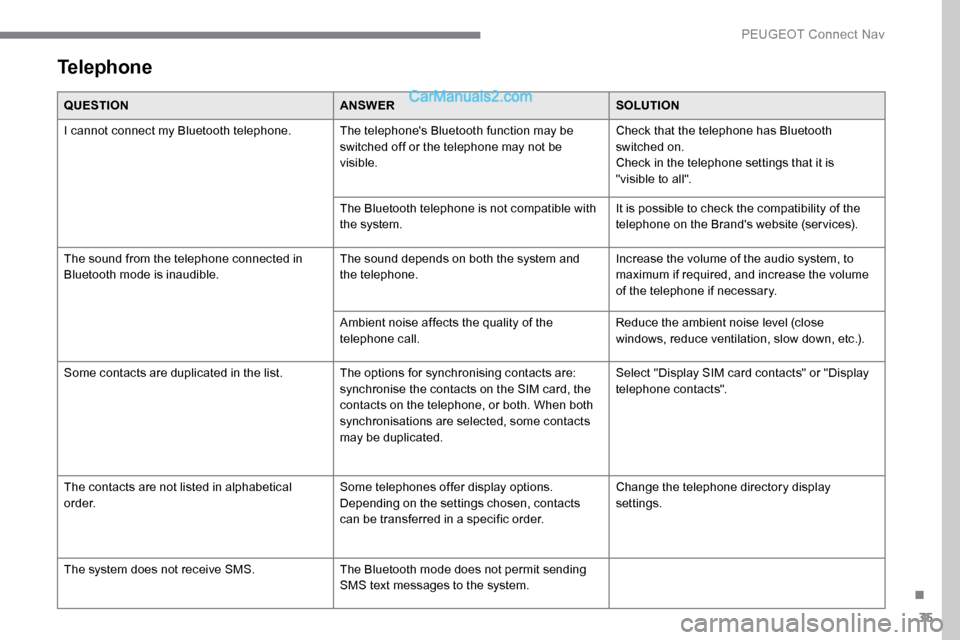
Telephone
QUESTIONANSWERSOLUTION
I cannot connect my Bluetooth telephone. The telephone's Bluetooth function may be switched off or the telephone may not be
visible.Check that the telephone has Bluetooth
switched on.
Check in the telephone settings that it is
"visible to all".
The Bluetooth telephone is not compatible with
the system. It is possible to check the compatibility of the
telephone on the Brand's website (services).
The sound from the telephone connected in
Bluetooth mode is inaudible. The sound depends on both the system and
the telephone.Increase the volume of the audio system, to
maximum if required, and increase the volume
of the telephone if necessary.
Ambient noise affects the quality of the
telephone call. Reduce the ambient noise level (close
windows, reduce ventilation, slow down, etc.).
Some contacts are duplicated in the list. The options for synchronising contacts are: synchronise the contacts on the SIM card, the
contacts on the telephone, or both. When both
synchronisations are selected, some contacts
may be duplicated.Select "Display SIM card contacts" or "Display
telephone contacts".
The contacts are not listed in alphabetical
o r d e r. Some telephones offer display options.
Depending on the settings chosen, contacts
can be transferred in a specific order.Change the telephone directory display
settings.
The system does not receive SMS. The Bluetooth mode does not permit sending
SMS text messages to the system.
.
PEUGEOT Connect Nav
Page 312 of 324
236
Pads, brake ................................................... 195
Paint .............................................................. 231
Paint colour code
.......................................... 231
Panoramic glass sunroof
................................82
Parcel shelf, rear
............................................. 76
Parking brake
........................................ 14 4, 19 5
Parking sensors, audible and visual
.............178
Parking sensors, front
...................................179
Parking sensors, rear .................................... 178
Plates, identification ...................................... 231
Port, USB
........................................................ 77
Power steering
...............................
.................19
Pre-heater, Diesel
........................................... 18
Pressures, tyres
........................... 196, 203, 205
Pre-tensioning seat belts
.......................11 6 -117
Priming pump
........................................ 20
0-201
Priming the fuel system
................................200
Protecting children
..........118 , 12 0 -124, 13 0 -13 6
Puncture
................................. 202-203, 205-206P
RRadar (warnings) ........................................... 15 6
Range .............................................................. 29
Range, AdBlue
.................................. 15, 25, 194
Rear screen, demisting
...................................91
Recharging the battery
.................................221
Recirculation, air
....................................... 88-90
Reduction of electrical load
..........................189
Regeneration of the particle filter
.................195
Reinitialisation of the under- inflation detection system
...........................15 5
Reinitialising the remote control
..................... 40
R
eminder, key in ignition
...............................14
2
Reminder, lighting on
...................................... 98
R
emote control
............................ 31-36, 38, 140
Removing a wheel
................................ 208 -210
Removing the mat
........................................... 75
Replacing bulbs
............................. 21
1, 213 -216
SSafety, children ...............118 , 12 0 -124, 13 0 -13 6
Saturation of the particle filter (Diesel) .........195
Screen, instrument panel
................................28
Screenwash
.................................................. 104
Screenwash, rear
.......................................... 104
SCR (Selective Catalytic Reduction)
......26, 19 6
Seat and bench seat, rear, fixed
...63-64, 66-67
Seat and bench seat, rear, on rails
......................................... 63-64, 68-70
Seat angle
....................................................... 54
Seat belts
.................................. 12 , 113 -117, 12 3
Seat belts, rear
.............................................. 115
Seat, bench front, 2-seat
........................ 5
6 , 114
Seat, rear bench
....................................... 63-64
Seats, electric
........................................... 55-56
Seats, front
...............................
.................54-56
Seats, heated
.................................................. 57
Seat(s), individual, rear, on rails
........71 - 7 2 , 115
Seats, rear
......................................... 6 4 -70, 12 2
Selector, gear
.................................146, 15 0 -152
Sensors (warnings)
....................................... 157
Serial number, vehicle
..................................231Service indicator
.......................................
23 -24
Servicing
............................... 1
3, 23, 23 -24, 194
Sidelamps
................................ 9
7, 211-214, 216
Side repeater
................................................
214
Sliding side door, electric ...............
37- 3 8 , 4 3 - 47
Sliding side door, hands-free .....................
47- 4 9
Sliding side window
........................................ 8
2
Snow chains
...........................
155, 187-188, 208
Snow chains, link
..................................
188, 208
Socket, 12 V accessory ..................................
77
Socket, 220 V ..................................................
78
Socket, Jack
....................................................
78
Sockets, audio
........................................... 7
7-78
Sockets, auxiliary
...............................
.............
78
Speed limiter
.................................. 1
59, 161-16 4
Speed limit recognition
............ 16
0 -161, 163, 166, 170 -171
Speedometer ................................................
15 8
Stability control (ESC)............. 1 0 9 -11 0 , 112 -113
Starting a Diesel engine ............................... 18
5
Starting the engine
....................................... 14
0
Starting the vehicle
........ 14
1, 143, 145, 147-152
Starting using another battery
......................220
Stay, bonnet
..................................................191
Steering wheel, adjustment
............................ 58
S
topping the vehicle
..............141, 143, 147-152
Stop & Start
.........................21, 29, 87, 152-154,
185, 190, 194, 222
Storage
..........................................56, 63, 73 -76
Storage compartments
...................................76
Storage wells
.......................................73-74, 76
Stowing rings
..................................................79
Sunshine sensor
.............................................86
Switching off the engine
.......................140, 142
Synchronising the remote control
...................40
Replacing fuses
.....................................
217-218
Replacing the air filter
................................... 19
4
Replacing the oil filter
................................... 19
4
Replacing the passenger compartment filter
......................................
19 4
Reservoir, headlamp wash
........................... 19
3
Reservoir, screenwash
.................................
193
Resetting the service indicator
.......................
23
Resetting the trip recorder
..............................
27
Reversing camera
......................... 1
57, 18 0, 183
Reversing camera (on interior mirror) ..........
18 0
Reversing lamp
.....................................
214, 216
Roof bars
.......................................................
189
Running out of fuel (Diesel) ..........................
200
Alphabetical index
Page 313 of 324
237
Table of weights ............................................2 25
Table position .................................................. 55
Table, retractable sliding
...........................83-85
Tables, aircraft
................................................ 76
Tables of fuses
....................................... 217-219
Table top, working
........................................... 63
Tailgate rear screen
........................................ 50
Ta n k , f u e l
................................................ 185 -187
Technical data
............................................... 225
Temperature, coolant
................................12, 24
Textured Paint
............................................... 19 9
Third brake lamp
........................................... 215
Time (setting)
.................................................. 30
Tool box
................
................................. 201-202
To o l s
..................................................... 202, 206
Topping-up AdBlue
®...................................... 198
Total distance recorder ................................... 27
To w b a r
...............................
............................ 188
Towed loads
.......................................... 224-225
Towing another vehicle
......................... 222-223
Towing eye
.................................................... 222
Traction control (ASR)
..................... 17, 1 0 9 -11 3
Tr a i l e r
...............
............................................. 188
Trajectory control systems
..................... 10
9 -110
Triangle, warning ........................................... 200
Trip computer
............................................ 28-29
Trip distance recorder
..................................... 2
7
Ty r e s
.............................................................. 19 6
Tyre under-inflation detection
....................... 1
8, 154-155, 205, 210
T
V
U
W
Ventilation ............................... 86 - 87, 90, 92, 94
Visiopark 1 .................................................... 18 0
Under-inflation (detection)
............................
15 4
Unlocking
.......................................
31-32, 34-36
Unlocking from the inside .........................
41- 4 3
Unlocking, selective
..................................
33-36
Unlocking the doors
................................... 4
1- 42
Unlocking, total
.........................................
33-36
Updating the date
............................................ 3
0
Updating the time
...............................
.............
30
USB
.................................................................
77
Warning and indicator lamps
..................... 1
0 -11
Warning lamp, airbag
...................................... 18
W
arning lamp, braking system
..................11 -12
Warning lamp, Diesel engine pre-heater
.......18
Warning lamp, driver''s seat belt not fastened
...............................
..........115
Warning lamp, low fuel level
...........................19
Warning lamp, parking brake
..........................12
Warning lamps
................................................ 11
Warning lamp, seat belts
........................12 , 115
Warning lamp, Service ....................................13
Warnings and indicators
............................1 0 -11
Washer jets, heated
........................................ 91
Washing
........................................................ 15 8
Weights
...............
.................................. 224-225
Welcome lighting ............................................. 32
Wheel, spare
................. 1
55, 196, 206 -207, 210
Windows, rear
................................................. 82
Windscreen, heated
........................................ 91Wiper blades (changing)
.......................
105 -10 6
Wiper, rear ..................................................... 104
Wipers
.............................................
20, 103 -104
Wipers, automatic rain sensitive
...........
103 -104
.
Alphabetical index