remote start Peugeot Partner 2019 User Guide
[x] Cancel search | Manufacturer: PEUGEOT, Model Year: 2019, Model line: Partner, Model: Peugeot Partner 2019Pages: 312, PDF Size: 9.56 MB
Page 50 of 312
48
Accumulations (water, dust, grime, salt,
etc.) on the inner sur face of the door
handle may affect detection.
If cleaning the inner sur face of the door
handle using a cloth does not restore
detection, contact a PEUGEOT dealer or a
qualified workshop.
A sudden splash of water (stream of water,
high pressure jet washer, …) may be
identified by the system as the desire to
open the vehicle.
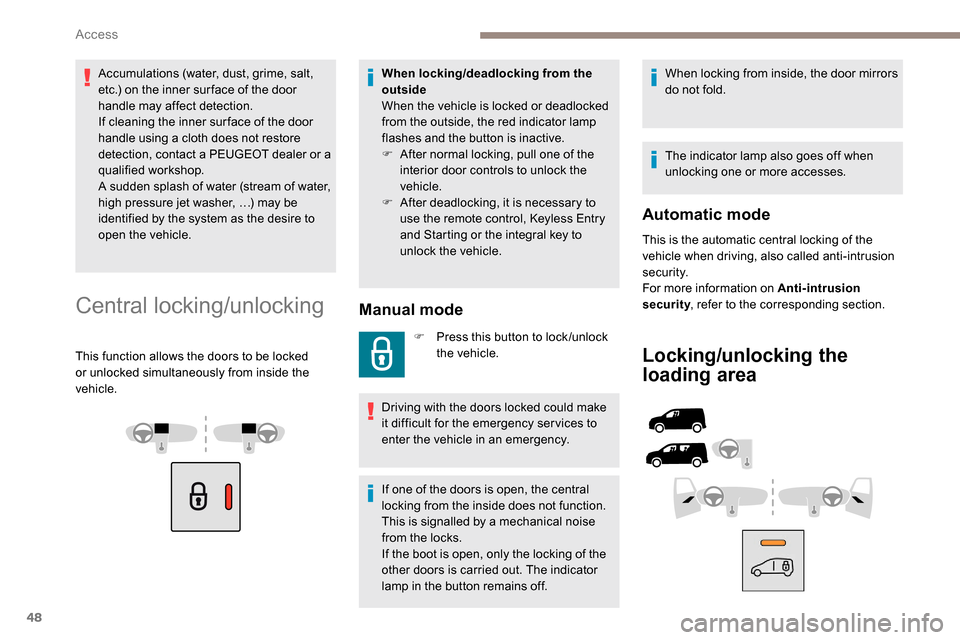
Central locking/unlocking
This function allows the doors to be locked
or unlocked simultaneously from inside the
vehicle.
Manual mode
F Press this button to lock /unlock the vehicle.
Driving with the doors locked could make
it difficult for the emergency ser vices to
enter the vehicle in an emergency.
If one of the doors is open, the central
locking from the inside does not function.
This is signalled by a mechanical noise
from the locks.
If the boot is open, only the locking of the
other doors is carried out. The indicator
lamp in the button remains off. When locking from inside, the door mirrors
do not fold.
The indicator lamp also goes off when
unlocking one or more accesses.
Automatic mode
This is the automatic central locking of the
vehicle when driving, also called anti-intrusion
s e c u r i t y.
For more information on Anti-intrusion
security
, refer to the corresponding section.
Locking/unlocking the
loading area
When locking/deadlocking from the
outside
When the vehicle is locked or deadlocked
from the outside, the red indicator lamp
flashes and the button is inactive.
F
A
fter normal locking, pull one of the
interior door controls to unlock the
vehicle.
F
A
fter deadlocking, it is necessary to
use the remote control,
K
eyless Entry
and Starting or the integral key to
unlock the vehicle.
Access
Page 51 of 312
49
This button is unavailable if the vehicle
has been locked or deadlocked from
outside (using the key, the remote control
or the Keyless Entry and Starting,
according to equipment) or if any of the
doors are still open.
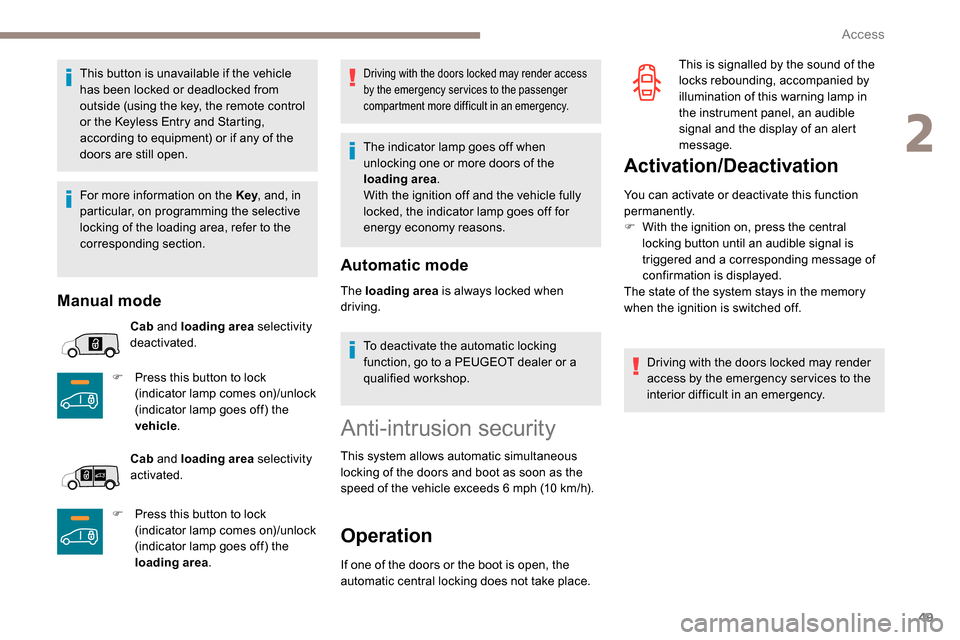
Manual mode
Cab and loading area selectivity
deactivated.
F
P
ress this button to lock
(indicator lamp comes on)/unlock
(indicator lamp goes off) the
vehicle .
Cab and loading area selectivity
activated.
F
P
ress this button to lock
(indicator lamp comes on)/unlock
(indicator lamp goes off) the
loading area .
Driving with the doors locked may render access
by the emergency services to the passenger
compartment more difficult in an emergency.
The indicator lamp goes off when
unlocking one or more doors of the
loading area.
With the ignition off and the vehicle fully
locked, the indicator lamp goes off for
energy economy reasons.
Automatic mode
The loading area is always locked when
driving.
To deactivate the automatic locking
function, go to a PEUGEOT dealer or a
qualified workshop.
Anti-intrusion security
This system allows automatic simultaneous
locking of the doors and boot as soon as the
speed of the vehicle exceeds 6 mph (10 km/h).
Operation
If one of the doors or the boot is open, the
automatic central locking does not take place.
Activation/Deactivation
You can activate or deactivate this function
permanently.
F
W
ith the ignition on, press the central
locking button until an audible signal is
triggered and a corresponding message of
confirmation is displayed.
The state of the system stays in the memory
when the ignition is switched off.
Driving with the doors locked may render
access by the emergency services to the
interior difficult in an emergency. This is signalled by the sound of the
locks rebounding, accompanied by
illumination of this warning lamp in
the instrument panel, an audible
signal and the display of an alert
message.
For more information on the Key , and, in
particular, on programming the selective
locking of the loading area, refer to the
corresponding section.
2
Access
Page 55 of 312
53
Self-protection function
The system checks for the disconnection
of any of its components.
The alarm is triggered if the battery,
button or siren wiring is disconnected or
damaged.
For all work on the alarm system, contact
a PEUGEOT dealer or a qualified
workshop.
Interior volumetric
If your vehicle is fitted with Additional
Heating/Ventilation, volumetric monitoring
is not compatible with this system.
For more information on Additional
Heating/Ventilation, refer to the
corresponding section. (without partition)
Anti-tilt monitoring
(with partition)
The system only checks the variation in volume
inside the cab .
The alarm is triggered if anyone breaks a
window or enters the cab .
It will not be triggered if someone enters the
loading area. The system checks for any variation in the
volume in the passenger compartment.
The alarm is triggered if anyone breaks a
window, enters the passenger compartment or
moves inside the vehicle. The system checks for any change in the
attitude of the vehicle.
The alarm is triggered if the vehicle is lifted or
moved.
When the vehicle is parked, the alarm will
not be triggered if the vehicle is knocked.
Locking the vehicle with full
alarm system
Activation
F Switch off the engine and exit the vehicle.
F L ock the vehicle using the remote control or
the "
K
eyless Entry and Starting" system.
The monitoring system is active: the red
indicator lamp in the button flashes every
second and the direction indicators come on for
about 2
seconds.
Following an instruction to lock the
vehicle, the exterior perimeter monitoring
is activated after 5
seconds and the
interior volumetric and anti-tilt monitoring
after 45
seconds.
Exterior perimeter
The system checks whether the vehicle is opened.
The alarm is triggered if anyone tries to open one of
the doors or the bonnet.
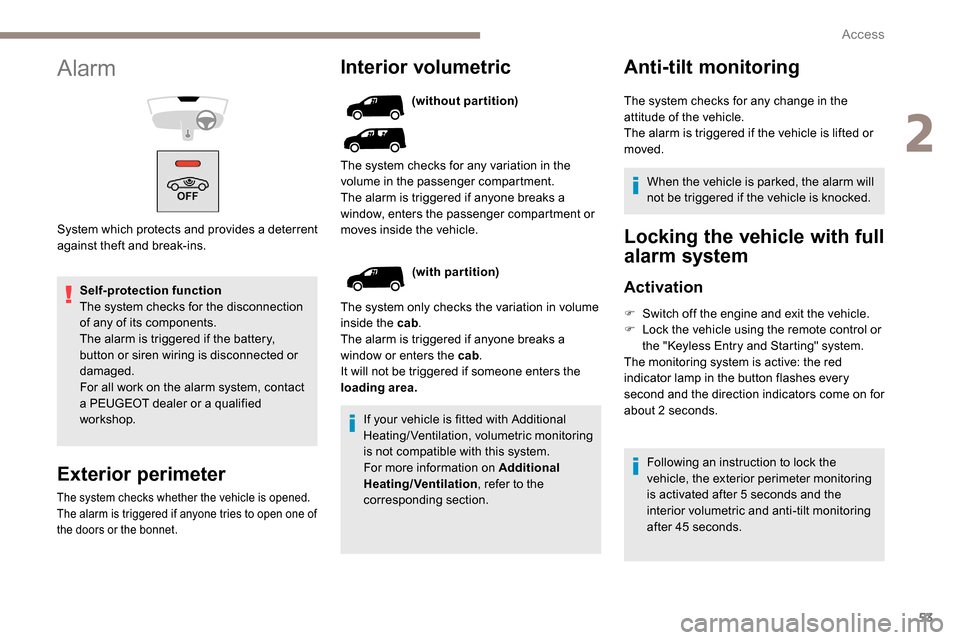
Alarm
System which protects and provides a deterrent
against theft and break-ins.
2
Access
Page 56 of 312
54
If an opening (door, boot or bonnet) is not
closed properly, the vehicle is not locked
but the exterior perimeter monitoring will
be activated after 45 seconds at the same
time as the interior volumetric and anti-tilt
monitoring.Locking the vehicle
with exterior perimeter
monitoring only
Deactivate the interior volumetric and anti-tilt
monitoring to avoid unwanted triggering of the
alarm in certain cases such as:
-
l
eaving a pet in the vehicle,
-
l
eaving a window or sunroof partially open,
-
w
ashing your vehicle,
-
c
hanging a wheel,
-
h
aving your vehicle towed,
-
t
ransport by ship.
Triggering of the alarm
This is indicated by sounding of the siren
and flashing of the direction indicators for
30
seconds.
Depending on the country of sale, certain
monitoring functions remain active until the alarm
has been triggered eleven times consecutively.
When the vehicle is unlocked using the remote
control or the "
K
eyless Entry and Starting"
system, rapid flashing of the red indicator lamp
in the button informs you that the alarm was
triggered during your absence. When the ignition
is switched on, the flashing stops immediately.
Deactivation
F Press the unlocking button on the remote control.
or
F
U
nlock the vehicle with the Keyless Entry
and Starting system.
The monitoring system is deactivated: the
indicator lamp in the button goes off and the
direction indicators flash for about 2
seconds.
When the vehicle automatically locks
itself again (as happens if a door or the
boot is not opened within 30
seconds of
unlocking), the monitoring system is also
reactivated automatically.
Deactivating the interior
volumetric and anti-tilt
monitoring
F Switch off the ignition and within 10 s econds
press the alarm button until its red indicator
lamp is on fixed.
F
G
et out of the vehicle.
F
I
mmediately lock the vehicle using the
remote control or the "Keyless Entry and
Starting" system.
Only the exterior perimeter monitoring is
activated; the red indicator lamp in the button
flashes every second.
To be taken into account, the deactivation
must be carried out every time the ignition
is switched off.
Reactivating the interior
volumetric and anti-tilt monitoring
F Deactivate the perimeter monitoring by unlocking the vehicle with the remote
control or the Keyless Entry and Starting
system.
The indicator lamp in the button goes off.
F
R
eactivate all monitoring by locking the
vehicle with the remote control or the
Keyless Entry and Starting system.
The red indicator lamp in the button once again
flashes every second.
Access
Page 57 of 312
55
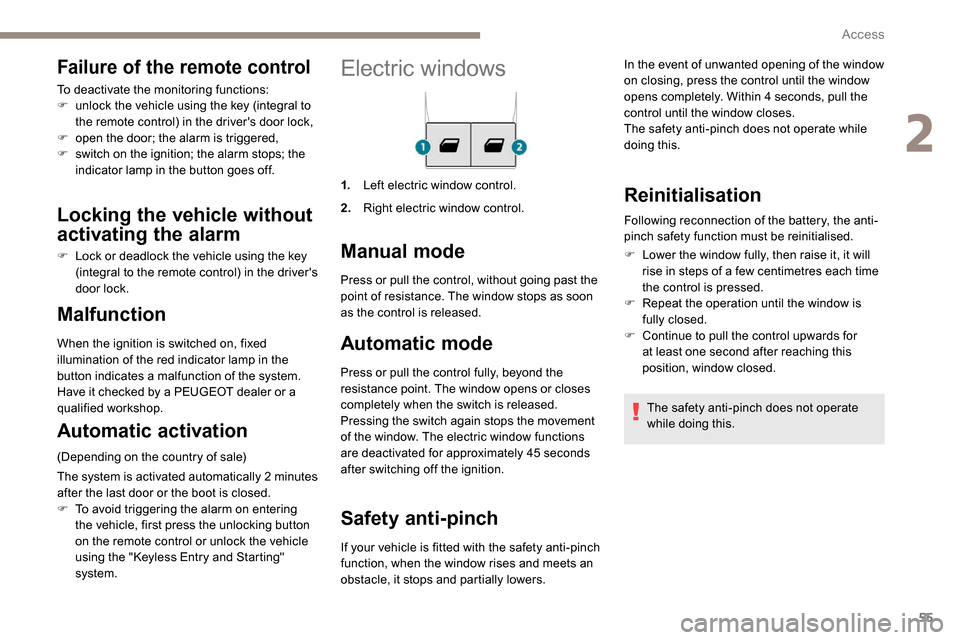
Electric windows
1.Left electric window control.
2. Right electric window control.
Manual mode
Automatic mode
Press or pull the control fully, beyond the
resistance point. The window opens or closes
completely when the switch is released.
Pressing the switch again stops the movement
of the window. The electric window functions
are deactivated for approximately 45
seconds
after switching off the ignition.
Safety anti-pinch
Malfunction
When the ignition is switched on, fixed
illumination of the red indicator lamp in the
button indicates a malfunction of the system.
Have it checked by a PEUGEOT dealer or a
qualified workshop.
Automatic activation
(Depending on the country of sale)
The system is activated automatically 2
m
inutes
after the last door or the boot is closed.
F
T
o avoid triggering the alarm on entering
the vehicle, first press the unlocking button
on the remote control or unlock the vehicle
using the "
K
eyless Entry and Starting"
system. Press or pull the control, without going past the
point of resistance. The window stops as soon
as the control is released.
If your vehicle is fitted with the safety anti-pinch
function, when the window rises and meets an
obstacle, it stops and partially lowers.
Reinitialisation
Following reconnection of the battery, the anti-
pinch safety function must be reinitialised.
F
L
ower the window fully, then raise it, it will
rise in steps of a few centimetres each time
the control is pressed.
F
R
epeat the operation until the window is
fully closed.
F
C
ontinue to pull the control upwards for
at least one second after reaching this
position, window closed.
The safety anti-pinch does not operate
while doing this.
Failure of the remote control
To deactivate the monitoring functions:
F u nlock the vehicle using the key (integral to
the remote control) in the driver's door lock,
F
o
pen the door; the alarm is triggered,
F
s
witch on the ignition; the alarm stops; the
indicator lamp in the button goes off.
Locking the vehicle without
activating the alarm
F Lock or deadlock the vehicle using the key (integral to the remote control) in the driver's
door lock. In the event of unwanted opening of the window
on closing, press the control until the window
opens completely. Within 4
seconds, pull the
control until the window closes.
The safety anti-pinch does not operate while
doing this.
2
Access
Page 69 of 312
67
Charging
F First ensure that the charging zone is clear of other articles.
F
P
lace a portable device in the middle of the
charging zone.
The system only supports charging one
portable device at a time.
F
O
nce the portable device is detected, the
charge indicator lamp comes on in green.
F
C
harging of the portable device's battery
then starts.
F
O
nce the portable device's battery is fully
charged, the charge indicator lamp goes off. Do not leave any metal objects (coins,
keys, vehicle remote control, etc.) in
the charging area while a device is
being charged – Risk of overheating or
interrupting the charging process!Checking operation
The state of the charge indicator lamp allows
the operation of the charger to be monitored.
Charge indicator
lampMeaning
Off Engine switched off.
No compatible portable
device detected.
Charging finished.
Fixed, green Compatible portable
device detected.
Charging...
Flashing,
orange Foreign object detected in
the charging zone.
Portable device not well
centred in the charging
zone.
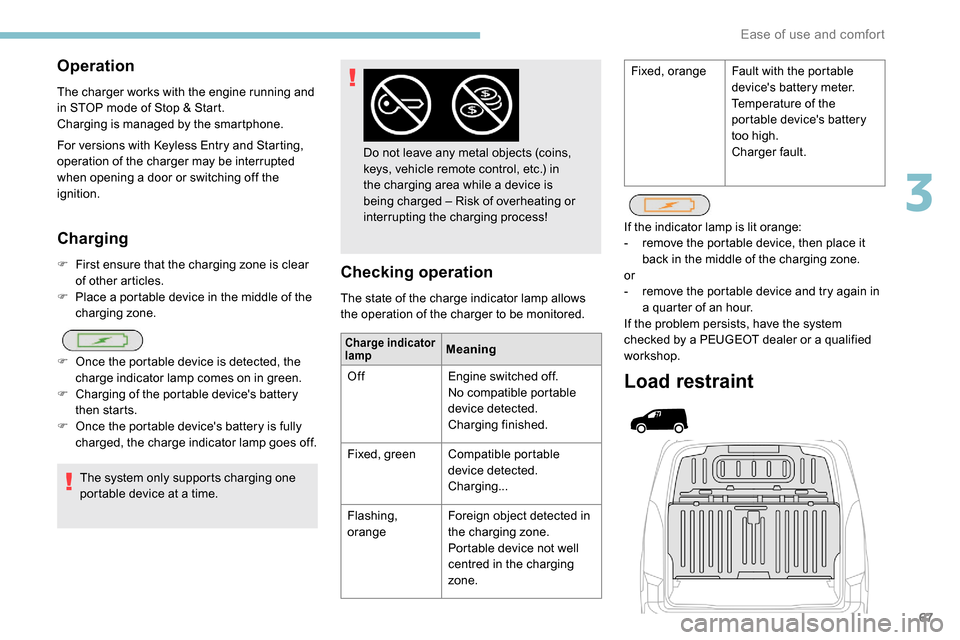
Load restraint
If the indicator lamp is lit orange:
-
r emove the portable device, then place it
back in the middle of the charging zone.
or
-
r
emove the portable device and try again in
a quarter of an hour.
If the problem persists, have the system
checked by a PEUGEOT dealer or a qualified
workshop.
Operation
The charger works with the engine running and
in STOP mode of Stop & Start.
Charging is managed by the smartphone.
For versions with
K
eyless Entry and Starting,
operation of the charger may be interrupted
when opening a door or switching off the
ignition. Fixed, orange
Fault with the portable
device's battery meter.
Temperature of the
portable device's battery
too high.
Charger fault.
3
Ease of use and comfort
Page 81 of 312
79
Switching on
The period of operation depends on the
exterior temperature.
Pressing this button again switches the function
off; its indicator lamp goes off.
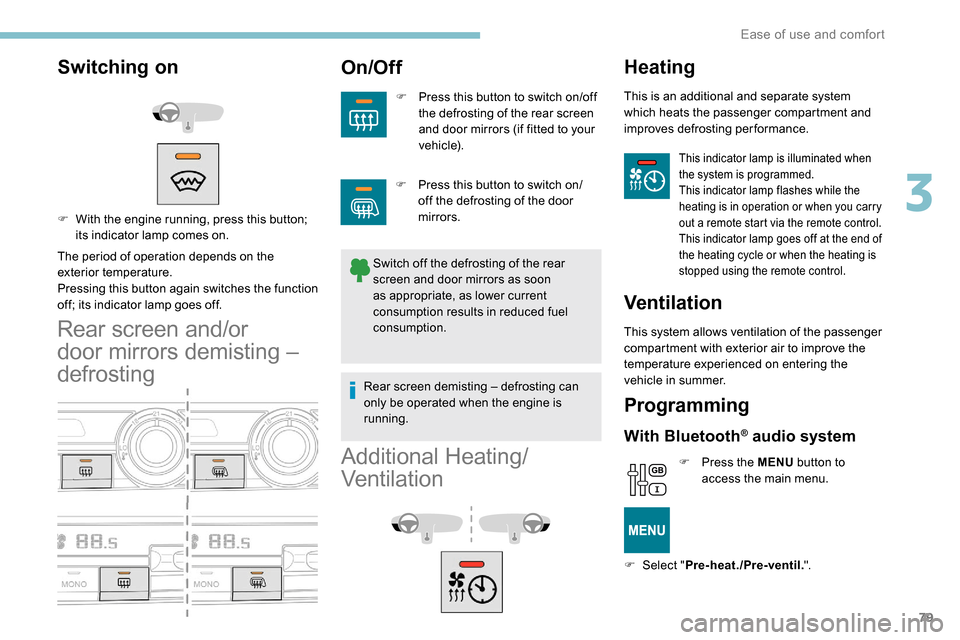
Rear screen and/or
door mirrors demisting –
defrosting
On/Off
F Press this button to switch on/off the defrosting of the rear screen
and door mirrors (if fitted to your
vehicle).
Switch off the defrosting of the rear
screen and door mirrors as soon
as appropriate, as lower current
consumption results in reduced fuel
consumption.
F
W
ith the engine running, press this button;
its indicator lamp comes on.
Additional Heating/
Ventilation
Heating
This is an additional and separate system
which heats the passenger compartment and
improves defrosting performance.
This indicator lamp is illuminated when
the system is programmed.
This indicator lamp flashes while the
heating is in operation or when you carry
out a remote start via the remote control.
This indicator lamp goes off at the end of
the heating cycle or when the heating is
stopped using the remote control.
Ventilation
This system allows ventilation of the passenger
compartment with exterior air to improve the
temperature experienced on entering the
vehicle in summer.
Programming
With Bluetooth® audio system
F Press the MENU button to
access the main menu.
F
Sel
ect " Pre-heat./Pre-ventil. ".
F
P
ress this button to switch on/
off the defrosting of the door
mirrors.
Rear screen demisting – defrosting can
only be operated when the engine is
running.
3
Ease of use and comfort
Page 83 of 312
81
OK
00 00
00 00
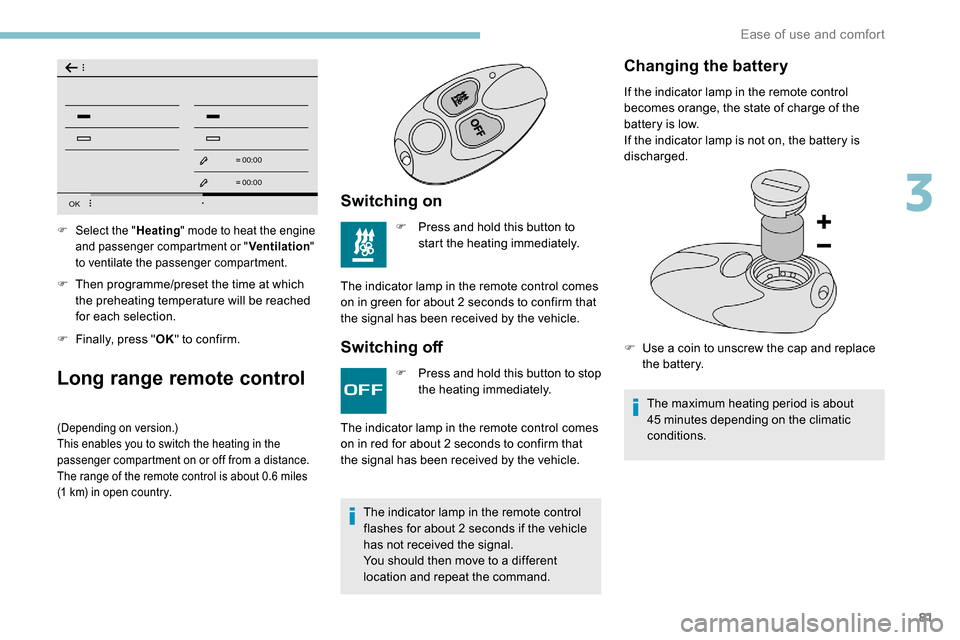
F Then programme/preset the time at which the preheating temperature will be reached
for each selection.
F
F
inally, press " OK" to confirm.
Long range remote control
(Depending on version.)
This enables you to switch the heating in the
passenger compartment on or off from a distance.
The range of the remote control is about 0.6
miles
(1
km) in open country.
Switching on
F Press and hold this button to start the heating immediately.
The indicator lamp in the remote control comes
on in green for about 2
seconds to confirm that
the signal has been received by the vehicle.
Switching off
F Select the " Heating" mode to heat the engine
and passenger compartment or " Ventilation"
to ventilate the passenger compartment.
F Press and hold this button to stop the heating immediately.
The indicator lamp in the remote control
flashes for about 2
seconds if the vehicle
has not received the signal.
You should then move to a different
location and repeat the command.
The indicator lamp in the remote control comes
on in red for about 2
seconds to confirm that
the signal has been received by the vehicle.
Changing the battery
If the indicator lamp in the remote control
becomes orange, the state of charge of the
battery is low.
If the indicator lamp is not on, the battery is
discharged.
F
U
se a coin to unscrew the cap and replace
the battery.
The maximum heating period is about
45
minutes depending on the climatic
conditions.
3
Ease of use and comfort
Page 84 of 312
82
The additional heating system is powered
by the fuel in the vehicle's fuel tank.
Before use, ensure that there is enough
fuel in the tank.
If the tank level is on reser ve, the system
cannot be used.
The ventilation is activated provided that
the battery is sufficiently charged.
The heating is activated provided that:
-
t
he battery is sufficiently charged,
-
t
he fuel level is adequate,
-
t
he engine has been started since the
previous heating cycle.
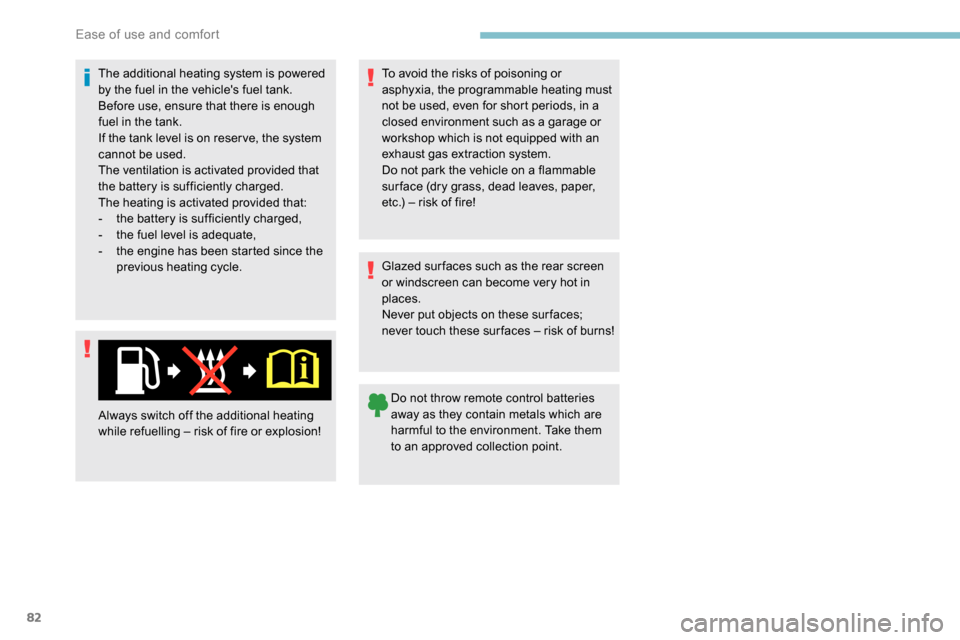
Always switch off the additional heating
while refuelling – risk of fire or explosion! Glazed sur faces such as the rear screen
or windscreen can become very hot in
places.
Never put objects on these sur faces;
never touch these sur faces – risk of burns!
Do not throw remote control batteries
away as they contain metals which are
harmful to the environment. Take them
to an approved collection point.
To avoid the risks of poisoning or
asphyxia, the programmable heating must
not be used, even for short periods, in a
closed environment such as a garage or
workshop which is not equipped with an
exhaust gas extraction system.
Do not park the vehicle on a flammable
sur face (dry grass, dead leaves, paper,
etc.) – risk of fire!
Ease of use and comfort
Page 118 of 312
116
Side wind
F Take into account the increased sensitivity to wind.
Cooling
Towing a trailer on a slope increases the
temperature of the coolant.
As the fan is electrically controlled, its cooling
capacity is not dependent on the engine speed.
F
T
o lower the engine speed, reduce your
speed.
The maximum towable load on an incline
depends on the gradient and the exterior
temperature.
In all cases, keep a check on the coolant
temperature.
F
I
f this warning lamp and the STOP
warning lamp come on, stop the
vehicle and switch off the engine
as soon as possible.
New vehicle
Do not pull a trailer before having
driven at least approximately 620
miles
(1,000
kilometres).
Braking
Towing a trailer increases the braking distance.
To avoid overheating of the brakes, the use of
engine braking is recommended.
Ty r e s
F Check the tyre pressures of the towing vehicle and of the trailer, observing the
recommended pressures.
Lighting
F Check the electrical lighting and signalling on the trailer and the headlamp beam height
of your vehicle.
For more information on Headlamp
beam height adjustment , refer to the
corresponding section.
Certain driving or manoeuvring aids are
automatically disabled if an approved
towbar is used.
If the exterior temperature is high, it is
recommended that the engine is allowed
to idle for 1 to 2
minutes after the vehicle
comes to a stop, to facilitate its cooling.
Starting/switching off the
engine
Starting
The parking brake must be applied.
F
W
ith a manual gearbox, shift the gear lever
into neutral, press the clutch pedal to the
floor and keep the pedal down until the
engine runs.
F
W
ith an automatic gearbox, select position
P, then firmly press the brake pedal.
Using the conventional key/the
remote control key
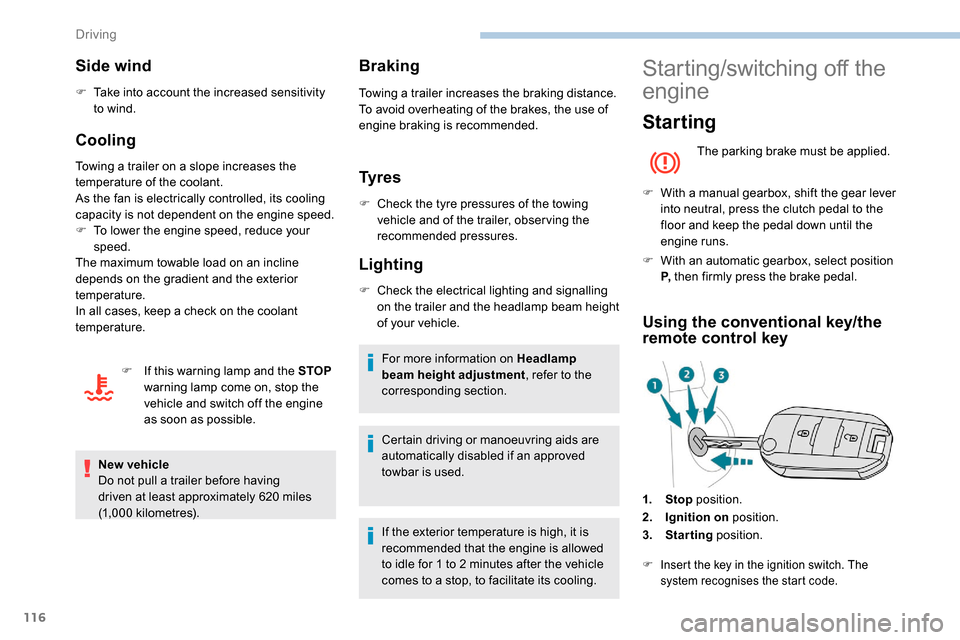
1. Stop position.
2. Ignition on position.
3. Starting position.
F Insert the key in the ignition switch. The
system recognises the start code.
Driving