187
Dashboard fuses
Tilt the cover to gain access to the
fuses.Fuses
F Amperes
A Allocation
1 15 Rear wiper
2 - Not used
3 5 Airbag
4 10 Air conditioning, diagnostic socket, mirror control,
headlamp beam
5 30
e
lectric windows
6 30 Locks
7 5Rear courtesy lamp, front map reading lamp, roof
console
8 20 Audio equipment, screen, tyre under-inflation
detection, alarm and siren
9 30 Front and rear 12V socket
10 15 Central column 11 15 Low current ignition switch
12 15 Rain and sunshine sensor, airbag
13 5 Instrument panel
14 15 Parking sensors, digital air conditioning controls,
hands-free phone kit
15 30 Locks
16 - Not used
17 40 Rear screen/mirrors demist/defrost
8
QuICK HeLP
Changing a fuse
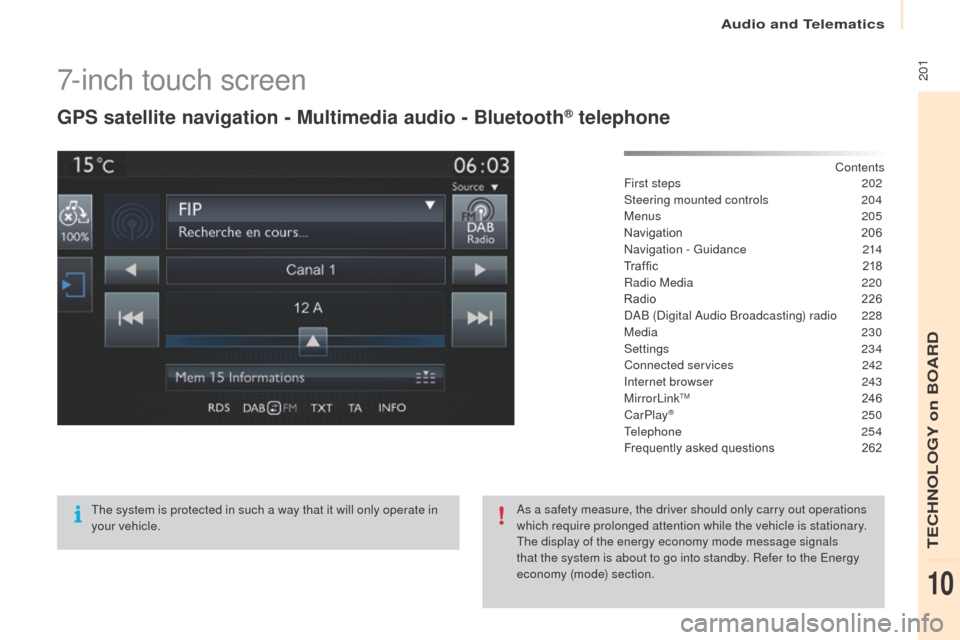
2017-inch touch screen
gPS satellite navigation - Multimedia audio - Bluetooth® telephone
Contents
First steps
2 02
Steering mounted controls
20
4
Menus
205
Navigation
2
06
Navigation -
g
u
idance
2
14
Tr a f fi c
2
18
Radio Media
2
20
Radio
2
26
DAB (Digital Audio Broadcasting) radio
2
28
Media
230
Settings
234
Connected services
2
42
Internet browser
2
43
MirrorLink
TM 24 6
CarPlay® 250
T
elephone
254
Frequently asked questions
2
62
The system is protected in such a way that it will only operate in
your vehicle. As a safety measure, the driver should only carry out operations
which require prolonged attention while the vehicle is stationary.
The display of the energy economy mode message signals
that the system is about to go into standby. Refer to the
e
n
ergy
economy (mode) section.
Audio and Telematics
TeCHNoLogY on BoARD
10
249Level 1Level 2 Level 3 Comments
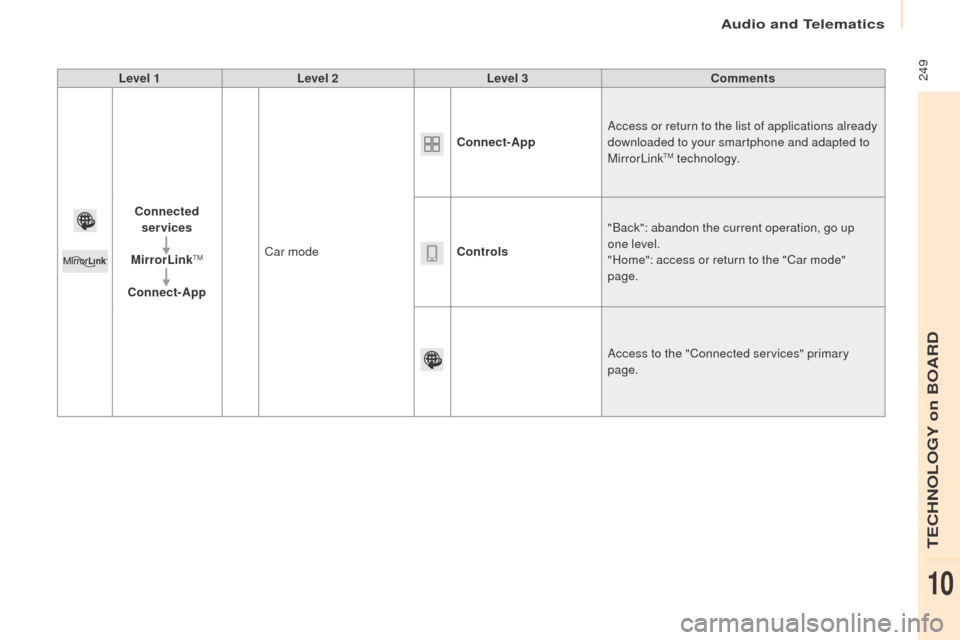
Connected services
MirrorLink
TM
Connect-App Car mode Connect-App
Access or return to the list of applications already
downloaded to your smartphone and adapted to
MirrorLink
TM technology.
Controls "Back": abandon the current operation, go up
one level.
"Home": access or return to the "Car mode"
page.
Access to the "Connected services" primary
page.
Audio and Telematics
TeCHNoLogY on BoARD
10