brake light PONTIAC BONNEVILLE 1993 Owners Manual
[x] Cancel search | Manufacturer: PONTIAC, Model Year: 1993, Model line: BONNEVILLE, Model: PONTIAC BONNEVILLE 1993Pages: 322, PDF Size: 16.31 MB
Page 8 of 322
r
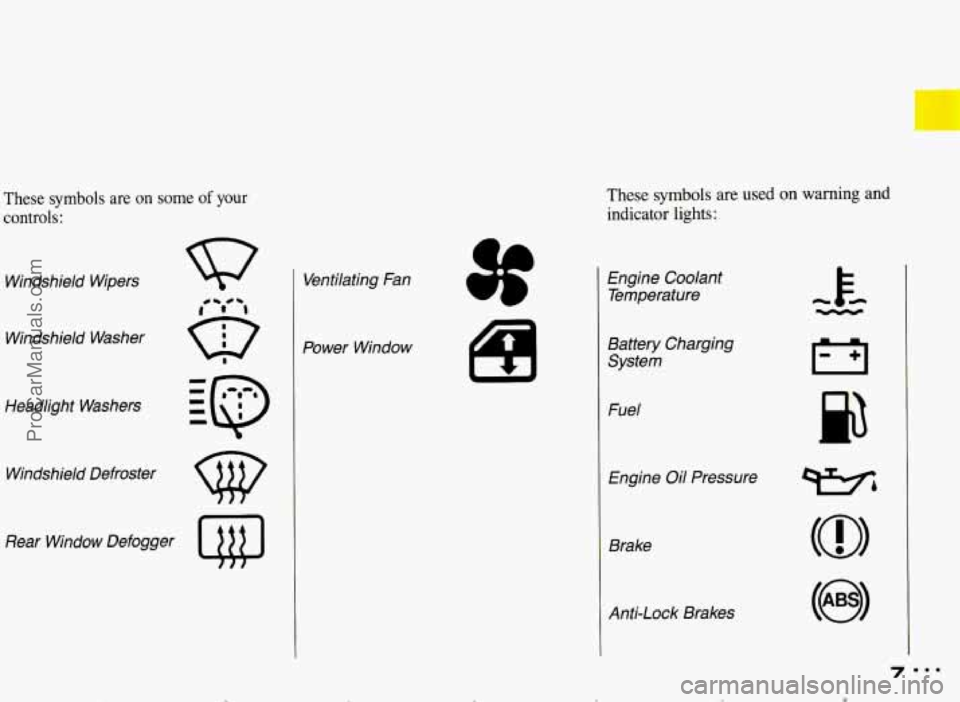
These symbols are on some of your
controls:
Windshield Wipers
Windshield Washer
Headlight Washers
Windshield Defroster
Rear Window Defogger
Q@
Ventilating Fan
Power Window
These symbols are used on warning and
indicator lights:
L
I
a
Engine Coolant Temperature
Battery Charging System
Fuel
Engine
Oil Pressure
Brake
Anti-Lock Brakes
ProCarManuals.com
Page 46 of 322
... Part 2
Features & Controls
Here you can learn about the
many standard and optional features
on your Pontiac. and information on
starting. shifting and braking
. Also
explained are the instrument panel
and the warning systems that tell
you
if everything is working
properly-and what to do
if you have
a problem
.
Keys ............................................................ 46
Locks
........................................................... 47
Remote Keyless Entry
.............................................. 48
GloveBox
....................................................... 56
Ignitionswitch ................................................... 57
StartingYourEngine
............................................... 58
Shifting the Transaxle
............................................. -61
ParkingBrake .................................................... 67
Shifting into Park
........ ...................................... 68
Windows ........................................................ 73
Turn SignaUHeadlight Beam Lever
.................................... 73
Windshield Wipers
................................................. 75
Windshield Washer
................................................ 76
CruiseControl
.................................................... 77
Lightcontrols
.................................................... 81
Interior Lights .................................................... 84
Mirrors
......................................................... 86
Sunroof ......................................................... 89
Ashtrays and Lighter
.............................................. -91
Instrument Panel ................................................... 94
Warning Lights, Gages and Indicators
.................................. 99
Gages
.......................................................... 108
Driver Information Center .......................................... 111
Electronic Compass ............................................... 113
Head-Up Display ............................................... 116
ProCarManuals.com
Page 58 of 322
New Venice bbBreak-ln”
Your modern Pontiac doesn’t need
an elaborate “break-in.” But it will
perform better
in the long run if
you follow these guidelines:
Don’t drive at any one speed-
fast or slow-for the first
500
.miles (804 km). Don’t make full-
throttle
starts.
Avoid making hard stops for the
first 200 miles (322 km) or so.
During this time your new brake
linings aren’t yet broken in. Hard
stops
with new linings can mean
premature wear and earlier
replacement. Follow this “breaking-in” guideline every
time you get
new brake linings.
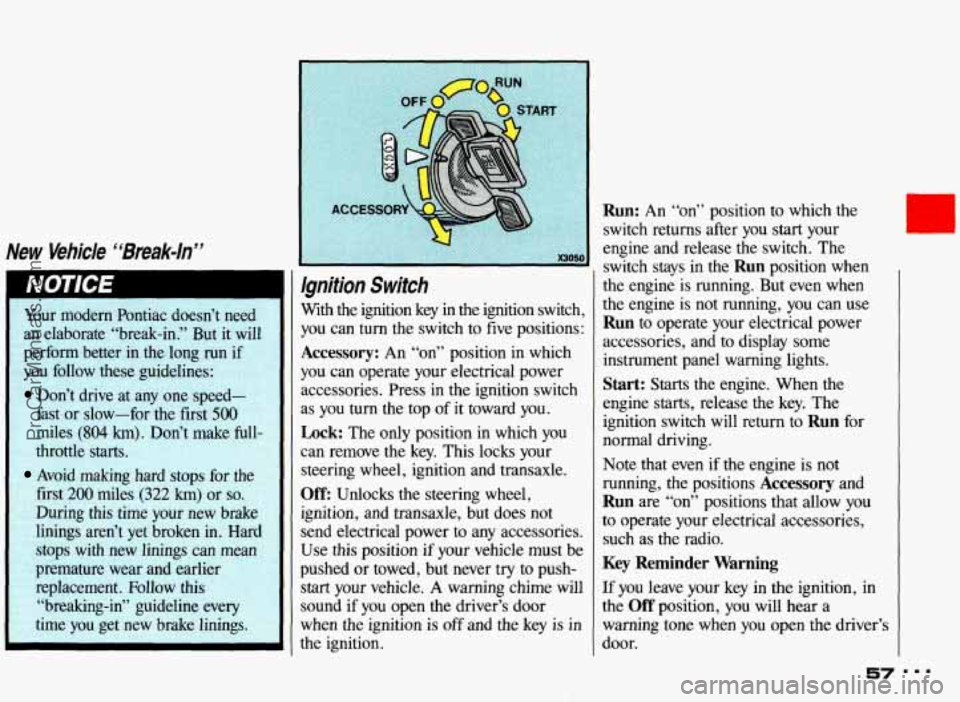
Ignition Switch
With the ignition key in the ignition switch,
you can turn the switch to five positions:
Accessory: An “on” position in which
you can operate your electrical power
accessories. Press in the ignition switch
as
you turn the top of it toward you.
Lock: The only position in which you
can remove the key. This locks your
steering wheel, ignition and transaxle.
Off: Unlocks the steering wheel,
ignition, and transaxle, but does not
send electrical power to any accessories.
Use this position if your vehicle must be
pushed or towed, but never try to push-
start your vehicle. A warning chime will
sound if you open the driver’s door
when the ignition is
off and the key is in
the ignition.
Run: An “on” position to which the
switch returns after you
start your
engine and release the switch. The
switch stays in the
Run position when
the engine is running. But even when
the engine is not running, you can use
Run to operate your electrical power
accessories, and to display some
instrument panel warning lights.
Start: Starts the engine. When the
engine starts, release the key. The
ignition switch will return to
Run for
normal driving.
Note that even if the engine
is not
running, the positions
Accessory and
Run are “on” positions that allow you
to operate your electrical accessories,
such as the radio.
Key Reminder Warning
If you leave your key in the ignition, in
the
Off position, you will hear a
warning tone when you open the driver’s
door.
57 ===
ProCarManuals.com
Page 67 of 322
Features & Controls
Forward Gears (CONT.)
1 (First Gear): This position gives you
even more power (but lower fuel
economy) than
2. You can use it on very
steep hills, or in deep snow or
mud. If
the selector lever is put in
1, the
transaxle won’t shift into first gear until
the vehicle is going slowly enough.
66
If your front wheels can’t rotate,
don’t try to drive. This might
happen if you were stuck
in very
deep sand or mud or were up
against a solid object. You could
damage your transaxle.
Also,
if you stop when going uphill,
don’t hold your vehicle there with
only the accelerator pedal. This
could overheat and damage the
transaxle.
Use your brakes or shift
into
P (Park) to hold your vehicle
in position
on a hill.
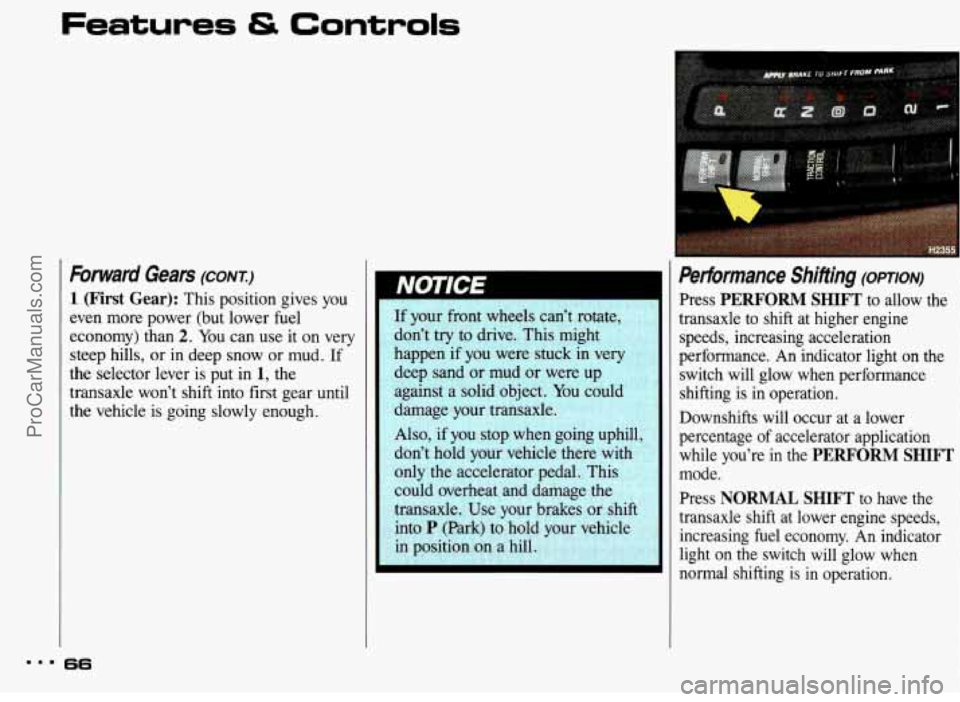
Performance Shifting (opTIoN)
Press PERFORM SHIFT to allow the
transaxle to shift at higher engine
speeds, increasing acceleration
performance. An indicator light on the
switch will glow when performance
shifting is in operation.
Downshifts will occur at a lower
percentage
of accelerator application
while you’re in the
PERFORM SHIFT
mode.
Press
NORMAL SHIFT to have the
transaxle shift at lower engine speeds, increasing fuel economy. An indicator
light on the switch will glow when
normal shifting is in operation.
ProCarManuals.com
Page 68 of 322
L-
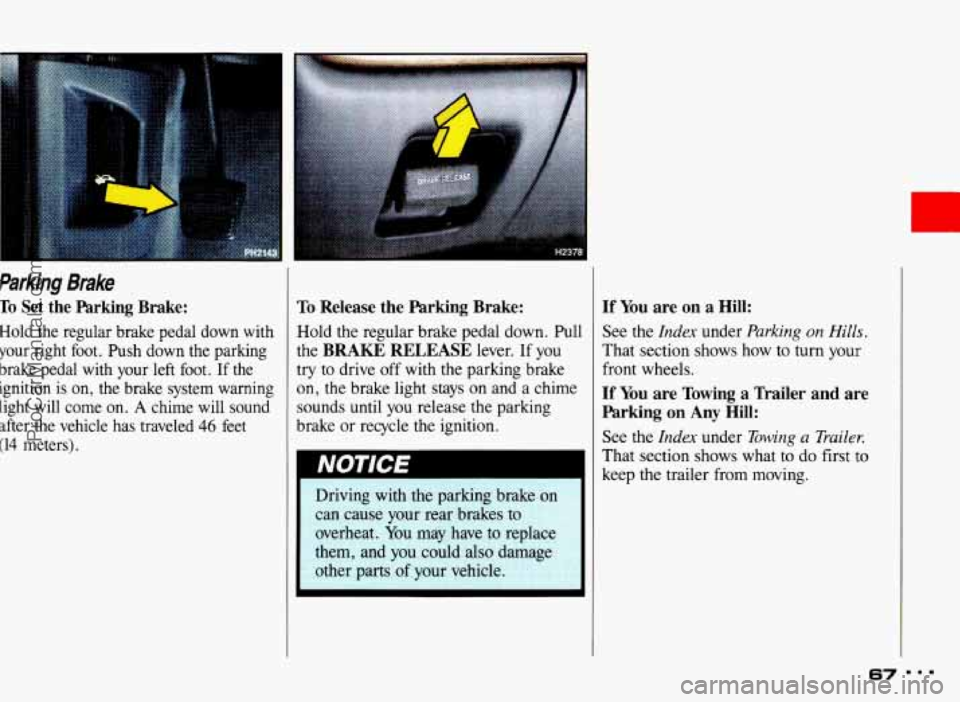
Parking Brake
To Set the Parking Brake:
Hold the regular brake pedal down with
your right foot. Push down the parking
brake pedal with
your left foot. If the
ignition
is on, the brake system warning
light will come on.
A chime will sound
after the vehicle has traveled
46 feet
(14 meters),
To Release the Parking Brake:
Hold the regular brake pedal down. Pull
the
BRAKE RELEASE lever. If you
try to drive off with the parking brake
on, the brake light stays on and a chime
sounds until you release the parking
brake or recycle the ignition.
If You are on a Hill:
See the Index under Parking on Hitls.
That section shows how to turn your
front wheels.
If You are Towing a Trailer and are
Parking on
Any Hill:
See the Index under Towing a Trailer.
That section shows what to do first to
keep the trailer from moving.
67
c
...
ProCarManuals.com
Page 78 of 322
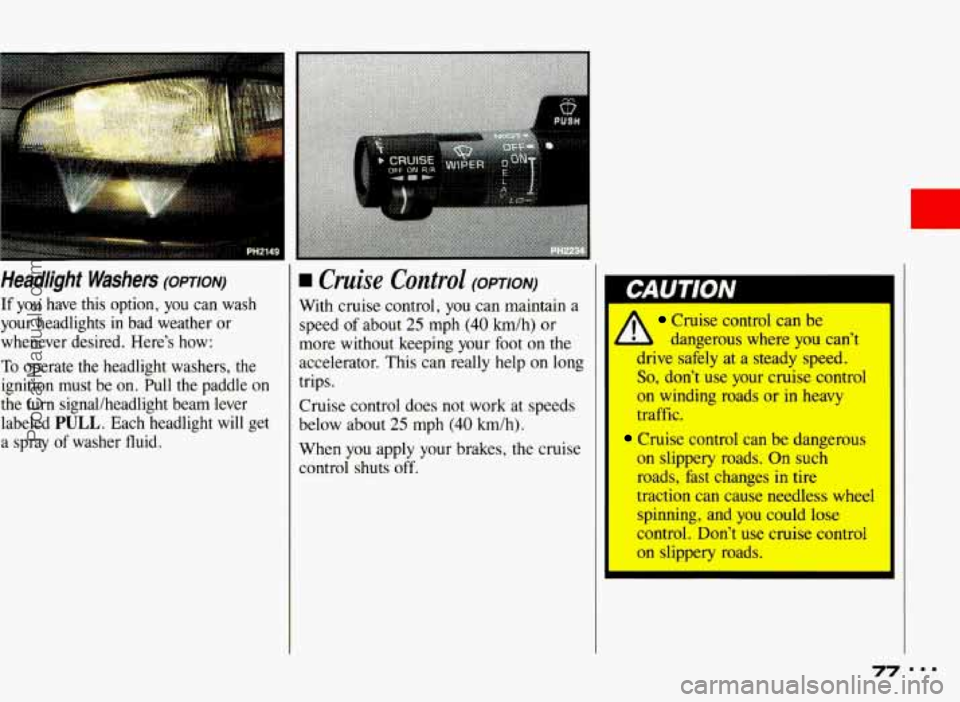
Headlight Washers (opT1oN)
If you have this option, you can wash
your headlights
in bad weather or
whenever desired. Here’s how:
To operate the headlight washers, the
ignition must be on. Pull the paddle on
the turn signal/headlight beam lever
labeled
PULL. Each headlight will get
a spray
of washer fluid.
H Cruise Control (OPTION)
With cruise control, you can maintain a
speed of about
25 mph (40 h/h) or
more without keeping your foot on the
accelerator. This can really help
on long
trips.
Cruise control does not work at speeds
1
below about 25 mph (40 km/h).
When you apply your brakes, the cruise
control shuts
off.
Cruise control can be
- b dangerous where you can’t
drive safely at a steady speed.
So, don’t use your cruise control
on winding roads or in heavy
traffic.
,Cruise control can be dangerous
on slippery roads. On such
roads, fast changes in tire
traction can cause needless wheel
spinning, and you could lose
control. Don’t use cruise control
on slippery mads.
77
ProCarManuals.com
Page 82 of 322
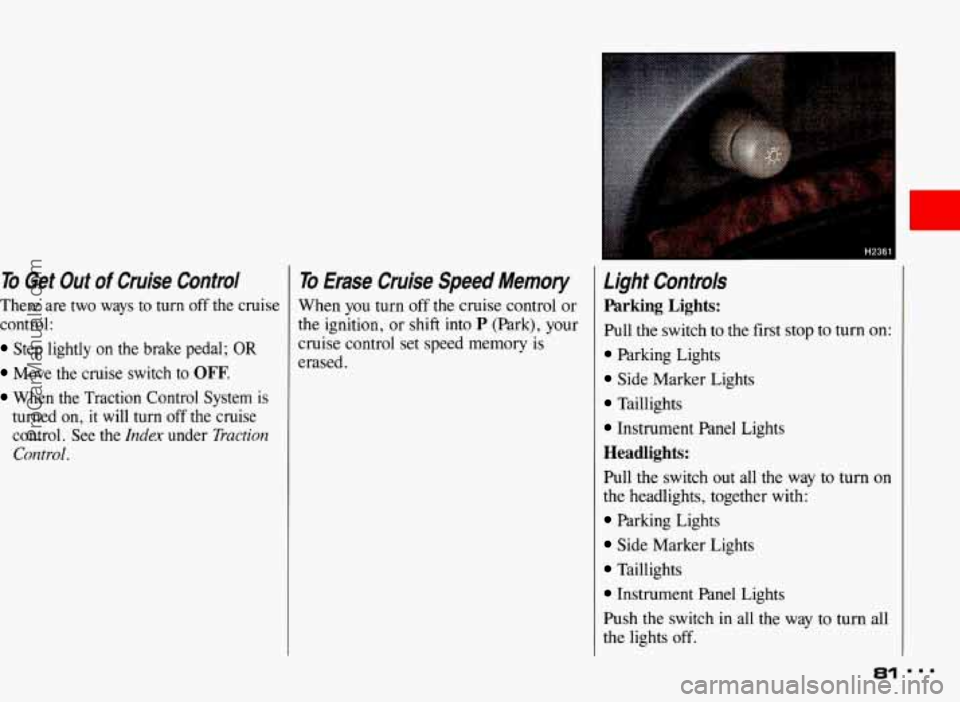
To Get Out of Cruise Control To Erase Cruise Speed Memory
There are two ways to turn off the cruise When you turn off the cruise control or
control: the ignition, or shift into
P (Park), your
Step lightly on the brake pedal; OR cruise control set speed is
Move the cruise switch to OFF.
When the Traction Control System is
turned on,
it will turn off the cruise
control. See the
Index under Tractiorz
Control.
erased.
Light Controls
Parking Lights:
Pull the switch to the first stop to turn on:
Parking Lights
Side Marker Lights
Taillights
Instrument Panel Lights
Headlights:
Pull the switch out all the way to turn on
the headlights, together with:
Parking Lights
Side Marker Lights
Taillights
Instrument Panel Lights
Push the switch in all the way to turn all
the lights
off.
81
ProCarManuals.com
Page 96 of 322
r
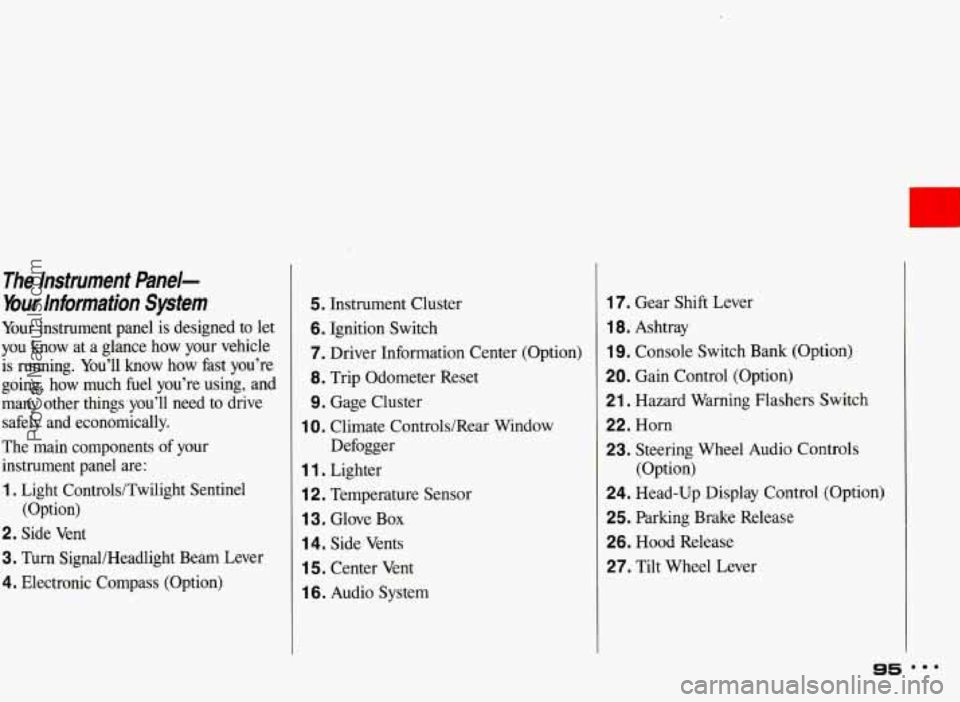
The Instrument &ne/-
bur Information System
Your instrument panel is designed to let
you know at a glance how your vehicle
is running. You’ll know how fast you’re
going, how much fuel you’re using, and
many other things you’ll need to drive
safely and economically.
The main components of your
instrument panel are:
1. Light Controls/Twilight Sentinel
2. Side Vent
3. Turn SignaUHeadlight Beam Lever
4. Electronic Compass (Option) (Option)
5. Instrument Cluster
6. Ignition Switch
7. Driver Information Center
(Option)
8. Trip Odometer Reset
9. Gage Cluster
Defogger
1 0. Climate Controls/Rear Window
1 1 . Lighter
i 2. Temperature Sensor
1 3. Glove Box
14. Side Vents
1 5. Center Vent
1 6. Audio System
17. Gear Shift Lever
1 8. Ashtray
19. Console Switch Bank (Option)
20. Gain Control (Option)
21. Hazard Warning Flashers Switch
22. Horn
23. Steering Wheel Audio Controls
24. Head-Up Display Control (Option)
25. Parking Brake Release
26. Hood Release
27. Tilt Wheel Lever (Option)
95 mmm
ProCarManuals.com
Page 106 of 322
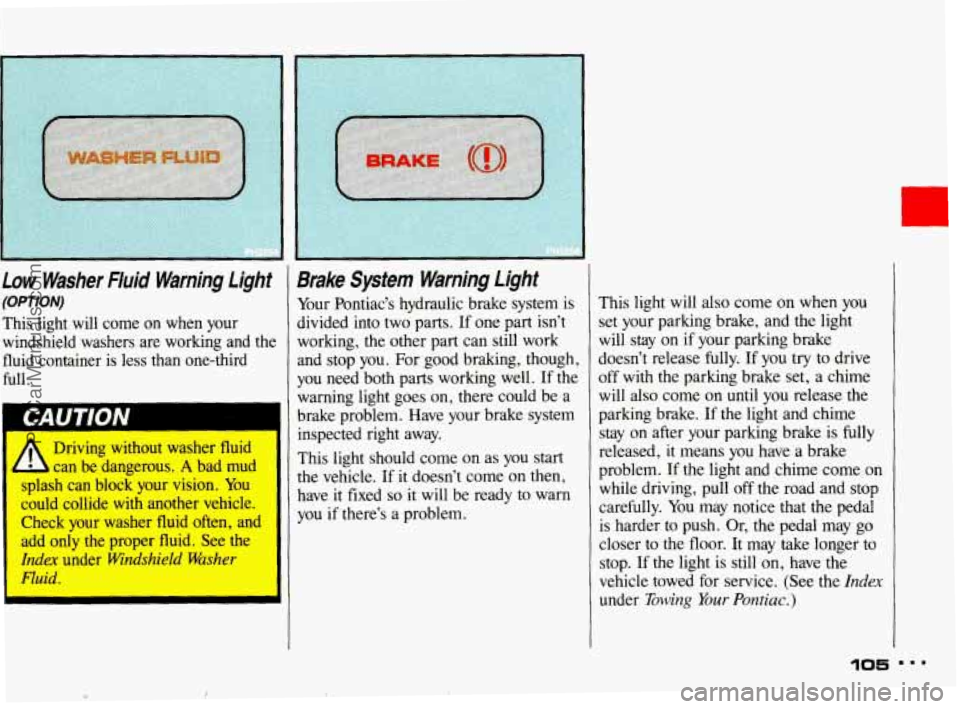
Low Washer Fluid Warning Light
(OPTION)
This light will come on when your
windshield washers are working and the
fluid container
is less than one-third
full.
Driving without washer
fluid
- :an be dangerous. A bad mud
splash
can block your vision. You
could collide with another vehicle.
Check
your washer fluid often, and
add
only the proper fluid. See the
Idex under Windshiel$ Washer
Fluid.
I
I
Brake System Warning Light
Your Pontiac’s hydraulic brake system is
divided into two parts.
If one part isn’t
working, the other part can still work
and stop you. For good braking, though,
you need both parts working well. If the
warning light goes
on, there could be a
brake problem. Have your brake system
inspected right away.
This light should come on as you start
the vehicle.
If it doesn’t come on then,
have it fixed
so it will be ready to warn
you if there’s a problem. This
light will also come
on when you
set your parking brake, and the light
will stay on if your parking brake
doesn’t release fully.
If you try to drive
off with the parking brake set, a chime
will also come on until you release the
parking brake. If the light and chime
stay
on after your parking brake is fully
released, it means you have a brake
problem.
If the light and chime come on
while driving, pull off the road and stop
carefully.
You may notice that the pedal
is harder to push. Or, the pedal may go
closer to the floor. It may take longer to
stop. If the light
is still on, have the
vehicle towed for service. (See the
Index
under Towing Your Pontiac.)
105
J ProCarManuals.com
Page 107 of 322
Features Controls
Brake System Warning Light
(CONT.)
Your brake system may not be
working properly if the brake
warning light is on. Driving with
the brake warning light
on can lead
to an accident. If the light is still
on after you’ve pulled off the road
and stopped carefully, have the
vehicle towed for service.
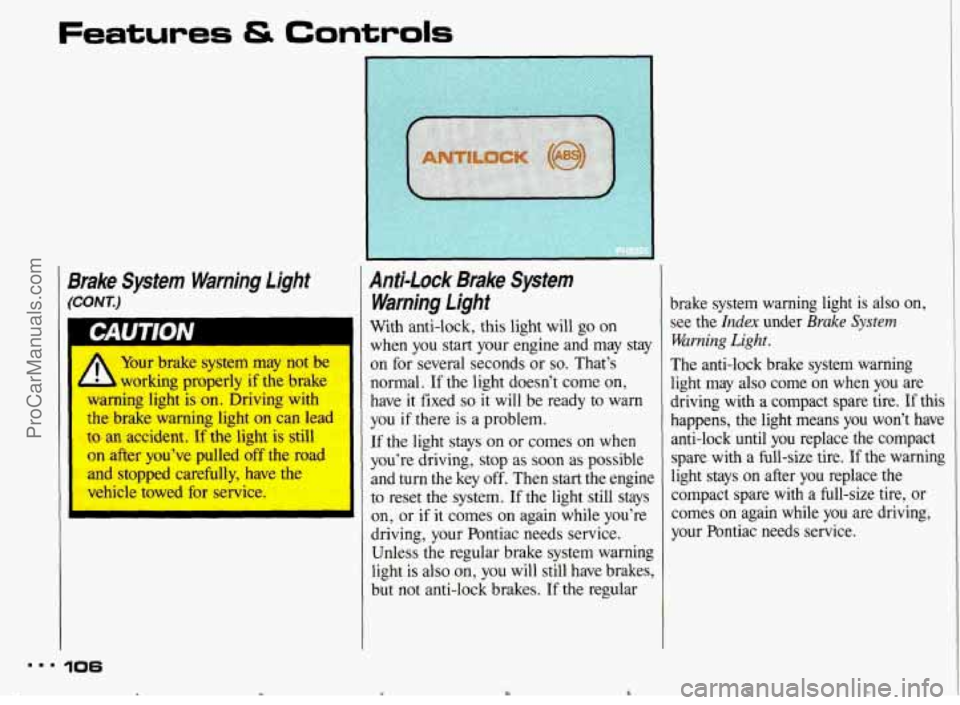
Anti-lock Brake System
Warning light
With anti-lock, this light will go on
when you start your engine and may stay
on for several seconds or
so. That’s
normal. If the light doesn’t come on,
have it fixed
so it will be ready to warn
you
if there is a problem.
If the light stays on or comes on when
you’re driving, stop as soon as possible
and turn the key off. Then start the engine
to reset the system.
If the light still stays
on, or if it comes on again while you’re
driving, your Pontiac needs service.
Unless the regular brake system warning
light is also on, you will still have brakes,
but not anti-lock brakes.
If the regular
mm. 106
c Y
brake system warning light is also on,
see the
Index under Brake System
Warning Light.
The anti-lock brake system warning
light may also come on when you are
driving with a compact spare tire.
If this
happens, the light means you won’t have
anti-lock until you replace the compact
spare with a full-size tire.
If the warning
light stays
on after you replace the
compact spare with a full-size tire, or
comes
on again while you are driving,
your Pontiac needs service.
ProCarManuals.com